
Top Canvas LMS alternatives
Canvas is one of the top edtech tools for a reason: it’s reliable, intuitive, and offers plenty of integrations. But there are many Canvas learning management system (LMS) alternatives out there that could be a better fit for your school.
After extensive research and testing, alongside my personal experience using Canvas for online courses, these are the eight best Canvas LMS alternatives for schools in 2026.
Best Canvas LMS alternatives — at a glance
| Tool | Best for | My favorite feature |
|---|---|---|
 Jotform |
Workflow automation and data organization for K-12 schools and higher education institutions |
Ability to mix and match tools to solve complex problems with simple-to-set-up automation |
 Moodle |
Customization and self-hosting capabilities |
Thousands of plugins to add any feature you could want |
 D2L Brightspace |
AI-powered individualized education paths at scale |
AI chatbot that provides individualized recommendations to students |
 Blackboard (formerly Anthology) |
AI course generation and assessment tools |
Organized discussions with threaded replies |
 Teachfloor |
Group collaboration and cohort-based learning |
Peer review and organized feedback built into assignments |
 Classe365 |
All-in-one LMS and school operations management |
Modular approach to operations that’s easy to customize per institution |
 Blackbaud LMS |
All-in-one management for K-12 private schools |
Family portals for easy school communication and calendar management |
 MapleLMS |
Remote AI and human proctoring for cheat-proof exams |
Exam recording and storage for audit trails and verifiable proof of authenticity |
1. Jotform
Jotform is flexible enough to use alongside an LMS platform to add or enhance functionality, or on its own for everything from automating daily school operations to simplifying data collection. It’s a complete set of powerful tools that all work together and integrate with your existing stack — with the aim of helping you run your school more efficiently.
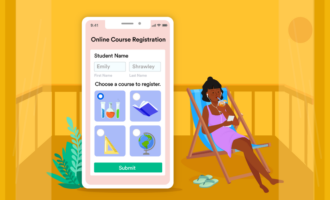
Yes, you can build a customized LMS platform to deliver online education with Jotform. You can enroll students via automated workflows, build custom mobile learning apps, and create AI-powered presentations and quizzes to add to lessons.
However, I think the best use of Jotform is as an educator’s toolbox to complement your existing infrastructure.
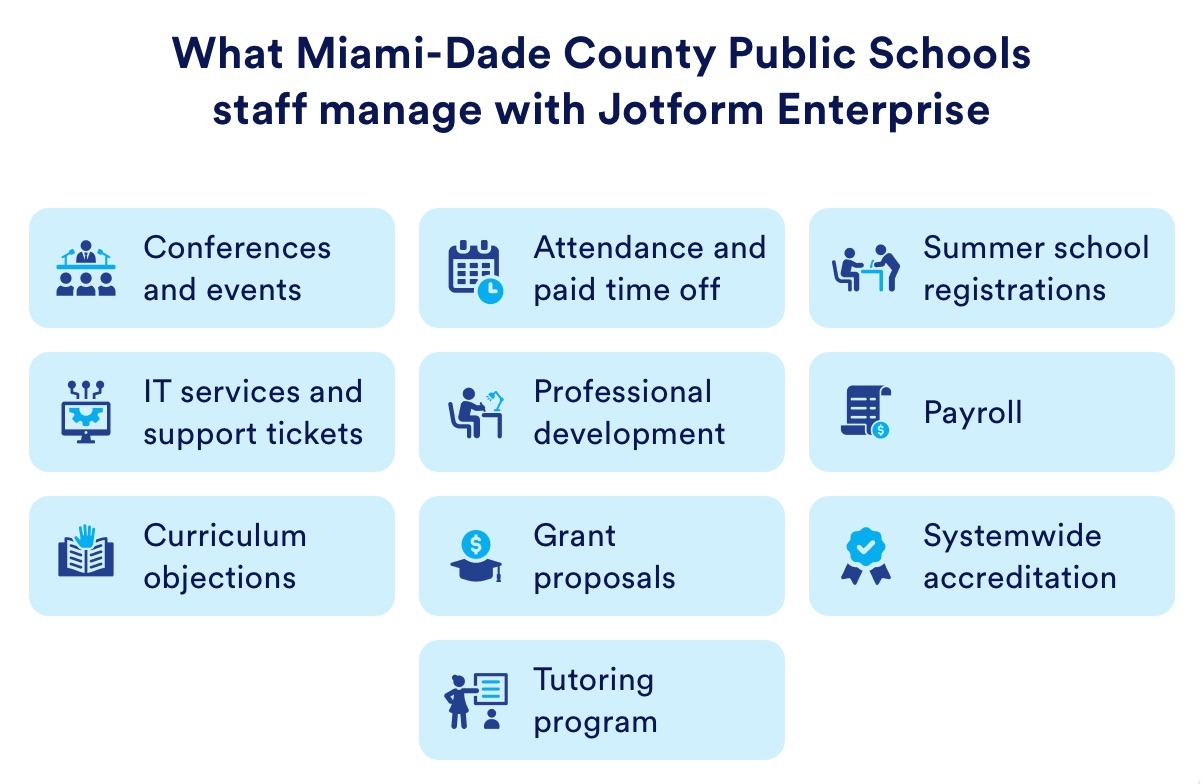
Jotform can help with anything, from tackling quick projects to streamlining long-term operations, such as automating attendance and registrations, digitizing approval processes, and even saving around $50,000 per year by unifying student payments.
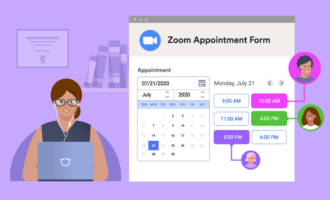
A few examples of using Jotform for education include
- Generating multi-lingual AI presentations for course content in minutes
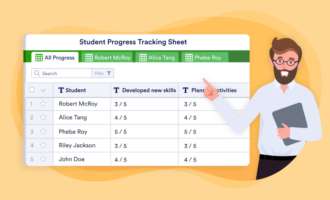
- Checking learning progress or gathering feedback with custom or AI-generated quizzes, surveys, and live polls
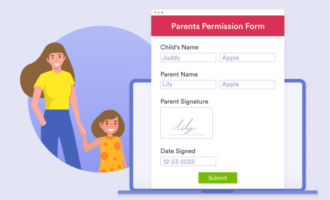
- Simplifying data collection with over 6,000 education-specific form templates, including applications, registrations, and more
- Automating with Jotform Workflows to auto-enroll new students, process registration payments, communicate with parents, evaluate scholarship applications, keep student information current, and more
- Gathering interest for summer or special programs, with conditional logic to sort students by location or any other criteria
- Creating a centralized Team Workspace for school or district staff to collaborate on templates, tasks, and data — all with customizable and secure access settings
Pro Tip
Miami-Dade County Schools seamlessly automates the most complex processes across their district with Jotform Enterprise — see how they do it.“We purchased a Jotform Enterprise license, and as soon as other principals saw what we could do, all the other departments started asking me for licenses.”
— Daniel Mateo, Assistant Superintendent at Miami-Dade County Public Schools
- Best for: Workflow automation and data organization for K-12 schools and higher education institutions
- Pros
- Digitize and automate complex data and key workflows to efficiently manage planning and operations at a school or district level
- Over 400 native integrations with top education, marketing, finance, and business tools
- Easy for anyone to use to start saving time right away
- Cons
- While not specifically an LMS platform, Jotform offers time-saving automation tools for educators and administrators
- Plans/pricing
- Paid plans start at $34 per month
- Jotform also offers an education discount — 50 percent off Jotform or 30 percent off Jotform Enterprise
2. Moodle
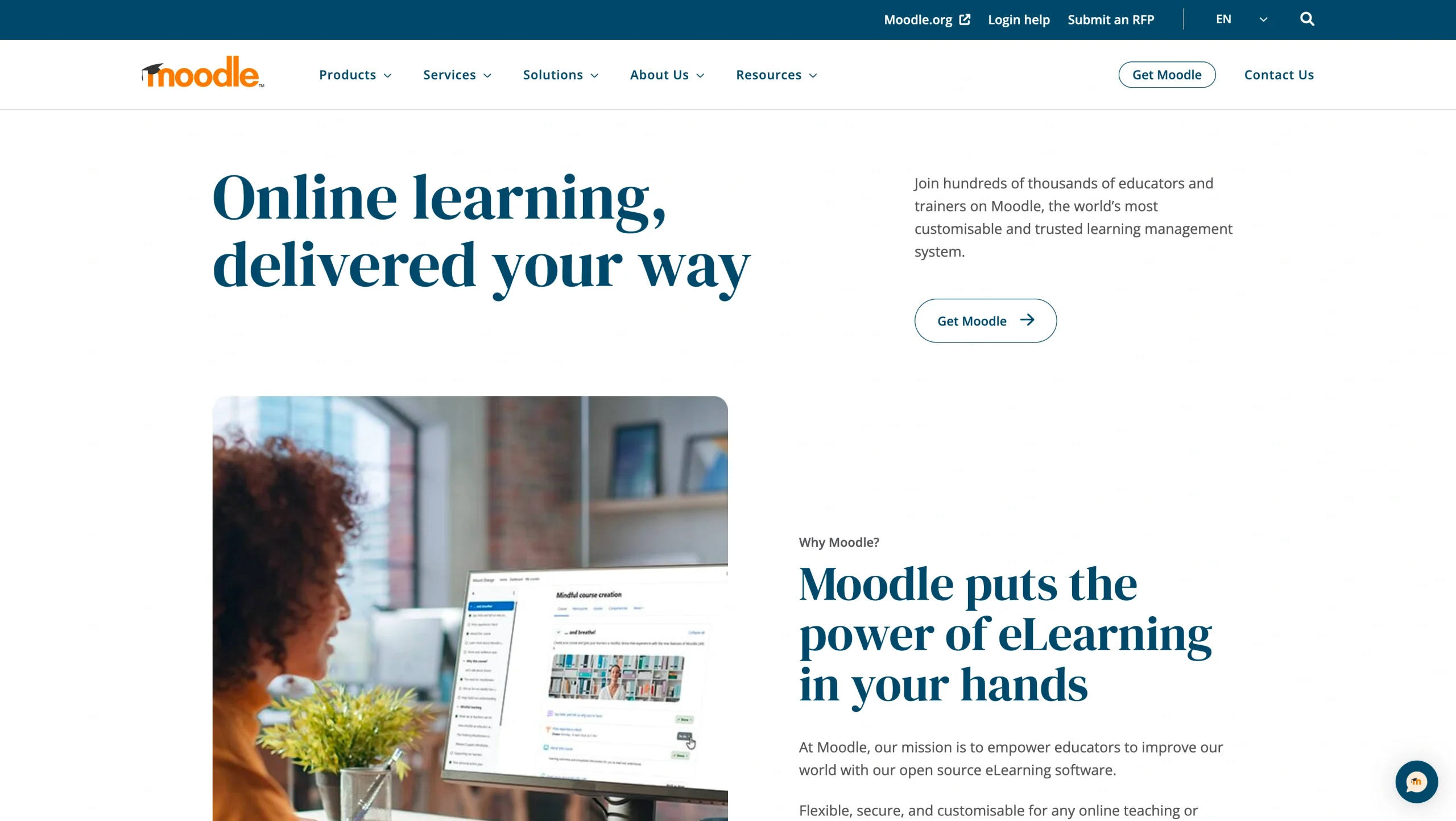
Moodle is a popular open-source LMS offering essentially limitless customization potential. It’s best for institutions that need specific features that Canvas (or other LMS tools) doesn’t have, as long as you have the IT and technical development staff to support it.
I tried Moodle out as both an administrator and student. In both roles, it didn’t feel particularly intuitive or modern, but it was simple enough to navigate around and find the options and settings I needed.
As a student, navigating courses was easy and similar to Canvas, although the standout difference was the discussion section within courses. In Canvas, I dislike that I don’t receive email notifications of replies to discussion posts unless the person tags me (e.g. “@MichelleMartin” in the reply) and the inability to add new topics means everything is jumbled within one topic and it’s hard to follow conversations over time. Moodle offers more user settings for discussions: I can choose to auto-subscribe to topics I reply to, turn off notifications per topic, and start new topics to keep discussions organized.
Thinking as an educator, the basic features of Moodle are similar to Canvas. Without extensive customization or plugins, the student experience in Moodle vs Canvas is similar. That means the hassle of self-hosting Moodle probably isn’t worth it, unless it saves you so much money compared to using Canvas that it becomes financially significant — which could be the case for some smaller, private colleges.
Past and prospective Moodle users seem attracted to Moodle for two main reasons: cost (free) and customization. However, veteran users caution against choosing Moodle solely for budget reasons due to how draining the maintenance can be (unless you have a dedicated IT team).
In my opinion, the cost of developing custom features and ongoing upkeep isn’t worth it unless no other LMS can deliver your super-specialized program requirements.
- Best for: Customization and self-hosting capabilities
- Pros
- Extremely customizable via custom development or via Moodle’s library of over 2,700 plugins
- Self-hosted, open source platform ideal for large institutions
- Offers hosted MoodleCloud for more hands-off IT management
- Full control of AI features and usage, including choice of models, to align with your institution’s AI usage and data privacy policies
- Cons
- While Moodle itself is free, it requires substantial hosting costs, technical expertise, and IT staff to customize and maintain it
- Steep learning curve for maximizing its many customization options
- Plans/pricing
- Moodle is free and open source, so self-hosting fees apply
- Hosted plans are available with MoodleCloud and range from $170 to $2,110 per year
3. D2L Brightspace
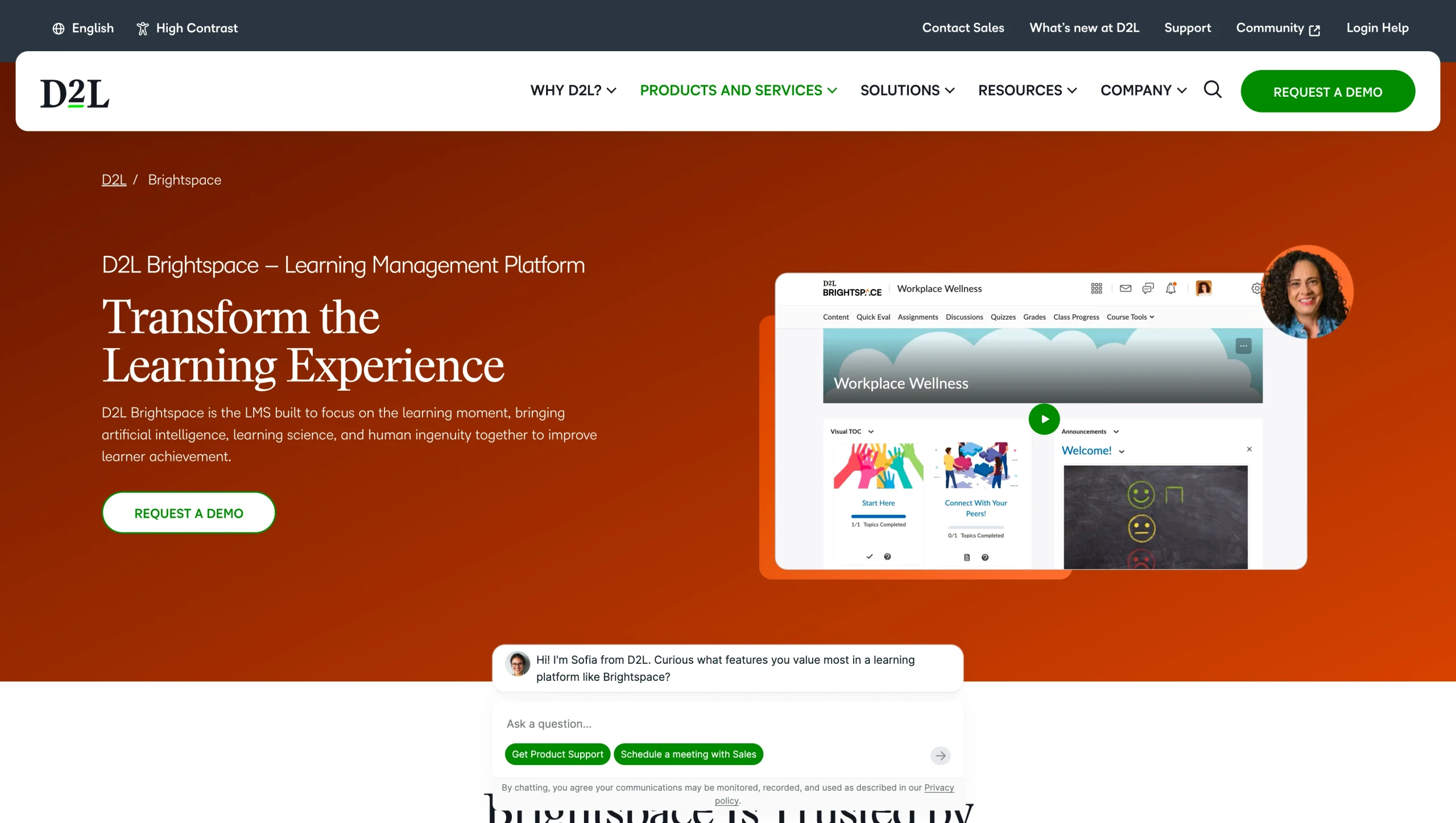
D2L Brightspace LMS powers all forms of learning, from K-12 and higher education to corporate training. Its built-in proprietary Lumi AI is excellent at automatically personalizing student experiences and keeping educators informed with predictions and detailed reports.
As a student, D2L Brightspace is easy to navigate, with a clear menu within each course to easily find outcomes, modules, assignments, and more. I find Canvas’ design a bit more modern. For example, in course modules with embedded YouTube videos, they display as a square in D2L Brightspace, adding unnecessary black space on the top and bottom for standard widescreen videos, but this isn’t a dealbreaker.
I was impressed by Lumi AI, especially when it comes to learning paths. They automatically adjust based on student performance, but educators can also set specific conditions. For example, they can keep certain modules locked until a date or require students to finish one module entirely before moving on to the next, ensuring a cohort moves through the class together or that students fully absorb materials.
The best student-friendly feature is Intelligent Agent, which reminds students about upcoming events, assignments, and tasks to complete as well as notifies them about potential issues, such as a grade average decline. However, Intelligent Agents must be created by the institution, which is a bit of extra work during course setup but can drastically improve the student experience (especially for forgetful people like me!).
- Best for: AI-powered individualized education paths at scale
- Pros
- Learning paths automatically adjust based on individual learner performance, allowing for adaptable education for everyone
- Lumi AI predicts students at risk of falling behind and powers automated reporting, grading, feedback, and course creation tools
- Over 1,000 no-code integrations
- Cons
- The admin/educator interface is clunky and complex to navigate at first
- Plans/pricing
- Contact D2L Brightspace for information on plans and pricing
4. Blackboard (formerly Anthology)
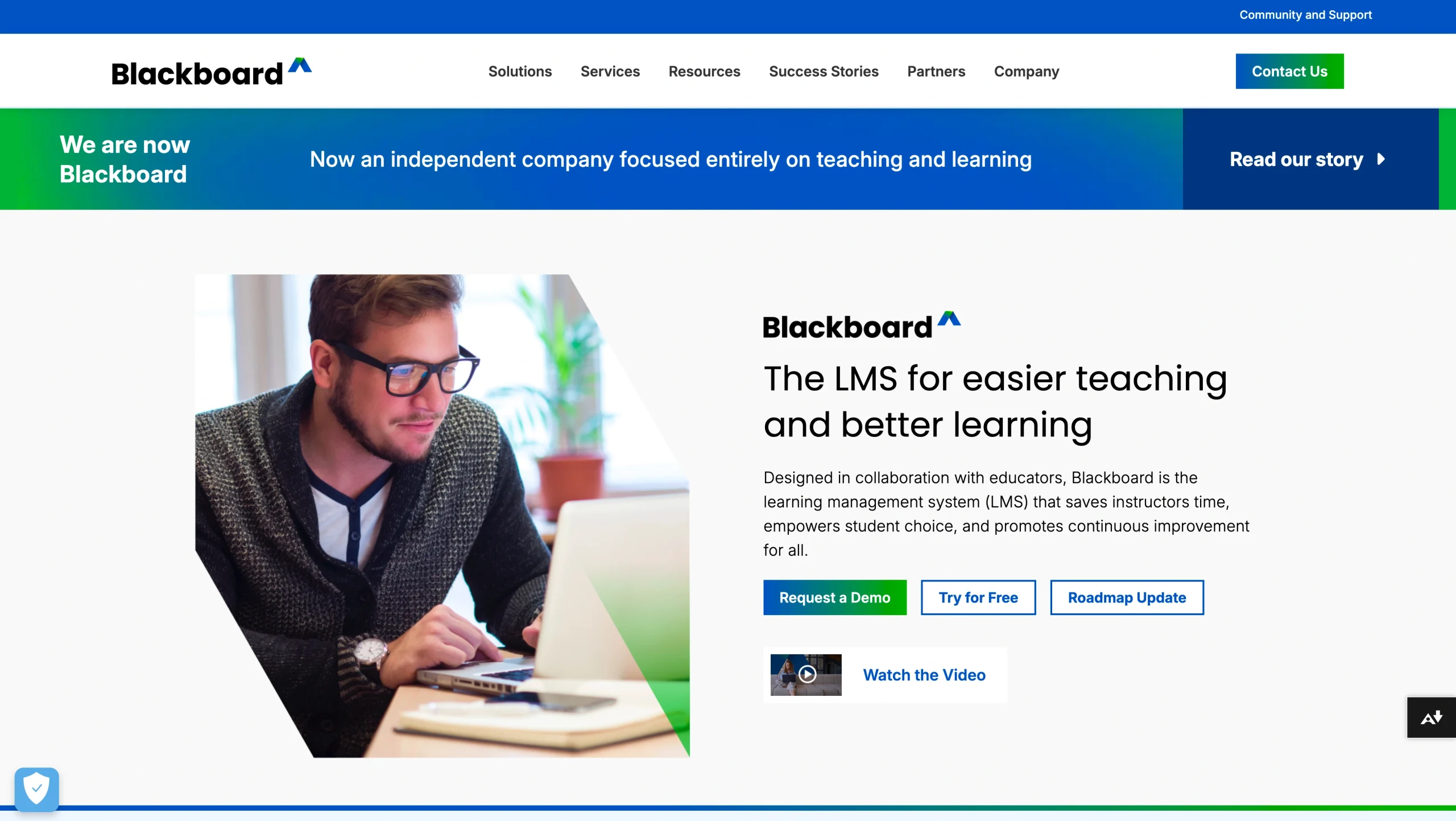
Blackboard, formerly Anthology, has the right mix of intuitive design, AI features, and analytics to be an ideal fit for higher education institutions. Instructors will love its fast and easy course creation and institutions will love its detailed outcomes and statistics reporting.
When testing Blackboard as an instructor, I found it easier to navigate than Canvas. In course creation mode, the settings and content tools felt well-organized and accessibility features, such as image alt descriptions and more, were front and center. Adding modules, tests, assignments, and other content was quick and intuitive.
I surprisingly enjoyed using the AI Design Assistant. I was able to go into a course module and generate 10 quiz questions in one click, including choosing the format (multiple choice, fill in the blank, etc.). AI-generated content should always be checked, but I was impressed with Blackboard’s accurate quiz questions that truly reflected the material, not simply regurgitated it. AI Design Assistant can also generate grading rubrics, images, and more.
After testing Blackboard as a student, I found myself comparing all other LMS platforms to it, including Canvas. I appreciate being able to download course content in alternate formats, including audio files, ePub or screen reader files, and even electronic Braille versions (requires Blackboard Ally).
My favorite part of Blackboard is the discussion area. My biggest pet peeve with Canvas is the limitation of single-level replies which quickly become hard to follow, especially if multiple people are chiming in. In contrast, Blackboard’s multi-level threaded replies were tidy, plus I appreciated that I could follow/unfollow topics anytime to keep notifications to a minimum.
- Best for: AI course generation and assessment tools for higher education
- Pros
- AI Design Assistant creates course structures, quiz questions, grading rubrics, discussions, and more
- Conversational AI chatbot for students to practice skills or revisit material
- Regularly adds new features at double the rate of Canvas, including features suggested by the user community
- Cons
- Migration and initial setup can be onerous, taking months to years depending on complexity
- Plans/pricing
- Contact Blackboard for information on plans and pricing
5. Teachfloor
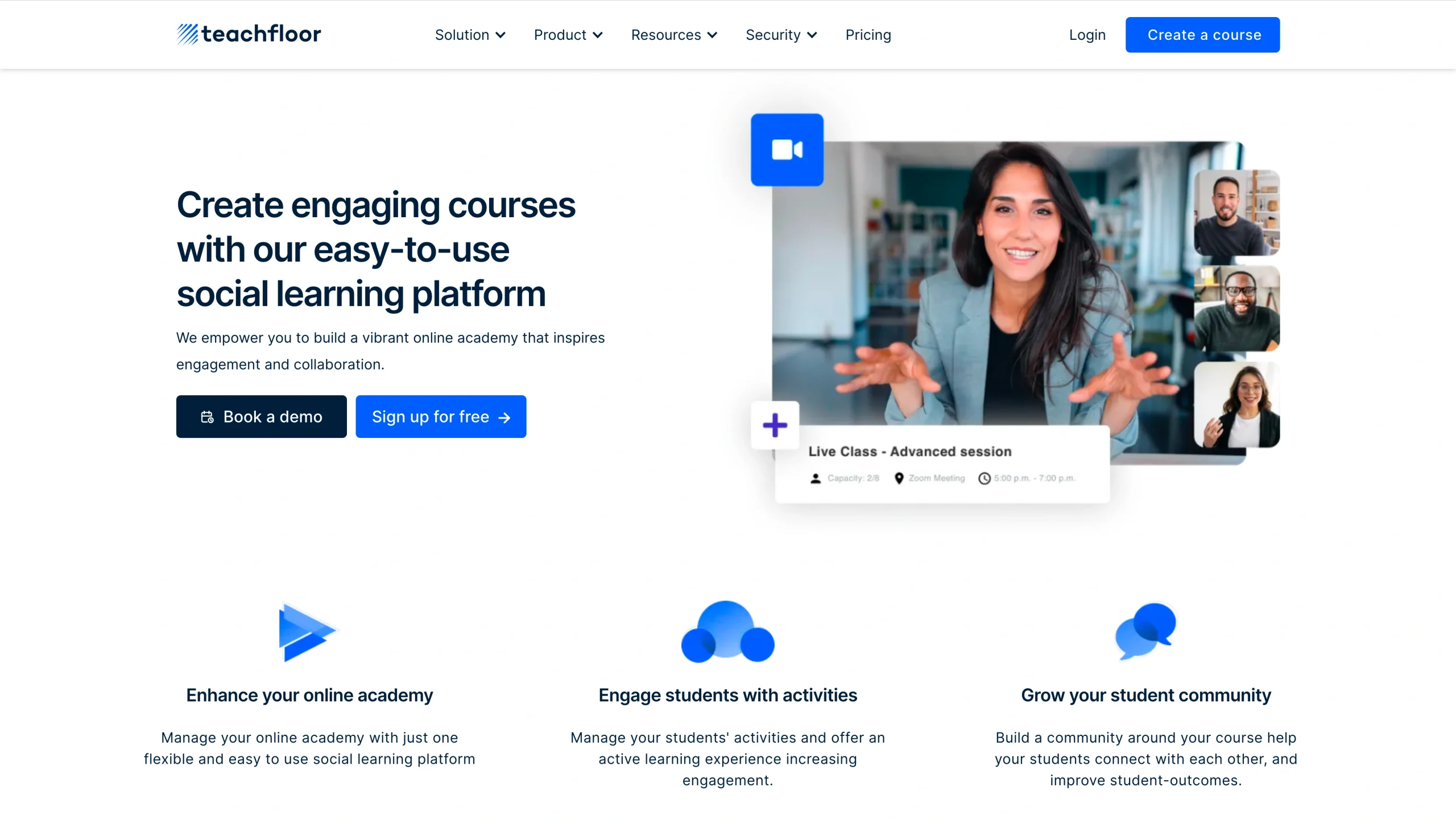
Teachfloor is a unique Canvas LMS alternative as it focuses on making remote group learning easier and more social.
You can create a self-paced course in Teachfloor, but it really shines for cohort programs where all students move through the material together at the same time. I’m in a year-long, fully remote program like this right now and I so wish that this was the LMS we were using.
The peer review functionality is totally unique from any other LMS I’ve tried. Students can submit assignments (text, video, or link) and other students can comment with feedback alongside the instructor. This is exactly how the program I’m in works, except right now all the peer review happens informally via cloud sharing and email because there’s no built-in way to facilitate this in the university’s LMS (which happens to be Canvas). Teachfloor would be a perfect all-in-one solution for a program like this that combines self-study modules, weekly live Zoom meetings, and peer feedback.
Another element of Teachfloor worth discussing is simply… vibes. Not a technical term, but it just feels social when you sign in. The live group chats, Q&A section, modern discussion boards, and Slack integration make breaking the ice with classmates easier than any other LMS and — dare I say — fun.
- Best for: Group collaboration and cohort-based learning
- Pros
- Excellent at fostering community building and engagement among student groups
- Mix live lessons with pre-recorded content in course modules via built-in Zoom syncing and cloud recording
- Quick setup — launch in days, not months
- Cons
- Best suited for live cohort programs, not traditional semester-based or self-paced courses
- Plans/pricing
- Starts at $89 per month for 50 users or $349 per month for 200 users, and custom plans are available
6. Classe365
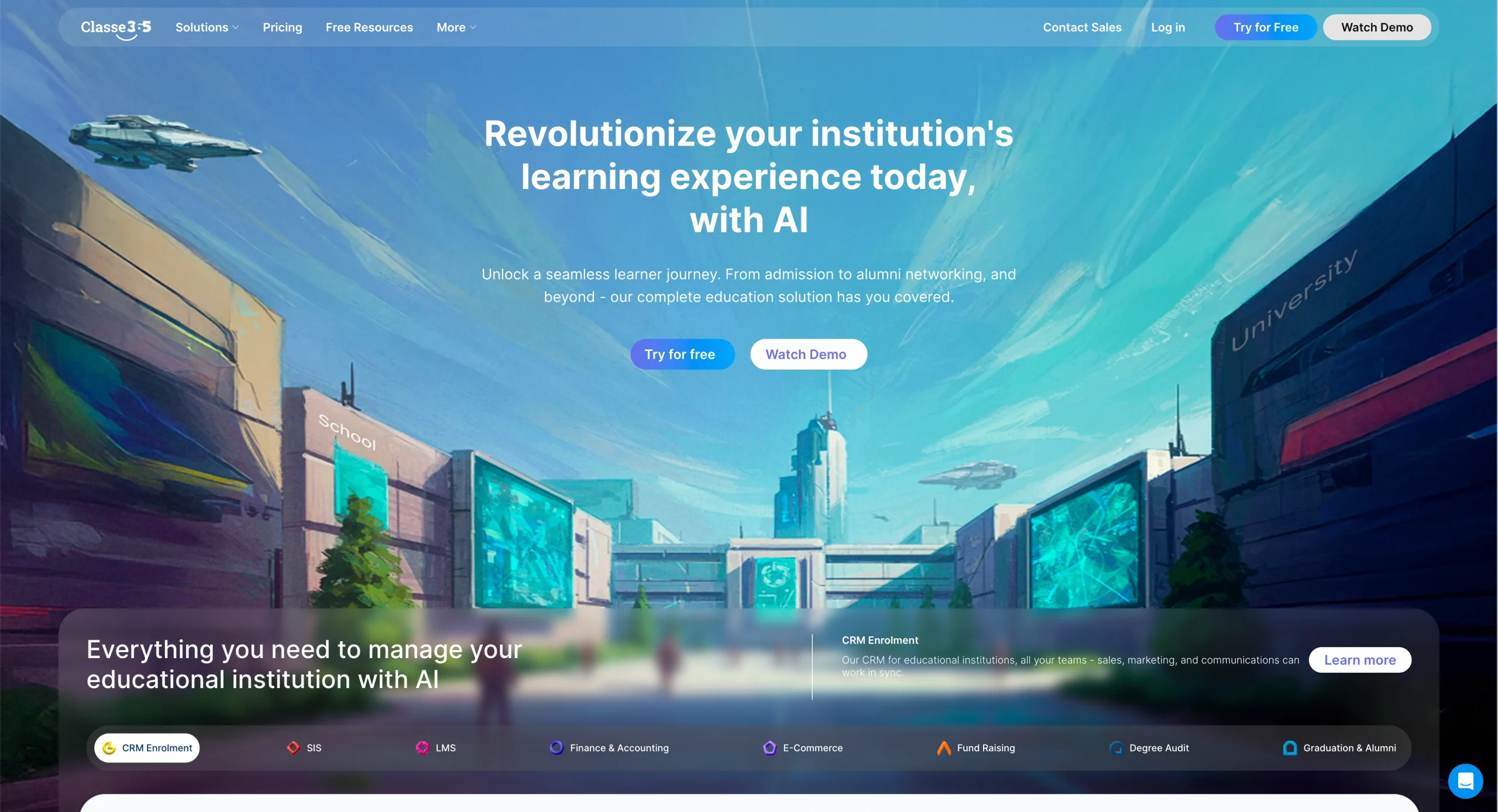
Classe365 is for higher ed institutions looking for an all-in-one platform to manage everything from enrollment to course delivery. Powered by AI, Classe365 manages current and alumni students, fundraising campaigns, accounting and tuition, degree audits, and much more.
Two major things about Classe365 stand out to me. The first is how customizable it is, with add-on modules to manage only what you need it to. The second is how its AI connects across all modules. That means it takes what it knows about students in the customer relationship management (CRM) module and applies it to the LMS and invoicing modules, too. While I don’t have experience running a major educational institution, everything in Classe365 feels interwoven and automated.
When comparing Classe365’s LMS module to the other platforms on this list, it’s solid though not my favorite. It can do everything you need it to for course creation, but I didn’t find it as intuitive to use as Canvas or Blackboard. I also found the usage of the term “flip class” confusing. It refers to self-paced or asynchronous classes, but it distracted me enough to be unsure of what type of class I was creating.
Acting as an instructor, I found the AI feedback generation and student analytics powerful for getting a glimpse of overall performance, and I can see how its automated AI assessment reports save time when trying to give hundreds of students personalized attention. However, the less intuitive course creation and cluttered dashboards left me wishing for more simplicity.
- Best for: All-in-one LMS and school operations management
- Pros
- Efficient, streamlined operations and an LMS in one tool
- Extensive AI automations, including student performance analytics, feedback, annual evaluations, and more
- Keep alumni engaged and promote ongoing connection, including in fundraising campaigns
- Cons
- Each add-on module, including the LMS, is $75 per month extra
- Plans/pricing
- Starts at $100 per month for up to 100 students and Core modules
- Add-on modules are an additional $75 each per month
7. Blackbaud LMS
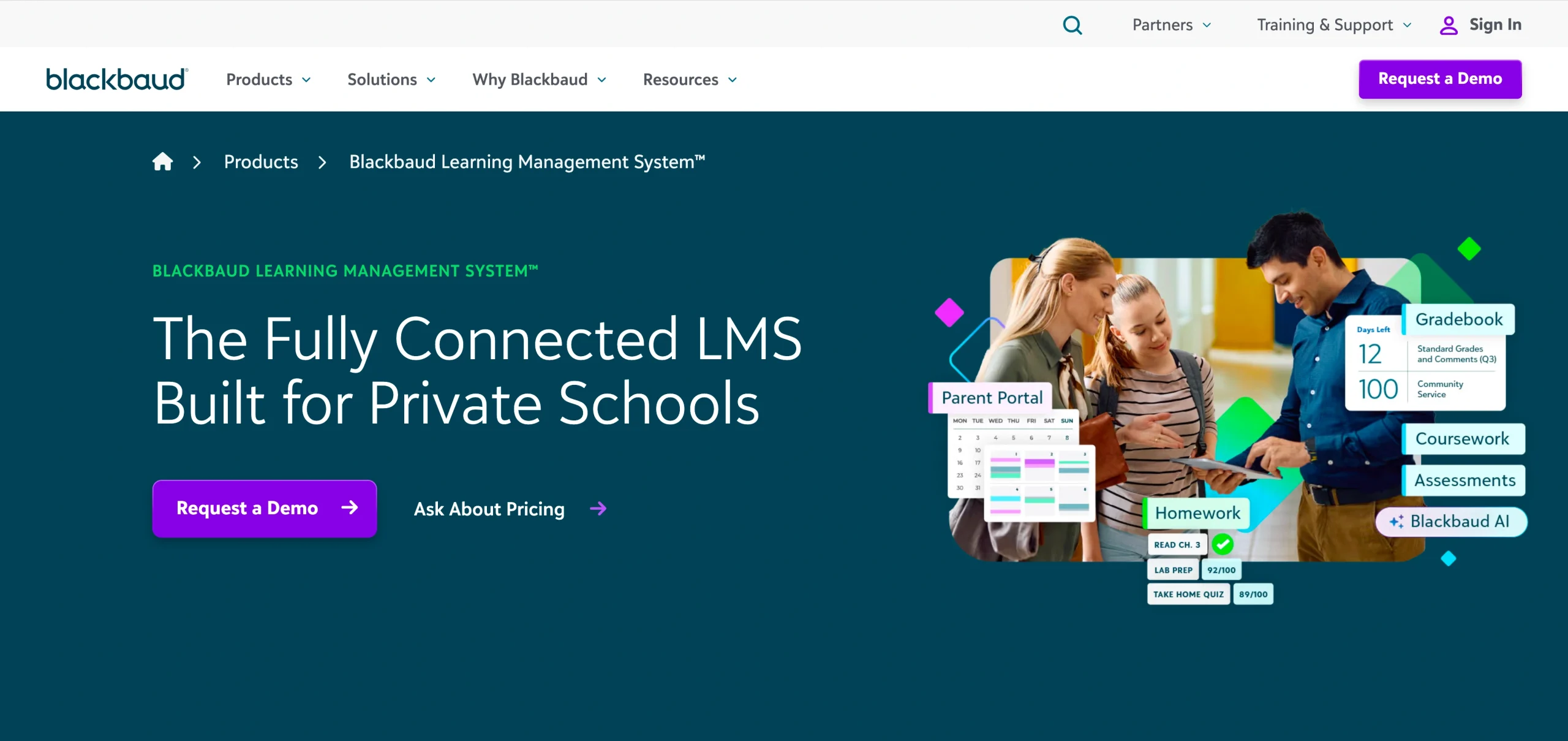
Blackbaud LMS is best suited for private K-12 schools looking to run operations, communications, and learning with a single education technology platform.
I can see how convenient Blackbaud’s all-in-one approach is for school administrators. It’s easy to find each section, from accounting, analytics, fundraising progress, and student information to the LMS. Blackbaud customers say this centralized data structure speeds data entry by up to 500 percent.
Its specialization in K-12 education is an asset, considering the complexity of communications needed for minor-aged students. Unlike Canvas and other higher ed systems, Blackbaud’s family portals are designed around the entire family — siblings, parents, and anyone else who needs to be in the loop about events, grades, or tuition payments — and, in my opinion, are enough to make Blackbaud the go-to for K-12 private schools.
As a parent of K-12-age children, I would love it if our school had such an efficient family portal system. Blackbaud is definitely a niche LMS but well worth it.
- Best for: All-in-one management for K-12 private schools
- Pros
- Run all school operations in one place, including parent and student information, scheduling, application and financial aid workflows, tuition payments, and more
- Family portals act as a CRM, enabling easy two-way communication between parents and school
- Boost admissions and save time with online applications and the ability for parents to self-schedule tours
- Cons
- Very specialized to serve only K-12 private schools
- Plans/pricing
- Contact Blackbaud for information on plans and pricing
8. MapleLMS
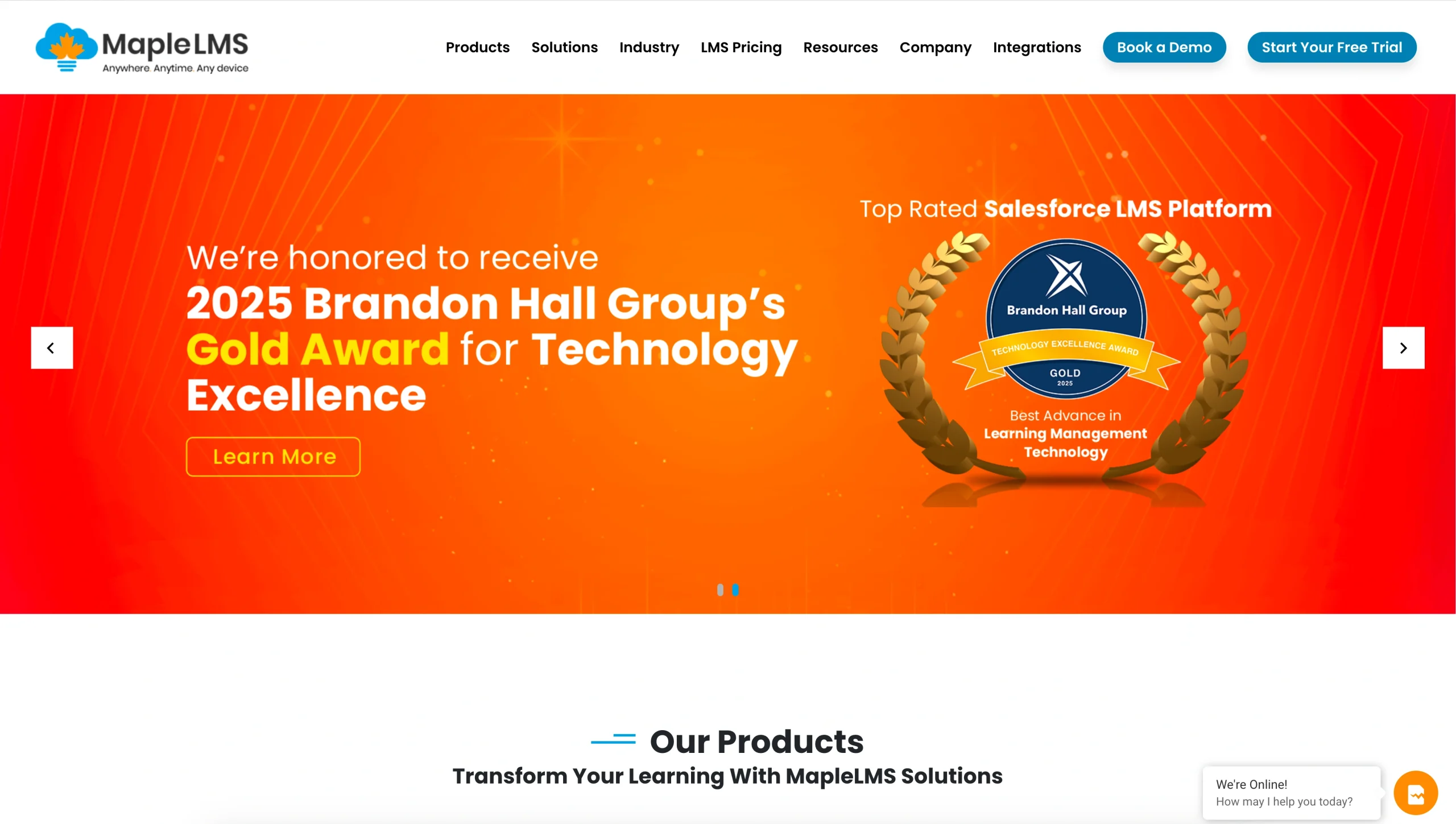
MapleLMS stands out for its cheat-proof online exam proctoring. It has multiple options for AI or human proctoring that can be used alone or combined with its full LMS platform.
Honestly, MapleLMS’ design leaves a lot to be desired for me. The LMS isn’t difficult to navigate but I found it outdated and clunky for creating courses efficiently, especially when compared to Canvas or Blackboard.
But I was surprised by the smart AI-powered custom learning paths based on user behavior (a top feature of D2L Brightspace) and built-in gamification options. Dated design aside, MapleLMS offers plenty of advanced LMS features and best-in-class remote proctoring for situations where secure, identity-verified exams are critical.
I admit, the remote proctoring is next-level anxiety-inducing as a student, but no different than what you’d experience in person sitting in an exam room. It’s just someone watching through my webcam instead of sitting at a desk up front.
- Best for: Remote AI proctoring for cheat-proof exams
- Pros
- Verifies photo IDs and biometrics during live exams via webcam access
- AI proctoring flags suspicious behavior and records exams, which are reviewed by a human too
- Disable copy/paste, browsers, search engines, external interfaces, and many other ways to cheat during exams
- Cons
- Many features (e.g. Salesforce integration) are geared toward corporate training, but can work for schools too
- Plans/pricing
- Contact MapleLMS for information on plans and pricing
How I tested these tools
The best Canvas LMS alternatives offer
- Accessibility, especially given the April 2027 deadline for United States public institutions to meet WCAG 2.1 Level AA standards for all content
- Smart features that save time and deliver better student experiences, including AI-powered capabilities
- Scalability and security
- Insights and reporting for student performance management
- Integrations with leading institutional and business apps
- Value for money
I tested 45 LMS platforms to narrow down this list of the top eight Canvas LMS alternatives. My testing focused on common educational use cases, including delivering remote courses and online tests, both live and asynchronously.
The best Canvas LMS alternatives deliver all-in-one performance
Courses are important but not the most critical factor when comparing Canvas LMS alternatives. To find the best one for you, consider how an LMS can help you save administrative or operational costs, time, and effort by using AI to automate workflows or integrate with your other tools.
If you find an LMS that’s perfect for your school but lacks operational automation, pair it with Jotform Enterprise to unlock enhanced productivity and efficiency for the best of both worlds.
FAQs about Canvas LMS alternatives
Whether you’re looking for more customization or unique capabilities, or just want to consider more budget-friendly options, there are many Canvas LMS alternatives to choose from in 2026. Canvas is a popular choice for higher education institutions, but it doesn’t need to be your default selection.
Though an education industry leader, Canvas users have reported steep learning curves, limited customization options, and high costs when adding advanced features. As a student using Canvas, I’ve personally experienced multiple downtimes of several hours, though this is rare for the platform globally.
Canvas is the most popular LMS in the United States, with over 7 million higher education students and 14 million K-12 students using the platform. Canvas has been the most used LMS at U.S. higher education institutions since 2019 and continues to grow at a much faster rate than its competitors.
This article is for educators, schools, universities, training teams, HR departments, and organizations that use or are considering Canvas LMS but want alternative learning management systems with different pricing models, customization options, integrations, or use cases for academic or corporate training.


























































































Send Comment: