
Top 8 EventsAir alternatives
EventsAir brings registration, attendee engagement, event apps, onsite tools, reporting, and other event management features into one platform, but the right setup depends on the size, format, and complexity of the events you run.
Planning an event is complicated enough without having to work around software that doesn’t fit your team. For some organizers, the priority is simpler registration. Others may need stronger networking features, more flexible pricing, or a platform that feels easier to manage for smaller events. That’s where comparing alternatives can help.
In this guide, we’ll look at eight EventsAir alternatives for different use cases. We’ll compare key features, pros, cons, and pricing so you can narrow down the field to find tools that best match your needs. You can also explore our guide to event management software for a broader look at what to consider when choosing a platform.
Why look for an EventsAir alternative?
EventsAir offers Single, Multi, and Enterprise packages with unlimited registrations, but pricing is provided by quote rather than published as a fixed dollar amount.
Reasons organizers may explore alternatives include
- Learning curve: EventsAir can take time to learn, particularly when navigating settings and configuration options.
- User experience: Some users report the website editor feels dated, and the event app can be slow to reflect updates, making it harder to confirm changes went through.
- Event complexity: A smaller workshop or fundraiser may not require the same feature set as an international conference.
- Specialized needs: Some teams prioritize networking and attendee engagement, while others primarily need customizable registration and payment collection.
- Pricing preferences: Organizations may prefer published subscription pricing, per-event plans, or tools with free entry-level options.
Your technology should complement your event planning process. The following comparison table highlights eight EventsAir alternatives by use case, standout feature, and pricing model so you can quickly see which options are worth a closer look.
8 EventsAir alternatives at a glance
| Tool | Best for | Standout feature | Pricing model |
|---|---|---|---|
 Jotform |
Flexible registration workflows |
More than 2,800 event registration templates |
Free and paid subscriptions |
 Accelevents |
Mid-market event teams |
Registration, onsite, and virtual tools |
Flat annual subscription |
 Swoogo |
Flexible registration and event sites |
Unlimited events and registrations |
Per-user annual pricing |
 Cvent |
Enterprise event programs |
Venue sourcing and enterprise event infrastructure |
Quote-based |
 Bizzabo |
B2B conferences |
Klik SmartBadge and event-experience tools |
Flat annual subscription |
 vFairs |
Large virtual and hybrid events |
Highly customizable virtual experiences |
Quote-based |
 Whova |
Networking-heavy conferences |
Attendee networking and mobile app |
Quote-based |
 EventMobi |
Attendee engagement |
Modular event app and engagement tools |
Per event or annual |
8 EventsAir alternatives to consider in 2026
The best EventsAir alternative depends on what you need the platform to handle. Some tools focus on flexible registration and event websites, while others provide enterprise-level venue sourcing, attendee networking, virtual experiences, or onsite management. Here’s a closer look at eight options and where each one performs best.
1. Jotform
Jotform gives event organizers a flexible way to build registration, payment, and attendee-management workflows without adopting a full-scale event platform. Teams can start with thousands of event registration templates and customize fields, branding, conditional logic, payment options, and confirmation messages to match the event.
The template library also covers more specialized use cases. Nonprofits can use charity form templates for fundraisers and community events or customize a Festival Volunteer Registration Form to coordinate volunteers. Schools and other educational institutions can use the School Event Registration Form for campus events, workshops, and other activities.
Once registrations start coming in, teams can send submission data to Jotform Tables to organize attendee information in one place. For paid events, Jotform also integrates with a range of payment processors, allowing organizers to collect registration fees through the same platform.
- Pros
- Organizers can customize registration workflows without coding, including fields, conditional logic, branding, payment collection, and confirmation messages.
- Jotform supports a wide range of event types, making it useful for businesses, schools, nonprofits, associations, and independent events.
- A free Starter plan lets teams build and test their event workflows before deciding whether they need the higher limits of a paid plan.
- Cons
- Jotform doesn’t include specialized conference features such as native venue sourcing or built-in attendee matchmaking, so complex events may require additional tools.
- Submission, form, and storage limits vary by plan, which means high-volume event programs may need a paid subscription.
- Pricing
- Jotform offers a free Starter plan, followed by Bronze, Silver, and Gold subscriptions with progressively higher limits.
- Jotform Enterprise provides custom pricing and multiuser capabilities for larger organizations.
2. Accelevents
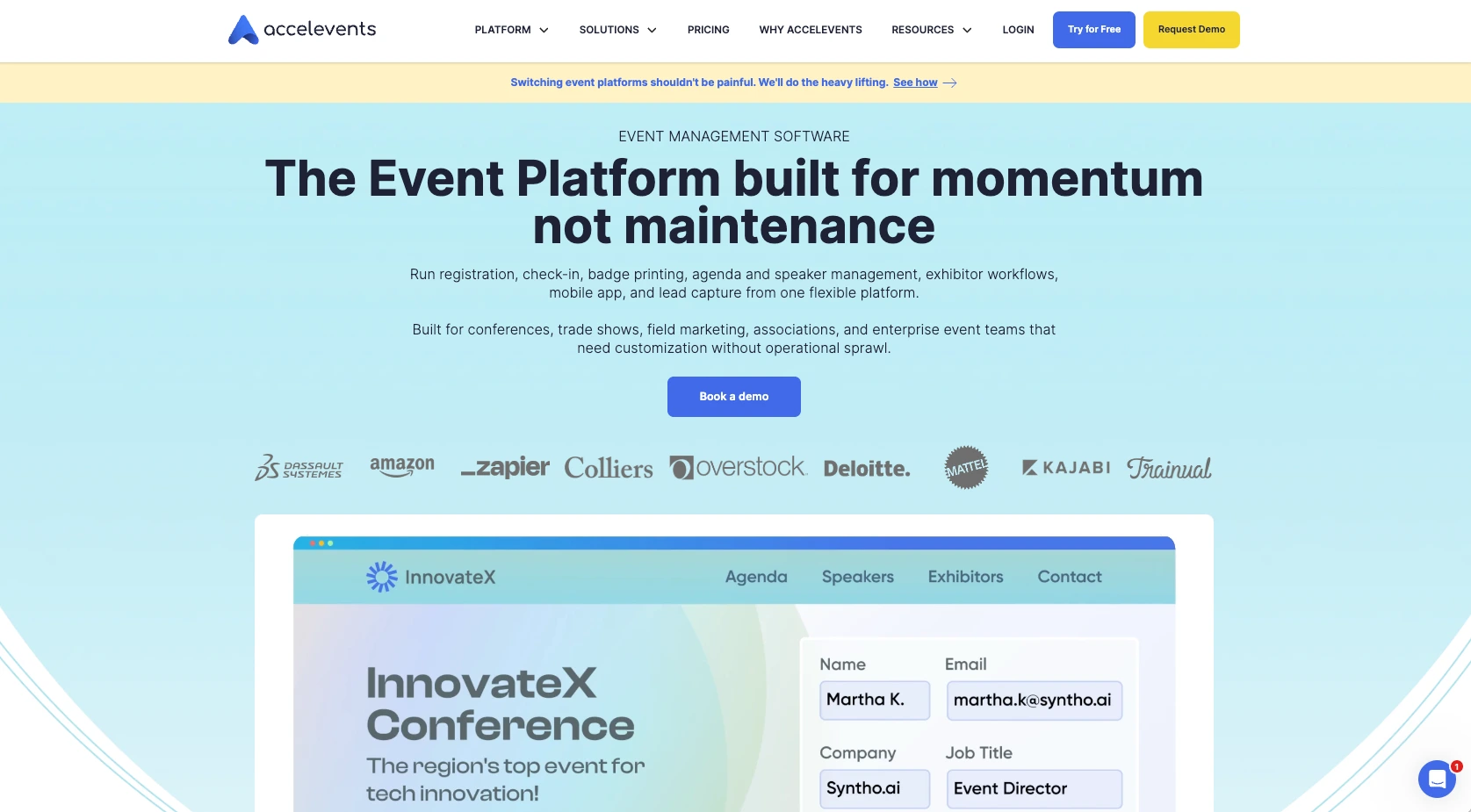
Accelevents combines registration, event websites, check-in, exhibitor management, and other functions in one platform. Its pricing structure distinguishes between organizations running a single event and teams managing an ongoing event portfolio, which makes it relevant for growing event programs and individual conferences.
- Pros
- Registration, onsite check-in, badges, attendee management, and event websites can be managed within the same platform.
- The Business plan supports unlimited events and admin seats, which can suit organizations managing multiple events throughout the year.
- Native integrations with platforms such as Salesforce, HubSpot, and Marketo can help event teams connect attendee activity with wider marketing efforts.
- Cons
- Advanced features can require additional time to learn, particularly during initial setup.
- Virtual-event functionality is offered as a paid add-on, so teams that need hybrid capabilities should factor that into their total cost.
- Pricing
- Professional starts at $7,500 annually and is designed for one event.
- Business starts at $13,500 annually and adds unlimited events and cross-event reporting.
- Enterprise and White Label plans have custom pricing.
3. Swoogo
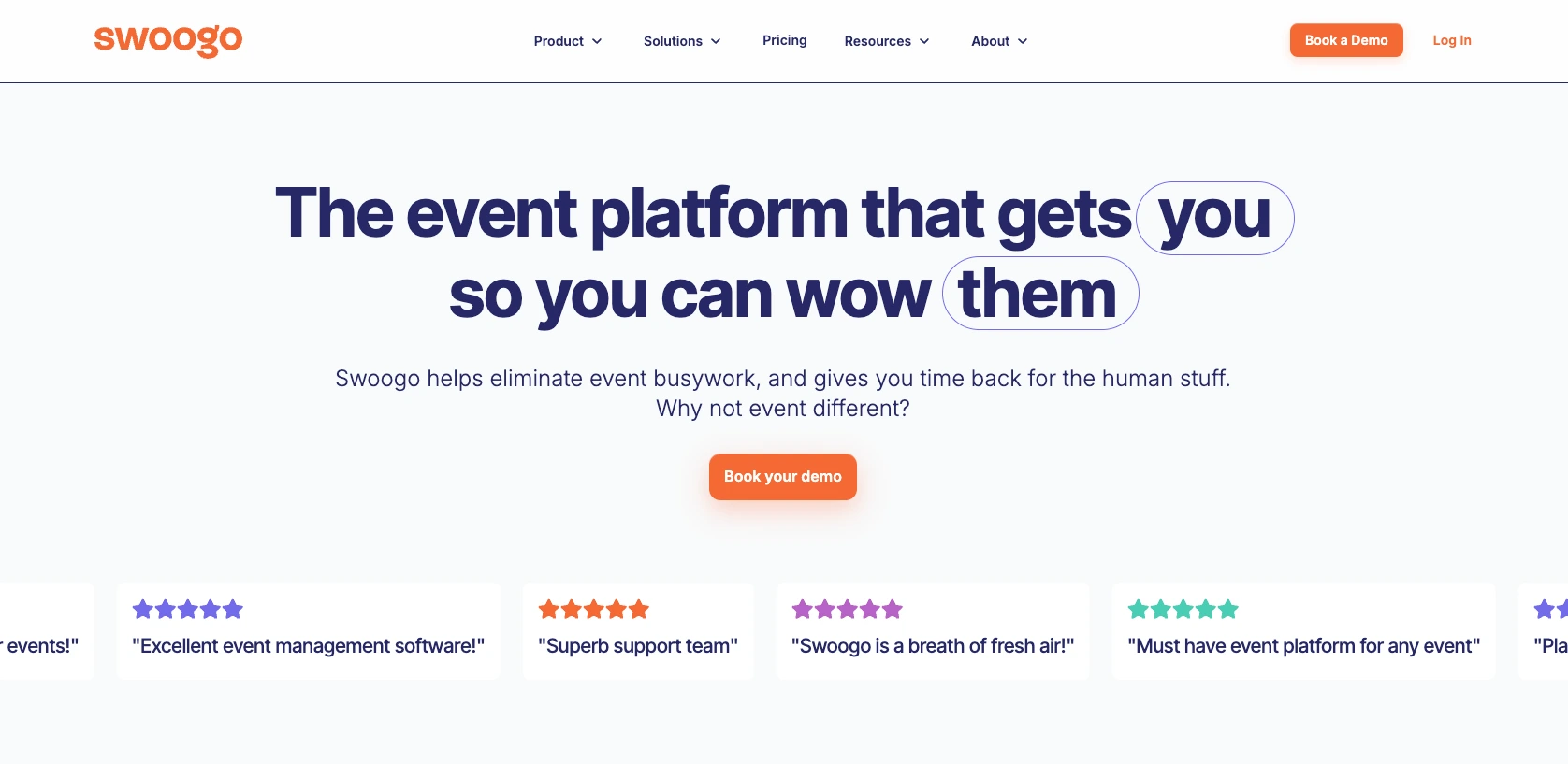
Swoogo focuses heavily on registration, event websites, automation, and customization. Instead of charging based on the number of events or registrations, it offers a Professional subscription that includes unlimited events and registrations, making its pricing structure particularly relevant for teams with a busy event calendar.
- Pros
- Unlimited events and registrations make costs less dependent on how many attendees or events an organization manages.
- Conditional logic and automated workflows allow teams to create different registration experiences for attendee types, sessions, approvals, and other requirements.
- Built-in reporting, APIs, webhooks, and CRM integrations give teams multiple ways to connect event data with other systems.
- Cons
- Advanced visual customization can require CSS or HTML coding when the standard design controls aren’t sufficient.
- Features such as the Go Attend mobile event app and advanced onsite capabilities are offered as premium upgrades rather than being included in the base plan.
- Pricing
- The Professional plan starts at $11,800 per year for one full user and one reporting user and includes unlimited events and registrations.
- Enterprise pricing is customized.
4. Cvent Event Management
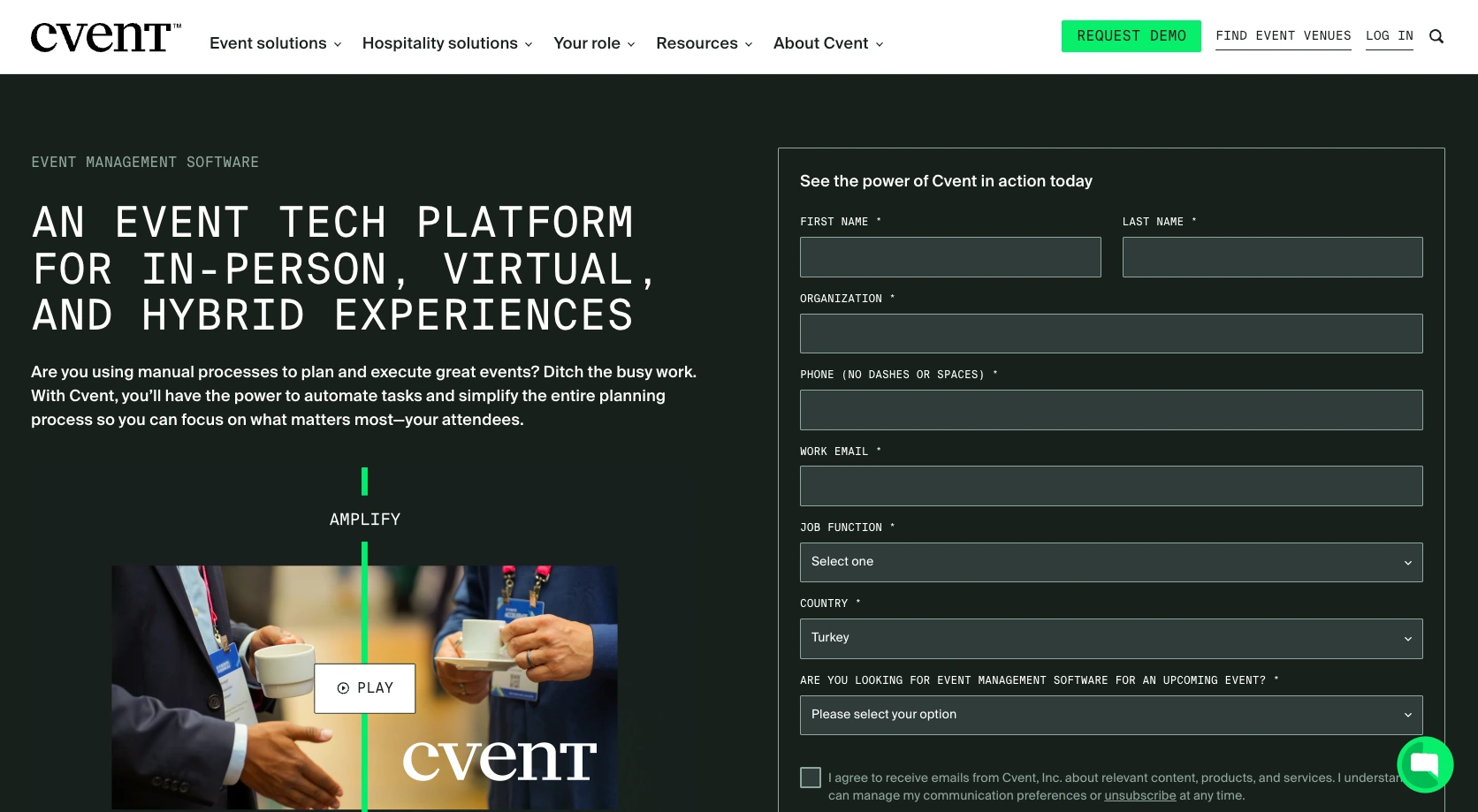
Cvent is built for organizations managing complex events or broader event portfolios. Its platform extends beyond registration into venue sourcing, attendee engagement, onsite management, reporting, speaker and exhibitor management, and enterprise integrations.
That breadth makes Cvent particularly relevant for organizations that want event technology to connect with procurement, marketing, travel, and other enterprise processes.
- Pros
- Cvent covers a broad portion of the event life cycle, from sourcing venues and registering guests to managing onsite attendance and post-event data.
- Its venue-sourcing tools distinguish it from many alternatives that focus primarily on registration and attendee engagement.
- Enterprise features include API access, SSO, multifactor authentication, additional branding controls, and resource and budget management.
- Cons
- Reviewers frequently mention a learning curve, particularly because of the platform’s breadth and number of configuration options.
- Cvent doesn’t publish fixed event management pricing, and cost can be a consideration for smaller organizations.
- Pricing
- Cvent offers Professional and Enterprise configurations, with pricing provided by quote based on the solutions and services an organization needs.
5. Bizzabo
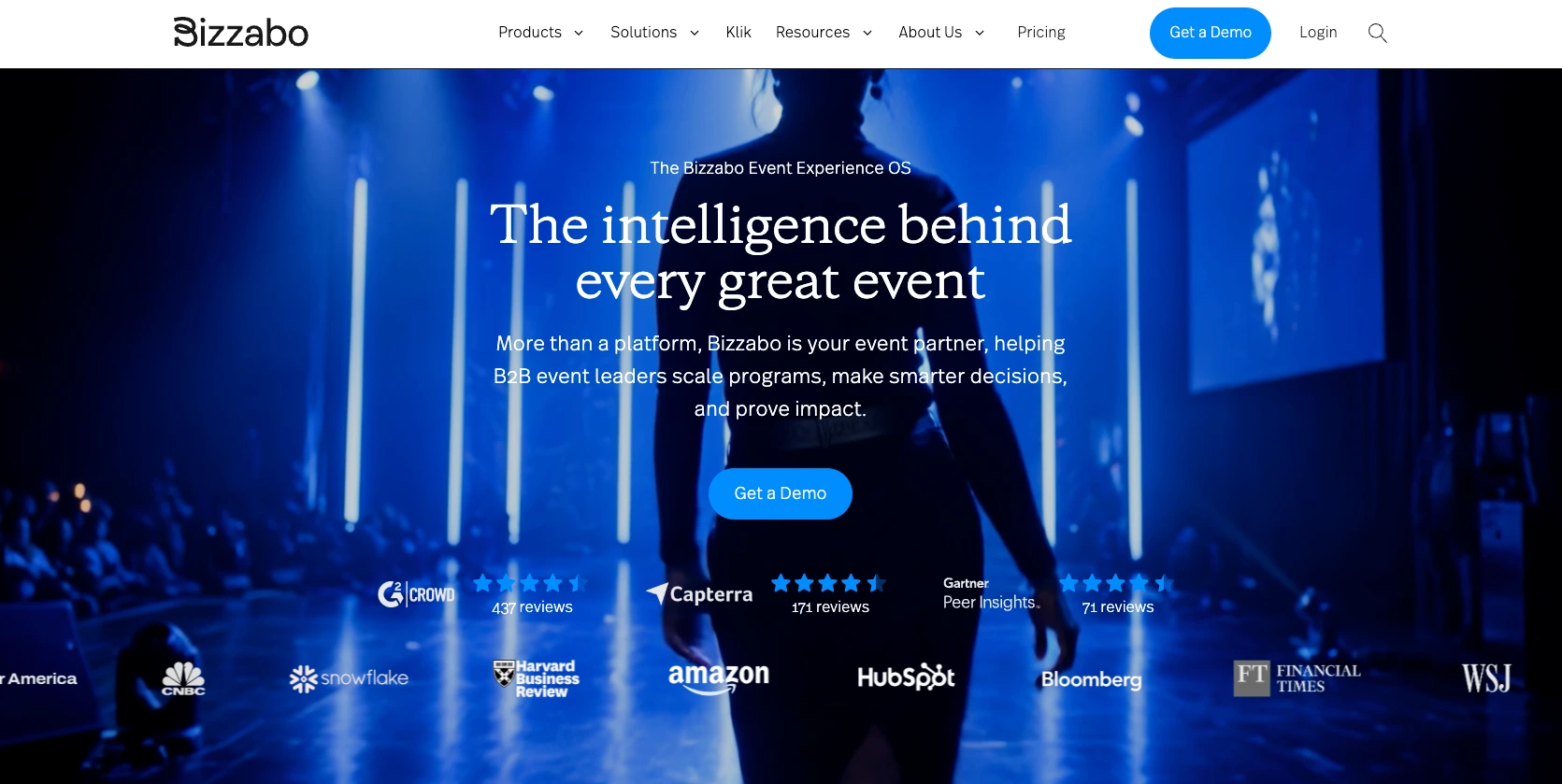
Bizzabo is an event experience platform built primarily around B2B events. Its core Event Experience OS covers registration, event websites, email campaigns, mobile apps, analytics, and attendee management, while its Klik SmartBadge technology adds onsite networking, lead capture, and engagement tracking.
- Pros
- The core subscription includes unlimited events and registrations, which can support teams running multiple B2B events throughout the year.
- Klik SmartBadge adds a physical component to networking and lead capture for conferences, trade shows, and other in-person events.
- Bizzabo combines registration, marketing, attendee engagement, and reporting within the same event system.
- Cons
- Customization is a recurring concern, particularly for teams trying to create highly tailored registration pages and event experiences.
- Klik, virtual-event capabilities, advanced branding, API access, and several other functions are premium add-ons, which can increase the total platform cost.
- Pricing
- Event Experience OS starts at $17,999 per year for three users when billed annually.
- Klik and other premium capabilities are priced separately.
6. vFairs
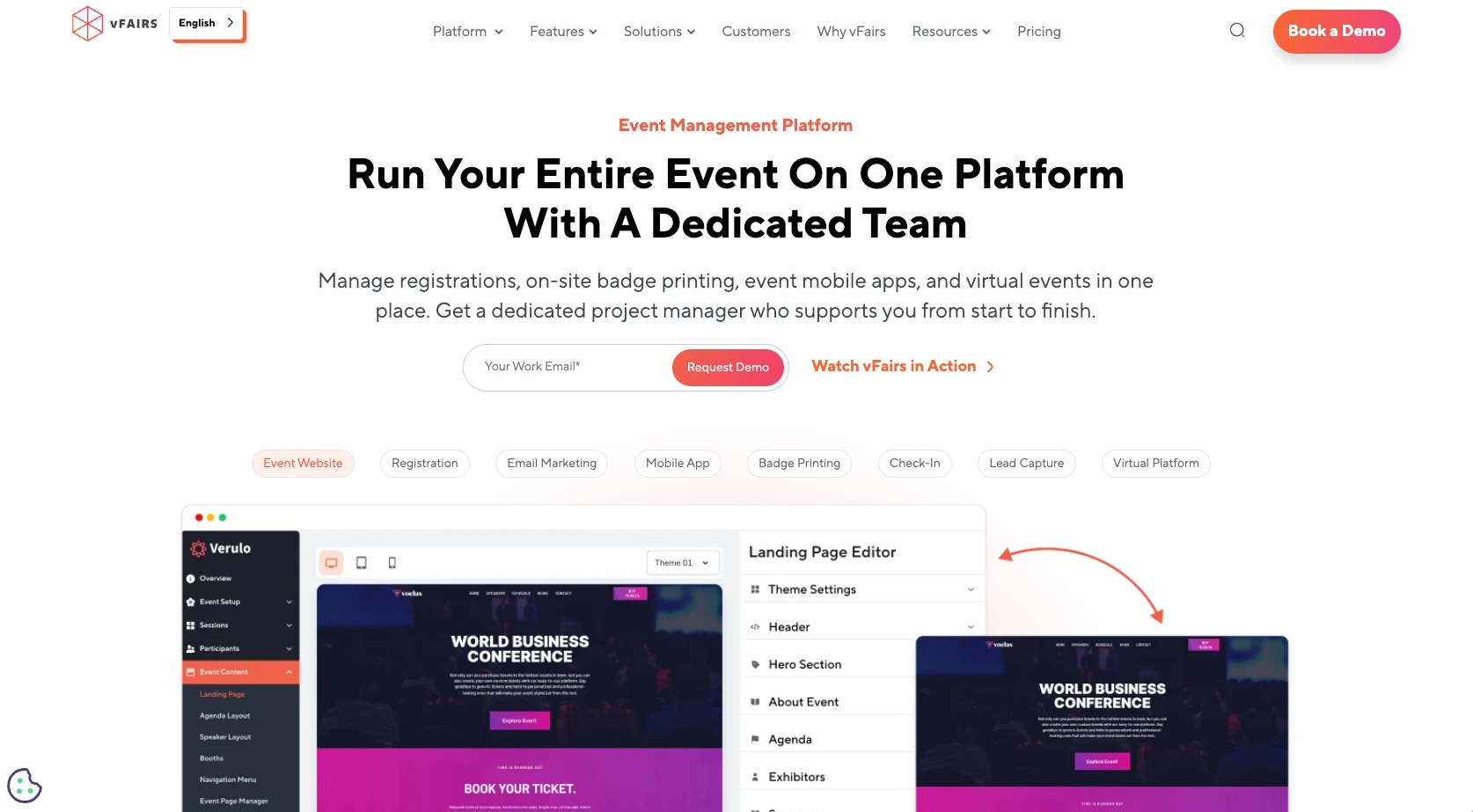
vFairs supports in-person, virtual, and hybrid events, with a broad set of tools for creating customized virtual experiences. Organizers can combine branded event apps, virtual venues, livestreaming, networking, exhibitor tools, onsite check-in, and reporting based on their event requirements.
- Pros
- Extensive branding and customization options allow organizations to adapt both virtual spaces and attendee-facing event experiences.
- Networking capabilities include AI-powered matchmaking, one-on-one meetings, group chats, and virtual networking lounges.
- vFairs supports more than 20 languages and provides accessibility features including WCAG 2.1 AA support.
- Cons
- The platform’s back end and reporting tools can take time to learn because of the number of available options.
- vFairs doesn’t publish standard package prices, so organizations need to request a quote before they can compare total costs.
- Pricing
- Pricing is customized according to the products, event formats, attendee requirements, and support services selected.
7. Whova
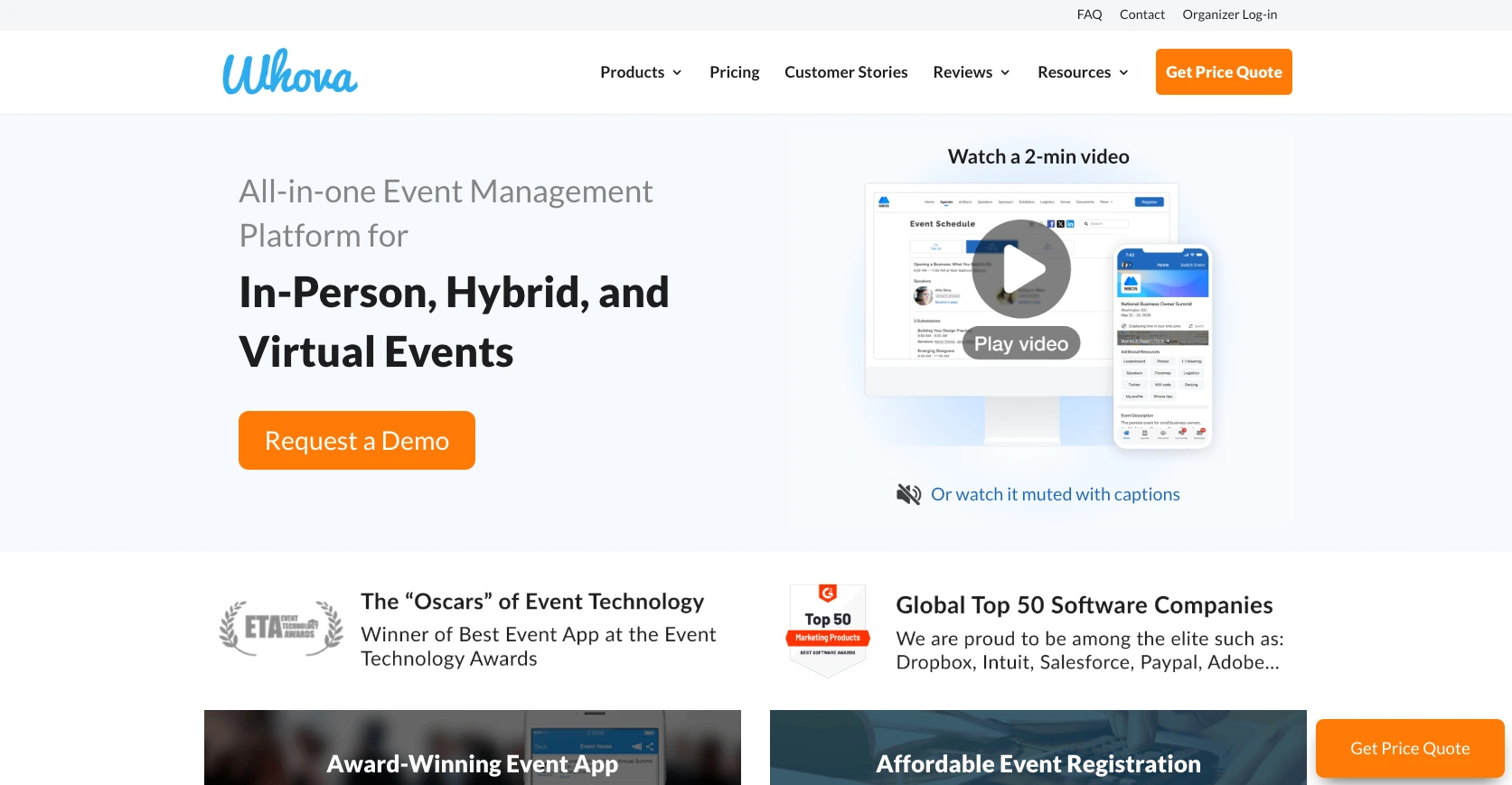
Whova places attendee networking and engagement at the center of its event experience. Its mobile app combines agendas, messaging, announcements, exhibitor information, and more, making it particularly relevant for conferences where attendee interaction continues beyond individual sessions.
- Pros
- Networking tools help attendees discover and communicate with other participants before, during, and after an event.
- The mobile app brings numerous event-related functions into one place.
- Whova supports in-person, virtual, and hybrid formats, allowing organizers to use the same platform across different event types.
- Cons
- Pricing isn’t published as a standard subscription, so organizers need to request a quote based on their event size, format, duration, and volume.
- Specific areas have missing or limited functionality, so teams with specialized requirements should confirm the features they need before purchasing.
- Pricing
- Whova provides customized quotes based on factors such as event format, attendance, event length, and the number of events an organization manages.
8. EventMobi
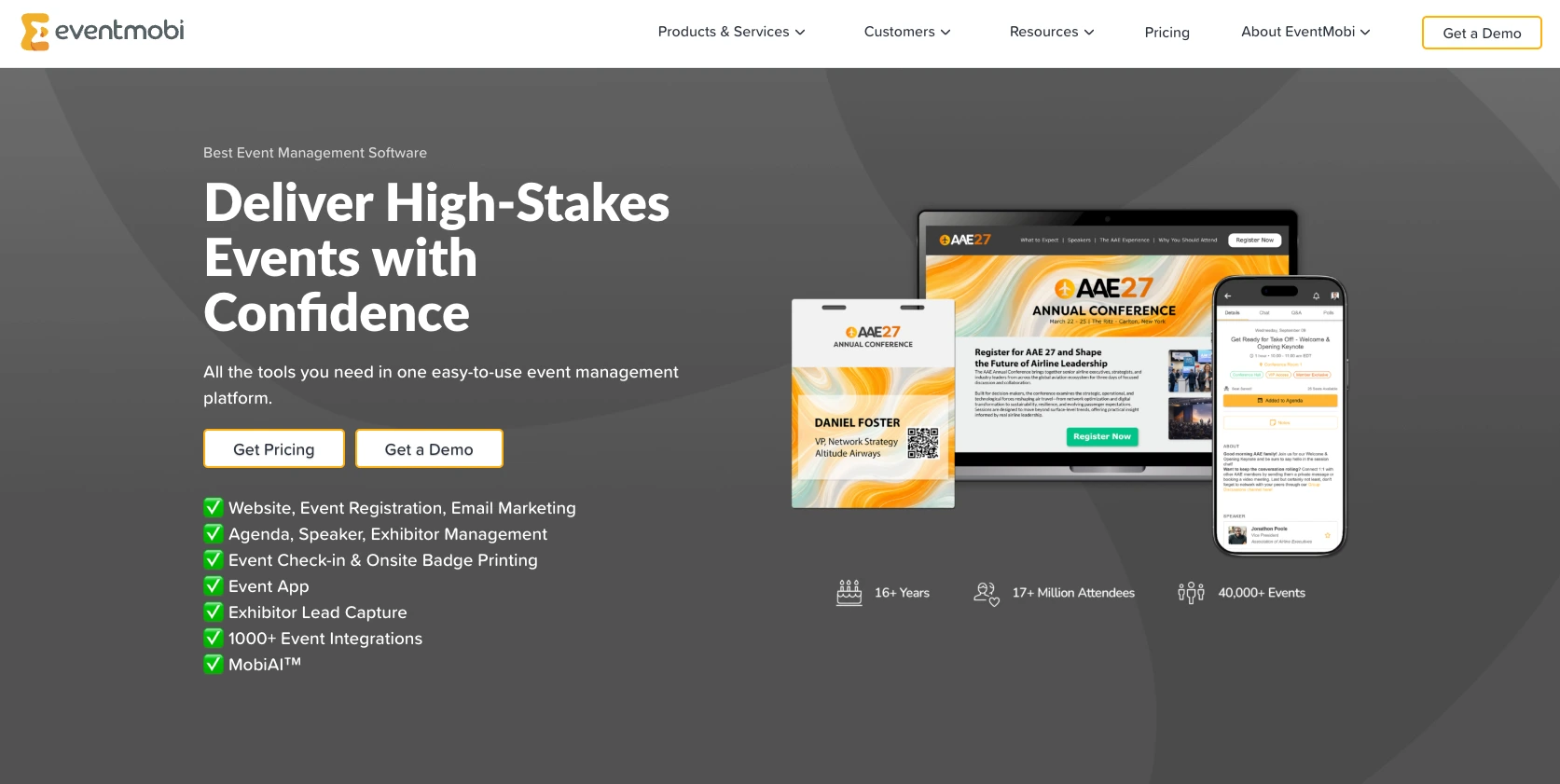
EventMobi takes a modular approach to event management, allowing organizers to use registration, check-in, badge printing, event apps, and engagement tools individually or together. Its per-event and annual pricing options can accommodate teams running a single conference and organizations managing events throughout the year.
- Pros
- Teams can choose individual event products or combine them into a broader event-management workflow rather than purchasing the same package for every use case.
- Per-event and annual plans have different pricing structures, so the platform works for both occasional organizers and teams managing recurring event programs.
- Its event app includes agendas, networking, engagement features, and attendee information that can support interaction throughout the event.
- Cons
- There are limitations to some integrations and editing workflows, so teams with complex existing systems should test compatibility first.
- Virtual and hybrid tools, branded apps, AI features, and other capabilities are add-ons, which can increase the final cost beyond the starting package.
- Pricing
- Per-event packages start at $3,500, with pricing based on event size and selected products.
- Annual packages start at $7,900 and include unlimited events, with pricing scaling according to unique attendee volume.
Manage events more efficiently with Jotform
The right EventsAir alternative depends on what you’re organizing. For example, enterprise teams may prioritize venue sourcing, cross-event reporting, and onsite infrastructure. Conference organizers may put networking first, while nonprofits, schools, and smaller teams may need flexible registration and payment collection without a full enterprise event platform.
Before committing, compare your requirements against your event planning checklist and test how each tool handles the workflows your team uses most often.
For organizations that want to build those workflows around customizable forms, Jotform offers more than 2,800 event registration templates, Jotform Tables for tracking submissions, and payment integrations for collecting registration fees. You can start with a template, adapt it to your event, and expand your workflow as your requirements change.
Choosing event technology isn’t about finding the platform with the longest feature list. It’s about choosing tools that match your event size, audience, budget, and planning process, so your team can spend less time managing software and more time creating an event people want to attend.
This article is for event planners, marketing teams, conference organizers, associations, and businesses comparing EventsAir alternatives to find event management software that better fits their needs, budget, and workflows.












































































Send Comment: