
Ticketing fees often seem negligible, until you realize they’re depleting your revenue with every sale. A few dollars here, a percentage there, and suddenly a sold-out event doesn’t look as profitable as you expected. TicketLeap, for instance, charges $1 plus 2 percent per online ticket over $5, along with a 3 percent transaction fee per order, meaning your costs scale with every ticket and every checkout.
While TicketLeap offers solid tools for selling and scanning tickets, it’s not always the perfect fit. Depending on your goals, you might need more predictable pricing, stronger event discovery, better customization options, or features built for fundraising, conferences, or large-scale event management.
That’s where this guide comes in. We’ll break down six of the best TicketLeap alternatives for 2026, comparing their features, pricing models, strengths, and trade-offs so you can confidently choose the platform that matches how you run your events, including concerts, fundraisers, school functions, or professional conferences.
What is TicketLeap, and what is it used for?
TicketLeap is an online event registration and ticketing platform for creating event pages, selling tickets, and managing attendees. Its features include multiple ticket types, reserved seating, timed-entry ticketing, discount codes, automated emails, reporting, and mobile apps for scanning tickets and selling them at the door.
Free events have no TicketLeap fees. For online paid tickets over $5, TicketLeap charges a $1 plus 2 percent ticketing fee per ticket and a 3 percent transaction fee per order. Organizers can either absorb the TicketLeap fees or pass them on to buyers.
Why look for a TicketLeap alternative?
TicketLeap provides full feature access without a monthly subscription, so the reasons for switching usually come down to how its model fits a particular event rather than a lack of basic ticketing functionality. Organizers may compare alternatives because of
- Percentage-based fees: Because part of TicketLeap’s fee is percentage-based, the dollar amount increases as ticket prices rise.
- Different pricing preferences: Some platforms use flat per-ticket fees, subscriptions, or prepaid ticket credits instead.
- Event discovery: Organizers may want a consumer marketplace that, in addition to providing ticketing tools, helps potential attendees discover events.
- Customization needs: Some teams want greater control over registration workflows, checkout branding, data collection, or payment processors.
- Mission alignment: Nonprofits and purpose-driven organizations may prefer platforms offering discounts for nonprofits or directing ticketing profits toward charitable causes.
- Broader event management: Larger conferences may need exhibitor tools, badge printing, cross-event reporting, or other functions beyond core ticketing.
TicketLeap’s US support includes weekday phone support and email support seven days a week from 9 a.m. to 6 p.m. (EST), with additional on-call support 48 hours before an event.
6 TicketLeap alternatives at a glance
| Tool | Best for | Pricing model | Free event option |
|---|---|---|---|
 Jotform |
Customizable ticketing and registration workflows |
Free and paid subscriptions; no additional Jotform transaction fee |
Yes, within plan limits |
 Eventbrite |
Event discovery and consumer reach |
Percentage + fixed ticket fee and payment processing |
Yes |
 Ticket Tailor |
Predictable flat per-ticket pricing |
Pay-as-you-go or prepaid ticket credits |
Yes, up to 5,000 free tickets/year |
 TicketSpice |
Custom-branded and timed-entry ticketing |
Flat per-ticket fee + payment processing |
Conditional |
 Humanitix |
Nonprofits and purpose-driven events |
Percentage + fixed booking fee |
Yes |
 Accelevents |
Conferences and broader event management |
Subscription/event-based pricing |
Limited free plan |
1. Jotform
Jotform gives organizers a customizable way to handle ticket registration, payments, attendee data, reminders, and post-event feedback without requiring a specialized ticketing marketplace.
Organizers can choose from more than 250 event booking form templates, including options for concerts, conferences, workshops, reservations, and other event types. For example, the Concert Ticket Registration Form lets attendees select seating options and ticket quantities, and organizers can customize the form or add payment integrations.
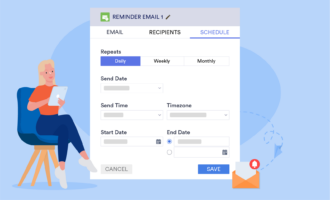
After someone registers, organizers can schedule reminder emails and use Jotform Tables to organize and manage submission data. Once the event is over, customizable Event Feedback Forms can collect attendee responses.
For ticket payments, Jotform has about 40 Payment Processor Integrations, including Stripe, Square, PayPal, and Authorize.Net. Jotform doesn’t add a transaction fee, although the selected payment processor may charge its own fees. Organizers can also build a Ticket Selling App or customize an Event Ticketing App.
Key features: Event booking templates, payment integrations, conditional logic, reminder emails, Jotform Tables, feedback forms, and customizable ticket-selling apps
Pros
- Specialized templates provide ready-made starting points for concert tickets, event bookings, registrations, feedback collection, and other related items.
- Organizers can choose from dozens of payment integrations, and Jotform doesn’t add a transaction fee to the payment processor’s charges.
- Registration, reminders, attendee data, and post-event feedback can be connected through Jotform’s broader form and data-management tools.
Cons
- Jotform isn’t a consumer event marketplace, so organizers are responsible for driving attendees to their forms or apps.
- The free Starter plan has usage limits, including up to 10 payment submissions per month, so higher-volume paid events may require an upgraded plan.
Pricing: Jotform offers a free Starter plan. Paid plans start with Bronze, at $34 per month when billed annually; Silver and Gold plans have higher form, submission, payment, and storage limits; and Enterprise pricing is customized for larger organizations.
2. Eventbrite
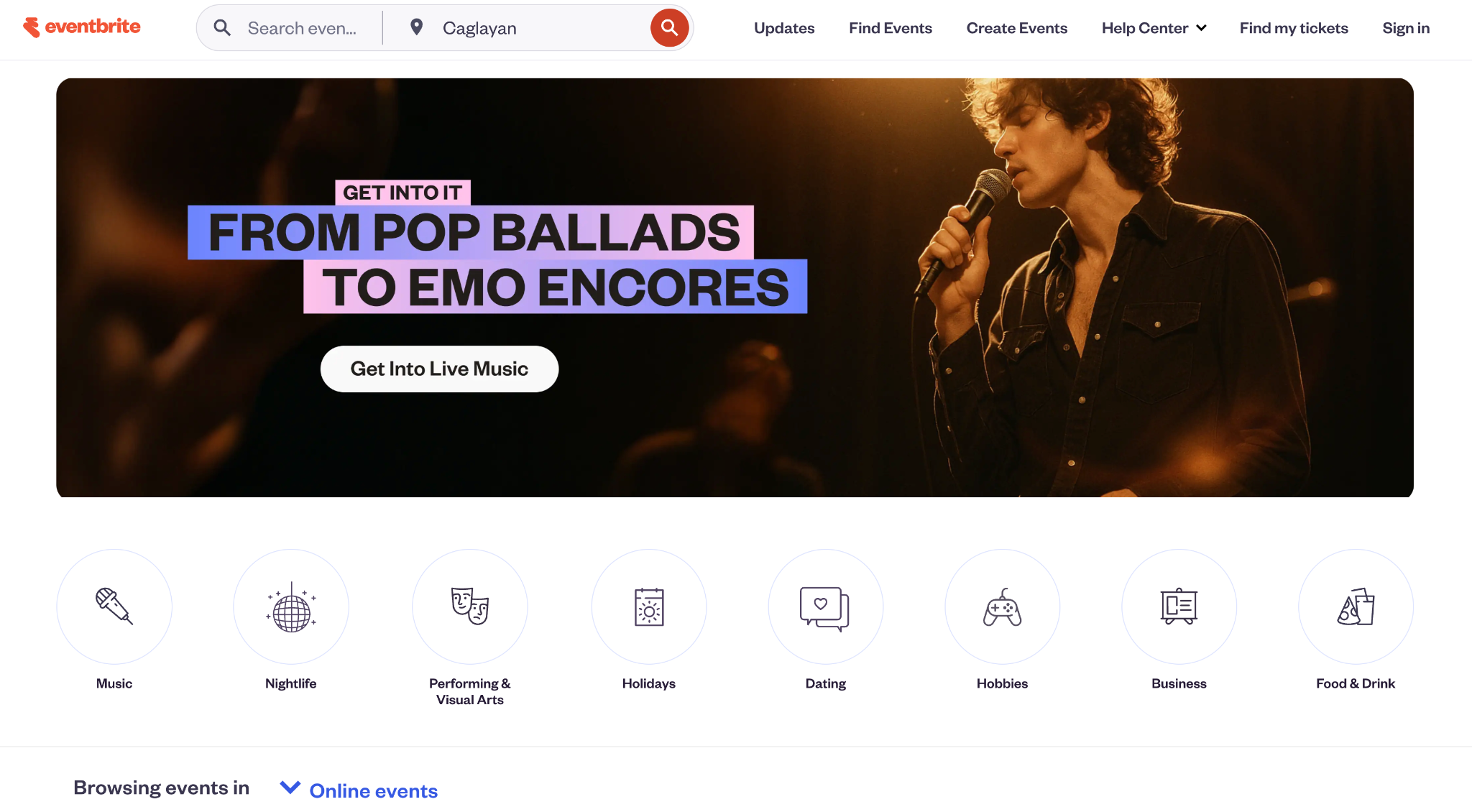
Eventbrite combines ticketing with a consumer event-discovery marketplace. The company reports 89 million monthly users, involvement in 4.7 million events, and transactions of 270 million tickets across its global community, with discovery a significant part of its offering.
Organizers can create event pages, configure ticket types, collect registrations, scan attendees, market events, and sell add-ons from the same platform.
Key features: Event marketplace, ticket sales, embedded checkout, custom registration forms, organizer app, mobile check-in, waitlists, automated reminders, and marketing tools
Pros
- Eventbrite’s consumer marketplace gives public events another potential discovery channel.
- Free events can be published without ticketing platform fees.
- Eligible US organizers can access ticket revenue before an event through Instant Payouts.
Cons
- US paid tickets have a 3.7 percent plus $1.79 service fee per ticket and a 2.9 percent payment processing fee per order.
- Instant Payouts cost an additional 3 percent per withdrawal, with a $2.99 minimum and $40 maximum, and they’re available only to eligible organizers.
Pricing: Publishing free events is free. Standard paid-event fees are transaction-based. Eventbrite also offers a Premium subscription in the United States for $69 per month or $708 annually, which includes marketing benefits, enhanced support, and a 50 percent discount on Instant Payout fees.
3. Ticket Tailor
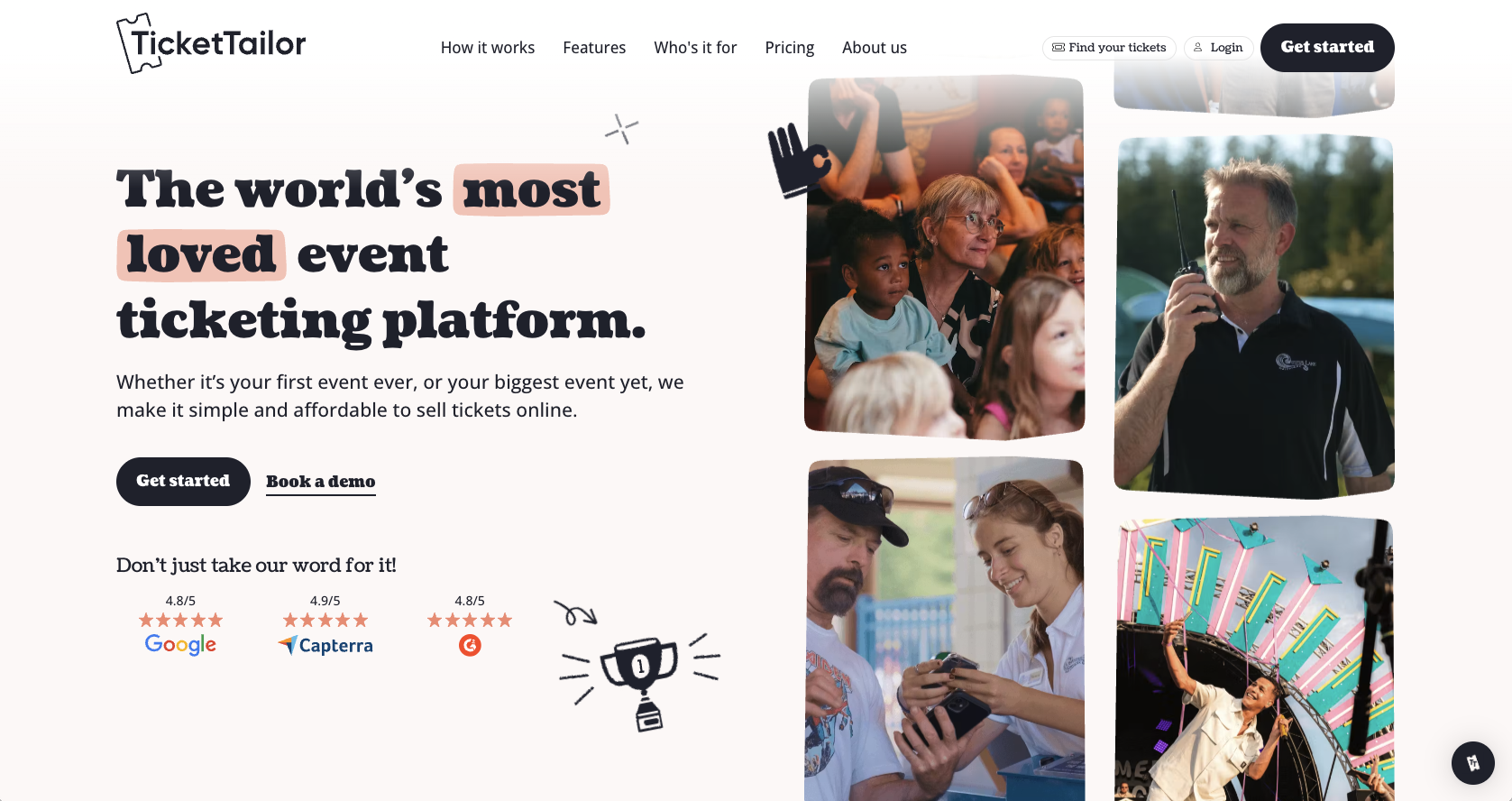
Ticket Tailor uses a flat-fee model rather than taking a percentage of the ticket price. Organizers can pay as they go or buy ticket credits up front, making costs easier to forecast when ticket values vary.
The platform also emphasizes branded ticketing. Event pages and checkout forms are customizable, checkout can be embedded on an organizer’s website, and additional white-label options can remove Ticket Tailor branding from the customer-facing experience.
Key features: Event pages, embedded checkout, ticket credits, check-in app, reserved seating, payment processor integrations, white-label options, and custom domains
Pros
- Pay-as-you-go pricing is a flat $0.85 per paid ticket in the United States, rather than a percentage that grows with ticket price.
- Organizers issuing up to 5,000 free tickets per year pay no ticketing fees.
- Registered charities receive a 50 percent ticketing-fee discount, with discounts also available for B Corps, PTAs, and nonprofits.
Cons
- Payment processing isn’t included in Ticket Tailor’s ticketing fee, so Stripe, PayPal, or Square fees need to be factored into the total.
- Removing Ticket Tailor branding completely from the front-end buyer experience requires an additional paid white-label option.
Pricing: Pay-as-you-go ticketing in the United States is $0.85 per ticket. Organizers can lower that cost by buying credits up front, with published rates starting from $0.30 per ticket, depending on volume. The first five paid tickets are free; up to 5,000 free-event tickets per year incur no platform fee.
4. TicketSpice
TicketSpice is an event ticketing platform built around customizable ticket pages and flat per-ticket pricing. It supports traditional events as well as recurring, daily, and timed-entry ticketing, making it applicable to festivals, attractions, museums, tours, theaters, and other events that need control over admission schedules.
Organizers can customize ticketing pages to match their branding, create reserved-seating layouts, set capacity limits, sell add-ons and merchandise, scan tickets onsite, and manage attendee data and reporting. TicketSpice also supports dynamic pricing and custom workflows for events with more complex ticketing requirements.

Key features: Custom-branded ticketing pages, drag-and-drop page builder, timed entry, reserved seating, dynamic pricing, onsite ticket scanning, attendee management, reporting, add-ons, and payment processing
Pros
- TicketSpice uses a flat platform fee for paid tickets rather than charging a percentage of the ticket price, which can make the fee more predictable as ticket prices increase.
- Organizers can customize fonts, colors, layouts, images, videos, and other page elements to create a ticket-buying experience that matches their existing brand.
- Features for timed entry, recurring events, reserved seating, capacity control, and onsite scanning support a broad range of event and attraction formats.
Cons
- Completely free events aren’t automatically free to run: TicketSpice charges $0.99 per free ticket unless the organizer meets its conditions for having that fee waived.
- Optional tools such as SMS messaging, drip email campaigns, data enrichment, and certain onsite payment features come with additional charges.
Pricing: TicketSpice charges $0.99 per paid online ticket over $5, with Webconnex Payments processing transactions at 2.9 percent plus $0.30; there are no setup or monthly fees, and organizers can either absorb eligible fees or pass them on to ticket buyers.
5. Humanitix
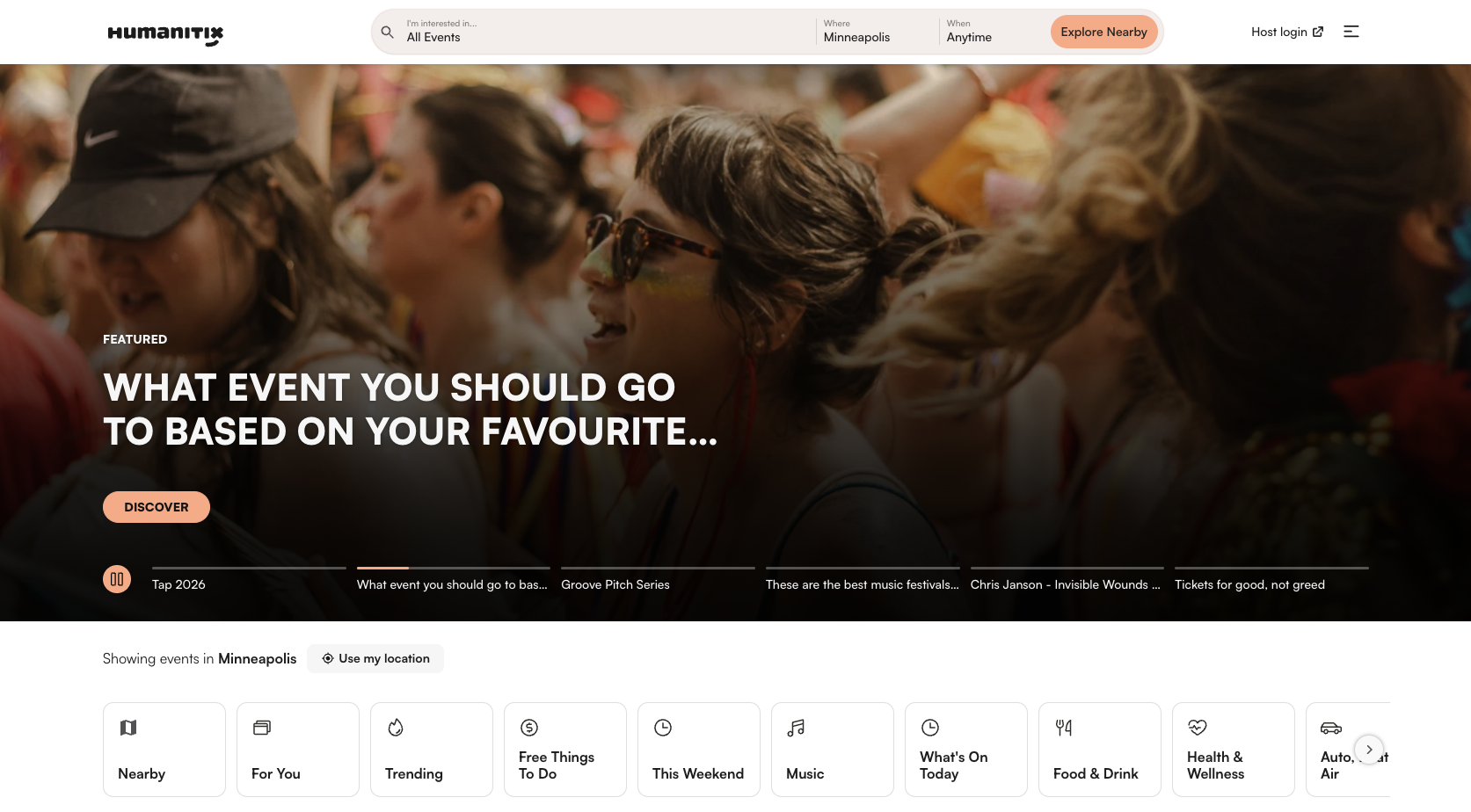
Humanitix combines event ticketing with a nonprofit business model. The organization directs its profits from ticketing fees to charitable projects, giving organizers a values-based distinction to consider alongside standard ticketing functionality.
The platform supports paid and free events without subscription or signup fees and offers discounted rates for registered nonprofits, charities, and educational institutions.
Key features: Ticket sales, registration, donations, box office sales, nonprofit pricing, attendee management, and payment processing
Pros
- Free tickets and events have no booking fees.
- Registered nonprofits, charities, and schools qualify for discounted booking rates.
- Humanitix directs its profits toward impact projects, which can align well with charitable and community-focused events.
Cons
- The standard US rate is 5 percent plus $1.29 per paid ticket, so organizers should compare the total cost against lower-flat-fee platforms.
- For currencies not accepted in Humanitix’s default payment gateway, such as EUR and CAD, separate Stripe processing charges apply.
Pricing: There are no subscription, signup, or admin fees. In the United States, the standard rate is 5 percent plus $1.29 per paid ticket, while eligible nonprofits and educational organizations pay 3.9 percent plus $1.29. Fees can be passed on to attendees or absorbed by the organizer.
If your company is a nonprofit comparing ticketing options more broadly, see Jotform’s guide to nonprofit ticketing software.
6. Accelevents
Accelevents extends beyond basic ticket sales into broader event management. Alongside registration, it provides event websites, customizable registration paths, check-in, badge printing, mobile apps, integrations, and tools for organizations managing conferences or multiple events.
That broader scope also affects pricing. Rather than relying primarily on per-ticket charges, its main paid plans start with event or annual subscription pricing.
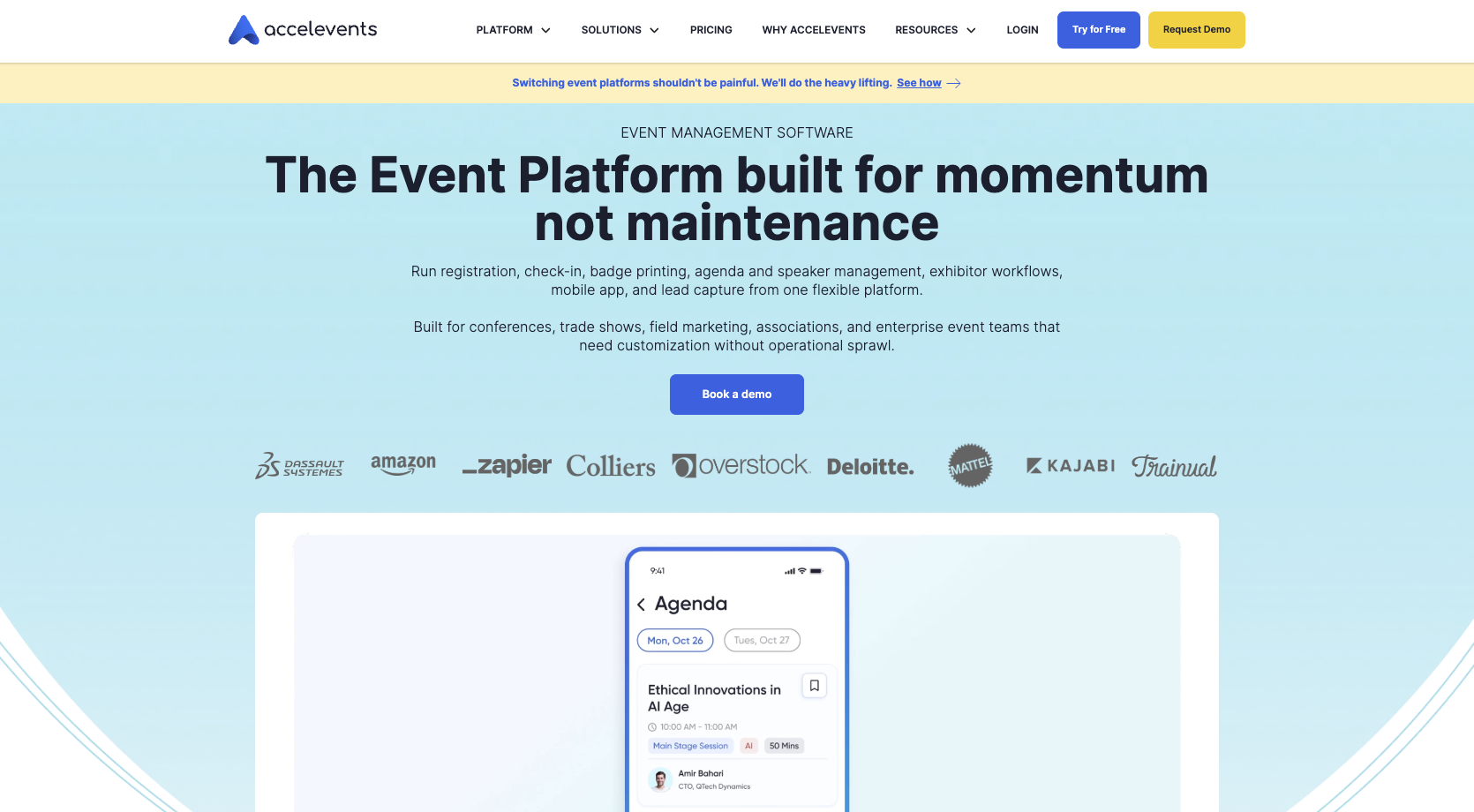
Key features: Ticketing, unlimited registration types, event websites, onsite check-in, badge printing, mobile apps, integrations, cross-event reporting, and enterprise tools
Pros
- The Professional plan includes unlimited registration types and custom fields, staff-managed or kiosk check-in, badge printing, and integrations.
- The Business plan supports unlimited events and adds cross-event reporting, which can help teams manage recurring events.
- All paid plans include 24-7 support, according to Accelevents’s pricing page.
Cons
- The Professional plan’s minimum cost for a single event ($7,500) is higher than transaction-based tools for organizers running smaller events.
- Paid plans use registrant credits, and exceeding the included allowance can create additional per-registrant usage charges.
Pricing: Professional starts at $7,500 for a single event. Business starts at $13,500 and supports unlimited events. Enterprise and White Label plans, which cater to multi-department operations and greater brand control, have custom pricing.
Manage event ticketing more efficiently with Jotform
No TicketLeap alternative fits every event. Eventbrite adds a large discovery marketplace, Ticket Tailor emphasizes predictable flat fees, Humanitix connects ticketing revenue with charitable causes, and Accelevents extends into broader conference and event-management workflows.
The right choice comes down to the details that matter for your event, such as ticket price, expected attendance, payment processing, branding, attendee communication, and what happens with the data after someone registers. With Jotform, you can build the registration workflow around your event instead of reshaping your event around a fixed ticketing process.
Frequently asked questions
The strongest five depend on your needs, but Jotform, Eventbrite, Ticket Tailor, Humanitix, and Accelevents cover a broad range of use cases. They emphasize customizable workflows, marketplace discovery, flat ticketing fees, purpose-driven ticketing, and broader event management, respectively.
Primary ticketing platforms and resale marketplaces serve different purposes. Major resale options include Ticketmaster Verified Resale, StubHub, and SeatGeek, but there isn’t one objectively “most trusted” marketplace for every purchase. Buyers should compare guarantees, transfer methods, seller verification, refund policies, and total fees before purchasing resale tickets.
The best ticketing platform depends on your event size, ticket price, budget, and required features. Before deciding, compare the total fees you and your attendees will pay, then look at registration flexibility, payment processing, discovery, check-in, reporting, and attendee communication.
This article is for event organizers, nonprofits, schools, businesses, venues, and event teams looking for a TicketLeap alternative that better fits their pricing, customization, ticketing, or event management needs.










































































Send Comment: