
Which SurveyPlanet alternative should you pick?
- Jotform for better surveys and smarter insights
- Google Forms for free basic surveys
- Typeform for conversational surveys
- SurveyMonkey for research depth
- QuestionPro for advanced feedback programs
- Microsoft Forms for Microsoft 365 teams
- Crowdsignal for WordPress polls and surveys
SurveyPlanet is best known for its unusually generous free plan and barebones interface. Even its Enterprise tier is cheaper than the base plans from most other survey tools. But it’s not hard to see why after a few minutes of playing around with it: You have fewer than 10 field types to choose from, limited embed options, and no native integrations. There’s very little room to grow with SurveyPlanet.
You don’t have to sacrifice simplicity and affordability for advanced features and scalability when choosing a SurveyPlanet alternative, though. There are dozens of survey builders, each with a unique take on user experience, platform depth, and pricing structure. I’d know — I’ve tested and compared a lot of them.
If you’re looking for an upgrade, this list describes and reviews what I believe are the seven best SurveyPlanet alternatives in 2026.
Why look for a SurveyPlanet alternative?
Between its unlimited surveys and responses on the free plan and its underpowered no-code builder, no one moving away from SurveyPlanet is searching for a downgrade. No, you’re looking for more.
On the building side, you’re probably looking for more robust branching logic, answer piping, and randomization options. On the back end, you want response dashboards that can update you in a glance and data that syncs automatically instead of requiring manual exports. Even if your surveys have only a small number of questions or responses, there’s so much more you can accomplish by upgrading to another app.
Whether you’re new to sending surveys or an opinion-gathering veteran, your workflow preferences will differ wildly from mine — and everyone else’s. No two surveyors are the same. And unlike the early days of survey tools, you no longer have to let price or feature lists alone drive your decision. Today, there are options at nearly every price point and for every use case — so if a tool just feels better to use, that can be enough reason to switch.
So, yes, you’re probably researching the best survey tools because you need something more powerful. But even if all you really want is another low-cost, lightweight app that feels better to use than SurveyPlanet, there’s something in this list for you.
The 7 best SurveyPlanet alternatives in 2026
| Tool | Best for | Key features | Plans/pricing |
|---|---|---|---|
 Jotform |
Collecting, analyzing, automating, and transforming survey data in a single, do-it-all form builder |
Response database, live dashboards, and no-code automations |
Paid plans start at $34 per month |
 Google Forms |
One-off surveys or those based around Google Drive documents |
Use AI to create surveys by tagging Drive documents |
Free with a Google account |
 Typeform |
Design-focused, one-question-at-a-time surveys |
Automated respondent screening and follow-ups |
Paid plans start at $28 per month |
 SurveyMonkey |
Market or medical research surveys that require large audiences with specific demographics |
Find vetted respondents based on audience demographics and profiles |
Paid plans start at $39 per month |
 QuestionPro |
Large-scale survey relying on statistical analysis |
Industry-specific field types and statistical analysis |
Paid plans start at $99 per month |
 Microsoft Forms |
Teams already using Microsoft 365 that need short, simple surveys |
Video and audio backgrounds |
Free with a Microsoft 365 account |
 Crowdsignal |
Building surveys that look and feel like full-blown websites |
Block-based design for surveys that feel like web pages |
Paid plans start at $25 per month |
1. Jotform: An all-in-one platform for building, publishing, tracking, and optimizing every type of form
Best for: Collecting, analyzing, automating, and transforming survey data in a single, do-it-all form builder.
Why Jotform is a strong SurveyPlanet alternative: Jotform covers way more than just surveys, with everything from payment forms to e-signatures plus a host of AI, database, and reporting tools for squeezing more value out of responses.
By itself, Jotform’s no-code form builder is one of the most feature-packed interfaces around today. You can generate a survey with AI, from a PDF document, based on an existing web form on another platform, or from a library of over 13,000 templates. Then tweak and customize it with dozens of field types and widgets before publishing and embedding your survey on any website or social media platform. Beyond the builder, Jotform Tables, combined with the app and automation builders, give you everything you need to create end-to-end business processes.
Jotform isn’t a lightweight or minimalist experience, even if the interface and form-building workflow never feels overwhelming or confusing. Surveys are endlessly customizable thanks to a myriad of settings at the field, form, and publishing levels. As responses stream in, you can pipe the results into a live dashboard with the Jotform Report Builder, set up daily submission summary emails, and route feedback to relevant teams with Jotform Workflows. That said, this might be more than some people are looking for.
Jotform pricing:
- Starter (free): All platform tools and features, up to five published forms, 100 regular monthly submissions across all forms, and 10 payment submissions per month.
- Bronze ($34 per month, billed annually): Up to 25 forms, 1,000 monthly submissions, 100 accepted payments per month, and custom branding on all forms.
- Silver ($39 per month, billed annually): Up to 50 forms, 2,500 submissions per month, and 250 payments per month.
- Gold ($99 per month, billed annually): Maximum of 100 forms, 10,000 submissions every month, 1,000 monthly payments, and HIPAA compliance features.
- Enterprise (custom pricing): Unlimited forms, submissions, and payments, as well as special security features and dedicated support.
2. Google Forms: A completely free survey builder with no account limits
Best for: One-off surveys or those based around Google Drive documents.
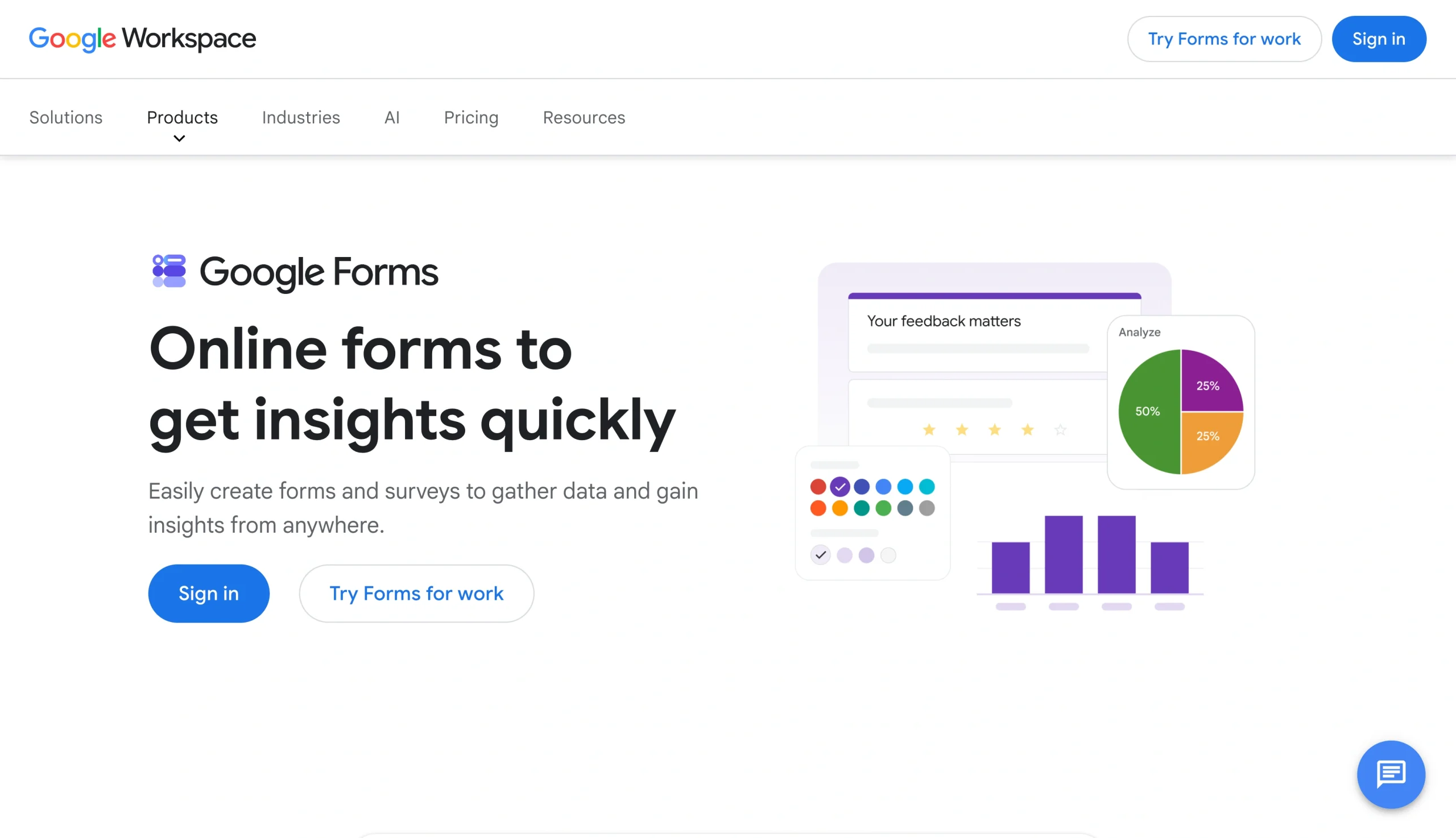
Why Google Forms is a strong SurveyPlanet alternative: If you’re drawn to SurveyPlanet because of the free plan’s unlimited surveys and responses, Google Forms can give you the same thing (and almost all the same form features) without annoying upsell prompts.
Google Forms is 100 percent free. And it shows. You can build minimum viable surveys with star ratings, linear scales, file uploads, and severely limited conditional logic. That said, you almost certainly already have an account, it’s a piece of cake to master, and it easily integrates with all of Google’s other apps. That includes Gemini, which can review tagged Drive documents for added context, generate surveys from a prompt, and summarize responses to your survey.
The number one reason to choose Google Forms — its unwavering simplicity — is also the best reason to skip it, depending on your use case. Its available field types, templates, design options, reporting features, and embedding options all leave a lot to be desired. It’s a perfectly mediocre option if you need to quickly fire off a survey to a small group of collaborators or friends. But survey data collection optimized for customers, leads, or company presentations will struggle.
Google Forms pricing: Google Forms is completely free and there are no additional features on a paid Workspace or Google for Education plan.
Pro Tip
If you’d like to see how Google Forms compares to its closest competitors, read our article on the best Google Forms alternatives.
3. Typeform: Conversational surveys that are easy to create and quick to fill out
Best for: Design-focused, one-question-at-a-time surveys.

Why Typeform is a strong SurveyPlanet alternative: One of the most UX-optimized alternatives on this list, Typeform retains much of SurveyPlanet’s user-friendliness while adding a ton of premium features. Its one-question-at-a-time philosophy applies as much to its survey creation as it does to the published product, ensuring that its robust logic, design, and automation features never feel like too much to handle.
Despite marketing itself as a builder of every type of form, this is a platform optimized for surveys more than anything else. Typeform has a dedicated bank of “Rating & Ranking” field types (including audio and video responses), survey-specific templates, and one of the better AI-assisted analytics that I tested. I wasn’t able to try out the recently released Research Flow plan, but that promises to level up surveys even more with automated respondent screening and smart follow-ups to source better qualitative data.
The most obvious pain point with Typeform is that you’re mostly limited to conversational surveys. The app recently added multi-question pages and question groups, but they’re clearly positioned as exceptions rather than norms. It’s also one of the most expensive survey tools and will cost at least $91 per month if you need to collect more than 1,000 responses per month.
Typeform pricing:
- Free: You get unlimited forms but only 10 responses per month, basic reporting and analytics, conditional logic, and integrations.
- Basic ($28 per month): Everything included in free, with an upgrade to 100 responses per month, form calculations, hidden fields, and file uploads.
- Plus ($56 per month): Up to 1,000 responses per month, plus premium design features (including the ability to remove Typeform’s branding), final page redirects, 2 GB for file upload, and advanced user management.
- Business ($91 per month): 10,000 responses per month, multi-language forms, Salesforce integration, and the Dropoff Analysis feature.
- Enterprise (custom pricing): Custom monthly response limit, custom fonts and domains, “Clarify with AI” follow-up questions, and HIPAA compliance options.
Pro Tip
Typeform and Jotform have a fair amount of overlap, although the latter is cheaper and more flexible. See all the differences side by side in our Typeform vs Jotform comparison.
4. SurveyMonkey: A survey-only tool that helps you find respondents
Best for: Market or medical research surveys that require large audiences with specific demographics.
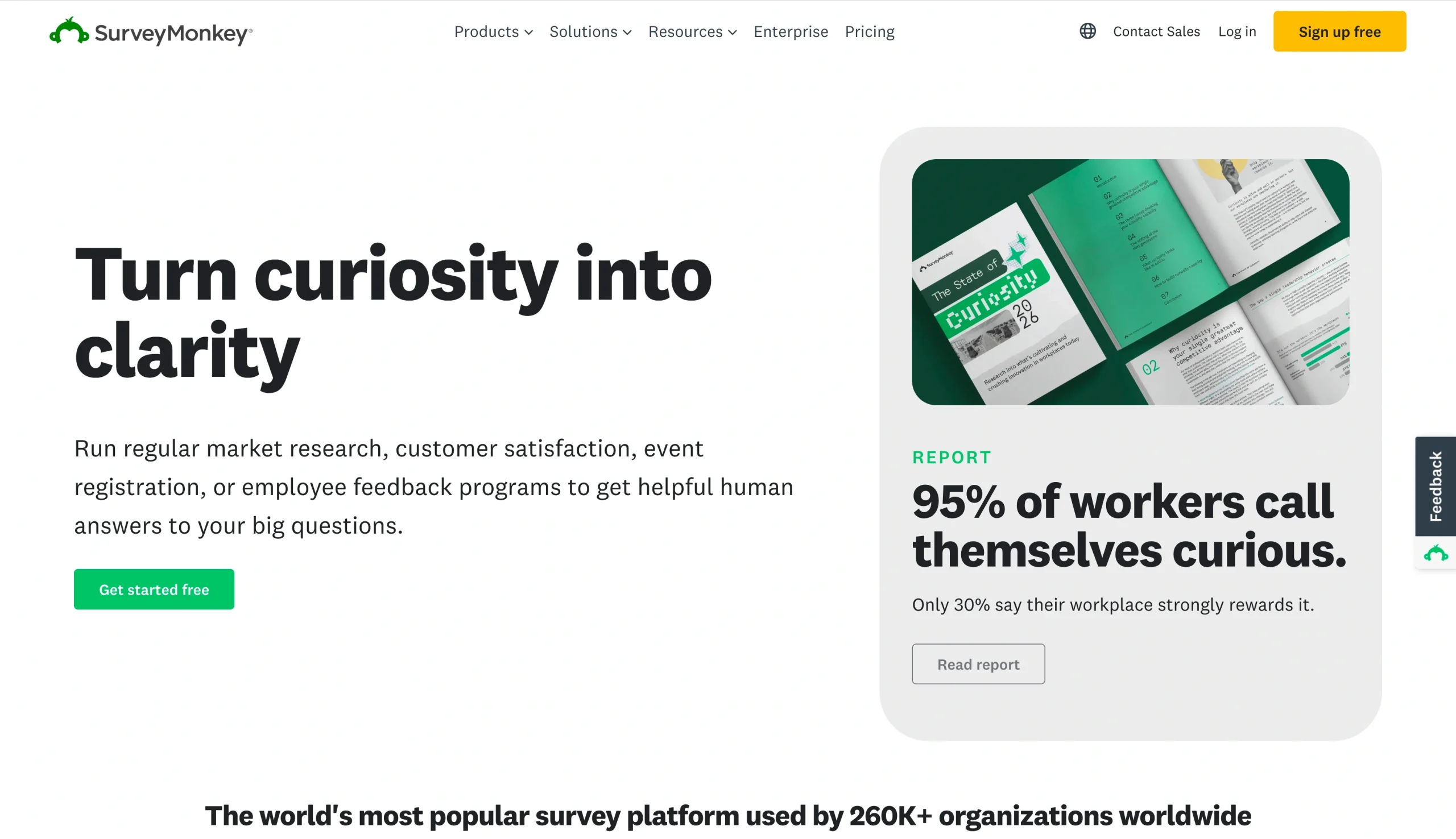
Why SurveyMonkey is a strong SurveyPlanet alternative: Designed almost exclusively for opinion-gathering forms, SurveyMonkey is one of the most customizable and flexible no-code builders you’ll find. There are intricate settings pages at the form, page, and field level, with a similar philosophy applied to survey results and analysis tabs.
This is one of the alternatives that fits squarely into large-scale survey use cases, like academic research or product iteration. SurveyMonkey emphasizes features that are most useful at scale, such as A/B testing questions, advanced conditional logic, industry benchmarking, and domain-specific statistical models. The same goes for integrations, with research and enterprise options that range from Wolfram to Salesforce. Its most standout feature, however, is the Research Panel, which lets you define audiences with specific traits so that SurveyMonkey can recruit respondents on your behalf.
The platform is neither cheap nor straightforward. Team plans start at $90 per month for 50,000 responses per year — an allotment that works out to just over 4,000 per month. That might be an easier pill to swallow if using the app didn’t have a steeper learning curve than most. Based on my experience testing it, SurveyMonkey only seems to make sense for teams that need tens of thousands of opinions to make a decision.
SurveyMonkey pricing: There are two categories of plans, each with their own pricing structure and feature lists.
Team plans consist of
- Advantage ($30 per user per month, for a minimum of three users): Unlimited surveys and questions, 50,000 responses per year, and team collaboration features.
- Premier ($92 per user per month, for a minimum of three users): Everything in Advantage, plus up to 100,000 responses per year, multilingual surveys, and the option to remove SurveyMonkey branding.
- Enterprise (custom pricing): Custom response ceiling and advanced security features.
While there is a free individual plan that gives you up to 25 responses per survey, individual paid plans include
- Advantage ($39 per month, billed annually): Everything in Starter, plus up to 15,000 responses per year, payment fields, A/B testing, and respondent tracking.
- Standard ($99 per month, billed monthly): Unlimited surveys and questions, skip logic, custom reports, and data exports.
- Premier ($139 per month, billed annually): Everything in Advantage, plus up to 40,000 responses per year, priority support, and the option to remove SurveyMonkey branding.
Pro Tip
SurveyMonkey is far from being the only high-end survey platform available. Those who need a platform of this caliber should check out our guide to SurveyMonkey alternatives before making a final call.
5. QuestionPro: Structured research surveys for academic and enterprise teams
Best for: Large-scale surveys and statistical analysis.

Why QuestionPro is a strong SurveyPlanet alternative: Migrating from SurveyPlanet to QuestionPro represents a significant jump in complexity. That said, it’s the obvious next step if you find yourself needing niche rating fields, bot detection, synthetic data, sentiment analysis, and undergrad-level number-crunching.
I have to admit that some of QuestionPro’s survey rating scales are so over my head that I had to go figure out what they were before I could test them. On a Research Edition plan you can insert semantic differentials, homunculus maps, Van Westendorp scales, and Gabor-Granger fields. With a middle-tier Team plan there are options to insert custom JavaScript, export SPSS files, and SQL database compatibility. QuestionPro is, unquestionably, the best tool on this list for anyone who spends the majority of their working hours on surveys.
It’s probably no surprise that this is also the hardest app to master on this list. And it’s an issue that applies to more than just industry-specific data and analysis. Even some of the design settings can be fussy, with long lists of both form-level and field-level visual customizations. Finally, there’s the issue of price, which starts at $99 per month.
QuestionPro pricing:
- Free: Up to 10 concurrent surveys with 200 responses per survey, 30 question types, basic response validation, and choice randomization.
- Advanced ($99 per user per month, billed annually): Unlimited surveys with up to 25,000 responses (account-wide) per year, 38 question types, AI features, and advanced logic.
- Team Edition ($83 per user per month, billed annually, for a minimum of five users): 100,000 responses per year, 46 different question types, correlation analysis, and enterprise integrations.
- Research Suite, Customer Experience, and Employee Experience (custom pricing): Custom response limits, all question types, and region-specific data centers.
Pro Tip
Moving to QuestionPro isn’t a choice to be made lightly. Consider all your options with our guide to the top QuestionPro alternatives before making any decisions.
6. Microsoft Forms: Speedy surveys backed by a sprawling productivity suite
Best for: Teams already using Microsoft 365 that need short, simple surveys.
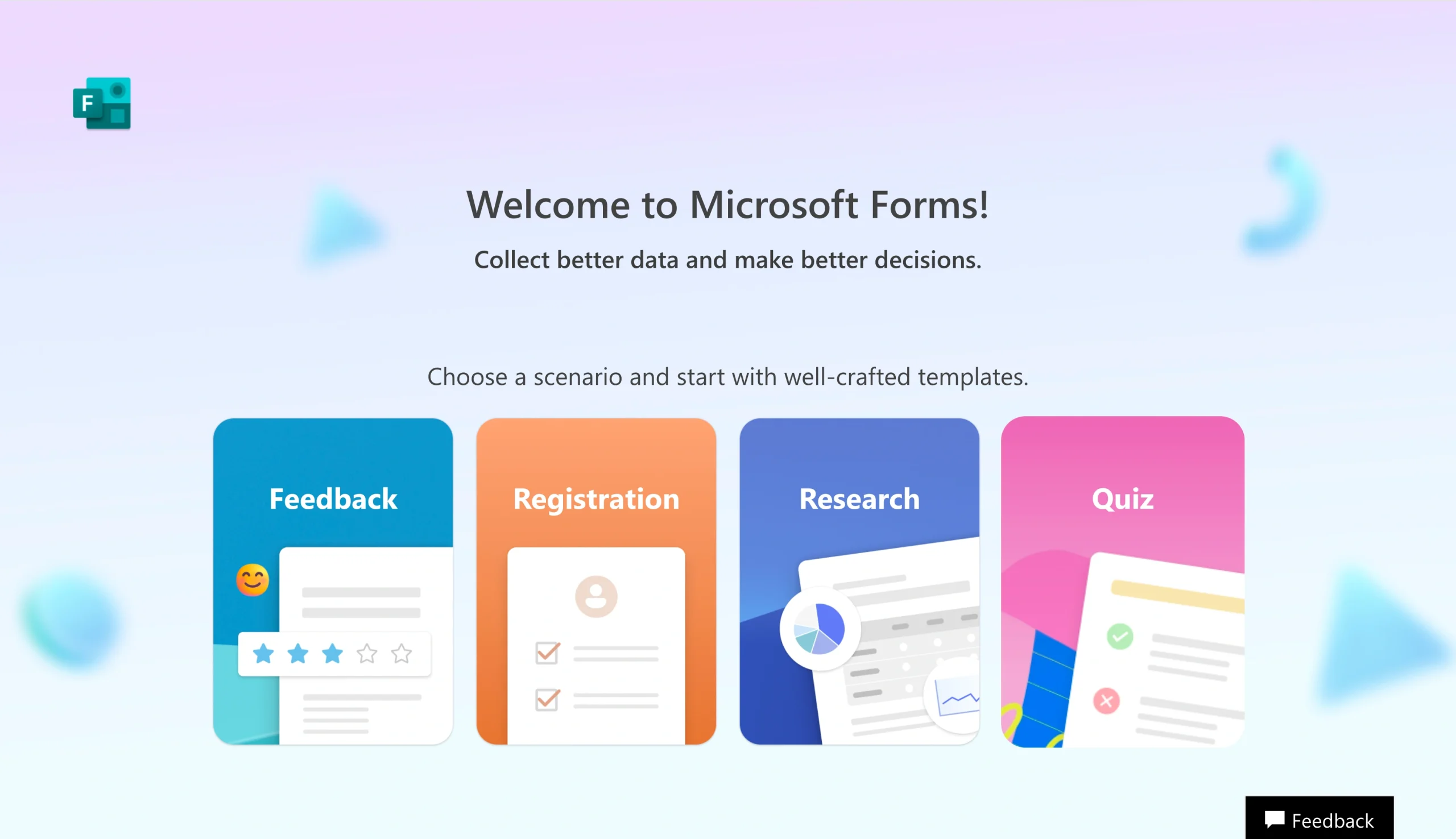
Why Microsoft Forms is a strong SurveyPlanet alternative: Microsoft Forms feels like the platform on this list that’s closest to SurveyPlanet in terms of features and user experience. It received a minor update in 2025 but retained its spartan field types, design options, and form settings.
If you have any type of Microsoft 365 account, even a free one, you have access to all of Microsoft Forms’ features. The only difference is that workplace accounts get up to 5,000,000 responses per survey and free accounts are limited to 200.
Although it boasts fewer than 10 field types, Forms has way more design customization than SurveyPlanet, with six different page layouts, video backgrounds, background music, and a decent template library. You can give your survey an end date, limit how long respondents have to complete it and, of course, sync responses to virtually any Microsoft 365 app.
Despite its somewhat unique background video and music, layouts, and templates, there’s no easy way to brand your forms (you could brand your background image, but it’ll get resized on different screens). And, like Google Forms, logic and question branching are rudimentary and analyzing survey data is both basic and inflexible. Still, if SurveyPlanet isn’t too restrictive for you, Microsoft Forms might be all you need.
Microsoft Forms pricing: Any Microsoft 365 account lets you create up to 400 forms, with up to 200 questions per form. Education and Business accounts can accept up to 5,000,000 responses per form, while paid personal accounts are limited to 1,000 responses and free accounts can only receive 200 responses.
7. Crowdsignal: Surveys built to work in WordPress with minimal upkeep
Best for: Building surveys that look and feel like full-blown websites.
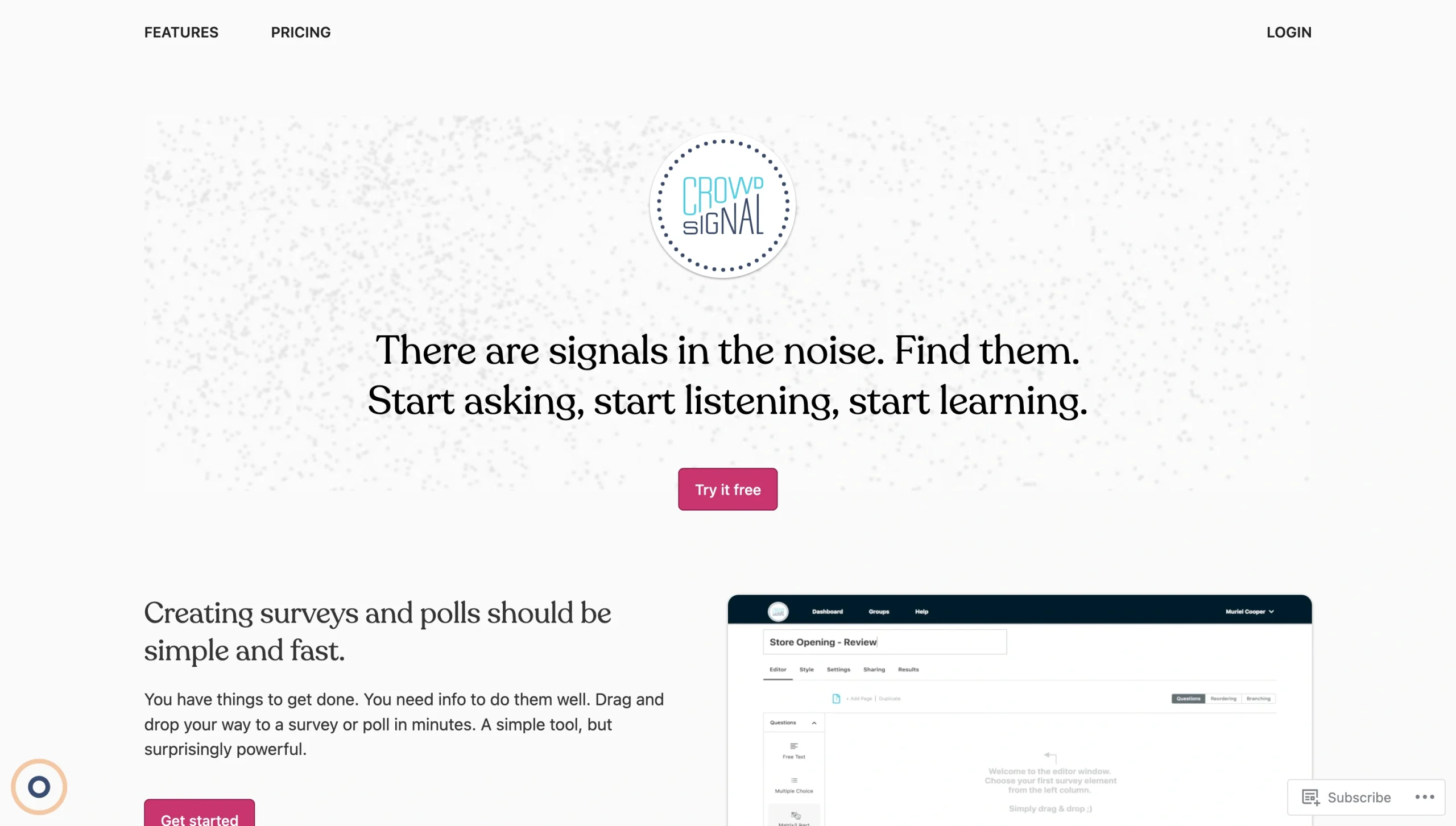
Why Crowdsignal is a strong SurveyPlanet alternative: Crowdsignal doesn’t technically require a WordPress website, but it’s a far better experience if that’s where you’ll publish your survey. The platform is owned and developed by Automattic, the company that owns WordPress.com, which is why Crowdsignal is built directly into “Poll” blocks — no plug-in required. If you have a self-hosted WordPress website, there’s one extra step, but the surveys otherwise function the same.
Creating a survey with Crowdsignal feels almost identical to working with WordPress’s Gutenberg block editor. You’ll add blocks for each question, perhaps sprinkling cover images, subheadings, and embedded video throughout the page, or adding multiple pages to break things up, before finally editing the confirmation page and clicking the Publish button. Some people will take issue with the limited number of field types and settings, but I felt those limitations were mostly offset by the relative freedom of block-based page design. Although there’s a bit of a learning curve, you can build surveys with a lot more personality and branding than more rigid, top-to-bottom form builders.
It’s worth clarifying that Crowdsignal won’t work for all but the most straightforward surveys. There’s no conditional logic — not even skip questions. And while the Results tab isn’t the most underpowered on this list, it is one of the least flexible. There are essentially no options for formatting or filtering the data you gather. Then there’s the sharing options, of which there are exactly two: a WordPress link or a JavaScript code snippet. Still, if you have a WordPress site and small survey ambitions, this is absolutely worth a try.
Crowdsignal pricing:
- Free: Unlimited surveys and questions, up to 2,500 “signals,” basic export options, media embeds, and file uploads up to 1 MB.
- Premium ($25 per month): Unlimited survey responses, advanced reporting and exports, conditional logic, and basic integrations.
- Business ($59 per month): Everything in Premium, plus the ability to remove Crowdsignal branding, share response databases with others, customize CSS, and use the API.
Pro Tip
There are so many other survey builders with awesome WordPress plugins, Jotform included. Make sure to review our list of the best Crowdsignal alternatives if you need one with a longer feature list.
How to choose the best SurveyPlanet alternative
Whether it realizes it or not, SurveyPlanet is often more of an entry point than a long-term solution. It’s easy to get started with and gives you unlimited responses as you experiment with what works and what doesn’t. Inevitably, though, you’ll want to integrate your surveys with other apps and turn your responses into more useful data.
Each of the alternatives on this list address those issues in different ways:
- Choose Google Forms or Microsoft Forms if: You need a free, low-maintenance survey tool that slots into a productivity suite you’re already using. Neither supports skip logic beyond the most basic branching, and neither lets you cross-tabulate or filter responses after the fact. But both handle Likert scales, open-ended answers, and single-select questions well enough for pulse checks and internal NPS.
- Choose Jotform if: You need a single platform that handles survey building, response collection, automation, and reporting without requiring a separate tool for each. It’s the most versatile option on this list and its pricing scales well from a small team collecting customer feedback to a large organization running end-to-end data workflows.
- Choose SurveyMonkey or QuestionPro if: You need an enterprise-grade research tool. SurveyMonkey’s Research Panel can recruit respondents that match specific demographic criteria, while QuestionPro goes even deeper with statistical models, SPSS exports, and specialized field types built for academic-level analysis. Both carry a steeper learning curve and a higher price tag, so they’re best suited to teams running surveys as a core part of their work.
- Choose Typeform or Crowdsignal if: Personality matters as much as the data you collect. Typeform’s conversational forms improve completion rates on longer surveys, and its AI-assisted analytics help pinpoint import insights. Crowdsignal is the better fit if you publish on WordPress and want your survey to look and feel like part of your website rather than an embedded widget.
Ultimately, the best SurveyPlanet alternative is as much about what happens after publishing your survey as before it. If your survey ends when someone hits submit, almost any tool here will do. But if responses need to trigger a workflow, feed a dashboard, or get routed to different teams based on answer logic, the tool you choose matters a lot more than it might seem upfront.
Jotform is built to be as flexible and customizable as possible, working for surveys small and large. Sign up for a free account today to see how all the features and tools fit your preferred working style.
FAQs about SurveyPlanet alternatives
Yes. Every alternative on this list has a free plan with at least 10 responses allowed per month. Google Forms is the most generous, with no response or survey limits, no upsell prompts, and no paid tiers at all. Jotform’s free plan is limited to 100 submissions per month but at least lets you use all of its premium features and tools until you hit the ceiling.
SurveyMonkey is the best fit primarily because of its Research Panel feature, which recruits respondents matching specific demographic profiles on your behalf. It also offers A/B testing, industry benchmarking, and domain-specific statistical models — features that are purpose-built for market and academic research at scale.
SurveyPlanet is a lightweight builder with fewer than 10 field types, no native integrations, and basic analytics. Jotform goes well beyond surveys, offering payment forms, e-signatures, app and automation builders, a report builder, and a library of 20,000-plus form templates — making it a full business workflow platform rather than just a survey tool.
Microsoft Forms is the obvious choice, with a few caveats. Forms is included with every Microsoft 365 account; integrates natively with Teams, Excel, and other Microsoft apps; and requires no setup beyond signing in. However, because its field types, design settings, and analytics leave a lot to be desired, you might want to consider a form builder with a Microsoft 365 integration instead.
This article is for educators, SMB owners, marketers, HR teams, researchers, and operations teams evaluating SurveyPlanet but unsure whether they should stick with a simple free survey builder or switch to a tool with stronger analytics, branding, integrations, workflow automation, or research depth.





































































































Send Comment: