

The best WooCommerce alternatives of 2026
If you’re looking to sell something online, there’s no shortage of great e-commerce platforms out there. WooCommerce is one of the most well-known options, and it allows you to sell your products and accept payments online directly on your WordPress site.
However, if WooCommerce doesn’t offer the functionality you need or you want to try another e-commerce platform, you’re in luck — we’ve gathered the top contenders in this article. Take a look and decide if one of these e-commerce solutions can help you sell more online, or make it easier for you to manage your store on a day-to-day basis.


Jotform AI Agent: AI Chatbot for WordPress Websites
For WordPress users who want to boost engagement and sales, Jotform’s AI Chatbot for WordPress adds a conversational AI layer to your site. This no-code chatbot installs directly from the WordPress plug-in directory, automatically learns from your site content (like product pages, FAQs, and blog posts), and provides real-time assistance to visitors.
It can answer common product questions, guide shoppers through order forms, and reduce cart abandonment by addressing last-minute concerns. Beyond e-commerce, it can also qualify leads, route inquiries to forms, and support customers 24-7.
Top 8 WooCommerce alternatives: a quick comparison
| Tool | Best for | Plans/pricing |
|---|---|---|
 Jotform Store Builder |
No-code order forms and small online stores both on and off WordPress |
Free version; paid plans range from $39 per month (billed annually) to custom, enterprise-level options |
 Shopify |
Merchants that want a hosted, all-in-one e-commerce platform |
Paid plans range from $27 per month to $2,300 per month |
 BigCommerce |
Fast-growing brands that sell across multiple channels |
Paid plans range from $39 per month to custom, enterprise-level options |
 Adobe Commerce |
Highly customized and enterprise-level e-commerce builds |
Magento Open Source is free; Adobe Commerce is quote-based |
 Wix eCommerce |
Beginners who want drag-and-drop site building with e-commerce |
Paid plans range from $17 per month to custom, enterprise-level options |
 Squarespace Commerce |
Design-led brands wanting polished storefronts with built-in marketing tools |
Paid plans range from $18 per month to $50 per month |
 Square Online |
Brick-and-mortar sellers that use Square point of sale (POS) or plan to sell both in person and online |
Free version; paid plans range from $49 per month to custom, enterprise-level options |
 Salesforce Commerce Cloud |
Global enterprises that already use the Salesforce ecosystem |
Enterprise, quote-based pricing |
The 8 best WooCommerce alternatives to try in 2025
1. Jotform Store Builder
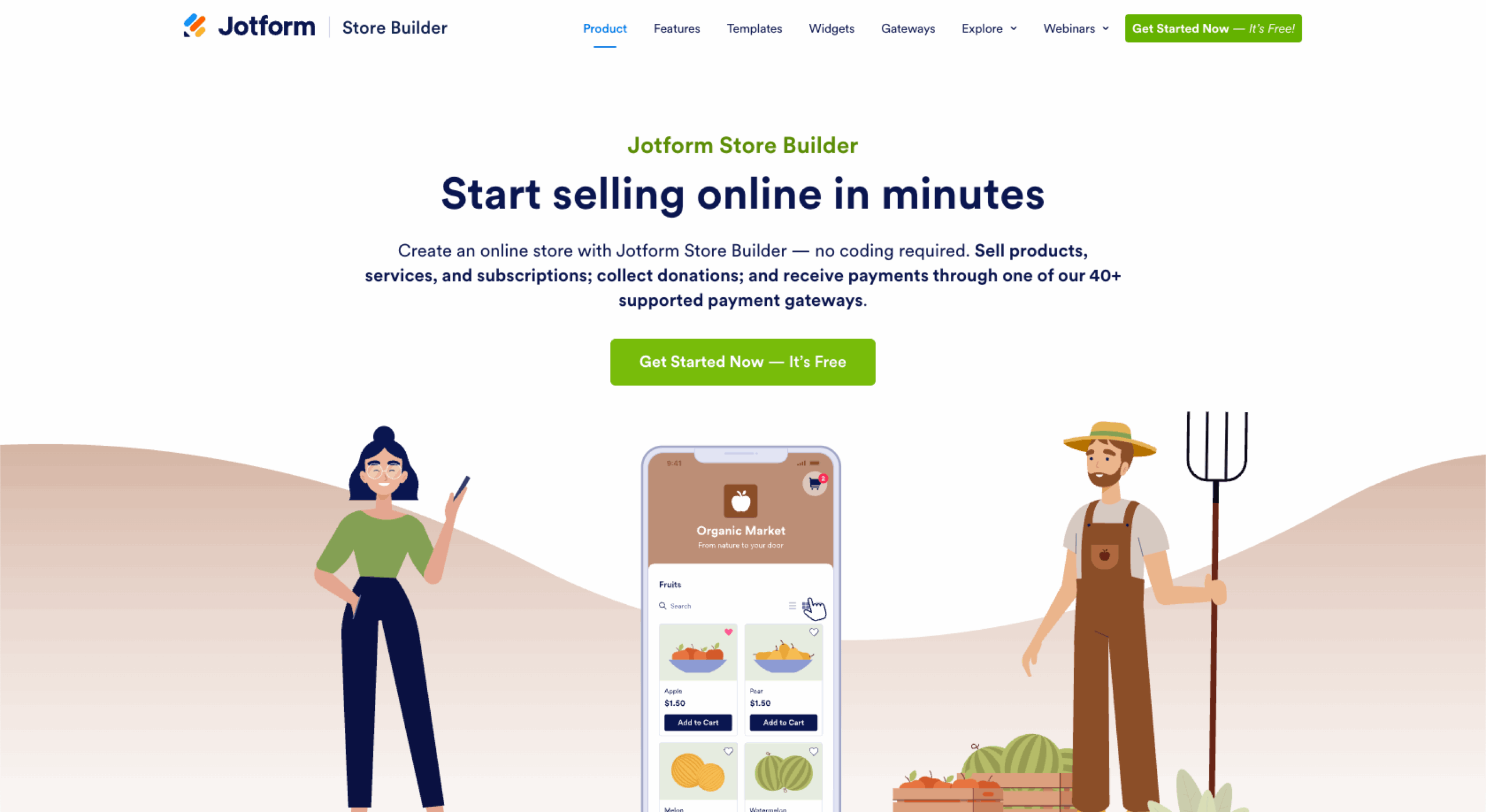
Jotform Store Builder is a no-code way to launch an online store. It works with or without WordPress, so you can sell via a site, link, or QR code. It’s especially useful if you’re already using Jotform for forms and want payments, products, and customer data to flow into the same workspace. Nontechnical teams can spin up stores quickly with the drag-and-drop interface, before connecting them to over 40 payment gateways.
- Key features: No-code drag-and-drop store builder with 1,800-plus industry-specific templates; works as an embedded store on WordPress or as a standalone shop you share via link or QR code; 40-plus payment gateways, including PayPal, Stripe, Square, and more; deep integration with Jotform’s ecosystem, including Form Builder, Tables, Approvals, and Workflows
- Pros: Very low learning curve for nontechnical users; great fit when you need forms, payments, and simple storefronts in one place; flexible publishing options for landing pages, social selling, and QR-driven campaigns
- Cons: Not ideal for very large catalogs or complex multi-store setups
- Plans/pricing:
- Starter (free)
- Bronze ($39 per month)
- Silver ($49 per month)
- Gold ($129 per month)
- Enterprise (custom pricing)
- G2 rating: 4.7/5
2. Shopify

Shopify is a fully hosted e-commerce platform that lets you launch a store quickly and then scale it across web, social, marketplaces, and in-person sales. It handles hosting, security, and core commerce features for you, so you can focus on products, marketing, and growth. With thousands of apps and built-in POS options, it’s a strong WooCommerce alternative if you prefer a managed environment.
Pro Tip
Enable 24-7 chat with Shopify AI Agents so that customers can get support even when your team’s offline.
- Key features: Hosted storefront with built-in SSL, checkout, inventory, and order management; app store with more than 8,000 apps for marketing, shipping, accounting, and more; multi-channel selling across website, social platforms, and marketplaces
- Pros: Fast setup for nontechnical merchants; highly scalable infrastructure that supports small shops and large brands; large ecosystem of apps, themes, and experts
- Cons: Reliance on paid apps can increase total cost of ownership, additional transaction fees if you don’t use Shopify Payments, some customizations require Liquid or developer support
- Plans/pricing:
- Basic ($27 per month)
- Grow ($72 per month)
- Advanced ($399 per month)
- Plus ($2,300 per month)
- G2 rating: 4.4/5
Pro Tip
Already tried Shopify? Explore six of the best Shopify alternatives to find something that works for you and your business.
3. BigCommerce

BigCommerce is a hosted e-commerce solution aimed at growing and mid-market brands that want robust native features and multichannel selling. It’s particularly strong if you’re planning to sell across marketplaces, social channels, and multiple storefronts. Compared to WooCommerce, it offloads hosting and security but retains a lot of flexibility for complex catalogs.
- Key features: Native support for large catalogs, variants, and B2B features; built-in multichannel integrations with platforms like Amazon, Facebook, and Instagram; advanced search engine optimization (SEO) tools and flexible product/category management
- Pros: Rich built-in feature set reduces dependence on third-party apps, good fit for complex catalogs and brands planning to scale, recognized by G2 as one of the top commerce software products in 2025
- Cons: Template customization and design flexibility can feel more constrained than some competitors; interface and configuration can be less intuitive for absolute beginners; pricing tiers are tied to annual online sales volume, which can bump you up as you grow
- Plans/pricing:
- Standard ($39 per month)
- Plus ($105 per month)
- Pro ($399 per month)
- Enterprise (custom pricing)
- G2 rating: 4.2/5
4. Adobe Commerce

Adobe Commerce (formerly Magento Commerce) is a highly customizable platform aimed at enterprises and organizations with complex requirements. It’s ideal when you need deep control over storefront logic, multi-store setups, and heavy integrations, and you have technical resources or an agency partner. The open-source Magento edition offers a good starting point, but most advanced features live in the commercial Adobe Commerce product.
- Key features: Highly extensible architecture for custom storefronts, complex catalogs, and multi-store environments; support for multiple languages, currencies, and international storefronts straight out of the box; rich promotion, merchandising, and personalization capabilities
- Pros: Extreme flexibility, making it suitable for very specific or advanced use cases; strong feature set for enterprise and global commerce; large ecosystem of extensions, agencies, and solution partners
- Cons: Significant developer dependency for setup, customization, and maintenance; higher total cost of ownership versus plug-and-play SaaS platforms; recent security vulnerabilities mean teams must stay on top of patching and monitoring
- Plans/pricing:
- Magento Open Source is free to download but still requires hosting, implementation, and ongoing maintenance
- Adobe Commerce (the commercial cloud product) is quote-based, with pricing that scales by revenue and complexity; you’ll also need to budget for hosting and development resources
- G2 rating: 4/5
5. Wix eCommerce

Wix eCommerce is built for users who want a visual, drag-and-drop editor with minimal technical overhead. It’s a good WooCommerce alternative if you value design flexibility and simplicity over deep customization. Smaller stores and service businesses can quickly launch a site and add e-commerce via Wix Stores.
- Key features: Drag-and-drop website builder with 900-plus templates and app marketplace support; built-in Wix Stores app for physical, digital, and subscription products; support for multichannel selling, including social and marketplace integrations
- Pros: Very approachable for beginners with no coding experience; strong design flexibility and large template library; all-in-one approach (hosting, builder, basic e-commerce) simplifies management
- Cons: Template switching is limited, so redesigns can be time-consuming; advanced e-commerce features and performance tuning are more constrained than on specialist platforms; third-party integrations and apps may be needed for more complex workflows
- Plans/pricing:
- Light ($17 per month, billed annually)
- Core ($29 per month, billed annually)
- Business ($39 per month, billed annually)
- Business Elite ($159 per month, billed annually)
- Enterprise (custom pricing)
- G2 rating: 4.2/5
6. Squarespace Commerce

Squarespace Commerce is a hosted website and store builder known for its polished, design-forward templates. It works well for brands, creatives, and small businesses that want a premium look with minimal customization and coding. Commerce features are layered onto Squarespace’s core site builder, so you can manage content, marketing, and products in one place.
- Key features: High-quality templates optimized for visual storytelling and product imagery; built-in e-commerce tools for products, subscriptions, and services; marketing features like email campaigns, basic SEO tools, and promotional banners
- Pros: Excellent out-of-the-box design with minimal configuration required; all-in-one platform for content, blogging, and commerce; good fit for visual-driven brands, portfolios, and boutique stores
- Cons: Less flexible for heavy custom development and highly complex e-commerce; some users report limitations around advanced customizations and integrations; no free forever plan, so you’ll move to paid tiers once the trial ends
- Plans/pricing:
- Personal ($18 per month)
- Business ($25 per month)
- Commerce Basic ($28 per month)
- Commerce Advanced ($50 per month)
- G2 rating: 4.4/5
7. Square Online
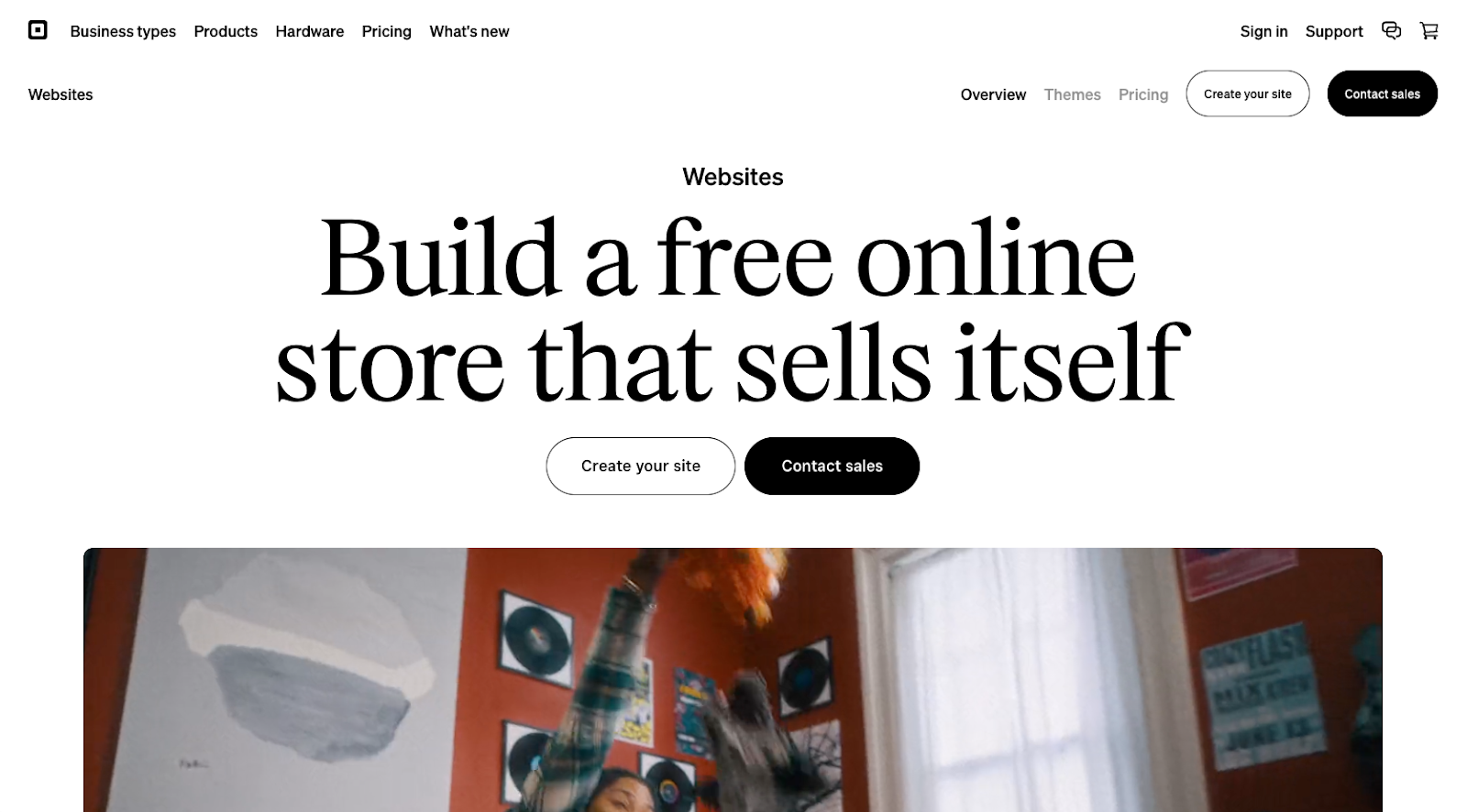
Square Online (formerly Weebly) is built for merchants who already use (or plan to use) Square POS and want a connected online store. It replaces and extends Weebly’s e-commerce capabilities, syncing orders, inventory, and customer data between in-person and online channels. This makes it a natural WooCommerce alternative for restaurants, local retailers, and service businesses that sell both on-site and online.
- Key features: Tight integration with Square POS for unified inventory and payment processing; tools for pickup, delivery, and shipping, including restaurant-friendly ordering flows; simple site builder geared toward small business owners
- Pros: Very smooth experience for merchants already using Square in person, straightforward setup for basic online stores and ordering pages, free plan makes it easy to test before investing in paid tiers
- Cons: Design flexibility and template options are more limited than some competitors; less suited to large, complex catalogs or advanced international selling; some users note constraints around more advanced integrations and customization
- Plans/pricing:
- Square Free (free)
- Square Plus ($49 per month)
- Square Premium ($149 per month)
- Square Pro (custom pricing)
- G2 rating: 4.2/5
8. Salesforce Commerce Cloud
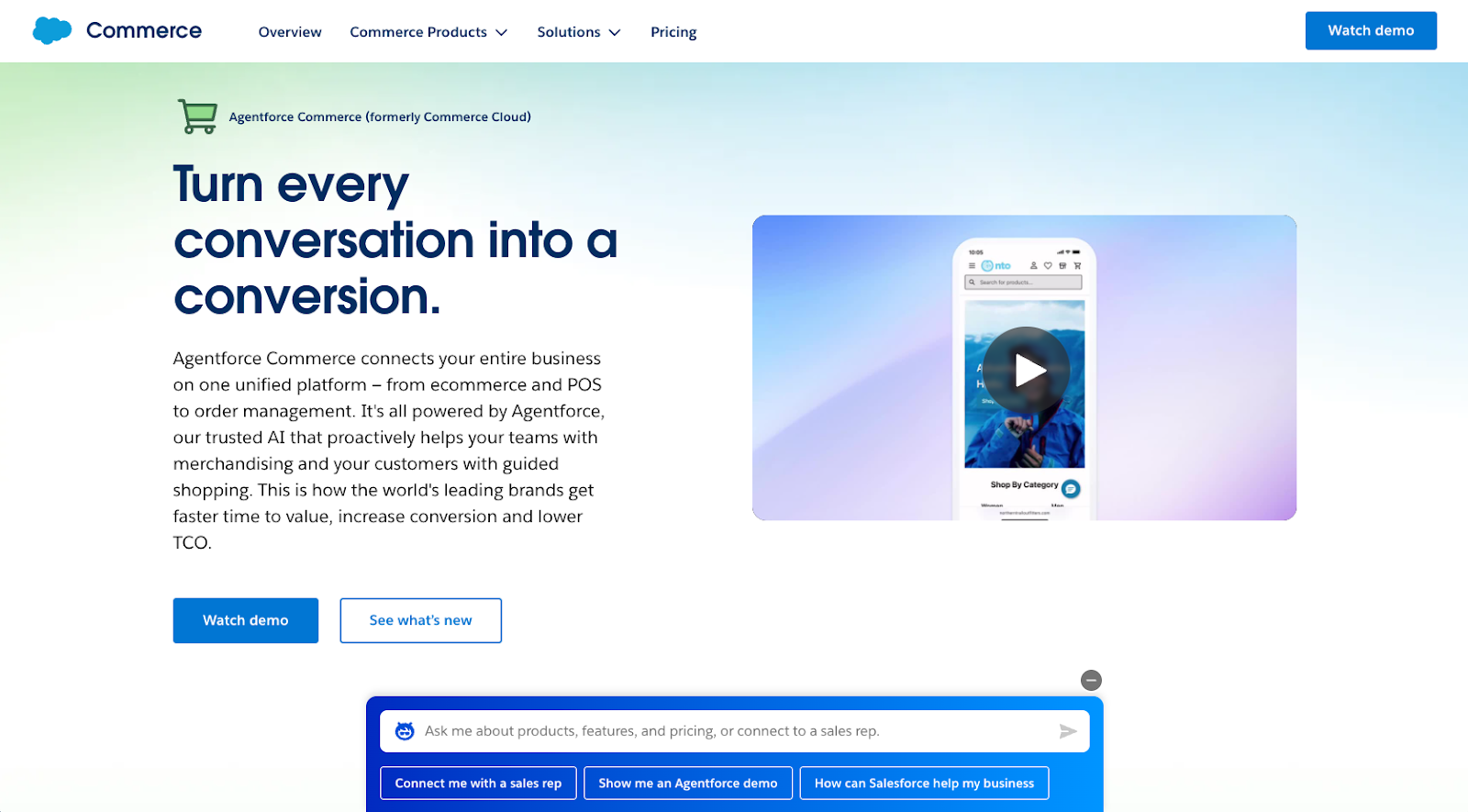
Salesforce Commerce Cloud (and especially Commerce for B2C) is an enterprise-grade platform for brands that already rely on the Salesforce ecosystem. It’s designed for global, multi-site, omnichannel commerce with deep CRM, marketing, and service integration. This makes it a strong WooCommerce alternative for large organizations that need advanced personalization and unified customer data.
- Key features: Deep integration with Salesforce CRM, Marketing Cloud, and Service Cloud for a single customer view; AI-powered merchandising and personalization (Einstein) for tailored product and content recommendations; robust support for multi-site, multi-language, and multi-currency setups
- Pros: Highly scalable and reliable for global brands with complex requirements; strong omnichannel capabilities across web, mobile, and in-store; powerful personalization and analytics for data-driven optimization
- Cons: Licensing, implementation, and ongoing management costs are high; best suited to teams with in-house technical resources or agency partners; overkill for small businesses or simple stores
- Plans/pricing:
- Enterprise, quote-based pricing driven by factors like gross merchandise value, traffic, and feature needs
- Expect additional spend on implementation partners, custom development, and ongoing administration; Salesforce’s site and partners can provide tailored estimates
- G2 rating: 4.3/5, 4.4/5
Find the best WooCommerce alternative for your needs
Before moving on from WooCommerce, take a step back and think through what your store really needs. It’ll help you quickly zero in on the right platform.
- Budget and pricing: Know what you can afford — not just for the platform itself, but also for the themes, apps, and transaction fees. Need something free to start? Some platforms offer generous free plans. Others make more sense if you’re ready to scale with a paid tier.
- Team size and skill level: Got a small, nontechnical team? Hosted, no-code tools will save you time and headaches. If you’ve got developers on board, you can go with a more flexible, hands-on setup.
- Catalog size and where you sell: Consider how many products and variations you have now, how fast you’re growing, and whether you plan to sell in-store, through marketplaces, or on social media.
With all these WooCommerce alternatives, you’ve got a lot of options at your fingertips. If you’re not sure which platform to go with, keep in mind that many offer free trials or free plans so that you can try them out without incurring any costs. Be sure to look closely at the features available, the ease of use, and security capabilities when making your decision.
And if you’re looking for a simple yet powerful way to create an online store — no coding required — give Jotform Store Builder a try for free today.
Frequently asked questions
Wix is often better for beginners who want an all-in-one, drag-and-drop website builder with simple e-commerce. WooCommerce is more flexible and powerful but usually suits users who are comfortable managing WordPress, hosting, and plug-ins.
Yes, you can sell on WordPress using alternatives like Jotform Store Builder, Shopify buy buttons, or other e-commerce plug-ins and payment widgets. These tools let you embed product listings, order forms, and checkout flows directly into your WordPress pages and posts.
This guide is for anyone selling online who’s rethinking a plugin-based store on a content management system or weighing a hosted, all-in-one platform.

























































Send Comment: