

Top online spreadsheet databases


Whether you manage a small business, an operations team, or a nonprofit program, your data likely started in a spreadsheet. After all, they’re quick to set up and easy for anyone to use. But a sheet that was once effortless gets harder to manage as soon as you need structured records, form entries, different views for different people, and accuracy while several teammates edit it simultaneously.
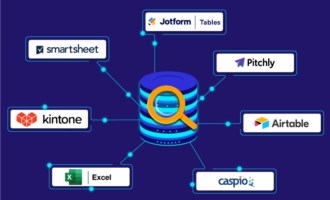
An online spreadsheet database offers a middle ground, keeping the grid you already know while organizing your information more like a flexible database. If you’ve outgrown basic spreadsheets but don’t want the complexity of a traditional database, here’s how five of the best online spreadsheet databases compare.
| Tool | Best for | Key features | Plans/pricing |
|---|---|---|---|
 Jotform Tables |
Form-driven data collection and organization |
Natively connected form builder and database |
Included with all Jotform plans, including the free Starter plan; paid plans start at $34 per month, billed annually; custom, enterprise-level pricing is available |
 Airtable |
Flexible relational databases and app development |
Powerful database and app-building ecosystem |
Free plan; paid plans start at $20 per seat per month, billed annually; custom, enterprise-level pricing is available |
 Stackby |
Database spreadsheets with native integrations and automations |
API-connected columns and Powerups |
Free plan; paid plans start at $4.20 per seat per month, billed annually; custom, enterprise-level pricing is available |
 Baserow |
Open-source and self-hosted spreadsheet databases |
Self-hosting capabilities |
Free plan; paid plans start at $10 per user per month, billed annually; custom, enterprise-level pricing is available |
 Notion |
Knowledge and project management in lightweight databases |
All-in-one management workspace |
Free plan; paid plans start at $10 per member per month, billed annually; custom, enterprise-level pricing is available |
1. Jotform Tables
- Why it made the list: Ideal for managing form-driven data collection and organization without the need for a traditional database
- Key strengths: Forms populate tables automatically with every submission; multiple views, formulas, action buttons, and PDF generation in one workspace; Jotform AI Data Assistant summarizes records and flags what needs attention
- Key drawback: Less database-centric compared to options like Airtable or Stackby
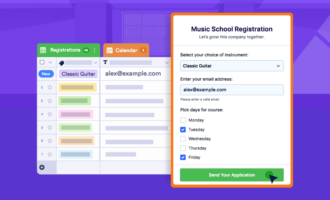
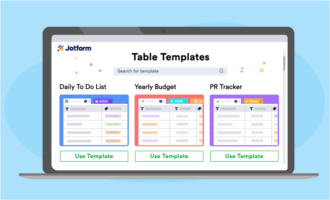
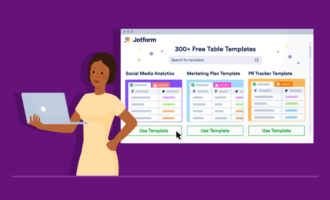
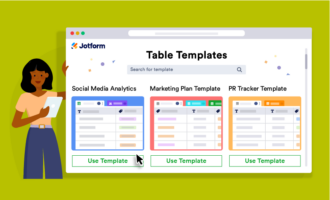
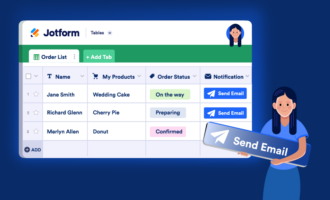
Jotform Tables is the best online spreadsheet database for teams whose data starts with forms, such as requests, registrations, orders, applications, or feedback. Every submission appears in a spreadsheet-style table automatically, and you can also import existing CSV or Excel files, add and update records manually, or start from one of Jotform’s free table templates.
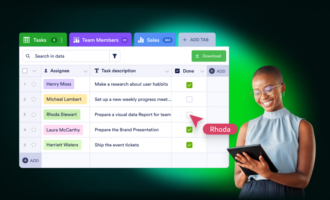
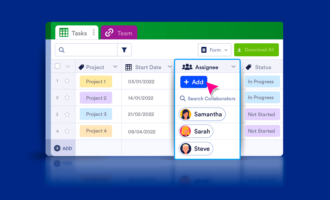
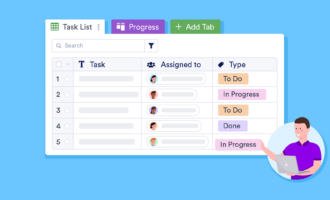
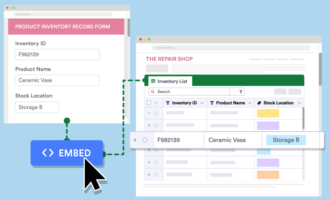
The user-friendly interface makes it easier to see your data with multiple views, including table, cards, calendar, uploads, and reports. You can also share your Tables using built-in collaboration options or create embeddable online databases with Jotform Tables that can be added to your website.
This solution also features automation tools such as formulas, action buttons, PDF generation, and integrations that help you turn records into streamlined workflows. Plus, Jotform AI Data Assistant is available in every plan — even the free Starter package. AI Data Assistant features handle deeper analysis, summarizing records, generating charts, spotting patterns, and flagging entries that need attention when you ask about your data in plain language.
While Jotform Tables is a useful spreadsheet database app, it’s important to note that it’s not an SQL database or developer-first back end for custom, complex applications. Jotform’s strength is giving non-technical teams access to no-code spreadsheet databases that offer data collection, organization, collaboration, and AI-assisted analysis in a single platform.
Jotform Tables pricing
Many users will find that Jotform’s expansive free plan provides what they need — particularly because it offers access to all Jotform tools, not just Tables. But if you’re looking to upgrade your tools’ capacity, you can also pay a flat or custom rate for paid and enterprise plans.
- Starter (free): Five forms, 100 monthly submissions, and Jotform branding
- Bronze ($34 per month, billed annually; or $39 billed monthly)
- Silver ($39 per month, billed annually; or $49 billed monthly)
- Gold ($99 per month, billed annually; or $129 billed monthly)
- Enterprise (custom pricing)
2. Airtable
- Why it made the list: Offers powerful relational database tools best suited for developer-led projects such as app development
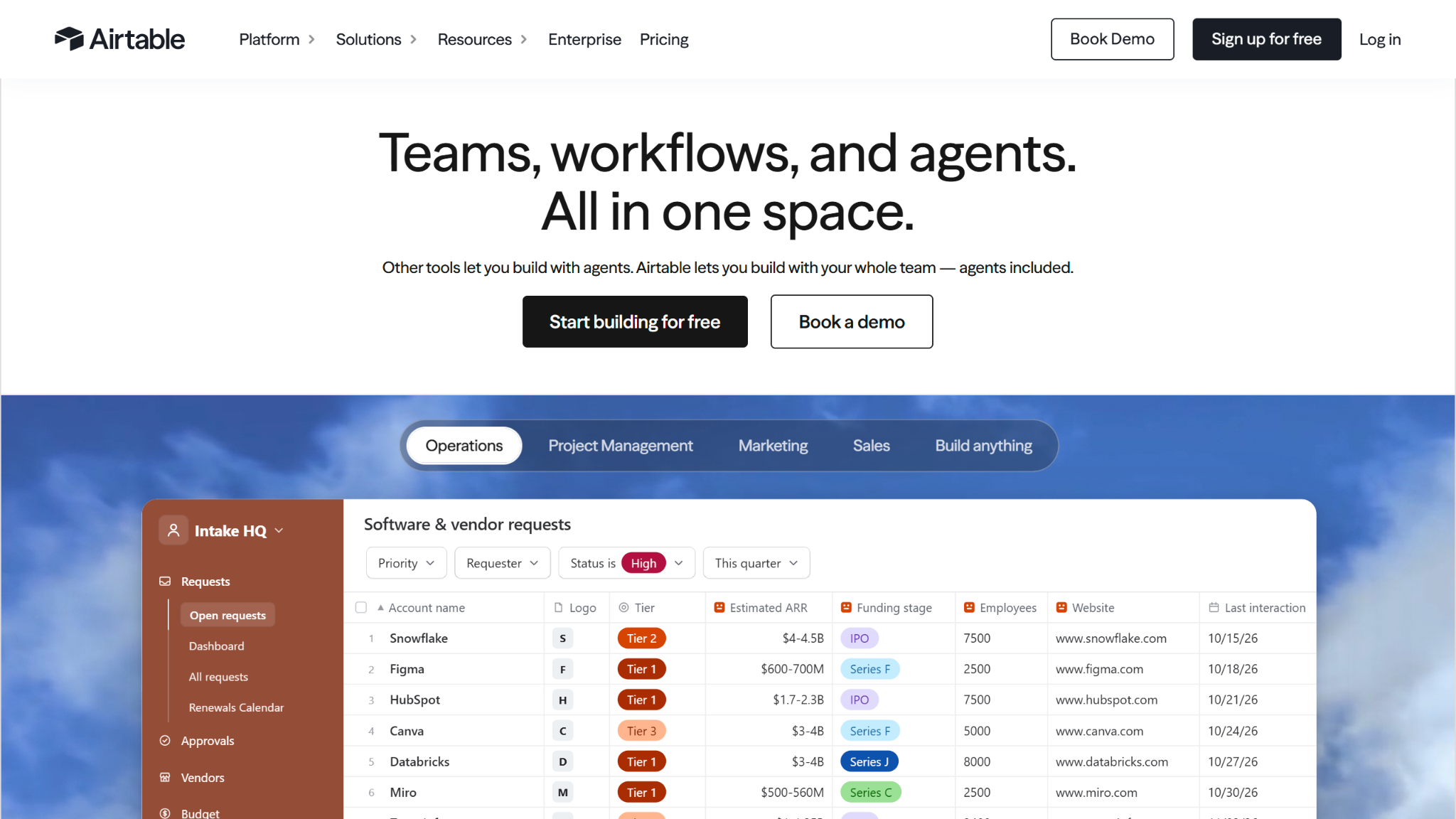
- Key strengths: Highly flexible database structure, strong application-building capabilities, popular integrations and enterprise solutions
- Key drawback: Advanced features are difficult to learn without technical expertise
When a database is a better fit than a spreadsheet, Airtable can offer the best of both worlds. This solution works for teams building apps, but its spreadsheet database capabilities aren’t limited to app development alone. Airtable’s tools are tailored to a wide range of industries, making it a popular choice among database spreadsheet software options.
Airtable’s strengths lie in its data storage, relationship management, and automation capabilities — using solutions like a scalable database, AI agents, and AI app-creation tools to help teams build a single source of truth.
But that flexibility comes with more of a learning curve compared to some Airtable alternatives, since getting the most out of Airtable means deciding up front how to split your data into tables and connect them — like linking a Clients table to a Projects table — before you start adding records. This can limit the benefit that smaller, less technical teams receive for the price they pay.
Airtable pricing
Airtable’s pricing scale specifically focuses on increasing capacity and automation as you grow. AI credits, automation runs, record numbers, and attachment storage all escalate with paid plans. The free plan has limited capacity that may be unhelpful for some organizations.
- Free: Up to five editors and 1,000 records per base
- Team ($20 per seat per month, billed annually; or $24 billed monthly)
- Business ($45 per seat per month, billed annually; or $54 billed monthly)
- Enterprise Scale (custom pricing)
3. Stackby
- Why it made the list: Flexible, API-connected database spreadsheets at a low per-user cost
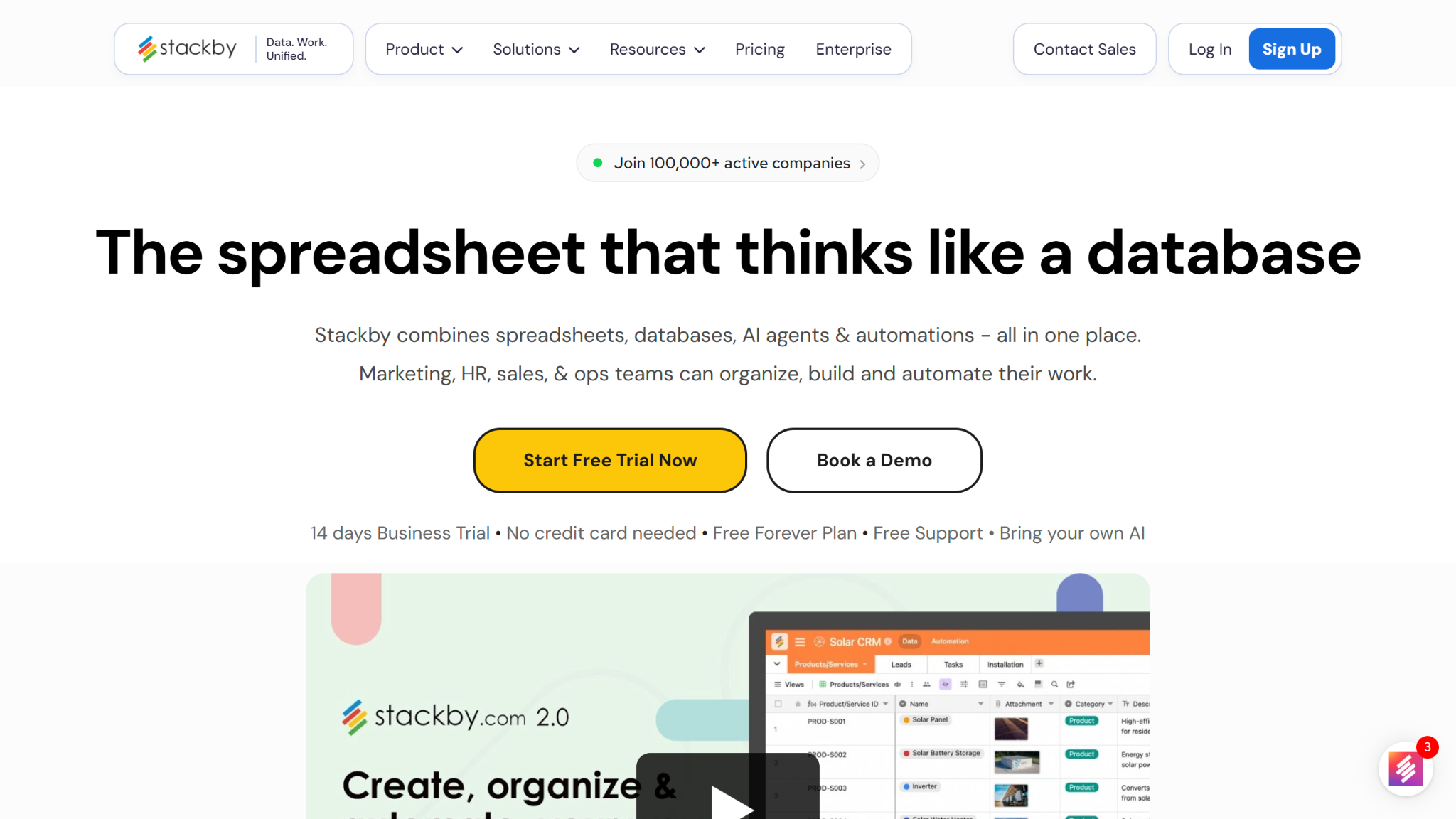
- Key strengths: Native database spreadsheet API connectivity, extensive flexibility with automated features, strong per-user price-to-feature ratio
- Key drawback: Tight usage limits can be a constraint for power users
Stackby offers a way to bring your database sources and third-party data management tools together into a single system. With highly flexible API connectivity and a wealth of integrations and built-in apps, this solution is ideal for users looking to consolidate their tech stack with a no-code interface.
Its standout feature is the API connector column, which links a column to a service like Google Analytics and fills your rows with live data, refreshed manually on the free plan and automatically on paid plans. AI fields can analyze documents or search the web, and automations plus Zapier and Make connections handle routine updates.
However, Stackby’s pricing plans have narrow usage limits. Each element, from rows to attachments to automation runs, is capped based on the plan you choose.
Stackby pricing
Stackby has a unique pricing structure compared to the other solutions on this list. This online database tool scales down per-user pricing as your team grows — up to 100 users. More users mean a lower cost per user, even if your overall price increases. But plans aren’t separated by user number. Stackby plans are split into several tiers based on feature access and capacity, each with its own fluctuating pay scale based on your member volume.
- Free: Up to five editors, 50 read-only guests, and 1,500 rows per stack
- Economy ($4.20 per seat per month, billed annually; or $10 billed monthly)
- Business ($8.30 per seat per month, billed annually; or $18 billed monthly)
- Pro ($12.50 per seat per month, billed annually; or $30 billed monthly)
- Enterprise (custom pricing)
4. Baserow
- Why it made the list: Open-source and self-hosted spreadsheet database options
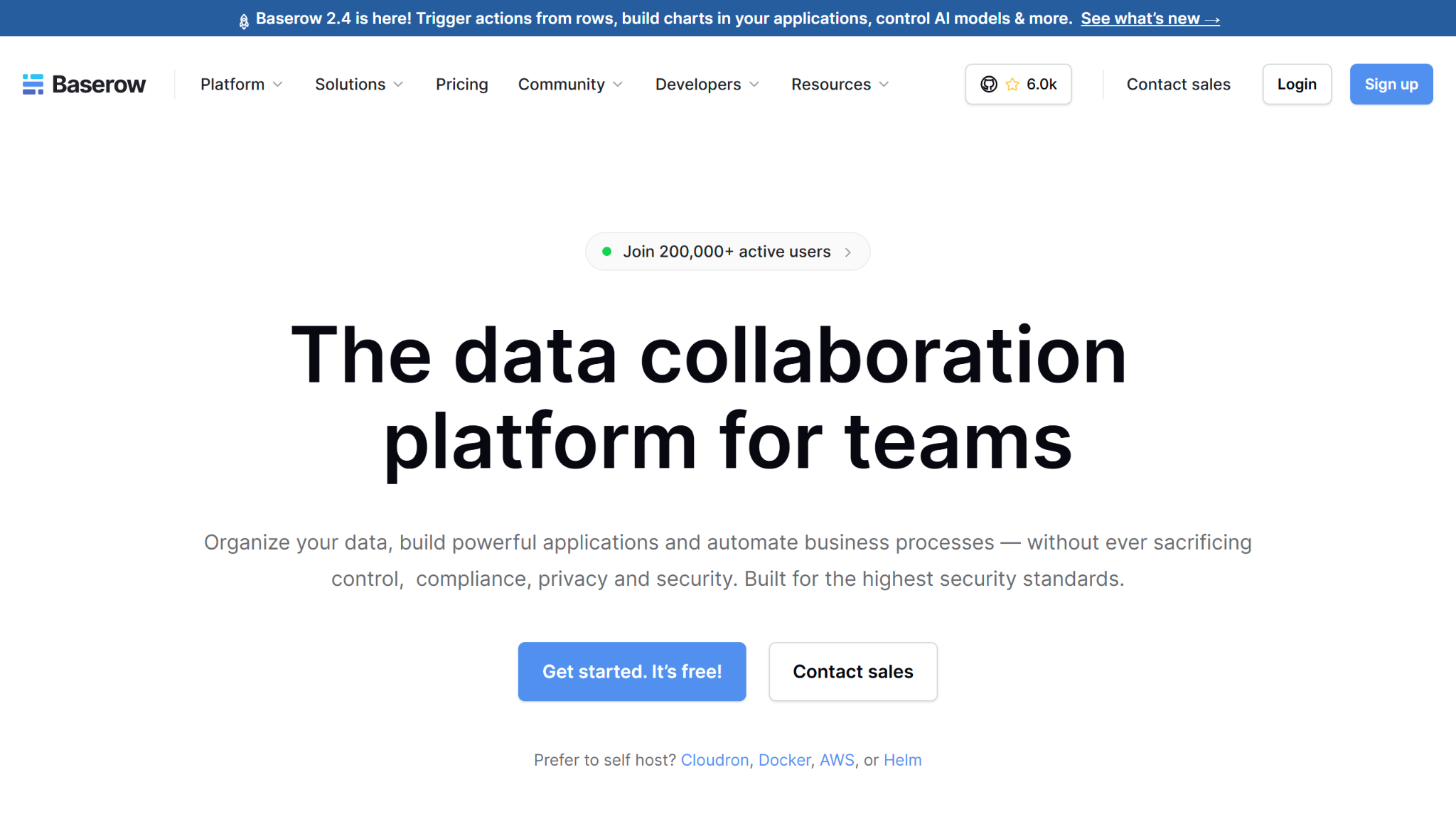
- Key strengths: Full control through self-hosted options, generous free self-hosted plan, effective basic spreadsheet database features
- Key drawback: Self-hosting requires separate technical overhead and maintenance
Baserow is ideal for teams with data privacy requirements or a preference for open-source software. It works like a familiar grid with linked tables and CSV or Excel imports, and its application builder lets you create internal tools or portals on top of your data.
Paid plans add views like kanban and calendar, as well as AI features. Self-hosting removes row and storage limits, but someone has to install and maintain it, so most non-technical teams will start on the cloud plans.
Although Baserow may not be the most advanced solution on this list, its base features are still effective enough for most users to get what they want. That said, one key downside is the limited AI features available under its free software package — even with a self-hosted plan.
Baserow pricing
Baserow’s pricing system is split into two structures: cloud and self-hosted. For businesses willing to self-host their spreadsheet-style database, Baserow offers unlimited free access to rows, storage, and automations. However, you’ll give up the convenience that a cloud spreadsheet database offers in exchange. Cloud-hosted plans focus on escalating your available storage as you scale up payments.
- Free: 3,000 rows per workspace, with grid, form, and gallery views
- Premium ($10 per user per month, billed annually; or $12 billed monthly)
- Advanced ($18 per user per month, billed annually; or $22 billed monthly)
- Enterprise (custom pricing)
5. Notion
- Why it made the list: Most suitable for knowledge management and documentation storage
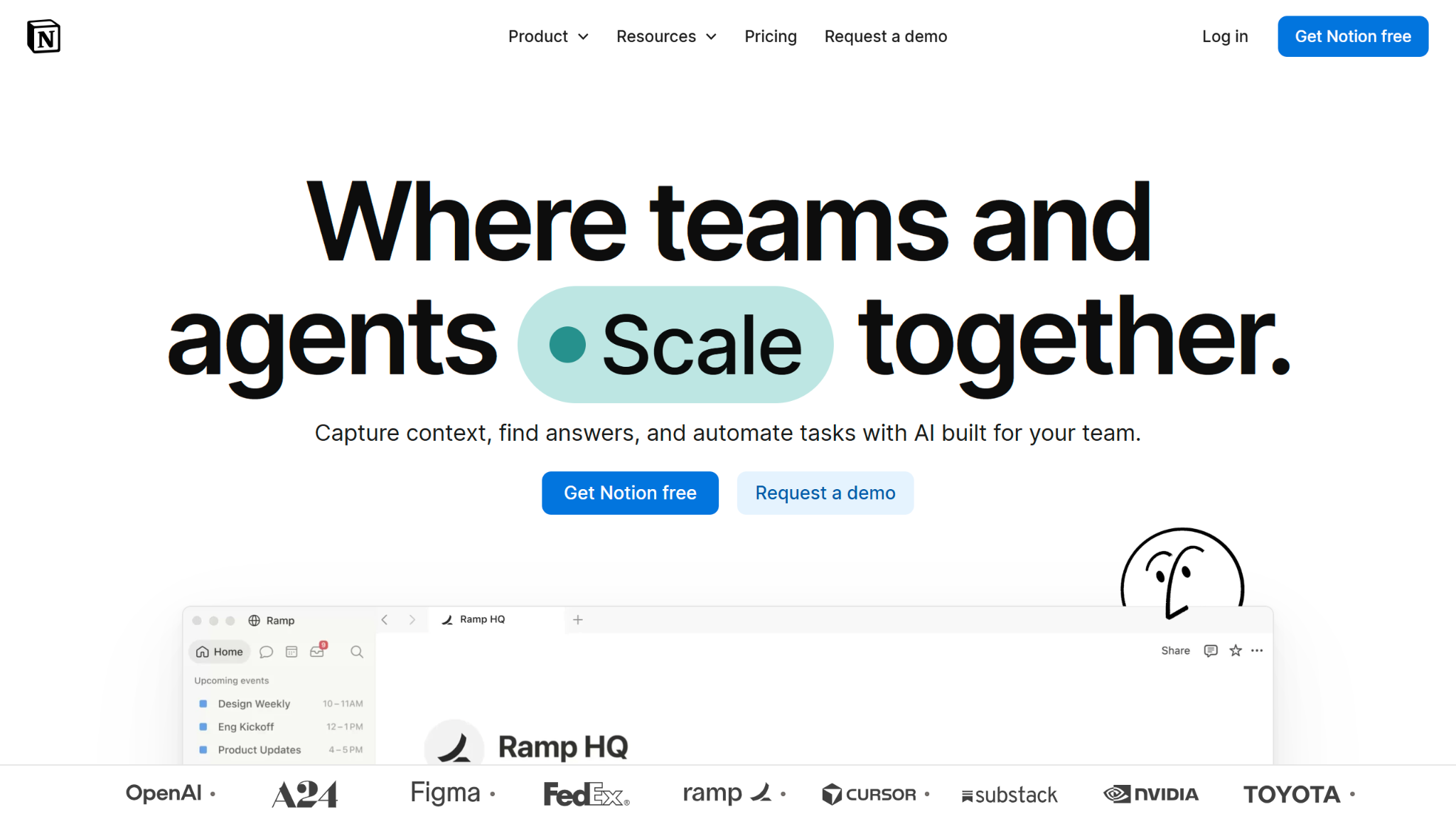
- Key strengths: Data and documentation in a single solution, flexible presentation options, effective knowledge and project workflows
- Key drawback: Limited database-centric functionality compared to other options on this list
Businesses run on institutional knowledge. Whether it’s client preferences or project briefs, your team needs a single source of information they can rely on. This is where Notion shines.
Structured around storing and organizing internal knowledge, Notion is ideal for teams who prefer pages and blocks over tables and sheets. With more visual options, this spreadsheet database software offers a more human-centric way to store information than other data-focused solutions on this list.
But Notion, while useful, is one of the less traditional database-like solutions on this list. It lacks advanced features, like property-level controls, that are useful for database management. Notion also restricts essential business features like admin controls and AI tools to its top paid plans — with most admin and security features locked behind enterprise pricing.
Notion pricing
Notion’s AI features are limited to its Business and Enterprise plans, which means you’ll need to pay a little extra per user per month to tap into this level of automation. If you don’t, Notion’s Plus plan will likely offer most of the essentials you need.
- Free: Limited trial of Notion AI
- Plus ($10 per member per month, billed annually; or $12 billed monthly)
- Business ($20 per member per month, billed annually; or $24 billed monthly): Full Notion AI
- Enterprise (custom pricing)
How to choose the right online spreadsheet database
The best spreadsheet database software depends less on feature lists than on how your team already works, so it helps to answer a few questions before comparing plans:
- Data source: Where do your records start? Whether it’s forms, spreadsheets, or CRMs, you need a database spreadsheet solution compatible with your preferred collection method.
- Structure: What kind of data structure do you prefer? How flexible do you need your data structures to be? What tools do you want to use to organize your data? Is your data in a single spreadsheet, or will you need to build relationships between multiple documents? Most of these tools can provide the basics, but only a few handle relational data.
- Views: List the ways your team needs to see the data, whether that’s a calendar for deadlines, a board for workflow stages, or cards for quick review. Check which views each free plan includes, since some (like Airtable’s timeline) require a paid plan.
- Collaboration: Do multiple people need to edit your data? Do customers or external stakeholders need access? Consider permissions, collaboration, and security settings to see how well each solution lets you work alongside your team — particularly in a larger team setting.
- Automation: Which repetitive tasks do you feel should be done automatically? Make a list of workflows that are holding up your database management process and see which solutions have the tools that can streamline these workflows.
- AI: Decide whether AI is central to your work or a bonus. Do you want AI to answer basic questions, or to work actively inside your spreadsheet database?
- Technical needs: Do you need something user-friendly, or stocked with advanced features that maximize control? Factor in your team’s technical skill level and your high-end feature needs to identify which solutions overlap.
- Budget: Multiply the per-seat price by your number of editors, and compare annual and monthly billing. Think about how your budget will change as you scale and consider how usage and feature limits in various plans may hold your team back.
Depending on your needs, one or more of these tools may be best suited to your ideal use case. Consider the following options based on specific pain points:
- Choose Jotform Tables if: You need a spreadsheet database that runs off online forms and offers free AI data management tools.
- Choose Airtable or Stackby if: You need a database-focused, app-development-friendly solution. For a more user- and budget-friendly option, try Stackby. For a more advanced version, use Airtable.
- Choose Baserow if: You need a self-hosted database tool.
- Choose Notion if: You need a knowledge management solution with strong collaboration and visual tools.
- Choose Jotform Tables, Baserow, or Stackby if: You need spreadsheet database software with a robust free version.
- Choose Jotform Tables, Airtable, or Stackby if: You need solutions with AI that can work directly in your database.
Before you invest in one of these solutions, take advantage of their free versions. Each of these tools offers a starter plan or trial that can give you an idea of how it may fit into your workflows and whether it’s the right choice.
FAQs about online spreadsheet databases
The difference between a spreadsheet and a spreadsheet database is that a database goes beyond the basic form and function of a standard sheet. Spreadsheet databases use their relational database back end to improve functionality, structure, scale, performance, collaboration, data integrity, visibility, and customization.
The best online spreadsheet database for your business depends on where your data comes from and how your team uses it. Jotform Tables is the strongest choice for teams whose records come from forms, Airtable suits custom relational workflows, Stackby suits budget-conscious teams, Baserow suits teams that want self-hosting, and Notion suits teams that work in docs and wikis.
Yes, you can turn a spreadsheet into a database, and the tools in this guide support it. Upload your spreadsheet as a CSV file, then assign field types, connect related tables, and add views like a calendar or board. Jotform Tables also accepts Excel files, so you can start from the data you already have.
Yes. Airtable is one of the best-known spreadsheet databases, combining a familiar grid with field types, linked records, and multiple views. It’s spreadsheet database software that specializes in powerful database and app-building features.
Yes, Jotform Tables can act as a hybrid, no-code database that combines the benefits of spreadsheet usability and backend data management. It isn’t an SQL database for custom software, but non-technical teams can use it to create embeddable online databases and analyze records with the Jotform AI Data Assistant.
This article is for small business owners, operations teams, project managers, marketers, educators, and nonprofit teams who have outgrown basic spreadsheets but do not want the complexity of a traditional database. They need a familiar grid-style workspace that can collect, organize, filter, share, and act on data online.




































Send Comment: