
Top 10 enterprise process automation software
Automating business processes benefits organizations of all sizes by driving growth, increasing collaboration, and boosting efficiency, but it’s essential for enterprises.
Small and midsize business automation is more straightforward and often relies on simple robotic process automation (RPA), which is great for automating repetitive, criteria-defined tasks. In contrast, enterprise automation requires a robust, complex solution that can work autonomously, with less reliance on strict rules and less human oversight.
This article covers the 10 best enterprise process automation software options for various industries and requirements, based on hands-on testing. Read on to discover the best automation solution for your organization.
What is enterprise automation software?
Enterprise automation software uses technology to automate and streamline business processes across an organization, reducing manual work and optimizing workflows. Examples include employee onboarding, procurement, IT services, legal compliance, and more.
Many enterprise automation tools use AI to maximize efficiency, but in different ways than consumer-focused automation tools. Enterprise automation software standardizes processes across departments, helps organizations make more informed decisions, and handles complex, multistep processes across new and legacy systems.
Key types and features of enterprise automation software
There are many types of enterprise process automation software, including those designed for marketing activities, sales funnels, supply chain optimization, and other use cases.
This article focuses on platforms that apply to the whole organization, which typically fall into one of three categories:
- RPA: Automates actions for repetitive task based on specific criteria or rules (e.g., “if X, then Y” style automation, data processing)
- Workflow automation: Optimizes multistep or multi-system workflows for efficiency to reduce manual effort and connect multiple apps or systems (e.g., accounting workflows, HR management)
- Agentic AI automation: Goal-based business process automation with intelligent AI that can adapt to new situations and make independent decisions using machine learning to drastically scale automation potential across an enterprise (e.g., fraud detection, document analysis, customer support)
The best fit for you depends on your immediate needs: Do you want to scale up customer support? Automate credit application decisions and fraud detection with real-time capabilities? Process and digitize thousands of pages of documents into a searchable, functional database? Improve hiring workflows and HR management?
Enterprise automation software can help with all of these goals and much more.
10 best enterprise automation software
While your goals and requirements will ultimately determine the best enterprise process automation solution for you, I prioritized evaluating the following essential features during my testing process:
- Automation capabilities: Whether the software offered RPA or agentic automation, I tested how it performed across multiple departments for general process automation and any specialized features for certain industries.
- Analytics: Using analytics, I assessed whether the platform could identify performance bottlenecks and provide data to evaluate efficiency and potential improvements.
- Integrations: The best enterprise automation platforms connect to everything your organization uses to un-silo your tech stack or streamline existing processes and tools for better collaboration and teamwork.
- Compliance and security: Whether or not your industry has mandatory compliance protocols, such as healthcare or finance, I dug into the security and data privacy policies of each solution.
These are the top 10 best enterprise process automation software solutions for 2026.
| Tool | Best for | Key features | Pricing |
|---|---|---|---|
 Jotform Enterprise |
Unified data management and automation across systems and teams |
|
Contact for custom quote |
 Windmill |
Developers creating complex internal systems |
|
Free for self-hosting fewer than 10 users; Enterprise plan starts at $120/month |
 Kissflow |
Custom app development |
|
Starts at $2,500/month |
 Zapier Enterprise |
Connecting your entire tech stack |
|
Team plans starting at $69/month, billed annually |
 UiPath |
Full digital automation transformation |
|
Basic plan starting at $25/month |
 Workato |
Adding AI automations to your software products |
|
Contact for custom quote |
 Automation Anywhere |
Human-like decisions and accurate document processing |
|
Contact for pricing |
 Blue Prism |
Agentic AI for regulated industries |
|
30-day free trial; contact for pricing |
 ServiceNow |
IT and customer service delivery automation |
|
Contact for custom quote |
 Nintex |
Document-centric Microsoft ecosystem users |
|
Contact for pricing |
1. Jotform Enterprise
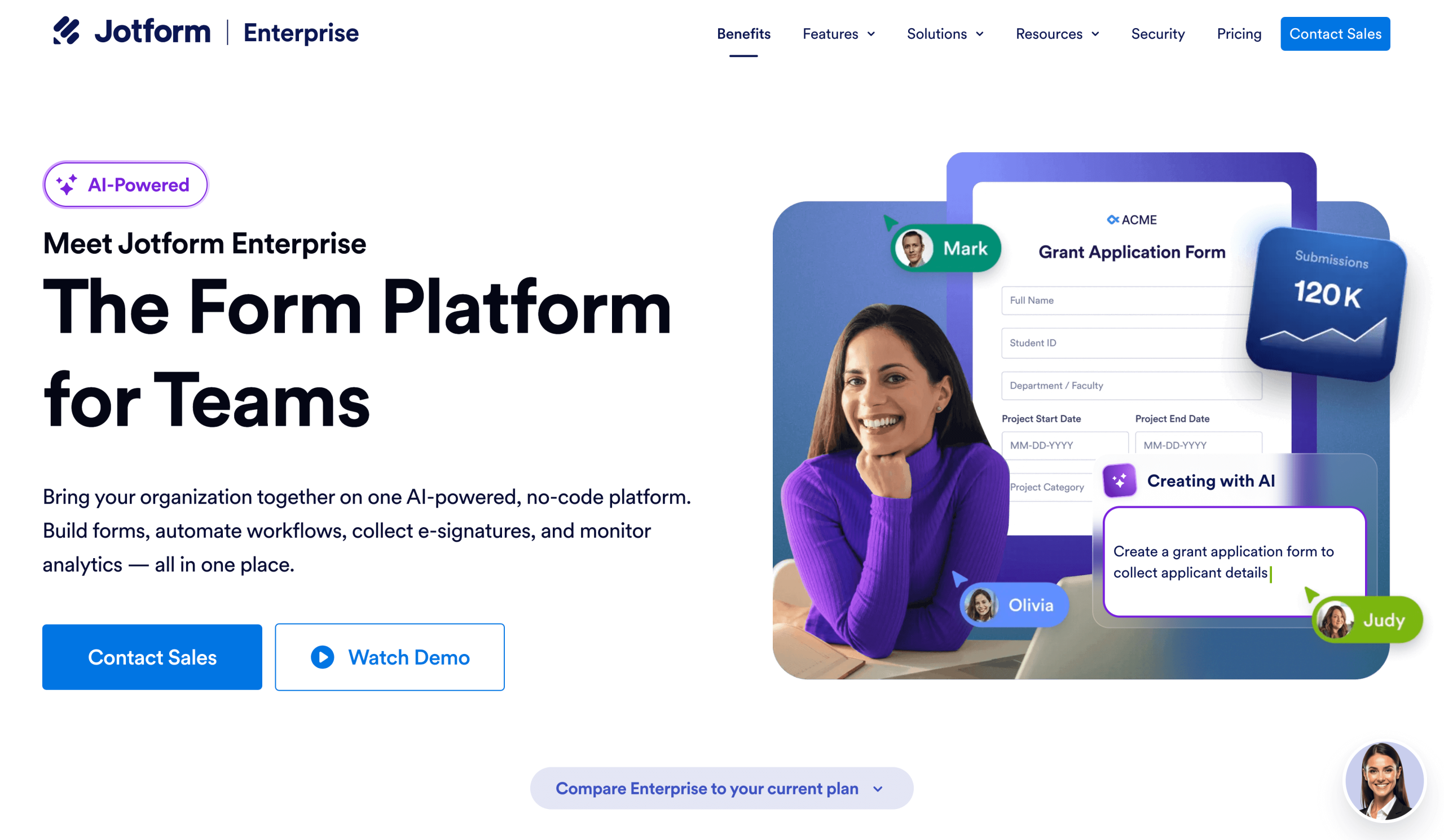
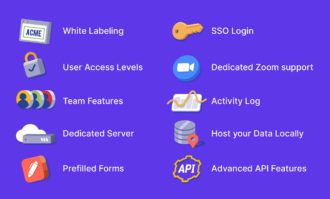
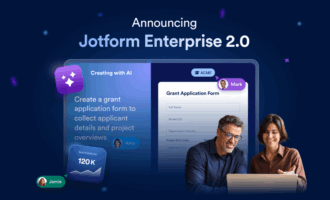
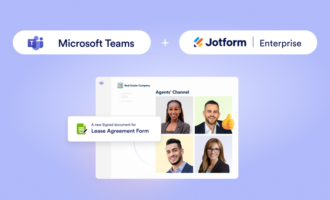
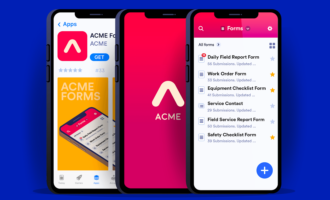
Jotform Enterprise uses data as the foundation for enterprise-wide growth, collaboration, and efficiency. Starting with Forms, Jotform Enterprise can automate every workflow, streamlining applications, bookings, document signing, project management, and more.
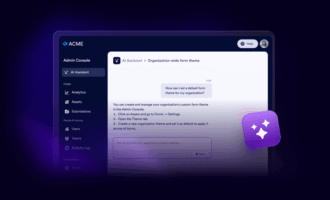
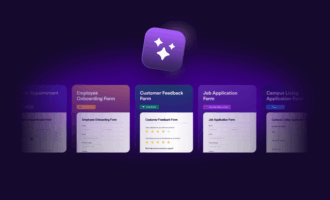
I love how easy Jotform Enterprise is while offering powerful automation. The drag-and-drop process automation builder is intuitive for all employees to use, whether they’re creating their own workflows or using organization-wide templates (either custom options or one of more than 20,000 pre-made templates). That ease of use has real impacts: The faster your team gets on board, the sooner you start seeing results.
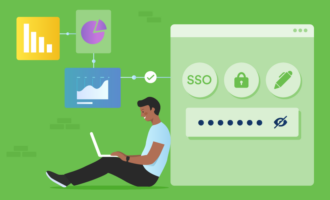
Whether you’re building a custom approval workflow in Jotform Workflows to automatically send data and next steps to each link in the chain, defining custom email notifications, logging on with single sign-on, or auto-generating custom reports across multiple departments, Jotform Enterprise makes it easy.
I was able to build an app, create a custom email automation workflow (templates also available!), set up an Instagram chatbot, and make my PDF contracts digitally signable, all in under an hour. I also like knowing I can access everything from a central dashboard without having to log in to or keep tabs on multiple apps for each of those.
Jotform Enterprise offers the easiest to use process automation for enterprise teams. Assign tasks, monitor team workloads, and sync events, meetings, and campaign launches via Google Calendar or Microsoft Outlook without leaving Jotform.
- Best for: Enterprise-wide automation with centralized data processing
- Key features: No-code workflow automation; app creation; forms; AI agents; e-signatures
- Pros
- Very easy to automate tasks and connect systems with team roles and permissions
- Ability to create custom workflows in minutes with no-code AI assistant or visual drag-and-drop builder
- Quick setup, with over 20,000 templates (or create your own)
- Ability to create customer service AI agents, downloadable apps for your customers, fillable PDFs, and much more
- Cons
- Built around form data collection; best for organizations with internal or external form-based data workflows
- Pricing: Contact for custom quote
2. Windmill
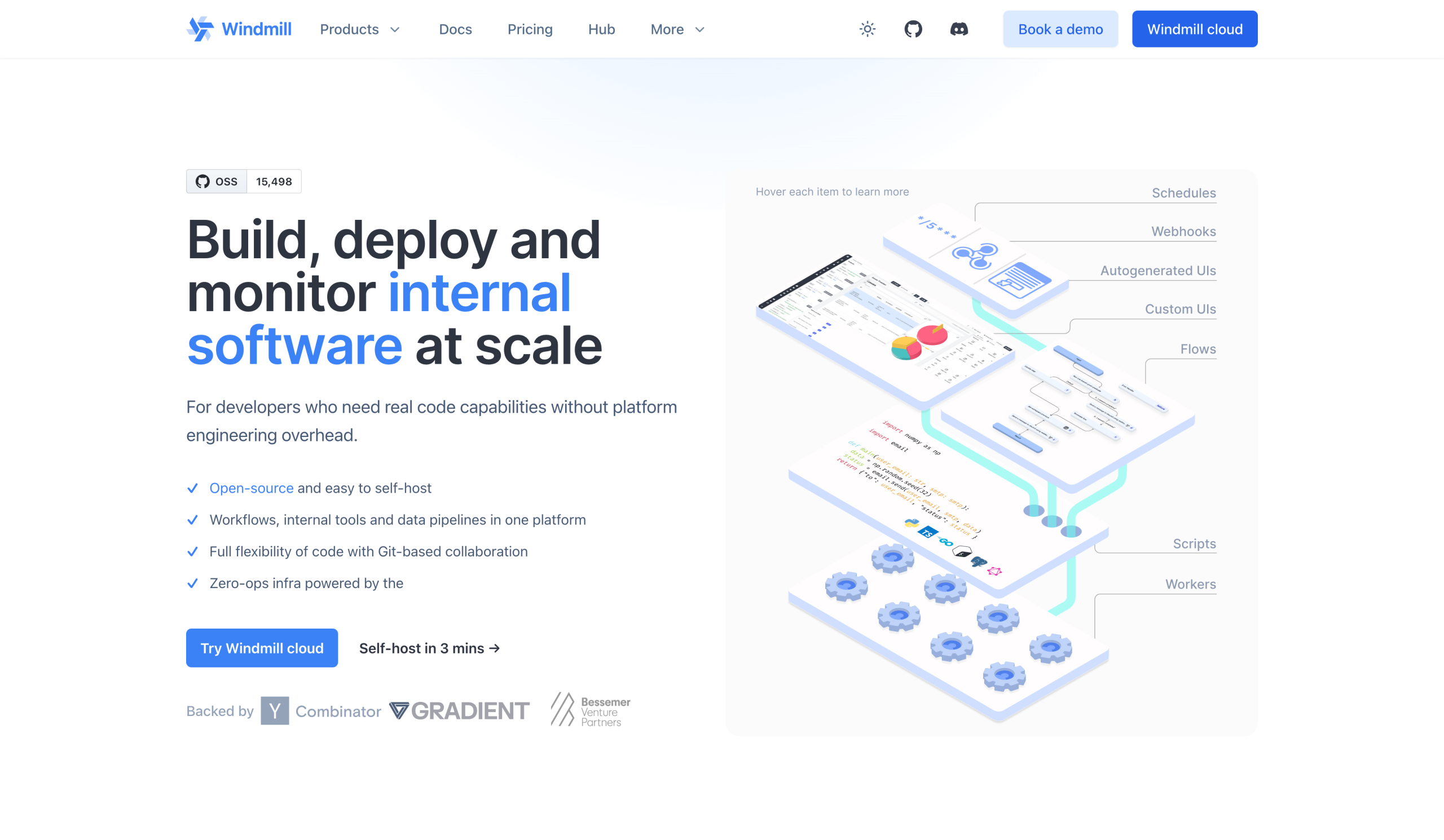
Windmill is an enterprise process automation tool built for developers who create custom internal workflows and interfaces. It’s honestly way above my level of technical understanding, but I can see how useful it would be for making highly complex and customized workflows a reality.
You can code in TypeScript, Python, PHP, Bash, and many more; use it with low-code tools; and run it in the cloud or self-host because it’s open-source. Basically, it’s super flexible for all types of programmers and development preferences, and you can make anything with it.
- Best for: Developers building custom enterprise process automation software for internal use
- Key features: Open-source; live debugger to test and fix code before launch
- Pros
- Self-hostable for the highest security control
- Flexible for developers; supports many programming languages and tools to suit all skill levels and software types
- Speeds up development with live debugging and integrations
- Completely customizable workflows to build what you need
- Cons
- Requires custom programming team and extensive technical knowledge
- Pricing: Free for self-hosting fewer than 10 users; Enterprise plan starting at $120 per month plus per user charges.
3. Kissflow
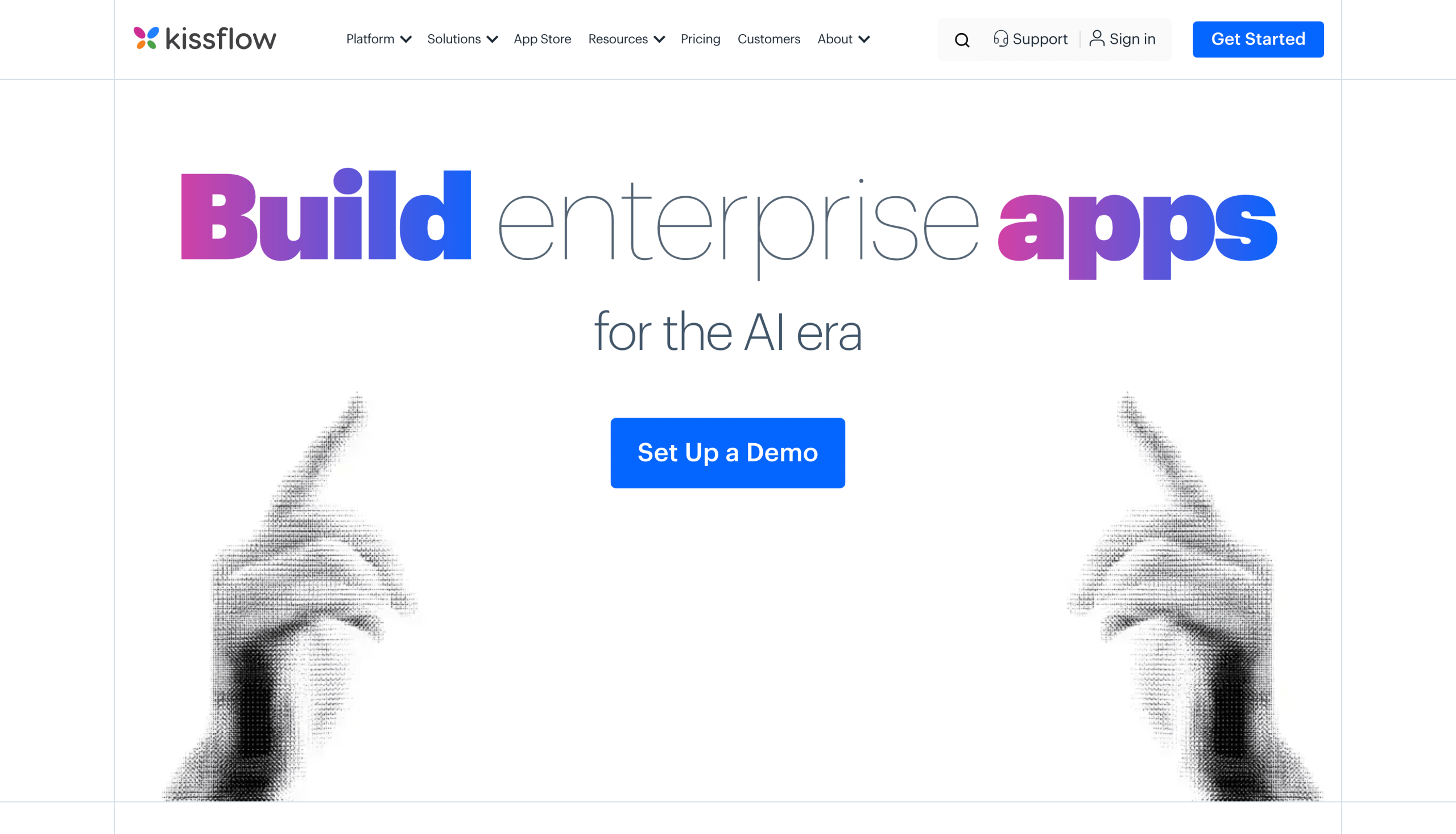
Kissflow is an AI-focused solution for completely transforming your organization with custom processes and internal applications. You can make custom apps to automate workflows exactly the way you want, as with Windmill, but without coding or an extensive team of developers. Kissflow combines powerful automation muscle with the ease of drag-and-drop, no-code workflow building.
Despite being low- or no-code, Kissflow is still quite complex and really intended for global companies undergoing full digital transformation. While you don’t need a development team to use the standard apps and no-code tools in Kissflow, building customized solutions will likely require some technical expertise.
- Best for: Full digital transformation, especially large IT processes
- Key features: Low- and no-code custom automation; integrations to top business tools; generative AI
- Pros
- Easy to automate, with prompt-based AI workflow creation anyone can use in minutes
- Ability to create complex internal automations that integrate with leading business apps for a central automation solution
- Cons
- Easier to use than Windmill, though not quite as customizable (unless you have the technical expertise)
- Pricing: Starts at $2,500 per month
4. Zapier Enterprise
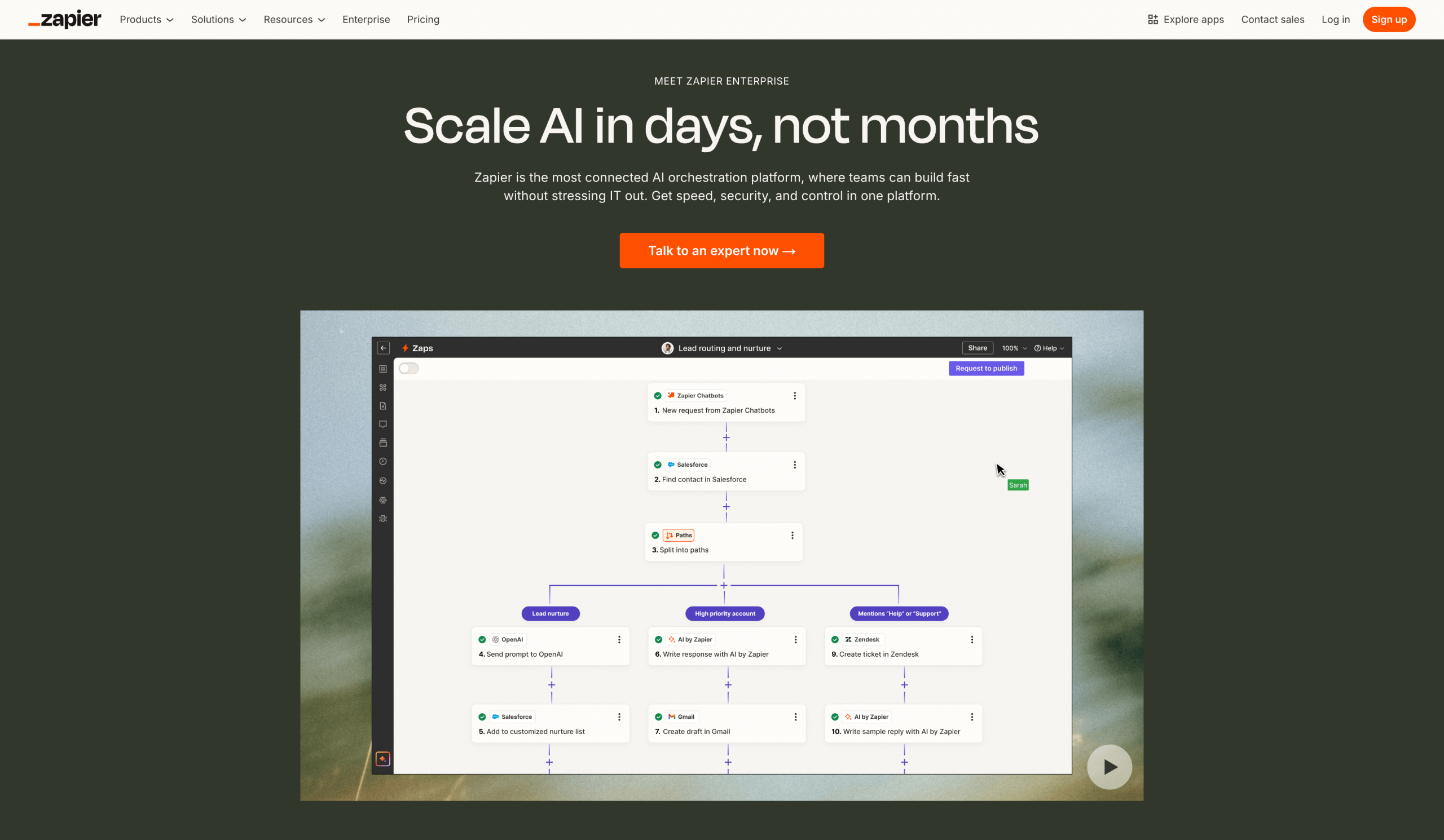
Zapier is a popular automation tool for businesses of all sizes, and its enterprise-specific component scales its easy-to-use visual automation builder to global teams. My favorite part of Zapier is how seriously easy to use it is, as well as the multiple ways to use it: drag-and-drop workflows or AI prompting.
I admit my mouth was hanging open the majority of the time I spent testing Zapier as I watched it build an entire custom app based on a one-sentence prompt from me. The conversational AI expanded on my idea and asked me follow-up questions that were quick to answer. All in, I had a fully custom, random image-based voting app built for me in under 30 minutes. Awesome.
Organizations can connect their “Zaps” (what Zapier calls automations) to multistep processes using Interfaces and centralize data storage with Tables, among other enterprise features.
- Best for: Building workflows with AI prompts to connect two or more apps
- Key features: Visual drag-and-drop automation builder; conversational AI assistant
- Pros
- Ability to quickly build automations from AI text prompts or the visual drag-and-drop interface
- Includes eight weeks of onboarding support
- Can connect over 8,000 apps
- Cons
- Annual task limits that may not be enough for very large enterprises or volume needs
- Pricing: Team plans starting at $69 per month up to 25 users, billed annually; unlimited users available on the Enterprise plan; contact for quote
5. UiPath
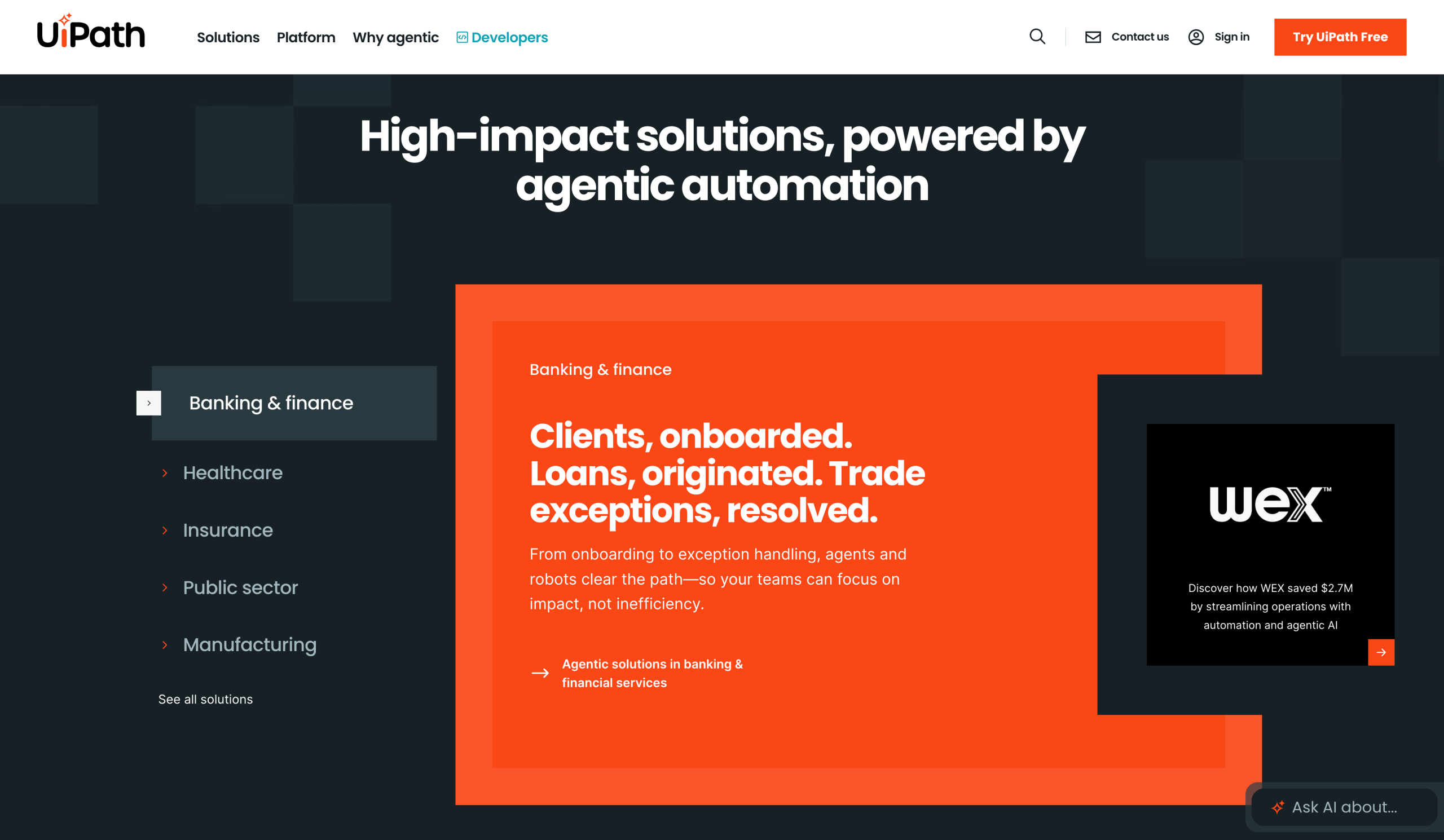
UiPath is a leading enterprise process automation software that leans heavily on agentic AI capabilities, aka AI agents that can think and act on their own, driven by goals instead of strict rules.
For example, an AI agent can decide whether an incoming loan application seems legitimate based on common red flags. Robots created with traditional RPA gather that information from the applicant and external sources, such as a credit bureau. UiPath makes creating workflows like this fast and highly scalable, while allowing for easy human oversight when needed and freeing up your employees to devote more time to complex cases or other projects.
Honestly, UiPath is a beast and far more than I would ever need, but that complexity is exactly what makes it perfect for critical or sensitive workflows, including automating healthcare appointment scheduling and records management to deliver faster patient care, with full governance compliance.
- Best for: Automating highly complex processes
- Key features: Self-healing agentic AI workflows; integrates with modern and legacy systems; offers suggestions for improvement
- Pros
- Identifies usage trends with detailed analytics dashboard
- Continuously improves processes with suggestions and simulation mode to calculate ROI of new processes before implementing
- Achieves more than ever with intelligent, autonomous agentic AI agents proactively solving bottlenecks
- Cons
- Steep learning curve; ideal for large, complicated, or highly technical workflows
- Pricing: Basic plan starts at $25 per month; contact for Enterprise pricing
6. Workato
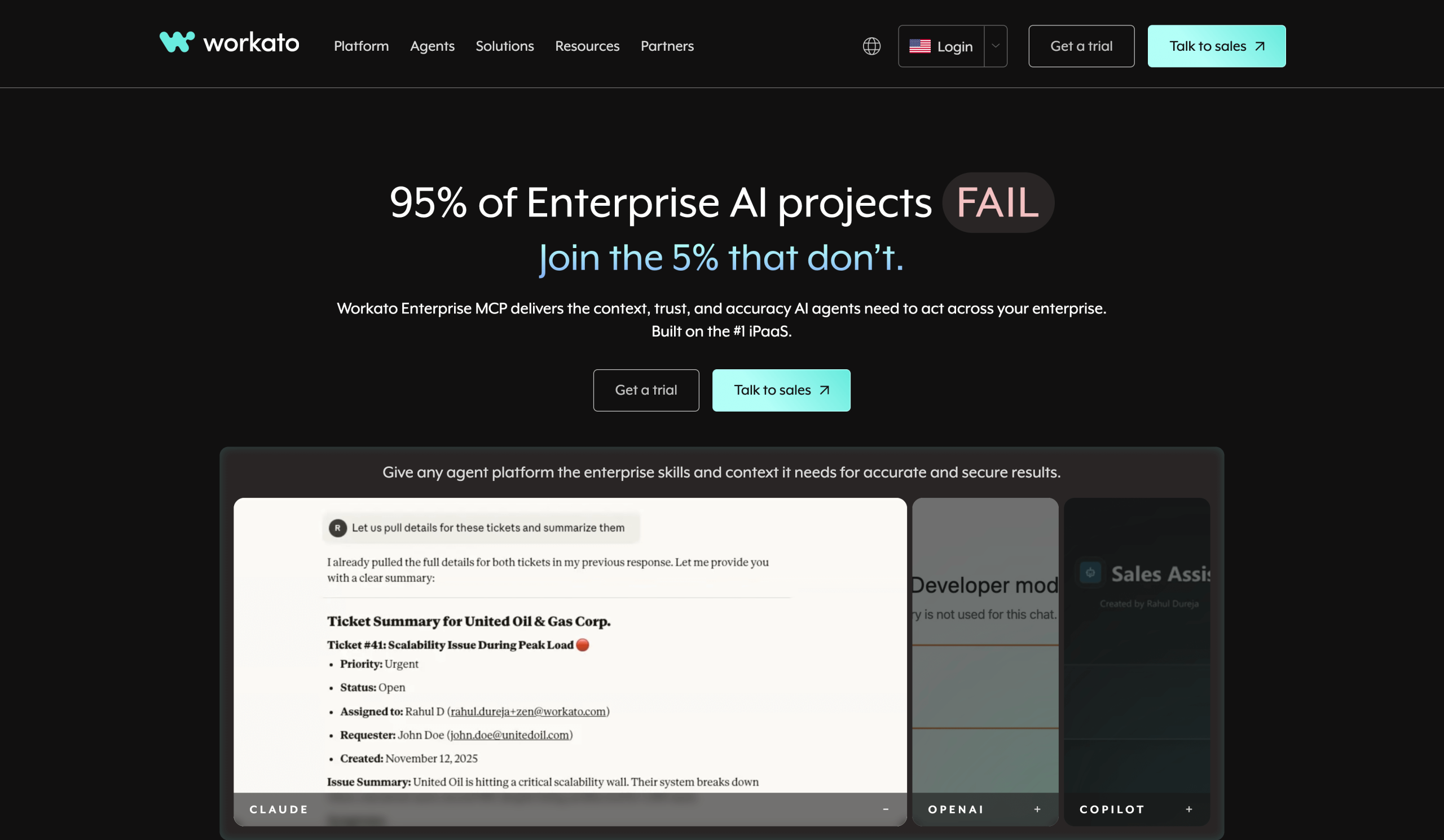
Workato can automate complex business processes with agentic AI, like other software in this list, but it also offers the ability to create custom and white-label integrations for your customers. You can invite customers into your workflows (complete with roles and access rules) and embed the full power of Workato into your own software products with API access.
Workato calls its AI agents “Genies” (autonomous AI that can make decisions) and comes with many pre-built Genies for marketing, sales, HR, and other common workflows. It’s easy to create custom Genies in the low-code Studio editor, too. Workato makes managing all this easy for your human team with an interconnected enterprise MCP to manage all your automations, including analytics and improvement suggestions.
I love how Workato frames its agentic AI as Genies with “Skills” attached. In that sense, it becomes similar to managing human employees, who are autonomous individuals with diverse sets of skills. While you don’t need to work for a software company or use its API to add Workato to your product, I think Workato makes the most sense for organizations that want to automate their own processes and make use of its extensive API capabilities.
- Best for: Automating your processes and adding AI automation to your software
- Key features: Full embed API access and white labeling; supports agentic AI workflows
- Pros
- Full API to add white-label Workato automations to your software products
- Consistent actions across multiple systems and workflows with Genies and custom-trained skills
- Workflow suggestions and real-time error identification with Workato AIRO
- Connects with over 12,000 apps and offers 500,000 built-in automation “recipes” for common processes
- Cons
- Initial setup time that can take months, depending on automation needs or enterprise complexity, but with long-term time and effort savings
- Pricing: Based on usage, charged per automation recipe
7. Automation Anywhere
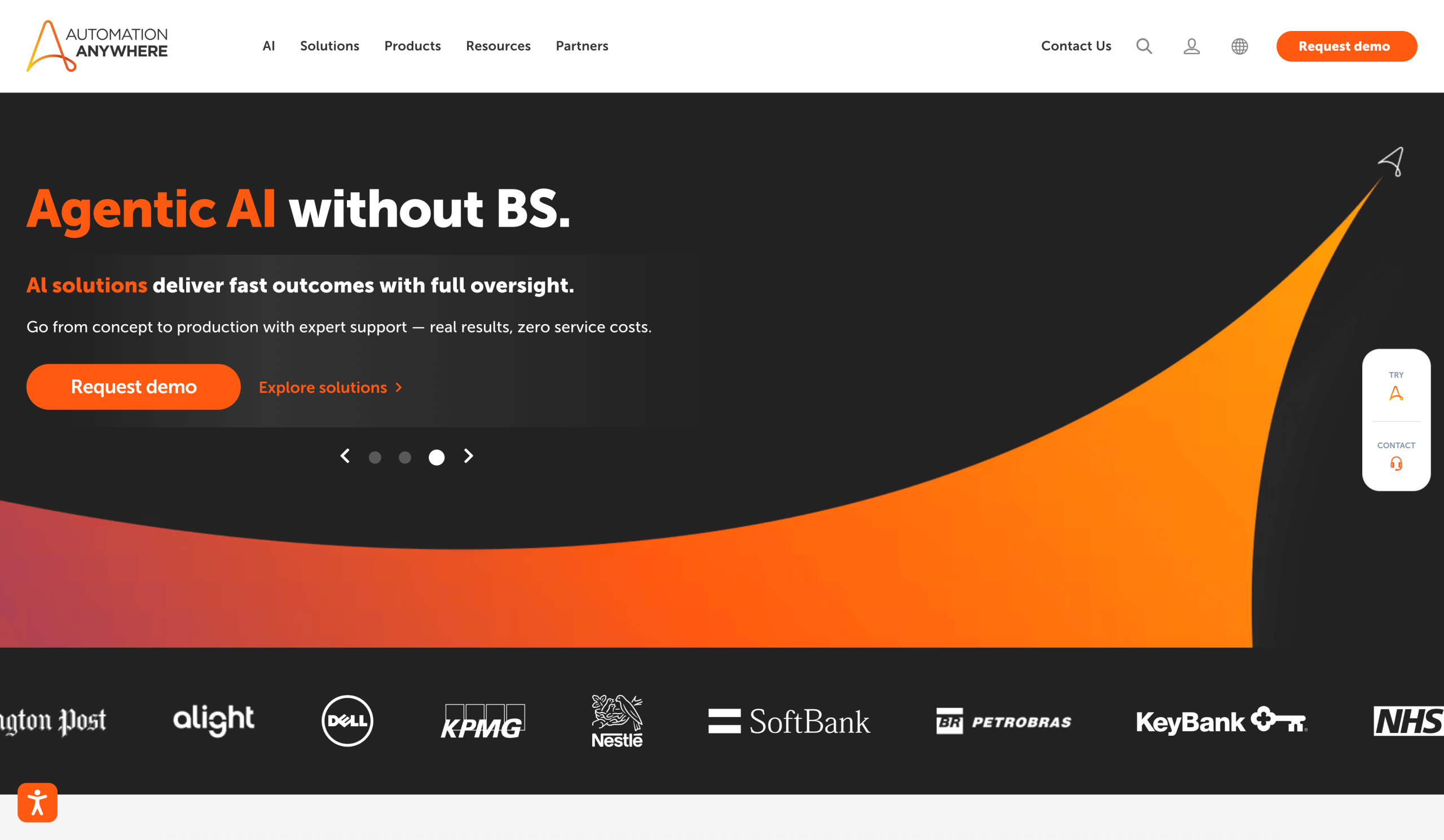
Automation Anywhere provides enterprise process automation, well, anywhere. I admit, after immersing myself in complicated AI technospeak for weeks evaluating all these apps, I found Automation Anywhere’s direct and clear UI refreshing.
Automation Anywhere offers both agentic and robotic process automation, although how it does so is unique. It calls the overall brain behind everything the Process Reasoning Engine , which learns how your organization works and handles everything from coordinating multiple autonomous AI agents to making real-time decisions and learning from past interactions. It also has among the highest accuracy rankings for document processing at scale.
In my experience, Automation Anywhere can handle highly complex automations while being a lot easier to get started with than some other platforms. The built-in agent templates, along with the option to build automations from text prompts, add to its ease of use. I especially appreciate the latter feature because I know what I want to automate but I’m not always sure how to build it, and conversational AI makes the process faster and easier.
- Best for: Complex automation with highly accurate document processing
- Key features: More than 96 percent accuracy for document OCR and processing; agentic AI templates and text prompts
- Pros
- Advanced and accurate document processing for reading, understanding, and plugging data into any workflow
- Option for Mozart Orchestrator to compile all your agents, automations, and workflows into a self-managed, unified system needing limited human input
- Fully compliant with audit trails and regulatory safeguards
- Cons
- Best suited for organizations needing to extract information from documents
- Pricing: Contact for pricing
8. Blue Prism
Other apps in this article are capable of HIPAA-compliant processes and meeting other governance requirements, but Blue Prism is the only one specifically designed for healthcare, financial services, the public sector, and other highly regulated industries.
Blue Prism calls its automation “governed workflows.” Because each decision an AI agent makes is auditable, organizations can remain compliant with strict governance requirements while providing faster and better service to customers. Examples of governed workflows include opening online financial accounts, fraud detection, faster payment processing, analyzing insurance claims, and more, all with smart, agentic AI that loops humans in when needed.
While I don’t run a bank or a medical clinic, I have opened accounts online as a customer and accessed test records from home as a patient. I always appreciate anything that makes life easier (and lets me stay home in my sweatpants).
- Best for: Automation for regulated industries (e.g., healthcare, finance)
- Key features: Strict governance compatibility; audit trails; combines agentic AI, RPA, and human-in-the-loop workflows
- Pros
- Ability to deliver faster customer experiences while remaining fully compliant with HIPAA and other regulations
- Detailed audit trails for every action
- Available as fully managed cloud service or on-premises for ultimate security and flexibility
- Cons
- Detailed auditing and more complex infrastructure than non-regulated users need (compared with simpler alternatives)
- Pricing: 30-day free trial; contact for pricing
9. ServiceNow
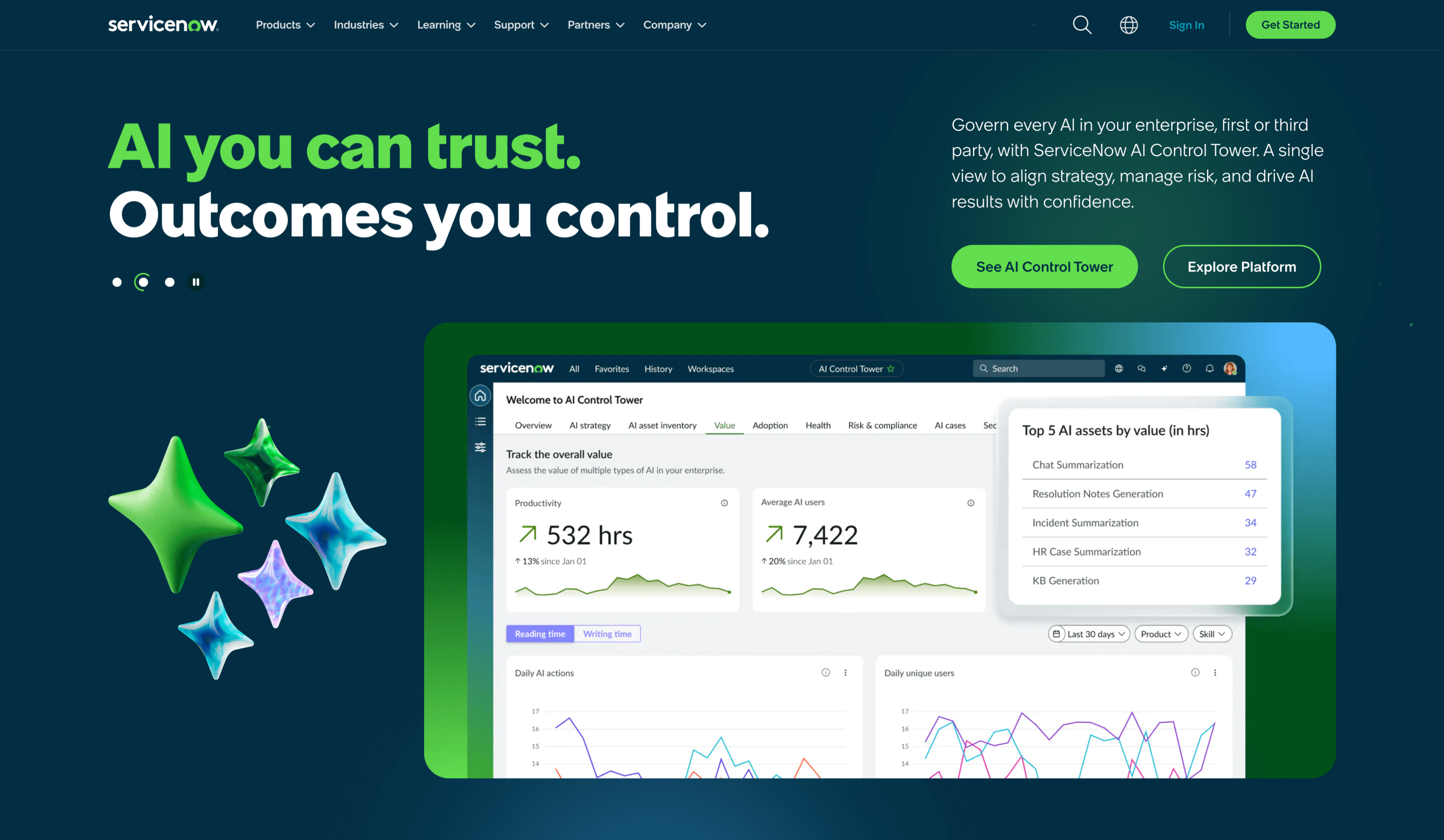
ServiceNow is a full-enterprise process automation platform capable of automating internal and external workflows, but it excels at organization-wide IT management and delivering top-notch customer service. A few IT-related examples are having AI agents proactively manage TLS (security) certificates, audit and fix firewalls, map system components, and even identify and fix service disruptions automatically for you and your customers.
For customer service, ServiceNow offers 24-7 self-serve solutions with chatbots capable of solving customer issues, and for service-based businesses, it optimizes field operations to reduce unnecessary callouts and reduce repair times.
ServiceNow isn’t cheap, but I think it’s well worth it for complex, IT-based companies ready to streamline their work and serve customers faster.
- Best for: IT and customer service automation
- Key features: Control Tower for full visibility; AI agents work across third-party tools; complex automation of IT infrastructure and customer service in one platform
- Pros
- Easy-to-manage automation organization-wide with AI Control Tower, a central dashboard that connects all ServiceNow and external AI tools in one place
- Ability to solve IT issues faster with AI agents that automatically find and fix outages and errors
- Self-serve chatbots that scale customer service and deliver faster service for complex cases requiring human customer service representatives
- Cons
- Highly customizable, which requires dedicated system administrators to manage it across your organization
- Pricing: Contact for custom quote
10. Nintex
Nintex is the ideal enterprise process automation software for a specific niche: organizations wanting to get the most efficiency out of their existing Microsoft tools (Dynamics, NetSuite, SharePoint, and others) beyond the automation capabilities of Microsoft’s Power Automate. Nintex integrates with Microsoft 365, SharePoint, Teams, and other Microsoft tools, as well as Adobe Creative Cloud.
A unique feature that stands out for me is the ability to change a workflow based on department or geographical location. This allows for endless customization and flexibility without reengineering each process whenever it needs a slight tweak.
The contract manager is also powerful and easy to use. You can generate contracts with AI using built-in or custom-branded templates, automate the entire signing process (including renewals), and extract and store data accurately at scale.
- Best for: Microsoft users with document processing requirements
- Key features: Deep Microsoft and Salesforce integrations; automated document generation; flexible workflows
- Pros
- Saves time with automated contract management, from generation to signing and full life cycle management
- Deep integrations across the Microsoft stack, so no need to abandon your favorite tools (or big investment)
- All the enterprise process automation you need in one software
- Cons
- Recently shifted to usage-based pricing, giving some long-term customers sticker shock
- Pricing: Contact for pricing
How to choose the best enterprise automation software
How do you choose the best enterprise process automation software for your business?
First, identify your nonnegotiable needs and goals. Those could be a tool you can self-host, a no-code automation platform, or software that offers strong audit trails for compliance purposes.
Next, pick your most repetitive, difficult, or time-consuming processes and map them out. Make a list of the features needed to automate them, such as payment processing, document data extraction, or web forms. Identify the tool best suited to automate these types of processes that also aligns with your budget.
Last, think about your team’s AI skill level. Do you have developers on staff capable of writing custom code? Or do you need a low or no-code solution that everyone can use right away?
Voila! This is your formula for choosing the best enterprise process automation software for your business.
Unlock the power of enterprise automation with Jotform Enterprise
Large-scale automation? Yep.
Organization-wide templates, either custom or created in seconds from AI text prompts? Yup.
Centralized admin dashboard and analytics to identify bottlenecks and measure performance? Yes.
Powerful no-code workflows anyone can start using right away? Absolutely.
Jotform Enterprise checks all the boxes, plus offers full document and data workflows, mobile and offline e-signatures, AI Agents for customer service, app development, and much more.
Jotform makes form-based and approval-driven workflows seamless, automatic, and efficient without requiring technical expertise. With Jotform Enterprise’s team workspaces and workflows, everyone across an entire organization can jump in and start working faster.
Start with data and flow it everywhere it needs to go across your organization, from HR to customer service and procurement to IT.
FAQs about enterprise automation software
The most popular enterprise software includes sales-focused tools, such as Salesforce and SAP, as well as office productivity tools, such as Microsoft Office 365. Popular enterprise automation software includes Zapier, ServiceNow, and Jotform Enterprise.
Enterprise automation software automates and streamlines complex, multistep business workflows across an organization to boost efficiency and productivity. The best enterprise automation software uses AI agents (aka agentic AI) as well as RPA to speed up work, improve accuracy, and allow employees to focus on higher-level tasks.
The best automation system for your organization is one that meets all your workflow needs, governance and compliance requirements, and budget, while still being easy for your employees to use.
This article is for enterprise operations leaders, digital transformation teams, IT decision-makers, and anyone who wants to implement powerful automation software to streamline complex workflows, eliminate manual tasks, and scale cross-functional processes with efficiency and precision.
















































































Send Comment: