
Top 11 LimeSurvey alternatives
For many researchers, universities, and enterprise teams, LimeSurvey is the go-to software for creating, distributing, and analyzing surveys. While the platform is widely used, its technical setup and learning curve can make it overkill for teams that want to build and deploy surveys quickly.
If you’re evaluating other survey tools with similar capabilities or learning how to create a survey, this post breaks down 11 solid LimeSurvey alternatives for 2026. We’ve also included open-source options for teams that want full control over their data, as well as more user-friendly options designed for speed and ease of use.
What is LimeSurvey?
LimeSurvey is an open-source platform designed for creating and running structured, research-grade surveys. It supports advanced question logic, conditional flows, anonymous responses, and clean data exports for statistical analysis.
The platform is best known for its flexibility. Teams can host LimeSurvey in their own environment, customize the setup, and build complex questionnaires with branching logic and multilingual support. Because of this versatility, organizations that prioritize data ownership, privacy, and long-term control — such as academic researchers, government agencies, and enterprises in regulated industries — often gravitate toward LimeSurvey.
LimeSurvey offers a free, open-source community edition for self-hosting as well as cloud-hosted plans for teams that want managed infrastructure and support. Its cloud pricing includes
- Basic: $31 per month (one admin user)
- Expert: $27 per month (up to three admin users)
- Business: $68 per month (from five users, scales with usage)
- Corporate: custom pricing based on requirements
Why businesses look for LimeSurvey alternatives
Despite its powerful capabilities, LimeSurvey isn’t the right fit for every team. Common challenges include
- An outdated user interface compared to modern survey tools
- A complex setup process, especially for self-hosted deployments
- A steep learning curve for non-technical users
- Limited support on the free, open-source edition
Because of these drawbacks, LimeSurvey is often a poor choice for small businesses running quick feedback loops, marketing or customer experience teams that need speed and simplicity, and teams without developer support. Many newer survey tools now offer cleaner interfaces, faster setup, built-in integrations, and hands-on support without sacrificing essential survey features. For teams that still want full data ownership and control, choosing another open-source tool as a LimeSurvey alternative can be a practical way to retain flexibility without the complexity of managing LimeSurvey itself.
LimeSurvey alternatives comparison table
| Tool | Best for | Key feature | Pricing |
|---|---|---|---|
 Jotform |
Ease of use and data analysis |
Drag-and-drop survey builder with 6,000-plus templates |
Free, paid plans from $35/month |
 SurveyMonkey |
Analyzing surveys with AI |
AI-powered survey builder and analysis |
Individual plan from $35/month, team plan from $25/user/month |
 Drag'n Survey |
Easy, no-code surveys for teams of all sizes |
No-code survey builder with conditional logic and built-in AI analysis |
Free, paid from $28/month |
 SurveyJS |
Developers and teams building surveys into custom web apps |
Flexible embeddable JavaScript library for building surveys |
Free, paid licenses from $579 |
 Formbricks |
Running in-app surveys |
Individual feedback in your app, on your website, or in emails |
Free, paid from $49/month |
 Zoho Survey |
Affordable surveys and businesses already using the Zoho ecosystem |
Seamless integration with the entire Zoho suite |
Free, paid from $7/month |
 Typeform |
High-engagement surveys |
Conversational, one-question-at-a-time design |
From $25/month |
 Qualtrics |
Enterprises running advanced research, CX, and employee surveys |
Experience management modules for customer and employee experience |
Free, paid from $420/month |
 Google Forms |
Quick data collection for individuals and small teams |
Automatically syncs responses directly to Google Sheets |
Free |
 Alchemer |
Teams running advanced business surveys |
Custom JavaScript and CSS for deeper customization |
From $315/year/user |
 QuestionsPro |
Ongoing market research |
Respondent panels for collecting insight during research |
Free, paid from $99/user/month |
11 best LimeSurvey alternatives ranked
These are the best alternative survey tools to try out in place of LimeSurvey, including a few open-source options.
1. Jotform
Jotform is a no-code form builder with free survey software that lets businesses create engaging surveys and collect structured data without dealing with servers or complex configuration. The platform offers an intuitive drag-and-drop builder with 6,000-plus survey templates across market research, educational surveys, employee and customer feedback collection, and more.
Jotform offers multiple display formats for creating interactive surveys. Whether you’re starting from scratch or using a template, you can customize your survey to your heart’s content without any coding knowledge. After building your survey, you can share it via link or email or embed it on your website. With Jotform, your respondents can start and complete your survey at their convenience without losing their progress — just enable the option to save responses as drafts and submit later. As people complete your survey form, Jotform makes it easy for you to view responses, analyze submissions, and organize your data using Jotform Tables. You can also turn form responses into professional reports using the Jotform Report Builder.
Jotform Survey also stands out for its payment gateway integration. You can connect your survey to 40-plus payment gateways and collect payments from respondents without paying any transaction fees. Plus, the Jotform Mobile Forms app allows you and your users to complete offline surveys, even without an internet connection.
Best for: Ease of use and data analysis
Key features
- Templates: Jotform offers thousands of pre-built templates with multiple question types for different survey topics.
- Customization options: The drag-and-drop survey maker allows you to customize templates with your own questions, brand logo, colors, and fonts. Pick between a classic survey format or cards to make your survey interactive.
- Advanced conditional logic: Use conditional logic to tailor survey questions to individual users. You can hide or show questions, skip pages, or route respondents based on answers — no coding required.
- Calculations and scoring: Calculate your survey sample size in minutes, add calculation widgets, and automatically calculate totals, averages, or weighted scores in your surveys. This is useful for risk scoring, lead qualification surveys, or even employee evaluations.
- Save and continue: Let respondents take a break and submit your survey later without losing their progress.
- Multiple sharing options: Embed surveys on any website without writing a line of code, plus you can publish to third-party platforms like Facebook and Squarespace and even share via email or form link.
- Integrations: Jotform survey integrates with the rest of the Jotform suite, allowing you to analyze submissions in Jotform Tables and turn responses into reports with Jotform Report Builder. Plus, Jotform integrates with your business-critical apps such as CRMs, Slack, and payment processors, so you can sync data across your systems.
- Security and compliance: Jotform protects your data with 256-bit SSL encryption, GDPR compliance, CCPA compliance, and optional HIPAA compliance features for healthcare professionals.
Limitations
- Free tier quickly hits usage caps
Plans/Pricing
Jotform Online Survey Maker is part of the Jotform suite, so its pricing is included in your regular Jotform monthly subscription. Here’s the breakdown:
- Free: $0 for five forms/surveys with 100 monthly submissions
- Bronze: $35 per month (billed annually) for 25 forms/surveys with 1,000 monthly submissions
- Silver: $39 per month for 50 forms/surveys with 2,500 monthly submissions
- Gold: $99 per month for 100 forms with 10,000 monthly submissions
- Enterprise: custom pricing with unlimited usage
Why Jotform is a better alternative to LimeSurvey
Both Jotform and LimeSurvey are solid survey-building tools, but Jotform gives you faster setup with no developer involvement. You can get started building surveys in minutes without downloading any software or managing servers. Jotform also gives you a modern, intuitive interface perfect for users without any technical skills. Plus, Jotform offers reliable support for all users whenever you need it.
2. SurveyMonkey
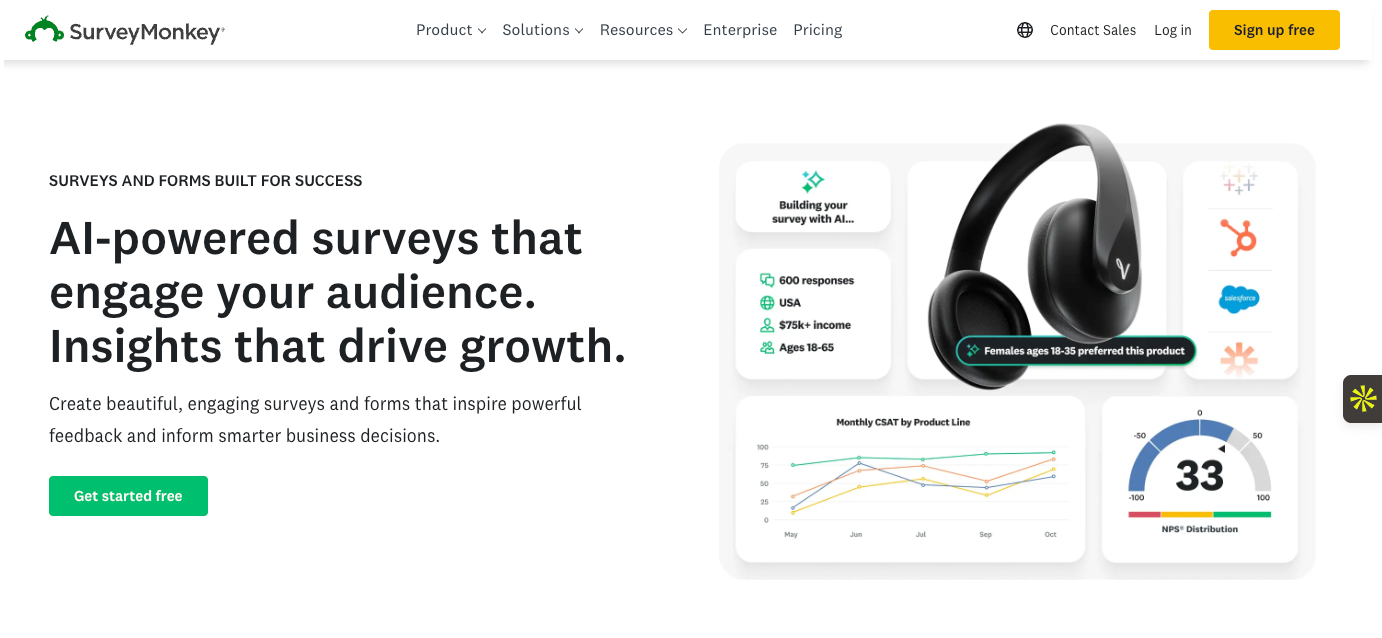
SurveyMonkey is a widely used survey platform known for its ease of use, polished interface, and built-in analytics. It offers an AI-powered survey builder that can create expert surveys in minutes using well-defined prompts. SurveyMonkey is popular among teams in marketing, CX, HR, and product development who want to run surveys quickly and use the insights they gather to inform business decisions.
Best for: Analyzing surveys with AI
Key features
- 500-plus pre-built survey templates for customer feedback, employee engagement, market research, and more
- Built-in analytics with AI that surfaces key insights, patterns, and themes
- Question bank with expert-written survey questions
- SurveyMonkey audience, which helps you find survey participants without relying on your own audience
- Team collaboration tools, such as shared libraries, team permissions, and comment-based reviews
Limitations
- Advanced features are locked behind the enterprise plan
Plans/Pricing
- Individual: From $35 per month
- Teams: From $25 per user per month
- Enterprise: Custom pricing
What makes SurveyMonkey a good LimeSurvey alternative?
SurveyMonkey is a strong LimeSurvey competitor for teams that prioritize quick deployment. Its comprehensive question bank, ready-made templates, built-in reporting, and AI-assisted insights make it easy to launch surveys and collect and interpret feedback at scale.
3. Drag’n Survey
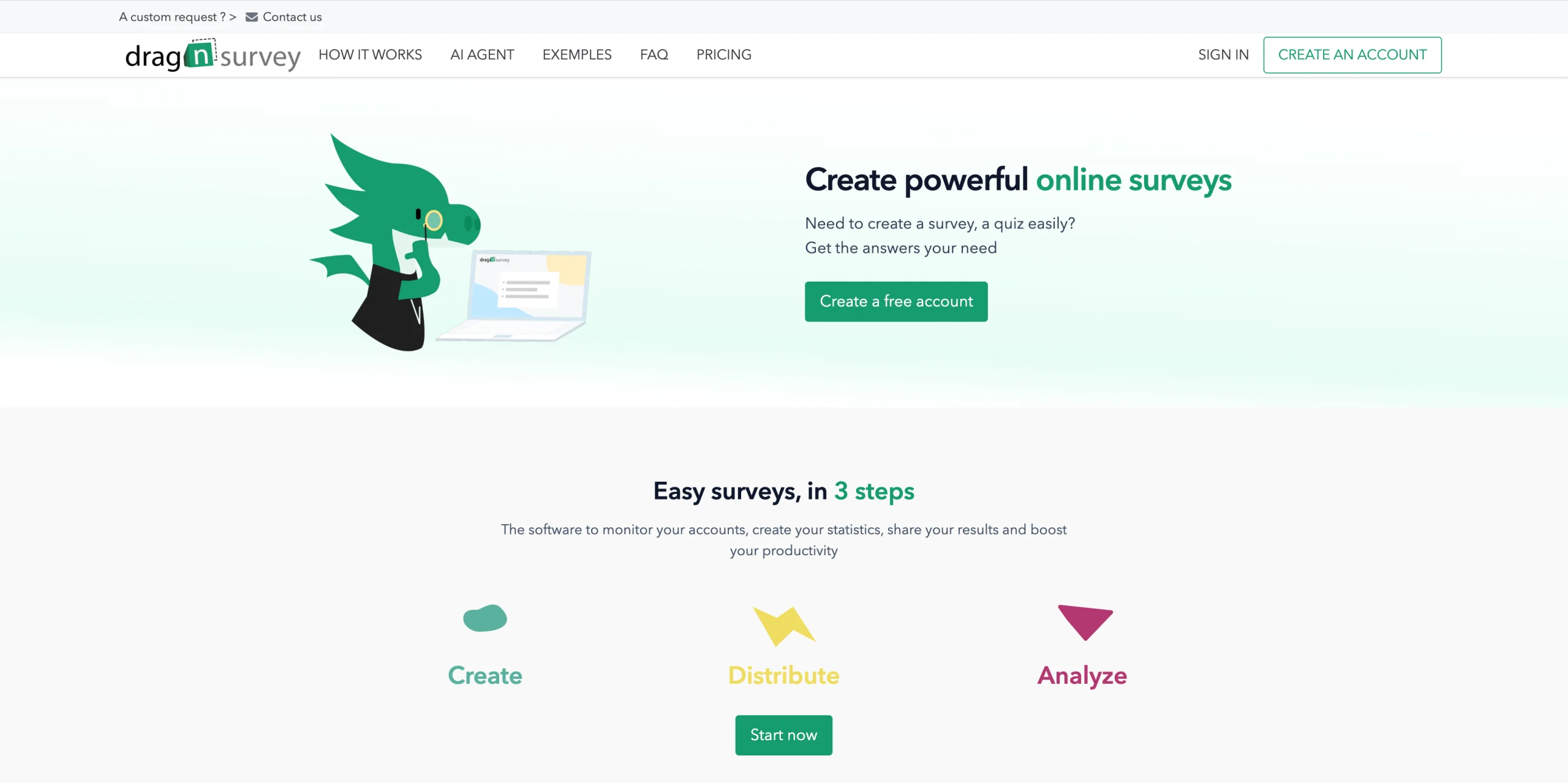
Drag’n Survey is a SaaS survey creation platform designed to be accessible to everyone without any technical skills. Where other tools require a steep learning curve, Drag’n Survey focuses on simplicity to allow any team (HR, marketing, management, customer support) to create, distribute, and analyze surveys in minutes, regardless of company size.
Best for: Any organization looking to create and analyze surveys without technical skills, from small businesses to large enterprises
Key features
- No-code survey creation with advanced conditional logic
- Multimodal AI agent to automatically generate and analyze surveys
- Built-in dashboards and results analysis
- HDS-certified servers (Healthcare Data Hosting) available in the Premium plan
- Over 600,000 users across 185 countries
Limitations
- Less suited for advanced academic research needs
Plans/Pricing
- Free: $0
- Plus: $28/month or $240/year
- Premium: $47/month or $456/year
What makes Drag’n Survey a good LimeSurvey alternative?
LimeSurvey is a powerful open-source tool, but it remains complex to use even for technical teams: installation, server maintenance, and an outdated interface. Drag’n Survey, on the other hand, is a ready-to-use cloud-hosted solution that can be up and running immediately with no configuration required. Teams gain independence and speed, and also benefit from a built-in AI agent to accelerate survey creation and analysis.
4. SurveyJS
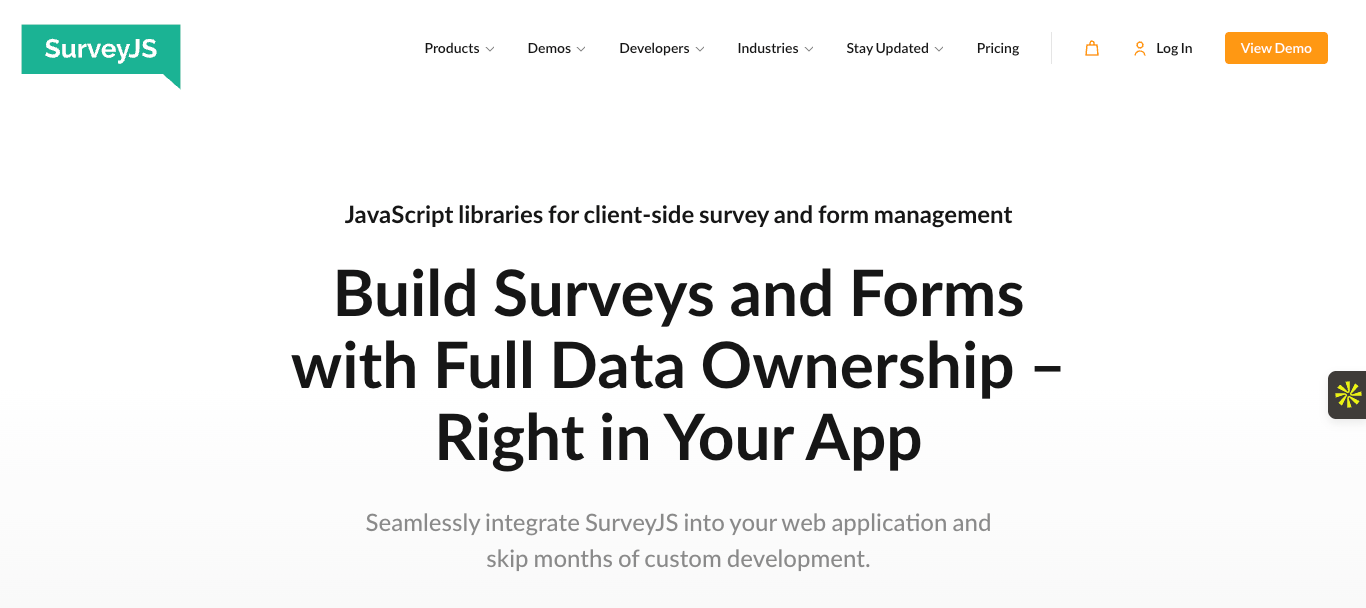
SurveyJS is an open-source JavaScript-based survey library for building surveys directly into web applications rather than running them as standalone tools. It gives product teams and engineering-led organizations a front-end framework for designing surveys in JSON and maintaining full control over rendering, logic, and data handling. SurveyJS also includes a commercial survey builder for teams looking to reduce development effort.
Best for: Developers and teams building surveys into custom web apps
Key features
- Open-source survey library
- JSON-based configuration, making surveys versionable and reusable
- Full UI customization allows you to style surveys with CSS or custom components to match your app
- Self-managed data handling to keep you in control of your sensitive data
- AI assistance via API to enhance survey building
Limitations
- Requires JavaScript knowledge to implement
Plans/Pricing
- Free open-source version on GitHub
- Basic: $579 once per developer
- Pro: $1,039 once per developer
- Enterprise: Starts at $2,319
What makes SurveyJS a good LimeSurvey alternative?
LimeSurvey gives you a self-hosted survey platform, which can be challenging to use even for technical teams. SurveyJS, on the other hand, provides flexible embeddable JavaScript libraries that give developers a more seamless user experience. This means better performance and tighter integrations within your own application.
5. Formbricks
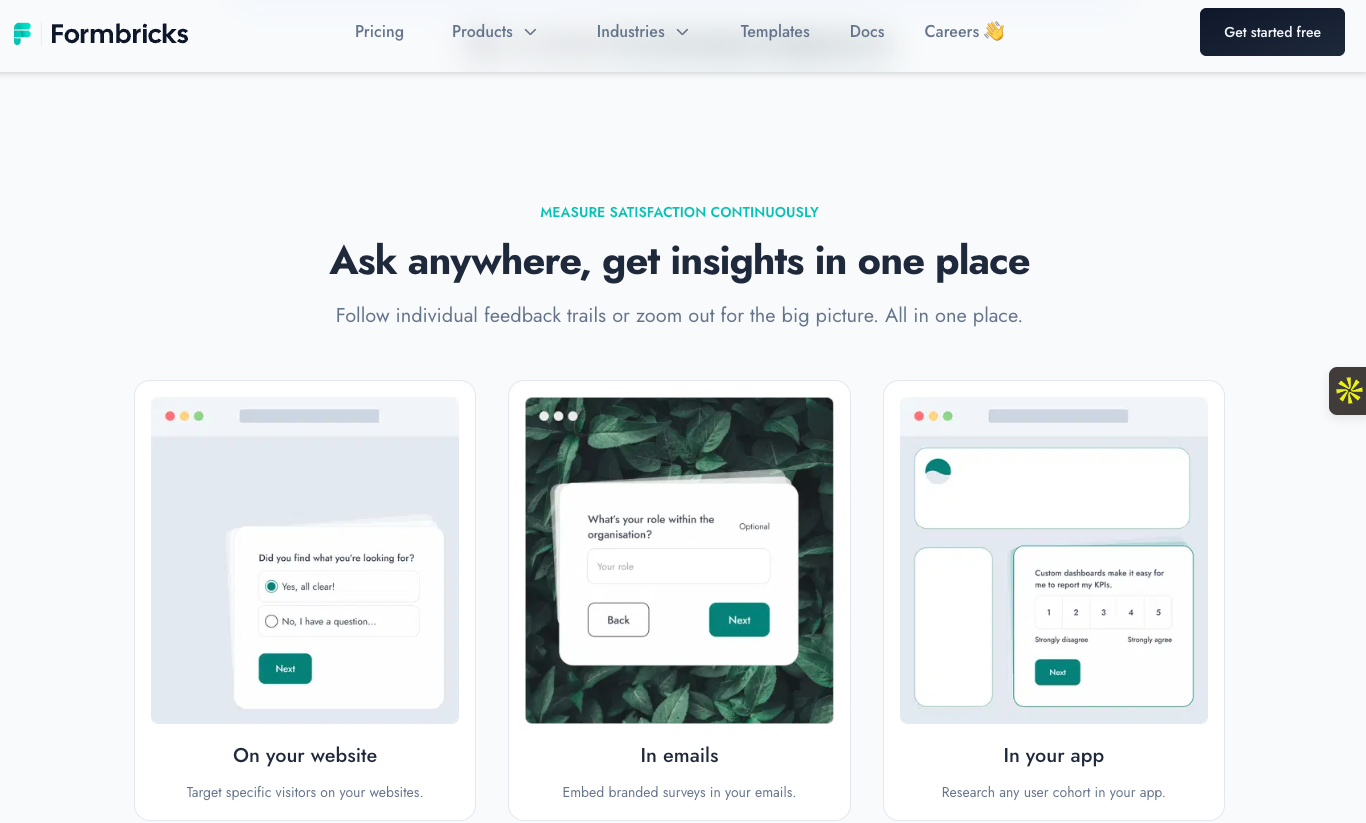
Formbricks lets teams trigger surveys directly inside their products based on user behavior, attributes, or timing. Because it is open source, you can self-host it and keep full control of your data, making it attractive to privacy-conscious teams in regulated environments. That said, Formbricks also offers a managed cloud version for teams that want the benefits without maintaining infrastructure.
Best for: Running in-app surveys
Key features
- Open source and self-hostable, with full access to the codebase and complete data ownership
- In-app and website surveys for collecting feedback directly within your product UI
- Targeting and segmentation features let you trigger surveys based on user actions, attributes, or events
- Built-in templates for common product use cases
- Webhooks and integrations so you can send responses to your internal systems
Limitations
- Requires technical setup, especially for self-hosting
Plans/Pricing
- Free self-hosted version
- Formbricks cloud starts free, then scales to $490 per year or $49 per month
- Enterprise plan requires a custom quote
What makes Formbricks a good LimeSurvey alternative?
As a LimeSurvey competitor, Formbricks focuses on real-time product insight, modern UX, and developer-friendly deployment. For SaaS teams, this increases responses and leads to more actionable feedback.
6. Zoho Survey
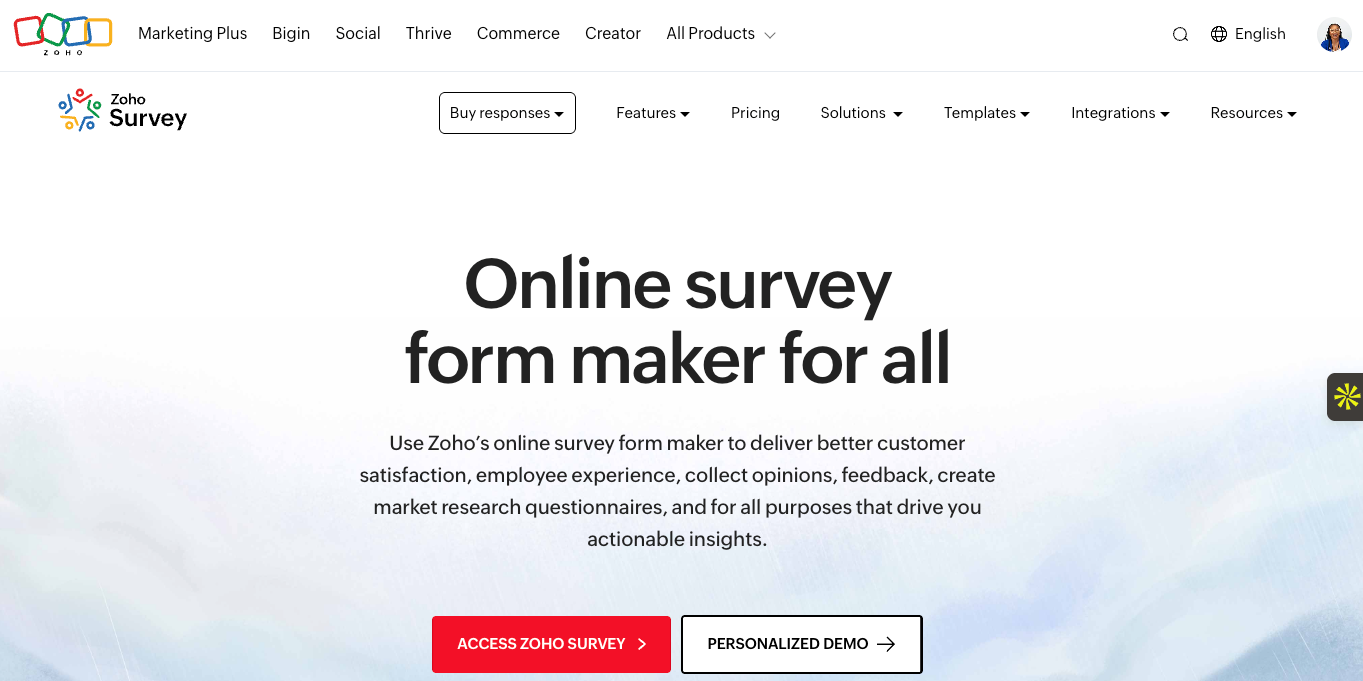
Zoho Survey is designed to help businesses collect customer, employee, and market feedback without technical setup. It offers a clean drag-and-drop builder with pre-built templates and familiar question types, which allows small and mid-sized businesses to run simple, regular feedback programs. It’s part of the broader Zoho suite, which means it works exceptionally well for teams already using Zoho CRM, Zoho Desk, Zoho Campaigns, or Zoho apps.
Best for: Affordable surveys and businesses already using the Zoho ecosystem
Key features
- Drag-and-drop survey builder for creating surveys without coding
- Real-time reports and dashboards for viewing responses and summary reports
- Multilingual surveys with automatic translation options
- Seamless integration with the rest of the Zoho suite and other third-party apps
Limitations
- Not the most suitable for academic, government, or compliance-heavy research
Plans/Pricing
- Free
- Basic: $7.42 per month
- Plus: $25 per month
- Pro: $35 per month
- Enterprise: $75 per month
What makes Zoho Survey a good LimeSurvey alternative?
If you want simplicity and tight business integration (especially within the Zoho suite), Zoho Survey is a great choice. It focuses on fast setup, ease of use, and seamless data flow, making it a good fit for day-to-day business feedback.
7. Typeform

Typeform is known for its conversational, one-question-at-a-time design. It focuses on making surveys feel more like a conversation than a questionnaire. It is widely used by marketing, product, and UX teams that care about brand experience.
Best for: Running high-engagement surveys
Key features
- Conversational survey design
- Custom themes and branding
- Rich question types including ratings, scales, multiple choice, short/long text, and file uploads
- Templates for different use cases, plus basic reports and completion tracking
- Third-party integrations with tools like Slack, Hubspot, Salesforce, Google Sheets, and more
Limitations
- Limited support for complex or large-scale research surveys
Plans/Pricing
- Individual: From $25 per month (billed annually)
- Plan for marketers: From $166 per month
- Plans for HR: From $ 141 per month
What makes Typeform a good LimeSurvey alternative?
Typeform is an excellent alternative to LimeSurvey because it prioritizes user experience and completion rates over technical depth. It shines in customer-facing scenarios where clarity, design, and ease of use directly impact results.
8. Qualtrics
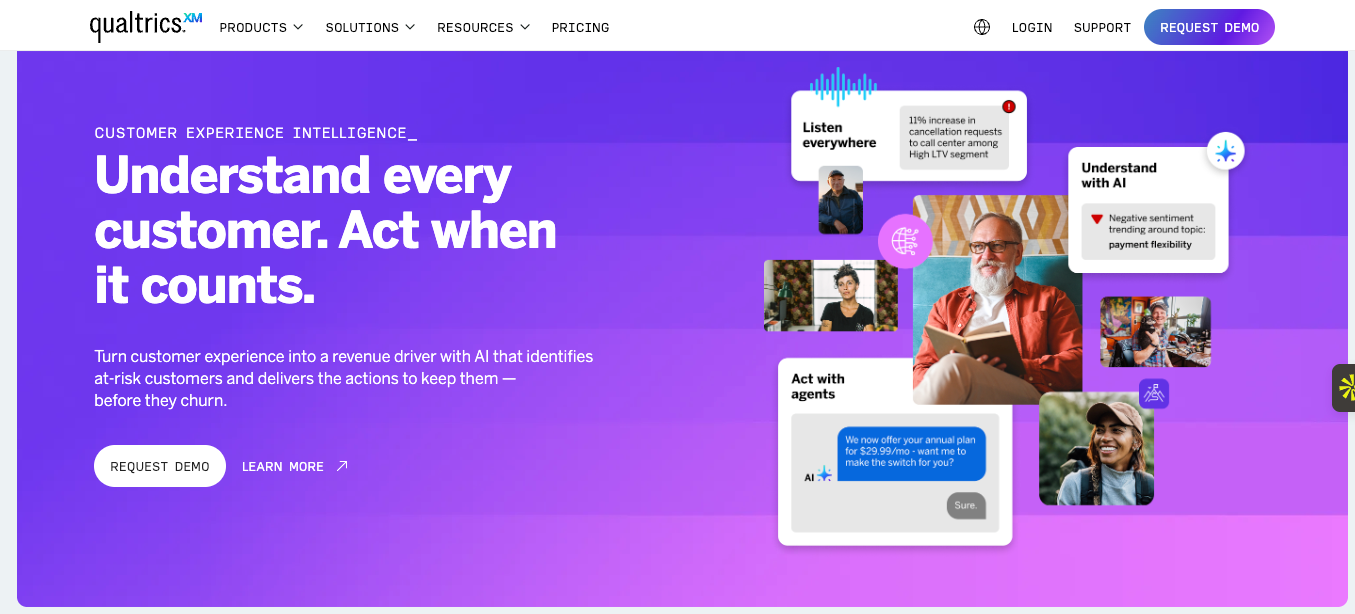
Qualtrics is an enterprise-grade experience management (XM) platform that provides a powerful survey engine for teams to design complex surveys with advanced logic and distribute them across multiple channels. Compared to most survey tools, Qualtrics is built for depth and advanced analytics rather than quick, lightweight feedback. And that’s why it’s mostly used for long-running surveys in large organizations, universities, and research institutions.
Best for: Enterprises running advanced research, CX, and employee surveys
Key features
- Advanced survey design with complex logic, branching, quotas, and validation
- Experience management modules for CX, EX, brand, and product research
- Powerful analytics and reporting with automated sentiment analysis, text analysis, trend analysis, dashboards, and more
- Collaboration and governance tools, including user roles, permissions, and centralized survey management
- Enterprise security and compliance — SOC 2, GDPR, HIPAA
Limitations
- Very expensive compared to most survey tools
Plans/Pricing
- Individual: Free for three active surveys with 30 questions
- For small businesses: $420 per month billed annually
- For enterprises: Custom quote
What makes Qualtrics a good LimeSurvey alternative?
Qualtrics is a great LimeSurvey alternative for organizations that need enterprise-grade scalability and governance without managing infrastructure. While LimeSurvey offers control through self-hosting, Qualtrics offers deep analytics, managed security, and purpose-built XM tools.
9. Google Forms
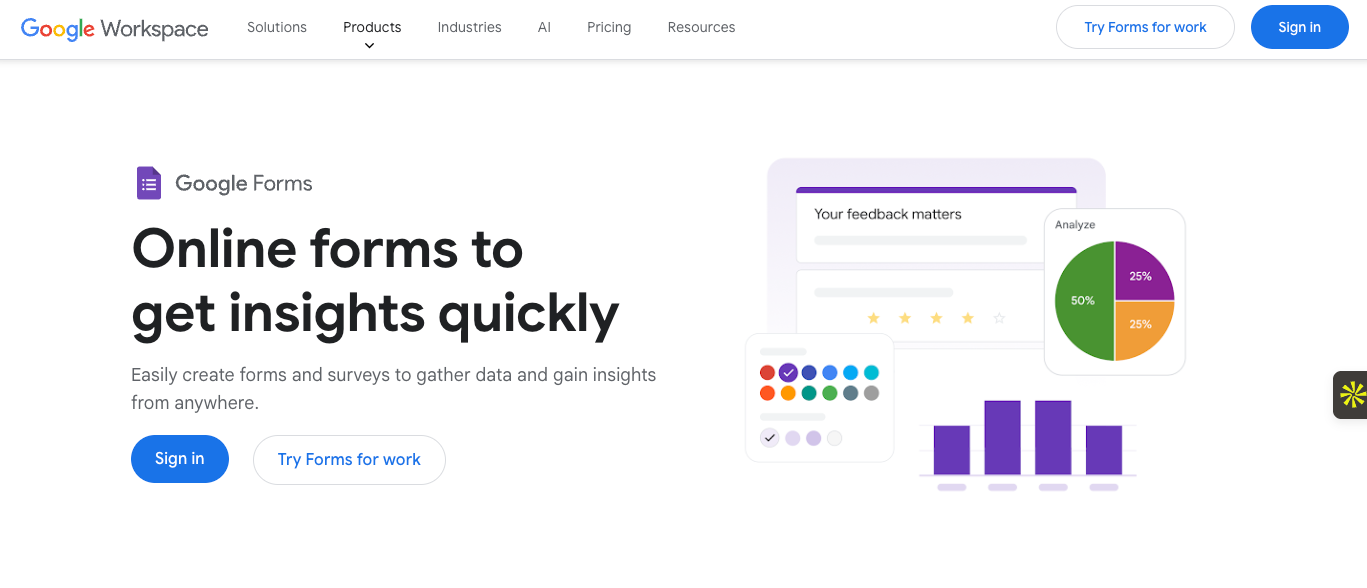
Google Forms is free survey software that lets users create surveys quickly using a clean, minimal interface and familiar Google-style workflows. It is designed for speed and simplicity, making it a common choice for basic surveys, internal feedback, event signups, and classroom use.
Best for: Quick data collection for individuals and small teams
Key features
- Simple form builder for creating surveys in minutes with no setup
- Basic question types such as multiple choice, dropdowns, checkboxes, and long and short answers
- Automatic response collection and syncing directly to Google Sheets
- Sharing via link, email, and embed on websites
Limitations
- Minimal logic and customization options
Plans/Pricing
- Free to use with a Google account, and it’s also included in Google Workspace plans
What makes Google Forms a good alternative to LimeSurvey?
Google Forms is designed for those who need quick, no-frills surveys. It works best for lightweight use cases where speed, accessibility, and zero cost matter more than logic and customization.
10. Alchemer
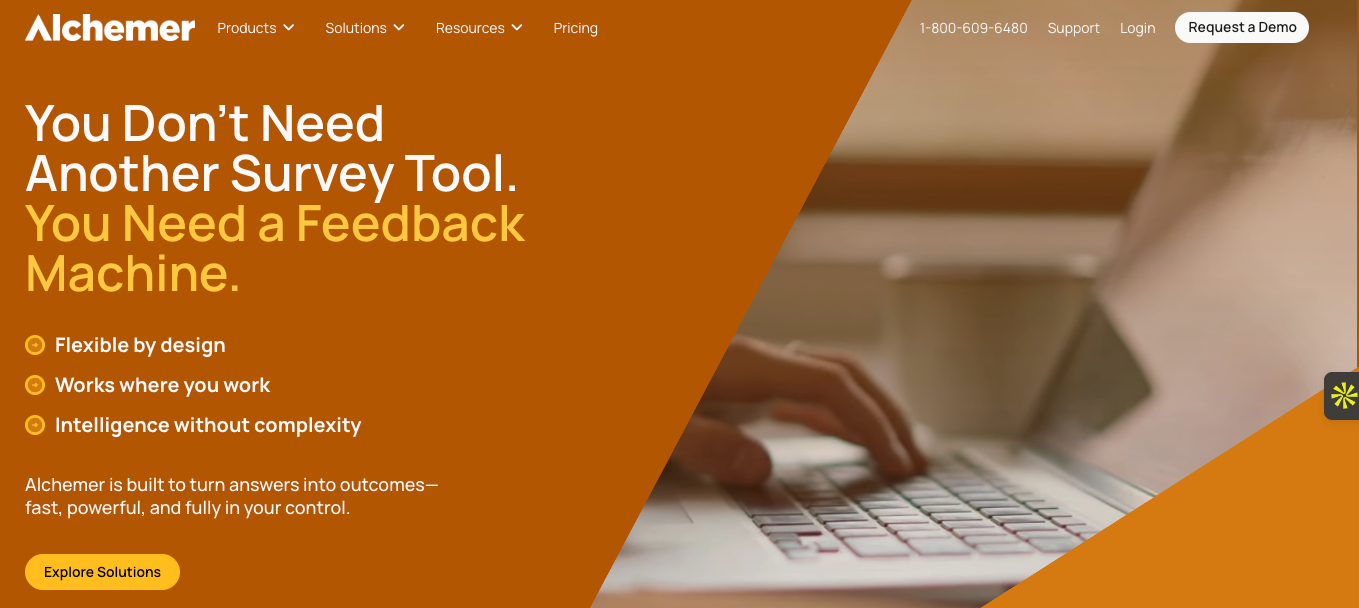
Alchemer combines survey, customization, and data-control features that appeal to research and operations-heavy teams. With it, you can tailor surveys using logic, scripting, and styling options while still enjoying the simplicity of a managed platform. The software sits between tools like LimeSurvey and Qualtrics.
Best for: Teams running advanced business surveys
Key features
- Advanced survey logic
- Custom JavaScript and CSS for deeper customization
- Clean data management and export for SPSS, Excel, and CSV
- Custom reports, dashboards, filters, and sharing options
- Role-based access and enterprise security controls
Limitations
- JavaScript-based customization can be complex for non-technical users
Plans/Pricing
- Individuals and small teams:
- Collaborator: $315 per year per user
- Professional: $1,075 per year per user
- Full access: $1,895 per year per user
- Platform plans: Custom
- Business platform: Custom pricing
What makes Alchemer a good alternative to LimeSurvey?
Alchemer delivers advanced survey functionality without the burden of self-hosting. It provides similar flexibility to LimeSurvey through customization and scripting, but with a managed environment, modern UI, and professional support.
11. QuestionsPro
QuestionsPro is built for teams that run surveys as part of ongoing research or insight programs. It supports complex questionnaires, large response volumes, and structured analysis, while remaining usable by non-technical users. Beyond surveys, QuestionsPro also offers research panels, CX tools, and data analysis features, which make it popular with research firms and insight teams.
Best for: Ongoing market research
Key features
- Advanced survey logic, including skip, branching, piping, quotas, and validation
- Pre-built questions and scales for research and CX use cases
- Built-in analytics and reports
- Access to respondent panels directly through the platform
- Enterprise-grade security controls and permissions
Limitations
- Advanced features can feel overwhelming for simple surveys
Plans/Pricing
- Essentials: Free
- Advanced: $99 per user per month (billed annually)
- Team edition: $83 per user per month
- Research suite: Custom pricing
What makes QuestionsPro a good alternative to LimeSurvey?
QuestionsPro sits between lightweight survey tools and enterprise-only platforms. It gives teams in-depth analytics and built-in research workflows, making it an excellent fit for market research and CX teams.
Which LimeSurvey alternative should you choose?
LimeSurvey is undeniably powerful, but its complexity and ongoing maintenance requirements can slow teams down — even those with developer support. Today, many modern survey tools offer comparable functionalities with a better balance of flexibility, usability, and support. Some are ideal for small teams running quick feedback surveys, while others are built for product teams and enterprises managing research at scale.
The right choice ultimately depends on your audience, your technical comfort level, and how surveys fit into your broader workflow. While the tools we’ve covered in this guide serve different use cases, it’s worth testing different survey tools’ free plans or trials to get a feel for their setup, reporting, integration, and data flow before committing.
If you’re looking for a capable LimeSurvey alternative that combines all essential survey features with ease of use and strong integrations, Jotform is a solid place to start. From one-off surveys to long-running research initiatives, Jotform gives teams of all sizes the flexibility to collect, organize, and analyze structured business data without dealing with servers, scripts, or steep learning curves.
Get started for free today or get in touch with one of our sales representatives to discuss enterprise needs.
This article is for digital marketers, UX researchers, educators, HR teams, and anyone who wants to find a simpler, more modern, and feature-rich alternative to LimeSurvey for creating, distributing, and analyzing surveys.







































































































Send Comment: