

18 best software tools for teachers
Educational technology has come a long way, and the right software tools for teachers can be a saving grace. Technology provides educational support inside and outside of the classroom, helping teachers in all circumstances.
In this article, I’ve rounded up 18 of the best software tools for teachers, with a description of what each tool does, the age range it’s suitable for, the pros and cons of each tool, and pricing options.
Depending on your instructional needs, there’s a tool to suit every teacher and every classroom.


What makes a great teaching software tool?
At the very least, a great teaching software tool should make a teacher’s day easier, not add another layer of complexity or an extra task to their busy schedule.
Great tools help teachers by providing
- Intuitive design: Educators don’t have time to wrestle with clunky interfaces or steep learning curves.
- Easy setup: The best tools are quick to set up, easy to navigate, and adaptable to different teaching styles and classroom environments.
- Time-saving features: Templates, automation, and integrations with existing platforms dramatically reduce administrative work, freeing teachers to focus on what matters most: teaching and supporting students.
- Strong collaboration features: These are equally important, enabling seamless sharing between teachers, students, and parents.
How I chose these tools
I selected the tools featured in this list with real classroom needs in mind. Each platform was evaluated for its
- Relevance across K-12 and higher education, ensuring the tool supports the day-to-day realities of teaching at different levels.
- Classroom workflows, whether it’s used for in-person instruction, remote learning, or hybrid environments.
- Task coverage, because the best teaching software goes beyond a single function, helping educators manage lesson delivery, collect forms and assignments, assess student progress, handle classroom administration, and communicate with students and parents.
- Accessibility, because tools need to be easy to use.
- Pricing, which must be reasonable (or offer free plans and educator discounts)
- Compatibility across common devices and operating systems.
Top teacher software tools: A quick comparison
The table below highlights five types of software for teachers. I selected these tools for the table because each software does something different. For the complete shortlist of 18 best software for teachers, scroll to the next section.
| Tool | Best for | Platform / Device | Pricing | Notable Feature |
|---|---|---|---|---|
 Jotform |
Forms, assessments, and admin tasks |
Web |
Free package available, paid packages start from $17/month |
AI Presentation Maker |
 Google Classroom |
Classroom management and communication |
Web, iOS, Android |
Free package available, paid packages start from $6/user/year |
Google Workspace integration |
 Canvas LMS |
Advanced LMS for institutions |
Web, iOS, Android |
Custom |
Analytics and integrations |
 Teachable |
Independent course creation |
Web |
Paid packages start from $29/month |
Built-in e-commerce |
 RallyUp |
School fundraising |
Web |
Custom |
Digital raffles and auctions |
The 18 best software tools for teachers
Here are 18 of the best software tools for teachers.
1. Jotform: Best all-in-one solution with a range of tools
Jotform Education is a flexible, no-code platform designed to help teachers and administrators create, manage, and automate essential classroom workflows. And it does all of this without any need for technical expertise.
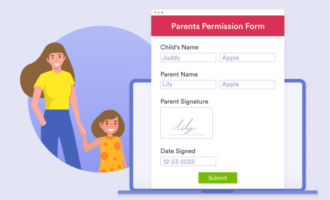
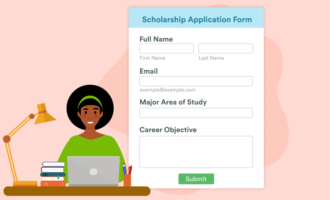
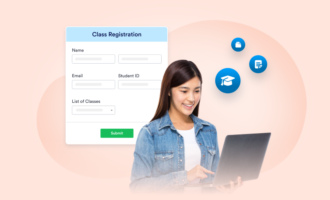
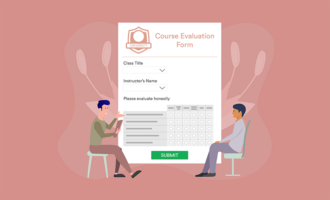
Educators can use Jotform Education to create everything, from quizzes, student progress reports, field trip permissions, homework submissions, parent communication, feedback surveys, grading rubrics, and so much more.
There’s a total of 5,700-plus EdTech form templates that let teachers quickly launch ready-made forms. You can start from a template, then make it your own — Jotform Education is fully customizable, allowing educators to adjust branding, question types, conditional logic, and submission settings to meet the specific needs of their classroom or institution.
- Age range: Elementary, K-12, higher ed
- Pros
- AI Presentation Maker and Presentation Agent help you generate engaging slide decks from simple prompts
- Drag-and-drop interface lets educators quickly build classroom-ready materials without technical expertise
- Powerful features includes conditional logic, Jotform Report Builder, e-signatures, and payments
- Cons
- Jotform branding is on the free plan, but you can remove this on the bronze, silver, or gold packages
- Plans/Pricing
- Jotform offers a 50 percent discount for educators.
- The prices (at 50 percent off) are below:
- Starter: $0
- Bronze: $17 per month
- Silver: $19.50 per month
- Gold: $49.50 per month
2. Google Classroom: Best for classroom management and collaboration
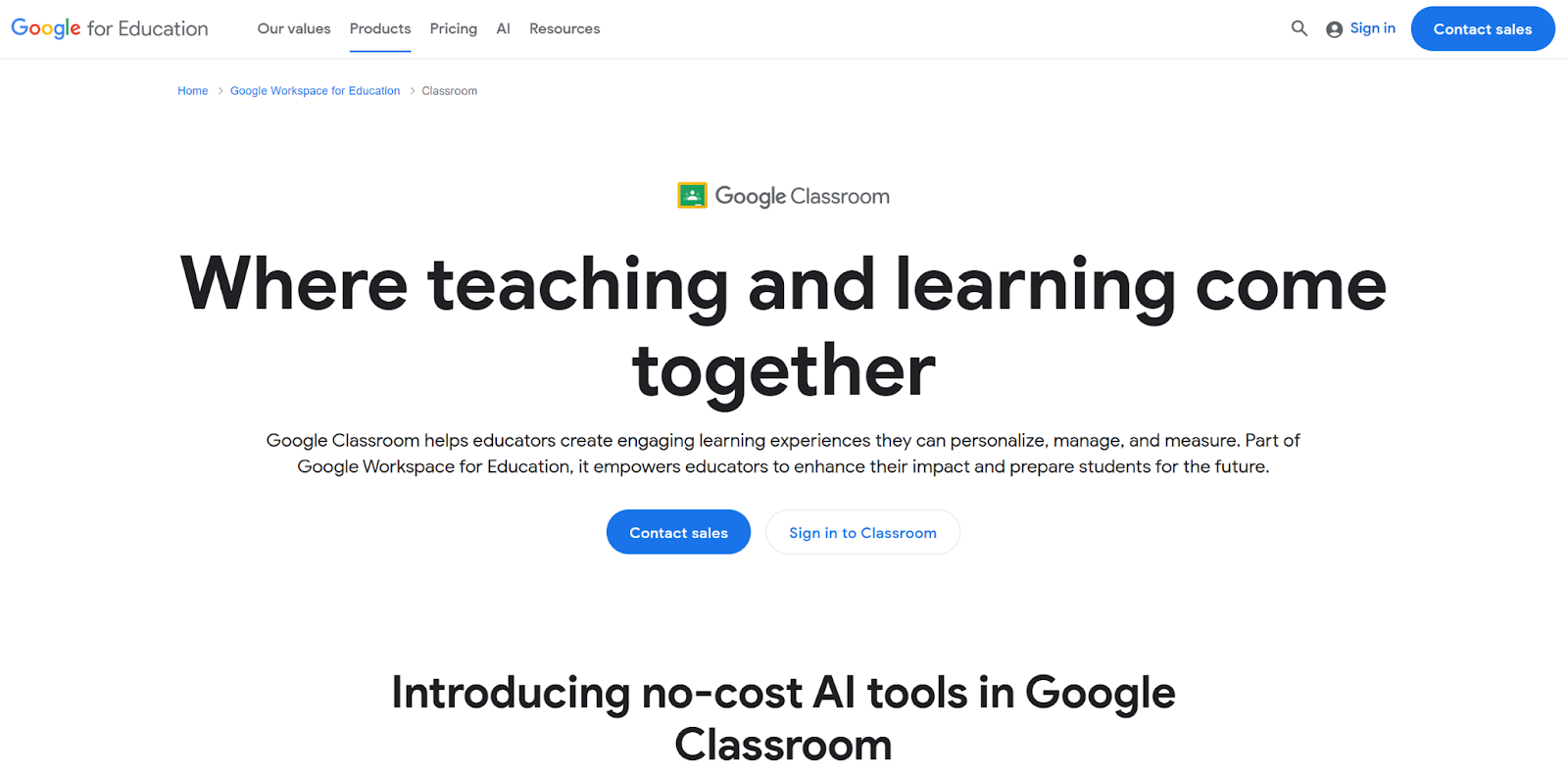
Google Classroom is a learning management system (LMS) built around communication, organization, and collaboration. It gives educators a centralized space where instructions, assignments, and feedback live in one database.
Teachers can set up digital classrooms in minutes, invite students using a secure class code, and immediately begin posting announcements, lesson materials, videos, and resources.
The platform has an intuitive layout that divides activity into clear sections, such as the Stream for updates, Classwork for assignments, and People for managing participants. Google Classroom makes it easy for both teachers and students to stay organized.
- Age range: K-12, higher ed
- Pros
- Strong communication and feedback features for students and parents, with daily or weekly summaries
- Easy assignment distribution, submission, and grading
- Seamless integration with Google Classroom tools, which makes other Google tools (like Google Forms, mentioned below) more efficient.
- Cons
- Limited customization compared to more advanced LMS platforms
- Works best within the Google ecosystem
- Plans/Pricing
- You can start with Classroom Fundamentals for free, or upgrade to Plus for $6 per user per year.
3. Canvas LMS: Best for advanced, all-in-one learning management
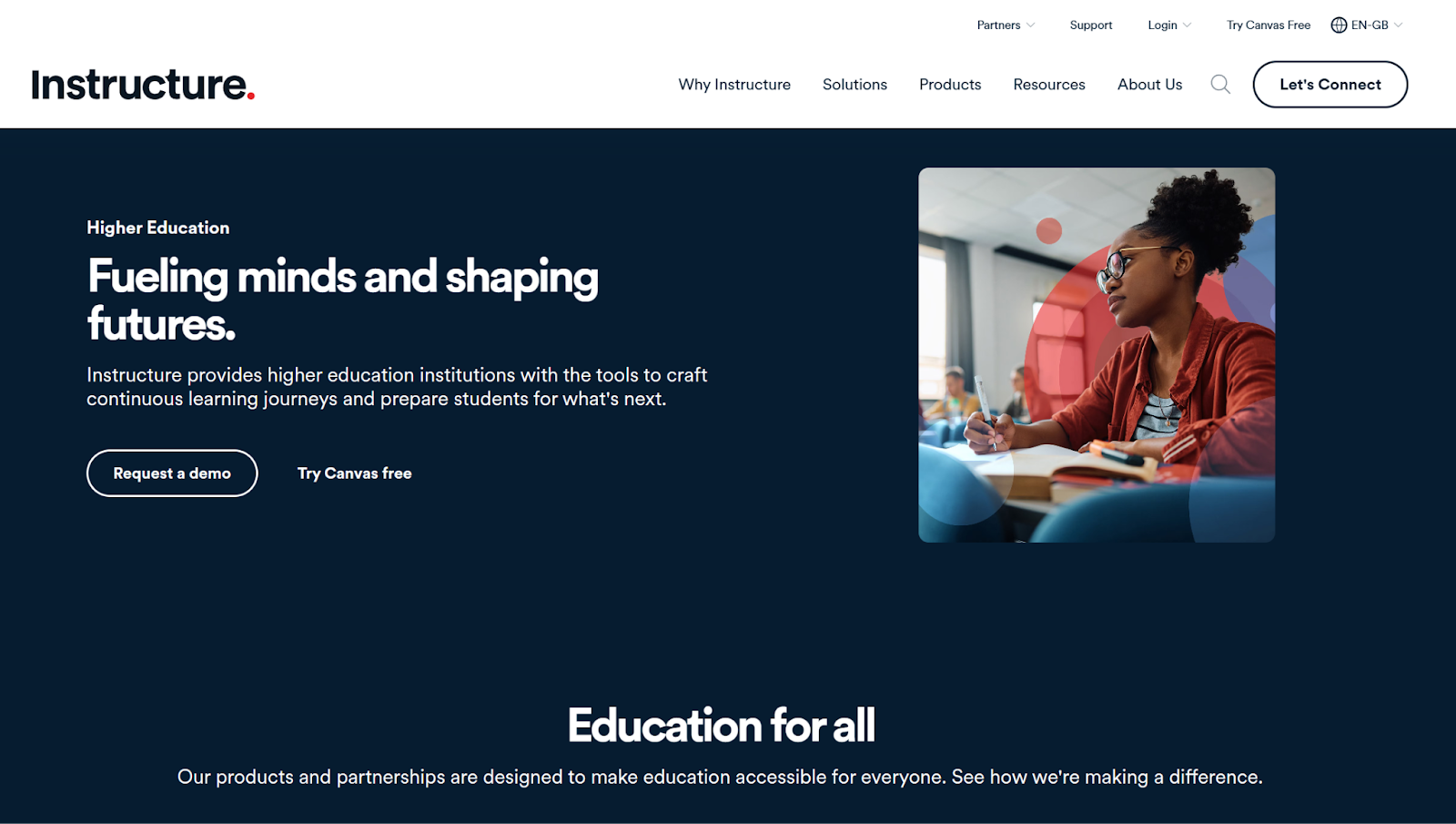
Canvas LMS, owned and developed by Instructure Holdings, offers solutions for all types of educational scenarios, from kindergarten to higher education to corporate learning.
Canvas provides educators and administrators with a centralized platform to design, deliver, and manage structured learning experiences. Its intuitive interface allows instructors to create organized course modules, upload multimedia learning materials, set assignments, administer quizzes, and track learner progress through the gradebook.
- Age range: Further and higher education
- Pros
- Comprehensive LMS with advanced course and grading features
- Strong analytics and reporting for tracking student progress
- Hundreds of integrations with third-party education tools
- Cons
- More complex than simpler classroom tools
- Plans/Pricing
- Free trial available. Custom pricing based on institution size and needs. You can request a demo through Instructure’s sales team to discuss pricing.
4. Teachable: Best for independent educators and course creators
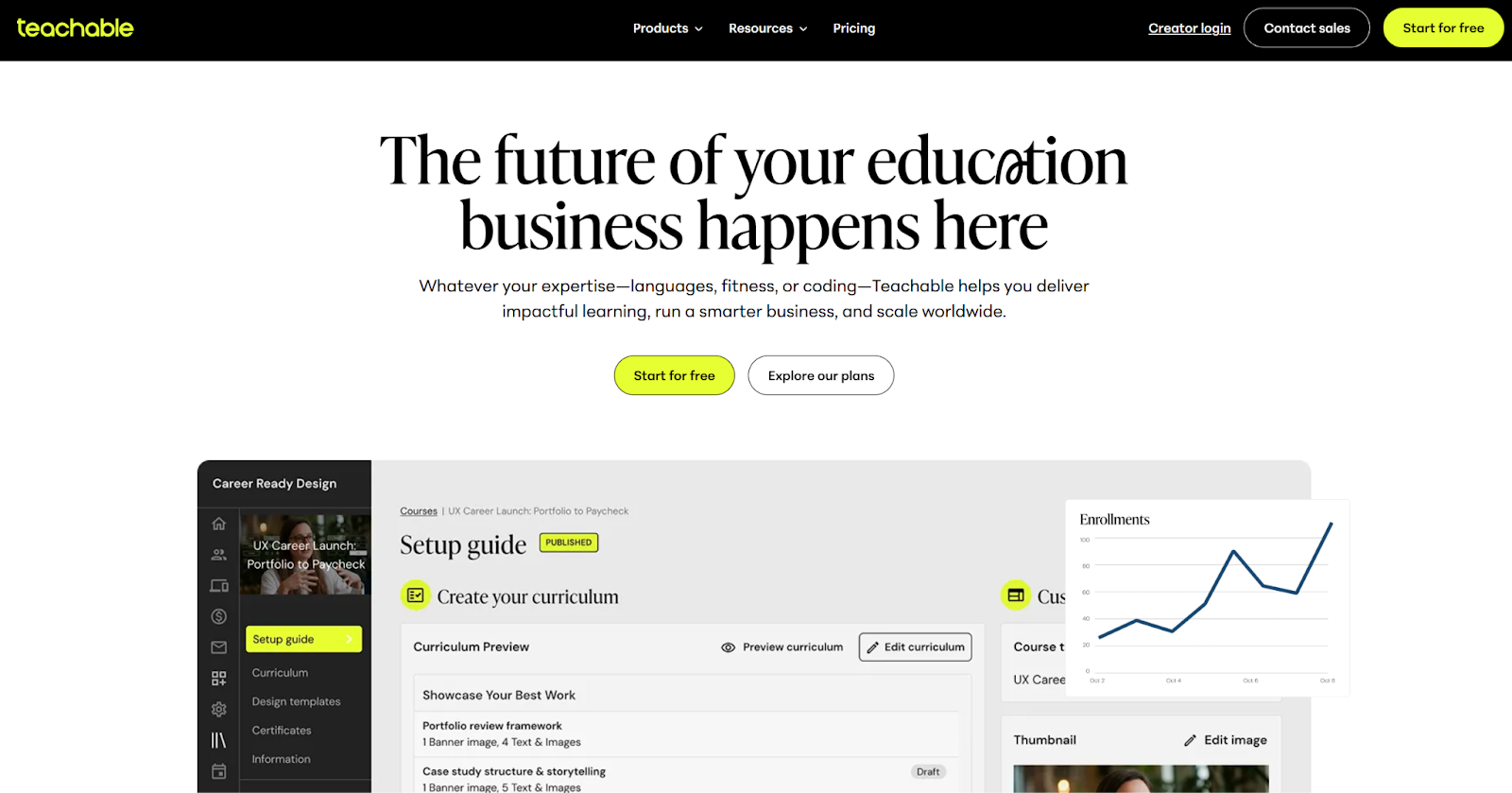
Teachable is a flexible teaching platform for educators who operate outside traditional schools or universities. Independent teachers, tutors, coaches, consultants, and subject-matter experts use Teachable to create, host, market, and sell online courses, including digital downloads and coaching programs.
Teachable is designed to be easy to use and has a no-code setup, so users can create professional-looking courses without technical or web development skills. You can upload video lessons, PDFs, quizzes, and downloadable resources, then structure them into organized modules that guide students through a clear learning path.
Age range: Higher ed, adult learning, professional education
- Pros
- No-code platform for creating and selling courses
- Built-in payments and e-commerce tools
- Supports subtitles and translations for broader accessibility
- Cons
- Advanced customization may require higher-tier plans, so consider the customization options you need before you invest
- Plans/Pricing
- Starter: $29 per month
- Builder: $69 per month
- Growth: $139 per month
- Advanced: $309 per month
5. RallyUp: Best for school fundraising
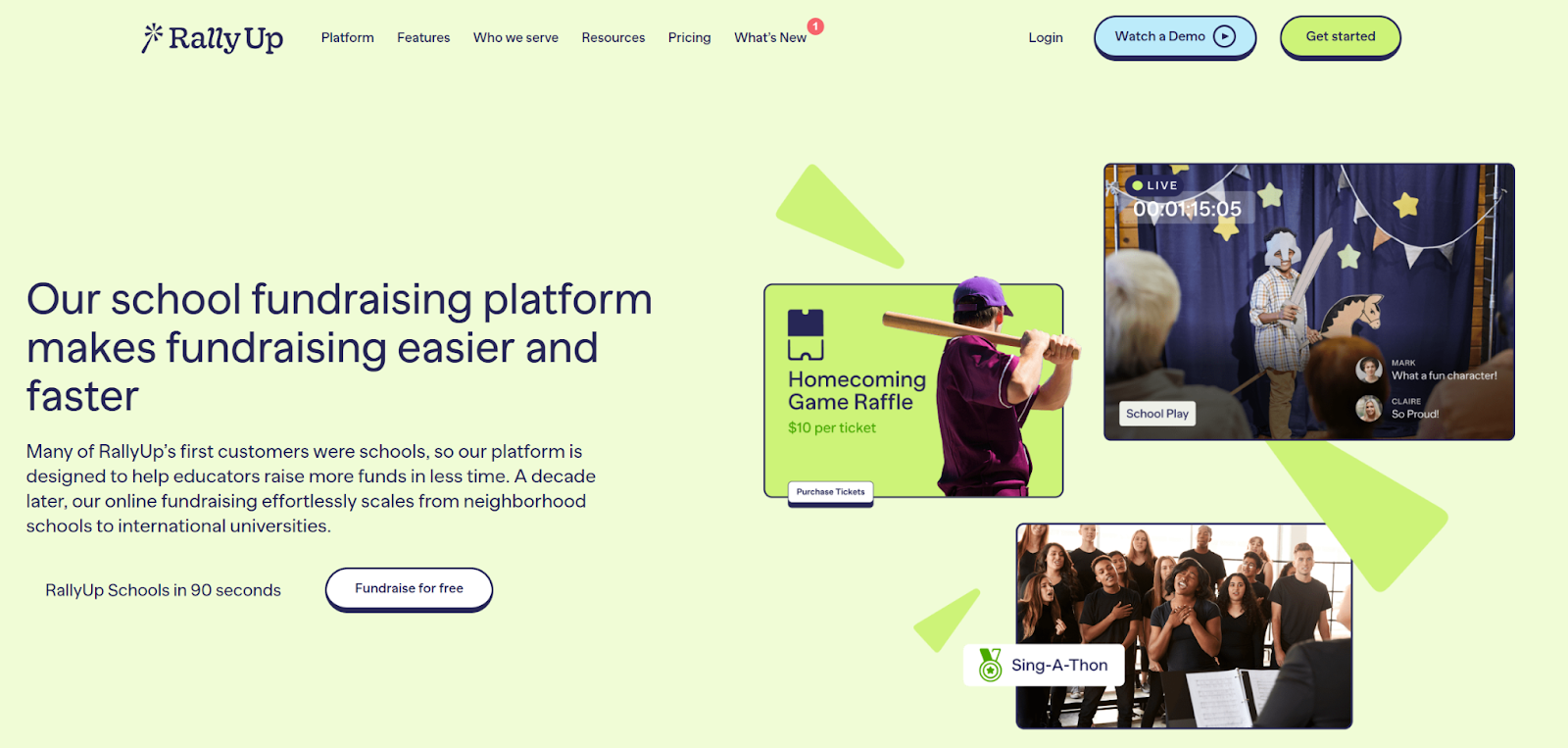
RallyUp Schools is an online fundraising platform designed for schools to raise money through digital campaigns. Teachers and administrators use it to run fundraisers like raffles, auctions, donation drives, and ticketed events without relying on paper forms or cash collection. Everything, from setup to promotion and payment processing, happens online, making it easier to manage campaigns and reach parents, families, and the wider school community.
RallyUp’s digital-first approach simplifies fundraising beyond the classroom; you can even fundraise worldwide because campaign links are sharable through email, social media, and school newsletters, so schools reach parents, extended family members, alumni, and the wider community.
- Age range: Elementary, K-12, higher ed
- Pros
- Multiple fundraising formats, including donations, raffles, and auctions
- Easy online setup with simple sharing options for parents and communities
- Real-time tracking and campaign management tools
- Cons
- On the free account, donor tipping is enabled and can’t be turned off. This may be a con to some, but the benefit is that there are no processing fees, so more money goes to your school. You can opt for the flex option if you prefer a platform fee based on activity.
- Plans/Pricing
- There are no contracts, subscriptions, or up-front fees to raise funds. Standard payment processing fees apply to both plans, and discounts are available for nonprofits.
- Plan options include
- Free: Donors can optionally leave a tip at checkout
- Flex: The platform fee is deducted from funds raised; it can be optionally passed on to donors.
6. Google Forms: Best for simple surveys and quizzes in Google Workspace
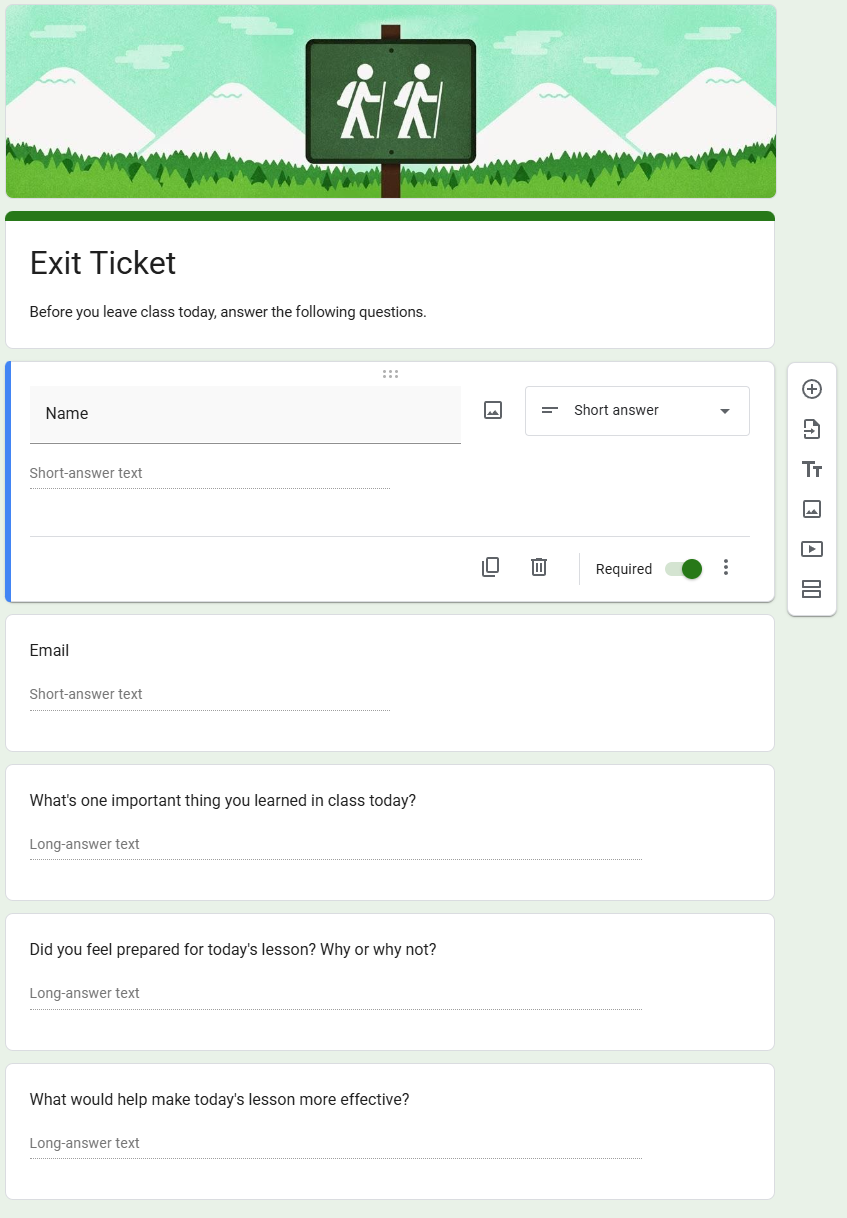
Google Forms is a straightforward, easy-to-use data collection tool. Teachers use it to create quizzes, exit tickets, attendance check-ins, parent contact forms, and quick classroom surveys in just a few clicks. Its clean interface makes it accessible even for less tech-confident educators, and forms can be shared instantly via links, email, or Google Classroom.
The form builder supports multiple question types, including multiple-choice, short-answer, dropdowns, checkboxes, and linear scales. Responses are automatically collected and organized in real-time, with built-in summary charts and graphs that help teachers quickly interpret results. Data can also be exported to Google Sheets for deeper analysis, record-keeping, or reporting.
- Age range: Elementary, K-12, higher ed
- Pros
- Extremely easy to use with minimal setup
- Seamless integrations with Google Classroom and Google Sheets
- Free and accessible for schools using a Google account
- Cons
- Limited customization and branding options
- Basic forms and no other functionalities
- Plans/Pricing
- Google Forms is free to use.
7. OpenLearning: Best for social, AI-powered online course delivery
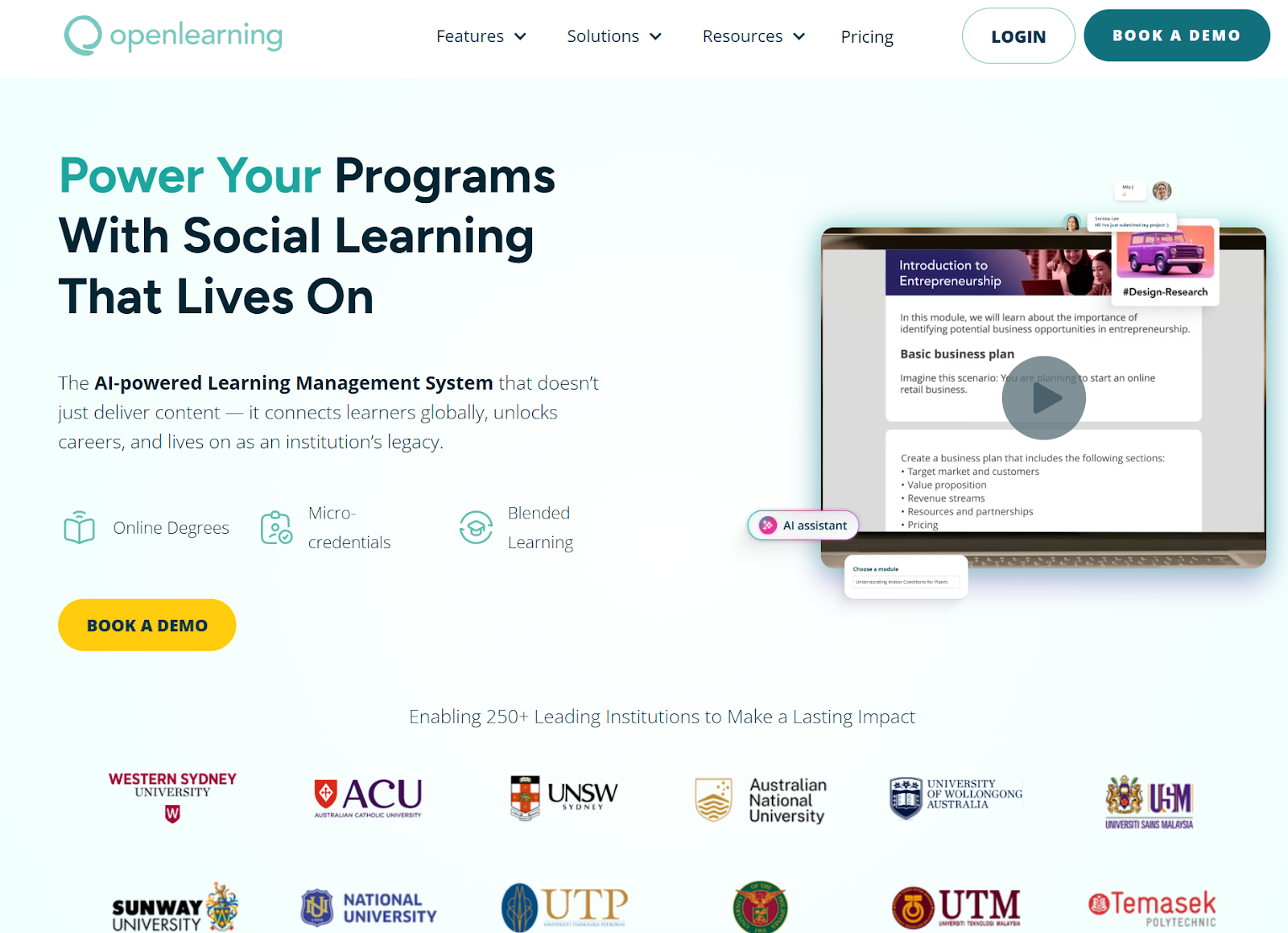
OpenLearning is an AI-powered learning platform that helps educators and institutions create, deliver, and sell online courses to a wider audience. Unlike traditional LMS platforms, OpenLearning places strong emphasis on social learning, encouraging interaction through features such as in-course discussions, comments, likes, kudos, and collaborative activities.
Educators can build courses using flexible content blocks, integrating video, text, quizzes, and interactive tasks. AI-powered tools assist with course design, activity creation, and learner support, helping instructors streamline development while maintaining quality.
- Age range: Higher ed, adult learning, professional education
- Pros
- Drag-and-drop tools make it easy to build media-rich courses without technical expertise
- AI features help streamline course creation and learner engagement
- Certificates and micro-credentials for skills-based learning
- Cons
- Higher starting price compared to some course platforms
- Plans/Pricing
- OpenLearning is known for being quite expensive. Pricing is custom, so you’ll need to book a demo to learn more.
8. Qualtrics: Best for large educational institutions
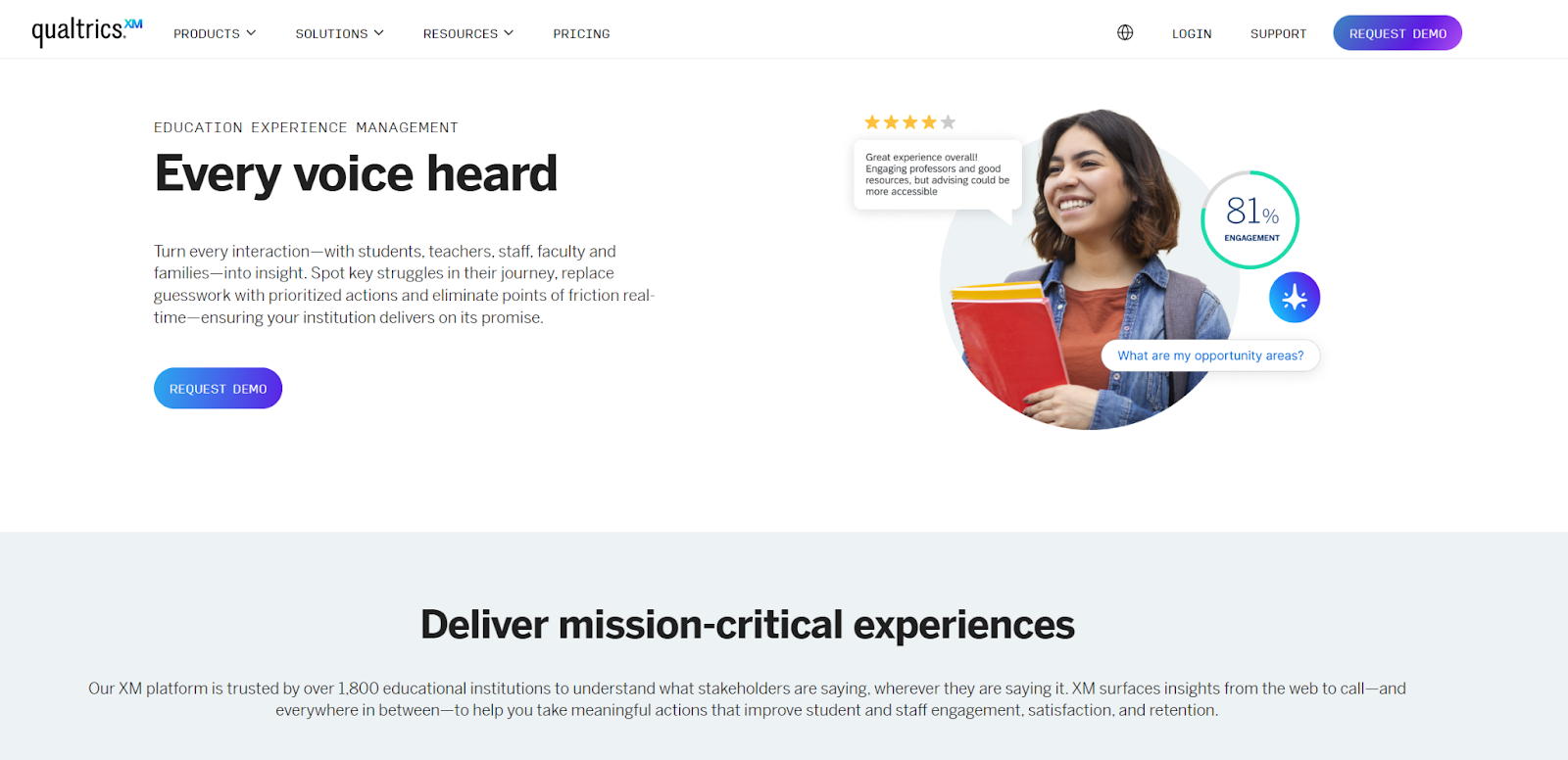
Qualtrics is an experience management software platform that includes data collection tools. In education, school districts and institutions use this EdTech to create detailed surveys for teachers, staff, students, and parents, so they can measure engagement, satisfaction, and overall learning experiences.
The platform supports complex survey logic, branching questions, and customizable templates, making it suitable for large-scale research. The analytics and reporting dashboards are very robust, and it’s therefore exceptional for educational leaders who are making strategic, data-driven decisions.
- Age range: K-12, higher ed
- Pros
- Advanced analytics and reporting for large-scale feedback
- Extensive survey question library and customization options
- Enterprise-grade security and LMS integrations
- Cons
- More complex than basic survey tools
- Plans/Pricing
- Custom pricing based on product suite and institution needs. Contact Qualtrics’ sales team for details.
9. Moodle: Best for fully customizable, open-source learning management
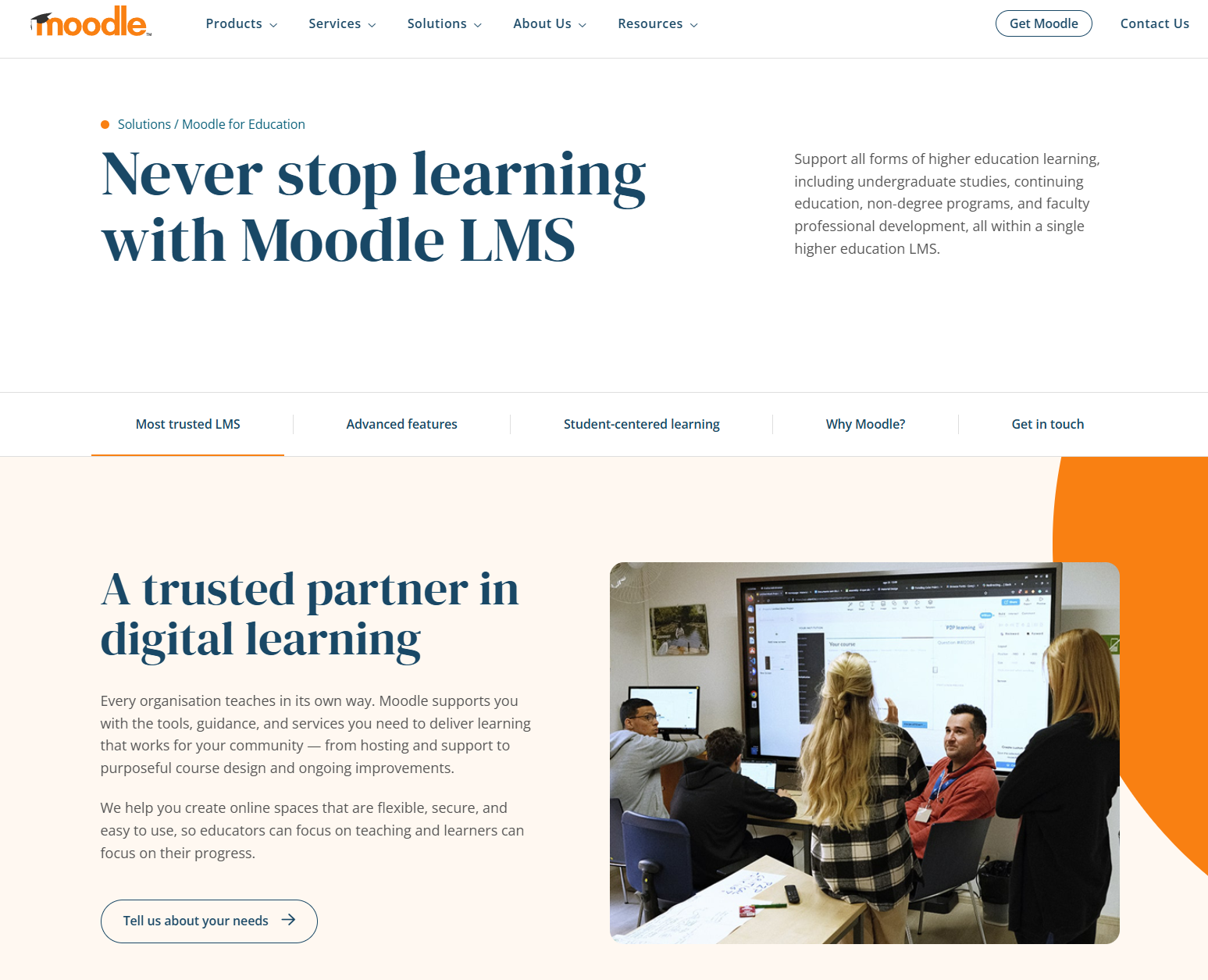
Moodle is an open-source learning management platform that enables educators to create a custom platform tailored to their students’ and curriculum’s specific needs. Because Moodle is open source, schools have complete control over hosting, design, feature configuration, and data management. This flexibility makes Moodle particularly attractive to institutions that want more ownership and adaptability than many out-of-the-box LMS platforms provide.
- Age range: Higher ed, continuing education
- Pros
- Fully customizable open-source platform
- Extensive integrations and plug-in ecosystem
- Mobile-compatible and adaptable for any education level
- Cons
- Requires technical knowledge or development support
- Plans/Pricing
- Moodle is available for free. Note that there will be costs involved for hosting, developing, and maintaining your Moodle platform.
10. Zoom: Educational institutions that have virtual classes
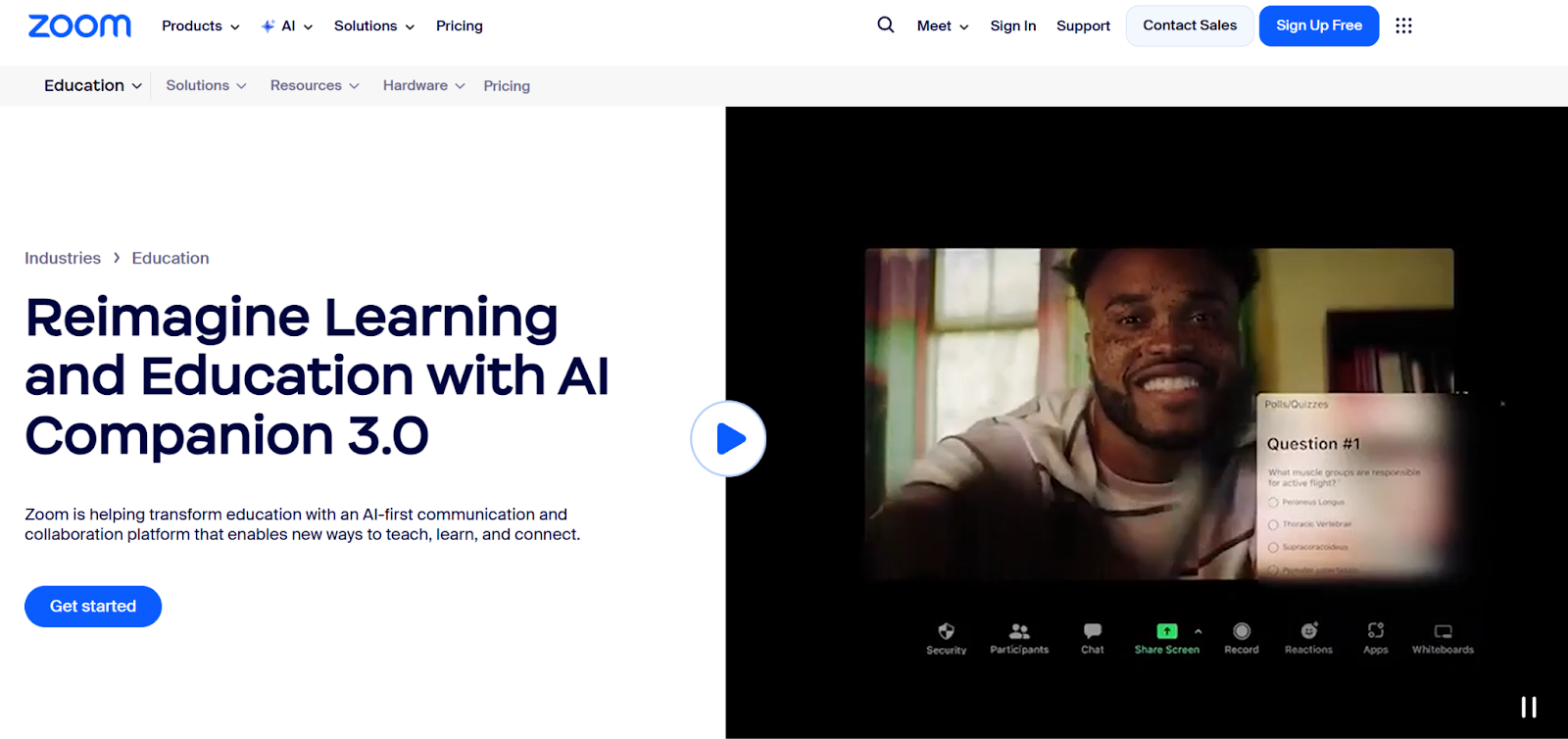
Zoom enables educators to connect with students worldwide. It’s a well-known video conferencing software and is known for its reliability. Whether supporting fully remote learning, hybrid models, or guest lectures, teachers can host live sessions, share screens, present slides, and record lessons for students who cannot attend in real time.
Zoom also includes collaborative features such as team chat, breakout rooms for small-group discussions, a digital whiteboard for interactive teaching, and integrated phone capabilities. These tools replicate in-person classroom dynamics by encouraging participation, peer collaboration, and real-time feedback.
- Age range: K-12, higher ed, adult learning
- Pros
- Reliable video conferencing for live classes
- Interactive features like breakout rooms and whiteboards
- Supports communication beyond video with chat and phone tools
- Cons
- Limited learning management or assessment features
- Plans/Pricing
- Basic: Free
- Pro: $16.99 (billed monthly)
- Growth: $21.99 (billed monthly)
- Enterprise: Custom pricing
11. Class Collaborate: Best for educational institutions that use the Blackboard LMS
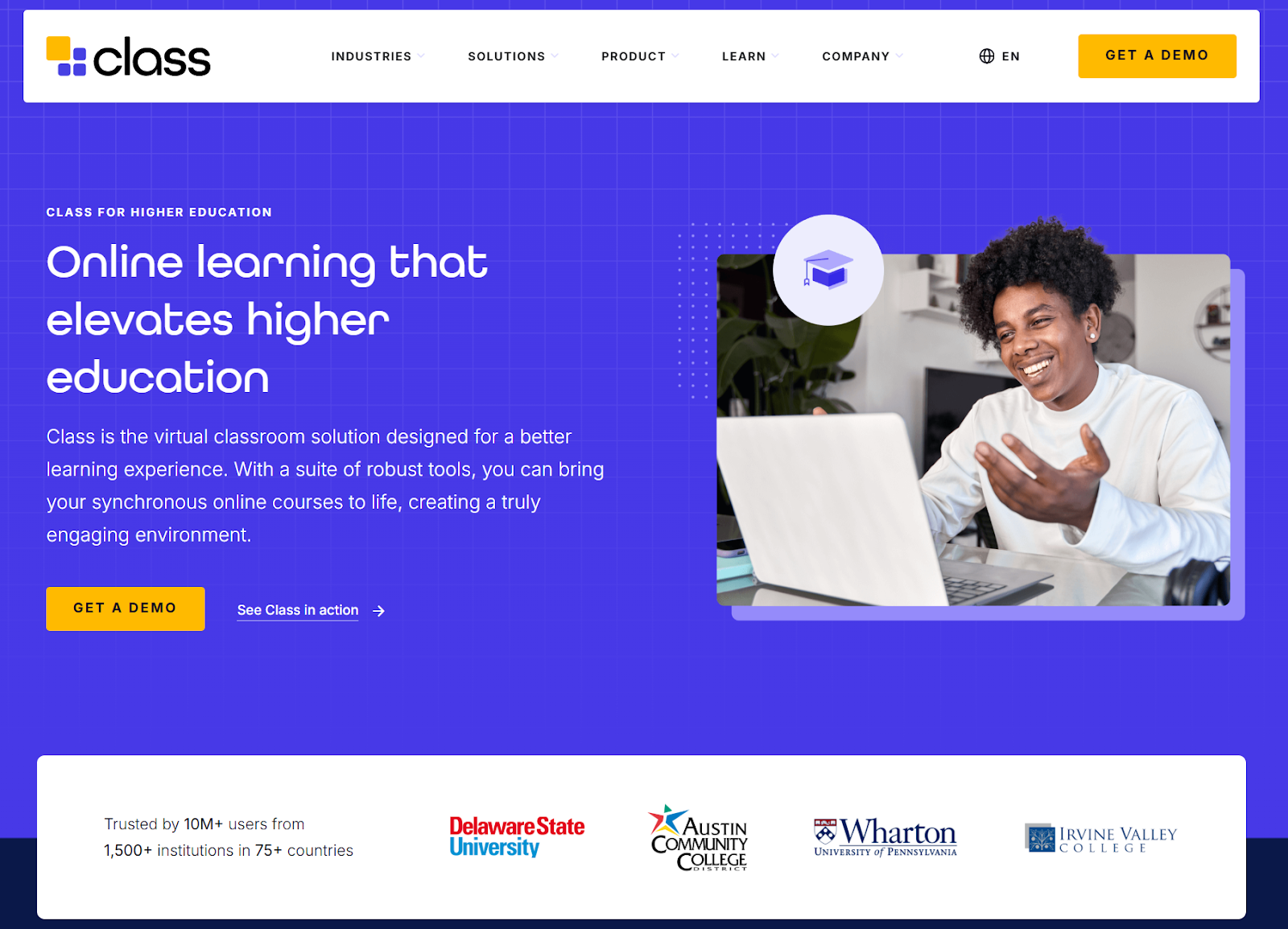
Class Collaborate (formerly Blackboard Collaborate) is part of the Blackboard LMS. It’s a simple web conferencing tool for lessons and meetings for students of all ages and skill levels. The tool supports core virtual classroom features such as video and audio conferencing, screen sharing, breakout groups, polling, chat, and session recording. Its simple, browser-based setup makes it accessible to students of all ages and technical skill levels, while its Blackboard integration enables attendance tracking and easy access to recordings.
- Age range: K-12, higher ed
- Pros
- Deep integration with the Blackboard LMS
- Built-in engagement tools like polls, chat, and whiteboards
- Moderated breakout rooms for controlled group work
- Cons
- Most useful for institutions already using Blackboard
- Plans/Pricing
- Custom pricing; book a demo with Class to get a quote.
12. Webex: Best for hybrid classes and events
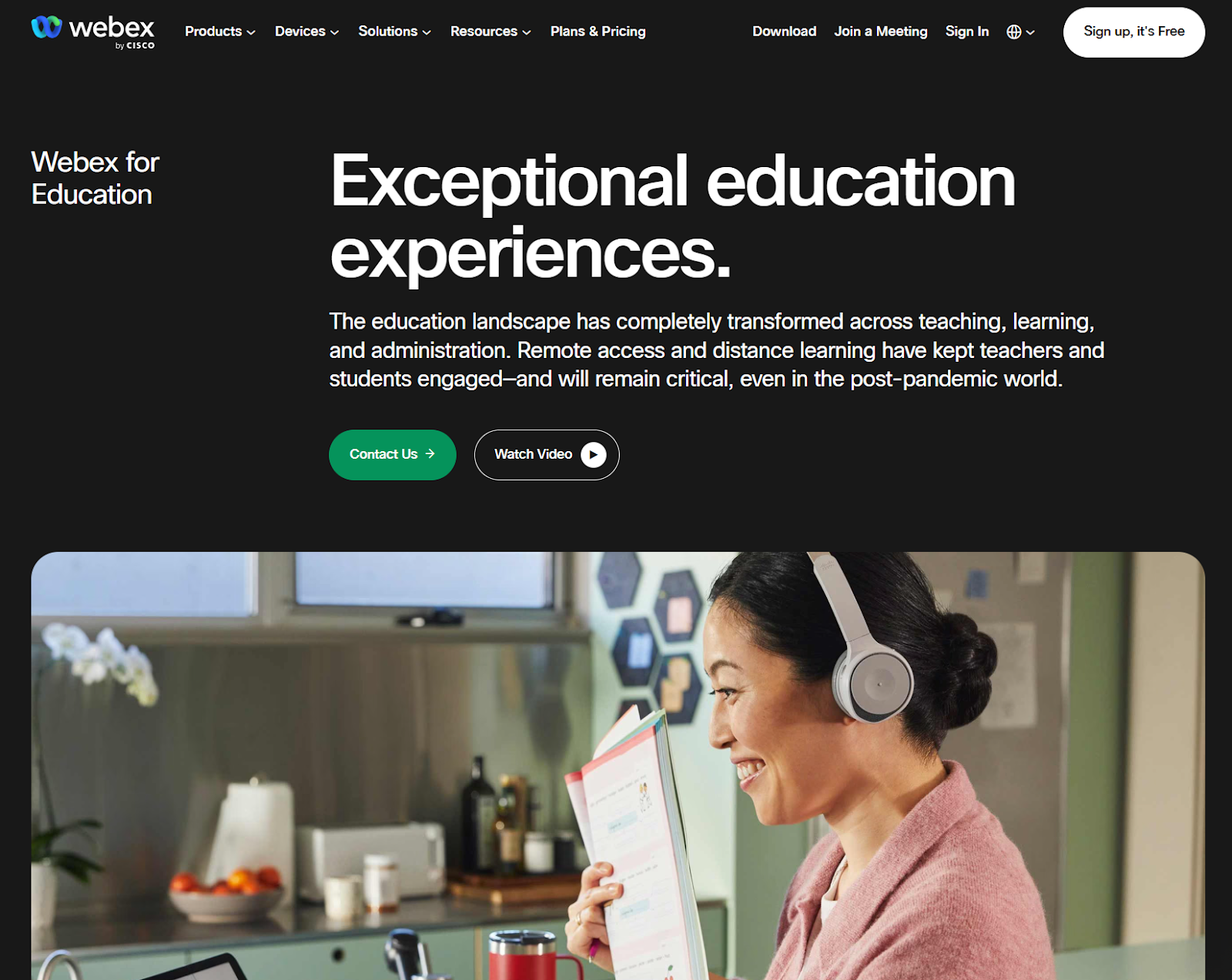
Webex is a leading video conferencing tool many educational institutions use and organizations across other industries find useful as well. It offers a suite of related products, including video messaging and calling. Webex is known for its reliability and security.
This EdTech software includes team messaging, video calling, file sharing, and cloud-based communication tools. With these integrated products, schools can centralize communication.
- Age range: K-12, higher ed, adult learning
- Pros
- Strong support for virtual, in-person, and hybrid classes
- Built-in accessibility features like closed captioning
- Suitable for large-scale meetings and events
- Cons
- Interface can feel complex compared to simpler video tools
- Plans/Pricing
- Webex Free: $0
- Webex Meet: $144 per user per year
- Webex Suite: $270 per user per year
- Webex Enterprise: Custom
13. Lumio: Best for K-12 educators
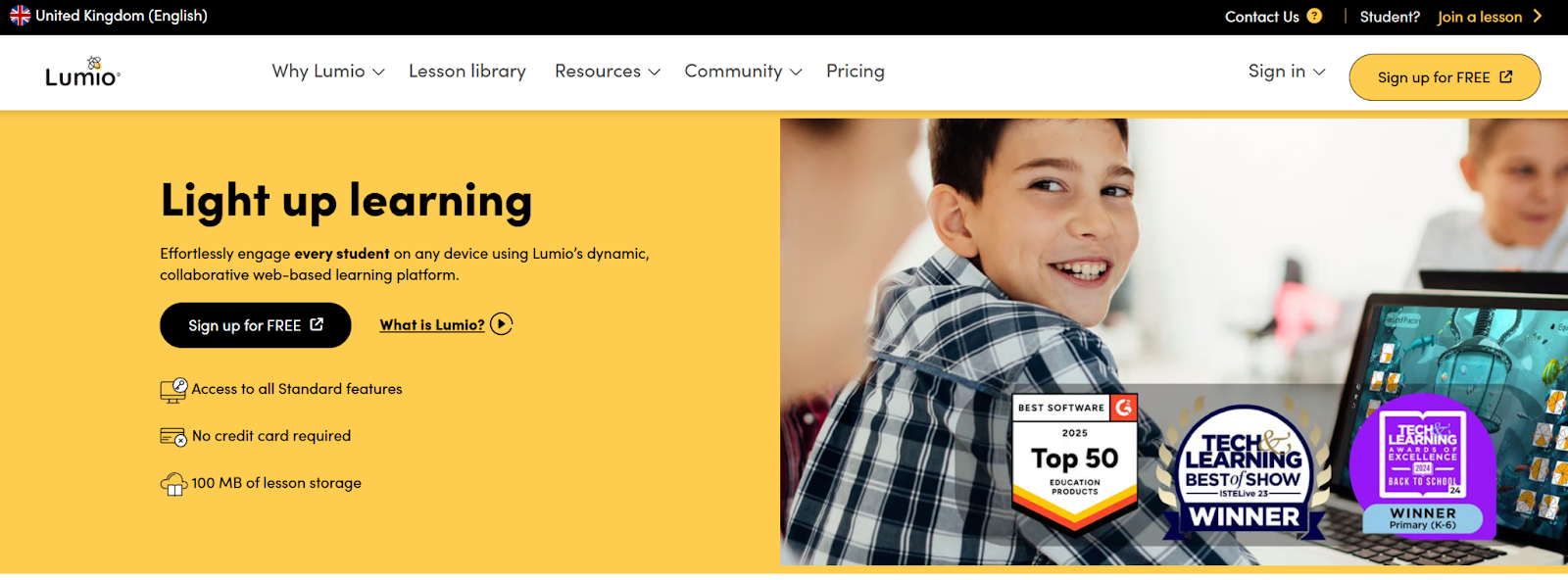
Lumio is a learning platform offering teachers different ways to engage with their students and enable student collaboration. Teachers can quickly add activities such as quizzes, polls, matching games, collaborative whiteboards, and group workspaces directly into their lessons. Students can respond in real time from their own devices, participate in shared work areas, and complete formative assessments that provide instant feedback.
- Age range: K-12 educators
- Pros
- Interactive learning experiences, such as activities and games
- Digital group workspaces
- Formative assessments and real-time insights
- Easy integrations with other apps like Canva and Slides
- Cons
- Primarily focused on K-12 use cases
- Plans/Pricing
- Free: $0
- Standard: $59 per year
- Spark: Custom
14. Hapara: Best for K-12 educators using Google Workspace, Canvas, and/or Schoology
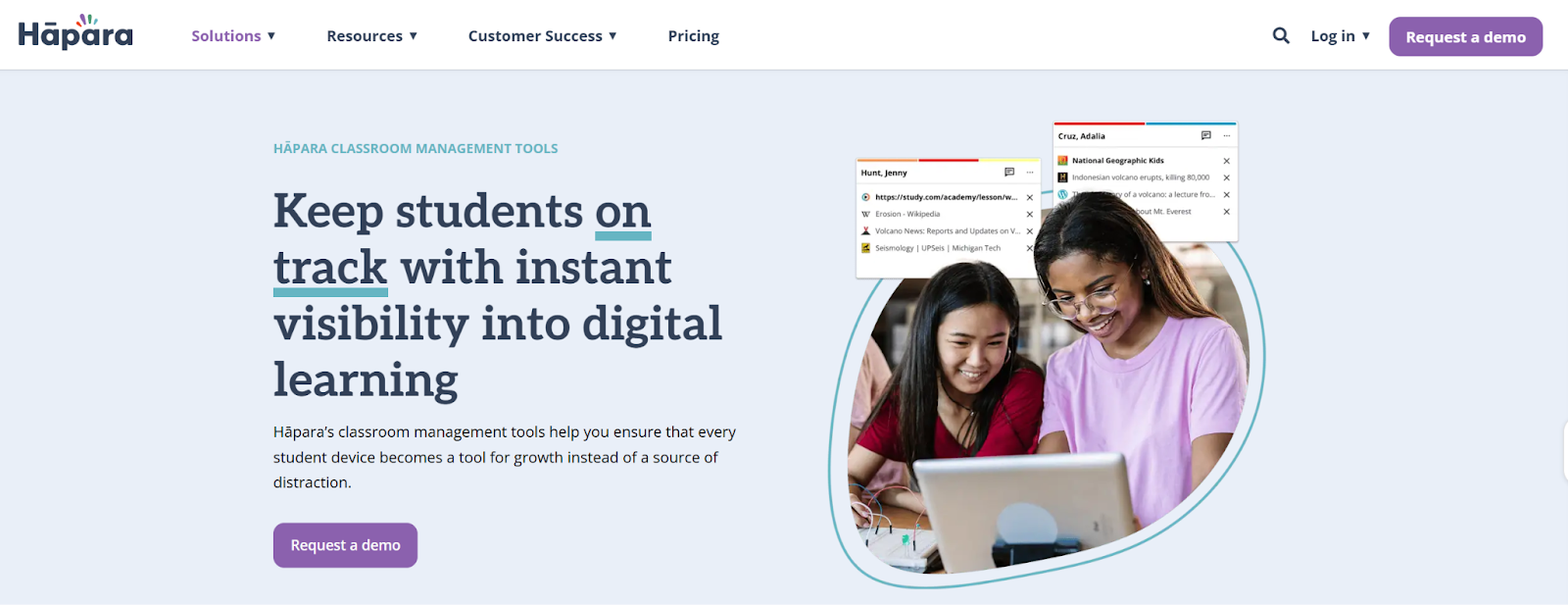
Hāpara is a classroom management software that makes online learning fun and safe for students. This tool is built to work alongside tools like Google Workspace for Education (mentioned above). It gives educators visibility into student activity, making it easier to keep learners focused and on task during online or device-based lessons. Teachers can view student screens, share resources and provide real-time feedback.
- Age range: K-12
- Pros
- Real-time Chrome browser monitoring for student focus
- AI-powered web filtering for safer online learning
- Seamless integrations with major LMS and Google Workspace tools
- Cons
- Pricing not publicly listed
- Plans/Pricing
- You need to request pricing from Hāpara.
15. Classroomscreen: Best for Educators who need a solution for keeping students on track
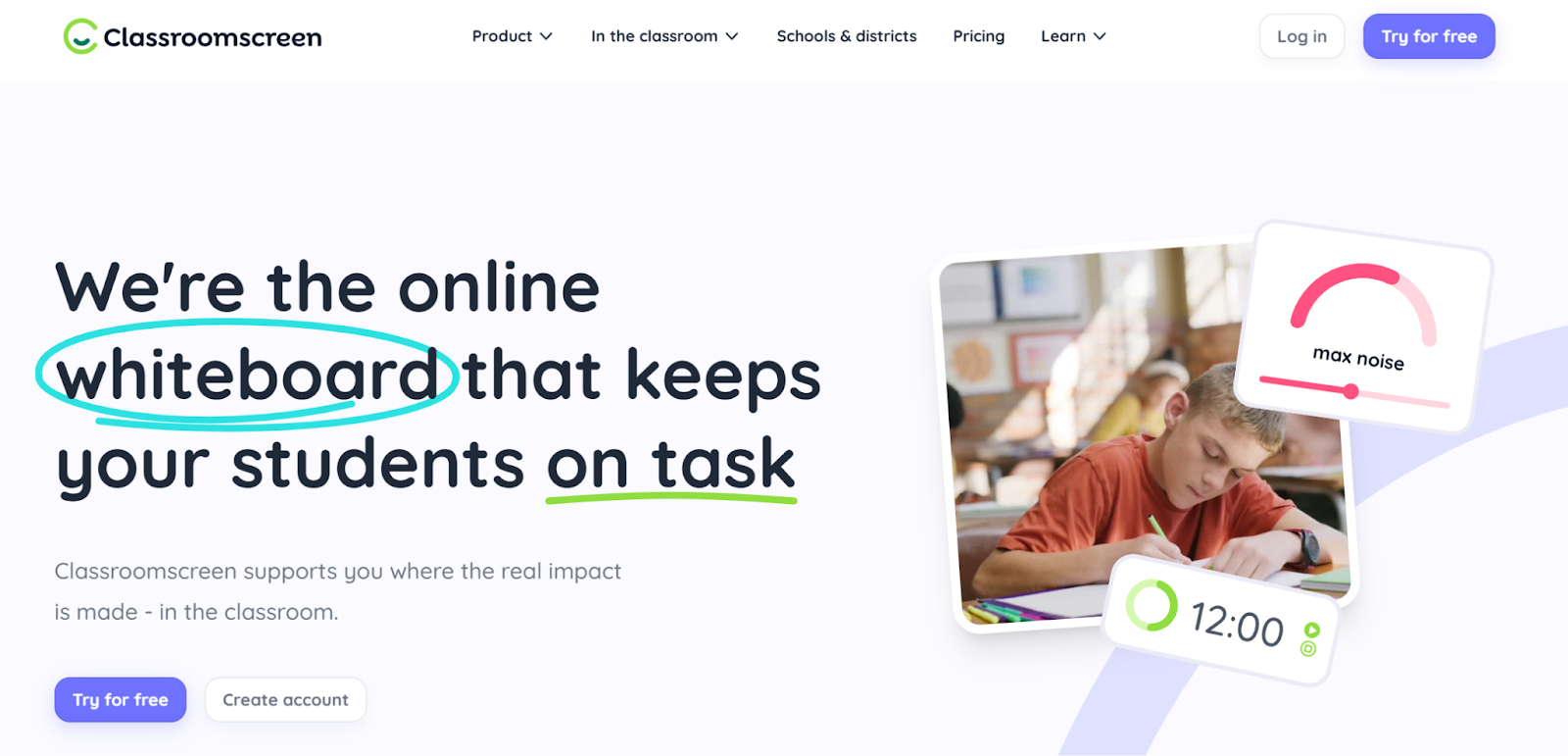
Classroomscreen is an online whiteboard that educators can use to keep students engaged, organized, and focused during lessons. It has a clean interface that keeps students focused.
The platform includes practical classroom management tools such as countdown timers, stopwatches, traffic lights, random name pickers, noise level meters, and drawing tools. Timer widgets help students manage their time more effectively during independent work or group activities, while visual signals support smoother transitions between tasks.
- Age range: Elementary, K-12
- Pros
- Simple visual tools like whiteboards for managing time and classroom flow
- Interactive elements like polls and gamification to boost engagement
- Easy to use with minimal setup
- Cons
- Limited advanced features compared to full LMS platforms
- Plans/Pricing
- Basic: $0 per month
- Pro: $3 per month
16. Finalsite Enrollment: Best for K-12 schools that require registration and admissions support
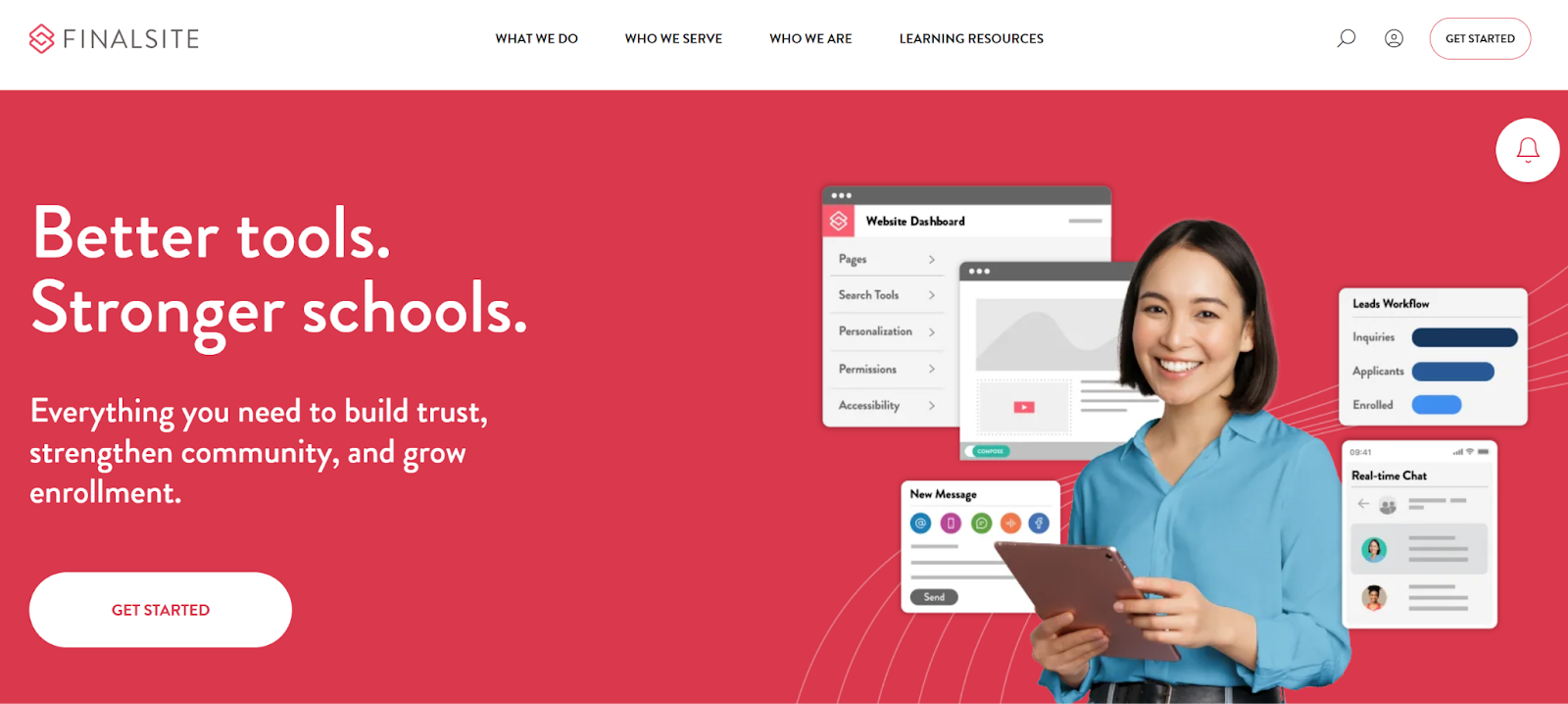
Finalsite Enrollment is an admissions and enrollment software supporting schools at every stage of the admissions journey. Schools use the platform to manage inquiries, schedule tours and interviews, track applicant progress, collect required documentation, and communicate with families through automated workflows. Built-in reporting tools help admissions teams monitor pipeline performance and enrollment trends, while integrated billing features streamline tuition payments and financial tracking.
- Age range: K-12
- Pros
- End-to-end admissions, enrollment, and tuition billing tools
- Strong communication features for emails and newsletters
- Integrated CMS and marketing services for school websites
- Cons
- Pricing not publicly available
- Plans/Pricing
17. Teachmint: Best for LMS With Built-In Admissions and Fee Management
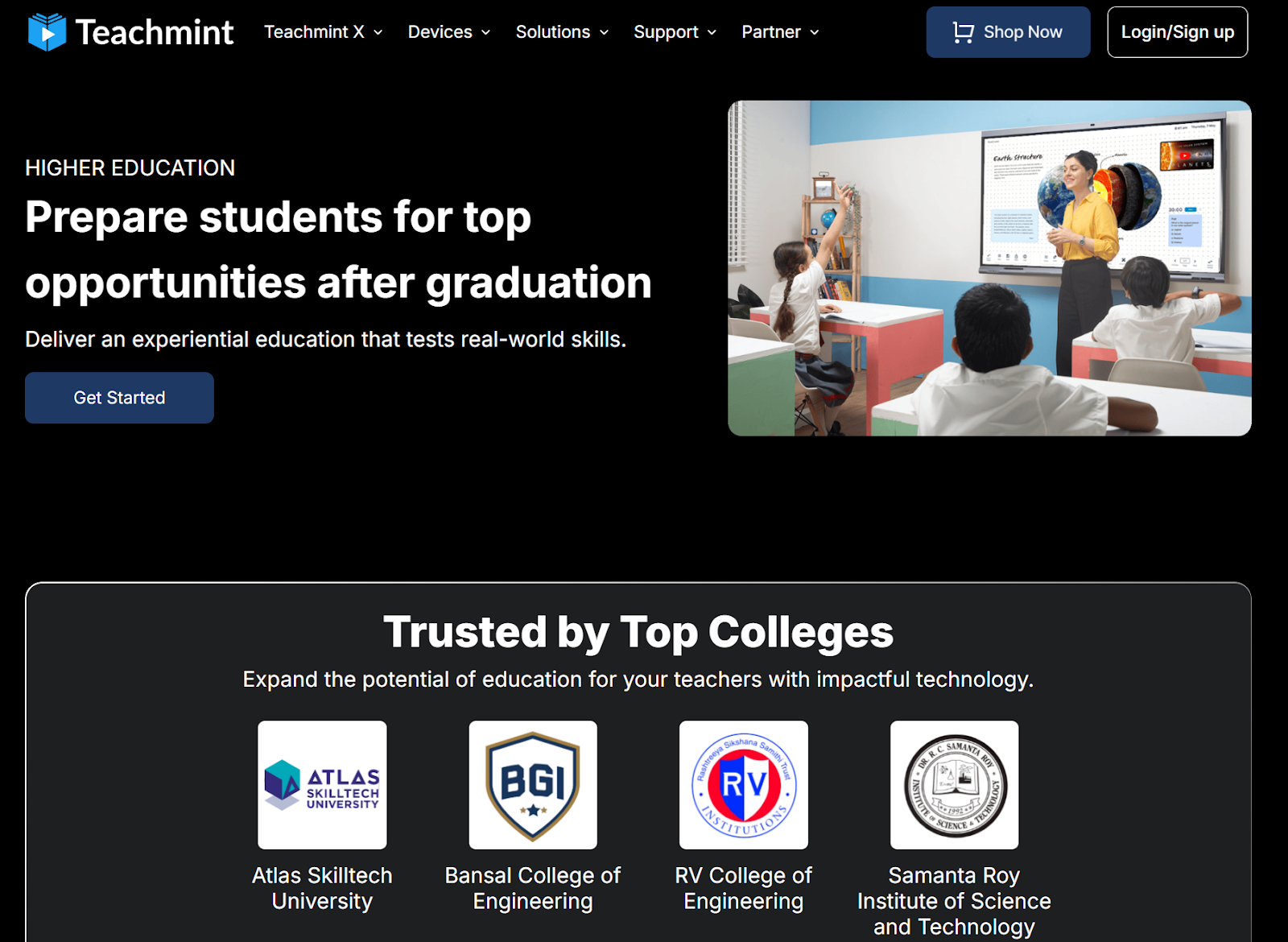
Teachmint is an integrated learning management system (LMS) and school management platform designed to streamline both academic delivery and administrative operations. It combines classroom tools with back-office functionality, so schools manage teaching, communication, and institutional processes within a single ecosystem.
In addition to core LMS features such as lesson planning, content sharing, assignments, and live classes, Teachmint offers admissions and enrollment management, student performance tracking, exam scheduling and grading, and fee management.
- Age range: K-12, higher ed, professional education
- Pros
- Combines LMS, admissions, and fee management in one platform
- Student tracking and admissions portal simplify administration
- SMS reminders improve communication and follow-ups
- Cons
- Not designed for standalone classroom teaching tools
- Plans/Pricing
- Teachmint has three paid plans. Contact its sales team for pricing details.
18. PowerSchool Enrollment: Best for schools using the PowerSchool ecosystem
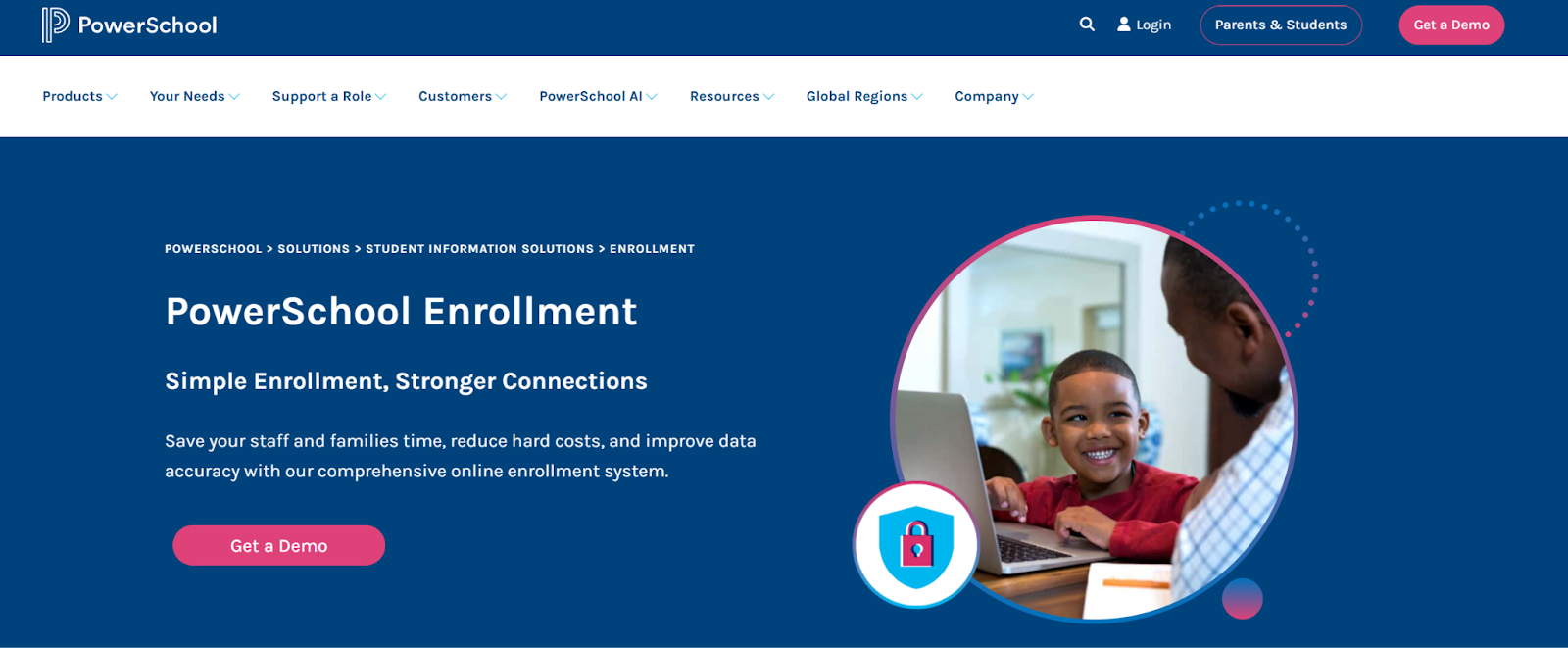
PowerSchool Enrollment is part of the PowerSchool suite of products. The enrollment software is designed to help schools manage the entire enrollment lifecycle more efficiently, from new student registration and re-enrollment to document collection and data verification. The platform digitizes and automates manual and time-consuming processes, plus reduces paperwork, minimizes data entry errors, and improves communication with families.
- Age range: K-12
- Pros
- Seamless integration with the PowerSchool product suite
- Automated data entry saves time and reduces errors
- Mobile-friendly enrollment experience for families
- Cons
- Limited value for schools not already using PowerSchool
- Plans/Pricing
- Contact PowerSchool for a demo of PowerSchool Enrollment and pricing details.
Set your team up for success from day one
The right teaching software can dramatically reduce administrative work, boost student engagement, and create better learning outcomes by giving educators more time to focus on teaching. Whether you’re looking for the best EdTech tools that manage a classroom, run online courses, or support school-wide operations, choosing tools that match your teaching environment and student needs makes a measurable difference. Many of the platforms featured here offer free plans, trials, or educator discounts, so it’s easy to test what works best before committing.
You can also explore the best AI tools for teachers to see how AI is reshaping lesson planning, grading, and student engagement — a natural next step once your core toolkit is in place.
This article is for teachers, school administrators, and education teams who want practical software to simplify daily workflows, support instruction, and improve communication, whether they teach in-person, online, or in a hybrid classroom environment.
























































































Send Comment:
1 Comment:
June 24, 2023
Love to be part of smarter global family and not harder