

გამოკითხვის შაბლონები

დემოგრაფიული გამოკითხვა
ეს არის მარტივი დემოგრაფიული გამოკითხვის შაბლონი, რომლის გამოყენებითაც შეგიძლიათ განსაზღვროთ თქვენი ბაზრის დემოგრაფია ან ჩაატაროთ ნებისმიერი სხვა სახის კვლევა. თქვენ შეგიძლიათ მიიღოთ ფორმის რესპონდენტების სქესი, ასაკი, განათლება, ოჯახის შემოსავალი და სხვა დეტალები.
Go to Category:გამოკითხვის შაბლონები
ბიზნესის რეკლამის ფორმა
ეს არის ბიზნესის რეკლამირების ფორმა სავაჭრო ცენტრებისა და უნივერსალური მაღაზიებისათვის. ხელი შეუწყეთ თქვენს ბიზნესსა და მაღაზიას. გაიგეთ თუ რისი ყიდვა სურთ თქვენს მომხმარებლებს თქვენი მაღაზიიდან. მოცემული რეკლამის ფორმის შაბლონი შეიცავს სახელის, იმეილის, მობილური ნომრის, მისამართის ველს. თქვენ შეგიძლიათ გაიგოთ მეტი თქვენი მომხმარებლების სურვილებისა და საჭიროებების შესახებ მოცემული ფორმის გამოყენებით.
Go to Category:გამოკითხვის შაბლონები
COVID 19 არდადეგების და დასვენების გამოკი?
მოცემული ფორმა საშუალებას გაძლევთ გამოიკითხოთ პიროვნებების დასვენებისა და მოგზაურობის ჩვევები და თუ როგორ იმოქმედა კოვიდ 19-ის პანდემიამ აღნიშნულ გეგმებზე.
Go to Category:გამოკითხვის შაბლონები
COVID 19 გუნდის გამოკითხვა
ფორმა შექმნილია რათა დაგეხმაროთ მართოთ კორონავირუსის გავრცელების რისკები გუნდის წევრებს შორის, რომლებიც მუშაობენ სხვადასხვა ორგანიზაციაში (ჯანდაცვის ან სხვა).
Go to Category:გამოკითხვის შაბლონები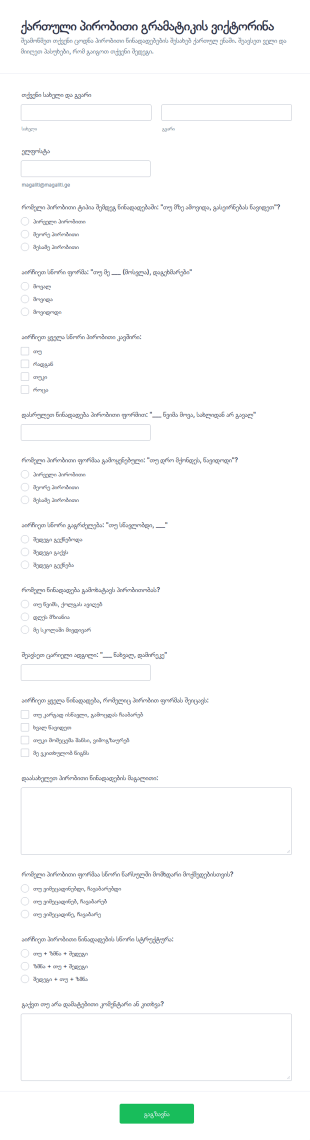
პირობითი გრამატიკის ტესტი
ქართული პირობითი გრამატიკის ვიქტორინის ფორმა ეხმარება მასწავლებლებსა და ენის კურსებს ონლაინ შეაფასონ მოსწავლეების ცოდნა პირობით წინადადებებში და მოაგროვონ პასუხები Jotform-ში.
Go to Category:ქვიზები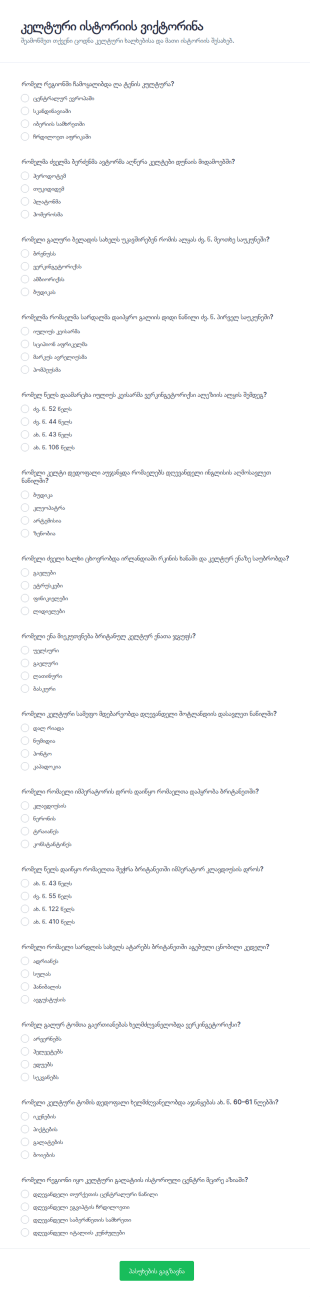
კელტური ისტორიის ვიქტორინა
კელტური ისტორიის ვიქტორინის ფორმა ეხმარება მასწავლებლებს, მუზეუმებსა და საგანმანათლებლო ორგანიზაციებს მონაწილეთა ცოდნის შეფასებაში და შედეგების სწრაფად შეჯამებაში ონლაინ მონაცემთა შეგროვებისთვის Jotform-ით.
Go to Category:ქვიზები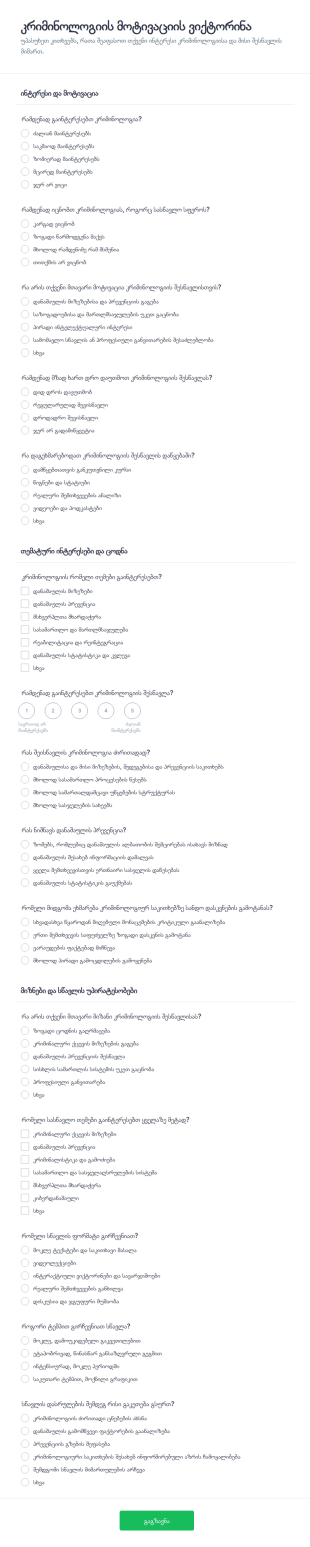
დანაშაულის მოტივაციის კვლევის კითხვარი
შეაგროვეთ მონაცემები კრიმინოლოგიისადმი ინტერესისა და სწავლის მოტივაციის შესახებ კრიმინოლოგიის მოტივაციის ვიქტორინის ფორმით და გამოიყენეთ შედეგები კურსების დაგეგმვასა და აუდიტორიის კვლევაში.
Go to Category:ქვიზები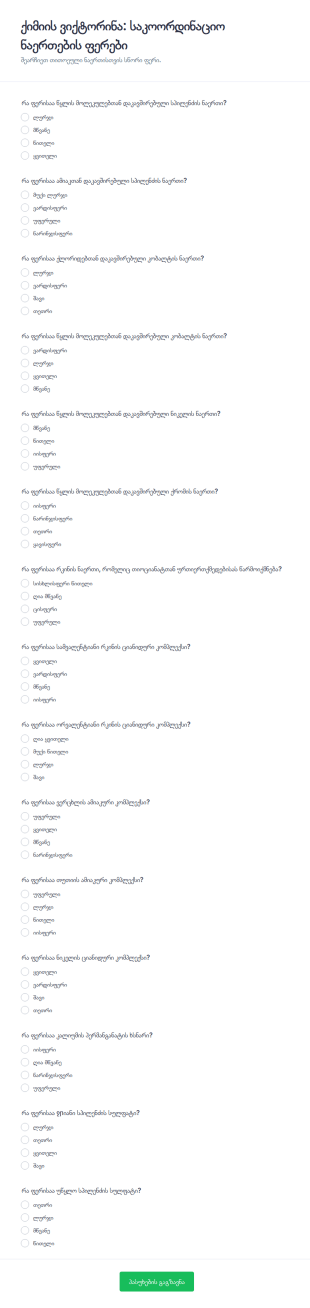
კოორდინაციის კომპონენტების ფერების კვიზი
შეამოწმეთ ქიმიის ცოდნა საკოორდინაციო ნაერთების ფერებზე ქიმიის ვიქტორინა საკოორდინაციო ნაერთების ფერებზე ფორმით, რომელიც იდეალურია სკოლებისთვის, რეპეტიტორებისთვის და უნივერსიტეტების კურსებისთვის.
Go to Category:ქვიზები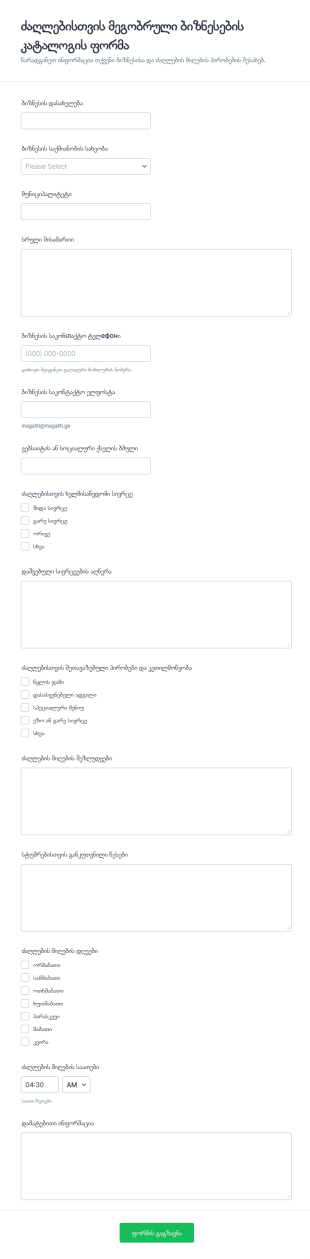
ძაღლებისთვის მეგობრული ბიზნესის ჩამონათვალის ფორმა
ძაღლებისთვის მეგობრული ბიზნესების კატალოგის ფორმა ამარტივებს მონაცემების შეგროვებას და განახლებად ჩამონათვალს ქმნის კაფეებისთვის, სასტუმროებისთვის, მაღაზიებისთვის და ადგილობრივი გზამკვლევების ავტორებისთვის Jotform-ში.
Go to Category:ბიზნეს ფორმები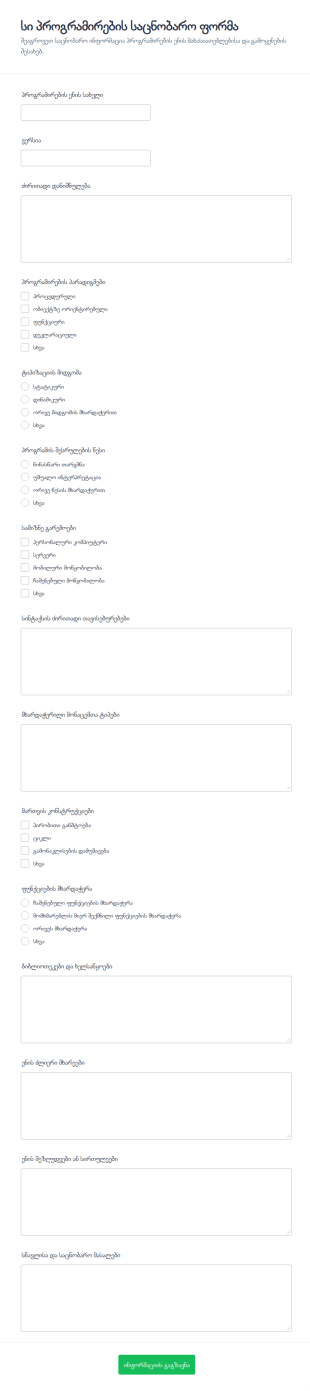
პროგრამირების საცნობარო ფორმა
სი პროგრამირების საცნობარო ფორმა ამარტივებს პროგრამირების ენების შესახებ მონაცემთა შეგროვებას სასწავლო მიზნებისთვის, გუნდური დოკუმენტაციისთვის და ტექნოლოგიის არჩევის პროცესში, რათა ჩანაწერები იყოს ერთიანი და მარტივად შესადარებელი.
Go to Category:კითხვარის შაბლონები
საერთაშორისო თანამშრომლობის გამოკითხვა
საერთაშორისო თანამშრომლობის ინტერესების გამოკითხვის ფორმა ეხმარება ორგანიზაციებსა და დამოუკიდებელ სპეციალისტებს შეაგროვონ მონაცემები პარტნიორობაზე, მიზნებზე და სასურველ კომუნიკაციაზე, რათა სწრაფად შეარჩიონ თანამშრომლობის მიმართულებები.
Go to Category:გამოკითხვის შაბლონები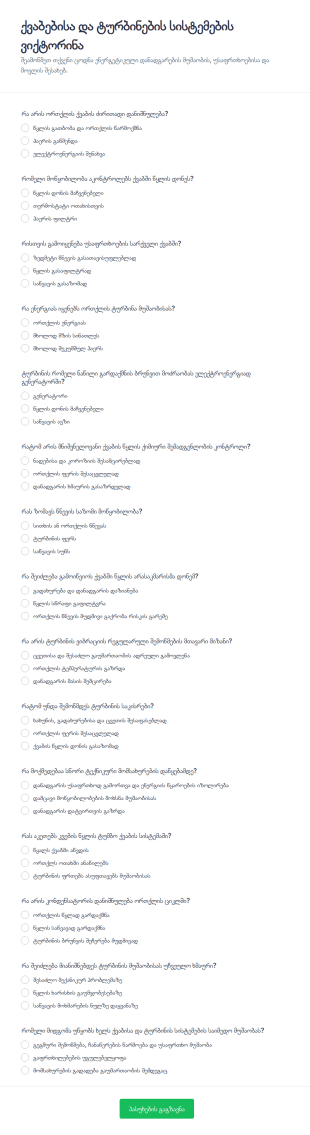
ქვაბებისა და ტურბინების სისტემების ცოდნის ტესტი
ქვაბებისა და ტურბინების სისტემების ვიქტორინის ფორმა ეხმარება სასწავლო ცენტრებსა და საწარმოებს შეაფასონ მონაწილეთა ცოდნა უსაფრთხოებისა და ტექნიკური მომსახურების თემებზე, ხოლო შედეგები მიიღონ ერთიანად Jotform-ში.
Go to Category:ქვიზები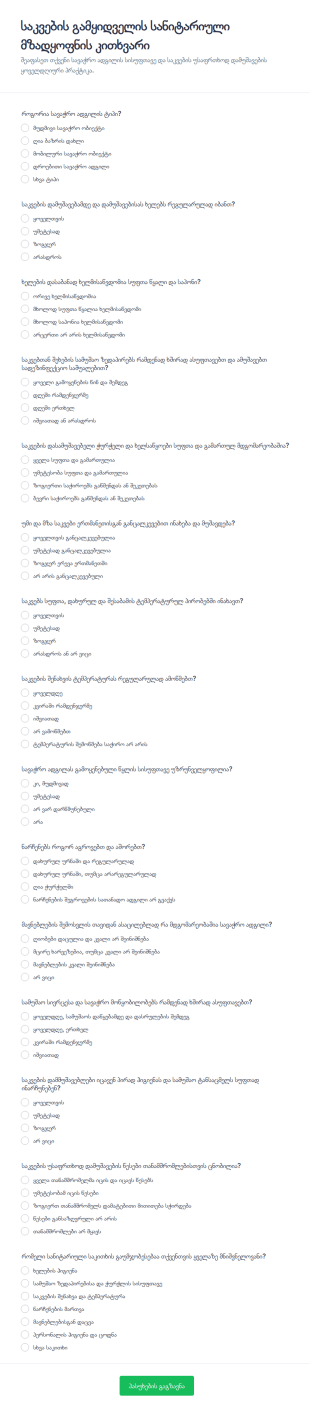
საკვების მომწოდებლის სანიტარიული შემოწმების გამოკითხვა
საკვების გამყიდველის სანიტარიული მზადყოფნის კითხვარი ფორმა ეხმარება კვების გამყიდველებსა და მენეჯერებს სანიტარიული პრაქტიკის შეფასებასა და მონაცემების შეგროვებაში, ხოლო Jotform ამარტივებს ფორმის გაგზავნების მართვას.
Go to Category:გამოკითხვის შაბლონები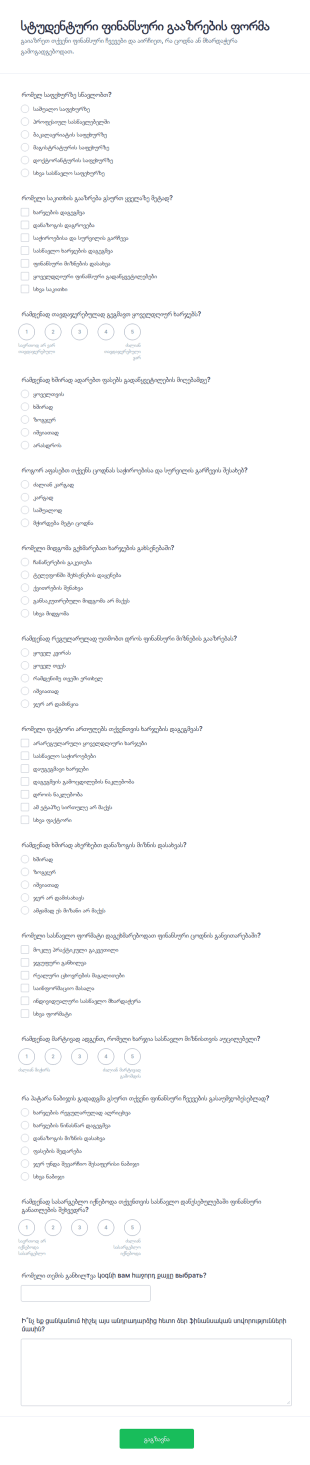
სტუდენტური ფინანსური ასახვის გამოკითხვა
სტუდენტური ფინანსური გააზრების ფორმა ეხმარება საგანმანათლებლო ორგანიზაციებს სტუდენტების ფინანსური ჩვევების შესახებ მონაცემების შეგროვებაში, ფორმის გაგზავნების ანალიზში და ფინანსური განათლების პროგრამების დაგეგმვაში Jotform-ის ფორმის შაბლონებით.
Go to Category:გამოკითხვის შაბლონები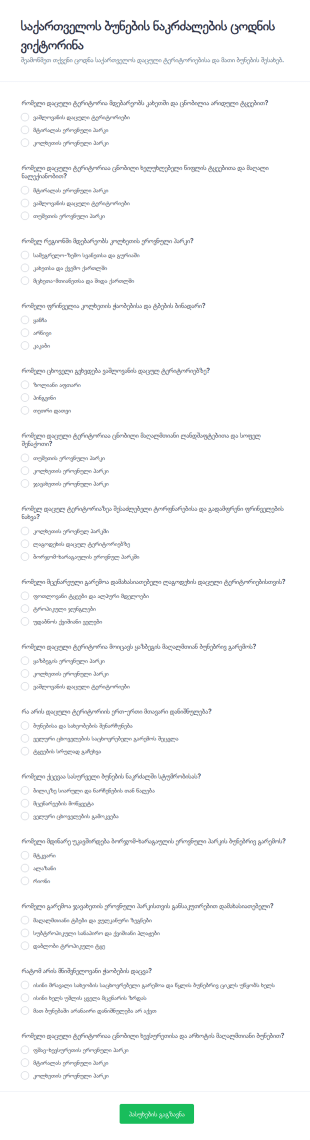
ბუნებრივი ნაკრძალის ცოდნის ტესტი
საქართველოს ბუნების ნაკრძალების ცოდნის ვიქტორინის ფორმა ეხმარება სკოლებს, საგანმანათლებლო პროგრამებსა და ორგანიზაციებს მონაწილეთა ცოდნის შეფასებასა და მონაცემთა შეგროვებაში Jotform-ის საშუალებით.
Go to Category:ქვიზები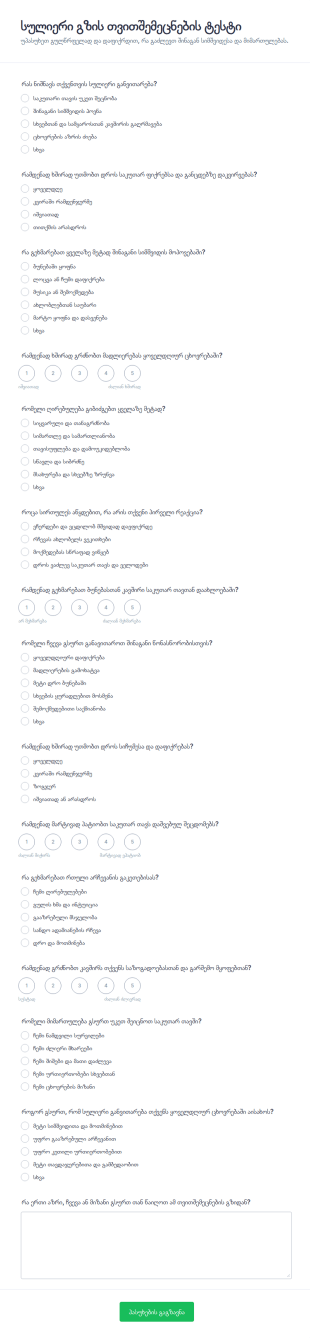
სულიერი მოგზაურობის კვიზი
სულიერი გზის თვითშემეცნების ტესტის ფორმა ეხმარება მწვრთნელებს, მასწავლებლებსა და ორგანიზაციებს თვითრეფლექსიისთვის კითხვარის გაზიარებაში და შედეგების მონაცემების შეგროვებაში Jotform-ის საშუალებით.
Go to Category:გამოკითხვის შაბლონები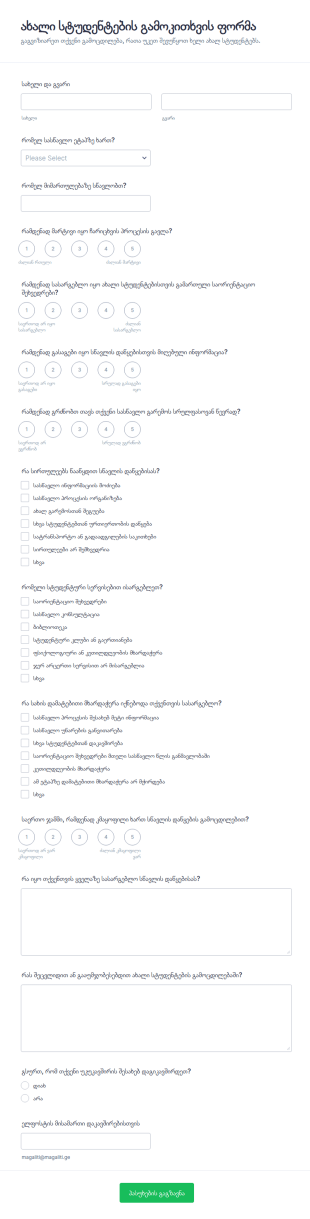
ახალი სტუდენტების უკუკავშირის გამოკითხვა
ახალი სტუდენტების გამოკითხვის ფორმა ამარტივებს მონაცემების შეგროვებას ჩარიცხვის, ადაპტაციისა და სტუდენტური სერვისების გამოცდილებაზე, რათა სასწავლო დაწესებულებებმა სწრაფად დაგეგმონ მხარდაჭერის და გაუმჯობესების ნაბიჯები.
Go to Category:Education Surveys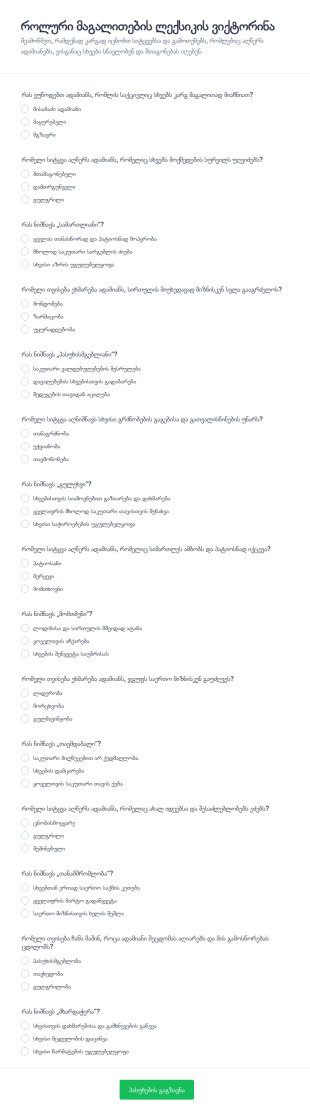
როლური მოდელების ლექსიკის კვიზი
როლური მაგალითების ლექსიკის ვიქტორინა ფორმა ეხმარება მასწავლებლებსა და ტრენერებს მონაწილეთა ცოდნის შეფასებაში და ონლაინ მონაცემების შეგროვებაში საკლასო აქტივობებისა და საგანმანათლებლო შეხვედრებისთვის.
Go to Category:ქვიზები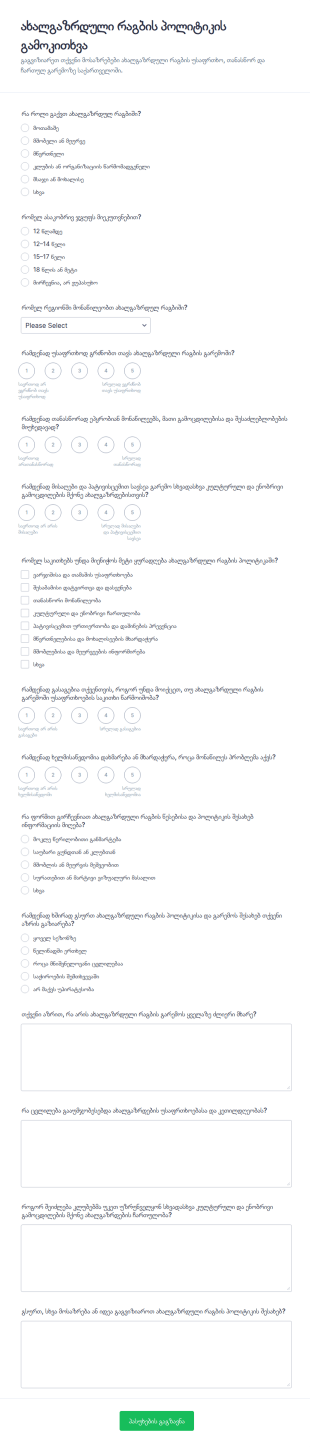
ახალგაზრდული რაგბის პოლიტიკის კვლევა
შეაგროვეთ შეფასებები და რეკომენდაციები ახალგაზრდული რაგბის უსაფრთხოების, თანასწორობისა და ჩართულობის შესახებ ამ ახალგაზრდული რაგბის პოლიტიკის გამოკითხვის ფორმით, რათა კლუბებმა და ორგანიზატორებმა უკეთ დაგეგმონ გაუმჯობესებები.
Go to Category:გამოკითხვის შაბლონები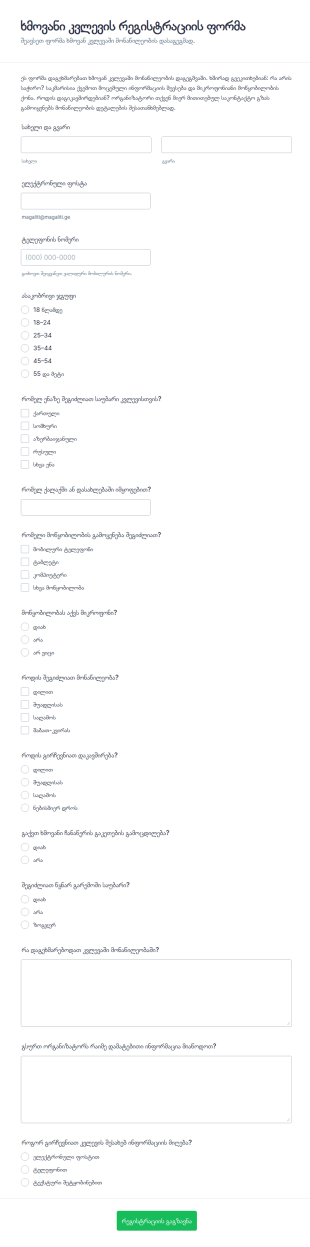
ხმის კვლევის რეგისტრაციის ფორმა
ხმოვანი კვლევის რეგისტრაციის ფორმა ეხმარება ორგანიზატორებს მონაწილეთა ჩაწერაში, დროისა და კომუნიკაციის შეთანხმებაში და მონაცემთა შეგროვების გამარტივებაში კვლევითი პროექტებისთვის, უნივერსიტეტებისთვის და არასამთავრობო ორგანიზაციებისთვის.
Go to Category:რეგისტრაციის ფორმები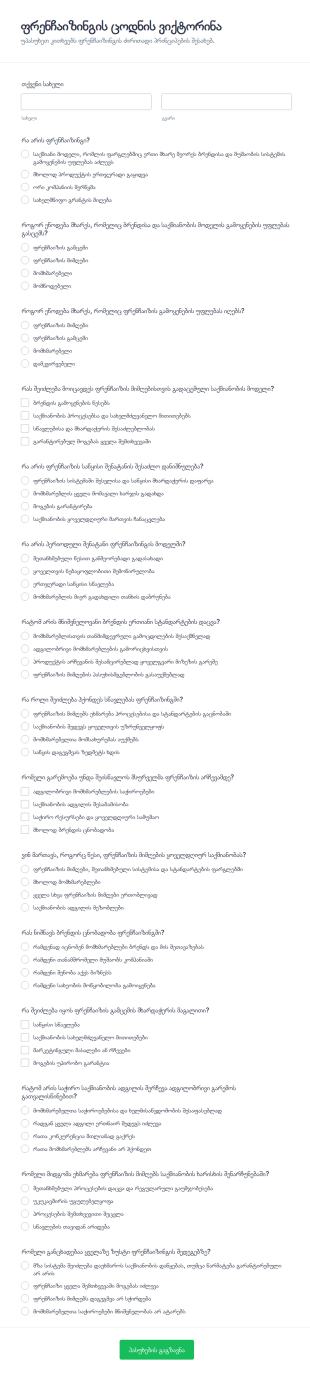
ფრენჩაიზინგის ცოდნის ვიქტორინა
შეაფასეთ მონაწილეების ფრენჩაიზინგის საბაზისო ცოდნა ფრენჩაიზინგის ცოდნის ვიქტორინის ფორმით, რომელიც შესაფერისია ტრენინგებისთვის, ბიზნესკურსებისთვის და შიდა შეფასებისთვის, ხოლო შედეგები მარტივად გროვდება Jotform-ში.
Go to Category:ქვიზები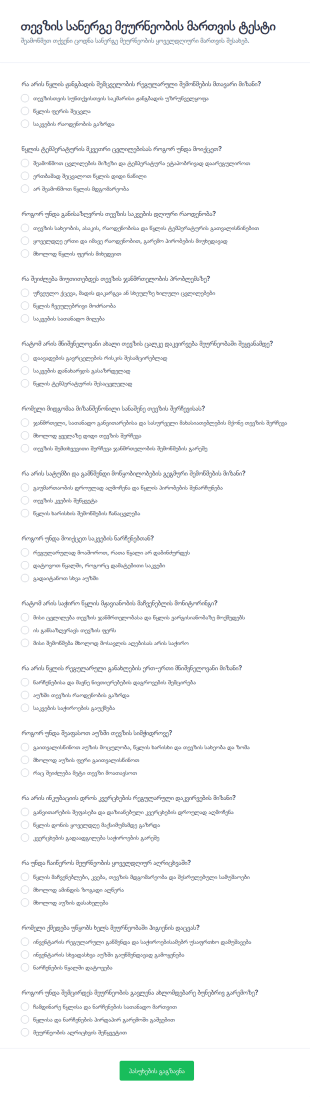
თევზის სანერგის მართვის კვიზი
თევზის სანერგე მეურნეობის მართვის ტესტის ფორმა ეხმარება სანერგე მეურნეობებსა და სასწავლო პროგრამებს თანამშრომლების ცოდნის შეფასებაში და შედეგების ცენტრალიზებულად შენახვაში Jotform-ის მონაცემების ონლაინ შეგროვების საშუალებით.
Go to Category:გამოკითხვის შაბლონები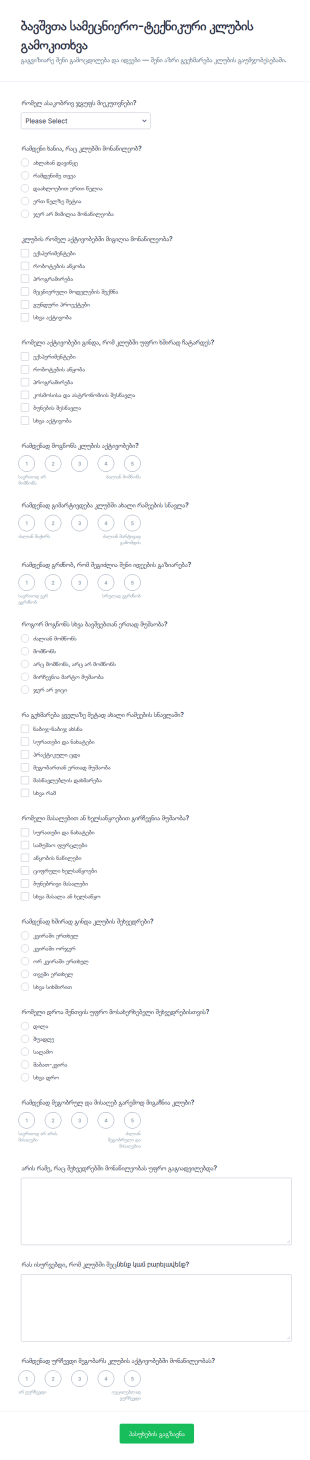
ბავშვთა STEM კლუბის გამოკითხვა
ბავშვთა სამეცნიერო-ტექნიკური კლუბის გამოკითხვის ფორმა დაეხმარება კლუბებსა და საგანმანათლებლო ცენტრებს მონაწილეთა უკუკავშირის შეგროვებაში, აქტივობების დაგეგმვაში და შეხვედრების ფორმატის გაუმჯობესებაში Jotform-ის ფორმის შაბლონებით.
Go to Category:გამოკითხვის შაბლონები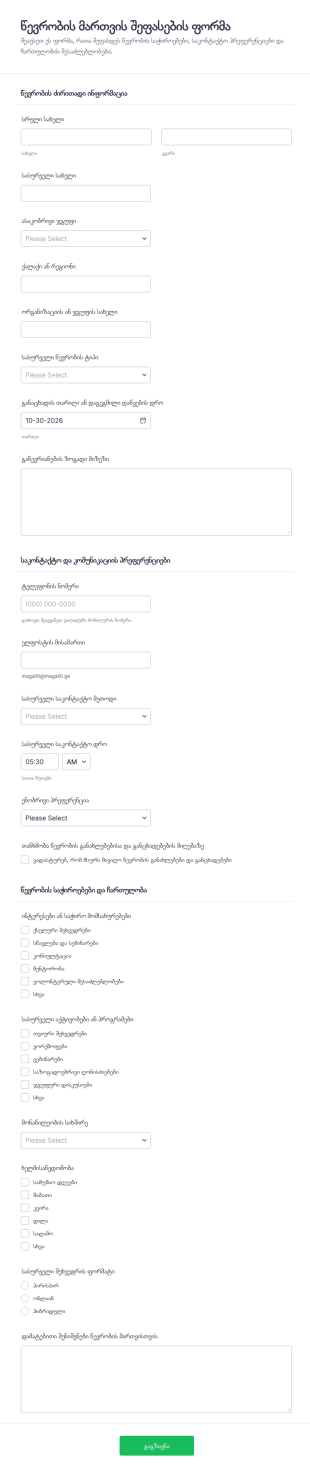
წევრობის მართვის შეფასების გამოკითხვა
შეაგროვეთ წევრების საჭიროებები და კომუნიკაციის პრეფერენციები წევრობის მართვის შეფასების ფორმით, რომელიც სასარგებლოა ასოციაციებისთვის, კლუბებისთვის და არასამთავრობო ორგანიზაციებისთვის წევრთა ჩართულობის დასაგეგმად.
Go to Category:წევრობის ფორმებიAbout გამოკითხვის შაბლონები
Survey templates are pre-designed forms that help individuals and organizations collect feedback, opinions, or data from a target audience. These templates are widely used for a variety of purposes, such as customer satisfaction surveys, employee engagement assessments, market research, event feedback, and academic studies. By providing a structured set of questions, survey templates streamline the process of gathering valuable insights, making it easier to analyze trends, measure satisfaction, and make informed decisions. Whether you’re a business owner, HR professional, educator, or researcher, survey templates offer a quick and effective way to reach your audience and collect actionable information.
With Jotform, users can take full advantage of survey templates by customizing them to fit their specific needs—no coding required. Jotform’s intuitive drag-and-drop Form Builder allows you to add, remove, or modify questions, integrate with payment gateways, and apply conditional logic to create dynamic surveys. Submissions are automatically organized in Jotform Tables, making data management and analysis seamless. By leveraging Jotform’s extensive library of survey templates and powerful customization features, users can launch professional surveys in minutes and efficiently collect the data they need to drive their projects forward.
Use Cases of Survey Templates
Survey templates are versatile tools that can be adapted to a wide range of scenarios, helping users solve different challenges and meet specific goals. Here’s how they can be used, who can benefit, and how their creation may differ based on the use case:
1. Possible Use Cases:
- Customer Satisfaction Surveys: Gather feedback on products, services, or experiences to improve offerings.
- Employee Engagement Surveys: Assess workplace morale, identify areas for improvement, and boost retention.
- Market Research Surveys: Collect data on consumer preferences, trends, and market demands.
- Event Feedback Surveys: Evaluate attendee satisfaction and gather suggestions for future events.
- Academic or Educational Surveys: Conduct research studies, course evaluations, or student feedback.
- Healthcare Surveys: Assess patient satisfaction, collect health histories, or screen for symptoms.
2. Problem Solving Points:
- Streamline data collection and analysis.
- Standardize feedback for easier comparison.
- Reduce manual entry and errors.
- Enable quick deployment for time-sensitive projects.
3. Possible Owners and Users:
- Business owners, marketing teams, HR departments, educators, researchers, healthcare providers, event organizers, and nonprofit organizations.
4. Differences of Creation Methods:
- Content and Fields: A customer satisfaction survey may focus on rating scales and open-ended feedback, while a market research survey might include demographic questions and multiple-choice options. Employee engagement surveys often require anonymity and may use Likert scales, whereas event feedback forms might include questions about logistics and speaker quality.
- Customization: Depending on the audience, language, branding, and logic (such as skip logic or conditional questions) may vary.
In summary, survey templates offer flexible solutions for diverse data collection needs, with customizable content and structure to suit any scenario.
How to Create a Survey Template
Creating a survey template with Jotform is a straightforward process that empowers you to collect meaningful data efficiently, regardless of your specific use case. Whether you’re conducting market research, gathering customer feedback, or evaluating employee engagement, Jotform’s platform provides all the tools you need to design, customize, and manage your survey from start to finish.
To create a survey template tailored to your needs, follow these steps:
1. Start Your Survey:
- Log in to your Jotform account and navigate to your workspace.
- Click on “Create” and select “Form.”
- Choose to “Start from Scratch” or “Use Template” to access Jotform’s extensive library of survey templates.
2. Select the Layout:
- Decide between a Classic Form (all questions on one page) or a Card Form (one question per page) based on your audience and survey length.
3. Add and Customize Survey Elements:
- Click on the “Add Element” menu to insert fields such as multiple-choice questions, rating scales, text boxes, dropdowns, and more.
- For customer satisfaction surveys, include Net Promoter Score (NPS) fields or star ratings.
- For market research, add demographic questions and matrix tables.
- For employee engagement, use Likert scales and open-ended comment boxes.
- Drag and drop elements to arrange the order and group related questions.
4. Apply Conditional Logic:
- Use Jotform’s conditional logic to show or hide questions based on previous answers, ensuring a personalized and relevant experience for each respondent.
5. Design and Brand Your Survey:
- Click the Paint Roller icon to access the Form Designer.
- Customize colors, fonts, and themes to match your organization’s branding.
- Add your logo and adjust the layout for a professional appearance.
6. Set Up Notifications and Privacy:
- Configure email notifications to receive responses instantly.
- Set up autoresponder emails to thank participants or provide follow-up information.
- Adjust privacy settings to ensure data security and compliance with regulations.
7. Publish and Share:
- Click “Publish” to generate a shareable link.
- Distribute your survey via email, social media, or embed it on your website.
8. Test and Launch:
- Preview your survey to ensure all logic and fields work as intended.
- Submit a test response and verify that data is captured correctly in Jotform Tables.
9. Analyze and Manage Responses:
- Use Jotform Tables to filter, sort, and analyze survey data.
- Export results for further analysis or reporting.
By following these steps, you can create a survey template that is tailored to your specific objectives, ensuring you collect high-quality data efficiently and securely.
ხშირად დასმული კითხვები
1. What is a survey template?
A survey template is a pre-designed form that includes common questions and structure for collecting feedback or data on a specific topic, making it easy to launch surveys quickly.
2. Why are survey templates important?
Survey templates save time, ensure consistency, and help users gather structured data efficiently, which is essential for making informed decisions.
3. What information is typically collected in a survey template?
Survey templates can collect a wide range of information, including opinions, ratings, demographic data, open-ended feedback, and more, depending on the survey’s purpose.
4. Are there different types of survey templates?
Yes, there are many types, such as customer satisfaction surveys, employee engagement surveys, market research surveys, event feedback forms, and academic surveys.
5. Who can use survey templates?
Anyone needing to collect feedback or data can use survey templates, including businesses, educators, researchers, healthcare providers, and event organizers.
6. How do survey templates help with data analysis?
Survey templates standardize data collection, making it easier to compare responses, identify trends, and generate reports for actionable insights.
7. Are survey responses private and secure?
With platforms like Jotform, survey responses are stored securely, and privacy settings can be adjusted to comply with data protection regulations.
8. Can survey templates be customized for different audiences?
Absolutely. Survey templates can be fully customized in terms of questions, design, language, and logic to suit the needs of any audience or purpose.