

ქვიზის შაბლონები
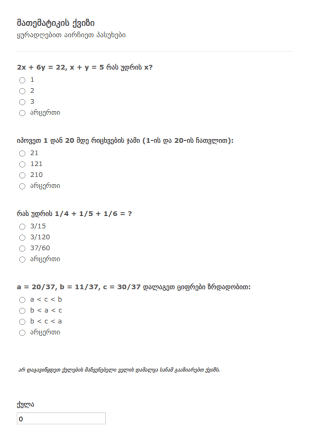
მათემატიკის ქვიზი
შეამოწმეთ თქვენი მოსწავლეების ცოდნა ონლაინ მოცემული სრულიად უფასო მათემატიკის ქვიზის შაბლონის გამოყენებით! მოარგეთ კითხვები თქვენს პროგრამას და აირჩიეთ სწორი პასუხები პირობითი ლოგიკის გამოყენებით. შემდეგ გაუზიარეთ ქვიზი თქვენს მოსწავლებს პირდაპირ ფორმის ლინკის გამოყენებით ან ჩასვით ფორმა თქვენი კლასის ვებსაიტზე. ფორმა ავტომატურად შეაფასებს თითოეული მოსწავლის პასუხებს და ყველა მონაცემი უსაფრთხოდ შეინახება თქვენს Jotform ანგარიშში. თქვენ ასევე შეგიძლიათ თითოეული მოსწავლის გამოგზავნილი ფორმის PDF დოკუმენტის სახით შენახვა. არ აქვს მნიშვნელობა თუ რომელ კლასს ასწავლით - ჩვენი ინტუიციური ფორმის მშენებლის გამოყენებით თქვენ მარტივად შეძლებთ განაახლოთ და მოარგოთ მოცემული მათემატიკის ქვიზის შაბლონი თქვენი სკოლის და კლასის მოთხოვნებს. დაამატეთ თქვენი ლოგო, დაურთეთ შესავსები ცხრილები, ატვირთეთ სურათები და მოარგეთ ფერთა სქემა თქვენს საჭიროებებს. 100+ ხელმისაწვდომი ინტეგრაციების გამოყენებით, თქვენ შეგიძლიათ მარტივად გაუგზავნოთ ტესტის შედეგები თქვენს სხვა ონლაინ ანგარიშებსაც - როგორიცაა Google Sheets, Google Drive და მრავალი სხვა. დაზოგეთ ღირებული დრო და ძალისხმევა ჩვენი სრულიად უფასო მათემატიკური ქვიზის შაბლონის გამოყენებით!
Go to Category:ქვიზები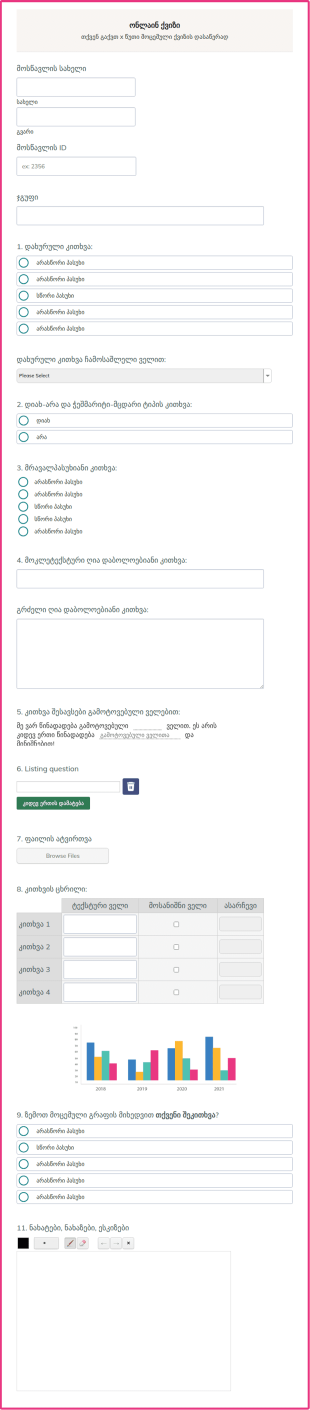
ონლაინ ქვიზი
შექმენით საკუთარი ონლაინ ქვიზები თქვენი სკოლის, კოლეჯის ან უნივერსიტეტისათვის JotForm-ის სრულიად უფასო ონლაინ ქვიზის შაბლონის გამოყენებით! არ აქვს მნიშვნელობა თუ რა საგანს ასწავლით - თქვენ შეგიძლიათ შექმნათ თქვენს საჭიროებებზე მორგებული იდეალური ფორმა მრავალფუნქციური ველებით - ღია და დახურულ დაბოლოებიანი კითხვა, ტექსტური ველები ან თუნდაც ფაილი ატვირთვის ველი რომელიც საშუალებას გაძლევთ მიიღოთ ესეები, ფოტოები ან ნებისმიერი სხვა სახის დოკუმენტაცია. თქვენი ონლაინ ფორმის მოსწავლეებისათვის გაზიარება საკმაოდ მარტივია, ხოლო მისი შევსება შესაძლებელია ნებისმიერი კომპიუტერით, ტაბლეტით ან მობილური მოწყობილობით. ფორმის ყველა მონაცემი უსაფრთხოდ შეინახება თქვენს Jotform ანგარიშში, რაც საშუალებას გაძლევთ ნებისმიერ დროს იხილოთ და შეაფასოთ მოსწავლეთა ნაშრომები. ჩვენი ინტუიციური ფორმის მშენებლის გამოყენებით, ონლაინ ქვიზის შაბლონისა და კითხვების თქვენს პროგრამაზე მორგება საკმაოდ მარტივია. დაამატეთ ინსტრუქციები, ატვირთეთ სურათები, შეცვალეთ აგებულება ან გამოიყენეთ პირობითი ლოგიკა რათა უჩვენოთ მოსწავლეებს სწორი პასუხები ფორმის გაგზავნის შემდგომ. თქვენ ასევე შეგიძლიათ ფორმის მონაცემების გაგზავნა თქვენი სხვა ონლაინ ანგარიშებისათვის - როგორიცაა Google Sheets, Dropbox, Box და მრავალი სხვა. ჩვენი სრულიად უფასო და მორგებადი ონლაინ ქვიზის შაბლონის გამოყენებით, თქვენ სწრაფად შეძლებთ სასურველი ონლაინ ქვიზის შექმნას!
Go to Category:ქვიზები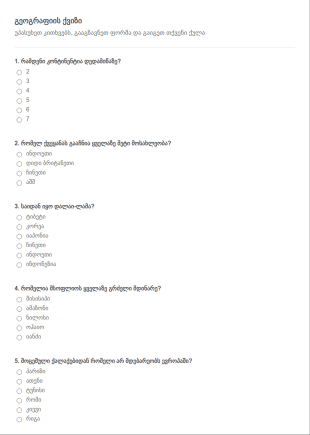
ქვიზის ფორმა სწორი პასუხების გამოთვლ
ავტომატურად გამოითვალეთ სწორი პასუხების რაოდენობა ფორმის გამოთვლების ვიჯეტის გამოყენებით და აჩვენეთ აღნიშნული მონაცემები ფორმის გაგზავნის შემდეგ.
Go to Category:ქვიზები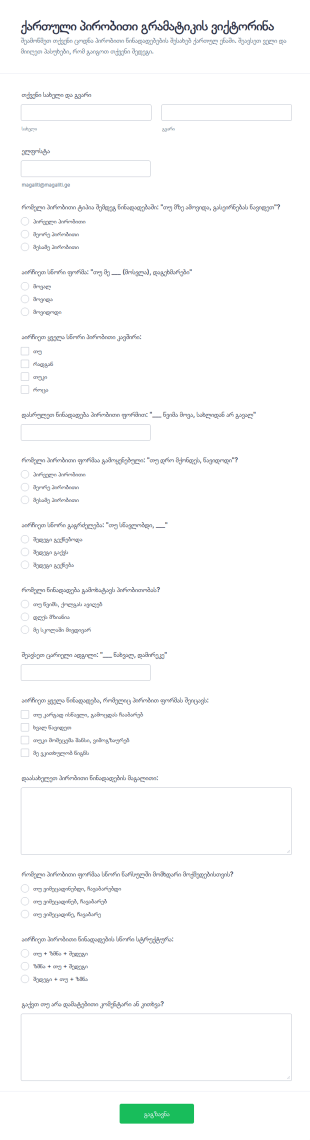
პირობითი გრამატიკის ტესტი
ქართული პირობითი გრამატიკის ვიქტორინის ფორმა ეხმარება მასწავლებლებსა და ენის კურსებს ონლაინ შეაფასონ მოსწავლეების ცოდნა პირობით წინადადებებში და მოაგროვონ პასუხები Jotform-ში.
Go to Category:ქვიზები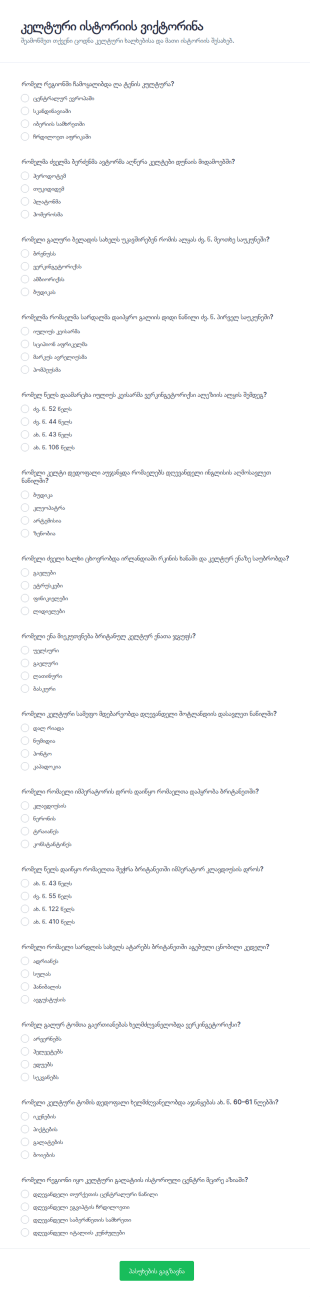
კელტური ისტორიის ვიქტორინა
კელტური ისტორიის ვიქტორინის ფორმა ეხმარება მასწავლებლებს, მუზეუმებსა და საგანმანათლებლო ორგანიზაციებს მონაწილეთა ცოდნის შეფასებაში და შედეგების სწრაფად შეჯამებაში ონლაინ მონაცემთა შეგროვებისთვის Jotform-ით.
Go to Category:ქვიზები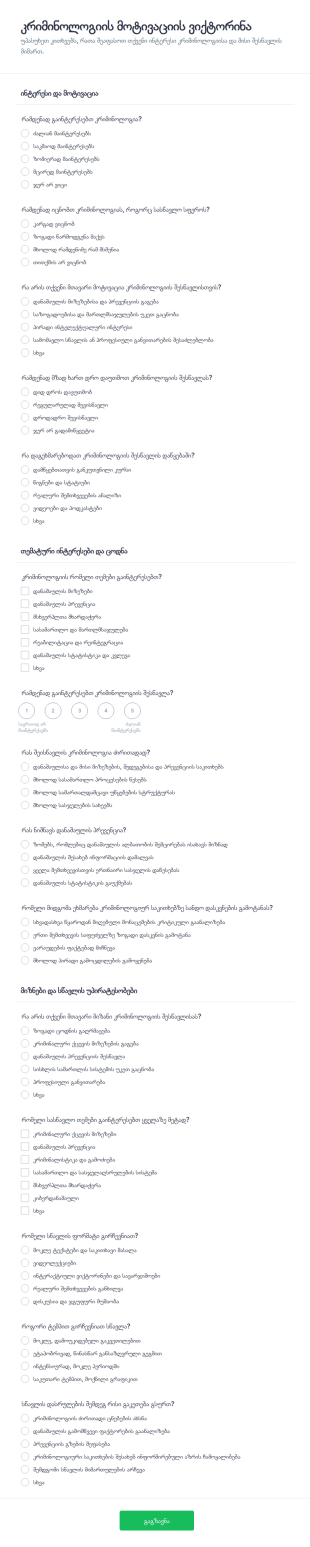
დანაშაულის მოტივაციის კვლევის კითხვარი
შეაგროვეთ მონაცემები კრიმინოლოგიისადმი ინტერესისა და სწავლის მოტივაციის შესახებ კრიმინოლოგიის მოტივაციის ვიქტორინის ფორმით და გამოიყენეთ შედეგები კურსების დაგეგმვასა და აუდიტორიის კვლევაში.
Go to Category:ქვიზები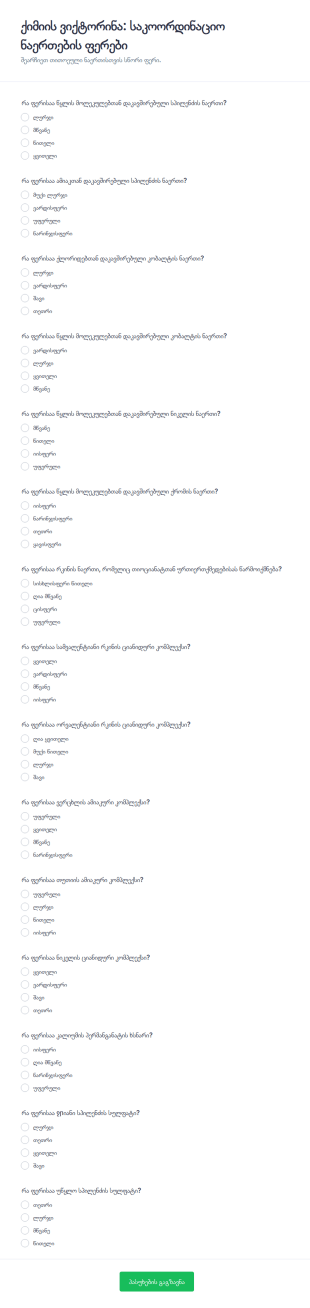
კოორდინაციის კომპონენტების ფერების კვიზი
შეამოწმეთ ქიმიის ცოდნა საკოორდინაციო ნაერთების ფერებზე ქიმიის ვიქტორინა საკოორდინაციო ნაერთების ფერებზე ფორმით, რომელიც იდეალურია სკოლებისთვის, რეპეტიტორებისთვის და უნივერსიტეტების კურსებისთვის.
Go to Category:ქვიზები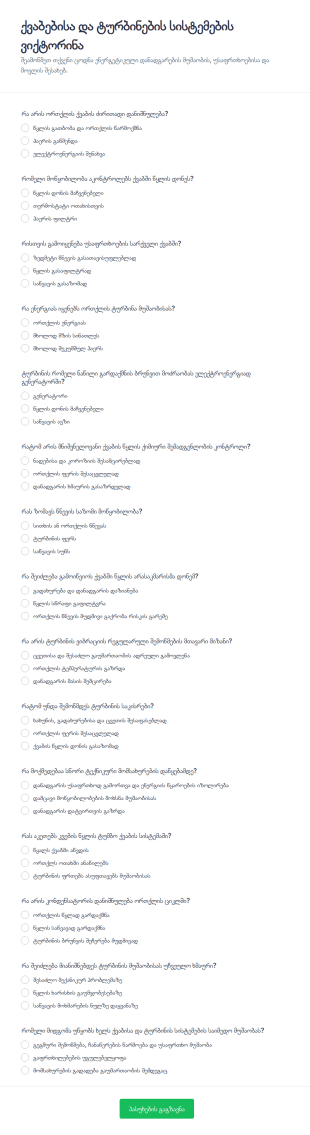
ქვაბებისა და ტურბინების სისტემების ცოდნის ტესტი
ქვაბებისა და ტურბინების სისტემების ვიქტორინის ფორმა ეხმარება სასწავლო ცენტრებსა და საწარმოებს შეაფასონ მონაწილეთა ცოდნა უსაფრთხოებისა და ტექნიკური მომსახურების თემებზე, ხოლო შედეგები მიიღონ ერთიანად Jotform-ში.
Go to Category:ქვიზები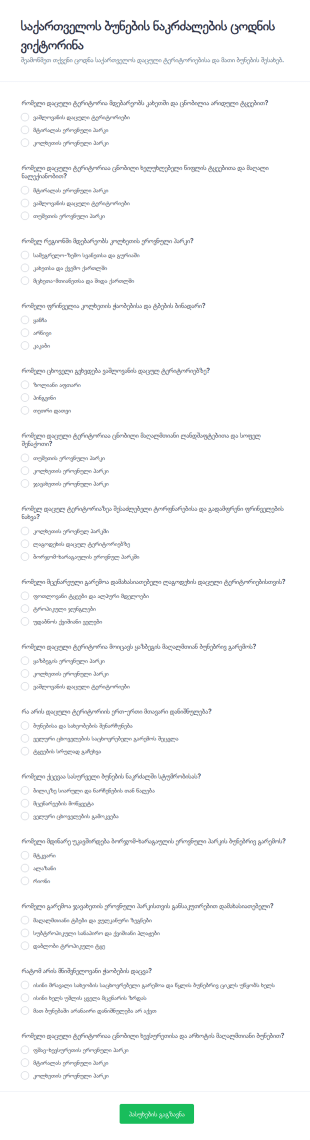
ბუნებრივი ნაკრძალის ცოდნის ტესტი
საქართველოს ბუნების ნაკრძალების ცოდნის ვიქტორინის ფორმა ეხმარება სკოლებს, საგანმანათლებლო პროგრამებსა და ორგანიზაციებს მონაწილეთა ცოდნის შეფასებასა და მონაცემთა შეგროვებაში Jotform-ის საშუალებით.
Go to Category:ქვიზები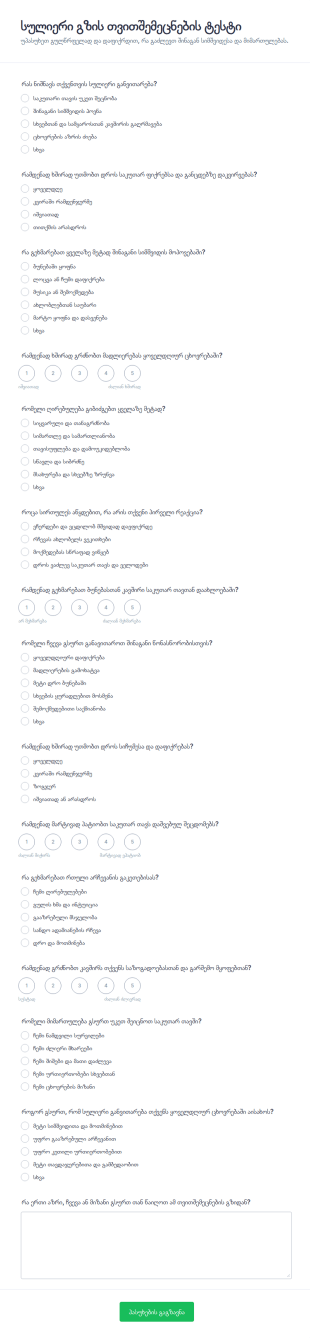
სულიერი მოგზაურობის კვიზი
სულიერი გზის თვითშემეცნების ტესტის ფორმა ეხმარება მწვრთნელებს, მასწავლებლებსა და ორგანიზაციებს თვითრეფლექსიისთვის კითხვარის გაზიარებაში და შედეგების მონაცემების შეგროვებაში Jotform-ის საშუალებით.
Go to Category:გამოკითხვის შაბლონები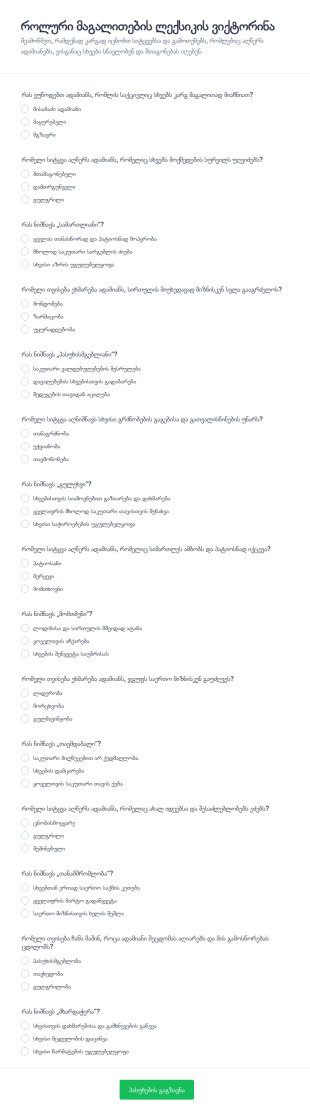
როლური მოდელების ლექსიკის კვიზი
როლური მაგალითების ლექსიკის ვიქტორინა ფორმა ეხმარება მასწავლებლებსა და ტრენერებს მონაწილეთა ცოდნის შეფასებაში და ონლაინ მონაცემების შეგროვებაში საკლასო აქტივობებისა და საგანმანათლებლო შეხვედრებისთვის.
Go to Category:ქვიზები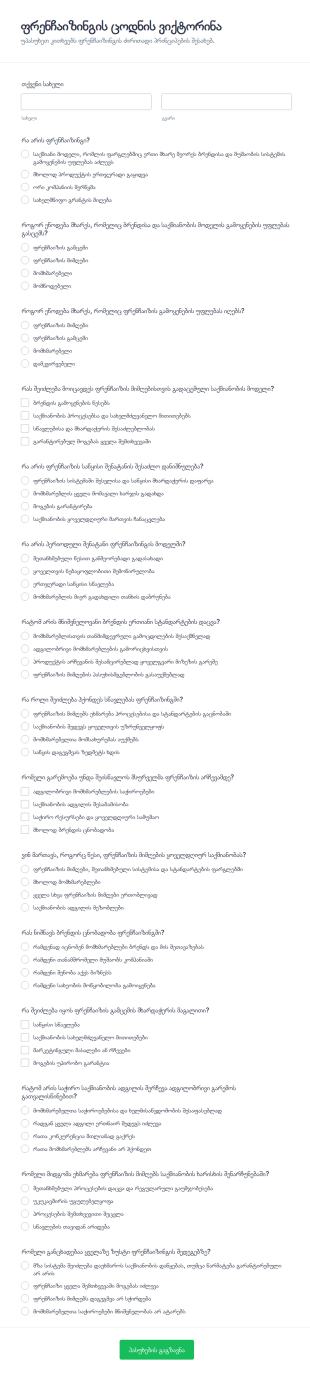
ფრენჩაიზინგის ცოდნის ვიქტორინა
შეაფასეთ მონაწილეების ფრენჩაიზინგის საბაზისო ცოდნა ფრენჩაიზინგის ცოდნის ვიქტორინის ფორმით, რომელიც შესაფერისია ტრენინგებისთვის, ბიზნესკურსებისთვის და შიდა შეფასებისთვის, ხოლო შედეგები მარტივად გროვდება Jotform-ში.
Go to Category:ქვიზები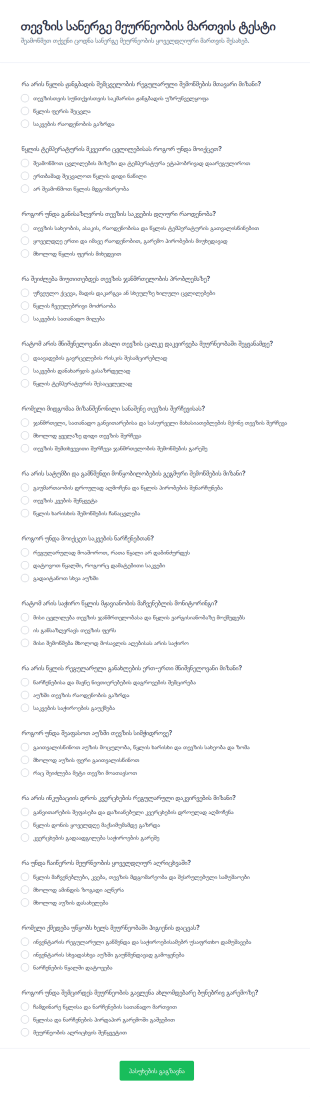
თევზის სანერგის მართვის კვიზი
თევზის სანერგე მეურნეობის მართვის ტესტის ფორმა ეხმარება სანერგე მეურნეობებსა და სასწავლო პროგრამებს თანამშრომლების ცოდნის შეფასებაში და შედეგების ცენტრალიზებულად შენახვაში Jotform-ის მონაცემების ონლაინ შეგროვების საშუალებით.
Go to Category:გამოკითხვის შაბლონები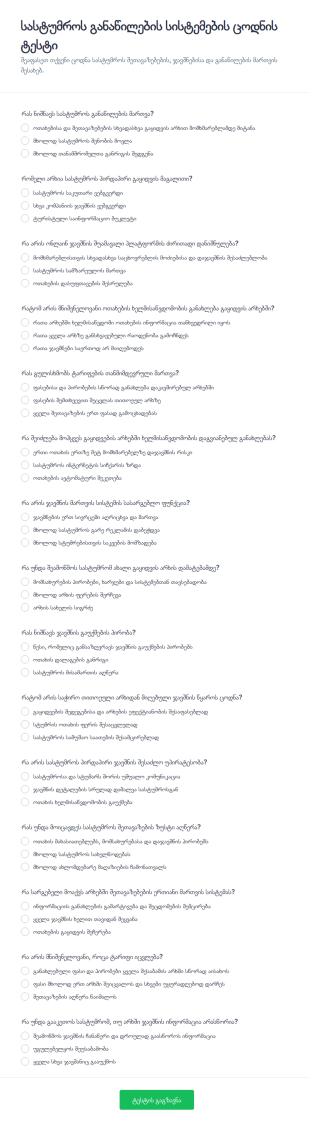
სასტუმროების განაწილების სისტემების ცოდნის შემოწმება Quiz
სასტუმროს განაწილების სისტემების ცოდნის ტესტის ფორმა ეხმარება სასტუმროებსა და სასწავლო ცენტრებს თანამშრომლებისა და მსმენელების შეფასებაში ჯავშნების, არხების და ტარიფების მართვის თემებზე Jotform-ში.
Go to Category:გამოკითხვის შაბლონები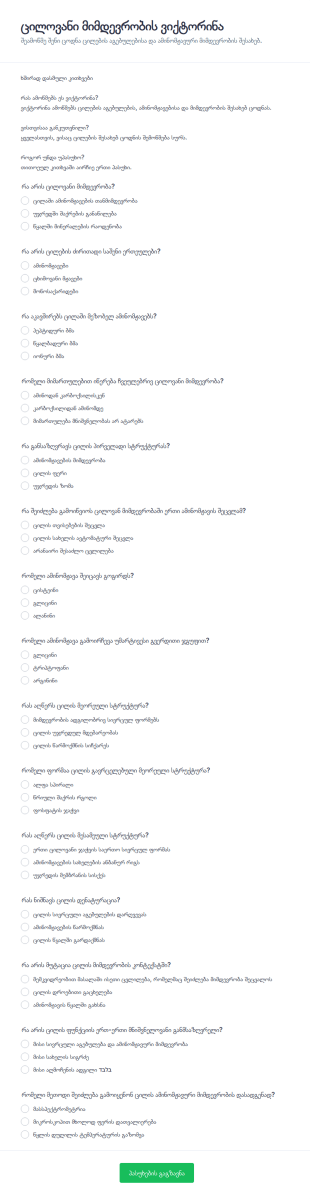
ცილის თანმიმდევრობის ცოდნის შემოწმების კვიზი
ცილოვანი მიმდევრობის ვიქტორინის ფორმა ეხმარება მასწავლებლებს, ლექტორებს და სასწავლო ჯგუფებს ცილებისა და ამინომჟავური მიმდევრობის თემებზე ცოდნის სწრაფად შესამოწმებლად და შედეგების დასაგროვებლად.
Go to Category:ქვიზები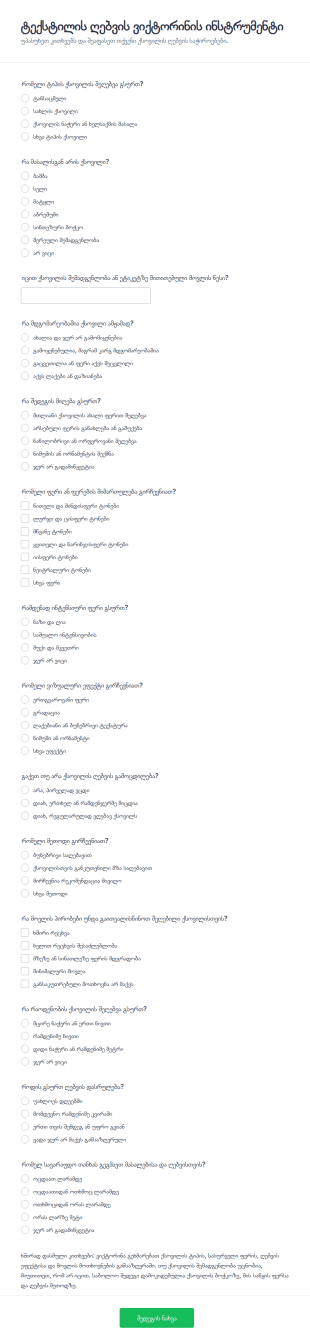
საღებავის დიაგნოსტიკის კვიზი
ტექსტილის ღებვის დიაგნოსტიკური ქვიზის ფორმა ეხმარება სახელოსნოებსა და ხელსაქმის ავტორებს შეაგროვონ მონაცემები მომხმარებლის საჭიროებებზე, რათა უფრო მარტივად დაგეგმონ ქსოვილის ღებვა და რეკომენდაციები.
Go to Category:ქვიზები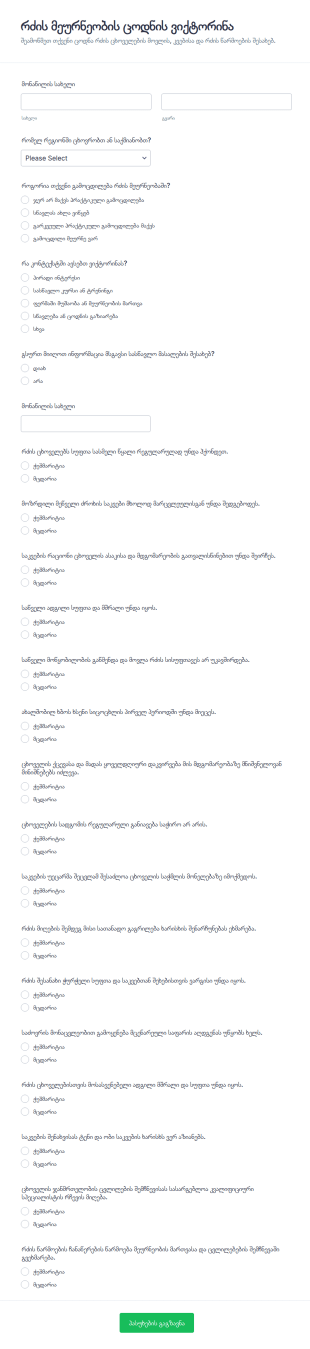
რძის მეურნეობის ცოდნის შემოწმების კითხვარი
შეაფასეთ მონაწილეების ცოდნა რძის ცხოველების მოვლისა და რძის წარმოების ძირითად პრაქტიკებზე რძის მეურნეობის ცოდნის ვიქტორინის ფორმით, რომელიც გამოდგება ტრენინგებისთვის, სასწავლო კურსებისა და ფერმერთა ჯგუფებისთვის.
Go to Category:ქვიზები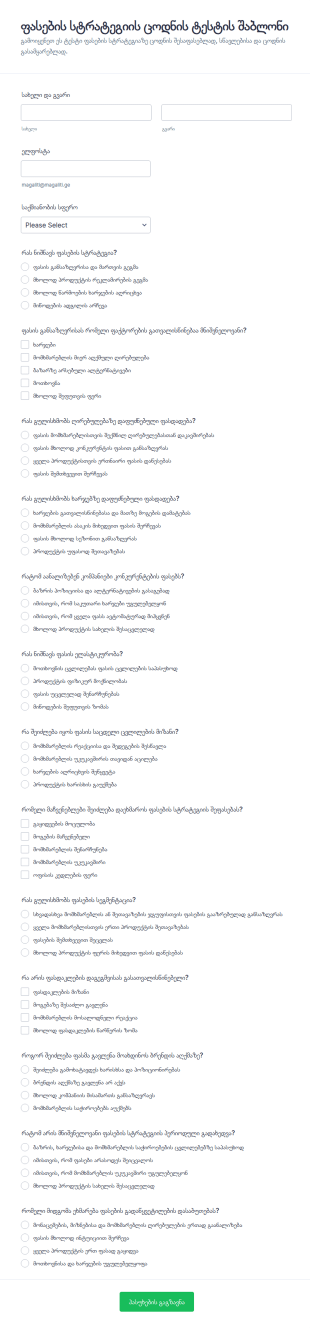
ფასების სტრატეგიის ცოდნის ტესტი
ფასების სტრატეგიის ცოდნის ტესტის ფორმა გეხმარებათ ტრენინგებსა და სწავლებაში მონაწილეების ცოდნის შეფასებაში, პასუხების სწრაფად შეგროვებასა და შედეგების გასაანალიზებლად ერთიან სივრცეში თავმოყრაში.
Go to Category:ქვიზები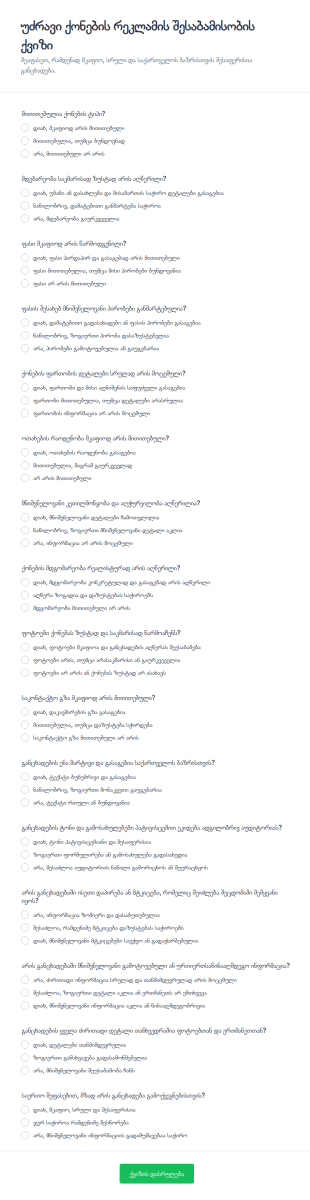
უძრავი ქონების რეკლამის შესაბამისობის შემოწმების კითხვარი
უძრავი ქონების რეკლამის შესაბამისობის ქვიზის ფორმა ეხმარება სააგენტოებსა და მეპატრონეებს განცხადებების ხარისხის ერთნაირი სტანდარტით შეფასებაში, მონაცემთა შეგროვებისა და ფორმის გაგზავნის სწრაფად მართვით Jotform-ში.
Go to Category:ქვიზები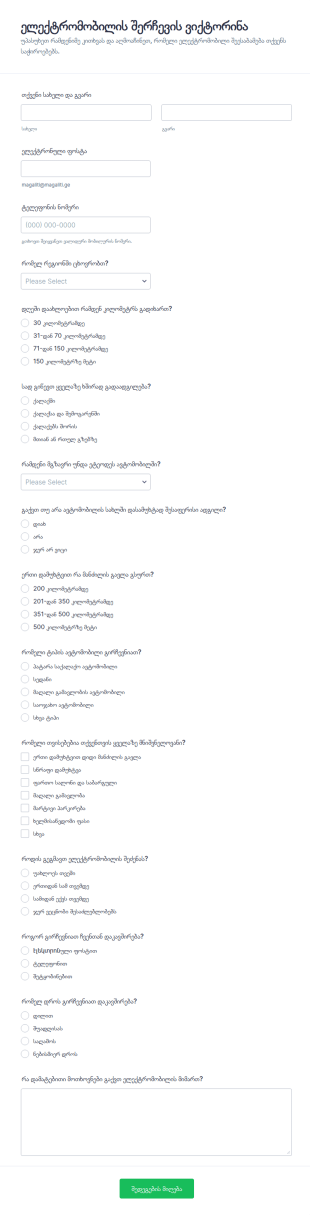
ელექტრო მანქანის პოვნის კვიზი
ელექტრომობილის შერჩევის ვიქტორინის ფორმა ეხმარება ავტოსალონებსა და კონსულტანტებს მომხმარებლის საჭიროებების სწრაფ შეფასებაში და მონაცემთა შეგროვებაში, ხოლო პასუხები ინახება Jotform-ში როგორც ფორმის გაგზავნა.
Go to Category:გამოკითხვის შაბლონები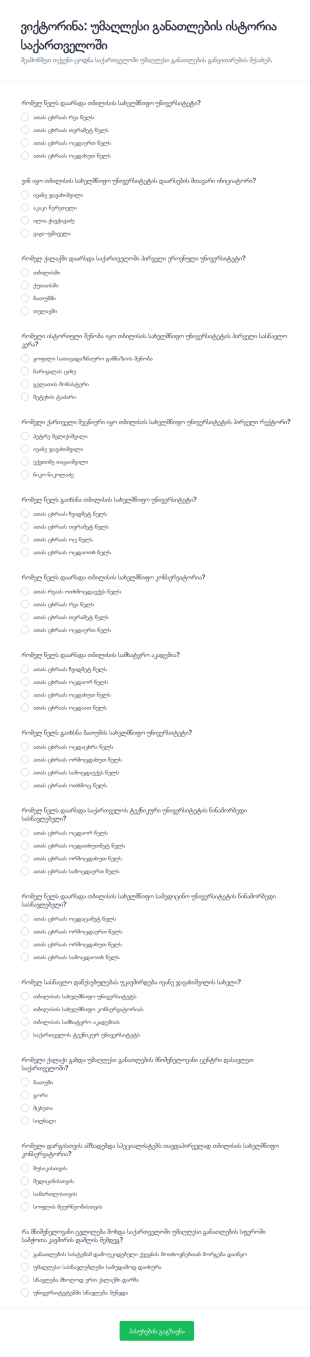
უმაღლესი განათლების ისტორიის ცოდნის ტესტი
ვიქტორინა საქართველოს უმაღლესი განათლების ისტორიის შესახებ ფორმა დაეხმარება საგანმანათლებლო ორგანიზაციებსა და პროექტებს ცოდნის შემოწმებაში და მონაცემების შეგროვებაში ონლაინ, მარტივად მორგებადი ფორმის შაბლონის გამოყენებით Jotform-ში.
Go to Category:ქვიზები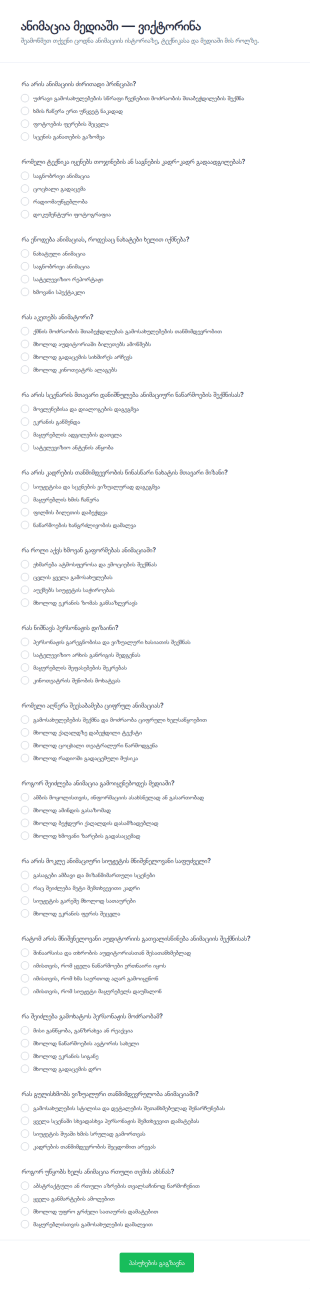
მედიაში ანიმაციის ამოცნობის ტესტი
შეაგროვეთ მონაწილეთა პასუხები და შეაფასეთ ცოდნა ანიმაციის თემაზე ანიმაცია მედიაში ვიქტორინის ფორმით, რომელიც იდეალურია სკოლებისთვის, ტრენინგებისთვის, კინოკლუბებისთვის და ონლაინ კურსებისთვის Jotform-ში.
Go to Category:ქვიზები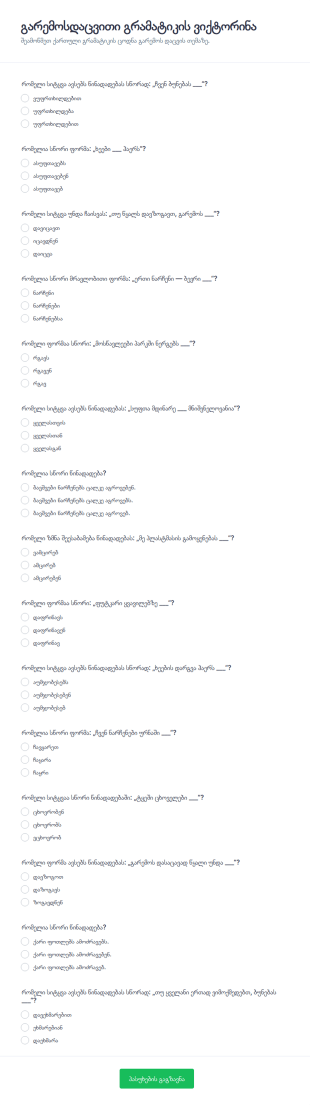
გარემოსდაცვითი გრამატიკის ვიქტორინა
გარემოსდაცვითი გრამატიკის ვიქტორინის ფორმა მასწავლებლებსა და ტრენერებს ეხმარება ქართული ენის ცოდნის შესამოწმებლად და გარემოსდაცვით თემებზე მონაცემთა შეგროვებისთვის ონლაინ შეფასებებისა და სავარჯიშოების დროს.
Go to Category:ქვიზები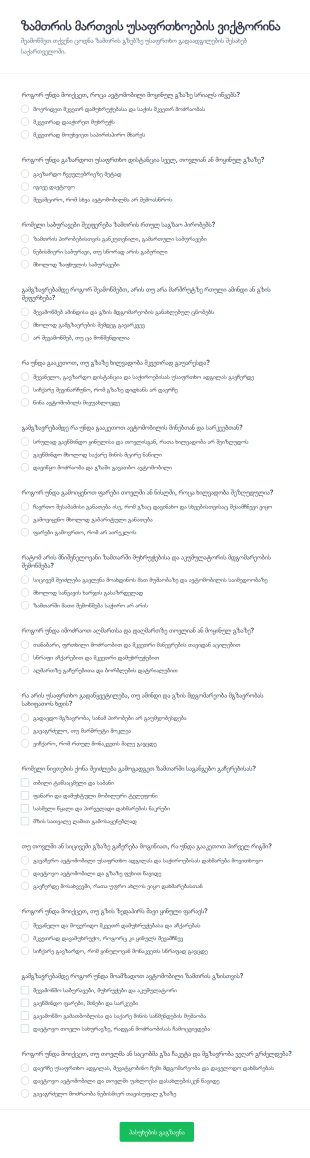
ზამთრის უსაფრთხო მართვის ტესტი
ზამთრის მართვის უსაფრთხოების ვიქტორინის ფორმა ამარტივებს ცოდნის შეფასებას ზამთრის გზებზე უსაფრთხო მართვის თემებზე ავტოსკოლებისთვის, ტრენინგების ორგანიზატორებისთვის და ტრანსპორტის გუნდებისთვის, ხოლო შედეგები ერთი ადგილიდან იმართება Jotform-ში.
Go to Category:ქვიზებიAbout ქვიზის შაბლონები
Quiz Templates are pre-designed forms specifically created to facilitate the process of building quizzes for a variety of purposes, such as education, employee training, lead generation, event engagement, and more. These templates provide a structured way to present questions, collect answers, and automatically score or evaluate responses. Whether you’re a teacher assessing student knowledge, a business running a product knowledge test, or a marketer creating a fun personality quiz, Quiz Templates offer a flexible foundation to suit your needs. They can be used for online exams, trivia games, onboarding assessments, customer feedback quizzes, and interactive learning modules.
With Jotform, users can easily leverage Quiz Templates to streamline quiz creation and management. Jotform’s intuitive drag-and-drop Form Builder allows you to customize templates without any coding, add multimedia elements, set up automatic scoring, and integrate with other tools for seamless data collection. The platform’s robust features—such as conditional logic, real-time notifications, and advanced reporting—make it simple to design engaging quizzes that are both visually appealing and functionally powerful. By using Jotform’s Quiz Templates, you can save time, ensure consistency, and enhance the quiz-taking experience for your audience.
Use Cases of Quiz Templates
Quiz Templates are versatile tools that can be adapted to a wide range of scenarios, helping users solve specific challenges and meet their objectives efficiently. Here’s how they can be utilized:
- Education and Training: Teachers, tutors, and trainers can use quiz templates to assess student learning, conduct pop quizzes, or create end-of-course exams. These templates help automate grading and provide instant feedback.
- Employee Onboarding and Compliance: HR professionals and managers can deploy quizzes to test new hires on company policies, safety procedures, or product knowledge, ensuring compliance and readiness.
- Marketing and Lead Generation: Marketers can create interactive quizzes to engage website visitors, segment audiences, and collect valuable lead information through fun personality or knowledge-based quizzes.
- Event Engagement: Event organizers can use quizzes for icebreakers, competitions, or post-event feedback, increasing participation and gathering insights.
- Customer Feedback and Product Knowledge: Businesses can assess customer understanding of products or services, or gather feedback through knowledge checks and satisfaction quizzes.
1. Problem Solving Points:
- Automates scoring and feedback, saving time for educators and managers.
- Standardizes assessments, ensuring fairness and consistency.
- Engages users interactively, increasing participation and data quality.
2. Possible Owners and Users:
- Teachers, professors, and educational institutions
- HR departments and corporate trainers
- Marketing teams and agencies
- Event planners and organizers
- Business owners and customer support teams
3. Differences of Creation Methods:
- Educational Quizzes: May include multiple-choice, true/false, and open-ended questions, with automatic scoring and feedback.
- Personality or Marketing Quizzes: Often use branching logic and personalized results based on user responses.
- Compliance or Onboarding Quizzes: Focus on policy-related questions, with required fields and pass/fail criteria.
- Event Quizzes: May incorporate timers, multimedia, and gamification elements for engagement.
In summary, Quiz Templates can be tailored to fit diverse needs, with content and structure varying based on the intended use case and audience.
How to Create a Quiz Template
Creating a quiz template with Jotform is a straightforward process that allows you to design engaging, interactive quizzes for any scenario—whether for education, business, or entertainment. Here’s a step-by-step guide to help you build a quiz template that fits your specific needs:
1. Start with the Right Foundation:
- Log in to your Jotform account and click on “Create” from your My Workspace page.
- Choose “Form” and then select either “Start from Scratch” or “Use Template.” For quizzes, you can browse the Quiz Templates gallery or start fresh.
- Decide on the layout: Classic Form (all questions on one page) is ideal for quick quizzes, while Card Form (one question per page) offers a guided, interactive experience.
2. Customize Your Quiz Content:
- Click on the “Add Element” menu to drag and drop question types such as multiple choice, single choice, dropdowns, short/long text, and even image-based questions.
- For educational or compliance quizzes, include a mix of question types and set correct answers for automatic scoring.
- For personality or marketing quizzes, use conditional logic to show different questions or results based on previous answers.
3. Enhance Engagement and Functionality:
- Add widgets like timers, progress bars, or multimedia (images, videos) to make your quiz more interactive.
- Use the “Paint Roller” icon to access the Form Designer and customize colors, fonts, and themes to match your brand or event.
4. Set Up Scoring and Feedback:
- Utilize Jotform’s calculation and conditional logic features to assign points, calculate scores, and display results instantly.
- Set up autoresponder emails to send quiz results or feedback to participants automatically.
5. Configure Notifications and Data Management:
- In the “Settings” menu, set up email notifications for yourself or your team to receive quiz submissions in real time.
- Organize responses in Jotform Tables for easy review, grading, and reporting.
6. Publish and Share Your Quiz:
- Click on “Publish” to copy your quiz link, embed it on your website, or share it via email and social media.
- Test your quiz using the “Preview Form” toggle to ensure all logic, scoring, and notifications work as intended.
7. Monitor and Analyze Results:
- Access submissions in Jotform Tables, use filters to analyze performance, and export data for further review or reporting.
By following these steps, you can create a professional, fully customized quiz template that meets your objectives—whether it’s for classroom assessments, employee training, lead generation, or event engagement. Jotform’s no-code builder, advanced logic, and robust data management tools make the entire process efficient and user-friendly.
ხშირად დასმული კითხვები
1. What is a quiz template?
A quiz template is a pre-designed form that provides a structured format for creating quizzes, including question types, scoring logic, and result displays. It helps users quickly build and deploy quizzes for various purposes without starting from scratch.
2. Why are quiz templates useful for educators and businesses?
Quiz templates save time, ensure consistency, and automate scoring and feedback. They are valuable for educators assessing students, businesses training employees, and marketers engaging audiences.
3. What information can be collected with a quiz template?
Quiz templates can collect answers to multiple-choice, true/false, open-ended, and image-based questions, as well as participant details like name, email, and scores.
4. Are there different types of quiz templates?
Yes, quiz templates can be tailored for educational assessments, personality quizzes, compliance tests, event trivia, customer feedback, and more, each with unique question formats and logic.
5. Who can use quiz templates?
Quiz templates are suitable for teachers, trainers, HR professionals, marketers, event organizers, and anyone needing to assess knowledge or engage an audience interactively.
6. How is privacy handled in quiz templates?
Jotform ensures data privacy by offering secure form submissions, encryption options, and compliance with data protection regulations, safeguarding participant information.
7. Can quiz templates be customized for branding?
Absolutely. Users can personalize quiz templates with custom colors, logos, fonts, and themes to align with their brand or event identity.
8. What are the benefits of using online quiz templates over paper-based quizzes?
Online quiz templates automate scoring, provide instant feedback, reduce manual work, enable remote participation, and offer easy data management and analysis.