Çağrı Artan was born blind. He’s also a longtime tech enthusiast, a member of the Association of Barrier-Free Access, and former coordinator for the Unit of Students with Disabilities at Istanbul Technical University.
Artan says that he knows “what it feels like to be excluded from services or systems that are not accessible to everyone.” That made him the perfect person to test Jotform’s Accessible Forms feature when it was released in 2019.
Now, Artan is a member of the Jotform staff, where he helps make sure we’re ready for new online accessibility requirements, like those set out in Title II of the Americans with Disabilities Act (ADA).
“At Jotform, we have been working toward alignment with these requirements for quite some time,” he says of Title II, which aims to make websites and mobile apps accessible for all.
Just like when the first wave of ADA compliance hit in the 1990s, schools and universities must pivot to ensure that people with disabilities can start their learning journey on the same footing as their peers.
Thanks to Artan and years of ongoing efforts, Jotform is ready to help educators achieve this goal.


Keeping up with the times
The Americans with Disabilities Act has been around for more than 35 years. But since then, the way students and families interact with schools has changed dramatically.
Today, almost every interaction a student or parent has with a school starts online, whether it’s for enrollment, financial aid, permission slips, transcript requests, or even a contact form.
Now, the ADA is catching up.
In April 2024, the US Department of Justice updated Title II of the ADA, requiring state and local government entities, including public schools, districts, and universities, to make their websites and mobile apps accessible to people with disabilities. Private institutions that receive federal funding are also affected.
Enforcement was initially scheduled to begin in April 2026, with smaller institutions required to comply by April 2027. Both deadlines have been extended by one year. But, as teachers have told their students for generations, it’s never a good idea to leave your homework until the last minute.
For education teams, this isn’t just a policy update. It’s a shift in how digital experiences need to work for everyone.
At Jotform, accessible forms have been a focus for years. To ensure everyone can complete our forms, our developers have gotten feedback from real users about their experiences. Because while forms are routine, they lay the foundation for much more.
Forms are foundational in education
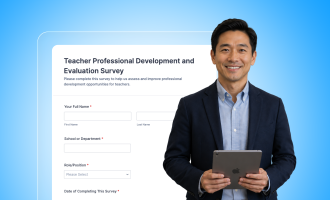
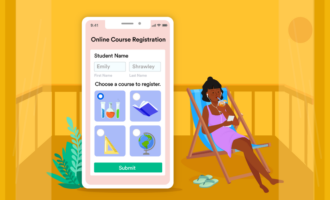
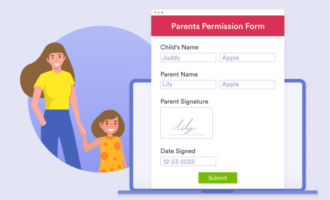
Forms are one of the most common ways schools connect with students and families. They support everything from field trip permission slips and transcript requests to enrollment applications and extracurricular activity signups.
Filling out a form is usually a pretty mundane experience. But when a form isn’t accessible, that experience becomes frustrating.
If you don’t have a disability, the barriers can be easy to miss: an image that can’t be parsed by a screen reader, a form that requires a mouse to complete, or color choices that make the form difficult to read for colorblind users.
These aren’t hypothetical issues. They reflect real experiences. For Artan and millions of others, accessibility isn’t a feature. It’s a requirement.
What makes an online form accessible?
At a basic level, an accessible online form is one that everyone can use.
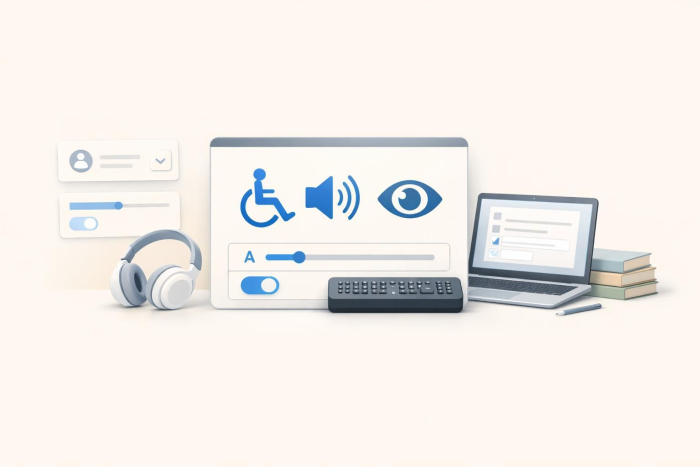
That means screen readers can clearly describe the content on the form. Users can navigate every field and button using only a keyboard. All form fields are labeled in a way that makes sense, and visual elements are easy to distinguish because of sufficient color contrast.
These requirements are part of the Web Content Accessibility Guidelines (WCAG) 2.1 Level AA, the standard referenced in the updated ADA rule.
This can feel technical, but the goal is simple: Remove friction so every student and family can access the same services. Jotform’s accessibility features make the solution simple as well.
Jotform’s Accessibility Checker flags accessibility issues in a form and provides guidance on how to resolve these issues. Users on single-user plans can activate the Accessibility Checker from the form’s Settings menu, and any issues will automatically be highlighted. If you’re on a multiuser plan, your organization’s Jotform Admin can set the Accessibility Checker as enabled by default for your entire server from the Admin Console.
Meeting ADA Title II requirements — and making forms accessible for every student
Jotform builds accessibility into the form creation process, helping education teams meet ADA Title II requirements:
- The built-in Accessibility Checker identifies issues like insufficient color contrast or missing labels and guides you through fixes.
- Keyboard and screen reader support ensures forms work seamlessly with assistive technologies.
- Jotform AI can audit your forms or generate accessible ones from the start.
- Alignment with WCAG 2.1 Level AA standards helps institutions meet the requirements under ADA Title II.
A history of accessibility at Jotform
Since Jotform released the Accessible Forms feature in 2019, accessibility has been an ongoing area of focus. Through initiatives like Accessibility Week, developers have improved the form experience by working directly with accessibility experts and users who rely on assistive technologies every day.
One of those collaborators was Hasan Özdemir, a blind accessibility specialist who spent a decade working at Microsoft. He provided deep expertise in how digital products should work for screen reader users.
Özdemir worked alongside Jotform’s product and engineering teams to evaluate forms in real time. Together, they identified gaps in screen reader compatibility, navigation flow, labeling, and error messaging.
Özdemir’s feedback helped shape practical improvements across the platform, making it easier for users with disabilities to navigate and complete forms independently.
“Working with Jotform’s technical teams was very enjoyable; they are very responsive,” Özdemir said during Accessibility Week. “And they are very agile. They are really focused on the solution.”
An easier way to create accessible forms
Jotform takes the complexity out of accessibility so that education teams don’t have to interpret guidelines alone or build accessible forms from scratch.
Jotform’s Accessibility Checker automatically catches accessibility issues and tells users how to fix them. Plus, Jotform AI can audit existing forms for accessibility or generate accessible forms from scratch.
Jotform makes accessibility part of the regular form-building process rather than an extra step at the end, allowing educators to serve every member of their community.
Start building accessible forms today
The deadline for complying with Title II may be a year away, but it will be here before you know it.
Improving accessibility doesn’t have to be overwhelming. The right tools lift the burden from schools, districts, and universities.
“I know that accessibility is a long journey. But I also know that what makes that journey easier or harder depends on the choices we make. Jotform is among those who aim to make that path easier,” Artan says.
An inaccessible form can make even simple tasks impossible for those with disabilities. But when that same form is accessible, what was once a barrier becomes a simple step toward a brighter future.
That’s the real impact of accessible online forms. It’s not about meeting a standard but ensuring that every student, parent, and staff member can get the information and services they need, on their own terms.
Explore Jotform’s Accessibility Center to learn more, or start building accessible online forms today.



























































































Send Comment: