
According to Jotform’s EdTech Trends 2026 report, educators don’t want more tools; they want fewer tools that work together seamlessly. For district and university leaders, that reinforces a broader operational challenge: reducing technology fragmentation while providing every department with modern, time-saving tools.
So it’s no surprise that as institutions prepare for another school year, many are reevaluating the technology that supports daily operations.
A digital headache
In our report, 73 percent of teachers and professors said their biggest headache is that their digital systems don’t work well together. Half of them are constantly switching between tabs, juggling platforms, and logging in and out all day.
When districts rely on disconnected tools, they face several challenges:
- Reduced productivity: Instead of focusing on student success, staff are stuck wrestling with frustrating, friction-heavy tech.
- Data silos: Attendance, grading, and departmental data get trapped in separate bubbles. If administrators, teachers, and other staff can’t see the same data, everything slows down.
- Security and compliance risks: When systems aren’t integrated, staff often rely on manual workarounds that increase the risk of errors and unnecessary handling of sensitive student information.
Building a connected campus
Educators need a secure, shared platform where information moves seamlessly between teams, repetitive tasks are automated, and each department has the right level of access to the data it needs.
That’s where Jotform Enterprise and Jotform Teams come in. Together, they provide a collaborative workspace where departments can standardize workflows, share information securely, and reduce manual processes. This helps staff spend less time managing systems and more time supporting students.
Your back-to-school toolkit
Here are the workflows, collaboration tools, and best practices that can help your institution simplify operations before students return to campus.
Rather than introducing more disconnected applications, Jotform Enterprise supports each of these capabilities. Institutions can standardize workflows while reducing the number of tools staff need to manage.
1. Centralize recordkeeping with FERPA-aligned online forms
Jotform’s online forms gives schools a secure, scalable way to digitize administrative workflows, eliminate disconnected processes, and create a more connected experience for staff and students.
Because they collect student information, institutions need strong security and privacy controls. Jotform Enterprise includes features that not only support FERPA compliance but also provide the security necessary for collecting, storing, and managing student records.
Jotform Teams offers a cohesive workspace where departments can collaborate on shared workflows, manage permissions, and securely access the information they need.
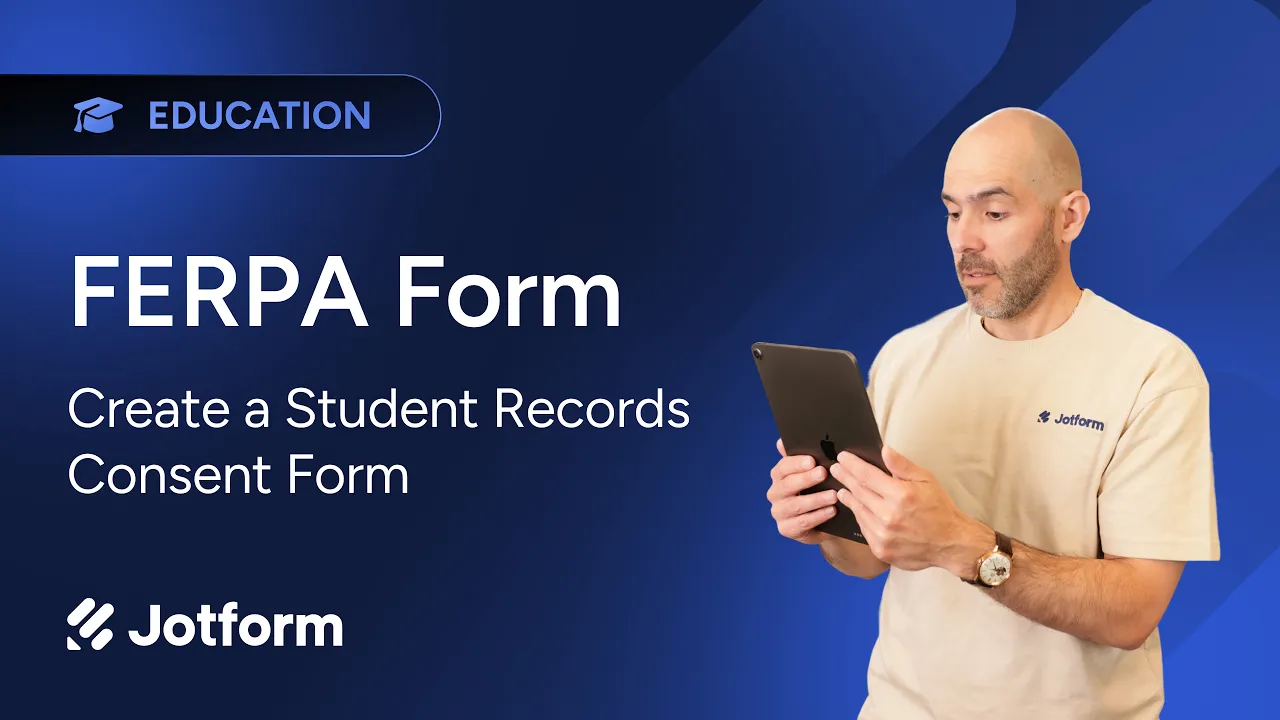
Want to see how easy it is to build a secure student records consent form? Watch this quick video.

2. Streamline district operations with Jotform AI Agents
Growing administrative demands place additional pressure on IT teams and support staff to manage requests, maintain systems, and keep information moving across departments. Jotform AI Agents help reduce that burden. They automate routine interactions and streamline high-volume workflows without requiring custom development.
- Automate IT and administrative support. Train AI Agents on your institution’s policies, documentation, and procedures so that they can answer common questions from staff, students, and parents around the clock.
- Collect information through natural conversations. AI Agents gather information through conversational interactions on the web, via WhatsApp, and more. The agents then securely route structured data into Jotform Tables for follow-up.
- Connect workflows across departments. AI Agents initiate approval workflows, update institutional records, and share information with connected systems, reducing manual handoffs.
- Maintain secure access controls. Configure AI Agents for different audiences while managing permissions and access to sensitive information. These access controls support institutional governance and privacy requirements.
By automating repetitive administrative work, Jotform AI Agents help institutions improve response times, reduce operational overhead, and give faculty and staff more time to focus on students.
Watch this video to learn how educators are using AI today.


3. Accelerate approvals with Jotform Sign
Managing approvals across a district or university often means coordinating thousands of documents. When those processes rely on paper forms or lengthy email chains, approvals slow down, visibility decreases, and administrative work quickly adds up.
Jotform Sign moves document approvals into a unified digital workflow. This makes it easier for educational institutions to collect electronic signatures, track progress, and keep stakeholders aligned.
- Keep approvals moving. Automated reminders help staff, students, parents, and employees complete documents on time without requiring manual follow-up.
- Strengthen document accountability. Every completed document includes a detailed audit trail that supports secure recordkeeping and transparency.
- Improve cross-department collaboration. Jotform Sign gives authorized staff visibility into the status of documents, which helps departments coordinate approvals more efficiently.
Real-world impact: Henrico County Public Schools
The Gifted Education Programs team at Henrico County Public Schools used to rely on a paper-based process to identify gifted students. That process required manual tracking, mailed forms, and repeated follow-ups. With Jotform Sign, the district significantly streamlined this process.
- Parents returned signed forms twice as fast.
- Staff saved the equivalent of 112 workweeks each year.
“I would highly recommend Jotform Enterprise — the time savings, all of the features, all of the integrations, all of the things it can do — it’s absolutely incredible.” — Jenna Conlee, Gifted Education Specialist, Henrico County Public Schools
Read the full Henrico County Public Schools case study.
4. Create centralized resource hubs with Jotform Apps
Providing easy access to forms, services, and institutional resources can be challenging when information is spread across multiple websites, portals, and communication channels.
Jotform Apps enables educational institutions to create branded, no-code apps that bring together forms, documents, workflows, and key information in one secure location. Institutions can build parent portals, student resource hubs, and internal staff apps that make vital resources easy to find.
Departments can manage their own apps while administrators maintain centralized oversight, permissions, and governance. App updates appear automatically across the organization, ensuring everyone has access to the latest information without additional maintenance.
Build resource hubs even faster with the Jotform AI App Builder
Jotform’s AI App Builder helps institutions launch customized resource hubs more quickly by generating an app based on a simple prompt. Whether you’re building a faculty onboarding portal, a student services hub, or an athletics resource center, you can quickly refine the generated app to meet your institution’s needs.
Watch this short walkthrough to see how IT and administrative teams can quickly create customized apps with the Jotform AI App Builder.

5. Simplify scheduling across campus
Coordinating appointments for a district or university often involves multiple departments, shared resources, and competing schedules. When booking requests are handled through separate tools or manual email exchanges, administrative work increases and scheduling errors become more likely.
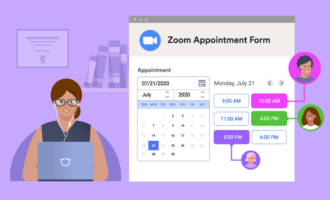
Jotform centralizes scheduling, helping departments and individuals manage appointments more efficiently. Each staff member can set up their availability, appointment limits, and buffer times to help prevent scheduling conflicts.
Departments can manage shared booking calendars within a secure workspace while administrators maintain oversight and appropriate permissions. Automated confirmations and reminders help keep appointments on track without manual follow-up, reducing missed appointments and administrative effort.
Integrate with your existing calendar tools
Jotform’s scheduling features work with the tools your institution already uses, including Google Calendar and Microsoft Outlook. Appointments automatically sync with connected calendars, helping teams maintain accurate schedules and avoid duplicate bookings without changing their existing workflows.
Watch this short tutorial to see how your institution can create, customize, and automate scheduling workflows with Jotform Enterprise.

6. Build accessibility into every digital experience
Accessibility should be part of every digital initiative at your institution. Updated Title II requirements under the Americans with Disabilities Act (ADA) affect web content and mobile applications. As a result, schools, districts, and universities are taking a closer look at how they deliver online services and information.
Accessible forms help ensure every student, parent, faculty member, and staff member can access the services they need. Standardizing accessibility across departments also reduces risk and creates a more consistent experience for all.
Jotform Enterprise helps institutions build accessible forms with tools that
- Support accessibility requirements. Our forms contain features that help institutions meet Section 508 and WCAG 2.1 Level AA accessibility requirements. This includes support for screen readers, keyboard navigation, and sufficient color contrast.
- Identify accessibility issues early. The built-in Accessibility Checker analyzes forms as they’re created, highlights potential issues, and provides recommendations to solve potential accessibility problems.
- Standardize accessible forms across departments. Administrators can create approved forms and share them as templates for departments to reuse. Not only does this reduce the time individuals spend creating forms, but it also helps maintain consistent accessibility standards across the institution.
The Title II compliance deadline will be here before you know it. Prepare now so your institution has time to ensure that its digital experiences are accessible.
Learn more about accessibility requirements and implementation strategies in our guide to Accessible online forms for education. Or watch the video below to see Jotform’s accessibility features in action.

Ready to build a more connected campus?
Prepare for the new school year by giving every department the tools to work together more efficiently. When workflows are connected, information moves securely, collaboration improves, and staff spend less time managing administrative tasks and more time supporting students.
Jotform Enterprise helps educational institutions reduce administrative complexity with secure, scalable solutions designed for collaboration across campuses and districts. Contact the Jotform Enterprise Sales team to learn how your institution can create a more connected campus this school year.
































































































Send Comment: