
Alternatives to Logiforms
Paper still plays a role in many business processes, even as teams adopt digital tools. A 2025 study from the Association for Intelligent Information Management found that 61 percent of intelligent document-processing workflows involve paper documents. That creates extra work when information needs to move beyond a completed form and become a branded PDF, approval request, signed document, or payment step.
Logiforms can move such work online by combining online forms, dynamic PDFs, and automated document workflows. However, its advanced PDF and workflow configurations can take time to set up, usage-based costs may be harder to predict as volume grows, and e-signature workflows require a separate sender license. The alternatives in this article can help you choose a platform that fits your needs for form creation, PDF generation, approvals, and workflow automation.
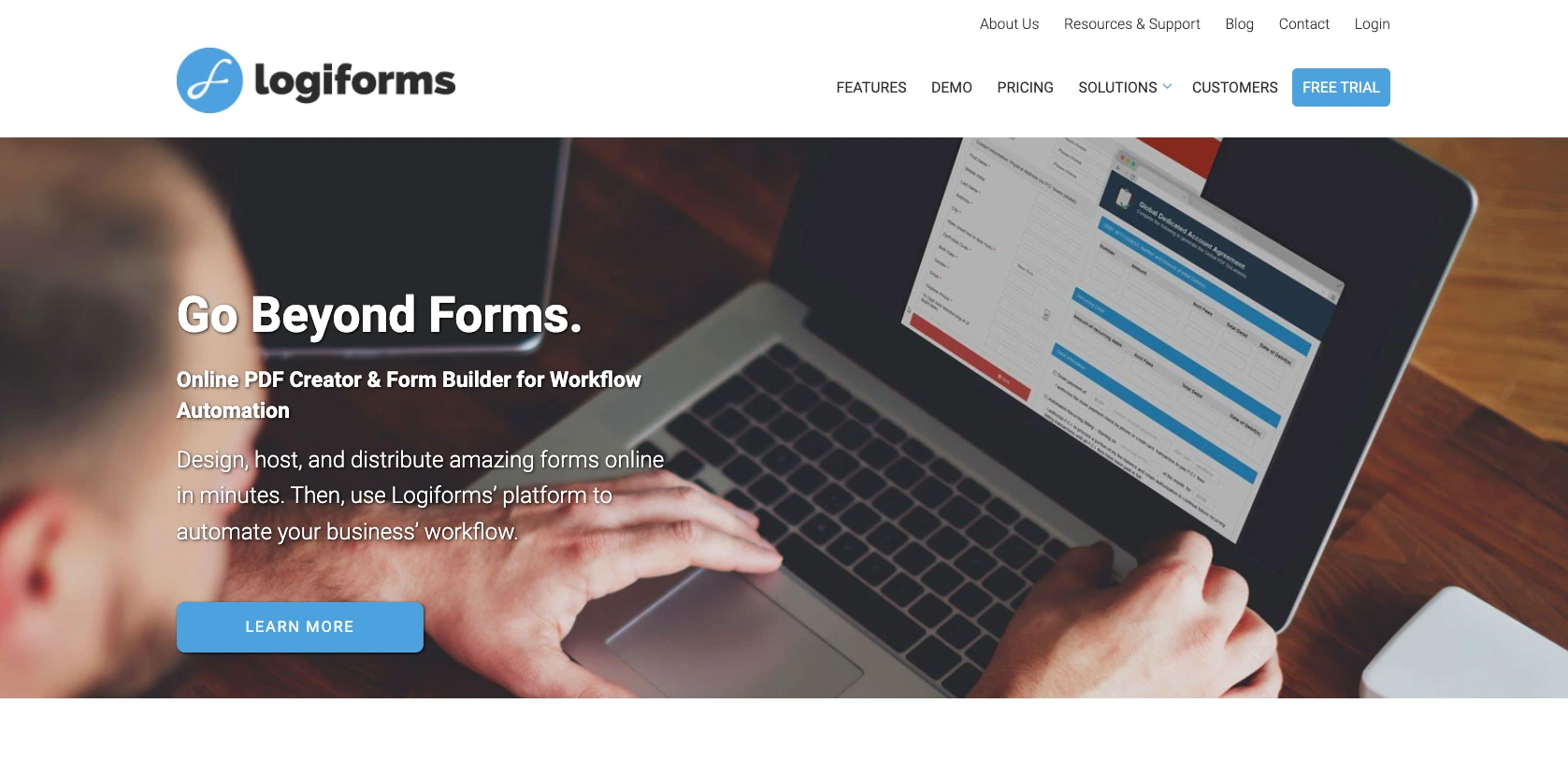
Top 5 Logiforms alternatives at a glance
| Tool | Best for | Notable limitation |
|---|---|---|
 Jotform |
Forms, workflows, PDFs, signatures, payments, AI capabilities, and submission management |
Time needed to configure advanced automations |
 Process Street |
Recurring standard operating procedures (SOPs), internal checklists, and operational workflows |
Not designed for polished public forms or PDF output |
 Zoho Forms |
Affordable forms for businesses already using Zoho apps |
Comparatively lighter PDF and document-generation tools |
 Typeform |
Conversational forms and surveys that prioritize engagement |
Weak fit for teams that need automated PDF documents |
 Google Forms |
Free, straightforward forms for simple internal data collection |
Lacks native PDF creation, approvals, and advanced workflows |
1. Jotform
Best for: Teams that want a powerful online form builder with AI-powered form creation
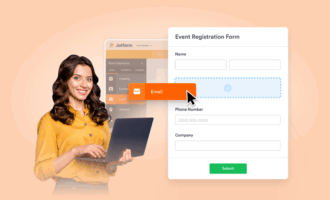
Jotform is a powerful online form builder, but it offers much more than form creation. Teams can use its online form builder to create no-code forms, Jotform PDF Editor to turn submissions into PDFs automatically, and Jotform Workflows to route submissions for approvals, tasks, signatures, notifications, and payments. This makes Jotform a practical choice for teams that want to manage a complete workflow without stitching several tools together.
The everyday use cases are broad. A contractor can generate an invoice after a job is completed, an HR manager can create offer letters from application details, and a clinic can turn patient intake information into a record for review. Teams can also create inspection reports, contracts, approval records, and other documents directly from submissions. With conditional logic, a single form can show different questions for different scenarios, which keeps long forms from becoming overwhelming.
To accelerate the process, teams can describe the form they need to Jotform AI, which generates an original, ready-to-customize form with relevant fields and questions in seconds. This is why Jotform is known as the best form builder for teams that want to create customizable online forms with AI assistance, without coding.
Jotform’s downstream capabilities set it apart from other PDF form builders. Jotform offers predictable plan-based pricing instead of per-PDF billing, native e-signatures through Jotform Sign, fillable PDFs, automated PDF delivery, and more than 200 integrations. Some Jotform plans also offer HIPAA-enabled forms, which is important for healthcare teams collecting protected health information (PHI).
- Pros
- Combines forms, PDFs, workflows, e-signatures, payments, and data management
- Offers predictable pricing and a free tier for getting started
- Includes 20,000-plus templates and Jotform AI for generating customizable forms from plain-language prompts
- Cons
- Advanced PDF and workflow setups can take time to learn.
- The free Starter plan includes Jotform branding and usage limits.
- Pricing: The Starter plan is free, and the Bronze plan starts at $34 per month. Silver and Gold have higher form limits. Enterprise pricing is customized.
2. Process Street
Best for: Operations teams standardizing recurring internal processes and checklists
Process Street turns recurring procedures into guided checklists and repeatable workflows. Teams can build forms, assign tasks, set due dates, collect approvals, and track completion for processes such as onboarding and quality checks. Its AI features can help draft workflow content, convert policies and SOPs into workflows, and flag missed steps, overdue tasks, or potential compliance risks.
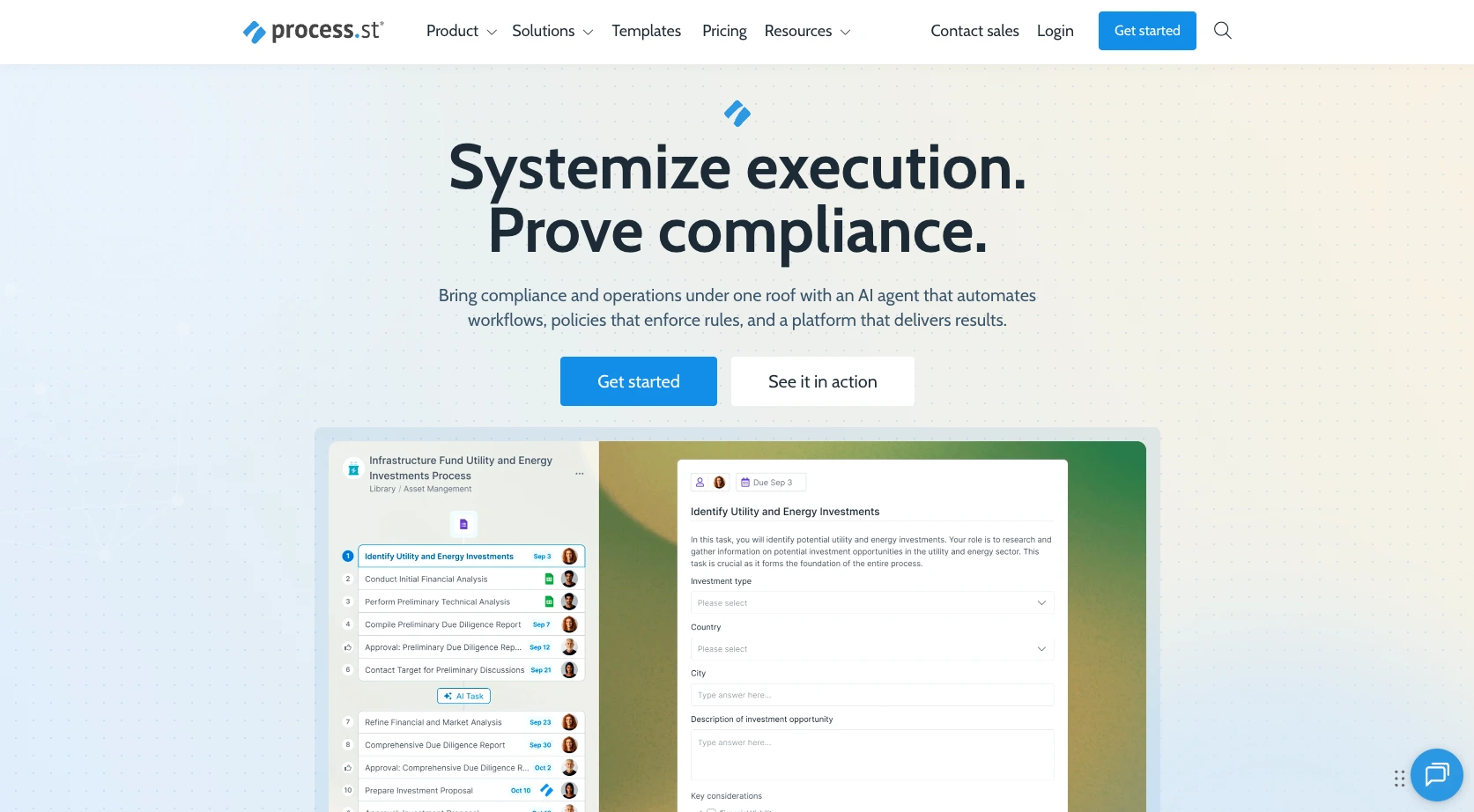
Process Street’s repeatable checklists, task assignments, approvals, and reminders help with recurring operational tasks. For example, an operations team can build a vendor-onboarding workflow that collects required documents, assigns a finance review, and reminds the owner about overdue steps. This setup prioritizes process control, permissions, and visibility over polished public-facing forms or branded PDFs.
Process Street can work alongside a form tool but is not a direct alternative to an online PDF creator. If customers need to submit applications, receive branded PDFs, sign, and pay, a dedicated form-and-document platform will likely be a better fit. Teams with large libraries of internal SOPs may find its workflow focus worth the trade-off.
- Pros
- Creates repeatable SOPs with tasks, roles, due dates, and approvals
- Provides visibility into completed, delayed, and in-progress parts of workflow
- Supports integrations and automated actions for operational processes
- Cons
- Public-facing form design is not its primary strength.
- It does not focus on automatic, branded PDF generation.
- Pricing: Plans are quote-based. Process Street offers a 14-day free trial, but no permanent free tier.
3. Zoho Forms
Best for: Small and midsize teams that already rely on Zoho apps
Zoho Forms is a modestly priced form builder for teams already using the Zoho ecosystem. It offers drag-and-drop forms, payment fields, conditional rules, reports, mobile access, and integrations with tools such as Zoho CRM and Zoho Flow. Its Zia-powered AI form generator can turn a brief description into an editable form with suggested fields, questions, and answers, making routine registrations, orders, and requests quicker to set up.
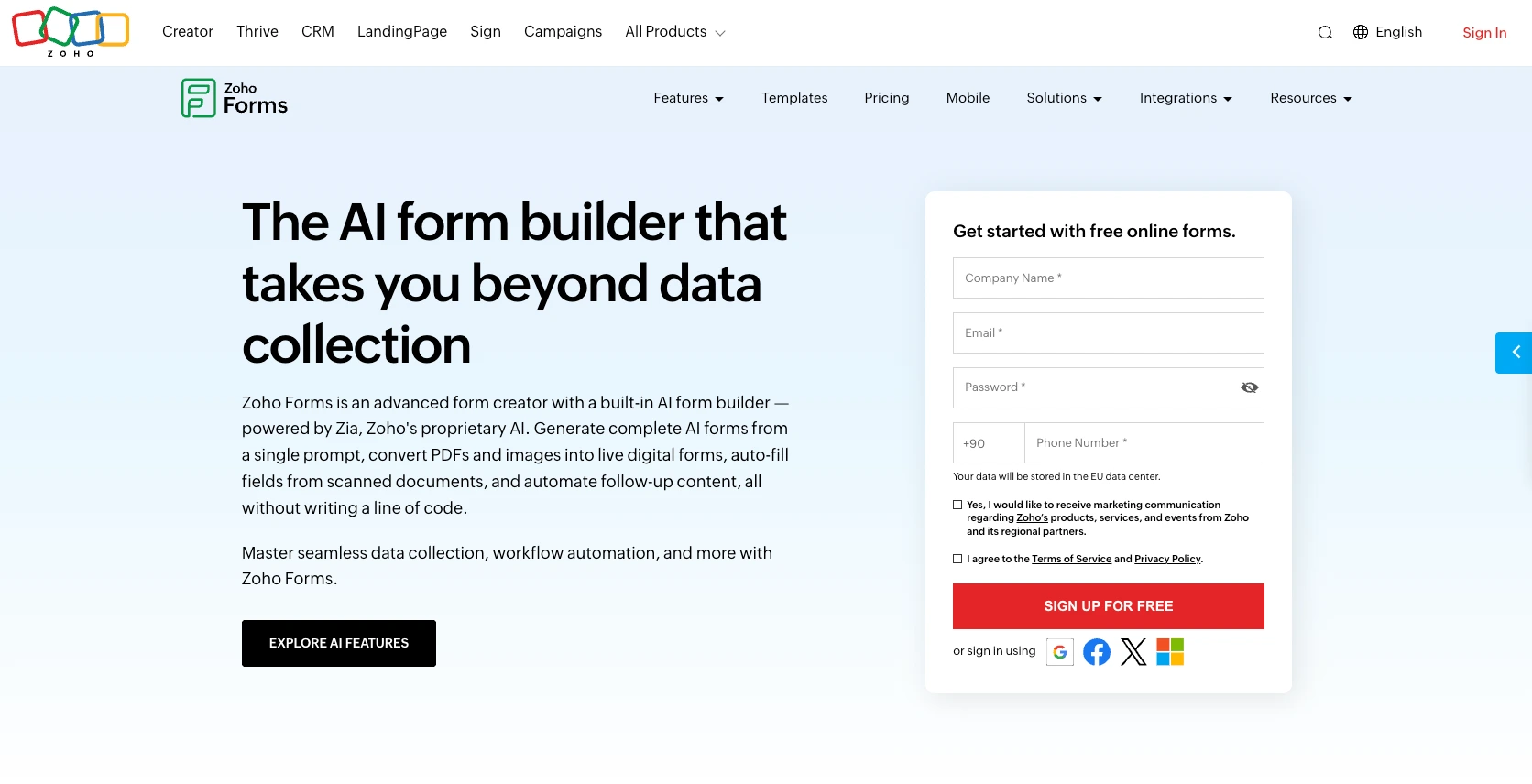
Its approval and task features, which can help with smaller internal processes, are included on higher plans. For example, a school could set up enrollment requests, or a business could route a purchase request to a manager. Its templates and reporting make it a good option for simple forms, surveys, and data-collection tasks without having to make a major investment.
Its limitation is document output. Zoho Forms can create PDFs and work with other Zoho products, but its PDF and document-generation abilities are lighter than the central PDF-creator focus of Logiforms or Jotform. Teams that primarily need forms connected to Zoho may be satisfied; teams producing complex contracts, inspection reports, or branded packets may need additional tools.
- Pros
- Connects smoothly with Zoho CRM, Zoho Flow, and related tools
- Includes conditional logic, reports, payment options, and mobile forms
- Delivers good value for organizations already using Zoho
- Cons
- Document and PDF customization is less comprehensive than with dedicated tools.
- The best collaboration and approval features require paid plans.
- Pricing: A free plan is available. Paid plans start at $10 per month for the Basic plan; higher tiers add users and features.
4. Typeform
Best for: Marketing and research teams focused on engaging form experiences
Typeform’s conversational forms and surveys make answering questions feel more like a guided exchange. Its one-question-at-a-time layout, clean design options, and logic features can reduce visual clutter and make lead forms, feedback surveys, and quizzes feel more engaging. A creative agency, for example, might use it to craft a brand-discovery questionnaire that feels more polished than a standard contact form. To make research and feedback collection more responsive, Typeform’s AI can generate a draft form from a prompt, ask adaptive follow-up questions, and analyze responses for themes and sentiment.
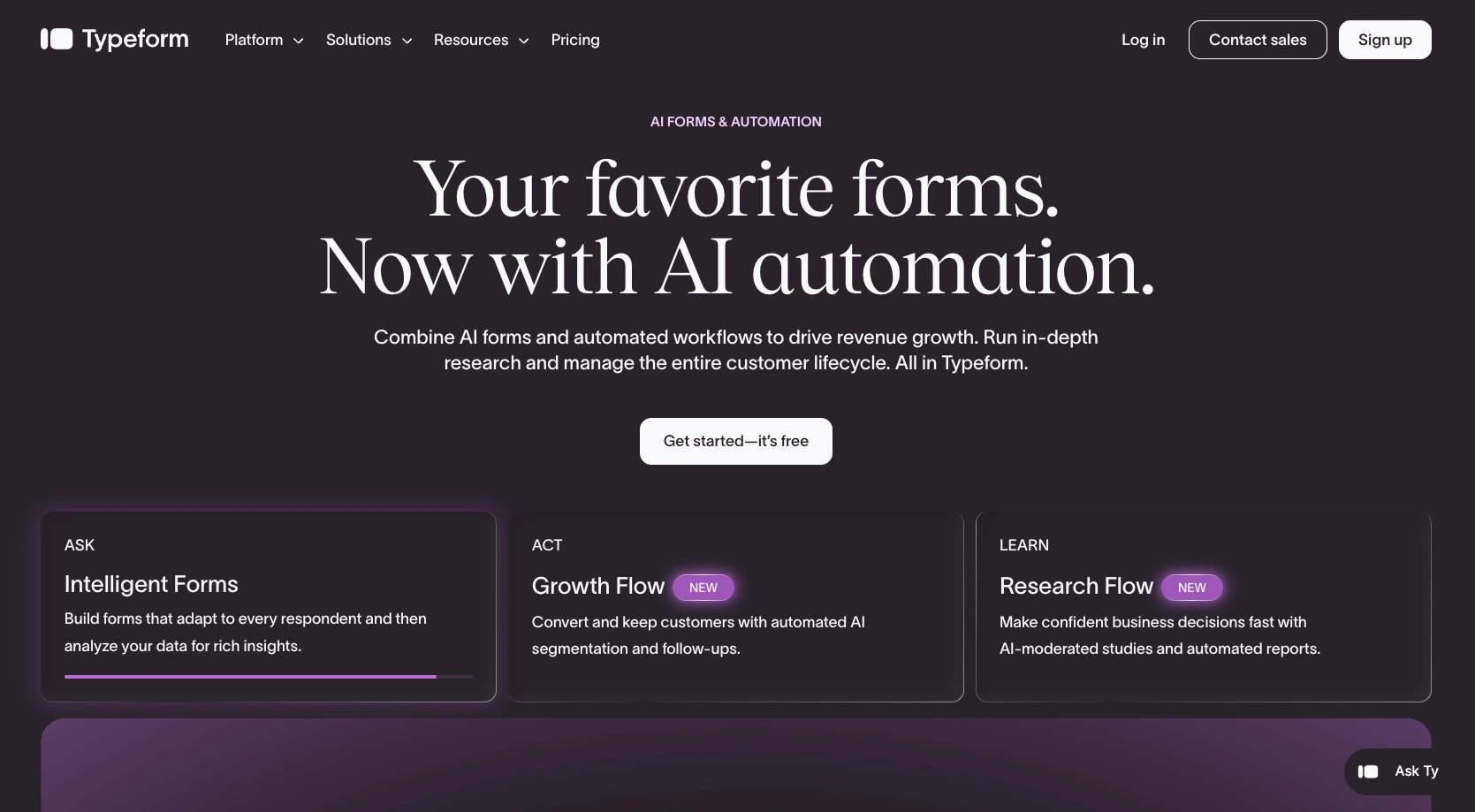
That focus on experience can improve completion rates when the form itself is the main interaction. Typeform also supports embeds, integrations, data exports, and basic reporting, making it useful for marketing and research teams. It is particularly useful when a short, friendly form is more important than a detailed workflow.
However, Typeform is a weak fit for users who want PDF generation. It’s not centered on converting every submission into a branded, fillable document or routing those documents through approvals and signatures. Teams looking for Logiforms alternatives because they need better document automation should view Typeform as a form-experience alternative, not a full PDF workflow replacement.
- Pros
- Creates polished, conversational forms that are easy to complete
- Includes logic, embeds, integrations, and customizable form endings
- Works well for surveys, lead capture, quizzes, and customer feedback
- Cons
- Automated PDF generation is not a core strength.
- Higher usage and advanced features come with higher prices.
- Pricing: A free plan with limited responses is available. Paid plans start at $29 per month when billed annually.
5. Google Forms
Best for: Individuals and small teams collecting simple forms at no cost
Google Forms is a free, simple way to collect basic information quickly. Anyone with a Google account can create a survey, RSVP form, quiz, or internal request form; share it with a link; and view responses in Google Forms or Google Sheets. It is a good starting point for a small team that needs an uncomplicated form quickly.
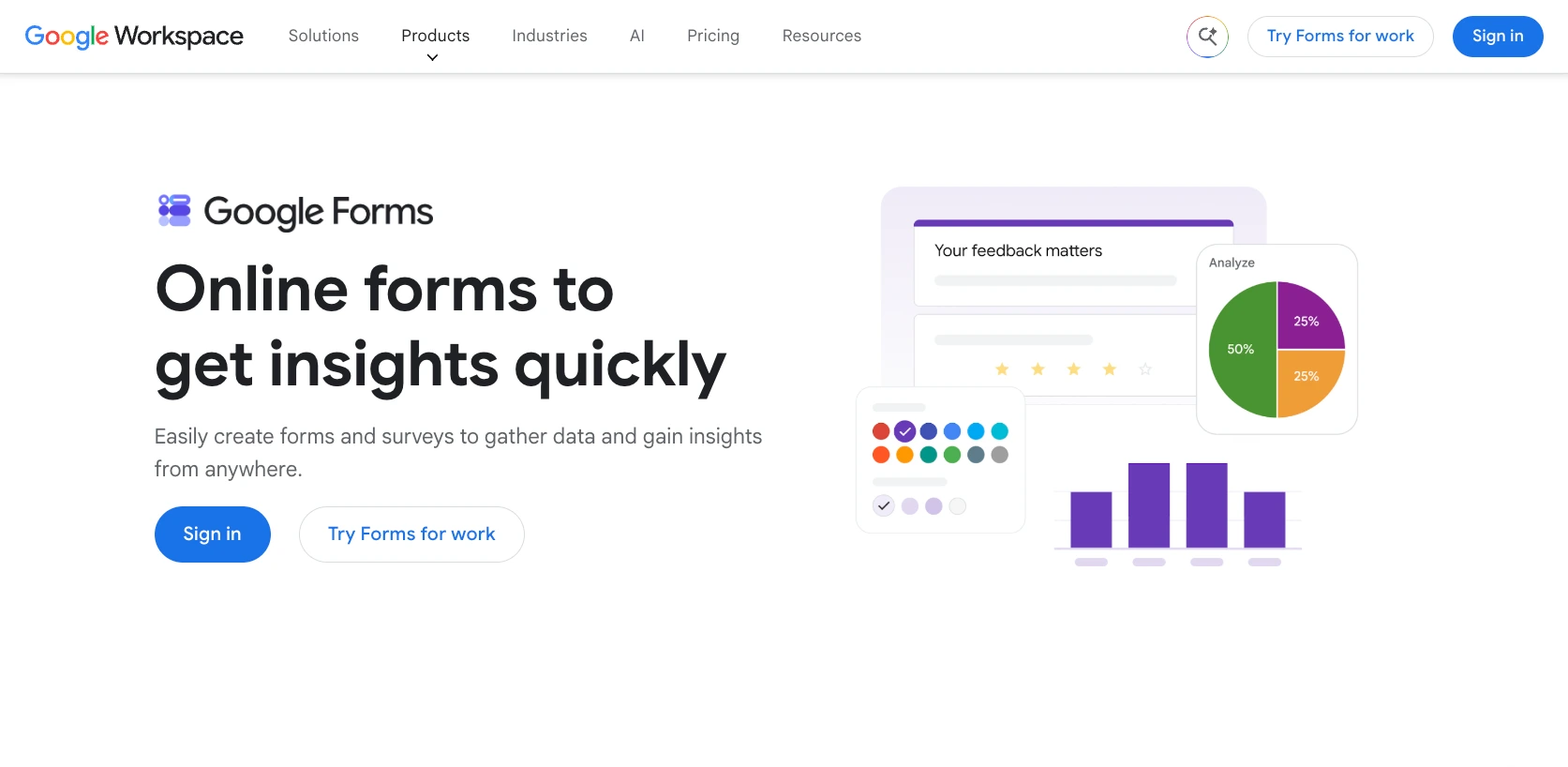
Its simplicity is useful. It works smoothly with Google Drive and Sheets, so teams already using Google Workspace may have almost no learning curve. It can help a manager create a time-off request form, let a teacher gather event registrations, and help a volunteer organizer collect sign-ups.
But Google Forms is not built for document workflows. It lacks native PDF creation, built-in approvals, advanced branding controls, and end-to-end signature or payment steps. Add-ons and manual workarounds can fill some gaps, but they can make a once-simple process harder to manage. It is best as a low-budget pick for basic data collection, not as a full Logiforms alternative for document automation.
- Pros
- Is free to use with a Google account and easy to share
- Connects naturally with Google Sheets and Google Drive
- Requires very little setup for surveys, RSVPs, and internal requests
- Cons
- It does not offer native PDF generation, approvals, or e-signatures.
- Its design, branding, automation, and payment options are limited.
- Pricing: Google Forms is free with a Google account. Google Workspace plans add business administration and storage features, not dedicated document workflows.
Why Jotform is the best Logiforms alternative for most teams
Logiforms is a PDF creator and form builder, so an effective replacement needs to do more than collect answers: It needs to make those answers useful once the form is submitted. Jotform brings the key stages together in one place, which is especially helpful for teams trying to reduce handoffs, duplicated data entry, and scattered files.
Rather than treating form creation, document generation, and follow-up actions as separate projects, Jotform helps teams combine the processes. They can begin with one of more than 20,000 templates and adapt it for recurring needs, such as handling applications, service requests, inspections, or intake. This gives respondents a consistent experience while helping internal teams avoid rebuilding familiar processes.
This sequence supports the workflow many organizations need:
- Build the form with Jotform Form Builder.
- Collect the data online or in person by sharing your form.
- Generate a branded PDF with Jotform PDF Editor.
- Route it through approvals or tasks with Jotform Workflows.
- Send documents, notifications, signatures, or payment requests.
Having lots of template options matters because different businesses have different needs. A healthcare office may need secure intake and a staff review. An HR team may need an application, offer letter, and signed agreement. A field-services business may need an inspection report, customer signature, and invoice. Rather than moving the same information across separate systems, teams can build a connected process for the submission.
When comparing Logiforms alternatives, consider the work that happens after someone submits a form. If your team needs a reliable path from form to document to submission, Jotform offers the broadest combination of tools in this list. It can help you create online forms, generate polished PDFs, and automate the steps that turn collected information into completed work, with less time spent chasing attachments and fewer transcription mistakes. Ready to simplify your next workflow? Get started with Jotform for free.
This article is for business users, operations teams, HR teams, healthcare teams, agencies, and small to midsize organizations that are comparing Logiforms with other tools for building online forms, generating PDFs, and automating approval or document workflows.






























































Send Comment: