
Nearly every online business uses forms to collect information, whether from customers or internal teams. But once you’re running several forms with multiple people involved, they can become difficult to manage — especially if organizing responses, routing submissions, and transferring data into your other business tools still happen by hand.
Forms management software automates that coordination. At its core, it includes a form builder for creating and distributing forms, a system for collecting responses and validating submissions, and workflow features that handle routing, trigger approvals, and sync data across your business-critical tools.
But like any software, form management systems vary in scope. Some are enterprise platforms built around document management, workflow automation, and process improvement for large teams. Others are lightweight form builders meant for quick internal data collection and analysis. To help you weigh the options, I’ve reviewed the best online form management software available in 2026. This guide covers seven tools, including their key features, drawbacks, and pricing.
Best forms management software at a glance
| Tool | Best for | Standout feature | Plans/pricing |
|---|---|---|---|
 Jotform |
All-in-one form management |
No-code workflows, tables, and report builder for managing the full form lifecycle |
Free plan available, paid plans start from $34 per month |
 Formstack |
Document-driven workflows |
Automated document generation and e-signatures |
From $83 per month (no free plan) |
 Zoho Forms |
Teams using the Zoho ecosystem |
Deep automation inside the Zoho suite |
Free plan available, paid plans start from $10 per month |
 Typeform |
Engagement and completion |
One-question-at-a-time interactive format |
Free plan available, paid plans start from $28 per month |
 Microsoft Forms |
Microsoft 365 teams |
Native Teams, Excel, and Power Automate sync |
Free plan available, paid plans start from $7 per user per month |
 Google Forms |
Quick, free data collection |
Automatic Google Sheets connection |
Free plan available, paid plans start from $7 per user per month |
 Paperform |
Branded, versatile forms |
Document-style editor with a calculator engine |
Free plan available, paid plans start from $49 per month |
1. Jotform
Why it made the list: Jotform runs the entire form lifecycle without code. Building forms, distributing them, collecting responses, managing submissions, routing to the right teams, reporting, and connecting form data to other business-critical applications all happen inside one platform.
Key strengths:
- 20,000-plus form templates across industries to match every data collection use case
- Deep automation and routing through Jotform Workflows
- 40-plus payment gateway integrations to allow you to collect payments with forms
Key drawback:
- Multiuser access, SSO, and unlimited approvers are reserved for the Enterprise plan
Jotform is a form management system for teams that want to build custom forms, manage submissions, automate workflows, collect signatures, and move collected data across their broader business tool stack without juggling multiple apps. You can create forms from scratch in a drag-and-drop editor, pick from over 20,000 templates, or generate a working form from a plain-language description using Jotform AI. The AI builds smart forms with prefill, data validation, and conditional logic.
Build faster with Jotform AIDescribe what you need, and let Jotform AI build it for you instantly.
Get Started Now
Once built and live, form responses flow into Jotform Tables, a spreadsheet-database hybrid where you can analyze responses, assign entries to colleagues, and protect your data from unauthorized edits. Jotform Workflows adds automation that triggers actions like tasks, emails, e-signature requests, or document routing with progress tracked in real time. From there, Jotform Report Builder can automatically turn collected data into visual reports and presentations that update as new responses arrive.
Jotform’s enterprise forms management software also covers the document workflows and tool connectivity your teams need to manage collected data. For instance, you can use Jotform Sign to convert existing PDFs into e-sign documents, collect valid signatures, and send completed documents to cloud storage. Your forms and e-sign docs can accept payments via more than 40 payment gateways, and respondents can attach files to their submissions. Jotform integrations include CRMs, cloud storage, ERPs, email marketing, and other business-critical systems you already use, so you can instantly share the data you collect.
Jotform supports end-to-end form management for small businesses and large teams. All plans include 256-bit SSL encryption, two-factor authentication, and GDPR security features, while higher-tier plans add HIPAA-enabled features and SOC 2 Type II compliance for organizations in regulated industries.
Jotform pricing:
- Starter (free)
- Bronze ($34 per month, billed annually)
- Silver ($39 per month, billed annually)
- Gold ($99 per month, billed annually)
- Enterprise (custom pricing): Multiuser access, SSO, custom domain, unlimited usage
Jotform offers a 30-day money-back guarantee and a 50 percent discount on Bronze, Silver, and Gold plans for nonprofits and educational institutions. The Jotform billing guides explain how to request a refund, change your plan, and update your payment method.
2. Formstack
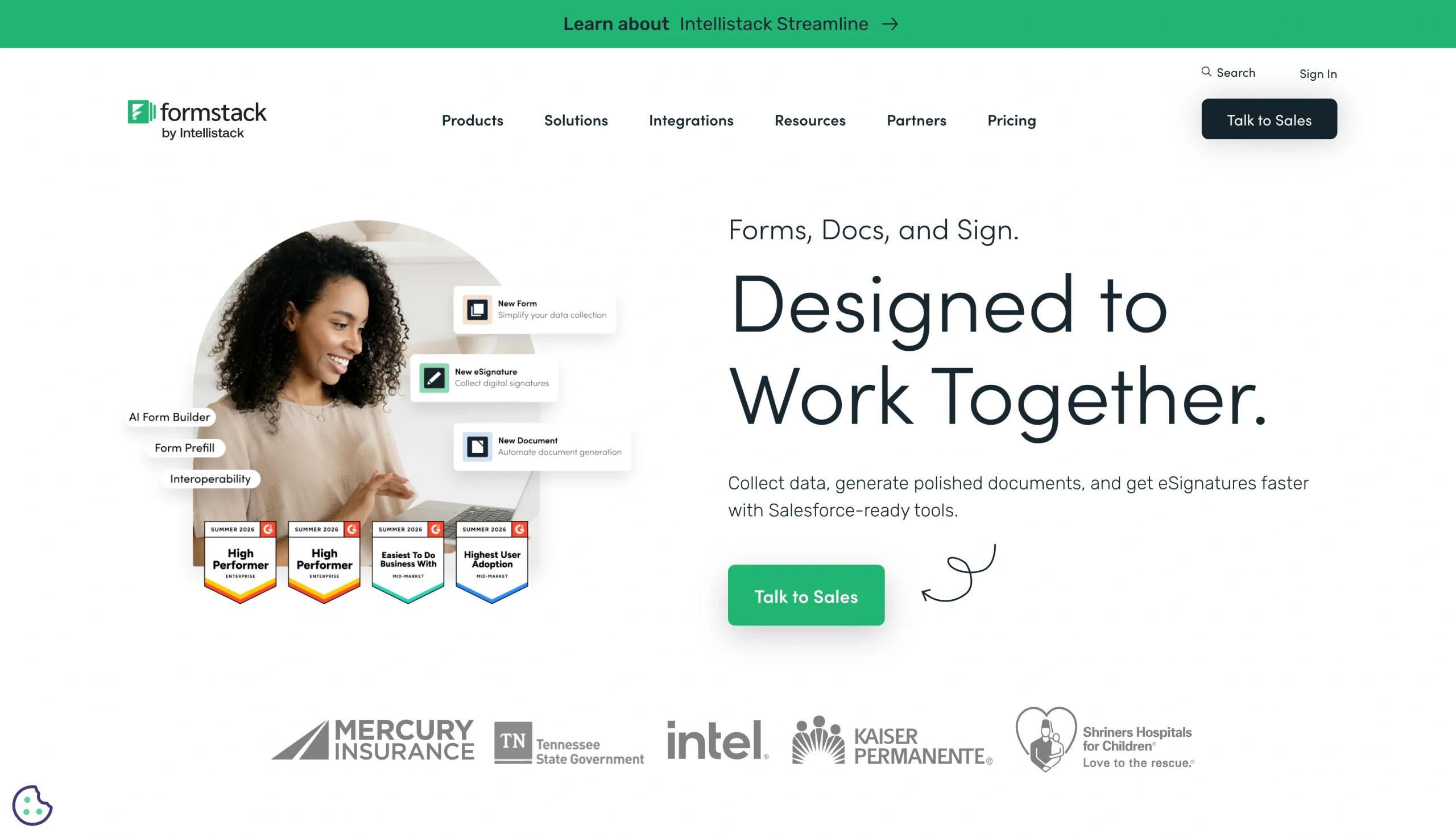
Why it made the list: Formstack eliminates delays and errors from scattered forms and manual workflows.
Key strengths:
- Combines forms, documents, and signatures into one workflow
- Provides compliance controls, including HIPAA and PCI for regulated industries
- Deep integration with Salesforce, plus it connects with over 300 business tools
Key drawback:
- The platform is expensive for small teams or simple use cases
Formstack fits mid-market and enterprise teams looking for one platform to create online forms, generate documents, and collect signatures. Its drag-and-drop builder includes conditional logic, branching, and data validation to ensure structured and controlled data collection. As submissions flow in, the tool automatically triggers notifications to relevant teammates and routes data through approval steps or connected CRMs or ERP systems.
The Formstack platform offers AI-powered document generation and e-signing. Formstack Documents can populate a contract or record with form data, then you can assign signers, set the signing order, and collect valid signatures in one process through Formstack Sign. The platform also integrates natively with Salesforce for form building and data management within your Salesforce organization, with no extra login, API connection, or field mapping. Formstack is ideal for regulated industries like healthcare, finance, insurance, and government, where data security and compliance are non-negotiable.
Formstack’s main trade-off is cost. The platform has no free plan, and its entry tier starts high, with the Salesforce-native integration reserved for higher-tier plans with custom pricing. Some users also noted a slow user interface and limited styling, especially when working with complex forms.
Formstack pricing:
- Forms ($83 per month, billed annually)
- Suite ($250 per month, billed annually)
- Salesforce Solutions (custom pricing)
- Enterprise Solutions (custom pricing)
3. Zoho Forms
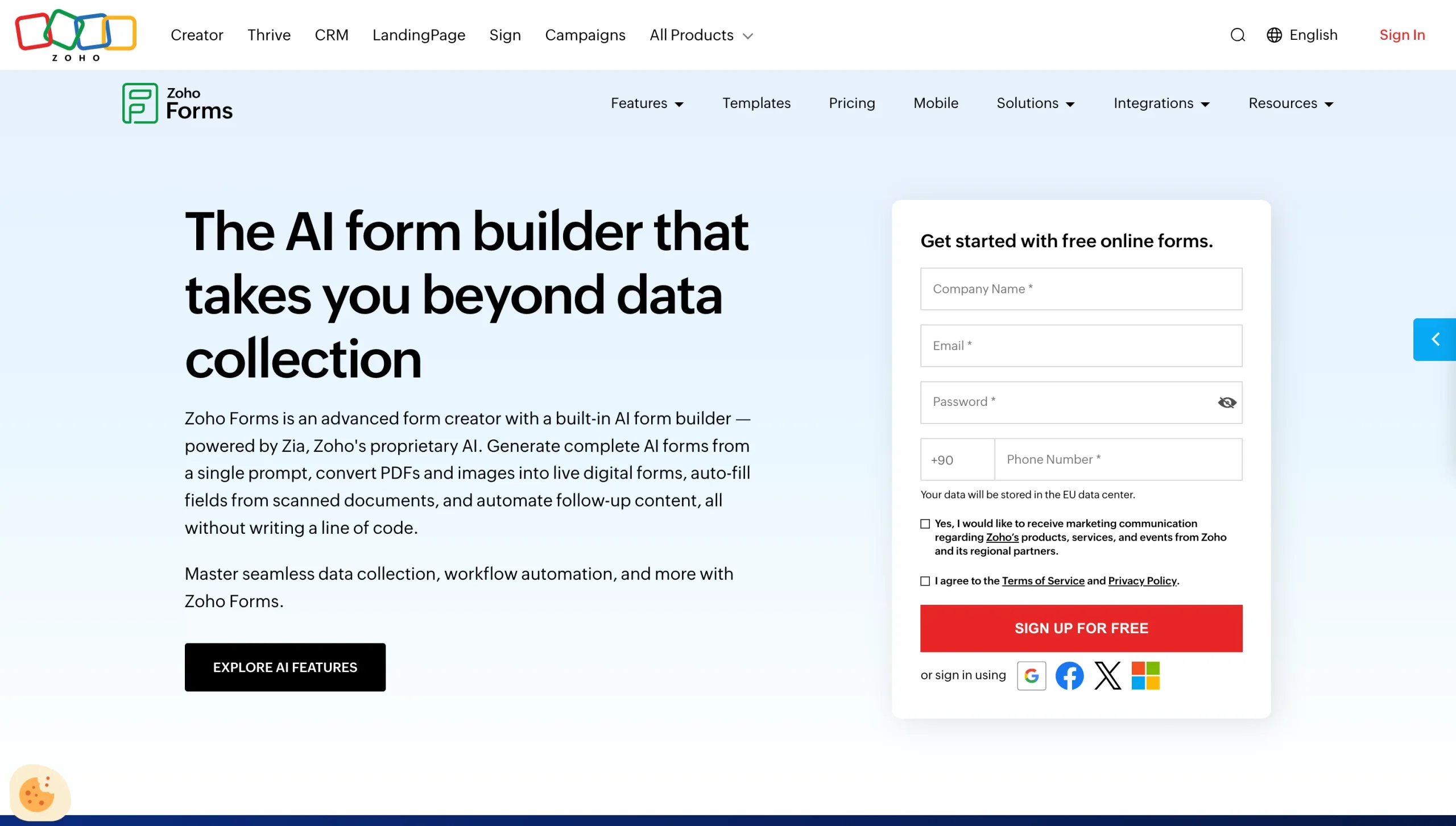
Why it made the list: Zoho Forms connects data collection directly to the Zoho ecosystem.
Key strengths:
- AI-powered form creation from prompts or by converting existing PDFs and images into live forms
- Built-in automation for approvals, email notifications, and task assignment
- Free plan includes payment collection, with up to 10 payment submissions
Key drawback:
- Its full value depends on being in the Zoho ecosystem
Zoho Forms is a form workflow software designed for Zoho users who need data collection wired into the tools their business already runs on. It offers multiple ways to build forms: Start from scratch, pick a prebuilt template, generate with AI, or convert PDFs and images into digital forms. Its drag-and-drop form builder supports conditional logic, multipage forms, and field validation. Once set up, Zoho Forms can collect payments, calculate totals, and automatically generate PDF invoices from form submission data.
As submissions flow in, Zoho Forms triggers approval workflows, email notifications, and task assignment using built-in automation. And because it connects to the broader Zoho ecosystem, those actions route straight into Zoho CRM, Zoho Desk, and the other apps your team already runs on, so data moves across your stack without manual effort. It also supports an offline mode that lets field teams collect submissions without an internet connection.
If you’re running the Zoho ecosystem, that deep integration saves time and cuts operational overhead. But if you’re not, you might find that the form builder is more lightweight compared to other forms management software.
Zoho Forms pricing:
- Free
- Basic ($10 per month, billed annually)
- Standard ($25 per month, billed annually)
- Professional ($50 per month, billed annually)
- Premium ($90 per month, billed annually)
4. Typeform
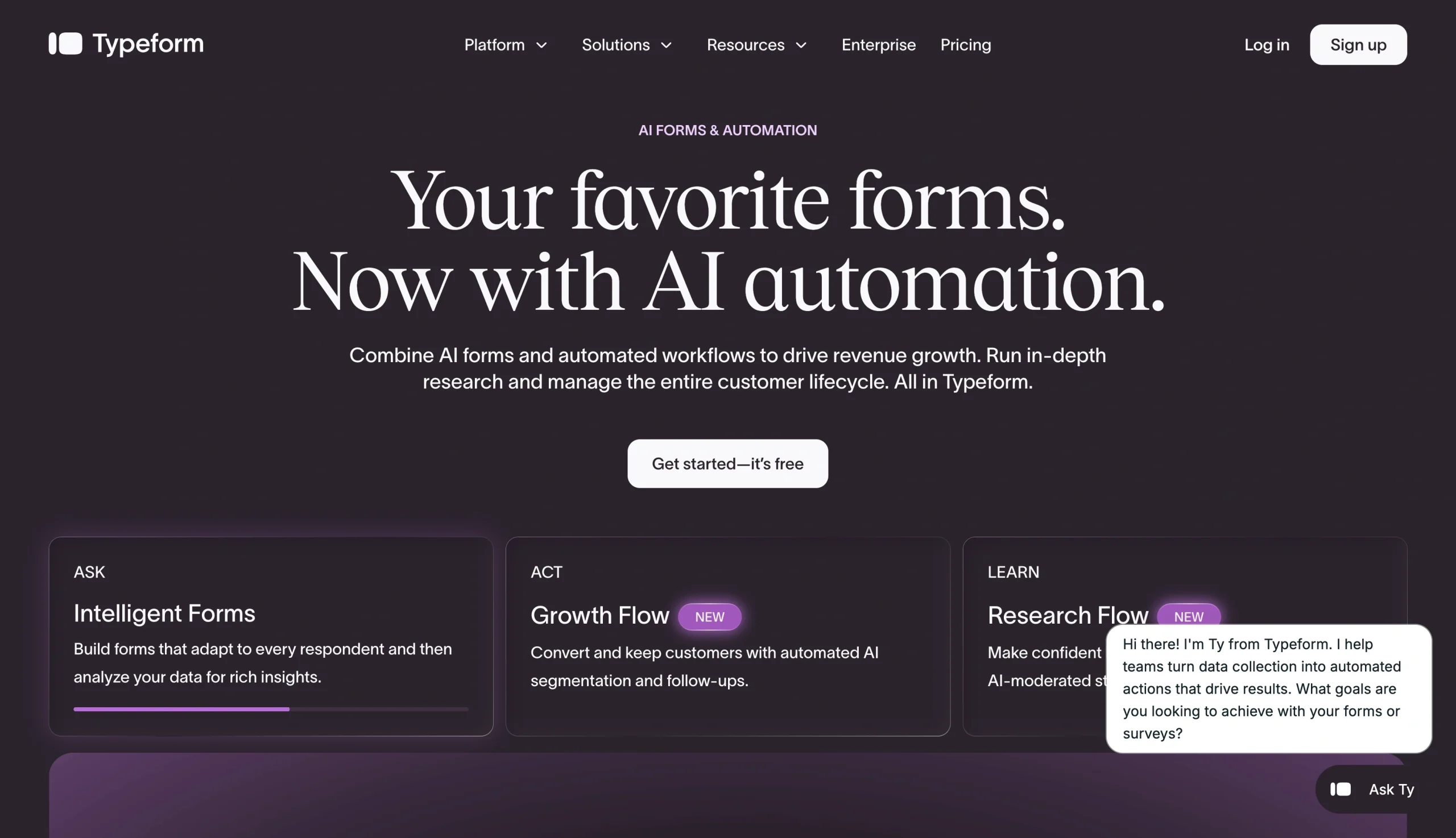
Why it made the list: Typeform handles data collection, turning higher completion rates into more complete, usable submissions.
Key strengths:
- Conversational, one-question-at-a-time format that improves form completion rates
- Polished, on-brand form design with a wide range of question types
- Integration with CRM and other business tools to auto-sync responses, route to the right tools, and analyze data
Key drawback:
- No approval routing or multistep processing for internal workflows
Typeform is one of the best online form builders for building surveys, lead capture forms, feedback forms, and quizzes where completion rate matters more than back-office processing. Instead of showing every field at once, it presents one question at a time in a clean, interactive flow that holds attention, improving form performance. Its form builder offers AI form generation plus a wide range of question types, logic, branching, and design controls to create smart, on-brand forms.
Responses land in a results dashboard where you can review submissions and track completion and drop-offs. The platform also integrates with CRMs, spreadsheets, and productivity software to push collected data into your business-critical tools without manual effort. That said, Typeform is lighter on workflow. It lacks approval routing, document automation, and multistep processing capabilities, making it more suitable for form design and data collection.
Typeform pricing:
- Basic ($28 per month, billed annually)
- Plus ($56 per month, billed annually)
- Business ($91 per month, billed annually)
- Growth Flow ($266 per month, billed annually)
5. Microsoft Forms
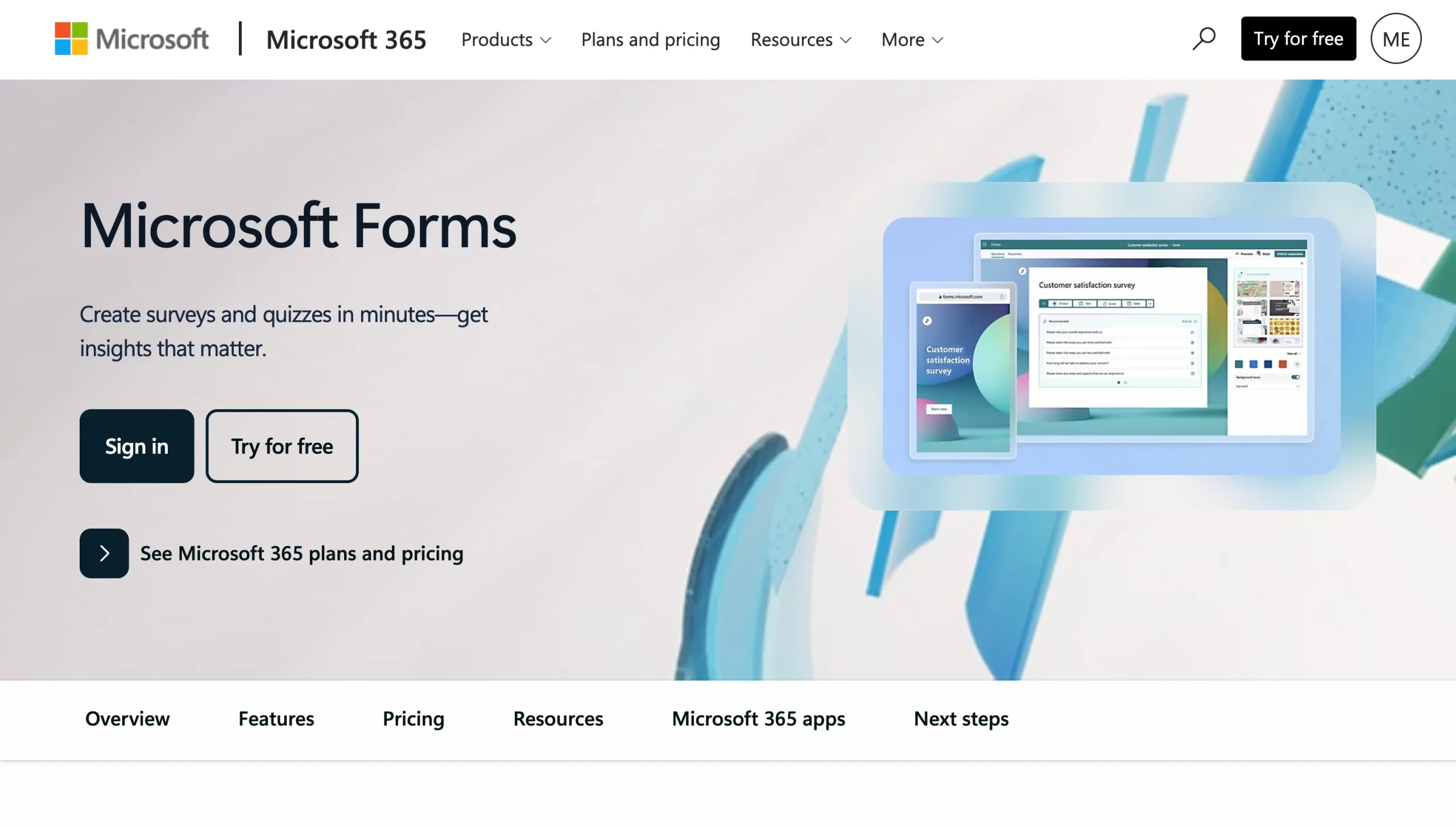
Why it made the list: Microsoft Forms gives Microsoft 365 teams a fast, familiar way to collect data.
Key strengths:
- Built into Microsoft 365, so submissions connect directly to Teams, Excel, and SharePoint
- Quick form and quiz building, now with Copilot to draft a form from a prompt
- Power Automate integration for routing responses, triggering approvals, and logging data
Key drawback:
- On its own, it does little beyond building and collecting — routing, approvals, and reporting all depend on Power Automate and other Microsoft 365 tools
Microsoft Forms is the form workflow software for teams already working in Microsoft 365. It gives you a clean, no-frills editor where you can build internal surveys, quizzes, event sign-ups, and simple intake forms. If you have a Copilot license, you can describe the form you want and let the AI draft the questions and apply branching logic before you share the form through a link, Teams, or an embed code.
The responses from your forms land in the Forms dashboard, where you get real-time summary charts. From there, you can export everything to Excel for deeper analysis or connect with Power Automate to trigger multistep approvals, route submissions to team members, log the data in SharePoint, or send group notifications for form submissions. For a Microsoft 365 organization, this means your form data flows into the same environment where your files, chat, and reports already live.
Microsoft Forms pricing:
Microsoft Forms isn’t sold on its own. It’s bundled into Microsoft 365, with a limited free version available separately.
- Microsoft 365 Business Basic ($7 per user per month, billed annually)
- Microsoft 365 Business Standard with Copilot ($23.50 per user per month, billed annually)
- Microsoft 365 Business Premium with Copilot ($32 per user per month, billed annually)
6. Google Forms
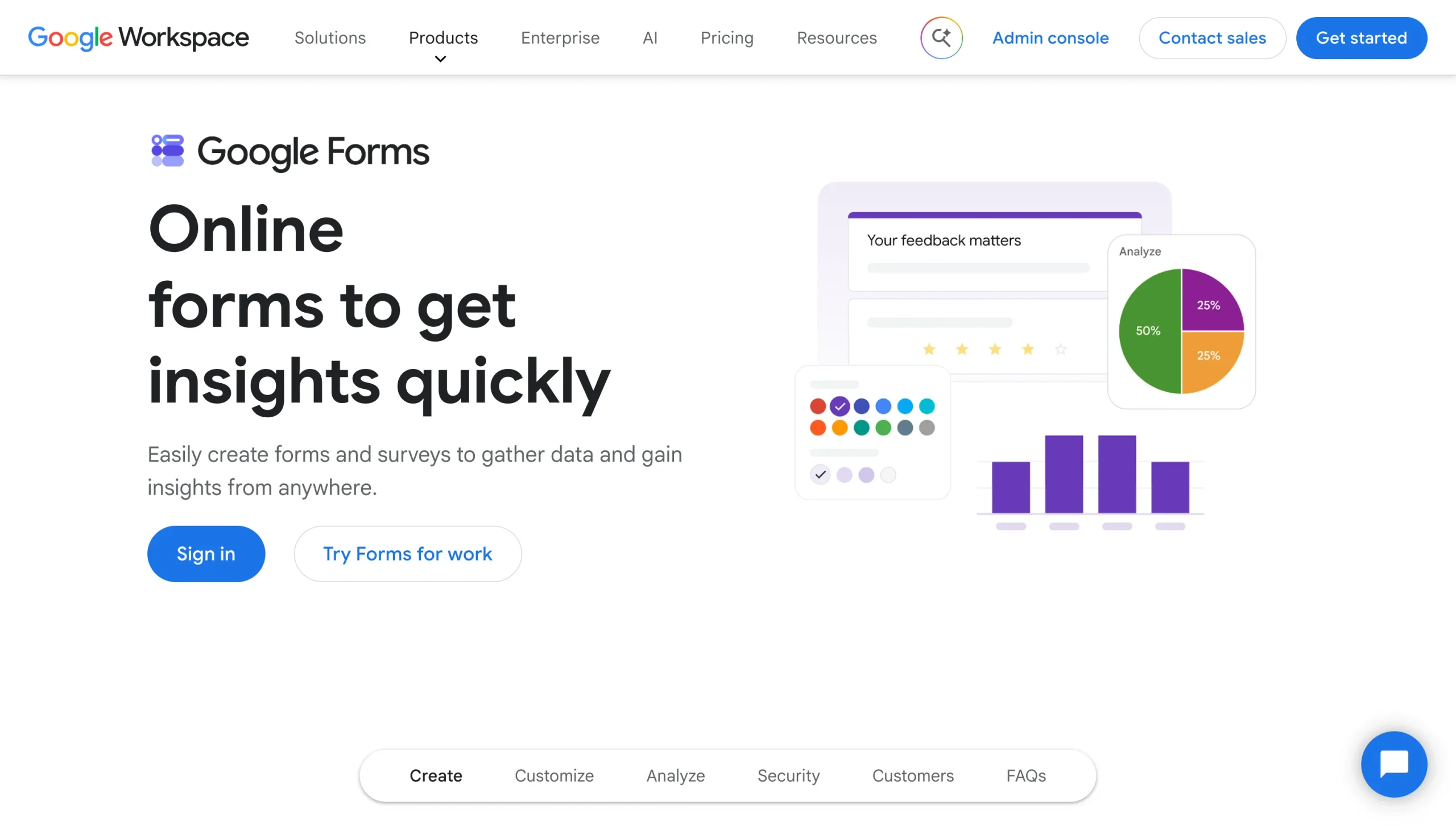
Why it made the list: Google Forms is the fastest free way for individuals and Google Workspace teams to collect data.
Key strengths:
- Free with any Google account, with no cap on forms
- Tight automatic connection with Google Sheets for storing and analyzing responses
- AI assistance (Gemini) with form drafting and response summaries on eligible Workspace plans
Key drawback:
- It’s a simple form building/data collection tool, so it doesn’t include form management capabilities
Google Forms is a form and data collection tool for individuals and small teams that need to collect information quickly and for free. You can use it to build all kinds of forms in a clean, familiar editor with a solid range of question types. And if you’re on an eligible Workspace plan, Gemini can help you draft a form from a short prompt or an existing document.
Submissions land in the form’s responses tab as live summary charts. There, you can link your form to a spreadsheet to automatically send collected data for filtering, sorting, and analysis.
Google Forms shines most in speed and cost. It’s quick to set up, free to use for different online form use cases, and if your team already lives in Google Workspace, the data flows directly into your connected tools. It lacks native approvals and routing, though — and reporting beyond the built-in charts depends on Sheets, Workspace add-ons, or Apps Script.
Google Forms pricing:
Google Forms is free with a personal Google account. For teams, it comes bundled with Google Workspace:
- Free
- Business Starter ($7 per user per month, billed annually)
- Business Standard ($14 per user per month, billed annually)
- Business Plus ($22 per user per month, billed annually)
Pro Tip
If Google Forms isn’t meeting your needs for a simple forms management system, we’ve compiled a list of the best Google Forms alternatives you can explore.
7. Paperform
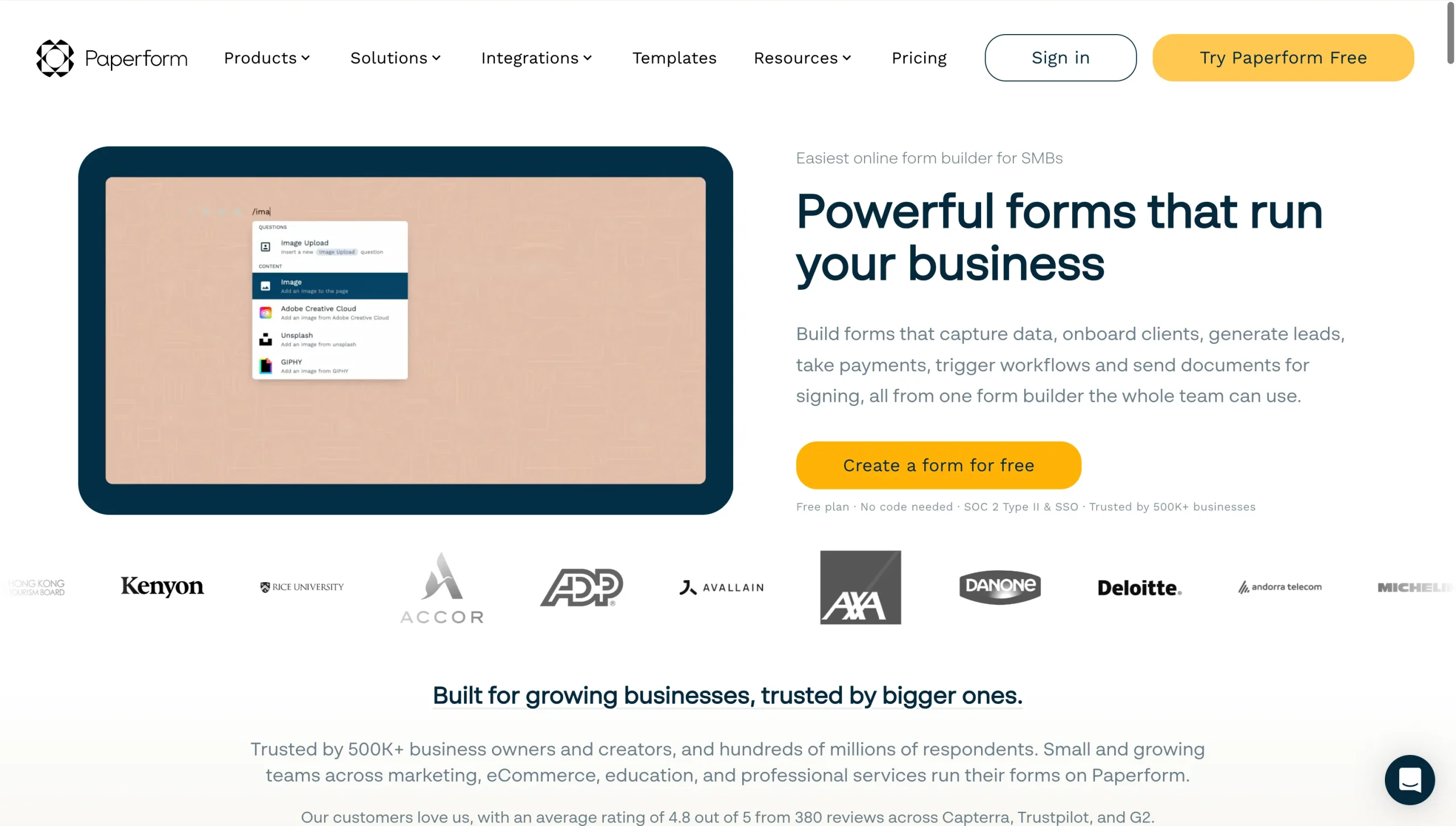
Why it made the list: Paperform is built for growing teams looking for versatile forms management software that can calculate, take payment, and collect signatures.
Key strengths:
- Document-style editor that produces highly branded forms, landing pages, quizzes, and order forms
- Includes e-signatures, payment gateways, and a native workflow tool
- Calculation engine for dynamic pricing, quotes, and scoring that flows into emails, payments, and integrations
Key drawback:
- No HIPAA compliance or signed BAA, which rules it out for teams handling regulated data
Paperform is great for growing businesses and agencies that want to build highly branded forms. It offers over 30,000 templates for order forms, booking pages, quizzes, surveys, and contracts. With its document-style editor, you can build a form the way you’d write a document, or otherwise use AI to generate forms from simple descriptions. The form builder even includes a calculation engine that lets you add spreadsheet-style formulas for dynamic pricing, quotes, and scoring.
For form management, Paperform works alongside an e-signature tool (Papersign) and an AI workflow tool (Stepper) to enable you to collect signatures, route submitted documents for approval, assign tasks to team members, and keep your systems in sync. It also connects to more than 2,000 tools via native integrations, webhooks, and third-party connectors.
Paperform shines for its versatility, especially for customer-facing work, but its submission volumes are built for small teams rather than large, multidepartment operations.
Paperform pricing:
- Free
- Pro ($49 per month, billed annually)
- Business ($124 per month, billed annually)
- Enterprise (custom pricing)
Pro Tip
If Paperform isn’t quite the right fit for your business, here’s a list of the best Paperform alternatives worth exploring.
So, which forms management software is best for you?
Jotform is. Whether you’re building a single intake form or several forms with multistep approval flows, Jotform offers the most comprehensive feature set for end-to-end form management. With an AI form builder, a database, a workflow builder, an e-signature tool, a report builder, and integrations, Jotform automates data collection, improves data accuracy, routes completed documents across departments, and moves data between your tools. It also protects your data with encryption, PCI compliance, and HIPAA-enabled options on higher plans, alongside other enterprise-grade security features.
For the other tools on this list, here’s a simple decision guide:
- Choose Formstack or Zoho Forms if: You need structured workflows with built-in approvals and routing.
- Choose Typeform or Paperform if: You need polished, customer-facing forms where completion rates and design matter most.
- Choose Microsoft Forms or Google Forms if: You need quick, low-cost internal data collection inside the ecosystem you already use.
At the end of the day, the best forms management software for your team comes down to your biggest form management need. So, start by figuring out whether that’s routing, approvals, design, compliance, or cost, and the right tool will follow from there. For teams that want the full range of form management in one platform, without paying for several separate tools, Jotform covers the most ground. Try Jotform today.
This article is for operations managers, HR teams, administrators, small business owners, and department leads who need a better way to create, organize, distribute, automate, and analyze forms across business workflows.













































































Send Comment: