
2026’s top Formspree alternatives
- Jotform: The drag-and-drop alternative to Formspree
- Formcarry: The polished form back end with backend validation
- Web3Forms: The free-first, privacy-focused endpoint
- Getform: The form back end built around integrations
- Basin: The minimalist back end at the lowest price point
- Netlify Forms: The zero-config option for Netlify-hosted sites
According to a recent Zuko Analytics report, just 38 percent of people who interact with a contact form end up submitting it — and only 9 percent of contact form visitors actually convert.
What does this mean for your website? It signals that form tooling, which includes a form’s design and capabilities, is a key pipeline decision in your workflows. Without an attractive form, you’re less likely to get email signups or secure a visitor’s business.
Website owners often turn to third-party tools to create forms. One known provider is Formspree, which popularized the “point your HTML form at a URL” method. However, users are now turning away from the solution for multiple reasons — namely low submission caps, high pricing, and the lack of a visual builder. Other lightweight and full-scale builders such as Jotform are filling the gaps, providing site administrators with the tools they need to create an attention-grabbing form, even if they lack coding expertise.
We’ll explore this tool — and five others — in this article. But before searching for a Formspree alternative, it helps to know what the tool does and its limitations.
Why look for a Formspree alternative?
Formspree is a developer-friendly solution that enables you to create a form from scratch using your preferred fields, colors, and styling. Some users find it falls short in a few areas, though:
- Formspree Free plan limits: The Free plan supports only 50 monthly submissions. Upgrading to a paid plan is necessary if you regularly hit the cap.
- Feature paywalls: Critical features, such as API access and autoresponse emails, are only available on the $20 per month Professional plan or higher.
- Coding required: Formspree doesn’t offer a form builder. You (or your development team) must code a form from scratch or by using one of Formspree’s templates.
- No extras: Formspree doesn’t support e-signatures. When visitors submit a form, it’s delivered to an inbox or archive.
- Knowledge ceiling: Non-developers will need help from a developer to create or update forms.
Top Formspree alternatives at a glance
If you’re on the fence about Formspree, don’t worry — there are several unique options that may be a better fit for your website. Below is a breakdown of the top solutions and what they offer before we head into the full list.
| Tool | Best for | Starting price | Key differentiator |
|---|---|---|---|
 Jotform |
Teams needing a full-scale form platform |
Free, paid plans start at $34 per month |
Drag-and-drop builder, payment support, Jotform Tables and Jotform Sign |
 Formcarry |
Developers wanting a polished back end |
Free, paid plans start at $5 per month |
Backend validation, thank-you pages, file uploads |
 Web3Forms |
Solo devs wanting free support and a straightforward, no-account setup |
Free, paid plans start at $49 per year |
hCaptcha included, privacy-focused, up to 250 monthly submissions on the free plan |
 Getform |
Devs needing integrations at an inexpensive price point |
Free; paid plans start at $14 per month |
Native webhooks, template gallery, Zapier integrations |
 Basin |
Site administrators who want the simplest, cheapest endpoint |
Free, paid plans start at $12.50 per month |
Minimal interface, custom redirect URLs, Zapier integration |
 Netlify Forms |
Sites already using Netlify |
Free; paid plans start at $9 per month |
No configuration required, Akismet filtering, supports form exports |
1. Jotform: The drag-and-drop alternative to Formspree
Best for: Website administrators who want a full-scale, no-code form builder. It includes support for built-in payments, e-signatures, submission tables, and reporting on a single platform.
Comparing Formspree vs Jotform comes down to a key differentiator: coding expertise. Formspree’s customization capabilities are entirely dependent on a developer’s coding ability. Jotform’s different. It offers complete end-to-end support with a no-code builder and API flexibility.
With Jotform, you can use the drag-and-drop builder to add custom fields, design and style forms to fit your brand, and create unique forms including surveys and quizzes. It also supports forms with conditional logic, so you can trigger specific workflows based on a visitor’s inputs. And if you need a little more inspiration before getting started, Jotform offers over 20,000 form templates.
To supercharge your forms further, Jotform integrates with hundreds of tools you may already use, including Google Sheets, PayPal, Square, Dropbox, and Mailchimp. You don’t need an expensive plan to take advantage of these features, either. Integrations are available on every plan Jotform offers, including the free Starter plan.
Another useful feature of Jotform is its payment collection support. You can add payments to any form, and Jotform won’t charge you extra transaction fees. You’ll only have to worry about the fees the provider charges for their service. Built-in spam filtering is also included, which blocks bots from submitting forms that clog your inbox.
Once you’re happy, forms are easy to share or embed — just copy and paste the generated code into your website, email, or similar source. This provides the same static-site workflow flexibility that backend solutions offer.
Besides forms, Jotform offers a host of other products to enhance your workflows and processes. There’s the mobile app maker, which lets you create an app from scratch using a premade template or the AI builder. And with Jotform Tables, you can set up an automated process that turns collected form data into a spreadsheet — eliminating the need for manual data entry. This is a very different approach from Formspree, which sends signups to an inbox that you manage chronologically.
Then there’s Jotform Report Builder, which provides a real-time dashboard that’s built from submission data. Use it to glean insights about form submissions and what they mean. Formspree’s alternative is a simple inbox that tells you how many submissions you received, but little else.
Many websites need a form solution that supports e-signatures, too. Jotform provides that with Jotform Sign, which is an e-signature collection tool that’s built into the platform. Formspree users must integrate their forms with a Dropbox Sign or Docusign subscription to access similar capabilities.
With Jotform’s endless features, it’s easy to see why it ranks as the best Formspree alternative.
Plans/pricing: Free Starter plan with five forms and 100 monthly submissions. Paid plans start at $34 per month and include up to 25 forms and 1,000 monthly submissions.
2. Formcarry: The polished form back end with backend validation
Best for: Developers who want a form back end with server-side validation, customizable thank-you pages, and AI-powered spam submission analysis.
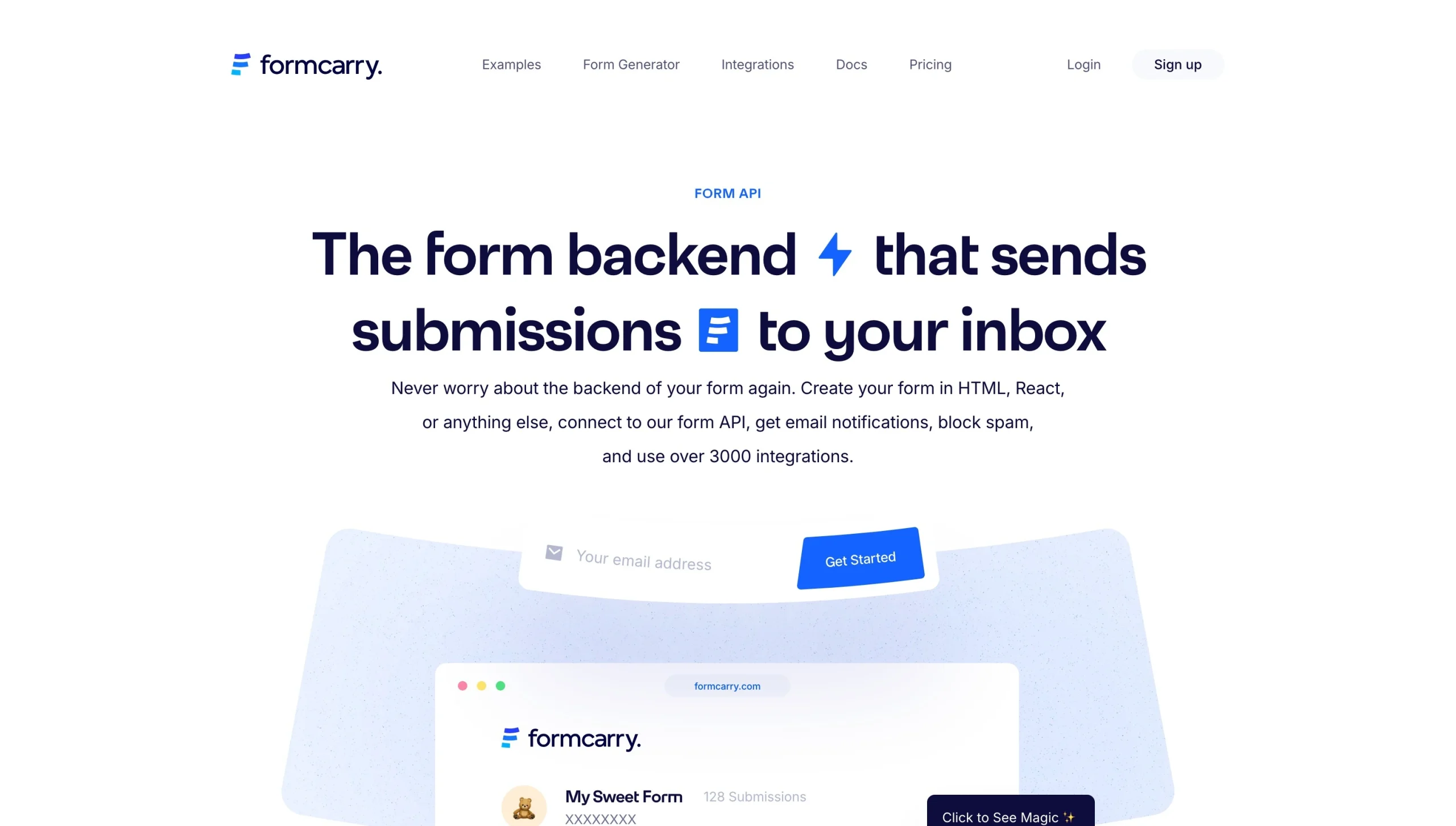
If you’re searching for form backend alternatives similar to Formspree, Formcarry is a solid choice. It offers similar features to Formspree, but with more integration support and the option for a managed email server.
Among Formcarry’s best features is its backend validation. You can define specific rules for each field, preventing senders from spamming your form with useless information. Every input must match your rules before a visitor can submit the form.
Formcarry also provides three customizable thank-you pages. Visitors see these whenever they submit a form response, giving them confirmation that it was sent. Thank-you pages can be styled to blend in with your website for a streamlined appearance.
What’s more, Formcarry boasts support for over 1,500 integrations, including Zapier, Google Sheets, and Mailchimp. That turns it into a powerful form platform that supports a variety of workflows.
You’ll need to upgrade to one of Formcarry’s paid plans to get support for multiple team roles and submission logs, though. This is important if you’re managing a large website (or multiple sites) and have others involved in the client intake or form analysis process. You can modify roles to fit each individual’s access requirements.
Plans/pricing: Free plan available with one form and 50 monthly submissions. Paid plans start at $5 per month and include unlimited forms and 500 monthly submissions.
3. Web3Forms: The free-first, privacy-focused endpoint
Best for: Developers who want advanced form security, customization options, and higher free monthly submission caps.
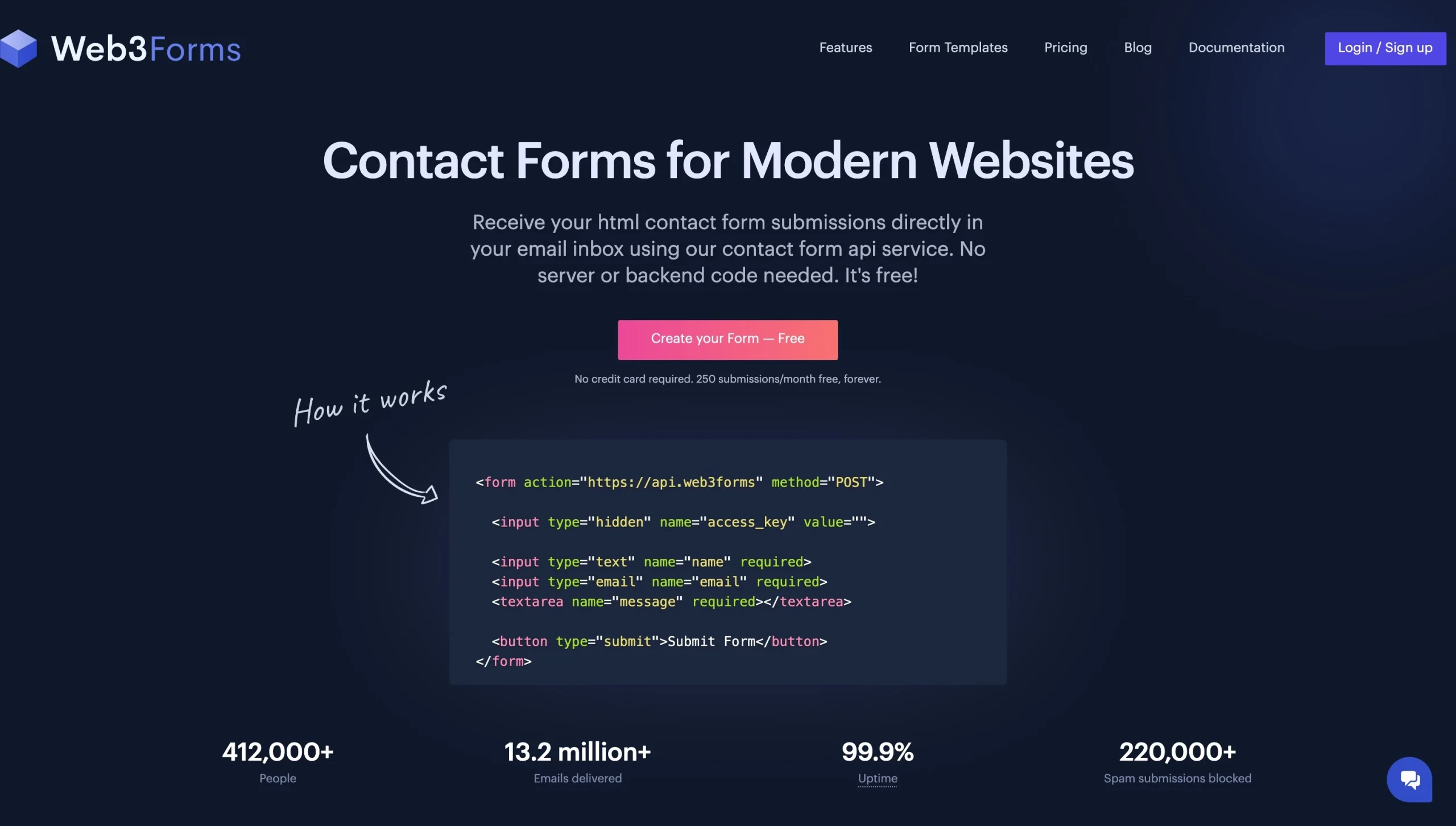
Web3Forms is an HTML form endpoint alternative that’s ideal for solo developers. It uses an access key by email workflow, where you request the key from Web3Forms and insert it into a hidden input field. The key directs form inputs to an email address of your choice.
All forms made through Web3Forms are fully customizable. Plans include security options such as hCaptcha and reCAPTCHA v3, helping to minimize spam and separate bots from real visitors. Built-in honeypot and spam protection is included in every plan — even the free one.
Web3Forms additionally provides a custom redirect option that sends visitors to a page you select after they successfully submit a form. This is available with paid plans. You can set up a page to thank new subscribers, confirm a signup, or anything else that reflects the intent of the form.
You don’t need a dashboard account to start using Web3Forms. Simply visit the start page to request your access key, then include it in your form. It’s a simple platform that provides the basics, and you can upgrade to a paid plan later if you need more tools.
Plans/pricing: Free plan available with unlimited forms and 250 monthly submissions. Paid plans start at $16 per month and include unlimited forms and up to 5,000 monthly submissions.
4. Getform: The form back end built around integrations
Best for: Site administrators who want a low-code form solution that includes webhooks, email marketing support, and third-party integrations.
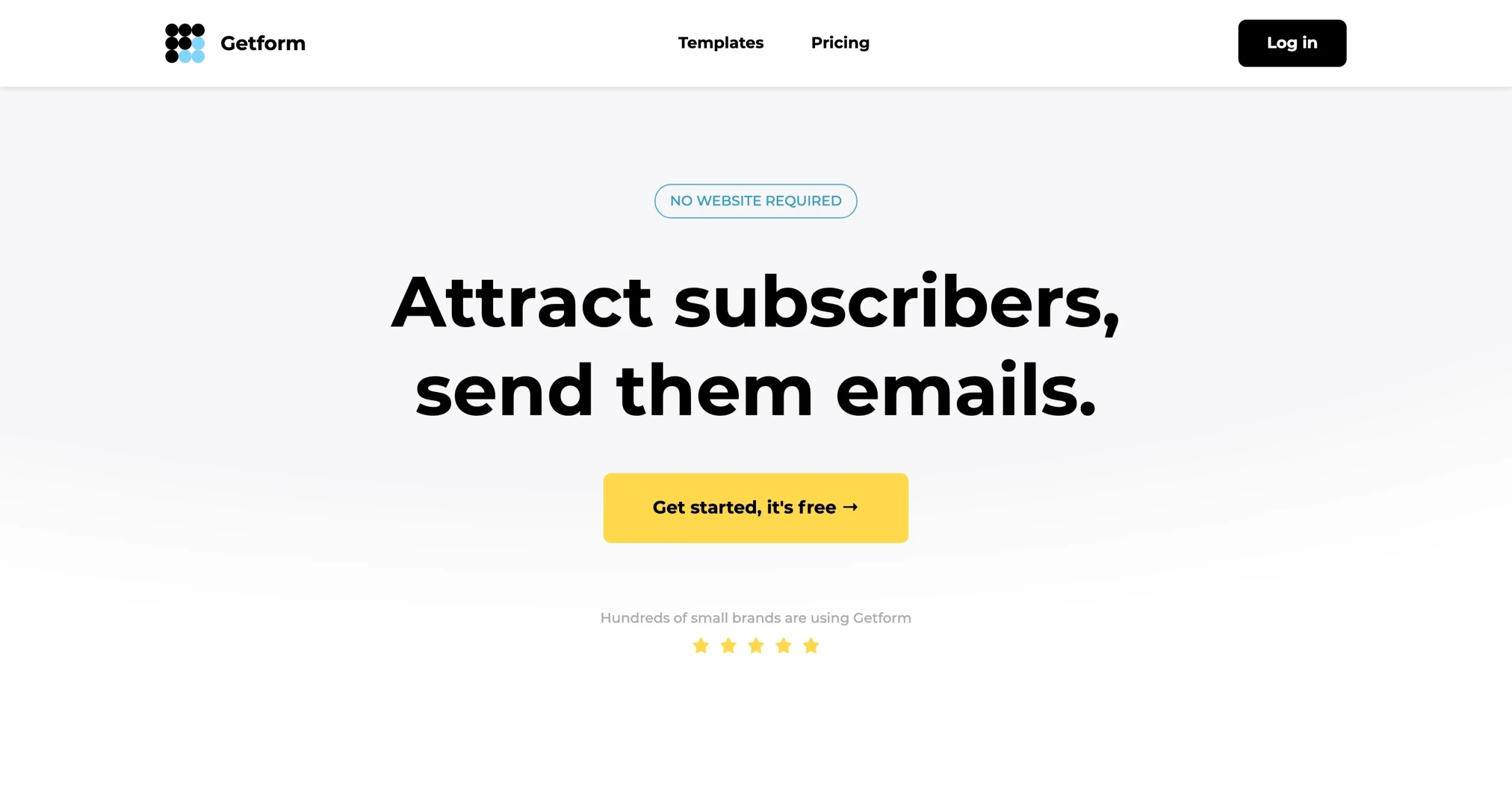
Getform is a minimalistic, free Formspree alternative that’s designed with email marketing needs in mind. It’s ideal for site owners who need a complete workflow for forms, emails, marketing, and reporting. Teams can choose from multiple form templates that cover a variety of use cases, including list building, customer feedback, and e-commerce.
The Getform dashboard is straightforward and clean. Here, you’ll create your first form from scratch or with a premade static site contact form template. Included are options to embellish your form, such as dynamic text replacements, an AI text generator, and CSS editing for fonts, spacing, and themes. The submission dashboard supports exports, so you can extract and transfer submitted data to your preferred customer relationship management (CRM) platform, spreadsheet, or database.
Useful features also include Getform’s file uploads, which let you import contacts and premade emails with custom fields through a CSV file. Getform provides access controls, too, so you decide who can see what from your forms. And native integrations for Getform include Zapier (letting you connect Getform to other apps that aren’t directly supported), HubSpot, Keap, and Google Sheets.
Overall, Getform is a strong choice for site owners with basic coding expertise who need email marketing support. It’s also one of the cheaper options, with many features available under the free plan.
Plans/pricing: Free plan available with unlimited forms and 100 monthly submissions. Paid plans start at $14 per month and include unlimited forms and 1,000 monthly submissions.
5. Basin: The minimalist back end at the lowest price point
Best for: Developers who want the simplest possible “POST to a URL” workflow with no dashboard overhead and a low monthly cost.
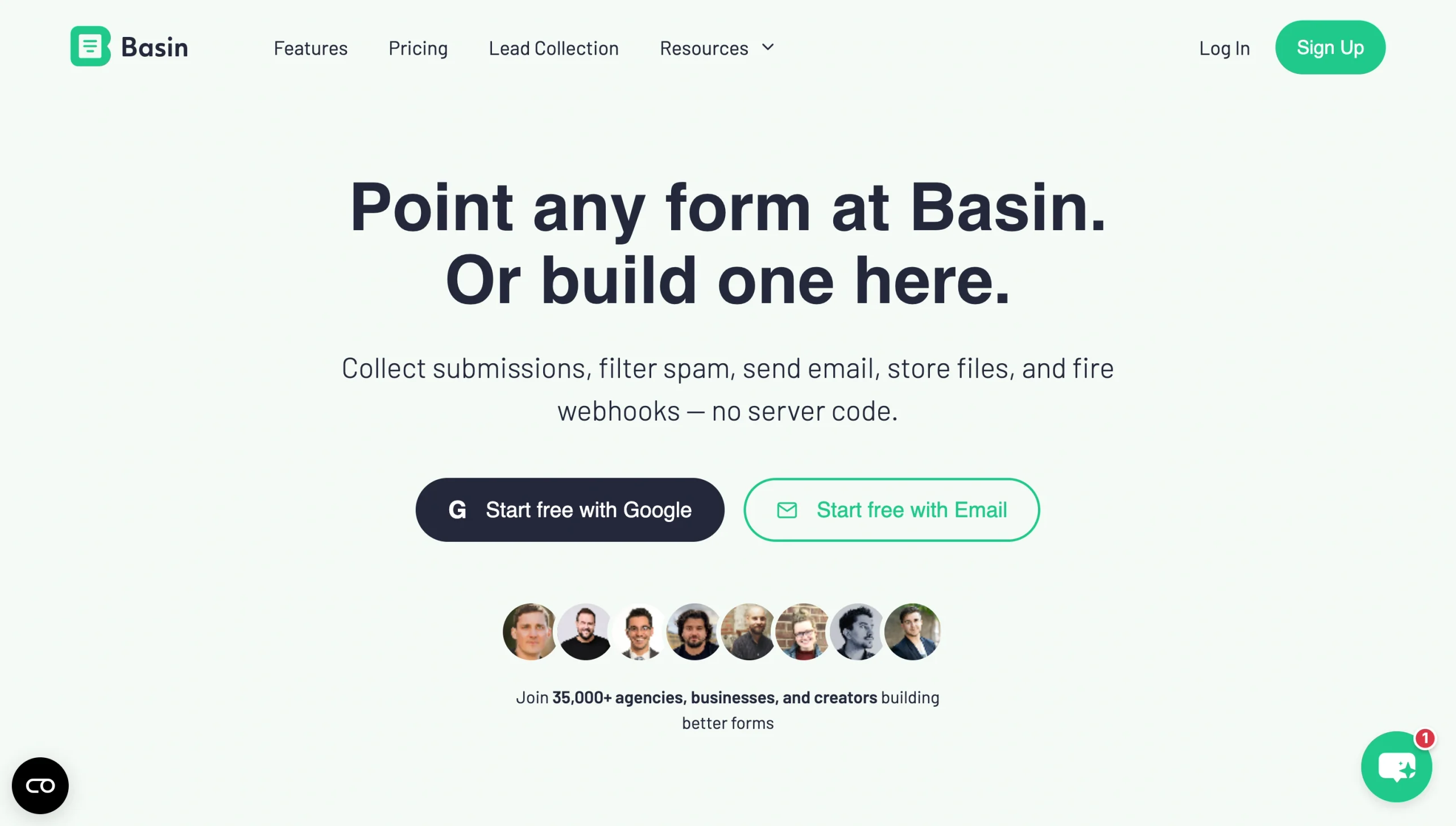
Basin walks the line between a low-code and developer-friendly form solution. Teams can create their own forms using HTML, JavaScript, or the Basin API for the CLI. It also includes a form builder that doesn’t require any coding expertise whatsoever.
All Basin plans include a simple HTML endpoint webhook setup that directs form submissions. This allows you to collect form data into a Google Sheet, Airtable database, or email marketing platform. With Basin, you can also set up notification emails that alert you when someone submits form data, and spam filters that block bots and false submissions.
Basin is one of the cheaper form solutions. Costs are kept intentionally low by limiting features to those that are absolutely essential. For site owners on a budget, that’s an attractive approach.
Plans/pricing: Free plan available with one form and 50 monthly submissions. Paid plans start at $12.50 per month and include three forms and 250 monthly submissions.
6. Netlify Forms: The zero-config option for Netlify-hosted sites
Best for: Developers whose sites are already deployed on Netlify and who want form handling built into their existing hosting workflow.
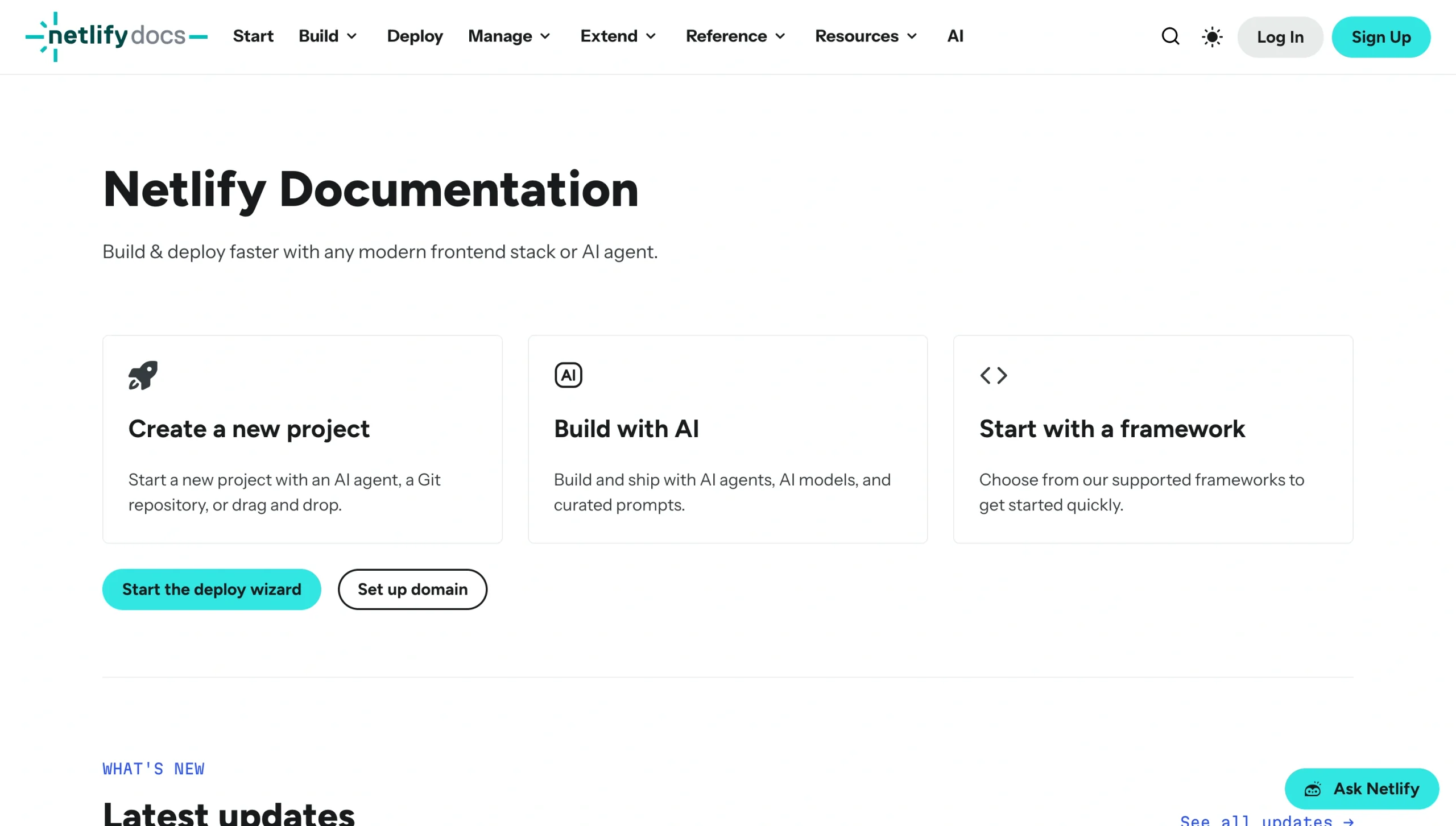
If you already rely on Netlify to run your website, Netlify Forms is a natural fit. It’s built into the Netlify platform, so you don’t have to worry about third-party configurations. Simply turn on automatic form detection and add a Netlify attribute to your form to get started.
Netlify uses Akismet to filter spam from incoming submissions. Akismet is known for its exceptionally robust filters, but for extra protection, you can enable honeypot fields and reCAPTCHA v2.
Transmitted form data is stored in your Netlify dashboard. It displays all verified form submissions that pass spam detection. Netlify also supports form exports, so you can download submission data and transfer it to your email marketing platform, contact database, or another similar tool.
Turning on Slack or email notifications lets you know when a new form submission arrives. And you can also set up a webhook that automatically sends visitors to a specific page after they submit a form.
Netlify offers integration support through Zapier. With a Zapier connection, you can connect forms to your CRM platform, Google Sheets, Mailchimp, Airtable, and thousands of other apps.
Plans/pricing: Free plan available with 300 monthly credits. Paid plans start at $9 per month and include 1,000 monthly credits.
Which Formspree alternative is right for you?
Online form builders offer a variety of features to choose from. Picking the right one depends on your use case, budget, and coding expertise. Here are our top choices and when to choose them:
- You want a full-scale form platform: Opt for Jotform. Its extensive features make it one of the best online form builders. With it, you can collect payments and e-signatures, set up an automated workflow to track submissions in a spreadsheet, and use Jotform Report Builder to transform form data into actionable insights. It’s a no-code tool that’s suitable for developers and non-developers alike.
- You need a polished form back end: Go with Formcarry. Its server-side validation, customizable thank-you pages, and in-depth submission logs limit spam and keep your visitors engaged. It’s a bit more expensive than Formspree, but its features make up for the difference in cost.
- You’re a solo developer concerned about security: Web3Forms ranks among the best form builders for developers. It’s a basic solution that doesn’t require a formal account or include a fancy dashboard. hCaptcha is available with the free plan, and upgrading to a paid plan gives you additional security options.
- You like Formspree but want something cheaper: Consider Getform. It offers similar features to Formspree — including a submission dashboard, native webhooks, and Zapier support — at an inexpensive price point.
- You want the simplest POST to a URL setup: Try Basin. It’s a frill-free solution that’s easy to set up, inexpensive, and suitable for both developers and those without coding expertise. Keep in mind that webhooks are native, but other extras (including lead management tools) are minimal.
- You run a Netlify site: Choose Netlify Forms. It’s included on the Netlify platform, so you won’t need to worry about extra fees or additional setup. That said, you will need to continue using Netlify hosting long term to receive ongoing form support.
Choosing the right Formspree alternative for your setup
Customers like Formspree for its developer-friendly, customizable HTML and JavaScript form support. But if you’ve been with the company for a while, you’ll notice a few problems that may make you consider other options.
A major issue is the submissions cap. With the free plan, you only get 50 form submissions per month. Jumping to the Personal plan gives you 200 submissions, but the higher 2,000-plus caps are only available with the Professional or Business plans. If you use multiple forms on your site, you’ll probably exceed the thresholds available on the lower-priced plans every month.
Another problem lies with Formspree pricing. Personal and Professional plans run $10–$20 per month, but the next level of plan (Business) starts at $60 per month. This is a significant difference that some organizations can’t justify. Moving to another solution with fairer pricing may be the only alternative.
Formspree also doesn’t include automations that some other tools do. Submissions land in your inbox rather than a dedicated table or reporting tool. That requires extra manual effort to track and monitor. It lacks a no-code builder as well, so you’ll need an experienced developer to create and update forms.
However, no form platform will tick all the boxes for every customer. Site owners have different needs. Some require a full-scale solution with marketing and reporting support, while others are happy with basic platforms and a low monthly payment.
Jotform is a solid choice for users who need a combination of simple and complex forms. Its no-code builder is suitable for non-developers, and it includes all the extras you may want, such as support for e-signatures, payments, and submission reporting. Best of all, it offers a free plan. That enables you to try out Jotform’s features, including Tables, Apps, Workflows, the AI builder, and more. If you find Jotform to be the right fit, you can move up to a paid plan that fully supports your website.
Ready to get started with Jotform? Sign up for an account today, and explore how our tools can save you time, enhance your site’s functionality, and help you connect with visitors.
Frequently asked questions
Formspree offers a free forever plan with limited features. It’s meant for testing and development, not everyday site usage. Customers using the plan get up to 50 form submissions per month, a 30-day submission archive, two linked emails, basic spam filtering, custom reCAPTCHA, and access to Ajax forms. It doesn’t include custom branding or API support.
Yes, you can use Jotform on a static site. Simply create your form on the platform, then copy and paste the generated code into your site. Since Jotform processes form submissions on its servers, you don’t need to worry about backend design or APIs. Jotform Forms are also fully customizable, so you can design one that fits your site’s fonts, styles, and colors.
The Jotform Enterprise plan allows unlimited forms and submissions, but pricing varies. If that’s not within your budget, consider paid plans that support higher monthly form submissions. For example, Basin’s Agency plan includes up to 25,000 monthly form submissions, and Web3Forms’ Agency plan provides up to 20,000.
This article is for developers, website owners, agencies, and teams seeking a Formspree alternative with fewer limits, better pricing, or more advanced form-building and submission-management features.












































































Send Comment: