
Best Formplus alternatives
A completed form should move work forward, not create another pile of data to chase. Yet paper forms, disconnected tools, and manual follow-up can turn a simple registration, request, or inspection into extra admin work. In FormAssembly’s Data Collection in 2025 report, 98 percent of respondents using manual processes reported inefficiencies in how data is collected, routed, or managed.
Formplus helps teams move data collection online with offline forms, file uploads, payments, cloud storage connections, reports, and collaboration tools. Still, the right platform depends on what your team needs after someone submits a form (e.g., stronger design control, more templates, broader integrations, or easier payment and data-management workflows).
This guide compares five Formplus alternatives by features, pricing, mobile capabilities, integrations, and real-world use cases so you can choose a form builder that fits the way your team works.
Where Formplus may fall short as your needs grow
Formplus can cover a broad range of data collection tasks, particularly for teams that need offline access and file uploads. Still, a growing business may find that another platform better matches its priorities.
1. You need more room to scale
Formplus’s free plan includes three forms, 50 monthly submissions, 100 MB of storage, and 1,000 monthly form views. Those limits can be enough for a small internal survey or a short-term event, but they may become restrictive when a nonprofit runs recurring applications or a field team collects reports every day. Its pricing page is worth reviewing closely if submission volume or storage needs are likely to grow.
2. You need a more specialized form experience
Not every team needs the same kind of form. A marketing team may prioritize a polished, one-question-at-a-time experience. An operations team may need approvals, calculations, and routing. A school might simply want a free quiz connected to its existing Microsoft or Google account.
Choosing a specialized tool can make sense when one requirement outweighs everything else. The important question is whether that specialization creates extra work later, such as exporting results manually or relying on separate tools for payments and signatures.
3. You want stronger design or workflow options
A form is often the beginning of a process, not the end. A customer’s order form may need to trigger a payment request, while an employee expense request may require a manager’s approval. A completed field inspection can also create the need for a branded report that is ready to share or review.
Teams comparing Formplus alternatives may be looking for more design control, broader integrations, better payment support, or a more complete way to organize and act on collected data. If your goal is going paperless, look beyond the form itself and consider what must happen after submission.
5 best Formplus alternatives at a glance
| Tool | Best for | Pricing |
|---|---|---|
 Jotform |
All-in-one forms, payments, and workflows |
Free; paid plans from $34/month billed annually |
 Typeform |
Conversational, design-led forms |
Free; paid plans from $28/month billed annually |
 Google Forms |
Simple, free forms |
Free with a Google account |
 Microsoft Forms |
Microsoft 365 surveys and quizzes |
Free with a personal account; also included with eligible Microsoft 365 business and education plans |
 SurveyMonkey |
Surveys and research feedback |
Free; paid plans from $30/user/month billed annually |
Best Formplus alternatives for 2026
1. Jotform
Best for: Teams that want forms, surveys, quizzes, payments, mobile forms, tables, reports, and e-signatures in one platform.
Jotform is a strong Formplus alternative for teams that do not want to piece together a form builder, payment tool, spreadsheet, signature app, and reporting platform. Its drag-and-drop builder is approachable for first-time users, while its broader product ecosystem gives operations teams more ways to use submission data.
For example, a small business can create an order form, collect payment, send confirmation to a customer, and organize incoming orders in one place. A field services team can use Jotform Mobile Forms to gather information away from a desk, then turn submissions into an actionable internal record. An education team can collect registrations, build a quiz, and track responses without maintaining separate spreadsheets for every project.
Jotform also gives users a substantial starting point through more than 20,000 form templates. Teams can adapt templates for surveys, quizzes, payment forms, order forms, applications, registration forms, and more. That can be especially helpful when the challenge is getting a process live quickly rather than designing every field from scratch.
After collection, Jotform Tables helps teams organize and manage submissions, while Jotform Report Builder can turn responses into visual reports. Jotform also includes AI capabilities that help users create, customize, and manage forms through simple prompts, making it easier to build data collection workflows without technical expertise. For documents that require approval or completion, Jotform Sign adds e-signature workflows. Jotform also offers more than 150 integrations, including connections with Google Sheets, Dropbox, Mailchimp, PayPal, and Square.
For payment workflows, Jotform supports payment collection without charging an additional transaction fee of its own; payment processors may still charge their usual fees. Forms can be shared by link, email, QR code, or embed code, which makes them suitable for websites, landing pages, and internal portals.
- Pros
- Combines forms, payments, mobile data collection, e-signatures, reports, and submission management in one platform.
- Offers an extensive template library, flexible sharing, and integrations for common business tools.
- Provides a free Starter plan and payment integrations for teams testing a new workflow.
- Cons
- The platform’s breadth can take time to explore when you only need a very simple form.
- Pricing
- Jotform offers a free Starter plan. Paid individual plans begin with Bronze at $34 per month when billed annually; pricing and limits rise across Silver, Gold, and Enterprise plans. See Jotform pricing for current plan details.
2. Typeform
Best for: Marketing, customer experience, and lead generation teams that care most about respondent experience.
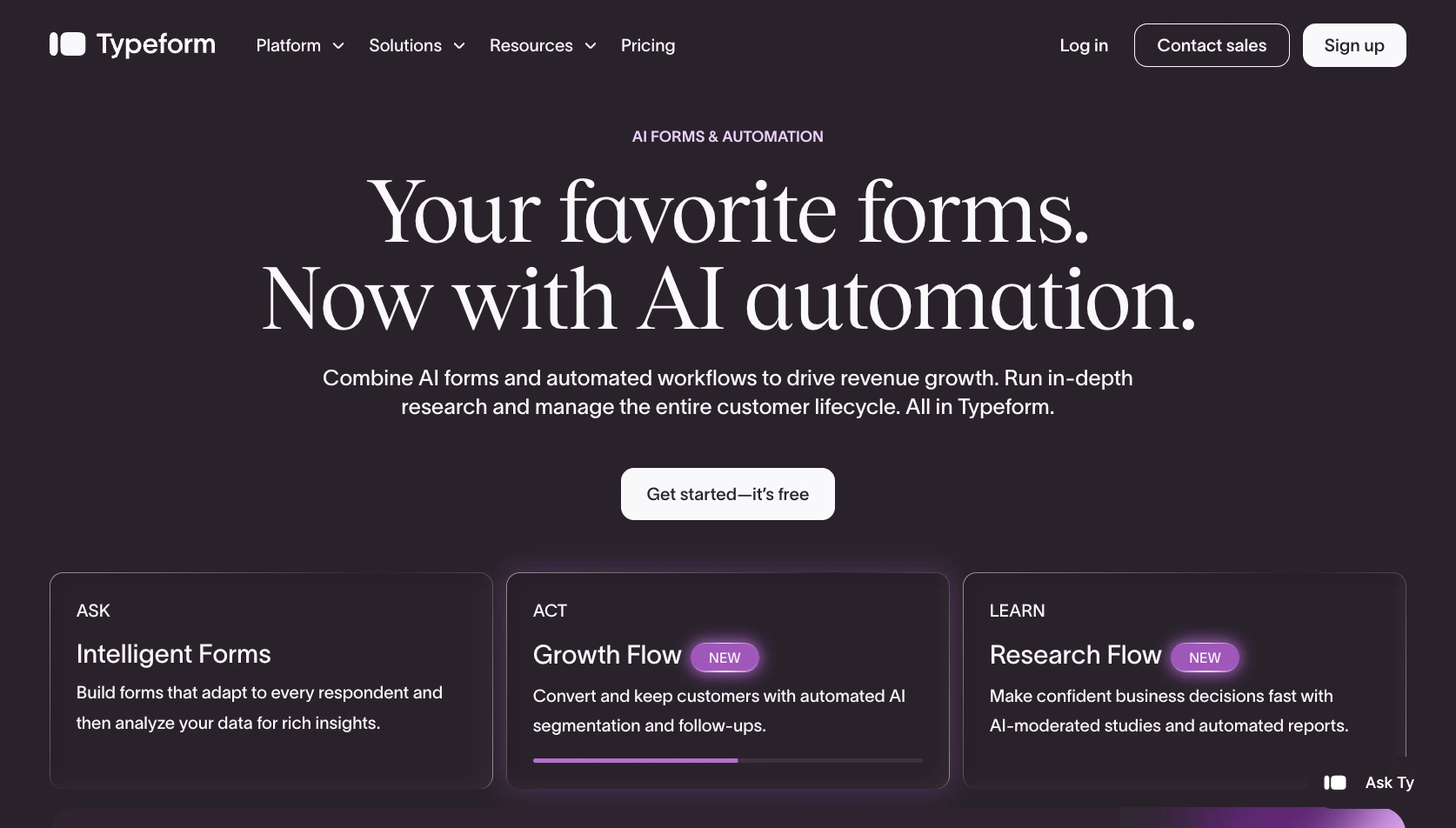
Typeform is a form builder that uses a one-question-at-a-time format to create guided, conversational experiences for respondents. That conversational layout can make a survey, lead form, quiz, or product-matching questionnaire feel less like a dense document and more like a guided interaction. For a marketing team trying to reduce friction on a campaign landing page, that polished front-end experience can be a meaningful advantage.
Typeform supports brand customization, conditional logic, templates, and AI-assisted form creation. Its basic reporting tools also help teams see basic performance data, while higher plans can provide more detailed conversion and drop-off information. A SaaS company, for example, might use Typeform to qualify demo requests by showing follow-up questions based on company size or goals.
Compared with Formplus, Typeform is often a better fit when visual presentation and a streamlined respondent experience are the primary goals. It can work well for customer feedback, marketing research, brand quizzes, and lead generation. However, it is generally less suited to file-heavy workflows, offline collection, and the more operational work that follows submission, such as routing approvals, generating documents, or managing large volumes of field data.
Typeform’s free plan lets users create forms and apply basic design customization. Because feature availability and response limits vary by plan, check the Typeform pricing page before committing to a campaign with a high expected response volume.
- Pros
- Creates polished, conversational forms that can feel more engaging than a traditional questionnaire.
- Supports conditional logic, brand styling, templates, and AI-assisted form creation.
- Works well for lead generation forms, feedback surveys, and customer-facing experiences.
- Cons
- It is less practical for offline collection, large file uploads, and document-heavy field workflows.
- Advanced analytics and higher response limits typically require a paid plan.
- Pricing
- Typeform has a free plan. Paid plans generally begin around $28 per month when billed annually, though pricing, feature packages, and regional rates can change. Review current options directly on Typeform’s pricing page.
3. Google Forms
Best for: Teams that need quick internal surveys, simple registrations, or Google Sheets-connected forms.
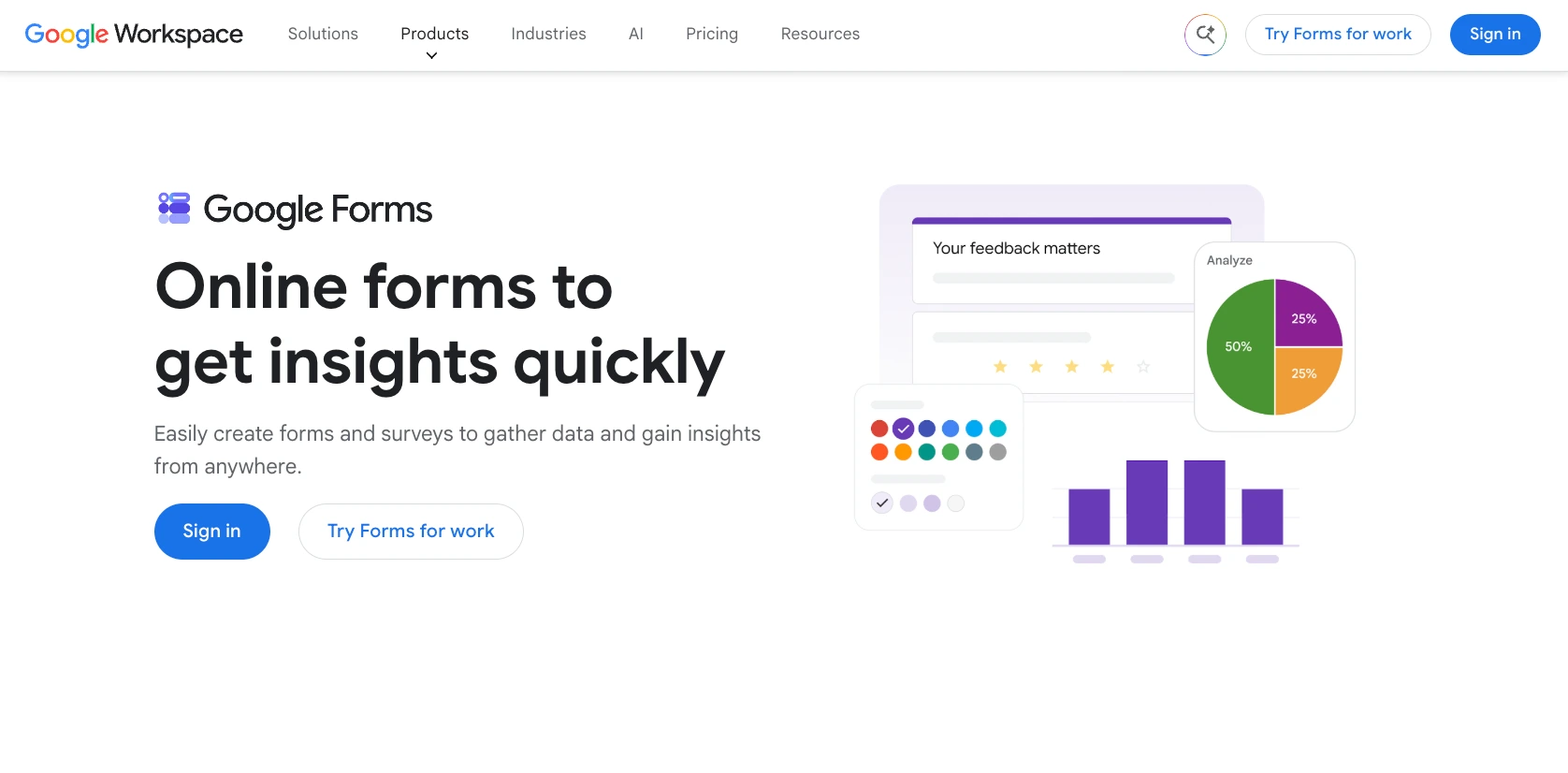
Google Forms is a practical choice when speed and simplicity matter more than design flexibility. Anyone with a Google account can create a survey, registration form, quiz, or internal request form without paying for an additional platform. It is familiar to many respondents and especially convenient for organizations already using Google Workspace.
The builder is straightforward: Add questions, choose question types, publish the form, and review response summaries. Google Forms can also save responses to a linked Google Sheet, which is useful for small teams that already use spreadsheets to coordinate work. Google’s official guide confirms that Forms can create surveys, quizzes, and forms, offer response charts, support collaboration, and connect results to Sheets. For eligible Google Workspace or Google AI plans, Google Forms also includes Gemini capabilities that can create a new form or quiz from a prompt or supported Drive file, helping teams get a usable first draft faster.
Google Forms can also create and grade quizzes, including answer keys and feedback for supported question types. That makes it useful for a teacher collecting a short assessment or a manager running a training check. But it is deliberately simple. It does not provide native payment collection, robust offline form support, a deeply brandable experience, or the same level of post-submission workflow control as Jotform or Formplus.
For a simple RSVP, internal pulse survey, or volunteer signup, that may be an acceptable trade-off. For a customer-facing application that needs payment, file uploads, approval routing, and follow-up, the limitations can quickly become apparent.
- Pros
- Free and easy to start for Google account holders.
- Connects naturally with Google Sheets for response storage and sorting.
- Supports basic surveys, registrations, quizzes, response summaries, and collaboration.
- Cons
- It offers limited branding, design control, payment support, and workflow automation.
- It’s not designed for offline forms or complex operational data-collection processes.
- Pricing
- Google Forms is free with a Google account. Organizations may also access it through Google Workspace, whose paid plans add broader storage, administration, and collaboration capabilities.
Pro Tip
Explore the best Google Forms alternatives to compare features, pricing, AI capabilities, and use cases before choosing the right form builder for your needs.
4. Microsoft Forms
Best for: Teams already using Microsoft 365, Teams, SharePoint, OneDrive, and Excel.
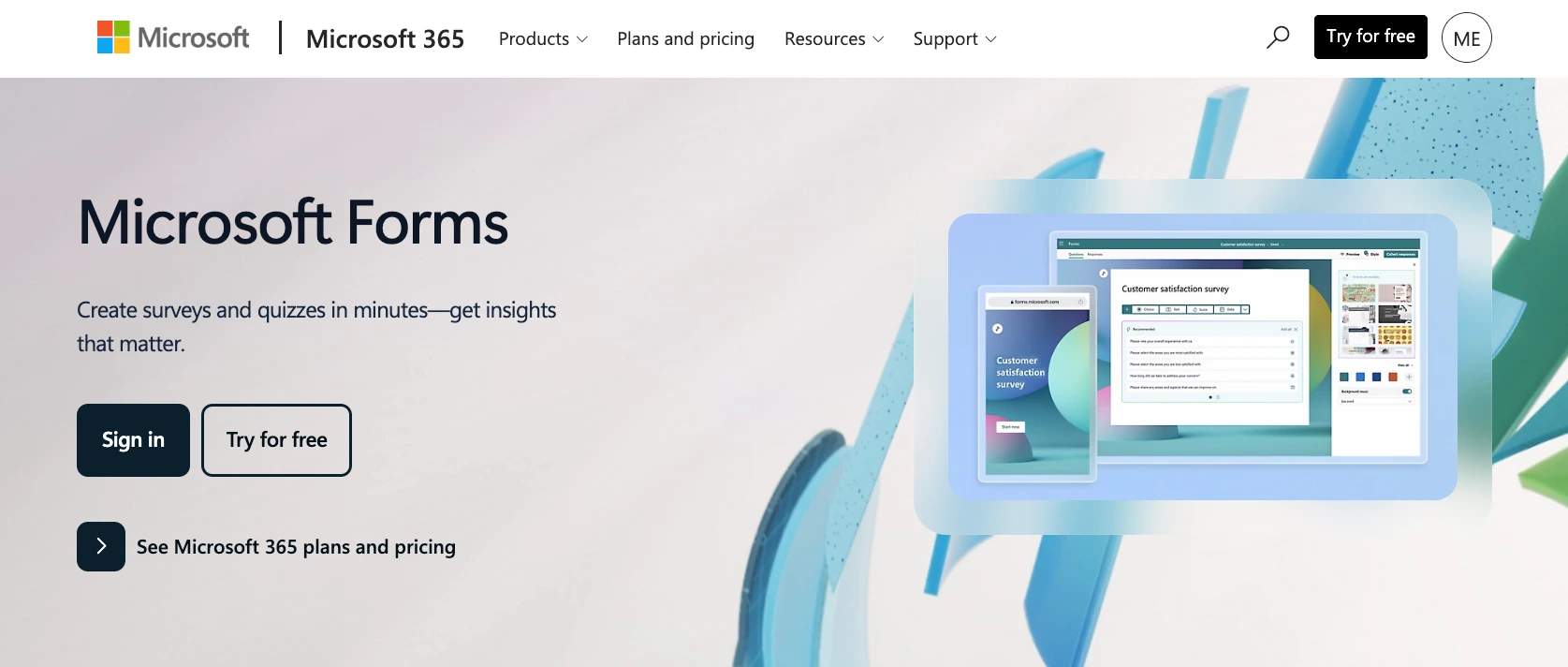
Microsoft Forms is a convenient option for organizations that already work in the Microsoft ecosystem. It supports forms, quizzes, polls, branching logic, response charts, and Excel export. Rather than asking employees to adopt another account and platform, a Microsoft 365 team can often use Forms alongside the tools it already relies on. For users with an eligible Copilot license, Copilot in Forms can generate surveys and quizzes from natural-language prompts, suggest refinements, help draft invitations, and summarize response insights.
A human resources team could use Microsoft Forms to collect internal feedback after onboarding. A school that uses Microsoft 365 can create quizzes and review results. A department running a Teams meeting can send a quick poll or survey without moving the group to a separate system.
Branching logic is one of Microsoft Forms’ more useful features. It lets creators direct respondents to relevant questions based on prior answers, helping keep a form shorter and more focused. Microsoft notes that branching can be used in forms and quizzes to create customized respondent paths, although branches can only move forward through the form. See Microsoft’s branching documentation for current setup details.
Microsoft Forms is not usually the first choice for a heavily branded public-facing form or a process that needs broad integrations, payments, offline collection, signature workflows, or detailed submission management. It is strongest when convenience inside Microsoft 365 is the deciding factor.
- Pros
- Fits naturally into Microsoft 365 workflows and works well with Excel, Teams, OneDrive, and SharePoint.
- Supports surveys, polls, quizzes, branching, and built-in response charts.
- Makes collaboration easier for teams that already manage access through Microsoft accounts.
- Cons
- Offers less design flexibility and fewer customer-facing branding options than specialized form builders.
- Does not provide the same depth for payments, offline forms, or end-to-end operational workflows.
- Pricing
- Microsoft Forms is available to users with a Microsoft account and is included with many Microsoft 365 education and business subscriptions. Features and availability can vary by account type and organization.
Pro Tip
Not sure which form builder fits your workflow? Compare Jotform vs Microsoft Forms to find the better option for your forms, integrations, and automation needs.
5. SurveyMonkey
Best for: Teams focused on feedback collection, market research, employee surveys, and survey analysis.
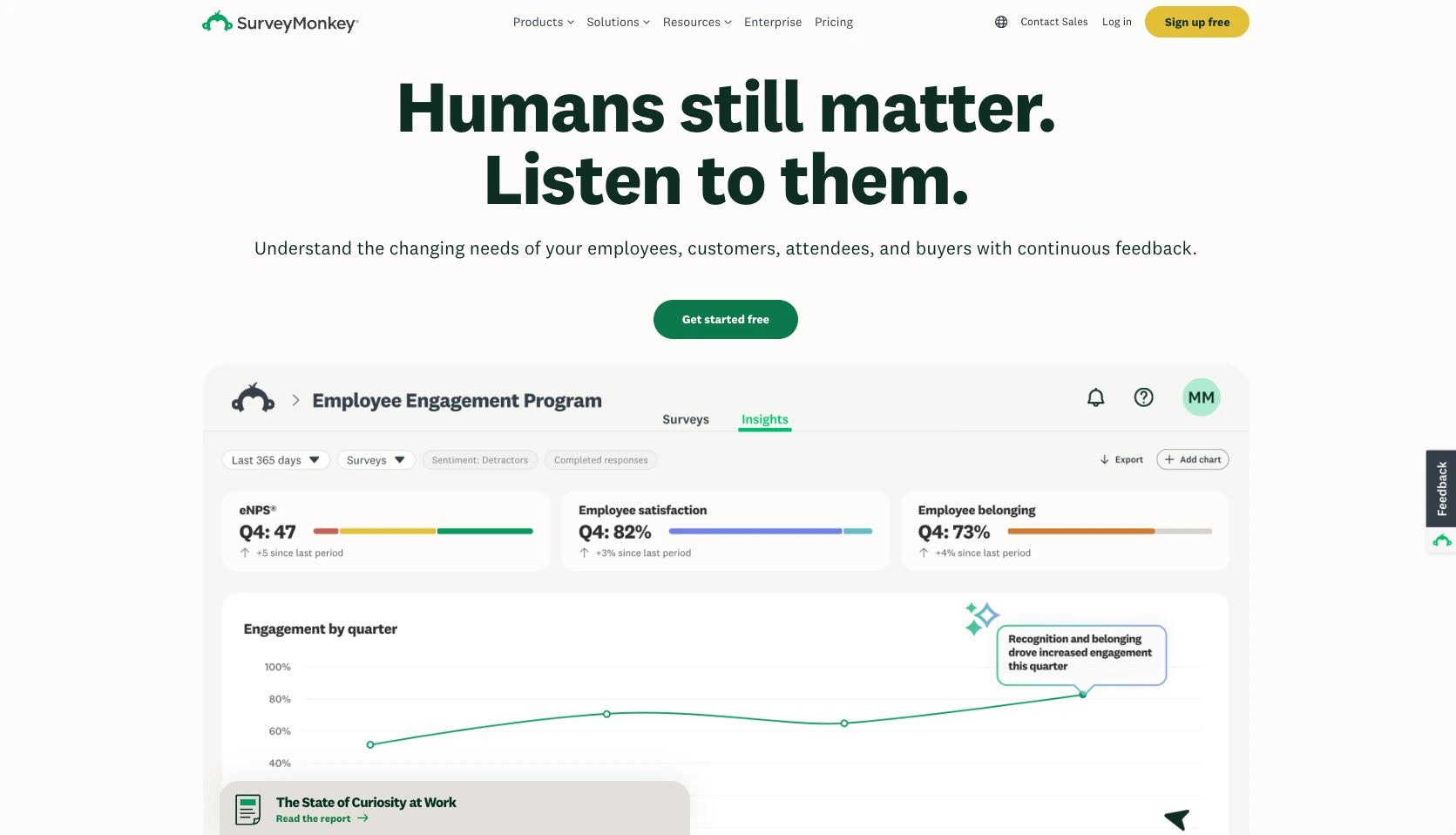
SurveyMonkey is designed around collecting and understanding feedback. It offers expert-built survey templates, question banks, survey logic, multiple collectors for distributing surveys, response analysis, dashboards, exports, and team collaboration. That makes it a sensible Formplus alternative for organizations whose main priority is measuring opinions, satisfaction, engagement, or research outcomes. Its AI capabilities can generate a survey from a prompt, recommend question formats and answer choices, and help analyze open-ended feedback for themes and sentiment, although feature availability varies by plan and region.
A people team might use SurveyMonkey for an employee satisfaction survey. A marketing analyst could run customer research with survey logic and segmented distribution links. A nonprofit might use it to evaluate an event or program. Its survey-first focus can help teams create more structured feedback programs than they might build with a general-purpose form tool.
SurveyMonkey is less flexible when the form itself needs to do operational work. It is not the natural choice for a file-heavy application, a field inspection form, a payment flow, or a document-signing process. Teams may need additional tools when data collection must trigger approvals, create documents, collect money, or route tasks to other people.
Its free plan allows users to create and send surveys with limited features. Paid plans unlock more advanced options such as logic, exports, custom reports, and additional branding control. SurveyMonkey’s own plan guide explains that paid features and response limits vary by plan.
- Pros
- Offers strong survey templates, survey logic, collectors, reporting, and response analysis.
- Suits research, customer feedback, employee feedback, and recurring survey programs.
- Provides collaboration options for teams designing and analyzing surveys together.
- Cons
- It’s less suitable for payments, large file uploads, e-signatures, and operational form workflows.
- Advanced logic, exports, and reporting features may require a paid plan.
- Pricing
- SurveyMonkey has a free Basic plan with limited features, as well as multiple paid individual, team, and enterprise options. Review SurveyMonkey pricing for current rates and response allowances.
Pro Tip
Compare the best SurveyMonkey alternatives to discover a survey platform with the features, pricing, and flexibility to help you collect better feedback.
Final verdict: Which Formplus alternative should you pick?
The best Formplus alternative depends on what happens before and after someone fills out your form. A marketing team collecting leads has different needs from a field services company gathering inspection reports or a school managing registrations.
Use this quick guide to narrow the options:
- Choose Jotform if you want an all-in-one platform for templates, payments, mobile forms, integrations, tables, reports, and e-signatures. It is the strongest fit when data collection needs to lead into a larger workflow.
- Choose Typeform if front-end polish and a conversational user experience are your highest priorities.
- Choose Google Forms if you need a basic, free tool for internal forms, lightweight registrations, and simple surveys.
- Choose Microsoft Forms if your team already lives in Microsoft 365 and primarily needs surveys, quizzes, polls, and Excel-connected results.
- Choose SurveyMonkey if survey design, feedback research, and response analysis matter more than payment collection or operational workflows.
The goal is not simply to replace Formplus. It is to choose the best form builder for you that reduces the manual work around your data. Consider how you will share the form, whether respondents need mobile or offline access, what data they must upload, how you will use the responses, and whether a payment, approval, signature, or report needs to follow.
If you need a flexible Formplus alternative that can collect information and help your team act on it, start building a form with Jotform for free.
Frequently asked questions
Yes. Formplus offers offline forms. If offline data collection is a core requirement, compare how each alternative handles mobile access, syncing, and file uploads, as well as what happens after a submission reaches your team.
Jotform is a strong option for payment forms because it supports 40-plus payment integrations alongside order forms, registrations, and other data collection workflows. It can be a good fit when a payment needs to connect with follow-up actions, such as confirmation messages, submission management, reports, or signed documents.
This article is for small business owners, marketers, educators, operations teams, nonprofits, and field teams looking for a Formplus alternative with easier form building, stronger design options, more templates, flexible integrations, payments, file uploads, offline/mobile access, and better post-submission workflows.












































































Send Comment: