
When building a form, users often find that Google Forms themes and customization options are limited, making it difficult to create a polished experience that matches their website or brand. That’s why many are using the Formfacade add-on as a better way to customize a Google Form.
Formfacade is considered one of the best Google Forms add-ons for using Google Forms without the limitations of its basic UI. This add-on removes default Google branding so you can better match forms to your website or brand aesthetics.
But adding this third-party layer into the Google Forms interface can often result in limited design controls, fragile API syncs, restrictions on native payment processing or electronic signatures, and paywalls for essential features.
Wanting to avoid these issues leads many users to try a dedicated standalone form builder. Rather than simply applying cosmetic patches, standalone solutions offer superior customization, security, and performance.
To help you consider your form builder options, we’ve broken down some of the best free Formfacade alternatives on the market today. Each Google Forms customizer alternative offers distinct benefits for different use cases, so there’s a good fit for almost anyone.
| Tool | Best for | Integrations | Dynamic customization |
|---|---|---|---|
 Jotform |
Overall broad form functionality and all-purpose forms |
More than 150 integrations |
Drag-and-drop builder with logic and workflows |
 Tally |
Simple, flexible forms |
Premium native integrations and Zapier expandability |
Conditional logic and page branching |
 Typeform |
Design-heavy, conversational forms |
More than 100 integrations |
Strong visual customization and native automations |
 Fillout |
Advanced data collection and database connectivity |
More than 40 native integrations plus REST API |
Dynamic data and nested condition groups |
 WPForms |
WordPress websites and lead generation |
More than 400 no-code integrations |
Supports conditional logic and smart field display |
1. Jotform
- Best for: Overall broad form functionality and all-purpose forms
Thanks to its broad feature and integration ecosystem, Jotform is the most robust form builder on this list. Its all-in-one suite of tools eliminates the need for Google Forms wrappers, instead offering powerful native mobile-responsive layouts through a drag-and-drop form builder and 20,000-plus free form templates.
Jotform also eliminates the need to pay à la carte for advanced form features by giving users access to dynamic customization capabilities such as
Rather than simply giving Google Forms a facelift, you can expand your forms’ functionality to meet a wide range of business needs. Jotform offers tools like payment processing, e-signature collection, and data organization, with instant two-way sync with Google Sheets and Google Drive, to streamline your essential operational functions into a single, easy-to-manage platform.
Unlike Formfacade, which forces you to manage a single form across multiple solutions, Jotform consolidates form design, workflow automation, and analytics into a single intuitive dashboard. Jotform even connects your forms to more than 150 integrations through its extensive, natively compatible third-party app library.
When your custom forms are ready, you can easily use Jotform to share them using your preferred method. You can embed forms on a website, distribute them through third-party apps, send emails, and more. You can even transform them into a conversational AI agent.
Plus, these advanced features won’t cost you an arm and a leg compared to other platforms. This free online form builder comes with full access to all forms, integrations, and design tools, making Jotform an ideal Google Forms alternative for those looking to avoid costly paid plans.
- Pros: User-friendly, fully customizable forms, deep integration library
- Cons: Form limits on the free plan, Jotform branding is included on free forms
- Plans/pricing: Free plan available; paid plans range from $34 to $99 per month, billed annually; custom, enterprise-level plans are also available
Pro Tip
Prefer to stay within the Google Forms ecosystem? The Jotform AI Form Builder add-on can help streamline your form-creation process without leaving your preferred interface.
2. Tally
- Best for: Simple, flexible forms
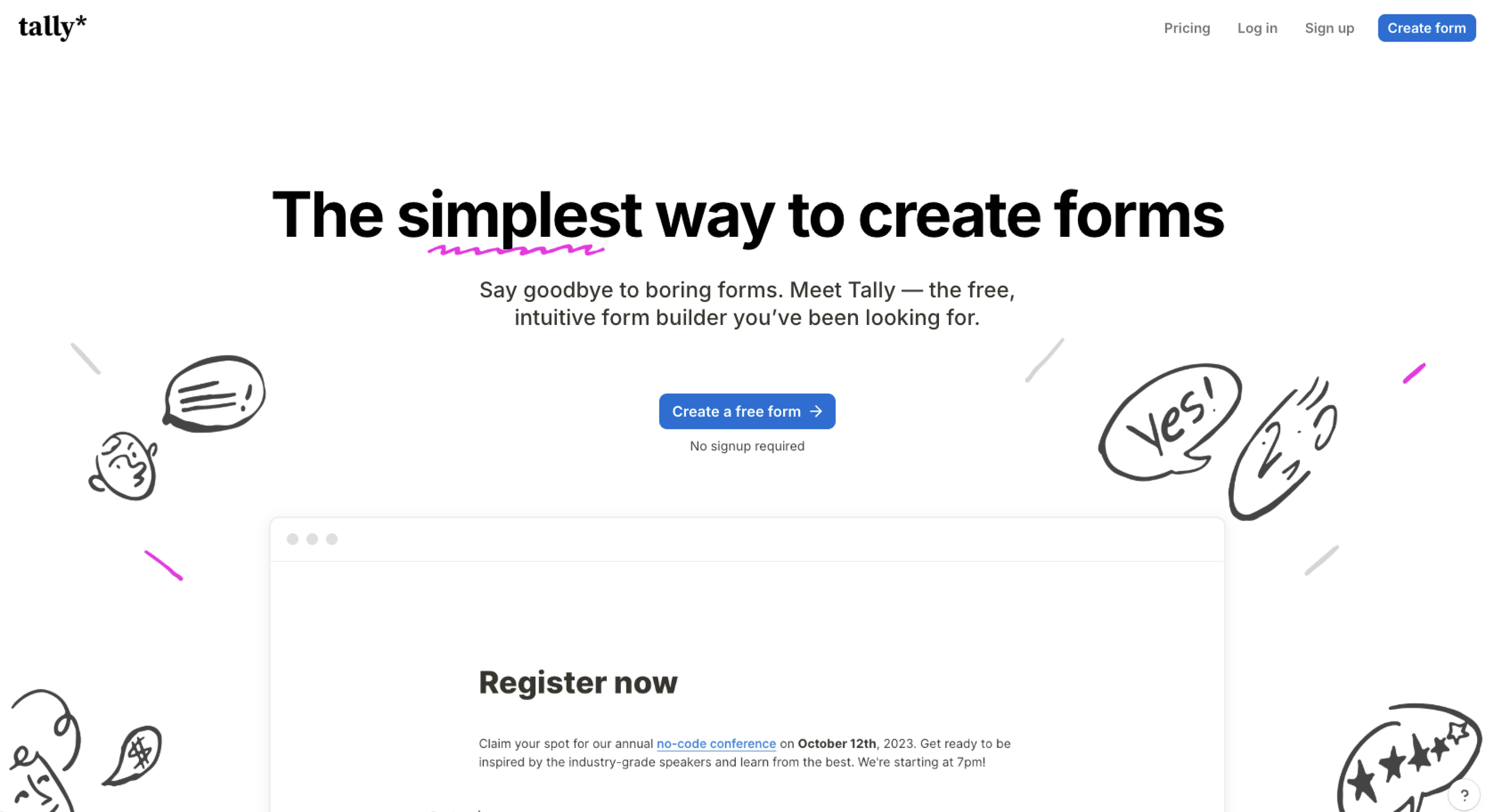
If simplicity is your top priority, Tally is a straightforward, intuitive Formfacade free alternative offering powerful features that still fit into lightweight workflows. This solution is ideal for startups, surveys, and lead capture thanks to its quick implementation and customization features. Tally also offers custom CSS options for more developer-oriented users who want full control over their forms.
Tally has a robust free plan, offering unlimited forms and submissions alongside a variety of advanced capabilities. Although it may have a low learning curve for its design suite, its built-in design capabilities aren’t as extensive as those of some other options on this list.
- Pros: Intuitive interface, custom CSS options, powerful free plan
- Cons: Lacks advanced features, limited design capabilities
- Plans/pricing: Free plan available; paid plans range from $24 to $74 per month, billed annually
3. Typeform
- Best for: Design-heavy, conversational forms
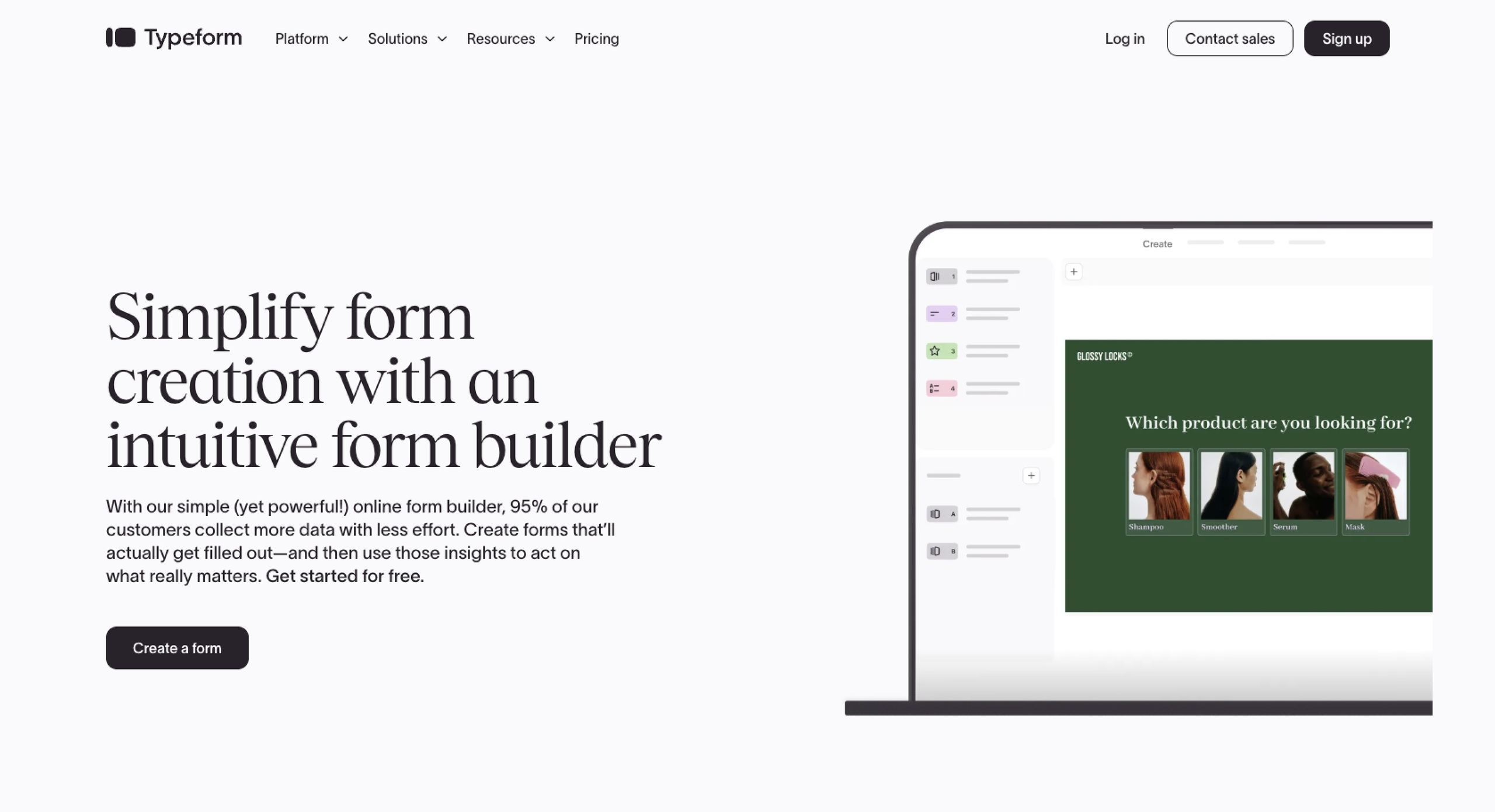
For customer-facing forms, quality design is essential for a positive user experience. Typeform specializes in providing aesthetically pleasing, conversational-style forms, meaning users answer one question at a time rather than seeing the full form all at once. Using Typeform’s unique design language and its drag-and-drop interface, you can create polished forms with ease.
Typeform’s free version offers access to advanced features like branching, calculations, scores, and variables. It also allows you to create dynamic, third-party-powered forms thanks to its large library of compatible integrations.
The downside of Typeform’s free version is that, although you can create unlimited forms, you’re limited to 10 responses per month across all your forms. This is a fraction of the submissions offered by even the other limited free plans on this list.
- Pros: Visually appealing design options, conversational form experiences, unlimited free forms
- Cons: All form responses are limited, can be expensive at scale
- Plans/pricing: Free plan available; paid plans range from $28 to $266 per month, billed annually; custom, enterprise-level plans are also available
4. Fillout
- Best for: Advanced data collection and database connectivity
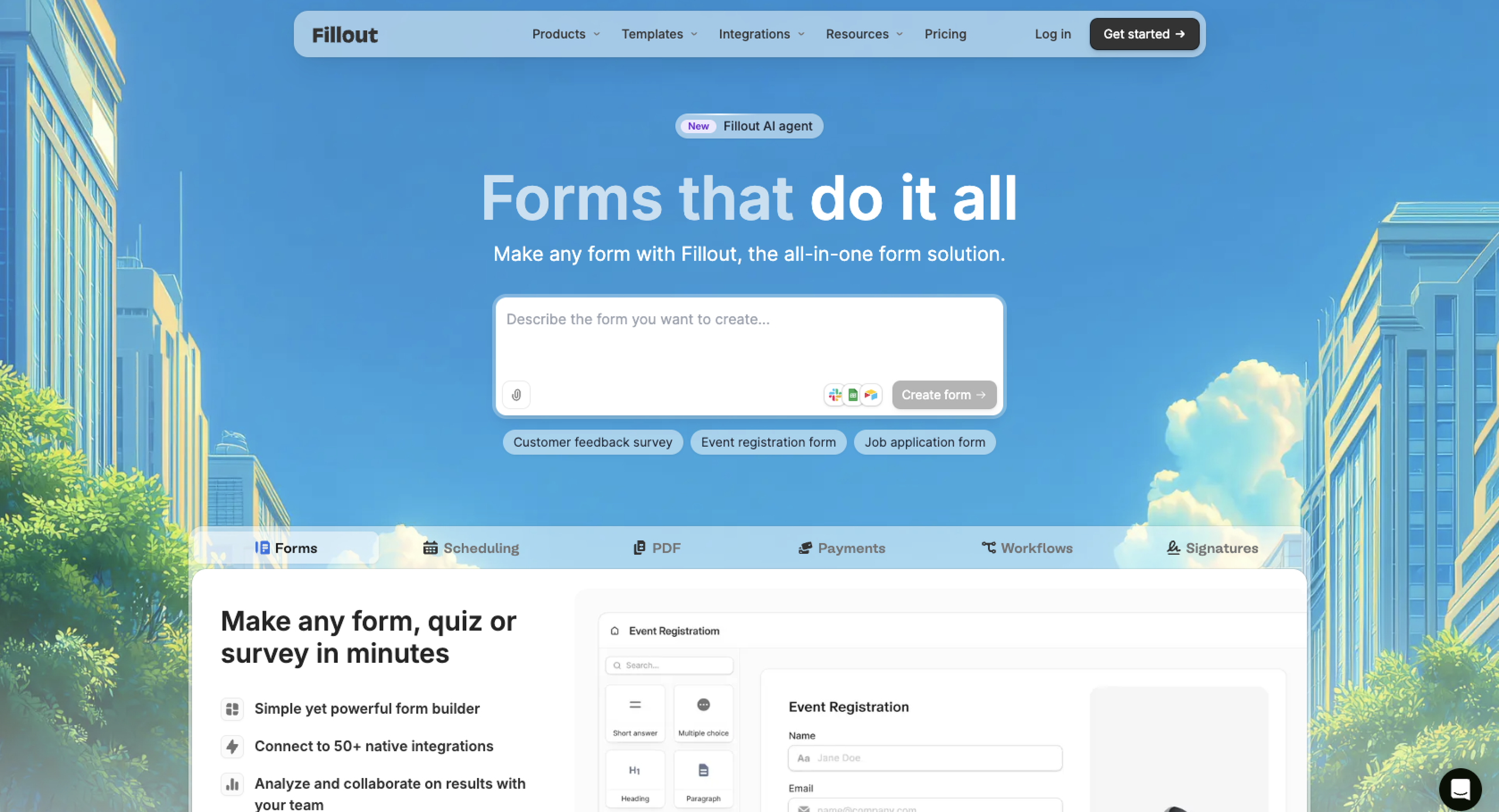
Data collection — from lead information to online payments — is likely the primary purpose of your online forms. Fillout is a free online form builder centered on optimizing your forms for a more effective data collection process. Specifically, it specializes in integrations with popular database tools, such as Airtable, Notion, Google Sheets, and HubSpot.
Fillout also features a strong suite of dynamic form features (even in its free version), including
- Answer piping
- Conditional logic
- Calculations and scoring
- Fillout Workflows
- Payment collection
- Prefill and hidden fields
However, for a form builder designed around making the most of your data, Fillout does gatekeep analytics features behind expensive paywalls. In fact, form analytics are available exclusively in its top-tier business plan, which costs $75 per month.
- Pros: Strong database integrations, dynamic form features, modern interface
- Cons: Complex forms require advanced configuration, many advanced features are plan-dependent
- Plans/pricing: Free plan available; paid plans range from $15 to $250 per month, billed annually; custom, enterprise-level plans are also available
5. WPForms
- Best for: WordPress websites and lead generation
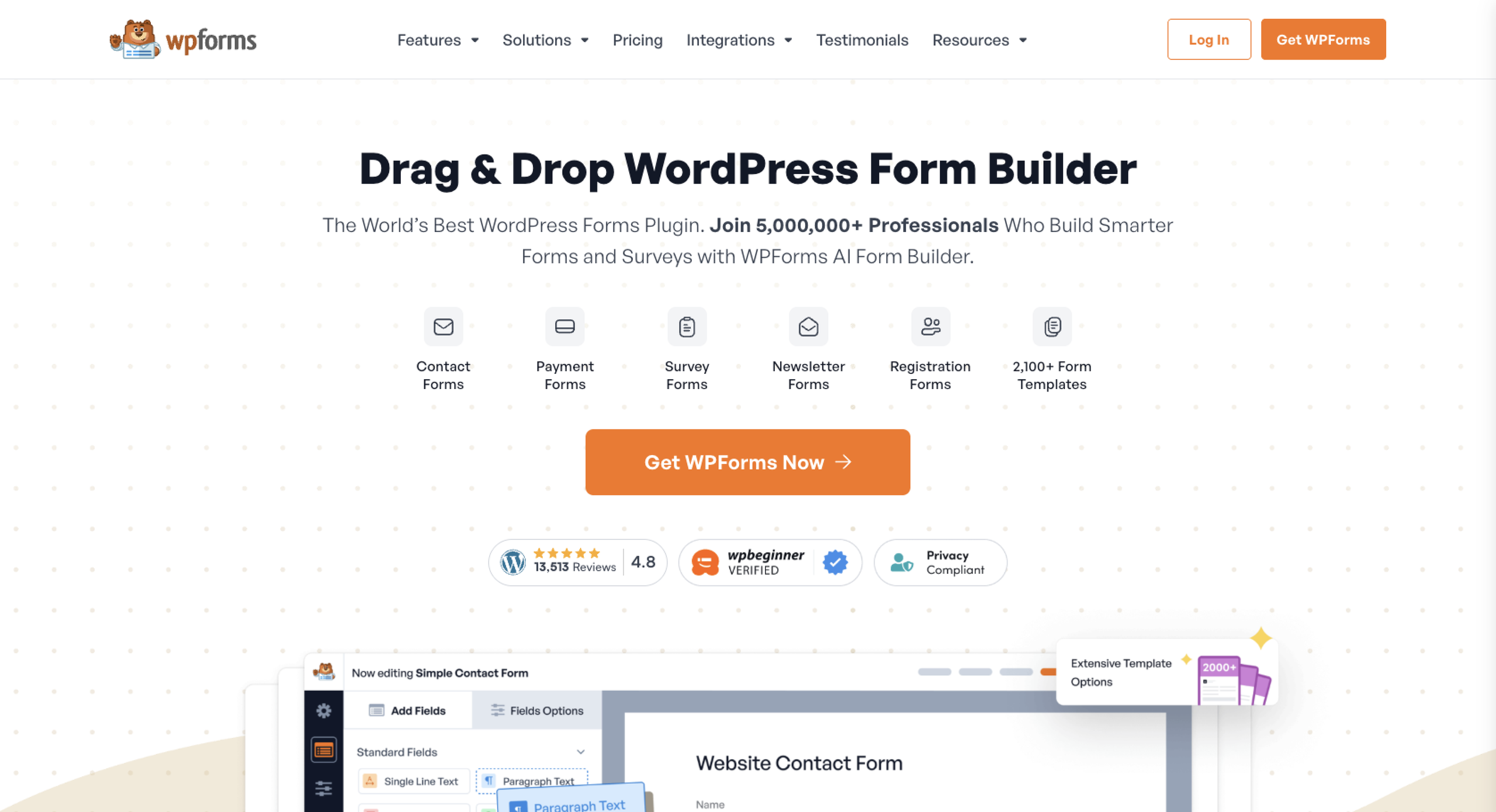
If you need to create no-code web forms for WordPress, WPForms works directly in the CMS’s interface — saving you the headache of embedding and transferring every form from one tool to another. This solution makes collecting leads on your WordPress site simple and visually appealing, with more than 2,000 templates and a drag-and-drop form builder.
Another standout feature of this free Formfacade alternative is its extensive integration options. WPForms offers more than 400 popular integrations, supercharging your forms and WordPress website alike. If you don’t use WordPress as your site host, this solution may not be the right fit, but WordPress users will find it well suited to their needs.
It’s also important to understand that the free version of this solution, WPForms Lite, has limited capabilities. Dynamic features like conditional logic are reserved for paid plans. But the free version will still offer more than Google Forms in design and base form functionality.
- Pros: Native WordPress compatibility, vast integration library, drag-and-drop builder
- Cons: Free version lacks dynamic features, requires a WordPress site
- Plans/pricing: Free plan available, paid plans range from $49.50 to $299.50 per year
Upgrade your website forms with a powerful standalone builder
While Formfacade may offer a workaround for Google Forms’ visual limitations, it can create more hassle than it solves. From centralized management to a more dynamic feature set, trying one of these free Formfacade alternatives instead could be the solution to your online form dilemmas.


Ready to break free of Google Forms’ design constraints, but worried about losing your forms? Some Formfacade free alternatives, like Jotform’s Starter plan, make switching simple. Migrate Google Forms to Jotform in seconds to take control of your form’s design. This alternative eliminates messy third-party scripts, provides enterprise-grade data security, and offers total creative control over mobile layouts, branding elements, and conditional logic — upgrades that enhance your user experience and get the results you need.
This article is for startup founders, project owners, small business owners, marketers, website managers, educators, consultants, and operations teams who are considering Formfacade alternatives.




































































































Send Comment: