
Top SurveySparrow alternatives
Would you rather fill out a survey on a WhatsApp-style chat thread or a clunky form? SurveySparrow is betting it’s the former. It takes a conversational approach to NPS surveys, CSAT scores, in-app feedback, and Voice of Customer surveys. And, over the years, it has evolved into a broader experience platform covering research, brand reputation, employee feedback, and ticketing.
But SurveySparrow isn’t the right fit for every team. Pricing is one reason businesses look elsewhere, since many of SurveySparrow’s best features, like its CX suite (for NPS and CSAT surveys) and research tools, are separate products. What’s more, SurveySparrow isn’t as flexible as no-code platforms if your goal is to link your survey responses directly to your business’s operations.
This guide is designed to help you navigate your other options. I’ll run through the seven best SurveySparrow alternatives and explain why each one is worth considering, so you can decide which platform makes sense for you.
Here’s a quick rundown of the best alternatives to SurveySparrow, but make sure to read on for a fuller explanation of each platform.
| Tool | Best for | Key features | Plans/pricing |
|---|---|---|---|
 Jotform |
Teams that need surveys as well as forms, payments, and workflows in one platform |
20,000-plus templates, AI form builder, approval workflows, Tables and Report Builder, zero-fee payments |
Free plan with 100 responses per month, paid plans start from $34 per month |
 SurveyMonkey |
Easy-to-use surveys and on-demand market research |
400-plus templates, AI survey builder, premade market research studies, built-in respondent panel |
Free plan with 10 responses per survey, paid plans start from $39 per month, market research studies start from $1,000 each |
 Typeform |
Polished, on-brand surveys with a conversational feel |
One-question-at-a-time format, AI form builder, completion and drop-off analytics, Research Flow (sold separately) |
Free plan with 10 responses per month, paid plans start from $28 per month |
 QuestionPro |
Research teams that want to start free and scale up |
AI-powered video analysis, synthetic data for testing surveys, smart dashboards, 50-plus question types |
Free plan with 200 responses per survey, individual plans start from $99 per user per month |
 Qualtrics |
Enterprises running experience management programs |
Unlimited users on usage-based plans, advanced research and statistical tools, AI sentiment analysis and video feedback summaries, FedRAMP and HITRUST certifications |
Free plan with 500 total responses, paid plans start from $420 per month, all other plans are custom-priced |
 Alchemer |
Multi-location businesses collecting customer feedback across multiple channels |
Location-level and brand-wide reporting, AI theme and sentiment analysis, reviews and social feedback in one platform, workflows that route feedback to teams |
Free trial available, paid plans start from $315 per user per year |
 Zoho Survey |
Zoho users and budget-conscious small teams |
Syncs with other Zoho apps, unlimited responses on annual Plus plans and above, skip logic and answer piping, 90-plus languages |
Free plan available with 100 annual responses per survey, paid plans start from $7.42 per month |
1. Jotform: Best all-in-one platform for teams that need more than surveys
- Why it made the list: Includes surveys, workflows, apps, tables, payments, and reporting in one no-code platform, which means responses can trigger workflows across your organization
Most survey tools start with the assumption that they have a fairly “siloed” job: to collect and analyze data. The reasoning goes that at some point someone will figure out what to do with all that information. Instead, what often happens is that surveys are sent out, data is collected, reports are produced — and nothing else happens.
Jotform starts from the opposite premise: that surveys are just one kind of data your business collects, and to be useful, they need to influence the rest of your business operations. Once people respond to your survey, Jotform Tables organizes submissions automatically, Jotform Report Builder turns them into visual reports, and Jotform Workflows can send a response through a multistep approval, assign tasks, and notify the right people. And with 150-plus Jotform integrations, that data can flow to your CRM, email platform, or storage tools.
For example, a client satisfaction survey can use conditional logic to send respondents with a low score to their account lead for follow-up, while sending happy clients straight to a renewal agreement, e-signature via Jotform Sign, and payment.
You can get started in a few different ways. Jotform offers 20,000-plus templates, including a library of survey templates and a dedicated NPS survey tool. Or you can create custom forms with Jotform Survey Maker or by describing what you need to Jotform AI.
Build faster with Jotform AIDescribe what you need, and let Jotform AI build it for you instantly.
Get Started Now
- Key strengths
- 20,000-plus templates and an AI form builder that generates a survey from a prompt
- Jotform Workflows for approvals, assignments, and automatic notifications
- Jotform Tables and Report Builder for organizing responses and building visual reports
- 40-plus payment gateways with zero transaction fees, even on the free plan
- Key drawbacks
- Only the Enterprise plan supports more than one user
- Jotform’s platform might be more than you need if you just want a simple survey
- Jotform pricing
- Starter (free): Five forms and 100 monthly submissions
- Bronze ($34 per month, billed annually): 25 forms and 1,000 monthly submissions
- Silver ($39 per month, billed annually): 50 forms and 2,500 monthly submissions
- Gold ($99 per month, billed annually): 100 forms and 10,000 monthly submissions
- Enterprise (custom pricing)
2. SurveyMonkey: For easy-to-use surveys and on-demand market research
- Why it made the list: SurveyMonkey is the best-known name in online surveys, with 400-plus templates and a built-in respondent panel for market research
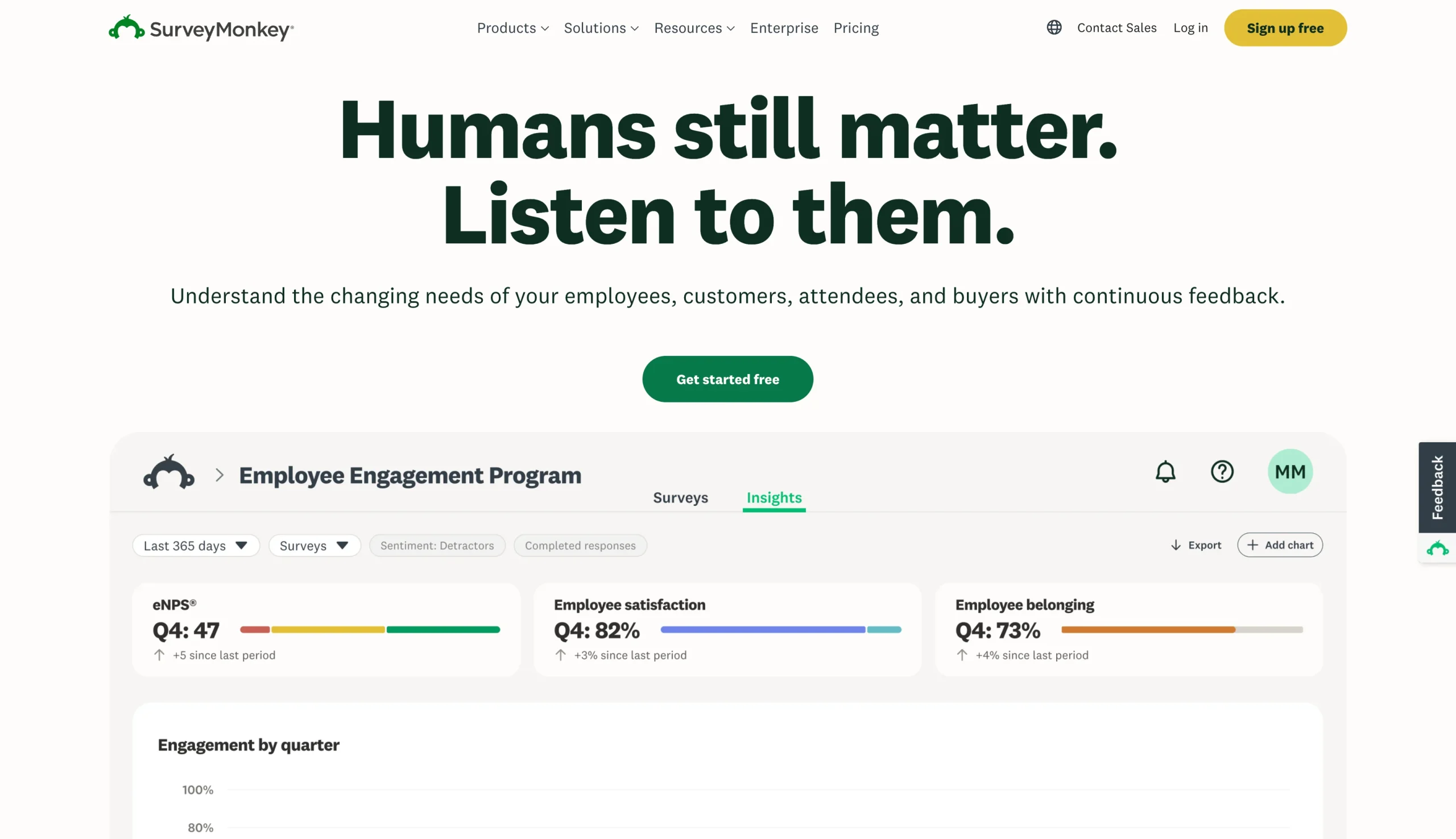
Remember SurveyMonkey from its mid-2010s incarnation as an affordable, consumer-oriented survey tool? If so, I’ve got news for you: Things have changed.
SurveyMonkey increasingly caters to mid-size businesses and large organizations, with a full suite of enterprise products for customer feedback, employee experience, and market research. You can even launch premade studies (like packaging concepts and price testing) to a global panel of respondents and get results in just a few hours. Given all these changes, the company behind SurveyMonkey tried to ditch the monkey branding in 2021, but the new name (“Momentive”) never stuck — so they went back to SurveyMonkey.
What hasn’t changed is SurveyMonkey’s ease of use, which remains one of its biggest advantages. Millions of people are already familiar with the platform, making it one of the simplest survey tools to get started with, particularly when you use its AI survey-building tools. Even SurveyMonkey’s more complex products, like its market research platform, are relatively straightforward.
That said, SurveyMonkey’s default is a traditional page-style survey, so it’s not the best fit if you want an engaging, chat-style survey format like SurveySparrow’s. It does offer a chat-style format, but it won’t support most logic options, multilingual surveys, or custom themes. And smaller businesses might struggle to justify SurveyMonkey’s pricing at higher tiers.
- Key strengths
- Free tier to start, so you can try the survey builder before paying
- Ready-made studies for concept, ad, packaging, and price testing (purchased à la carte)
- AI analysis of open-ended responses, including themes and sentiment
- 25-plus question types, and templates covering NPS, CSAT, and market research
- Key drawbacks
- Conversational surveys are restrictive, with many themes and question types unsupported
- No dedicated HR features for performance reviews or 360-degree employee feedback
- SurveyMonkey pricing
- Basic (free): One user, unlimited surveys, 10 questions per survey, 10 “viewable responses” per survey (you can sign up for a paid plan to see more)
- Individual plans (starting from $39 per month, billed annually): 15,000 responses per year
- Team plans (starting from $30 per user per month, billed annually; three-user minimum): 50,000 responses per year
- Enterprise (custom pricing, five-user minimum)
- LaunchPad market research studies (starting from $1,000 per study)
3. Typeform: For a premium, on-brand survey experience
- Why it made the list: Strong substitute for SurveySparrow’s one-question-at-a-time survey format, and it now offers AI-powered research tools
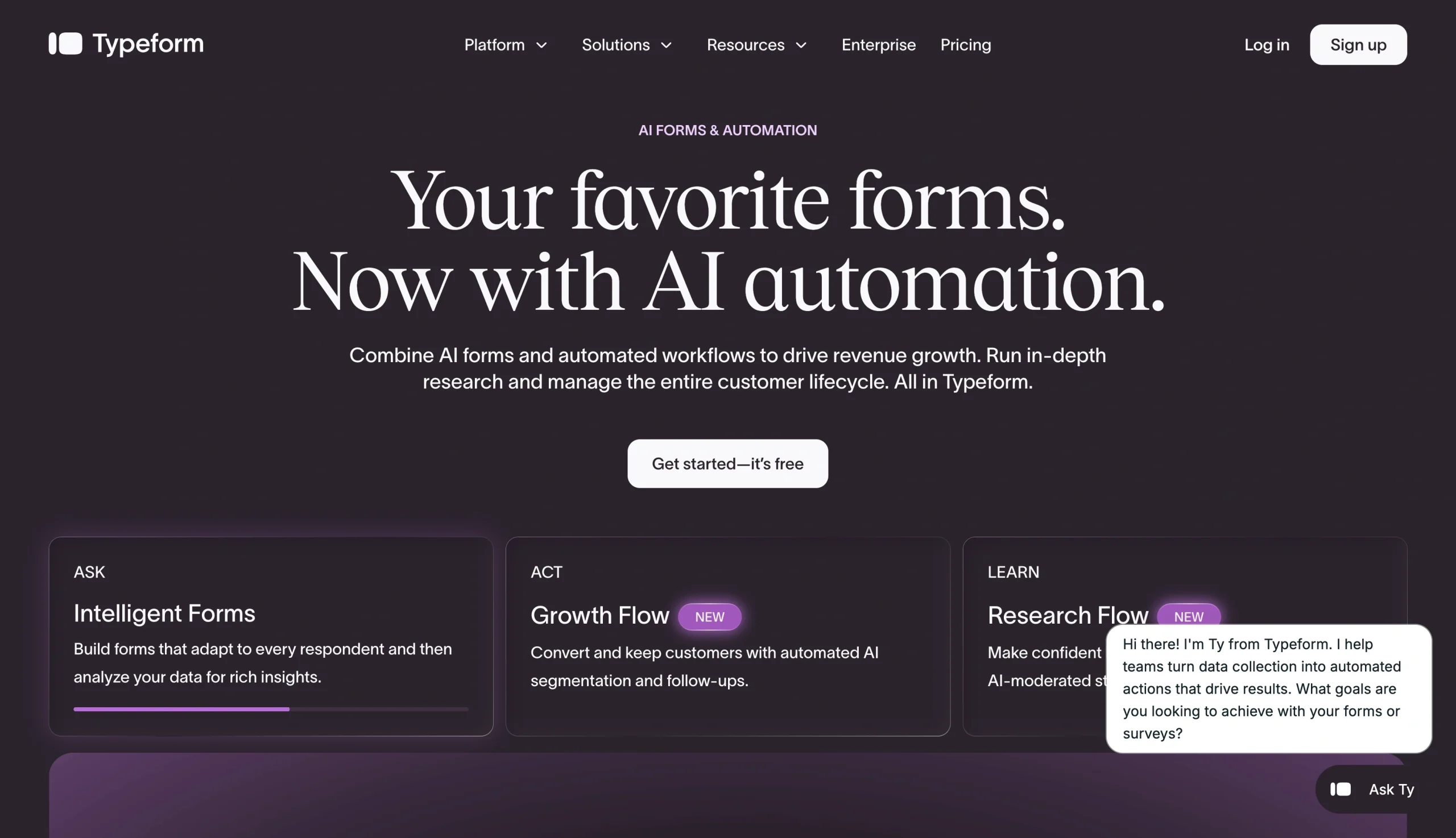
Typeform was one of the first form builders to make surveys feel polished rather than clunky and corporate. Its one-question-at-a-time approach has a real impact on survey quality: A 2025 study showed that chat-based surveys resulted in longer answers, higher “thoughtfulness scores,” and a more engaged, enjoyable experience for users. SurveySparrow defaults to a similar chat-like flow, so if you’re migrating away from SurveySparrow and you’re laser-focused on the user experience, Typeform is worth considering.
Typeform also offers Research Flow, an AI market research tool that designs qualitative studies, recruits participants, runs interviews (using video, text, or audio), and analyzes the results. Research Flow is a separately quoted product, so you’ll need to reach out to the sales team for pricing.
However, because Typeform leans toward lead generation and marketing, it tends to offer a smaller set of ongoing experience management tools than SurveySparrow. While Typeform has a dedicated Talent plan for employee experience, it’s not the primary focus.
- Key strengths
- One-question-at-a-time format with slick branding options
- AI form builder that generates forms from a prompt
- Built-in analytics for completion rates and drop-off points
- Research Flow offers AI-driven studies with built-in participant recruitment (sold separately)
- Key drawbacks
- Free plan is capped at 10 responses per month across all forms
- Video questions and contact enrichment require the Growth Flow plan ($266 per month)
- Typeform pricing
- Free: Unlimited forms, 10 questions per form, 10 responses per month (across all forms)
- Basic (starting from $28 per month, billed annually): One user, 100 responses per month
- Plus ($56 per month, billed annually): Three users, 1,000 responses per month
- Business ($91 per month, billed annually): Five users, 10,000 responses per month
- Growth Flow ($266 per month, billed annually): Five users, 10,000 responses per month, adds video questions and contact enrichment
- Research Flow (sold separately and quoted on request)
4. QuestionPro: For research teams that want to start free before scaling
- Why it made the list: QuestionPro is a research-oriented platform that’s a big step up from basic survey tools, but doesn’t require an enterprise contract to get started
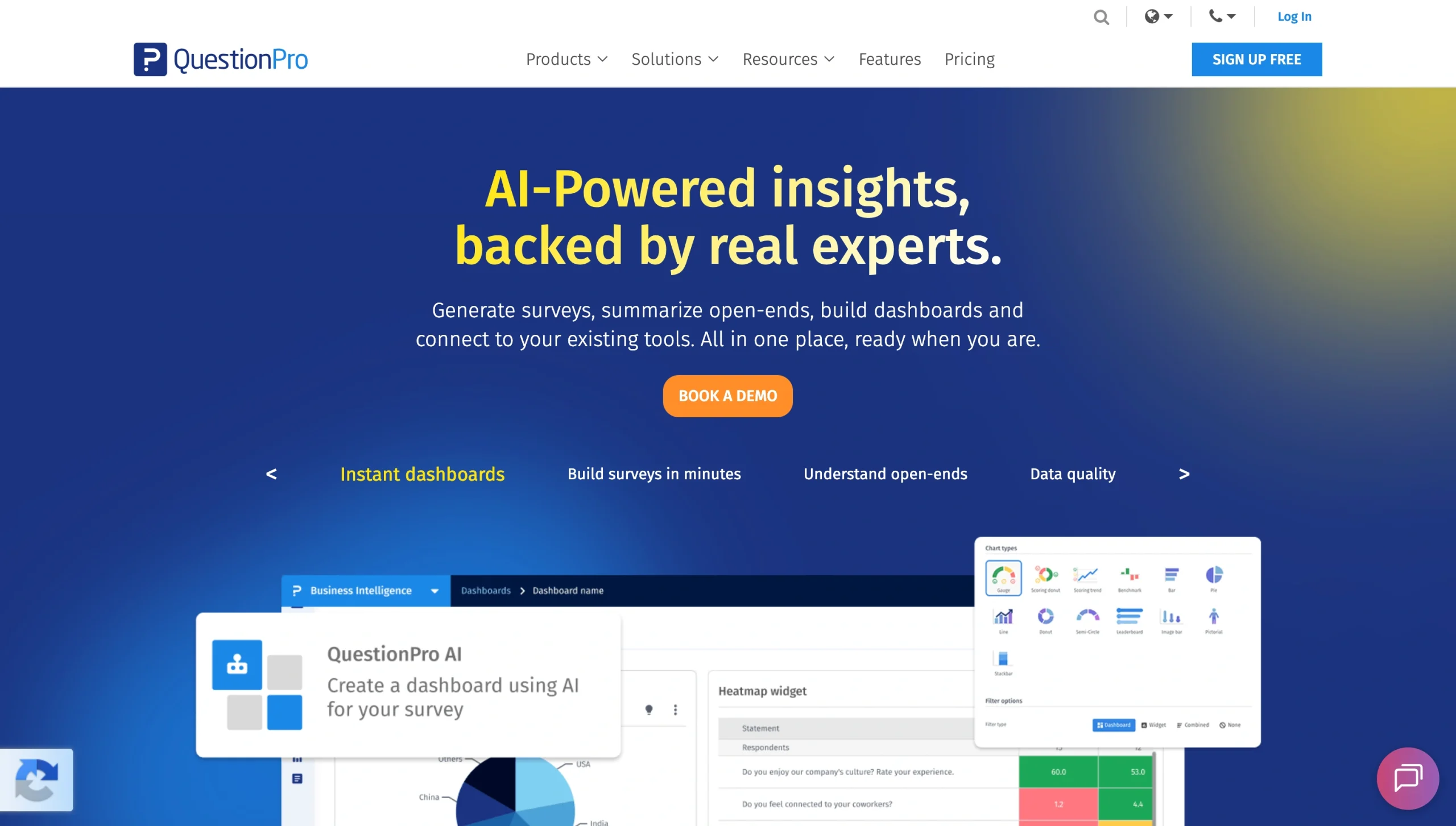
Most lightweight survey tools focus on surveys and analysis. QuestionPro does that too, but it’s also full of research-friendly features that help you get insights faster. You can create synthetic datasets, gather video responses and analyze them with AI, and generate smart dashboards to quickly navigate your data.
QuestionPro’s core survey product is free to start using, and with 200 responses per survey, it’s more usable than the free plans of most enterprise competitors. The Advanced plan includes features like multilingual surveys and crosstab analysis, which compares results across respondent groups. There’s also a Research Suite that includes sophisticated research methodologies like price sensitivity analysis and video feedback (available on a custom-quoted plan).
You’ll need to account for per-user pricing on QuestionPro’s self-serve plans, which can inflate the price a bit. Even so, it packs in more value than many enterprise competitors. For example, QuestionPro’s Team plan, at $415 per month for five users, allows 100,000 responses per year. Qualtrics’ $420-per-month Strategic Research plan only permits 1,000 responses.
- Key strengths
- Free plan with up to 10 surveys and 200 responses each
- AI-powered video analysis, dashboards, and synthetic data for testing surveys
- Strong survey logic and 50-plus question types for building complex questionnaires
- Nonprofit and academic pricing options
- Key drawbacks
- Pricing is per-user, and the Team plan requires at least five users
- Many research methodologies are only available on the custom-priced Research Suite plan
- QuestionPro pricing
- Essentials (free): One user, up to 10 surveys, 200 responses per survey
- Advanced ($99 per user per month, billed annually): Up to 25,000 responses per year
- Team plans (starting from $83 per user per month, billed annually; five-user minimum): Up to 100,000 responses per year
- Research Suite, Customer Experience, and Employee Experience plans (custom pricing)
5. Qualtrics: For enterprise experience management programs
- Why it made the list: Qualtrics is the enterprise standard-bearer for experience management and handles customer, employee, and research programs in one place
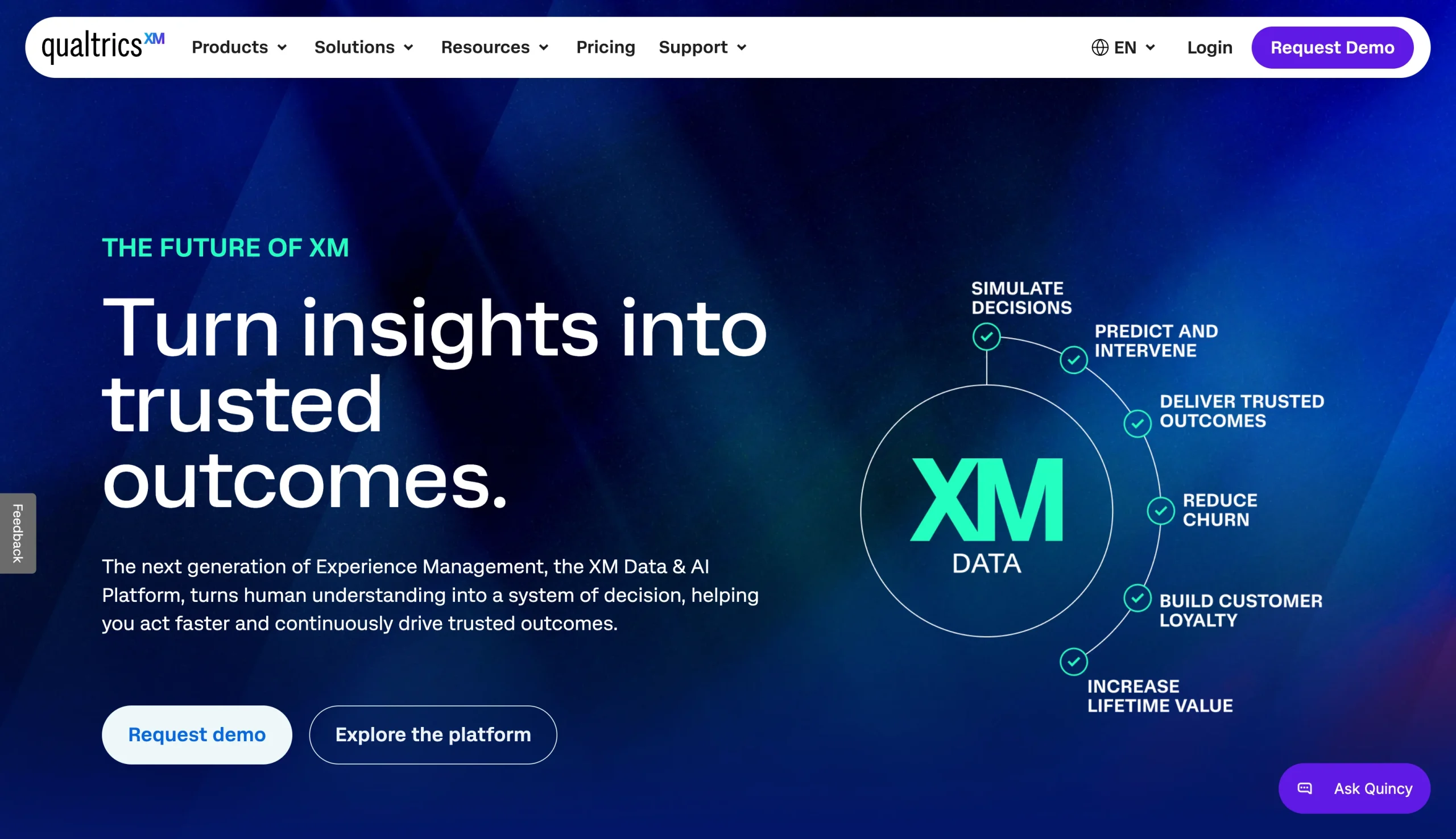
Qualtrics is built for enterprises running customer experience, employee experience, or market research programs, and boasts large organizations like Samsung and Toyota as clients. It also meets certification standards including FedRAMP, HIPAA, HITRUST, and GDPR, which are needed to handle healthcare information and work with government contractors.
It probably makes sense to consider Qualtrics if you’re looking for an enterprise-friendly platform that spans customer, employee, and research programs, with heavy-duty AI analysis and statistical tools built in. Qualtrics also offers vertical-specific platforms for healthcare, education, and government. It’s worth mentioning, too, that most Qualtrics products rely on usage-based pricing rather than per-seat pricing. This can be an advantage if you’re planning to provide access to multiple teams.
If you’re a small or mid-size business, Qualtrics might be overly complex for what you need. It’s also the priciest option on this list, with a minimum investment of $5,040 per year for the entry-level Strategic Research plan. Other plans require a custom quote from the sales team.
- Key strengths
- Unlimited users on customer and research plans, since pricing is based on usage
- Advanced tools that can handle complex, multi-audience research programs
- AI-powered sentiment analysis and video feedback summaries
- Enterprise security certifications, including FedRAMP and HITRUST
- Key drawbacks
- Most plans require a sales conversation
- Self-serve plan includes only 1,000 responses
- Pricing is higher than almost any alternative
- Free plan is capped at 500 cumulative responses across all surveys
- Qualtrics pricing
- Qualtrics Surveys (free): One user, three surveys with up to 30 questions each, 500 total responses
- Strategic Research ($420 per month, billed annually): Unlimited users, 1,000 responses per year, advanced research and analysis tools
- Strategic Research for Enterprises (custom pricing): 5,000-plus responses
- Customer Experience and Employee Experience plans (custom pricing)
Pro Tip
For a more in-depth look at competitors to Qualtrics, check out our Qualtrics alternatives article.
6. Alchemer: For multi-location businesses collecting customer feedback across multiple channels
- Why it made the list: Pulls survey, review, and social feedback into one platform and breaks down data by location
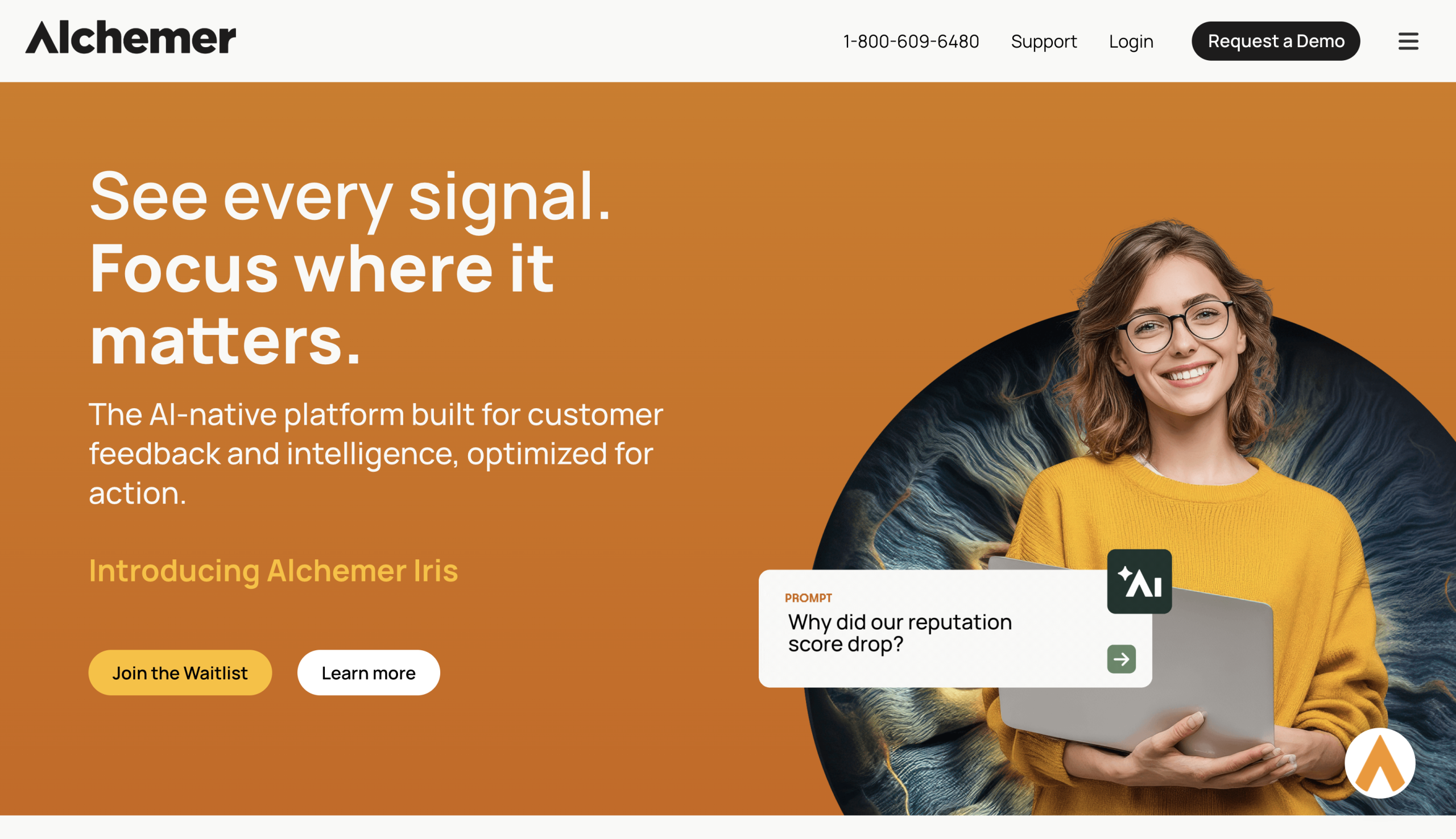
Alchemer is well-suited to multi-location businesses, which face some unique challenges when it comes to customer feedback. First, there’s the obvious: The experience is naturally a bit different at each location. While some customer insights are applicable to the brand as a whole, others only apply to one particular branch (like a customer who’s frustrated with the parking). Then there’s the problem of data fragmentation. Retailers and hospitality businesses, for example, collect feedback in-store, online, by phone, on social media, and on review websites. There needs to be a way to consolidate and make sense of it all.
With Alchemer, you can capture feedback across lots of touchpoints, including email, SMS, in-app and website surveys, and in-person kiosks. From there, Alchemer Pulse sorts through all the data. At a high level, it identifies trends and pressing issues that are present across all of your feedback, no matter the location. But it can also drill down to the location level to figure out why your CSAT or NPS scores are low at a particular branch.
- Key strengths
- Location-level and brand-wide feedback reporting
- AI theme and sentiment analysis of customer feedback in 100-plus languages
- Consolidates reviews and social feedback into the same platform as survey data
- Workflows that route feedback to the right team
- Key drawbacks
- Fairly steep learning curve for advanced logic and reporting
- Alchemer Pulse requires a custom-priced Business Platform plan
- Limit of three users on self-serve plans
- Alchemer pricing
- Collaborator ($315 per user per year): Up to 75,000 annual responses
- Professional ($1,075 per user per year): Up to 100,000 annual responses, logic tools, custom branding
- Full Access ($1,895 per user per year): Up to 125,000 annual responses, market research and statistical analysis tools, advanced reporting
- Enterprise (custom pricing): Required if you have more than three users
Pro Tip
Not quite sure Alchemer is the right choice? Check out our overview of Alchemer alternatives.
7. Zoho Survey: For small teams running surveys on a budget
- Why it made the list: Zoho Survey is an affordable option for small teams and natively syncs survey data with other Zoho apps
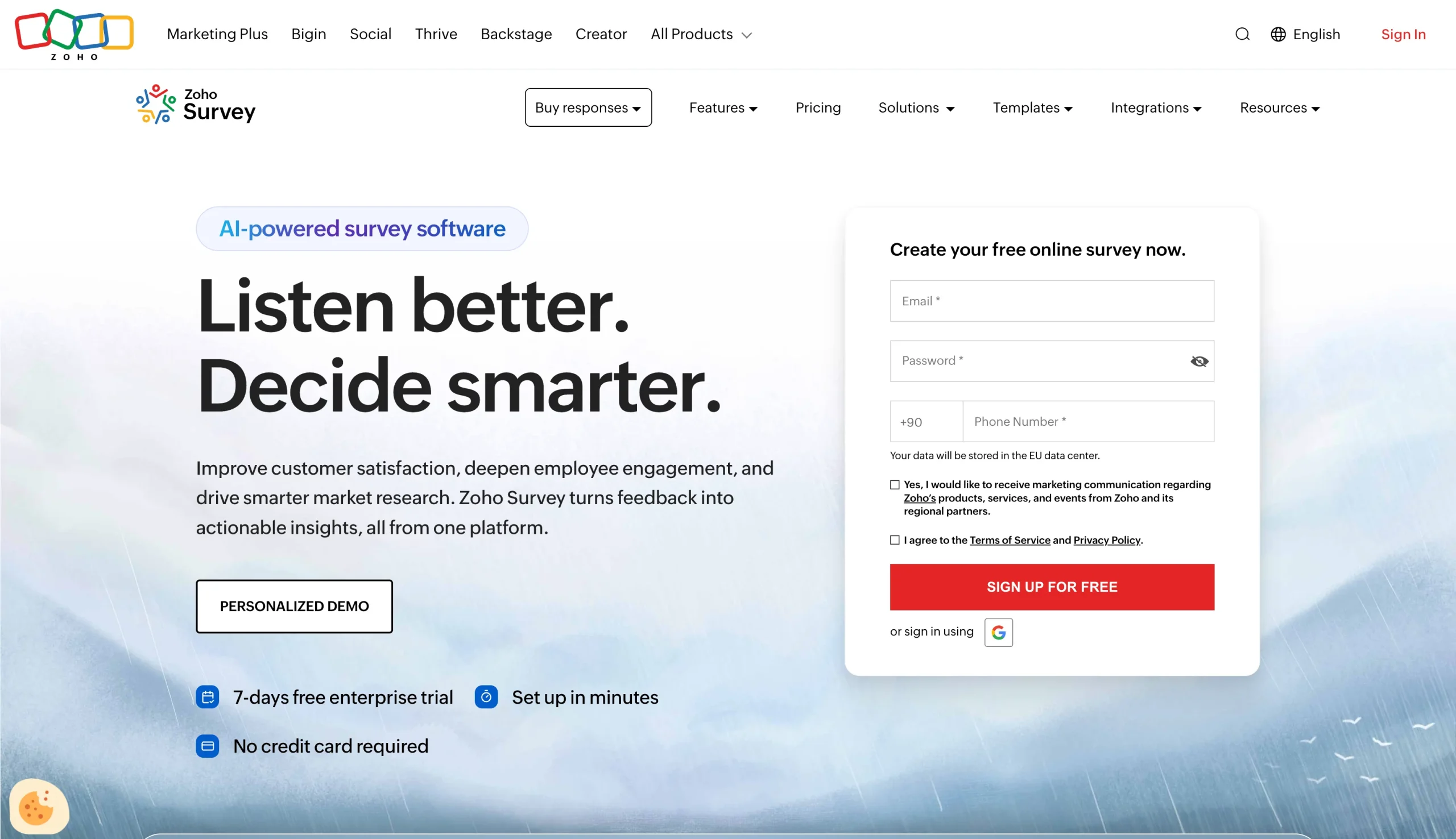
Zoho Survey handles surveys, quizzes, polls, and feedback forms. It’s a traditional form-style tool designed for teams on smaller budgets, with pricing starting at $7.42 per month, billed annually, on the Basic plan. Zoho Survey includes multiple question types, skip logic, answer piping, and custom branding, though it’s missing the research-oriented features you’d find in QuestionPro, Alchemer, or Qualtrics.
If you’re already a Zoho user, you’ll probably want to go with Zoho Survey: It integrates your survey responses with apps like Zoho CRM, Zoho Analytics, and Zoho Campaigns, which means your survey data can be tied directly to customer records. And if you’re not yet a Zoho user, it’s worth exploring Zoho One, a bundle of 50-plus business apps that gives you access to Zoho Survey and dozens of other connected apps (though you’d need a license for everyone in your organization).
Assuming you don’t sign up for any other Zoho apps, the case for signing up for Zoho Survey pretty much comes down to price. But it’s still a compelling case, and annual plans are particularly good value since they include unlimited responses on the Plus plan and above.
- Key strengths
- Lowest-priced paid plan on this list
- Unlimited survey responses on annual plans (on the Plus plan and higher)
- Native two-way integration with Zoho CRM (Pro plan), Zoho Campaigns, and other Zoho apps
- Multi-language survey support for 90-plus languages
- Key drawbacks
- No one-question-at-a-time conversational surveys
- Much of the value depends on already using Zoho apps
- The Zoho CRM integration is only available on the Pro plan and above
- Zoho Survey pricing
- Free: Unlimited surveys, 10 questions per survey, 100 annual responses per survey, one user
- Basic (starting from $7.42 per month, billed annually): Unlimited questions, 12,000 annual responses per survey, one user
- Plus ($25 per month, billed annually): Unlimited annual responses, one user
- Pro ($35 per month, billed annually): Unlimited annual responses, SPSS exports for statistical analysis, advanced integrations (including Zoho CRM), one user
- Enterprise ($75 per month, billed annually): Unlimited annual responses, three users
Which SurveySparrow alternative should you choose?
Not quite sure which SurveySparrow alternative to go with? Here are some final thoughts:
- Choose Typeform or SurveyMonkey if: You want a polished, easy-to-launch survey experience with market research features.
- Choose QuestionPro or Qualtrics if: You’re running an ongoing research or customer experience program, rather than one-off surveys.
- Choose Alchemer if: You run a multi-location business and you’re managing customer experience across multiple stores and feedback channels.
- Choose Zoho Survey if: Your team already runs on Zoho apps or is looking for an affordable entry point for sending surveys.
And go with Jotform if you need to build surveys into your operational workflow. Jotform’s survey data syncs natively with the rest of the Jotform ecosystem, including Jotform Tables, Jotform Workflows, and Jotform Apps. That means you can route feedback for approval, assign follow-up tasks to the relevant team members, and actively improve your business based on your survey data.
Try Jotform for free and build your first survey in minutes.
This article is for marketers, CX teams, HR teams, product teams, small business owners, and operations teams that are evaluating SurveySparrow but want a tool that better fits their budget, survey workflow, integrations, reporting needs, or form-building use cases.






























































































Send Comment: