

教育フォーム
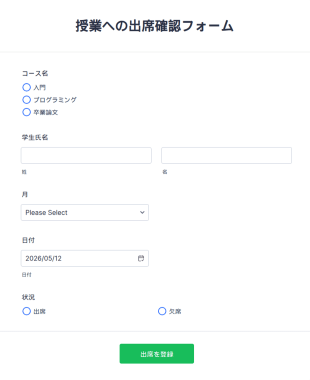
授業への出席確認フォーム
授業の出席記録をオンラインで管理。簡単にカスタマイズでき、どのデバイスからでも入力可能。Jotformテーブルで追跡し、100以上のアプリと連携できます。
カテゴリーへ移動:教育フォーム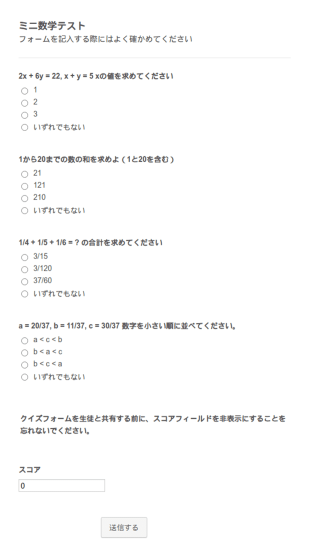
ミニ数学テスト
この無料の数学テストのテンプレートを使用して、オンラインであなたの学生の知識をテストできます。テストを開始するには、あなたの授業計画と一致するように質問をカスタマイズし、条件付きロジックを使用して正しい答えを設定します。その後、リンクを介して直接学生とクイズを共有するか、または簡単にアクセスできるようにあなたのクラスのウェブサイト内にフォームを埋め込むことができます。提出されたクイズの答えはすべて自動的に採点され、あなたのJotformアカウントに安全に保存され、どのデバイスからでも閲覧・管理することができます。受信内容をPDFドキュメントに変換することもできるので、ダウンロードや印刷、保護者との共有が簡単にできます。 学年を問わず、この数学テストのテンプレートは、ドラッグ&ドロップのフォームビルダーを使って、学校や教室に合わせて簡単に更新することができます。あなたのロゴを追加したり、記入可能なテーブルを使用したり、画像をアップロードして、あなたのクイズをより魅力的にするために配色をカスタマイズすることができます。100種類以上のフォームの統合機能では、あなたが既に使用している他のアカウントに直接テスト結果を送信することが簡単にできます。Googleシート、Googleドライブ、またそれ以外の統合機能が用意されています。無料のオンライン数学クイズのテンプレートを使用して、生徒の学習を支援するスマートな採点方法により、より多くの時間を生徒と費やすことができます。オンラインの数学クイズのテンプレートを使用して、生徒の学習を支援しましょう。
カテゴリーへ移動:教育フォーム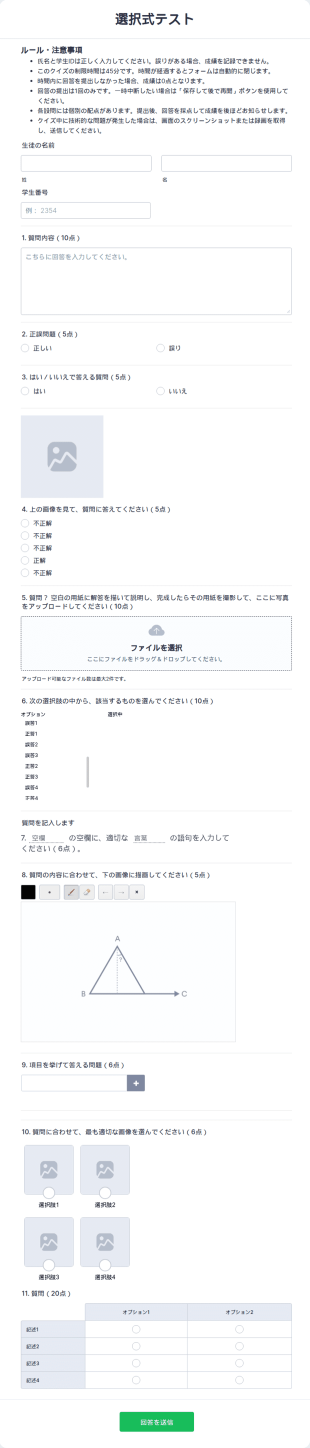
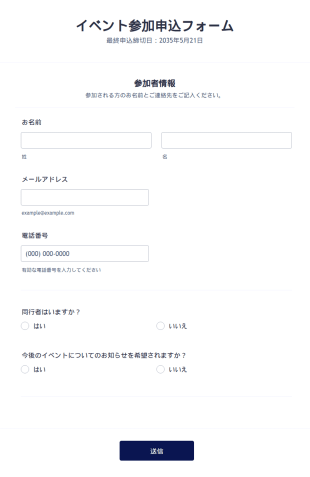
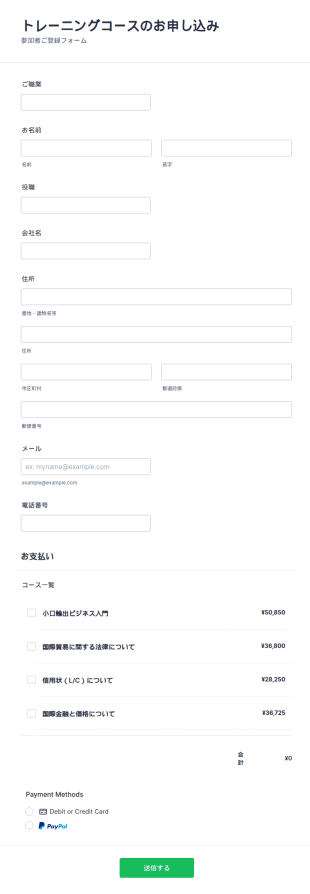
トレーニング申し込みフォーム
このトレーニング登録フォームは、トレーニングや教育コースへの登録に必要な情報を収集します。このフォームは、追加のトレーニングや教育サービスを求める参加者や学生の登録に使用できます。このフォームは、Square、PayPal、Stripeなど、Jotformが提供する20種類以上の決済プロセッサーのいずれかと統合することができます。このフォームは完全にカスタマイズ可能で、連絡先、コース内容、受講期間、お支払いカードの情報など、必要な情報をすべて収集することができます。
カテゴリーへ移動:教育フォーム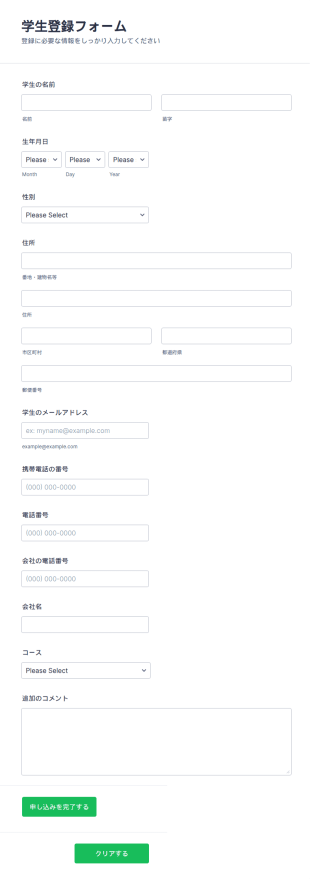
コース登録フォーム
このコース登録フォームのテンプレートは、学校や教育機関が学生に提供する様々な教育プログラムへの登録を受け付けるために使用することができます。このフォームでは、登録やデータ処理を容易にするために、氏名、生年月日、住所など、登録者の必要な情報のみを収集します。また、この授業登録テンプレートでは、コースがハイライトされており、学生がコースを検索して選択できるようになっています。この登録フォームのテンプレートには、学生が登録プロセスに関するコメントを送信したり、登録に関する質問をするためのテキストエリアが用意されています。
カテゴリーへ移動:教育フォーム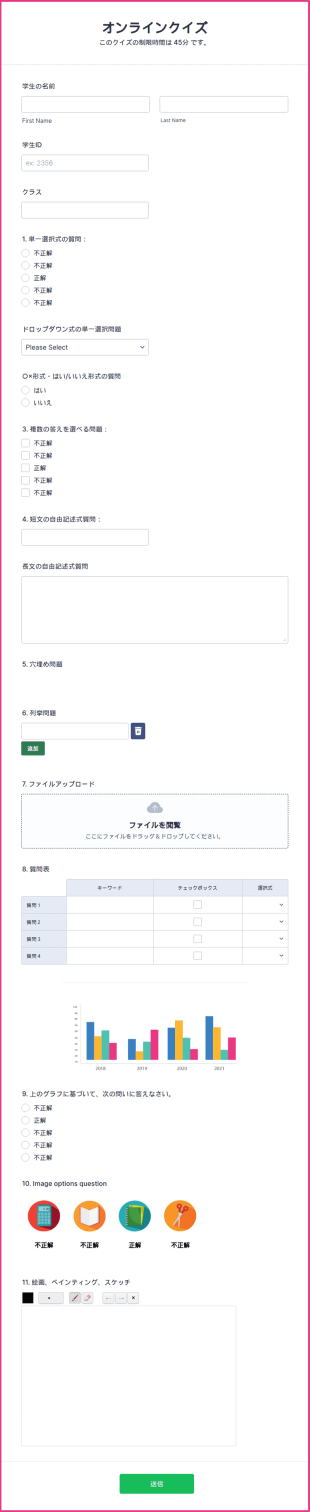
オンラインクイズ
無料のオンラインクイズテンプレートで、教室用のオリジナルクイズを作成できます。カスタマイズや共有も簡単。あらゆるデバイスから回答可能で、リモート学習にも最適です。
カテゴリーへ移動:教育フォーム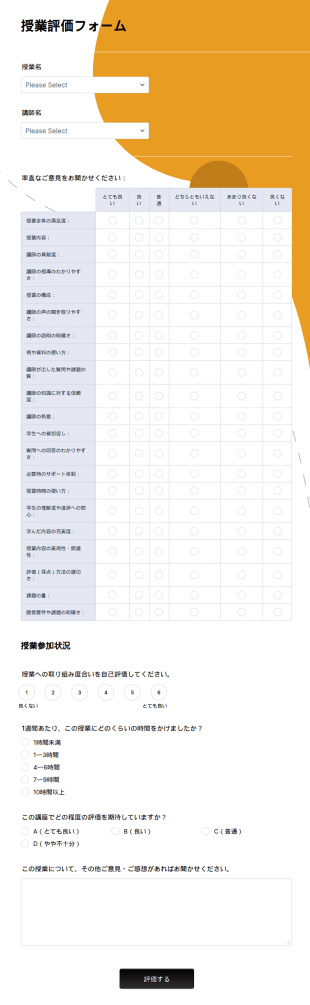
サンプル授業評価フォーム
無料のサンプル授業評価フォームで学生のフィードバックをオンライン収集。簡単にカスタマイズ・埋め込み可能。100以上のアプリと連携でき、先生に最適です。
カテゴリーへ移動:教育フォーム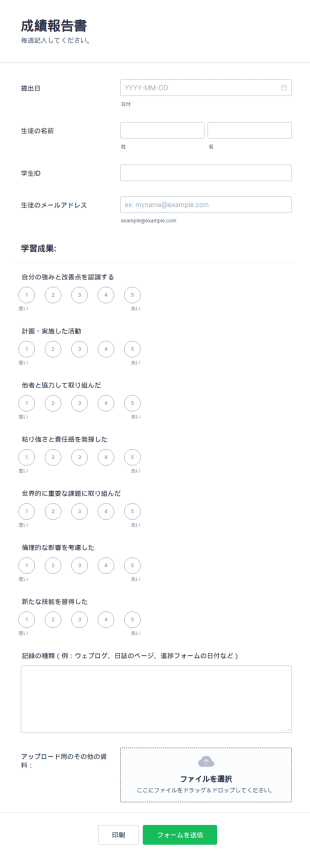

学校の入学・登録フォーム
学生がオンラインで登録できる学校入学・登録フォームです。教育者や管理者の方は、この無料の学校登録フォームを使って、迅速に学生情報をオンラインで収集できます。
カテゴリーへ移動:教育フォーム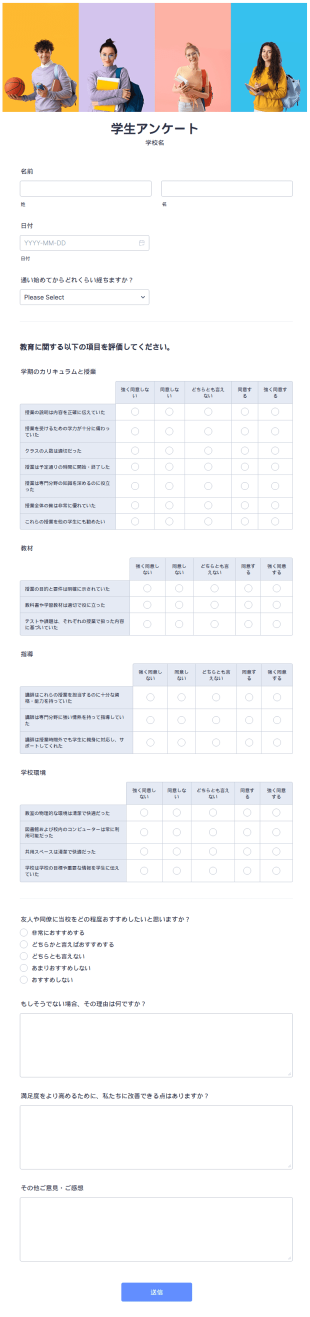
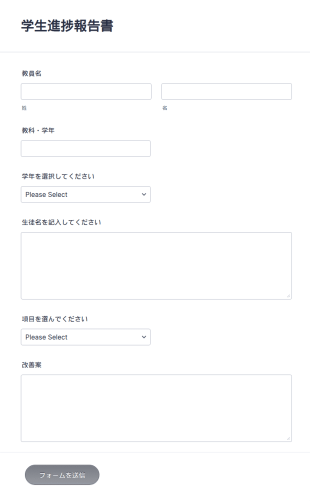

クラス評価フォーム
クラス評価フォームは、先生が生徒の情報を効率的に収集できるツールです。無料のオンラインフォームを使えば、クラスでの評価作業が簡単かつスムーズに行えます。
カテゴリーへ移動:教育フォーム
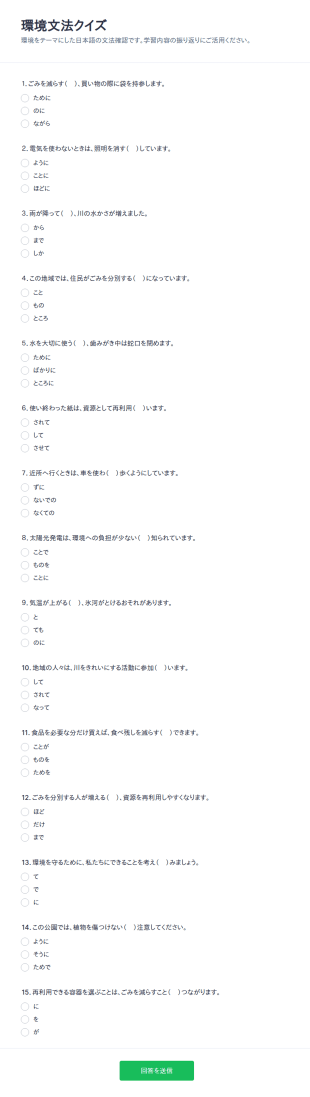
環境に関する文法クイズ
環境文法クイズフォームは、環境を題材にした日本語文法の理解度をオンラインで確認したい先生や学習支援団体に向けたフォームテンプレートで、データ収集と送信の管理を簡単にします。
カテゴリーへ移動:クイズ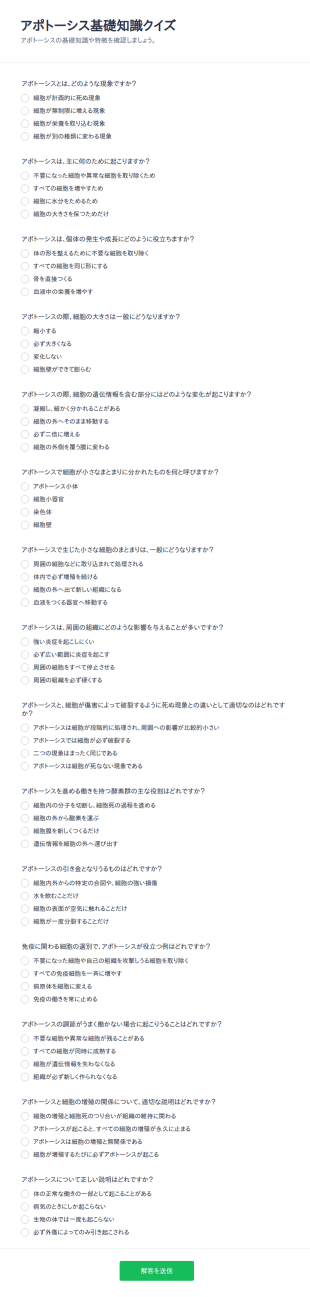
アポトーシス診断クイズ
アポトーシス基礎知識クイズフォームは、授業や研修、輪読会で理解度を確認するためのクイズを作成し、オンラインでデータ収集とフォームの回答の管理を行いたい教育担当者に最適です。
カテゴリーへ移動:クイズ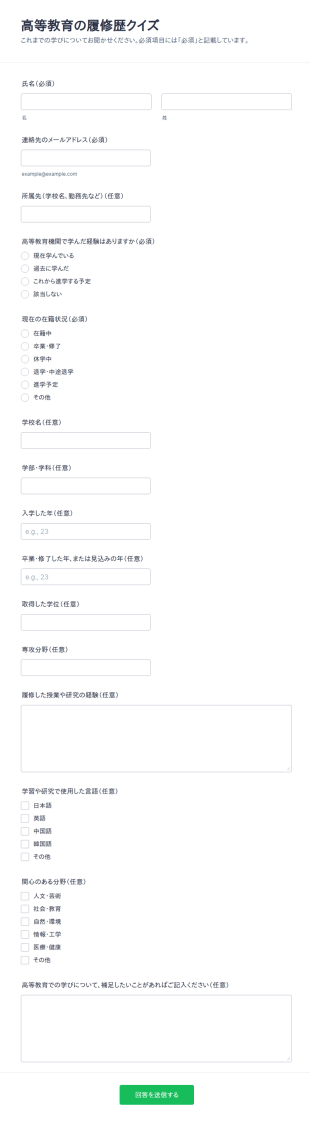
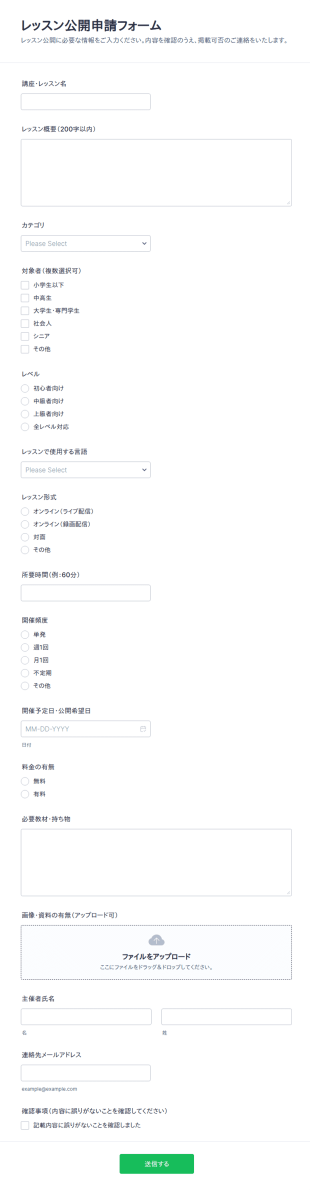
レッスン公開申請フォーム
レッスン公開申請フォームは、講師や主催者から講座情報をオンラインでデータ収集し、掲載前の確認や審査を進めたいスクール運営者やプラットフォーム担当者に最適です。
カテゴリーへ移動:応募フォーム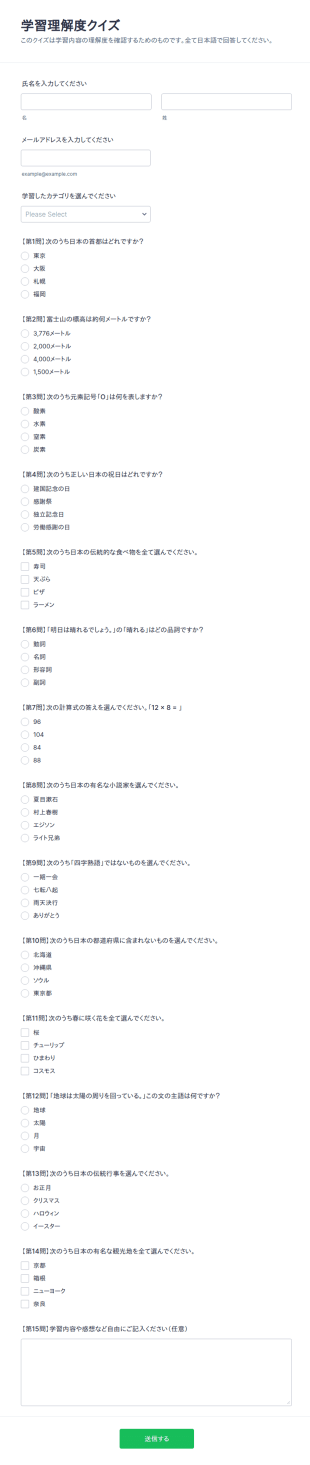
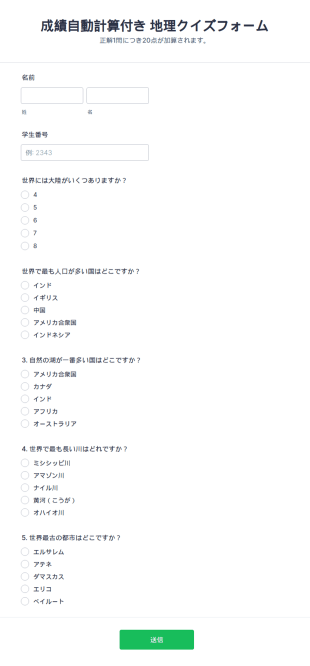
自動採点付きオンラインクイズ
学習理解度クイズフォームで授業や研修後の理解度を自動採点で確認し、Jotformのフォームテンプレートを使ってオンラインのデータ収集と送信の管理を手軽に進められます。
カテゴリーへ移動:クイズ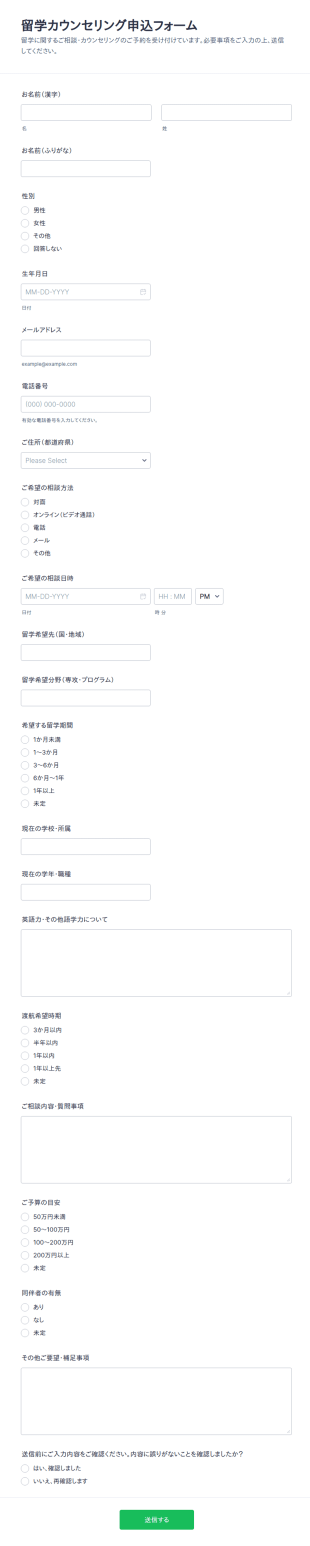
留学カウンセリング登録フォーム
留学カウンセリング申込フォームで、留学相談の予約受付とデータ収集を一元化し、留学エージェントや教育機関の問い合わせ対応をJotformでスムーズに行えます。
カテゴリーへ移動:応募フォーム授業への出席確認フォーム
授業の出席記録をオンラインで管理。簡単にカスタマイズでき、どのデバイスからでも入力可能。Jotformテーブルで追跡し、100以上のアプリと連携できます。
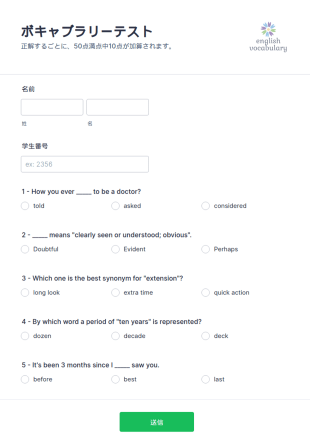
ボキャブラリーテスト
学生の英語の語彙力をチェックして結果を保存できるテストフォームテンプレートです。
学校の入学・登録フォーム
学生がオンラインで登録できる学校入学・登録フォームです。教育者や管理者の方は、この無料の学校登録フォームを使って、迅速に学生情報をオンラインで収集できます。
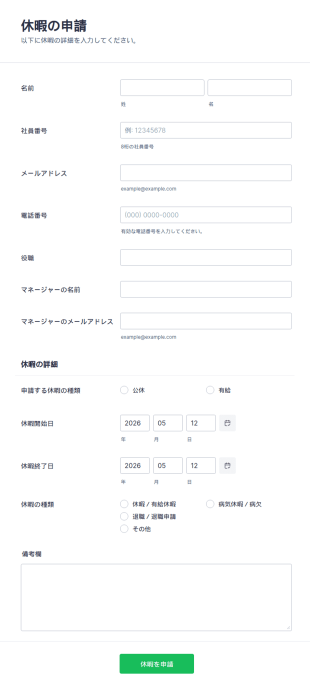
休暇申請書
この休暇申請書使えば、従業員から必要な情報を含む休暇申請をすぐに受け取ることができます。Jotformで項目のカスタマイズも可能です。
教育フォームについて
もう紙の書類は不要です。Jotformなら、教育関係者や学生のためのオンラインフォームを簡単に作成できます。教育現場では、出願の受付、講師の評価、寄付の募集など、あらゆる場面でフォームが欠かせません。だからこそ、誰でも手軽にフォームを作成できることが大切です。K-12(初等・中等教育)から高等教育まで、Jotformにはあらゆるニーズに対応したテンプレートをご用意しています。
Jotformの教育フォームのテンプレートは、完全にカスタマイズ可能で、あなたのニーズに合わせてフォーマットすることができます。まずは、教育向けフォームのサンプルを選択するか、独自のテンプレートを作成してみましょう。Jotformの教育向けフォームテンプレートは、無料でかんたんにお使いいただけます。
Why Use Education Form?
- Education Form offer unmatched accuracy in data collection, ensuring that information is captured correctly the first time. This precision eliminates the common errors associated with manual data entry, fostering reliability and trust in the data collected.
- Speed is a significant advantage of using Education Form, as they allow for rapid data gathering and processing. This expedites administrative tasks, freeing up valuable time for educators and staff to focus on more mission-critical activities.
- Professional data handling is facilitated by digital forms, which ensure that sensitive information, such as student records and feedback, is managed securely and in compliance with privacy regulations. This is particularly crucial in maintaining the integrity and confidentiality of educational data.
- The versatility of Education Form means they can be tailored to fit a wide variety of educational scenarios, from enrollment applications to event registrations. This adaptability supports diverse educational needs and ensures that forms are perfectly aligned with institutional goals.
- Automation features in Education Form reduce manual intervention, enabling educators to set up automatic notifications, approvals, and data transfers. This streamlining of processes leads to increased operational efficiency and reduced administrative overhead.
Common Problems Solved by Education Form
- One of the most significant issues in education is the reliance on paper-based systems, which are prone to errors and inefficiencies. Education Form digitize these processes, eliminating the risk of lost paperwork and ensuring that data is always accessible.
- Manual data entry is another common pain point that is effectively addressed by Education Form. By automating data collection and processing, these forms minimize human error and reduce the time spent on repetitive tasks.
- Data loss is a critical concern for educational institutions, especially when handling sensitive information. Education Form provide a secure platform for data collection and storage, thereby safeguarding against accidental loss or breaches.
- Education Form are designed to simplify complex processes, such as course registrations and feedback collection, by providing a streamlined, user-friendly interface. This simplification reduces the cognitive load on users and enhances the overall experience.
- Limited accessibility of traditional paper forms is resolved through the use of digital forms, which can be accessed anywhere and at any time, ensuring that all stakeholders have the necessary access to complete and submit forms promptly.
活用例に適した機能
- The Drag-and-Drop Form Builder is ideal for customizing Education Form to fit specific needs, such as creating unique enrollment forms that capture all necessary student information. This feature allows for quick adjustments and updates, ensuring that forms remain relevant and effective.
- Conditional Logic enables the creation of dynamic forms that adapt based on user inputs, such as displaying additional fields for students who select specific courses or programs. This adaptability enhances user experience and ensures that all necessary data is collected.
- The integration with over 30 Payment Gateways, including Stripe and PayPal, allows educational institutions to collect fees directly through forms. This feature streamlines the payment process, reducing administrative tasks associated with handling financial transactions.
- Electronic Signatures, facilitated by Jotform Sign, are crucial for obtaining necessary approvals and consents, such as parental permission for field trips. This feature ensures that all legal and compliance requirements are met with ease.
- The PDF Editor automatically generates professional PDF documents from form submissions, such as transcripts or certificates, ensuring that data is presented in a formal and consistent manner.
- Jotform's Report Builder offers the ability to create comprehensive reports based on collected data, such as analyzing feedback from course evaluations to inform curriculum improvements.
- With offline data collection capabilities, Jotform Mobile Forms ensures that data can be gathered even without an internet connection, critical for field activities or remote educational settings.
How to Create a Educations Form
- Begin by browsing the Template List for an Educations template or opt to start from a blank form.
- Customize the design and fields using the Drag-and-Drop Form Builder, tailoring the form to meet specific educational requirements.
- Once your form is ready, publish it and share it via Direct Link, Email, or Website Embed to reach your intended audience.
Top Use Cases for Education Form
- For Managers: Education Form are invaluable for managers who oversee the administrative functions of educational institutions. These forms streamline processes such as staff evaluations, budget approvals, and strategic planning, all while capturing vital data that informs decision-making. The ability to automate notifications and approvals further enhances managerial efficiency, allowing leaders to focus on broader institutional goals.
- For Teams: Educational teams, including faculty and administrative staff, benefit significantly from the use of Education Form. They facilitate collaboration through shared access to forms and data, enabling teams to coordinate activities like curriculum development, event planning, and student assessments. With integrated features like conditional logic and third-party integrations, teams can work more effectively and cohesively.
- For Customers: Students and parents, as primary customers of educational institutions, experience improved interactions through Education Form. These forms simplify processes such as course enrollment, fee payment, and feedback submission, providing a seamless user experience. The convenience of digital forms ensures that customers can engage with educational services anytime, anywhere, enhancing overall satisfaction.
Summarizing Education Form
無料のオンライン教育フォームテンプレートをお試しください。
よくあるご質問
1. 教育機関向けのフォームテンプレートとは?
教育機関向けフォームテンプレートは、学生の登録やアンケート、イベントの申込など、教育現場でのさまざまな用途に合わせて作られたオンラインフォームです。このテンプレートを使えば、学校や先生が必要な情報をスムーズに集めて、効率よく管理できます。
2. 組織にとってなぜ重要なのですか?
教育機関向けフォームは、事務作業を簡素化し、書類業務を減らし、正確なデータ収集を可能にします。また、先生、生徒、保護者の間のコミュニケーションを改善し、学校運営をより効率的にします。
3. 教育フォームで、一般的にどのような情報を記入・収集できますか?
一般的な項目には、生徒および保護者の連絡先情報、学歴、緊急連絡先、同意書、評価、イベントに関する詳細情報などが含まれます。
4. ITフォームには、さまざまな種類がありますか?
はい。教育フォームには、入学申込書、フィードバックアンケート、同意書、小テスト、イベント登録フォーム、奨学金申請書など、さまざまな種類があります。それぞれが特定の教育目的やニーズに合わせて作られています。
5. ITフォームは誰が使うべきですか?
学校管理者、先生、大学の教授、生徒、保護者、カウンセラー、イベントコーディネーターなど、あらゆる立場の人が教育フォームのテンプレートを活用することができます。
6. ITフォームは、どのようにワークフローの効率を向上させますか?
Jotformでは、教育フォームで収集したデータを安全に保管し、許可されたユーザーのみがアクセスできるように管理しています。学校が安心してプライバシー規制を順守できるよう、強固なセキュリティで支援します。
学年やクラスごとにフォームをカスタマイズできますか?
もちろん可能です。フォームは、学年や学部、プログラムなどの目的に合わせて、項目やブランド要素、条件分岐などを自由にカスタマイズできます。
紙のフォームと比べて、オンライン教育機関向けのフォームを使うメリットは何ですか?
オンラインフォームを使うことで、時間を節約し、入力ミスを減らし、データへすぐにアクセスできるようになります。また、情報の整理や分析も簡単になり、リモートでの学習やコミュニケーションにも対応できる点が、現代の教育現場に欠かせないメリットです。