

ITフォーム
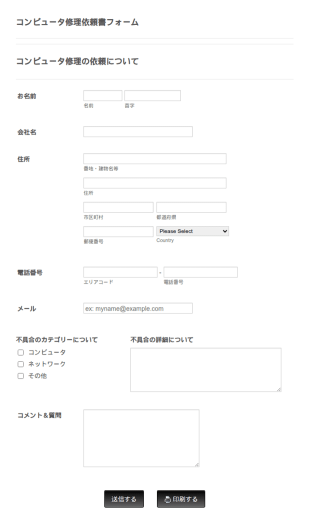
Itサービスリクエストフォーム 2
ITサービスリクエストフォームでは、顧客が不具合を報告したり、修理を依頼したりする際に、連絡先情報を入力し、現在、発生している不具合のカテゴリーを選択し、さらに不具合に関する説明やコメントがあれば、それらを入力することができます。このフォームをベースにして、カスタマイズ可能な様々なウィジェットを使って独自のフォームを作成し、ウェブサイトに埋め込んだり、独立したフォームとして使用することができます。
カテゴリーへ移動:ITフォーム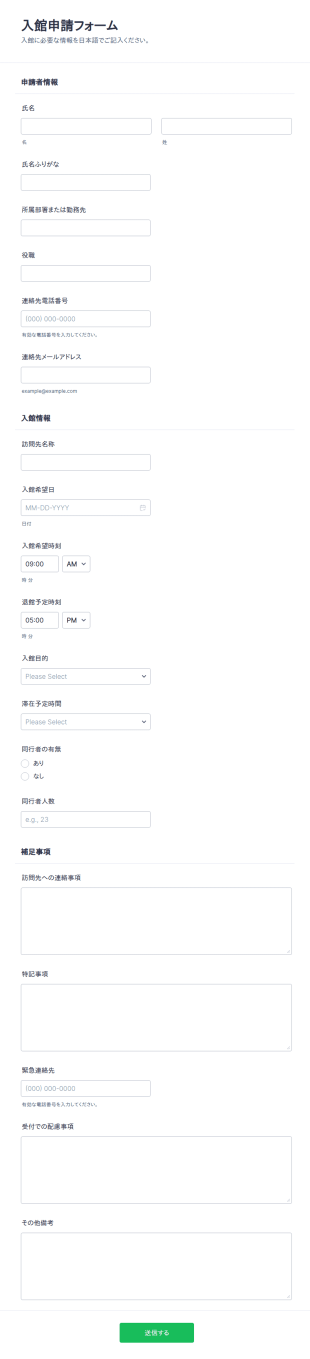

新規ユーザーリクエストフォーム
この新規ユーザーリクエストフォームは、日々の業務で複数のユーザーを扱うサーバーやウェブサイトの管理者向けに作成されています。新規ユーザーのリクエストを管理している場合や、既存のユーザーの情報を更新したい場合、このフォームは、ディレクトリアクセスの変更、管理者権限やウェブコンソール権限の更新など、ユーザーのアカウント権限を支援し、ユーザーのサポートリクエストを受け付けるのに役立ちます。
カテゴリーへ移動:ITフォーム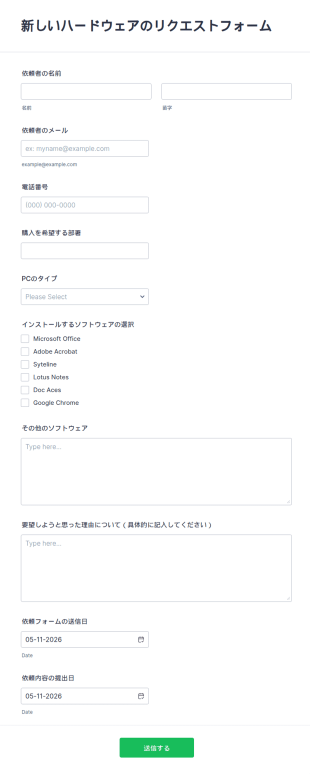
新しいハードウェアのリクエストフォーム
この新しいハードウェアのリクエストフォームは、IT部門がハードウェア/ソフトウェアのリクエストを管理するために使用できます。このPC関連ハードウェアリクエストフォームのテンプレートでは、機器の種類、ソフトウェア、要望した理由を記入することができます。このハードウェアリクエストフォームのサンプルでは、名前、メール、電話番号、日付の情報を収集することができます。
カテゴリーへ移動:ITフォーム
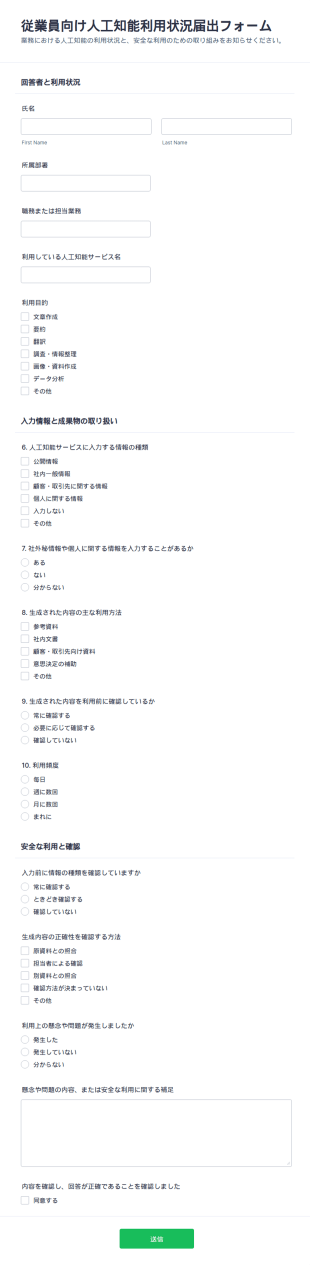
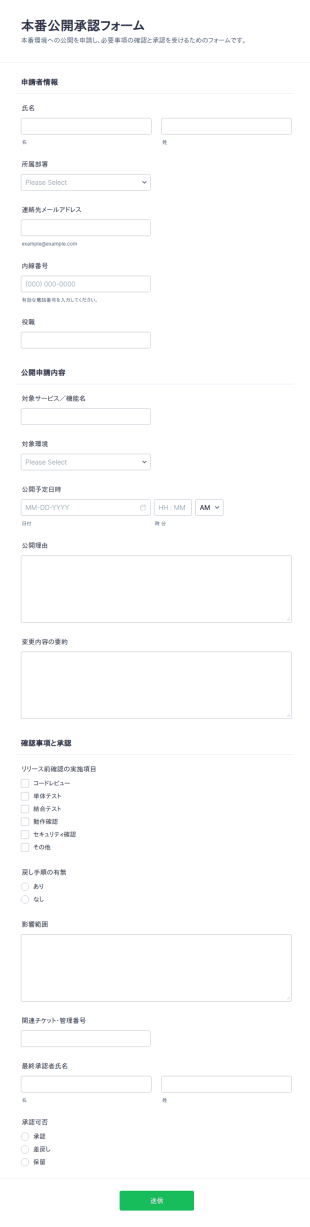
本番環境デプロイ承認チェックリスト
本番公開承認フォームは、リリースの申請内容と確認事項をまとめてデータ収集し、承認判断までの運用を整えたい開発部門や運用担当に役立つフォームテンプレートです。
カテゴリーへ移動:稟議書 テンプレート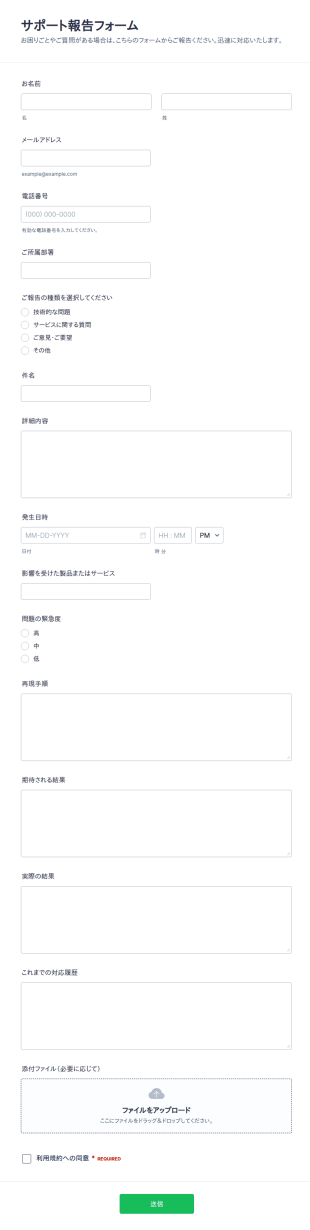
サポート報告書の提出フォーム
サポート報告フォームは、不具合報告や問い合わせを一元化し、優先度に沿って担当者へ共有したい組織向けに、Jotformでデータ収集とフォームの回答管理を行えるフォームテンプレートです。
カテゴリーへ移動:ITフォーム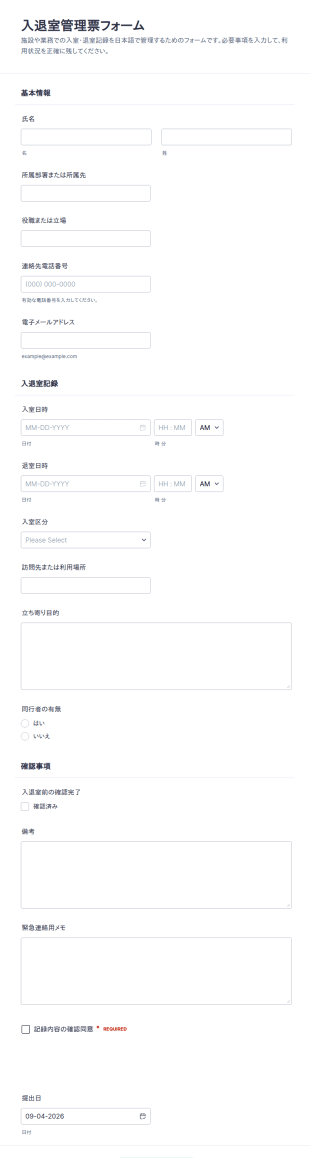
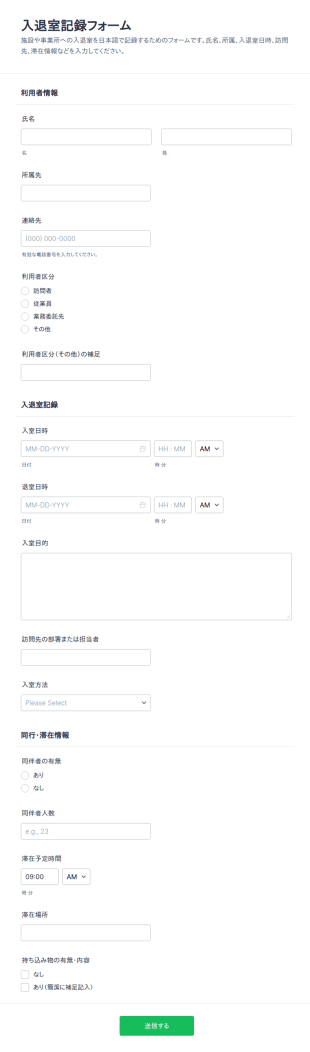
入退室記録表
入退室記録フォームで来訪者や従業員の入退室記録をオンラインで管理し、受付や警備、施設運営のデータ収集をJotformのフォームテンプレートで手軽に統一できます。
カテゴリーへ移動:ITフォームITフォームについて
サービスリクエストを記録したり、テックサポートチーム向けに新しい技術者を雇いましょう。Jotformの無料のITフォームは、あなたチームの技術的なスキルを無駄にすることなく、あなたのIT部門を管理するのに役立ちます。ドラッグ&ドロップ式のフォームビルダーを使えば、バグの追跡、求人票の収集、ソフトウェアのフィードバックの収集など、ITフォームのテンプレートをかんたんにカスタマイズすることができます。作成したフォームをタスク管理アプリと連携させれば、反復的な作業を自動化できます。今すぐITフォームを作成して、ワークフローを効率化しましょう。
Jotform stands out as the premier online form builder for IT Forms, offering a robust platform that caters to the unique needs of IT professionals. With Jotform, users can easily customize forms to suit specific requirements and automate the data collection process to minimize manual efforts. Furthermore, Jotform’s centralized data management system, facilitated by Jotform Tables, allows IT teams to organize and access their data seamlessly, ensuring that information is always up-to-date and readily available. This combination of customization, automation, and data management positions Jotform as an indispensable tool for IT departments looking to optimize their workflows.
Why Use IT Forms?
- IT Forms offer unparalleled accuracy in data collection, reducing the risk of errors that often occur with manual data entry. By leveraging digital forms, IT departments can ensure that the information captured is complete and precise, leading to more reliable data-driven decisions.
- Speed is a critical factor in the IT industry, and IT Forms significantly enhance the speed at which data is collected and processed. With features like conditional logic, forms can dynamically adapt to user input, streamlining the completion process and reducing the time required to gather information.
- Professional data handling is paramount in IT operations, and IT Forms provide a secure and structured method for managing sensitive information. By utilizing secure data management practices, such as those offered through Jotform Tables, IT teams can safeguard data integrity and confidentiality.
- The ability to integrate with over 100 third-party applications ensures that IT Forms can seamlessly fit into existing workflows. Whether it's updating a database in Salesforce or sending a notification via Slack, these integrations enhance operational connectivity and efficiency.
- Customization is key in addressing the specific requirements of IT operations, and Jotform’s Drag-and-Drop Form Builder allows for extensive customization of IT Forms. Users can tailor forms to match their organizational processes, ensuring that each form serves its intended purpose without unnecessary elements.
Common Problems Solved by IT Forms
- Manual paperwork can be cumbersome and prone to errors, but IT Forms eliminate the need for physical documents by providing a digital alternative. This transition not only reduces paper waste but also ensures that data is captured accurately and stored efficiently.
- Data entry errors are a prevalent issue in IT operations, often leading to incorrect information and operational inefficiencies. IT Forms address this by utilizing electronic data capture, which minimizes human error and ensures higher data accuracy.
- Lost or misplaced data poses significant challenges, particularly when dealing with critical IT information. By centralizing data storage within Jotform Tables, IT Forms ensure that all collected data is easily retrievable and protected against loss.
- The time-consuming nature of traditional data collection methods can hinder IT productivity. IT Forms streamline this process by automating data entry and processing, allowing IT teams to focus on more strategic tasks rather than administrative duties.
活用例に適した機能
- For IT service request management, the Conditional Logic feature can be employed to create dynamic forms that adjust based on user input, ensuring that only relevant questions are presented, thus speeding up the process and improving user experience.
- The need for secure transactions in IT procurement can be addressed by integrating one of the 30+ Payment Gateways such as Stripe or PayPal, allowing for direct and secure payments through the forms.
- When conducting IT equipment audits, Jotform's Report Builder can be utilized to generate comprehensive reports from the collected data, providing insights and helping to maintain accurate inventory records.
- Electronic Signatures, facilitated by Jotform Sign, are essential for authorizing IT-related documents, ensuring that all necessary approvals are captured digitally and stored securely.
- Offline Data Collection, available through Jotform Mobile Forms, is crucial for IT teams working in environments with limited internet connectivity, enabling them to gather data in the field and sync it once online.
- The PDF Editor feature can automate the generation of formatted PDF documents from form submissions, transforming raw data into professional reports or records that can be easily shared and archived.
- Integration with Google Sheets helps maintain real-time updates of form submissions, ensuring that IT teams have access to the latest data without manual input, thereby enhancing data accuracy and accessibility.
How to Create a IT Form
- Begin by browsing the Template List for an ITs template or start from a blank form to tailor it to your specific needs.
- Customize the design and fields of your form using the intuitive Drag-and-Drop Form Builder to ensure it aligns with your operational requirements.
- Publish and share your form via Direct Link, Email, or Website Embed to reach your intended audience and begin collecting data immediately.
Top Use Cases for IT Forms
- For Managers: IT Forms are invaluable for managers seeking to streamline operations and enhance oversight within their departments. By providing a centralized platform for data collection and analysis, managers can easily monitor IT processes, track performance metrics, and ensure compliance with organizational policies. This enables them to make informed decisions and implement strategic improvements that drive efficiency and productivity.
- For Teams: For IT teams, these forms simplify everyday tasks by automating routine data entry and processing. Whether it’s submitting service requests, reporting issues, or conducting equipment audits, IT Forms reduce the administrative burden on team members, allowing them to focus on more technical and strategic initiatives. This not only improves workflow efficiency but also boosts team morale by eliminating repetitive tasks.
- For Customers: Customers benefit from IT Forms through improved service delivery and communication. By using digital forms for service requests, feedback, or troubleshooting, customers experience a streamlined process that is both user-friendly and efficient. This enhances customer satisfaction and helps build trust in the IT department’s ability to respond swiftly and effectively to their needs.
Summarizing IT Forms
In summary, IT Forms, created with Jotform, offer a comprehensive solution for optimizing data collection and management within the IT sector. By facilitating accurate, efficient, and secure data handling, these forms empower IT departments to enhance their operational workflows and deliver superior service. With features like customization, automation, and integration, IT Forms provide the flexibility needed to address diverse use cases, making them an essential component of modern IT strategies.
よくあるご質問
1. ITフォームとは何ですか?
ITフォームとは、サポートリクエスト、アセット管理、システムアクセスなど、情報技術プロセスに関連する情報を収集、追跡、管理するために使用されるオンラインドキュメントです。
2. 組織にとってなぜ重要なのですか?
ITフォームは、データ収集を標準化し、ワークフローを効率化し、効率的な問題解決とコンプライアンスに必要なすべての情報が確実に収集されるようにします。
3. ITフォームでは、一般的にどのような情報を集めますか?
No coding knowledge is required to build an IT Form with Jotform. The platform's Drag-and-Drop Form Builder makes it easy for anyone to create and customize forms without technical expertise.
4. ITフォームには、さまざまな種類がありますか?
はい。ITフォームには、サポートチケット、アセット在庫管理フォーム、アクセスリクエスト、バグレポート、オンボーディングチェックリストなど、それぞれ特定のITプロセスに合わせたさまざまな種類があります。
5. ITフォームは誰が使うべきですか?
IT専門家、システム管理者、人事チーム、そしてテクノロジー関連のリクエストを送信または管理する必要があるすべての従業員が、ITフォームを活用できます。
6. ITフォームは、どのようにワークフローの効率を向上させますか?
データ収集、ルーティング、通知を自動化することで、ITフォームは手作業を削減し、エラーを最小限に抑え、応答時間を短縮します。
7. ITフォームは安全に利用できますか?プライバシーは保護されますか?
Certainly, IT Forms can be integrated with existing IT infrastructure through Jotform's 100+ third-party integrations, including platforms like Google Sheets, Salesforce, and Slack.
8. ITフォームは他のツールと連携できますか?
はい。JotformのITフォームは、プロジェクト管理、ヘルプデスク、コミュニケーションツールと統合して、ITワークフローをさらに自動化し、強化することができます。