

会計士フォーム
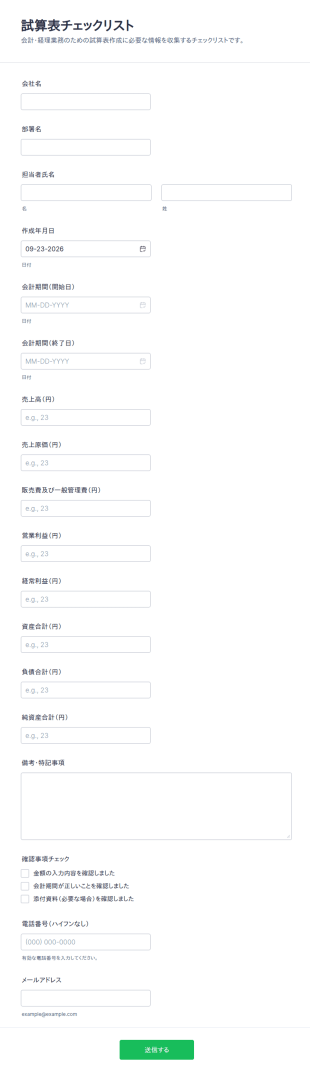
試算表 テンプレート
試算表テンプレートで、会計期間や主要数値など試算表作成に必要なデータ収集をオンライン化し、経理担当者や会計事務所のフォーム送信をスムーズに管理できます。
カテゴリーへ移動:会計士フォーム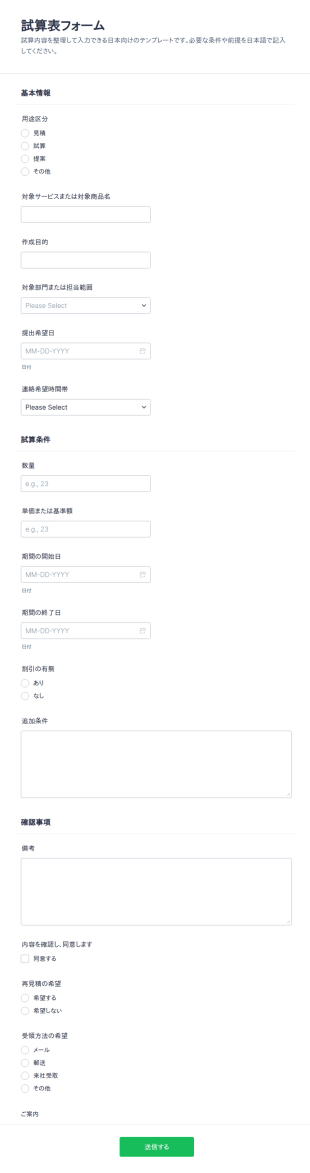
試算表テンプレートフォーム
試算表フォームは、見積や提案に必要な前提条件を整理して集め、社内外の調整に使えるフォームテンプレートで、営業や企画、管理部門のデータ収集と送信管理に役立ちます。
カテゴリーへ移動:会計士フォーム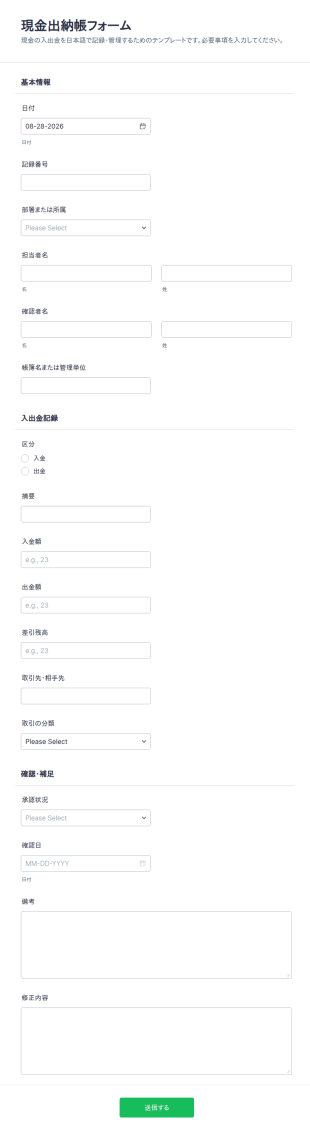
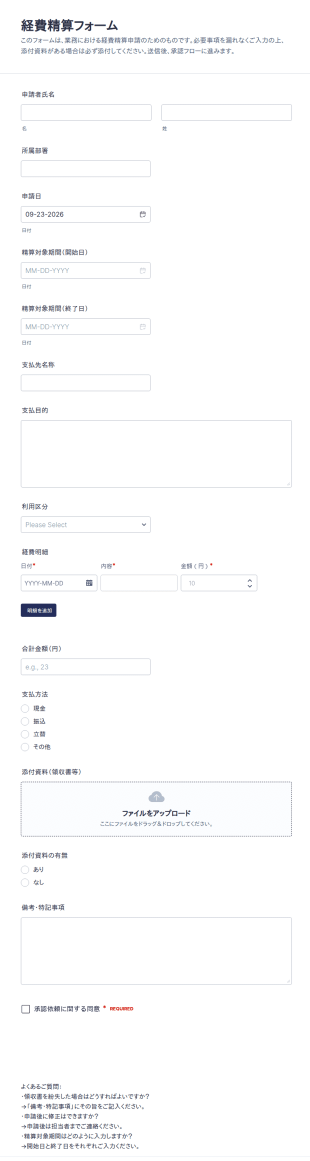
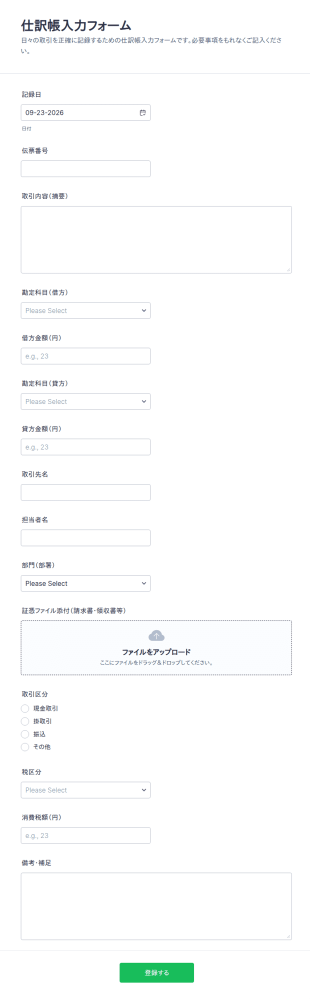
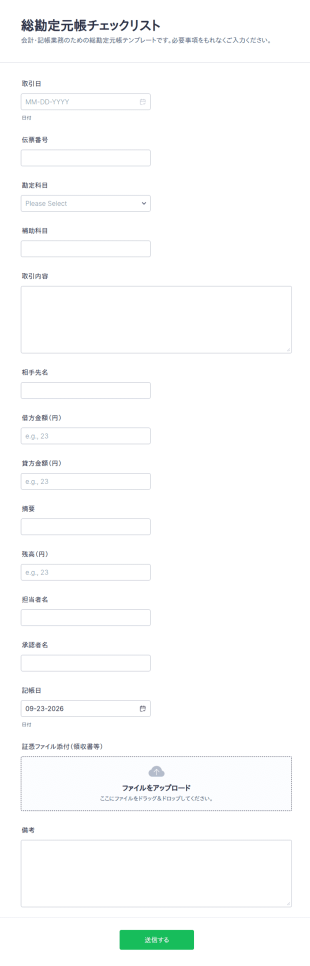
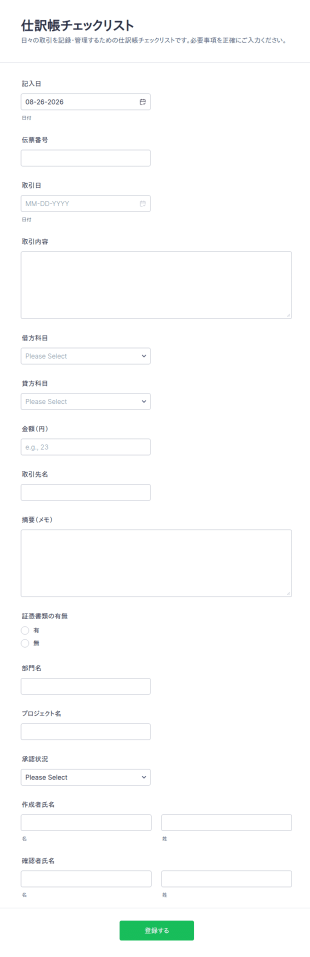
仕訳帳テンプレート入力フォーム
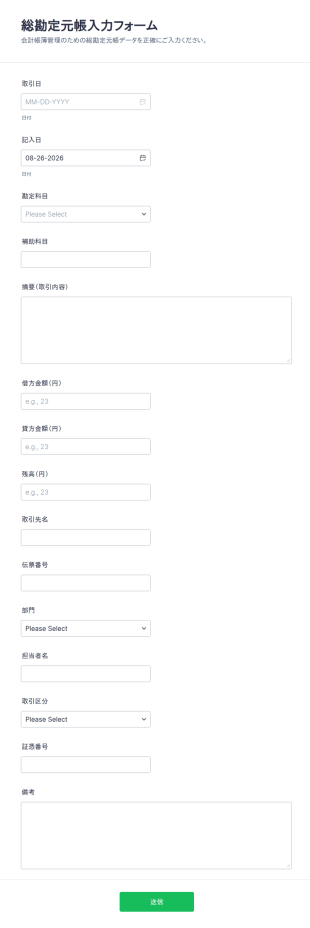
仕訳帳チェックリストフォームで日々の取引記録をオンラインで統一し、経理担当者や部門担当者のデータ収集と確認作業をJotformで進めやすくします。
カテゴリーへ移動:会計士フォーム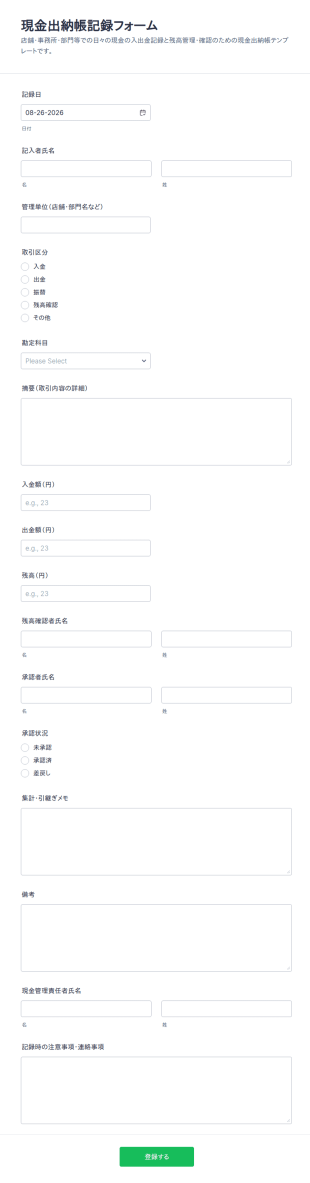
現金出納帳 テンプレート
現金出納帳記録フォームで、店舗や部門の現金の入出金と残高確認をオンラインで一元管理し、日々のデータ収集と記帳業務を整理したい事業者や経理担当に役立ちます。
カテゴリーへ移動:会計士フォーム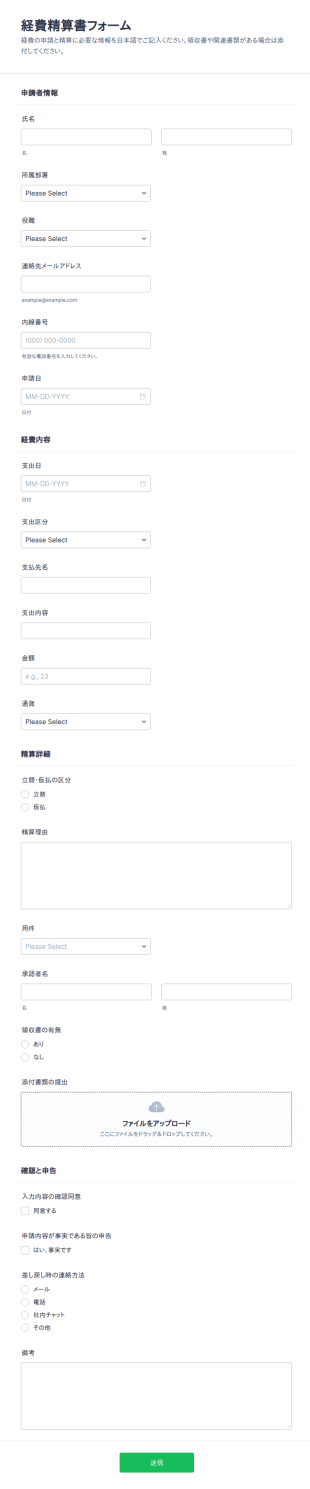
会計士フォームについて
Accountant Forms are specialized digital forms designed to streamline the operations of accounting professionals by automating and simplifying various data collection tasks. These forms cater to a wide range of accounting activities, from client onboarding and financial reporting to tax documentation and invoicing. By leveraging Accountant Forms, professionals in the accounting industry can efficiently manage client data, track financial transactions, and ensure compliance with regulatory requirements. This digital transformation not only enhances productivity but also minimizes the risk of errors commonly associated with manual data entry and paperwork-heavy processes.
Jotformは、会計士向けフォームの作成・管理に適したオンラインフォームビルダーで、使いやすさと高いカスタマイズ性を備えています。直感的なドラッグ&ドロップ操作で、会計業務のニーズに合わせてフォームを簡単にカスタマイズでき、データ収集をスムーズに自動化できます。Jotformテーブルと連携すれば、財務情報を安全かつ整理された状態で一元管理し、保存、分析、確認を効率的に行えます。これにより、正確で効率的な業務フローを維持しながら、顧客への質の高いサービス提供に注力できます。
Why Use Accountant Forms?
- 会計士向けフォームは、手入力で起こりがちなミスを防ぎ、財務データの正確性を確保するうえで重要です。データ収集を自動化することで、数値の不一致や入力ミスを減らし、正確で信頼性の高い財務記録を維持できます。
- The speed at which Accountant Forms can process data is a significant advantage for busy professionals. These forms streamline workflows, allowing accountants to quickly gather and analyze information, ultimately saving time and increasing productivity.
- 会計フォームは、財務情報を収集・整理するための体系的な仕組みを提供し、専門的なデータ管理を実現します。すべてのデータを一貫した方法で保存し、必要なときに簡単にアクセスできるため、監査やレビューを効率的に行えます。
- Jotformサインによる電子サインを連携することで、会計担当者は書類のセキュリティと信頼性を高められます。クライアントはフォームにデジタルで署名できるため、取引や契約の法的有効性を確保し、署名内容を確認できるようになります。
- 会計フォームは、さまざまなクライアントやプロジェクトの具体的なニーズに合わせて簡単にカスタマイズできます。税務書類、請求書、財務報告など、用途に応じて柔軟にフォームを調整できます。
Common Problems Solved by Accountant Forms
- One of the primary challenges faced by accountants is dealing with excessive paperwork, which can be cumbersome and prone to errors. Accountant Forms digitize these documents, reducing the need for physical storage and making information retrieval more efficient.
- Manual data entry is time-consuming and often leads to human errors, affecting the accuracy of financial records. Accountant Forms solve this issue by automating data entry processes, ensuring that information is captured accurately and consistently.
- Lost or misplaced data is a significant concern in the accounting industry, especially during audits or compliance checks. Using Accountant Forms ensures that all data is securely stored and easily retrievable, minimizing the risk of data loss.
- Keeping track of client communications and approvals can be difficult with traditional methods. Accountant Forms streamline this process through features like conditional logic and automated email notifications, ensuring that all necessary approvals are obtained and documented.
- Accountants often deal with complex calculations and data analysis, which can be challenging to perform manually. These forms can be equipped with built-in calculations and integrations with third-party applications, simplifying complex financial analyses and reporting.
活用例に適した機能
- For client onboarding, the drag-and-drop form builder allows accountants to tailor forms to capture all necessary client information efficiently. This customization ensures a seamless onboarding process that is both comprehensive and user-friendly.
- Conditional logic is particularly useful for tax documentation, as it allows forms to dynamically adjust based on user input. This feature ensures that clients are only presented with relevant questions, simplifying the data collection process and reducing confusion.
- The availability of 30+ payment gateways, including Stripe and PayPal, facilitates the collection of payments directly through forms. This feature is crucial for invoicing and billing, allowing accountants to streamline financial transactions and improve cash flow management.
- Jotform’s PDF Editor enables the automatic generation of professional PDF documents from form submissions. This is especially beneficial for financial reporting, as it allows accountants to easily create and share polished reports with clients and stakeholders.
- Secure data management is a priority for accountants, and Jotform Tables provides a robust solution for storing and organizing sensitive information. This feature ensures that all client and financial data is protected and complies with industry regulations.
- The report builder feature enables accountants to create detailed reports and visualizations from collected data. This supports decision-making processes by providing clear insights into financial performance and trends.
- Approval workflows streamline internal processes by automating the approval of documents and transactions. This feature ensures that all necessary checks are completed efficiently, reducing bottlenecks and enhancing accountability.
How to Create a Accountant Form
- Start by browsing the Template List for an Accountants template or initiate the process from a blank form. This step allows you to either leverage pre-designed templates or create a form tailored to specific accounting needs from scratch.
- Customize the design and fields using the drag-and-drop form builder. This intuitive tool enables you to add, remove, or modify fields effortlessly, ensuring that the form aligns perfectly with your operational requirements.
- Publish and share the form via Direct Link, Email, or Website Embed. This flexibility ensures that clients and colleagues can access the form through multiple channels, facilitating seamless communication and data collection.
Top Use Cases for Accountant Forms
- For Managers: Accountant Forms are invaluable for managers seeking to oversee financial operations and ensure compliance with internal and external regulations. By using these forms, managers can streamline the approval processes, track financial data in real-time, and generate comprehensive reports on financial performance. This centralized approach not only enhances transparency but also empowers managers to make informed decisions that drive organizational success.
- For Teams: Accounting teams benefit from the collaborative features of Accountant Forms, which facilitate efficient data sharing and communication. These forms enable team members to collect, analyze, and report on financial data collaboratively, ensuring that all team members are aligned and informed. The integration with third-party applications further enhances team productivity by automating routine tasks and reducing the time spent on manual data entry.
- For Customers: For clients, Accountant Forms offer a seamless and user-friendly way to submit necessary financial information and documents. These forms can be customized to guide clients through complex processes, such as tax filings or financial disclosures, ensuring that all required information is captured accurately. The use of electronic signatures also provides clients with a secure method to authorize transactions and agreements, building trust and confidence in the accounting services provided.
Summarizing Accountant Forms
会計士向けフォームは、データ収集をデジタル化し、財務業務を効率化することで、会計業務のワークフローを改善するうえで重要な役割を果たします。正確性と業務効率を高め、ミスのリスクを軽減し、データを体系的に管理できます。Jotformのオンラインフォームビルダーを使えば、会計士は業務のニーズに合わせてフォームを簡単に作成・カスタマイズでき、財務データを効率的に収集・管理できます。さらに、電子署名、決済サービス、承認ワークフローなどの高度な機能を活用することで、コンプライアンスとセキュリティを確保しながら、質の高いサービスを提供できます。
よくあるご質問
1. 会計士フォームとは何ですか?
会計士フォームとは、会計専門家がクライアントや社内チームから財務情報を収集・整理・管理するために使用するデジタル文書です。これらのフォームは、オンボーディング、経費管理、請求書発行、税務申告準備など、さまざまな業務に対応できます。
2. 組織にとってなぜ重要なのですか?
会計士フォームは、データ収集を効率化し、手作業によるミスを減らし、必要な情報をすべて効率的に収集できるようにします。コンプライアンスの維持、クライアントとのコミュニケーション改善、正確な財務報告のサポートに役立ちます。
3. 会計士向けフォームでは、一般的にどのような情報を収集しますか?
用途に応じて、会計士フォームでは、個人情報や事業情報、財務データ、領収書、納税者番号、支払い情報、電子サインなどを収集できます。
4. ITフォームには、さまざまな種類がありますか?
はい、さまざまな種類があります。クライアントのオンボーディングフォーム、経費申請フォーム、請求書フォーム、税務フォーム、給与フォーム、監査チェックリストなど、それぞれ特定の会計業務に合わせて設計されています。
5. ITフォームは誰が使うべきですか?
会計士向けフォームは、独立系会計士、簿記担当者、会計事務所、財務コンサルタント、小規模ビジネスオーナー、企業の財務部門に適しています。
6. ITフォームは、どのようにワークフローの効率を向上させますか?
デジタル会計フォームには、同意チェックボックス、安全なファイルアップロード、暗号化されたデータ保存機能を組み込むことができ、個人情報保護規制やコンプライアンス要件への対応を支援しながら、機密性の高い顧客情報を安全に管理できます。
7. 会計フォームは会計ソフトウェアと連携できますか?
はい、多くの会計士向けフォームは、人気の会計プラットフォームや決済サービスと連携できるため、スムーズなデータ転送とワークフロー自動化の向上が可能です。
8. 会計士フォームを使用する際に考慮すべきプライバシー対策は何ですか?
クライアント情報を保護し、機密性を維持するために、暗号化、アクセス制御、データ保護基準への準拠を提供するJotformのような安全なプラットフォームを使用することが重要です。