

カスタマーサービスフォーム
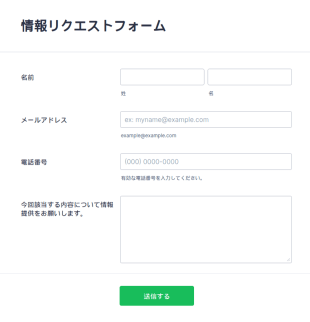
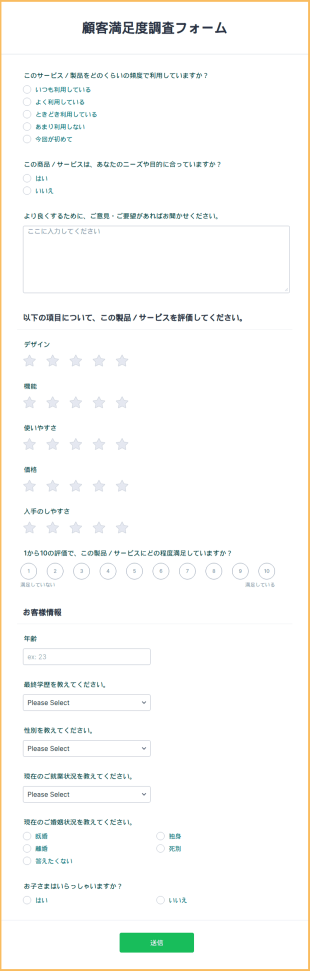
顧客満足度調査フォーム
簡単にカスタマイズできるフォームで、お客様の声を収集しましょう。リンクで共有したり、サイトに埋め込んだりできます。Jotformで結果を分析して、サービス向上に役立てましょう。
カテゴリーへ移動:カスタマーサービスフォーム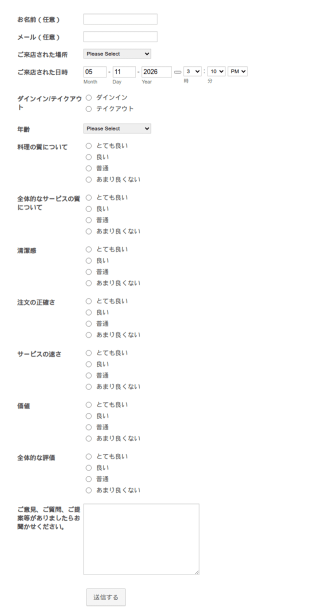
レストランフィードバックフォーム
成功するレストランは、顧客からのフィードバックの重要さを理解しています。フィードバックを得るための最適な方法は、しっかりとデザインされたフィードバックフォームで適切な質問をすることです。このテンプレートはカスタマイズ可能なため、お店の雰囲気に合わせてデザインすることができます。また、収集したフィードバックデータは、Googleシートなどのサードパーティ製アプリケーションにインポートすることができます。
カテゴリーへ移動:カスタマーサービスフォーム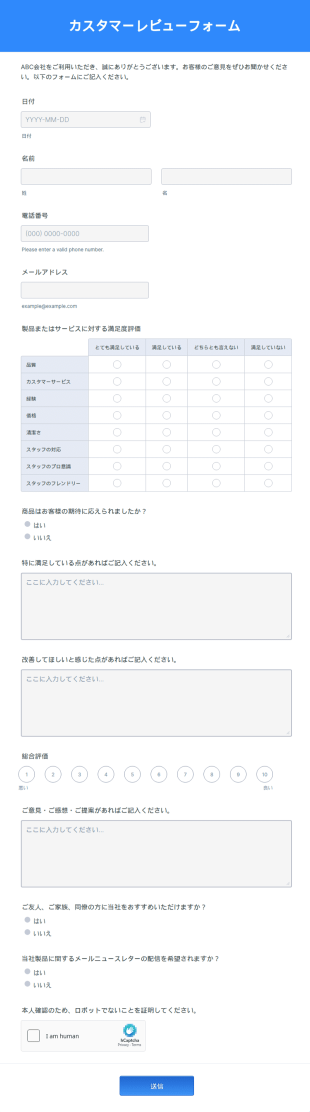
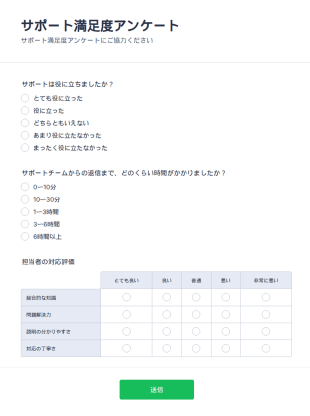
サポート満足度アンケート
サポート満足度アンケートは、企業がカスタマーサポートの品質や対応に関するフィードバックを収集するために活用される調査フォームです。
カテゴリーへ移動:カスタマーサービスエージェントフォーム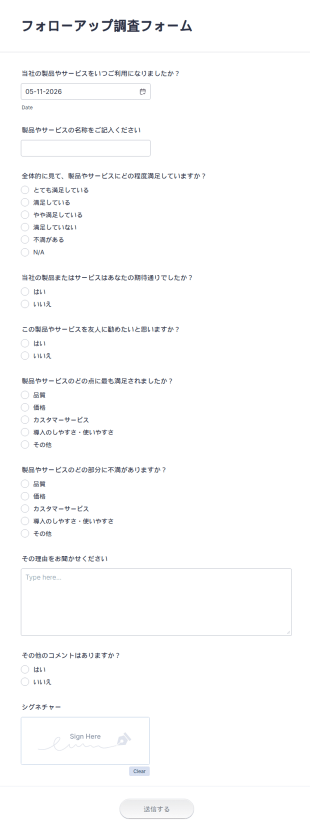
フォローアップサーベイ
このアンケートフォームを使えば、顧客から簡単に情報を収集することができます。これにより、顧客の製品やサービスに対する経験や期待を評価し、提供することができます。 新しいアンケートを一から作成したいとお考えの場合、今すぐカスタムのオンラインアンケートをお試しください。
カテゴリーへ移動:カスタマーサービスフォーム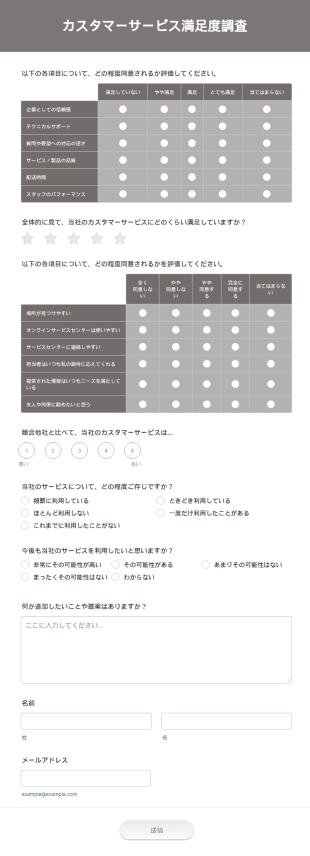
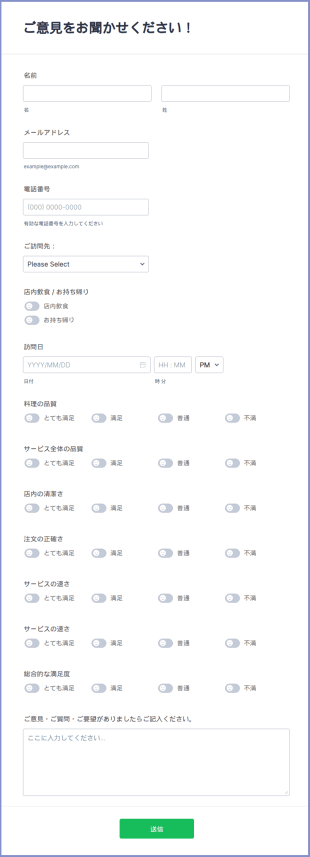
飲食店アンケート
飲食店アンケートは、飲食店(レストラン、バー、カフェテリアなど)で、料理・サービス・清潔さに関するお客様のご意見を収集するためのフォームです。
カテゴリーへ移動:カスタマーサービスフォーム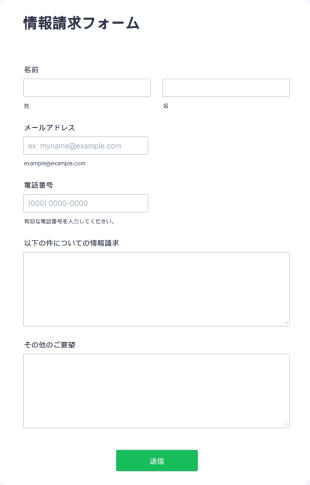
自動車整備予約フォーム
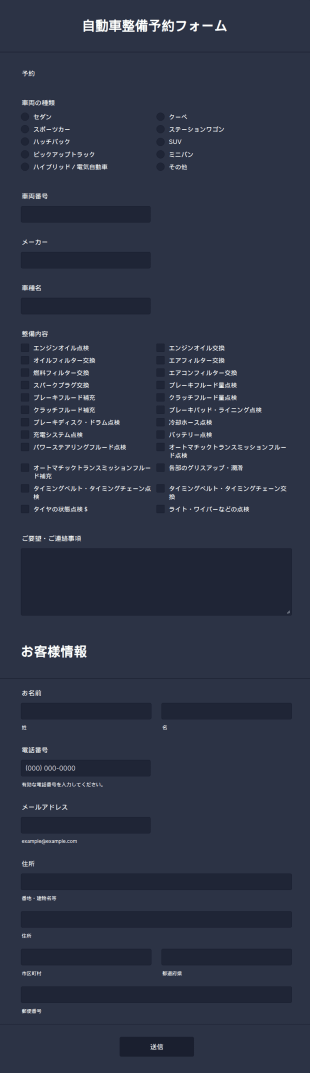
この自動車整備予約フォームを使えば、お客様は車検や点検、修理などの予約を簡単に行えます。自動車の整備・メンテナンスの予約受付に最適なフォームテンプレートです。
カテゴリーへ移動:技術者フォーム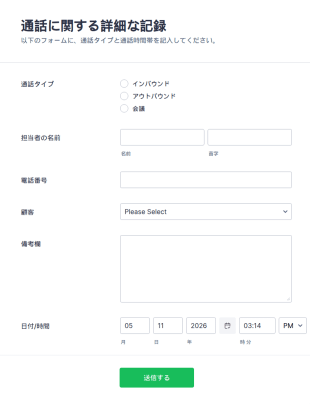
顧客の通話ログ
通話記録を取るためには、顧客の通話ログテンプレートが必要となります。この顧客の通話ログテンプレートは使いやすく、顧客との間で交わされた電話の着信や発信をすぐに登録することができます。この通話ログフォームのテンプレートをチェックして、通話ログを簡単に追跡・管理できる様子をご覧ください。
カテゴリーへ移動:カスタマーサービスフォーム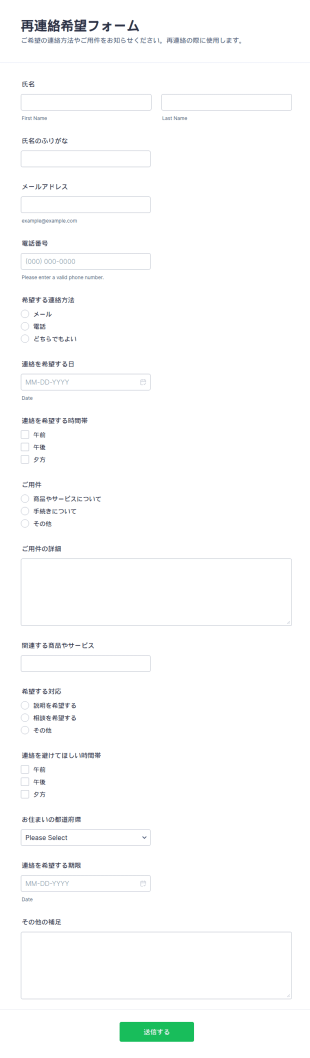
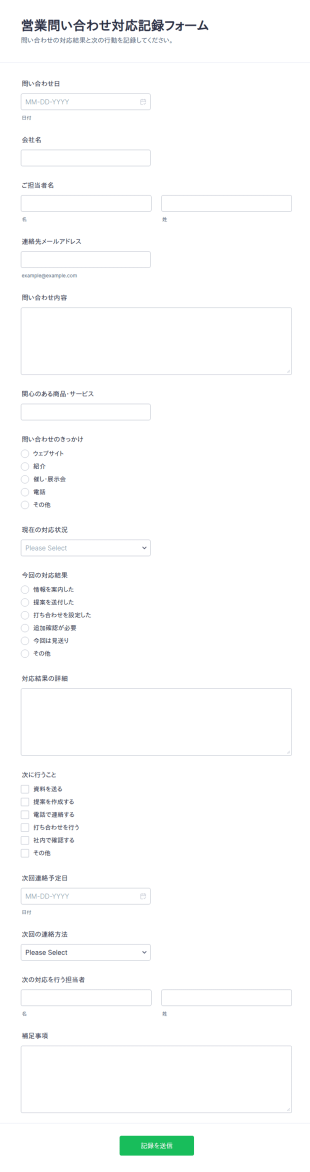
営業問い合わせ結果フォーム
営業問い合わせ対応記録フォームは、問い合わせ対応の状況と結果を社内で共有しながら記録し、次の対応につなげたい営業部門やサポート部門のデータ収集に役立ちます。
カテゴリーへ移動:ビジネスフォーム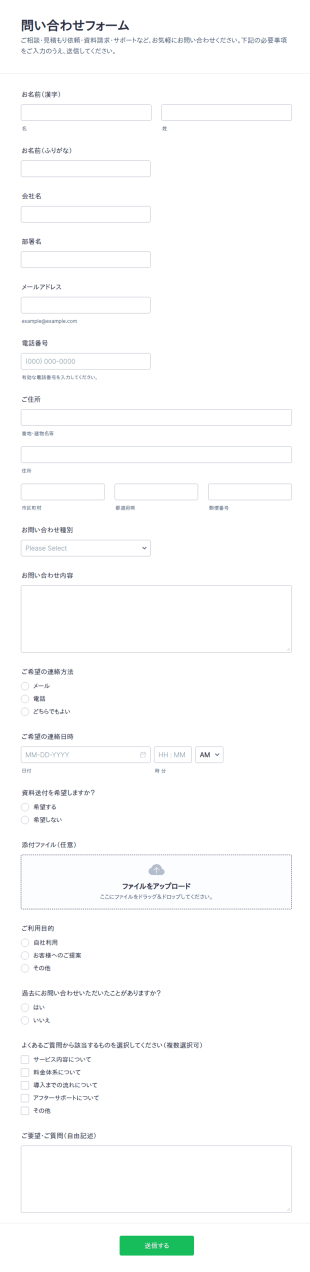
お問い合わせフォーム
お問い合わせフォームは、相談や見積もり、資料請求、サポート依頼などの問い合わせをまとめてデータ収集し、Jotformで送信管理まで行いたい企業や店舗に役立つフォームテンプレートです。
カテゴリーへ移動:お問い合わせフォーム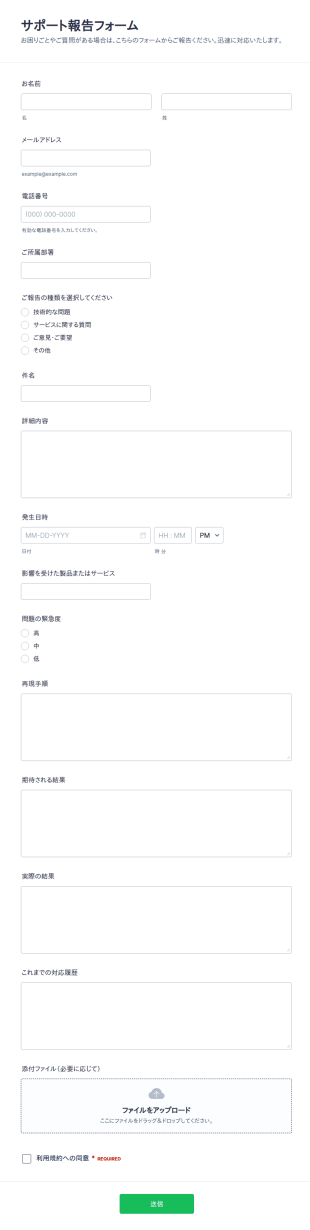
サポート報告書の提出フォーム
サポート報告フォームは、不具合報告や問い合わせを一元化し、優先度に沿って担当者へ共有したい組織向けに、Jotformでデータ収集とフォームの回答管理を行えるフォームテンプレートです。
カテゴリーへ移動:ITフォーム
サポート問い合わせ記録フォーム
サポート案件記録フォームで問い合わせ内容を統一フォーマットでデータ収集し、受付から社内共有までの運用を整えたいサポート部門や技術部門に役立ちます。
カテゴリーへ移動:カスタマーサービスフォーム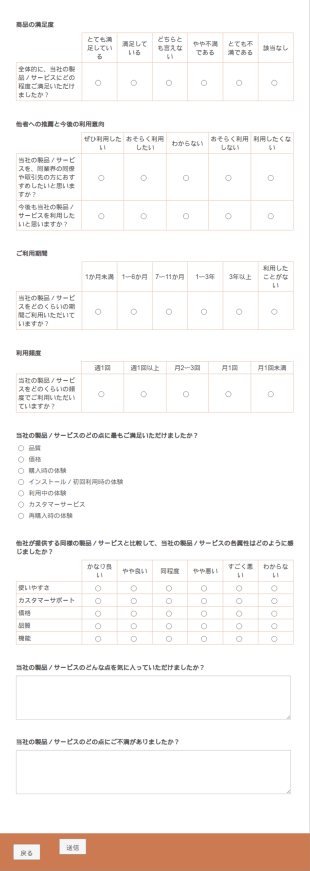
カスタマーサービスフォームについて
新しい患者さんの登録、顧客に対する割引の配布、ユーザーからのフィードバックの収集など、顧客向けにフォームが必要となる場面が多くあります。Jotformのカスタマーサービスフォームテンプレートは、あなたのニーズや好みに合わせてお選びいただけます。
Jotform stands out as the leading online form builder for creating and managing Customer Service Forms. With its intuitive drag-and-drop interface, Jotform enables users to easily customize forms to meet specific business needs without requiring any technical expertise. The platform also supports automation of data collection processes, allowing for quicker response times and improved data accuracy. Furthermore, Jotform Tables provides a centralized data management solution, ensuring that customer information is organized, easily accessible, and secure. This combination of customization, automation, and centralized management makes Jotform an invaluable asset for any business looking to enhance its customer service operations.
Why Use Customer Service Forms?
- Customer Service Forms significantly enhance the accuracy of data collection by eliminating the need for manual data entry, which is prone to errors. By using digital forms, businesses can ensure that the data collected from customers is precise and reliable, leading to better decision-making.
- These forms expedite the process of gathering and processing customer information, allowing businesses to respond to customer queries and issues faster. This speed not only improves customer satisfaction but also helps companies maintain a competitive edge in their industry.
- Professional data handling is achieved through Customer Service Forms, as they offer secure data management and storage solutions. This ensures that sensitive customer information is protected from unauthorized access, building trust between the business and its customers.
- Jotform's online form builder allows for seamless customization of forms to suit specific business needs, providing flexibility and adaptability. Companies can tailor forms to capture the exact data required for various customer service processes, ensuring relevance and efficiency.
- The integration capabilities of Jotform, with over 100 third-party applications such as Google Sheets and Salesforce, enable businesses to streamline their workflows by automating data transfer and synchronization. This connectivity ensures that customer data is up-to-date across all platforms, enhancing operational efficiency.
Common Problems Solved by Customer Service Forms
- One of the primary issues in customer service is the inefficiency of paper-based processes, which are time-consuming and susceptible to data loss. Customer Service Forms eliminate the reliance on physical paperwork, ensuring that all data is captured digitally and stored securely.
- Manual data entry often leads to errors and inconsistencies, which can affect the quality of customer service. By using digital forms, businesses can automate data entry, reducing the likelihood of errors and ensuring that customer information is accurate and consistent.
- Lost data is a significant concern for businesses relying on traditional data collection methods. Customer Service Forms provide a reliable solution by ensuring that all customer interactions are logged and stored in a centralized system, minimizing the risk of data loss.
- Managing high volumes of customer requests can be challenging without an efficient system in place. Customer Service Forms simplify this process by organizing and prioritizing requests, allowing customer service teams to address issues systematically and efficiently.
- The lack of real-time data can hinder a company's ability to respond quickly to customer needs. With Customer Service Forms, businesses can access up-to-date information instantly, enabling more responsive and informed customer service.
活用例に適した機能
- For businesses looking to streamline their customer inquiry processes, the Drag-and-Drop Form Builder allows for quick customization of forms, ensuring that they align with specific inquiry types and customer needs. This feature simplifies form creation, enhancing the user experience for both customers and service teams.
- Conditional Logic can be used to create dynamic forms that adapt based on user input, ensuring that only relevant questions are presented to customers. This feature improves form completion rates and ensures that the data collected is pertinent to the specific customer interaction.
- For companies that handle payments as part of their customer service operations, Jotform's integration with over 30 Payment Gateways, such as Stripe and PayPal, facilitates secure and seamless payment processing directly through the forms. This capability enhances the convenience for customers and streamlines financial transactions.
- The Electronic Signatures feature, powered by Jotform Sign, allows businesses to capture legally binding signatures from customers, enhancing the efficiency of contract or agreement processes. This feature ensures that all necessary authorizations are obtained in a timely manner, streamlining operations.
- Automated PDF Generation, enabled by the PDF Editor, transforms form submissions into professionally formatted PDF documents, which can be easily shared and stored. This feature enhances record-keeping and ensures that customer interactions are documented in a standardized format.
- Jotform's 100+ Third-party Integrations, including Salesforce and Slack, enable seamless data sharing across different platforms, ensuring that customer service teams have access to the latest information. This connectivity fosters collaboration and enhances the overall efficiency of customer service operations.
- The Approval Workflows feature streamlines the process of managing customer requests and inquiries by automating the approval process. This feature ensures that requests are reviewed and processed promptly, improving the speed and quality of customer service.
How to Create a Customer Service Form
- Start by browsing the Template List for a Customer Services template or opt to create a form from scratch by starting with a blank form.
- Customize the design and fields of your form using the Drag-and-Drop Form Builder, ensuring that it captures all necessary customer information.
- Once the form is complete, publish and share it with your audience via Direct Link, Email, or Website Embed, making it easily accessible to your customers.
Top Use Cases for Customer Service Forms
- For Managers: Customer Service Forms provide managers with a powerful tool to oversee and optimize customer service operations. By leveraging these forms, managers can track key performance indicators, streamline processes, and ensure that service teams are meeting customer needs efficiently. The centralized data management offered by Jotform Tables allows managers to easily access and analyze customer data, enabling data-driven decision-making and strategic planning. This oversight ensures that customer service operations are aligned with organizational goals and customer expectations.
- For Teams: Customer service teams benefit greatly from the use of Customer Service Forms, as they facilitate the efficient handling of customer inquiries and requests. By automating repetitive tasks and organizing customer data systematically, teams can focus on delivering high-quality service without being bogged down by administrative tasks. The integration capabilities of Jotform allow teams to collaborate seamlessly with other departments, ensuring that customer issues are resolved quickly and effectively. This streamlined workflow enhances team productivity and improves overall service delivery.
- For Customers: For customers, Customer Service Forms offer a convenient and efficient way to interact with businesses. These forms provide a straightforward method for submitting inquiries, feedback, or service requests without the need for lengthy phone calls or in-person visits. The user-friendly design of Jotform's forms ensures a smooth experience, making it easy for customers to provide the necessary information. This convenience enhances customer satisfaction, as it demonstrates the business's commitment to providing accessible and responsive service.
Summarizing Customer Service Forms
Customer Service Forms are a vital component for businesses aiming to enhance their customer service operations through efficient data collection and management. By utilizing Jotform's online form builder, companies can create customized forms that meet their specific needs, automating processes and improving the accuracy of customer data. The integration and data management capabilities of Jotform further enhance operational efficiency, allowing businesses to deliver high-quality service consistently. Ultimately, Customer Service Forms empower businesses to build stronger relationships with their customers by facilitating responsive and reliable service.
よくあるご質問
1. カスタマーサービスフォームとは?
カスタマーサービスフォームは、企業が顧客からの問い合わせ、フィードバック、苦情、またはサービスリクエストを構造化された整理された方法で収集するために使用するオンラインツールです。
2. カスタマーサービスフォームは、ビジネスにとってなぜ重要なのですか?
お客様とのコミュニケーションを一元化し、迅速な対応を確実にするとともに、製品やサービスの改善に役立つ貴重な洞察を提供します。
3. カスタマーサービスフォームには、どのような情報を含めるべきですか?
一般的な項目には、顧客の連絡先情報、問い合わせの種類、詳細な説明、緊急度レベル、関連する資料やスクリーンショットなどの添付情報が含まれます。
4. カスタマーサービスフォームには、どのような種類がありますか?
はい、一般的な種類には、フィードバックフォーム、苦情フォーム、サービス依頼フォーム、サポートチケットフォーム、満足度調査アンケートなどがあり、それぞれ特定のサポート状況に合わせて設計されています。
5. カスタマーサービスフォームは、誰が使用すべきですか?
顧客と関わるあらゆる組織や部門(カスタマーサポートチーム、ヘルプデスク、サービス提供者など)は、これらのフォームを活用することでメリットを得られます。
6. カスタマーサービスフォームは、どのように応答時間を改善しますか?
通知を自動化し、や依頼を適切な担当チームへ振り分けることで、これらのフォームはお客様の問題が迅速かつ効率的に解決できるよう支援します。
7. フォームで集めた顧客データは安全に保護されていますか?
はい、Jotformは安全なデータ保存機能を使用し、顧客情報を保護するためのプライバシー機能を提供しており、業界標準や規制要件への対応を支援しています。
8. カスタマーサービスフォームは、他のビジネスツールと統合できますか?
もちろんです。Jotformは、CRMシステム、ヘルプデスクソフトウェア、メールプラットフォームなどと連携でき、サポート業務やデータ管理を効率化できます。