

Kajabi is one of the most popular online course platforms for creators who want an all-in-one solution. It’s intuitive to use and combines course hosting, email marketing, landing pages, and sales funnels in one place.
I know quite a few people who use Kajabi, but it isn’t the right fit for everyone.
The search for Kajabi alternatives often starts after running into higher pricing tiers or limited design flexibility. If the features aren’t the right fit, smaller course creators can feel like they’re spending money without getting the full value of the platform. If you’re looking for simpler workflows, lower costs, or more customization, there are Kajabi competitors worth exploring.
In this blog, I’ve compared six Kajabi alternatives, including a description of each tool, its key features and limitations, and pricing information, so you can find the right course platform for your needs.
What to look for in a Kajabi alternative
Before choosing a Kajabi alternative platform, it’s important to compare the features that matter most to you.
Here are some common criteria course creators use when evaluating Kajabi competitors:
- Affordable pricing without revenue-sharing: Transparent monthly pricing gives you a predictable cost. Revenue-sharing models take a percentage of your course sales, which may not seem like an issue early on but can significantly reduce margins as you grow.
- Built-in course creation and hosting: You’ll likely want to upload videos, structure modules, drip content, and manage lessons without relying on third-party tools. Make sure your chosen learning management system (LMS) platform can do all of this.
- Easy payment integrations: Look for seamless payment processing with providers such as Stripe or PayPal. Future-proof your business by ensuring you can accept global payments, subscriptions, and one-time purchases without complicated setups.
- Customizable landing pages and branding: Your course website should reflect your brand. Flexible design options, custom domains, and branding controls help you stand out.
- Tools for quizzes, certificates, and engagement: Features such as assessments, completion certificates, and community tools improve information retention and perceived value.
- Analytics and LMS functionality: Built-in reporting on student progress, revenue, and engagement helps you optimize your courses and marketing strategy. You can see where learners drop off and adjust your strategy accordingly.
- Email marketing, automation, or CRM support: Whether native or integrated, marketing automation tools are essential for nurturing leads and driving repeat sales.
- Free tier or trial options: A risk-free starting point lets you test the platform before committing.
Kajabi vs the competition: Quick comparison table
| Tool | Best for | Key features | Pricing structure | Kajabi comparison |
|---|---|---|---|---|
 Udemy |
New instructors looking for instant audience access |
|
|
|
 Coursera |
Universities & enterprise institutions |
|
|
|
 LearnWorlds |
Growing digital schools & multi-instructor academies |
|
|
|
 Thinkific |
Solo creators & small training businesses |
|
|
|
 TalentLMS |
Corporate training & HR teams |
|
|
|
 Teachable |
Coaches selling courses & memberships |
|
|
|
1. Udemy
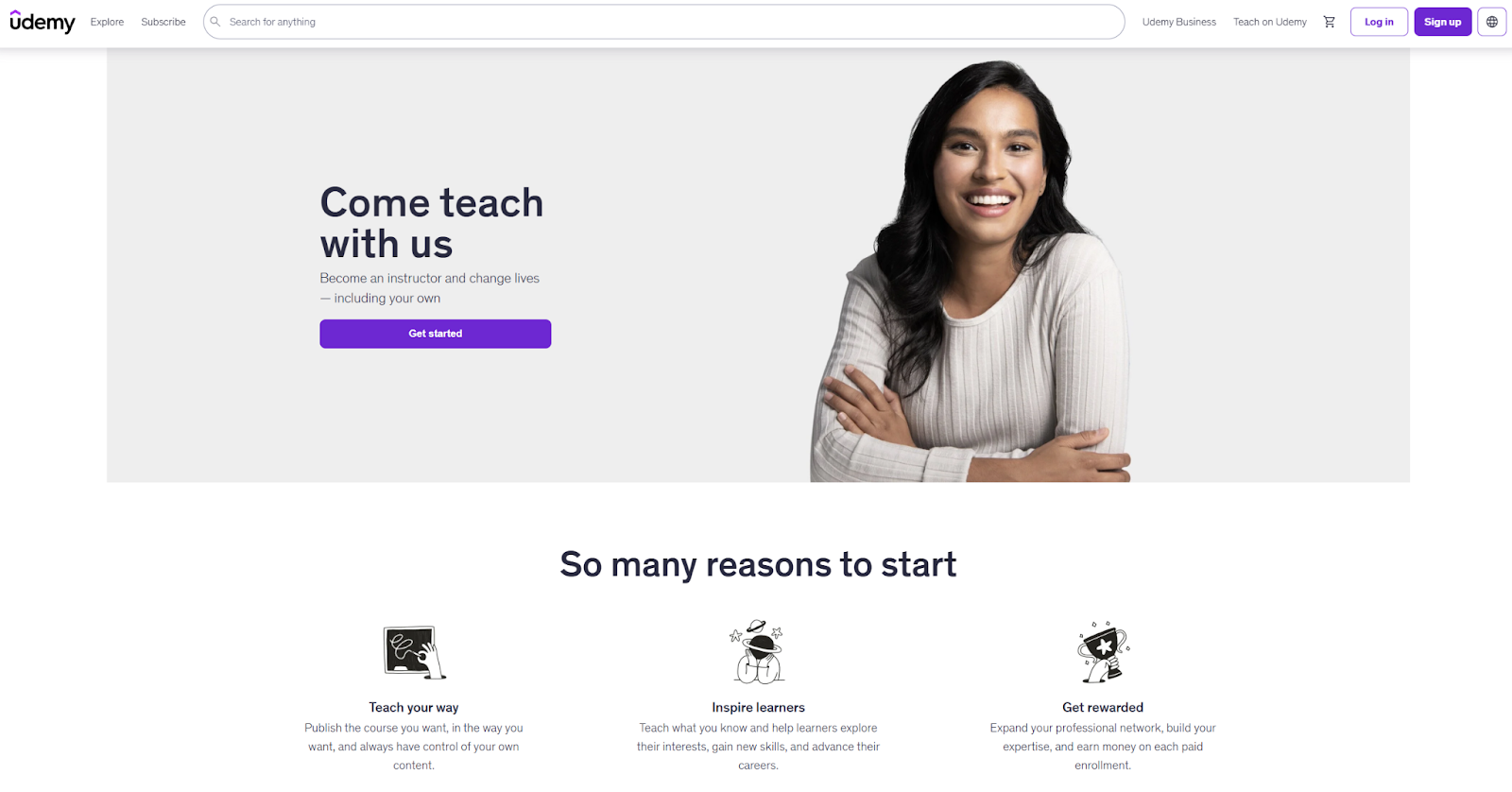
Udemy is one of the largest online course marketplaces, hosting more than 200,000 courses and serving millions of learners globally. Unlike Kajabi, which is a stand-alone course-builder software, Udemy operates as a marketplace, meaning students come to Udemy first, not your individual brand.
This distinction makes Udemy very different from other Kajabi competitors.
Best for: New instructors who want immediate access to a large built-in audience without managing their own marketing or website setup
Developer: Udemy, Inc.
- Key features:
- Massive built-in marketplace with access to millions of students actively searching for online courses
- Simple course builder that lets you upload video lessons, quizzes, and downloadable resources without technical setup
- Platform-led promotions and discount campaigns that drive traffic to your courses
- Limitations:
- Limited branding control over landing pages, pricing structures, and student experience
- No ownership of audience or promotional pricing
- Marketplace audience not specific to your course
- Pricing:
- Free to publish courses with a revenue-share model based on traffic source
- Variable earnings depending on promotions and instructor terms (For example, you receive a lower percentage of a sale if Udemy brings the student but a higher percentage if you drive the student using your own referral link.)
- Kajabi vs Udemy:
- UX comparison: Kajabi offers full branding and customization; Udemy uses a standardized marketplace layout with limited design control.
- Pricing: Kajabi charges a fixed monthly subscription; Udemy operates on a revenue-share model.
- Scalability: Udemy scales through built-in audience reach; Kajabi scales through brand ownership and higher profit margins.
2. Coursera
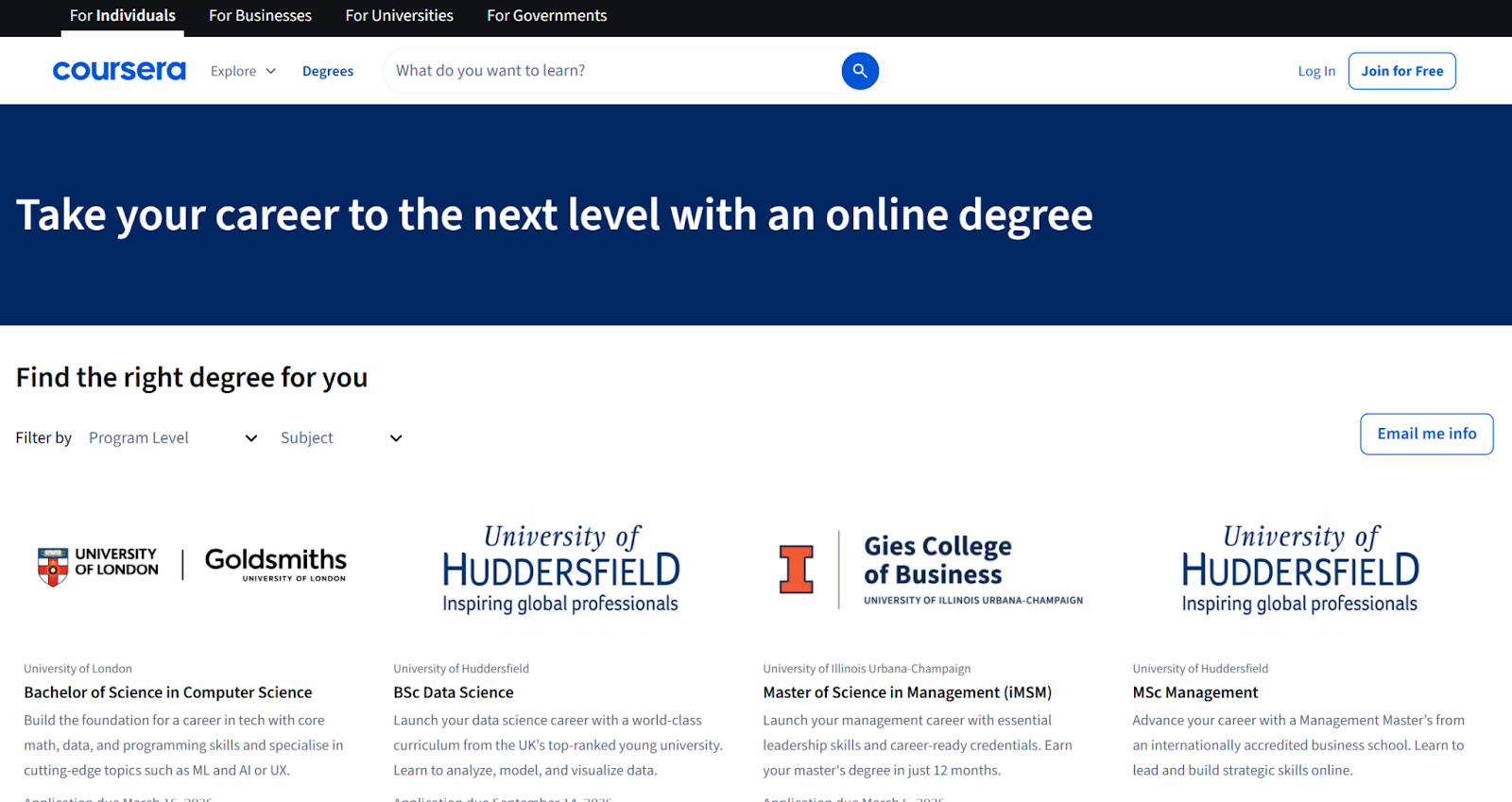
Coursera is a global online learning platform that partners with universities and companies to deliver accredited courses, professional certificates, and degree programs. Unlike Kajabi and most course builders, it’s not designed for independent creators. It primarily serves institutions and enterprise organizations.
Best for: Universities, government agencies, and large enterprises delivering accredited programs or workforce training at scale
Developer: Coursera, Inc.
- Key features:
- Institutional partnerships with accredited universities and global brands
- Accredited certificates and degrees with structured, employer-recognized programs
- Enterprise LMS capabilities for large-scale training
- Limitations:
- Not accessible to solo creators
- Limited brand ownership because courses live within Coursera’s ecosystem
- Pricing:
- Operates through institutional agreements and revenue-share partnerships
- Pricing varies by course, certificate, or subscription model
- Kajabi vs Coursera:
- UX comparison: Kajabi is creator-focused and fully branded; Coursera follows a standardized academic platform structure.
- Pricing: Kajabi uses transparent monthly plans; Coursera operates on partnership agreements.
- Scalability: Coursera scales well for institutional and enterprise education; Kajabi scales better for independent course creators.
3. LearnWorlds
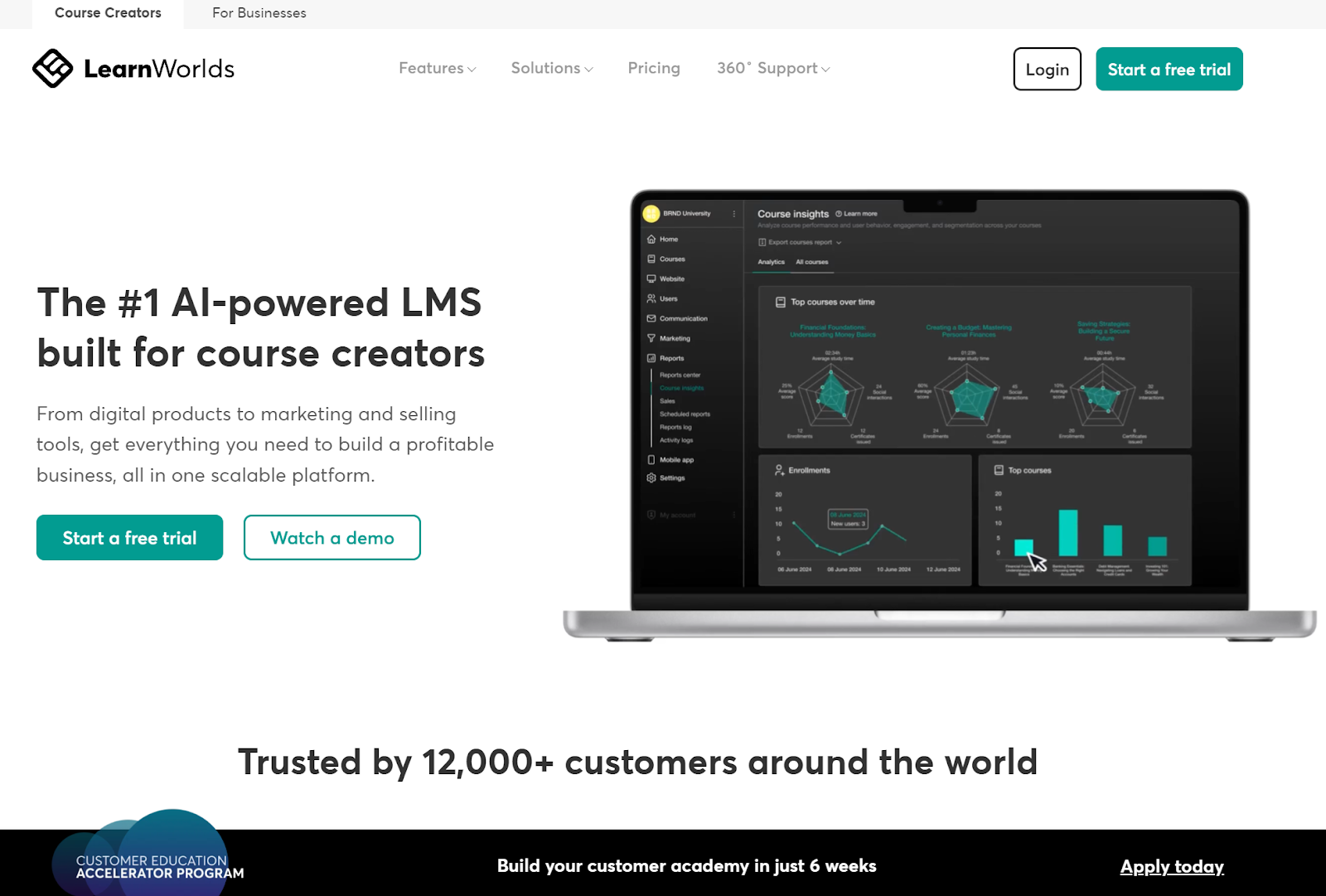
LearnWorlds is a flexible course platform designed for creators managing multiple courses or instructors. Unlike Kajabi, it doesn’t limit the number of courses you can create, making it an attractive option for growing digital schools.
Best for: Course creators, academies, and training businesses managing multiple instructors or large course libraries
Developer: LearnWorlds Ltd.
- Key features:
- Unlimited course creation across all plans
- Interactive video tools with built-in assessments and certificates
- Community features and advanced analytics to track learner progress, engagement, and course performance
- Limitations:
- Transaction fees on entry-level plans, which reduces margins until you upgrade
- More complex, feature-heavy interface for beginners
- Pricing:
- Plans starting at $29 per month
- Transaction fees on lower tiers
- Advanced features unlocked on higher-tier plans
- Kajabi vs LearnWorlds:
- UX comparison: Kajabi prioritizes marketing and automation; LearnWorlds focuses on academic-style, interactive learning experiences.
- Pricing: LearnWorlds has a lower starting price but adds transaction fees on entry plans; Kajabi has higher up-front pricing but no per-sale fees on standard tiers.
- Scalability: LearnWorlds scales well for structured schools and multiple instructors; Kajabi scales best for brand-led course businesses focused on sales and automation.
4. Thinkific
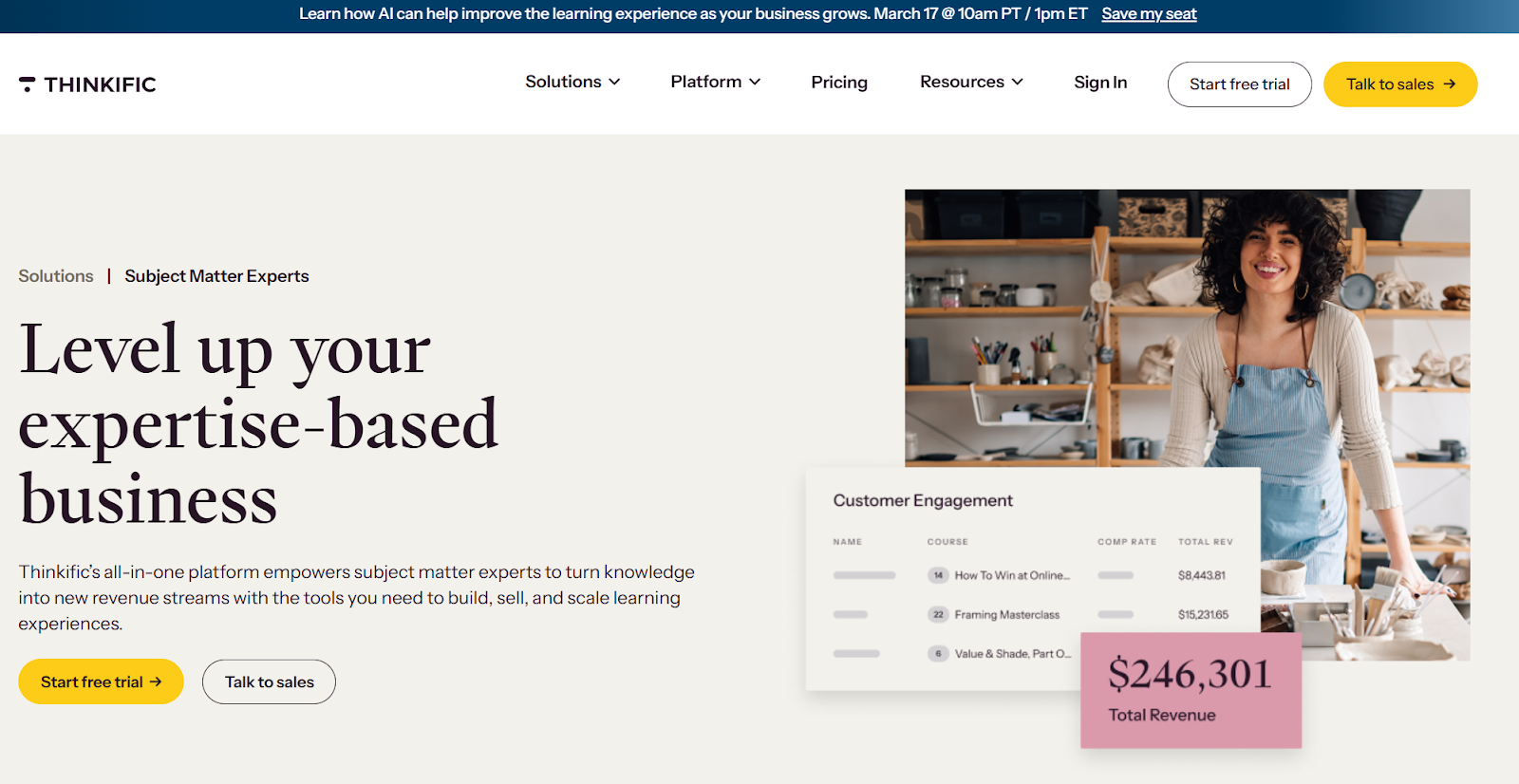
Thinkific is a popular course builder that competes closely with Kajabi and LearnWorlds. It’s known for robust onboarding resources and community support, which makes it appealing to first-time course creators.
Best for: Solo creators and small training businesses seeking an affordable, structured platform
Developer: Thinkific Labs Inc.
- Key features:
- A free plan for launching your initial course before committing to a paid subscription
- Drag-and-drop course builder with quizzes and certificates
- Strong educator support, including webinars, documentation, and community groups
- Limitations:
- Limited advanced marketing tools
- Potential need to rely on third-party integrations
- Less flexible customization unless using higher-tier plans
- Pricing:
- Free plan available
- Paid plans at lower entry cost than Kajabi
- Advanced features and support unlocked with higher-tier plans
- Kajabi vs Thinkific:
- UX comparison: Thinkific focuses on structured course delivery and ease of setup; Kajabi provides deeper built-in marketing tools and funnel automation.
- Pricing: Thinkific has a free tier and lower entry pricing; Kajabi starts higher but bundles more marketing tools.
- Scalability: Thinkific scales well for straightforward course businesses; Kajabi scales better for creators prioritizing advanced automation and sales funnels.
5. TalentLMS
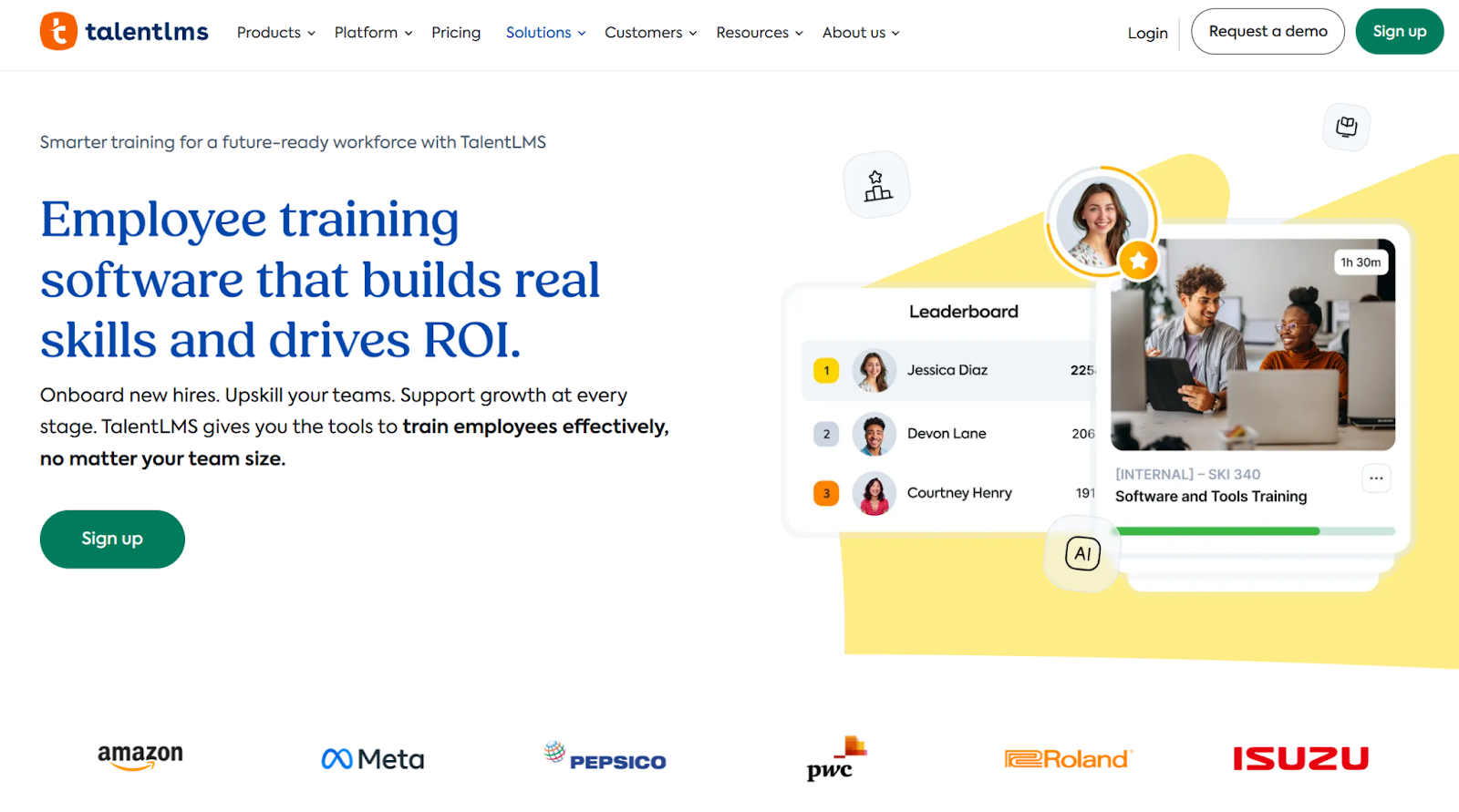
TalentLMS is a business-focused LMS designed for employee training and corporate education. Unlike Kajabi, it’s built for internal team learning, compliance training, and workforce development.
It consistently earns strong ratings on review platforms such as G2, particularly among midsize and enterprise organizations.
Best for: Companies and HR teams delivering employee training, onboarding, and compliance programs
Developer: Epignosis
- Key features:
- Built specifically for corporate training with role-based learning paths and compliance tracking
- Robust reporting and user management tools for monitoring progress and certification completion
- Free tier with limited seats available for small teams
- Limitations:
- User caps on every pricing tier
- Less suited for public-facing course sales
- Limited built-in marketing and funnel tools
- Pricing:
- Free plan for limited number of users
- Paid plans based on active user counts and feature access
- Kajabi vs TalentLMS:
- UX comparison: Kajabi is built for selling branded online courses; TalentLMS is structured for internal team training and administrative control.
- Pricing: Kajabi charges flat monthly rates; TalentLMS pricing scales based on active users.
- Scalability: TalentLMS scales well for growing teams and enterprise training; Kajabi scales better for revenue-driven course businesses and personal brands.
6. Teachable
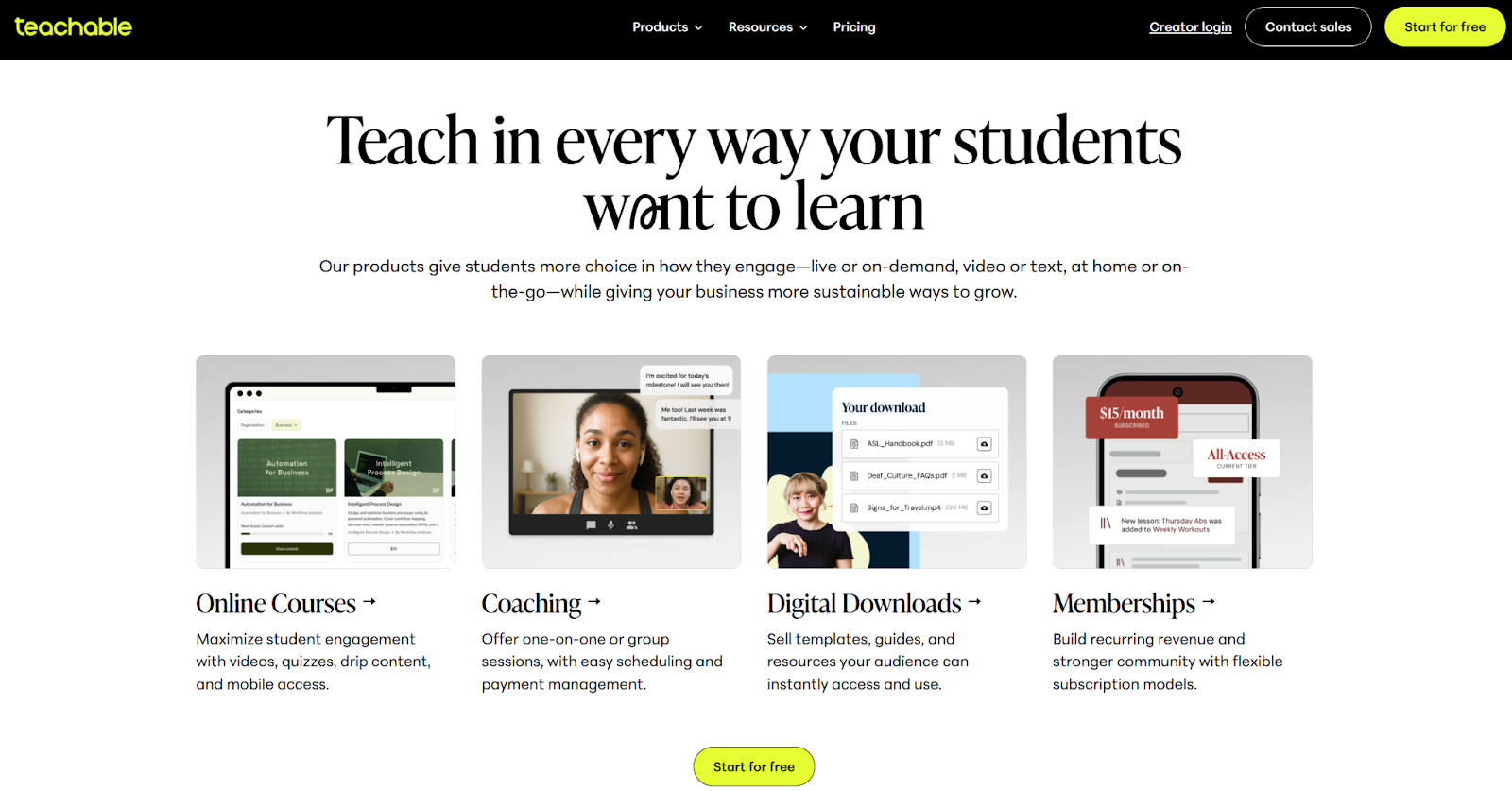
Teachable is a creator-focused platform for building and selling digital products. It balances ease of use with monetization features.
Best for: Coaches, creators, educators, and entrepreneurs who want a straightforward platform for selling courses, downloads, and memberships
Developer: Teachable, Inc.
- Key features:
- Simple drag-and-drop course builder for video and digital content
- Built-in payment processing and checkout pages
- Affiliate management tools for referral-based sales
- Limitations:
- Less advanced funnel and automation features
- Template-driven customization that is less flexible than other website builders
- Pricing:
- Free plan with transaction fees
- Paid plans with lower monthly entry cost than Kajabi
- Higher tiers that remove fees and unlock advanced features
- Kajabi vs Teachable:
- UX comparison: Teachable emphasizes simplicity and fast setup; Kajabi provides deeper marketing automation and funnel-building tools.
- Pricing: Teachable has a lower entry point (with transaction fees on some plans); Kajabi has higher fixed pricing but bundles more marketing functionality.
- Scalability: Teachable scales well for straightforward course sales; Kajabi scales better for creators building complex product ecosystems and automated sales funnels.
Use Jotform to power your course website
If you want full control over your course, Jotform is a flexible solution.
One major benefit is that you’re not locked into using someone else’s system.
To get started, you’ll need a website. You can use platforms such as WordPress, Wix, Squarespace, or other website providers.
From there, you can add online tools that are easy to embed and integrate well with other software. For example, you can embed videos from a number of sources, such as Vimeo and YouTube, and manage student communication with email tools such as Mailchimp.
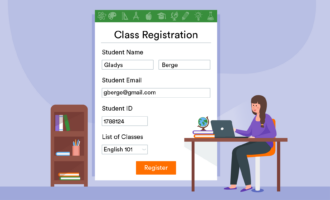
Jotform Education can handle much of the heavy lifting. You can create forms (choose from a list of EdTech form templates), collect emails, student registrations, and course fees. You can also build quizzes and embed educational content directly into your forms.
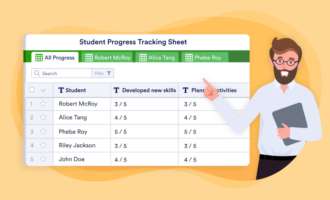
With Jotform Tables, you can create a no-code course management system to organize students, submissions, and course data. Even if you use one of the solutions we discussed here, Jotform works well for collecting information and course feedback from your students.
Pro Tip
Want to pitch your course idea, showcase student success, or share performance insights with stakeholders? Use Jotform AI Presentation Agent to instantly turn form responses and course data into polished, ready-to-present slides. It’s perfect for educators and course creators who want to visualize results, feedback, or curriculum plans without spending hours on formatting.
Whether you choose a full LMS platform or build your own stack, Jotform strengthens your course ecosystem with flexible, no-code tools that improve workflows and student experience.
With Jotform, you can make use of the following key features:
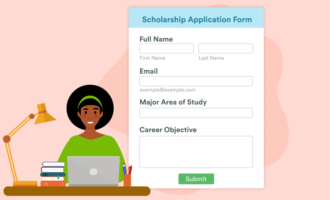
- Lead capture and onboarding forms to automatically collect inquiries, applications, and student details
- Embedded quizzes and assignments that integrate directly into your course pages without complex LMS setup
- Registration and payment collection with built-in integrations for Stripe, PayPal, and other gateways
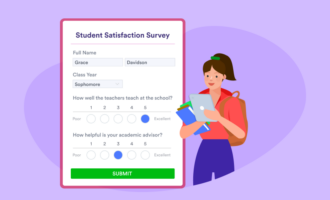
- Feedback surveys and course evaluations to measure satisfaction and improve future cohorts
- No-code dashboards with Jotform Tables to manage students, submissions, and course data in one place
- Custom-branded forms and mobile apps with Jotform Apps to keep your experience on-brand
The best bit? Jotform is free to start. It’s also mobile-ready and built with enterprise-grade security.
Find the right Kajabi alternative for your course goals
The right Kajabi alternative depends on how you plan to build and grow your online course business. Thinkific and TalentLMS also offer entry-level plans that let you launch without up-front investment. For universities, enterprise teams, or accredited programs, Coursera stands out as a strong institutional solution.
If flexibility and interactive learning tools are your priority, LearnWorlds provides a scalable platform that works well for growing digital schools.
Whether you use Jotform as your primary infrastructure or as an add-on to another LMS, it strengthens your workflow with lead capture, payments, quizzes, reporting, and branded student experiences, all without locking you into expensive, all-in-one pricing tiers.
This article is aimed at solo edupreneurs, online coaches, course creators, and small training businesses looking for more affordable or flexible alternatives to Kajabi. It also targets professionals transitioning from in-person to digital course delivery, as well as instructors and training managers exploring different LMS course setup options.





























































































Send Comment: