
Microsoft Forms and Qualtrics both help you create surveys and collect feedback — but they’re built for very different use cases. Microsoft Forms keeps things simple, making it perfect for quick data collection. Qualtrics, on the other hand, is designed for advanced research, analytics, and experience management (XM).
In this article, I’ll break down Microsoft Forms vs Qualtrics side by side. I’ll cover key features, pricing, target audiences, and core capabilities, so you can determine which tool fits your budget, team size, and research goals best.
Microsoft Forms vs Qualtrics: At a glance
 Microsoft Forms |  Qualtrics | |
|---|---|---|
| Best for | Individuals, educators, and small teams needing simple surveys | Medium to large organizations running structured research or experience programs |
| Security | Microsoft 365-level security with standardized controls | Enterprise-grade security with granular permissions and governance |
| Customer support | Documentation, community resources, and Microsoft 365 support | Dedicated support, onboarding, and account management (plan-dependent) |
| Functionality | Core form and survey features with basic logic and analytics | Advanced survey logic, analytics, dashboards, and XM |
| Storage | Data stored within the Microsoft 365 ecosystem | Centralized platform storage with retention and data management controls |
| Plans/pricing | Included with Microsoft 365 subscriptions, starting from $6 per user per month | Custom, enterprise-level pricing |
| Learn more |
What is Microsoft Forms?
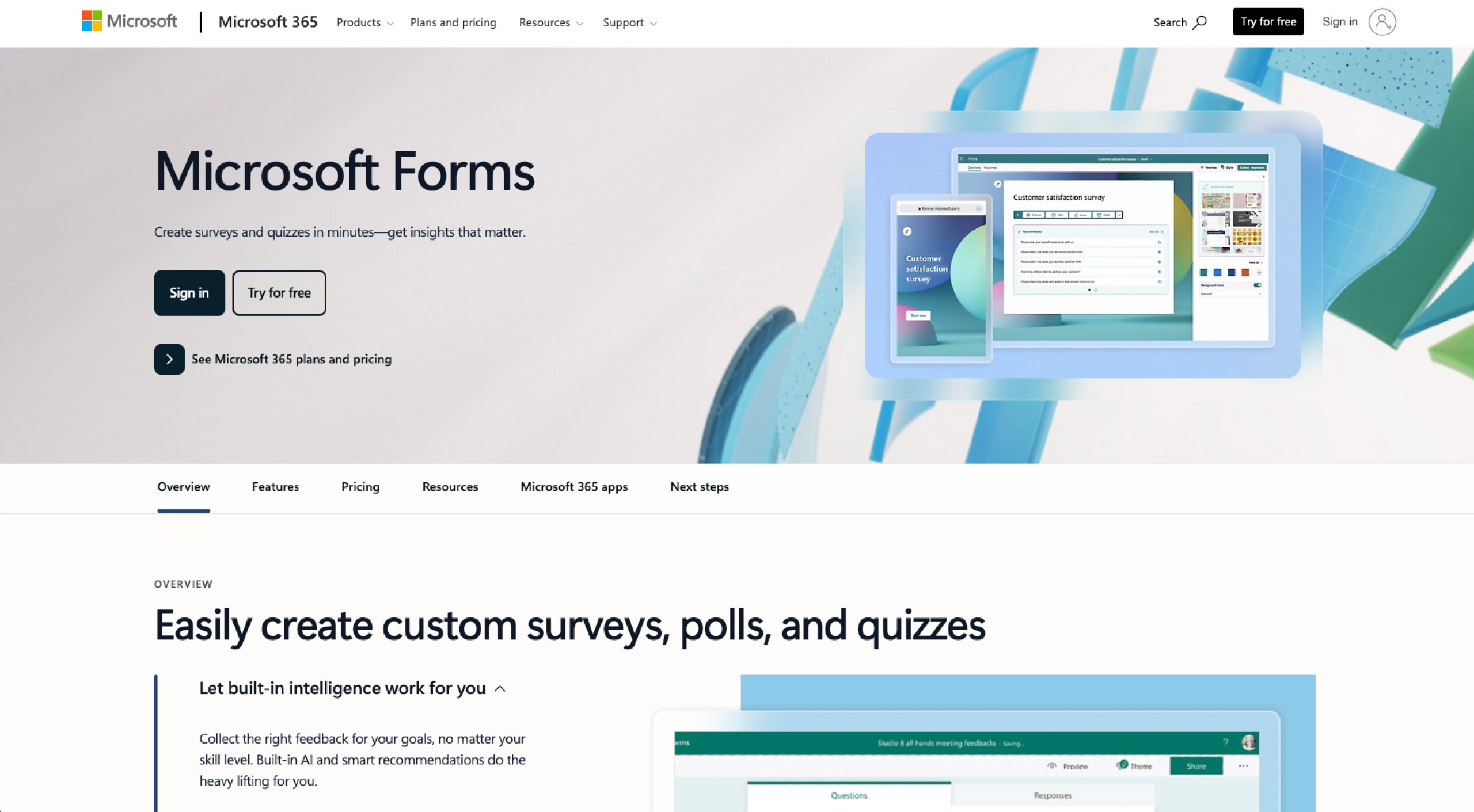
Microsoft Forms is a web-based survey and form builder. It allows users to quickly create forms, quizzes, and questionnaires, and collect responses in real time. Microsoft Forms is primarily used for basic data collection and is closely integrated with Microsoft 365 tools.
Pro Tip
Want a step-by-step guide to this tool? Learn how to use Microsoft Forms over on the Jotform blog.
What is Qualtrics?
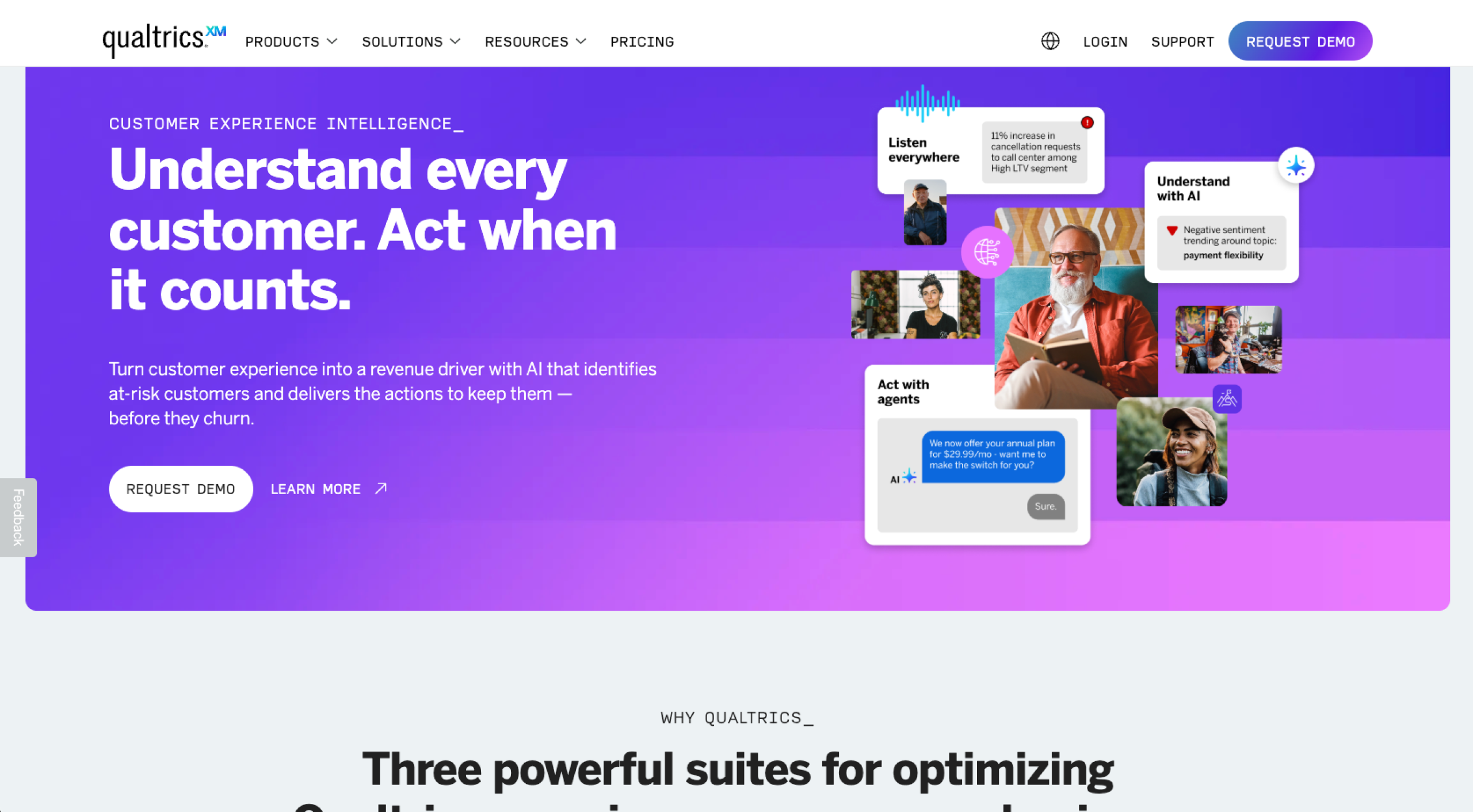
Qualtrics is a cloud-based experience management and survey platform. It helps organizations collect, analyze, and act on feedback across areas such as customer experience (CX), employee engagement, and market research.
Unlike Microsoft Forms, Qualtrics is built for advanced research, analytics, and large-scale enterprise use rather than simple form creation. While excellent for those who need it, Qualtrics’ complexity often leads people to look for Qualtrics alternatives.
Target audience of Microsoft Forms
Microsoft Forms is primarily used by
- Individuals
- Small teams/small businesses
- Educators
- Organizations already using Microsoft 365
This platform is ideal for people who need a simple way to collect feedback, run quizzes, or gather basic survey data. It’s generally not aimed at organizations that require advanced survey logic, deep analytics, or large-scale research programs — like dedicated research teams or enterprise XM functions.
Target audience of Qualtrics
Qualtrics is designed for medium to large organizations that run structured research and XM programs.
It’s commonly used by
- Enterprises
- Universities
- Research teams
- Organizations focused on CX, employee experience (EX), and market research
Qualtrics is not typically a good fit for individuals or small teams looking for quick, lightweight forms or basic data collection.
Key features of Microsoft Forms
Some of the key features of Microsoft Forms are:
Easy form and survey creation
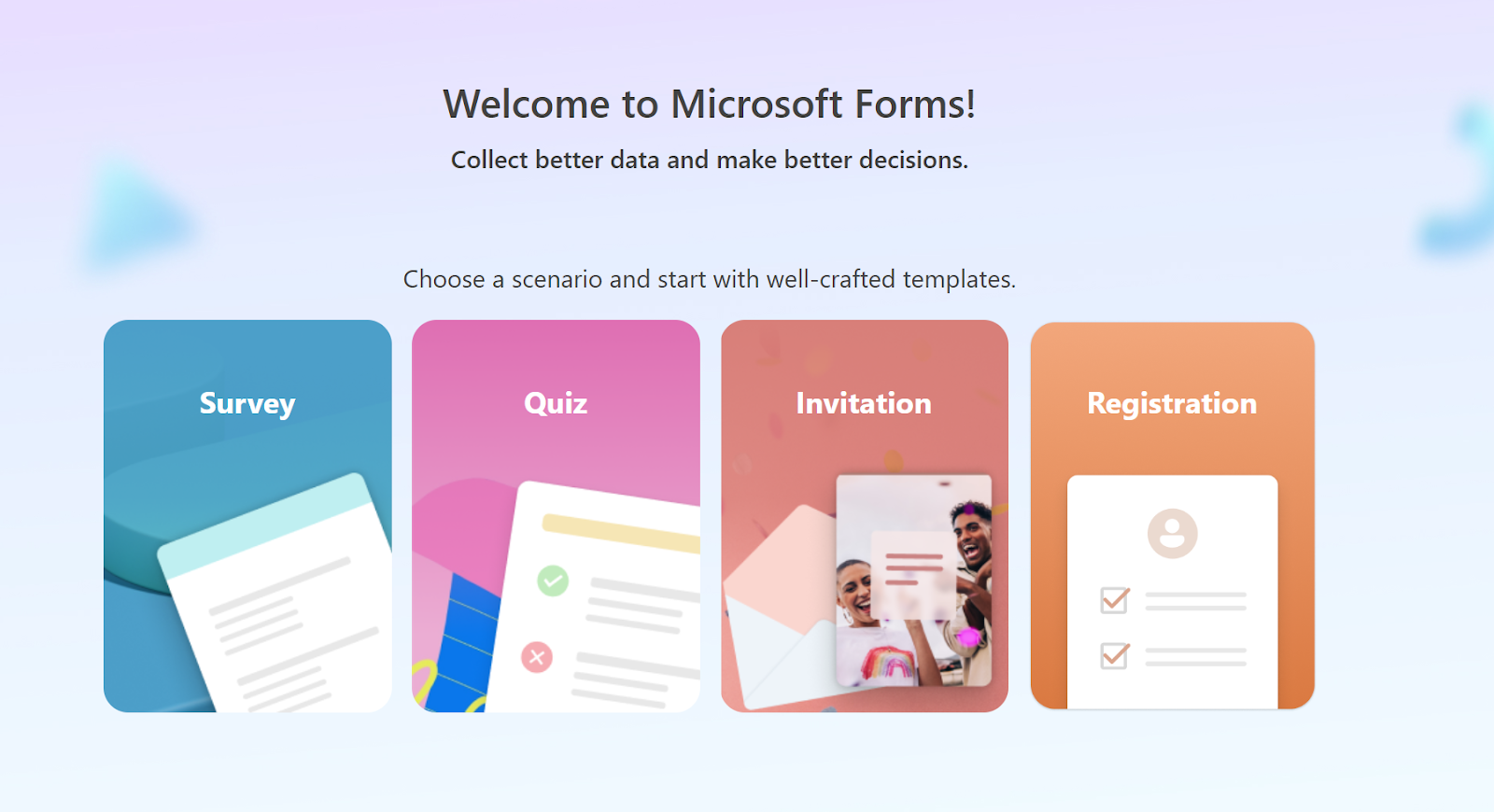
Microsoft Forms lets you rapidly create surveys, quizzes, invitations, and registration forms through a simple, browser-based interface.
Once you choose what you’re creating, you can use templates to build your form and add common question types such as multiple choice, text, ratings, and dates, with no technical setup required.
Real-time response collection
Responses are collected and updated in real time as participants submit forms, making Microsoft Forms ideal for immediate results.
Automatic data visualization
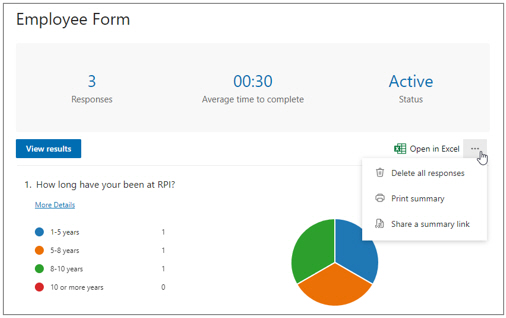
Microsoft Forms automatically generates basic charts and summaries for responses. These visualizations can help you quickly understand responses and trends.
Integration with Microsoft 365
Forms integrates with Microsoft 365 applications, including Excel, Teams, and SharePoint. You can easily export responses to Excel for further analysis.
Basic quiz and assessment tools
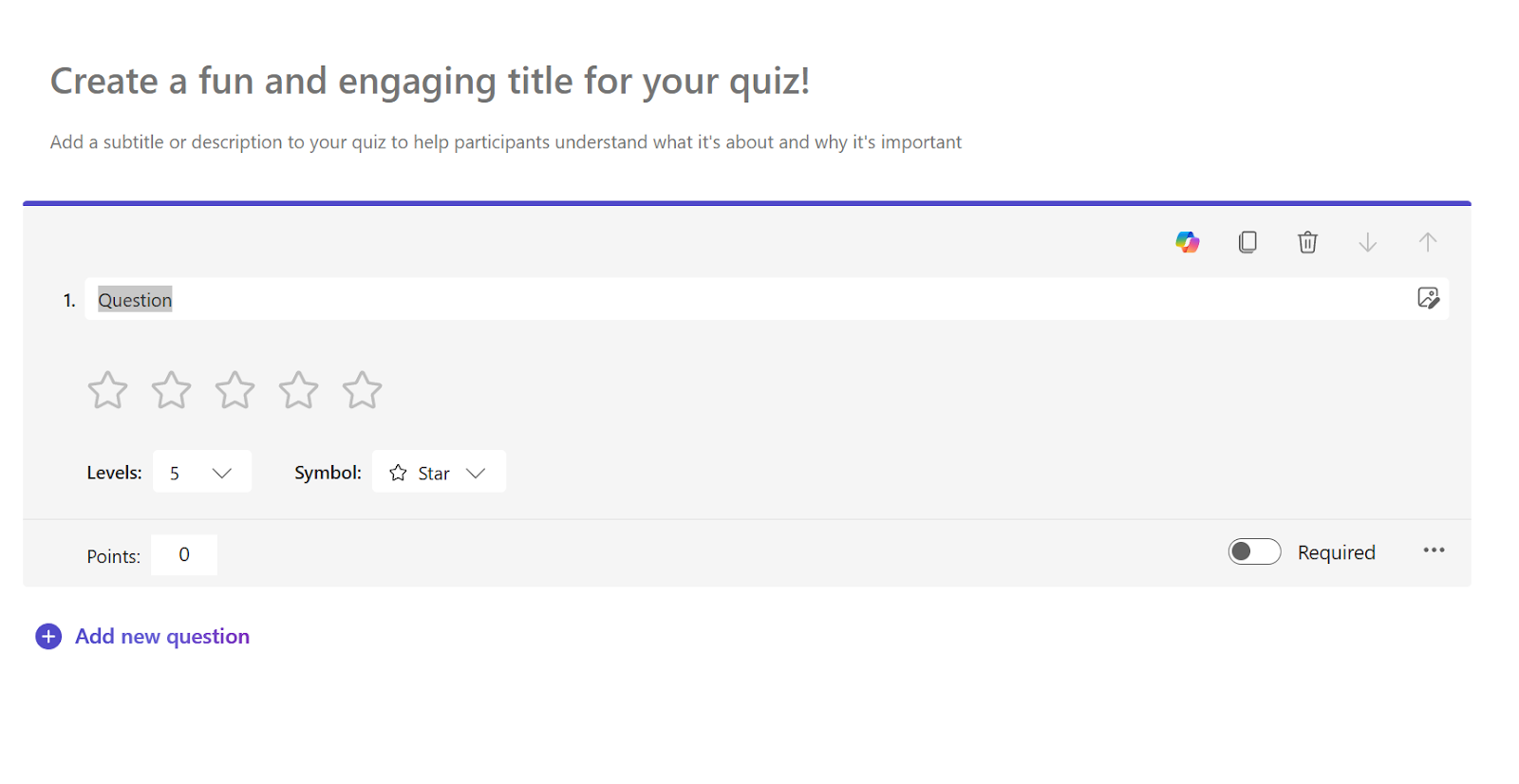
Microsoft Forms includes quiz-specific features such as correct answers, automatic scoring, and feedback messages.
Key features of Qualtrics
Some of the key features of Qualtrics are:
Advanced survey design and logic
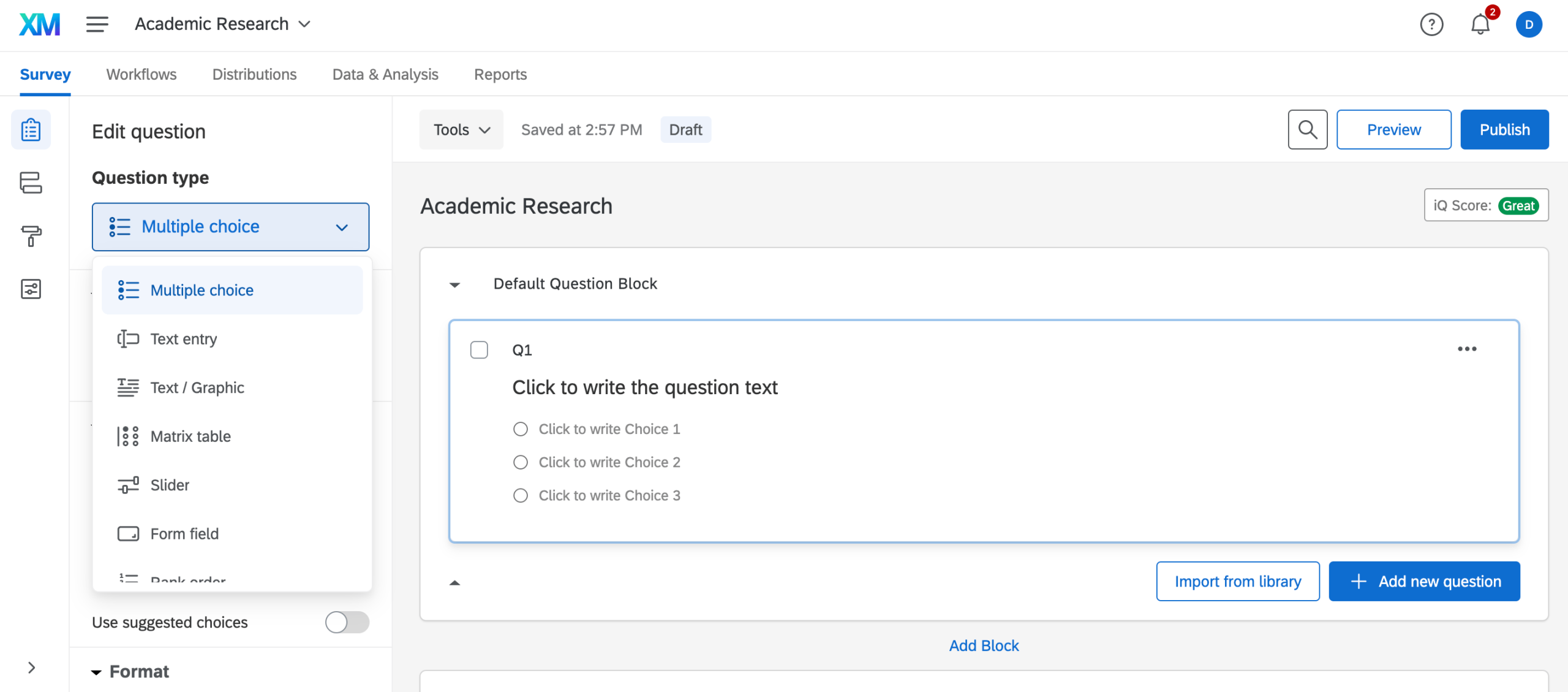
Qualtrics provides powerful survey-building tools, including advanced skip logic, branching, and display logic. These features allow you to create highly customized surveys that adapt dynamically based on respondent behavior.
Robust data analysis and reporting
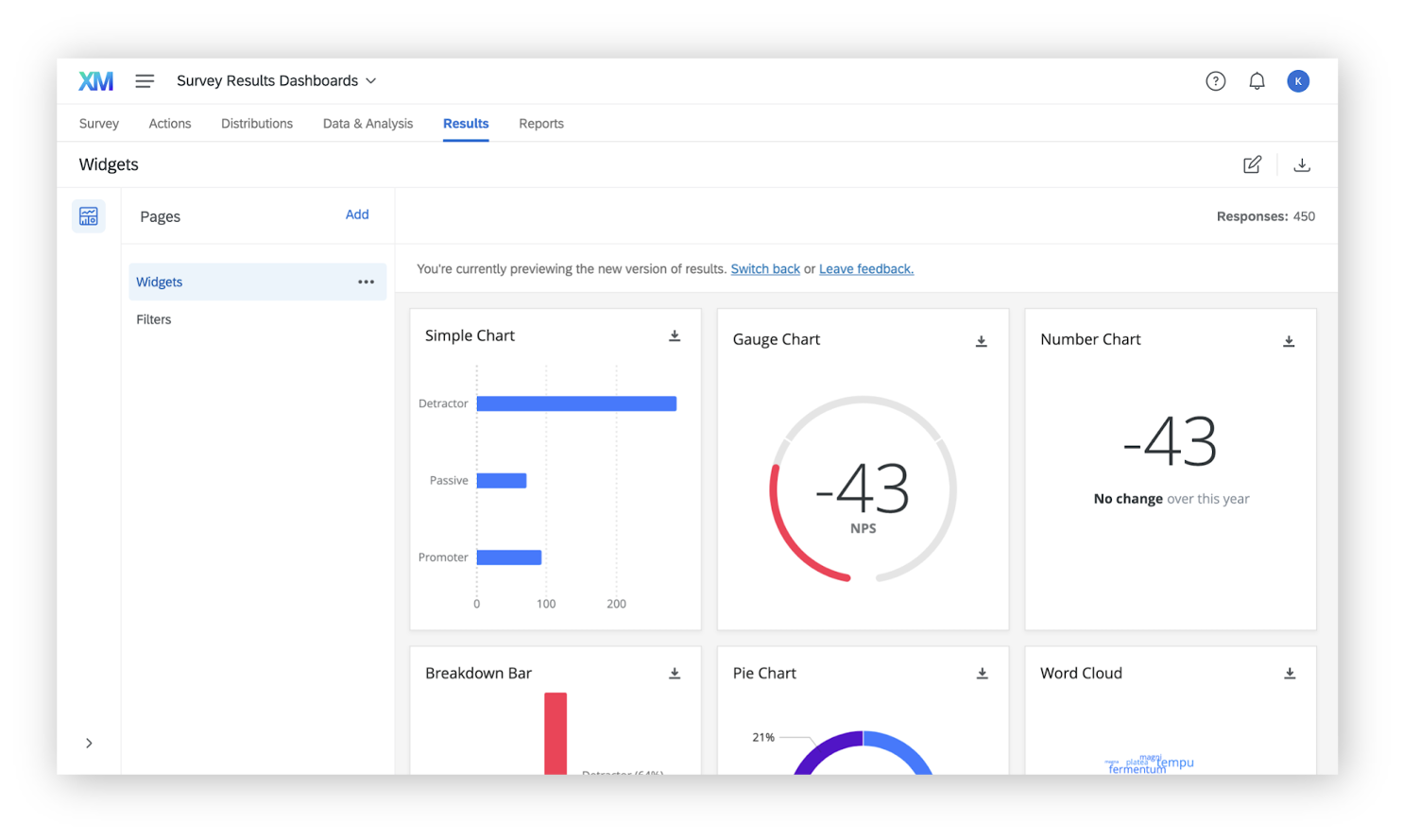
Qualtrics includes built-in analytics, dashboards, and reporting tools that go beyond basic charts. You can analyze trends, segment responses, and generate insights without exporting data to external platforms.
Experience management programs
Qualtrics supports structured XM programs across customer, employee, product, and brand experience. These programs help organizations track feedback over time and connect survey data to business outcomes.
Multi-channel feedback collection
With Qualtrics, you can distribute surveys through multiple channels, including email, web links, QR codes, and embedded website surveys. This flexibility enables you to reach respondents across different touchpoints — making them likelier to complete your surveys.
Enterprise-grade security and compliance
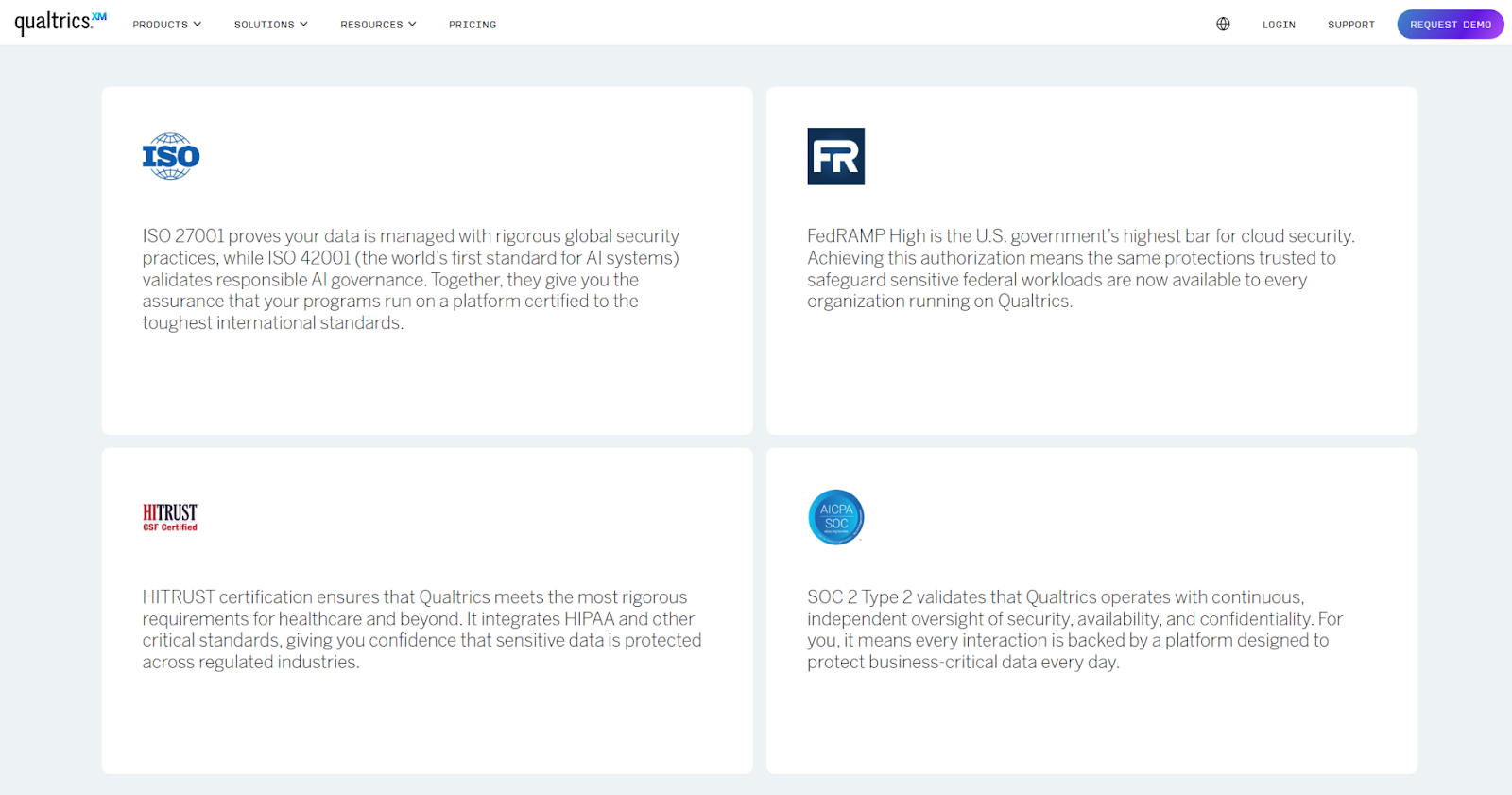
Qualtrics offers advanced security features, including role-based access controls, data encryption, and compliance with standards such as GDPR and ISO certifications.
Shared capabilities of Microsoft Forms and Qualtrics
Both Microsoft Forms and Qualtrics cover the basics, so these user experience (UX) survey tools have a lot in common, including that they can
- Create online surveys, forms, and questionnaires.
- Support common question types such as multiple choice, text, and rating scales.
- Collect responses in real time.
- Share surveys via links or digital channels.
- Export response data for further analysis.
- Apply basic logic to control question flow.
- Manage and organize survey responses in a centralized interface.
Unique strengths of Microsoft Forms and Qualtrics
That said, there’s a lot that makes them different. Here’s a brief look at the unique strengths of Microsoft Forms vs Qualtrics.
Microsoft Forms
- Native integration with Microsoft 365 tools such as Excel, Teams, and SharePoint
- Straightforward setup and low learning curve
- Built-in quiz and automatic scoring features for education and training
- Included at no additional cost with Microsoft 365 subscriptions
- Designed for quick, lightweight data collection
Qualtrics
- Advanced survey logic and customization for complex research designs
- In-depth analytics, dashboards, and reporting capabilities
- Purpose-built XM programs for CX and EX initiatives
- Enterprise-grade security, compliance, and governance controls
- Scalable architecture suited to large organizations and global research teams
Key comparison areas
In this section, I’ve compared Microsoft Forms and Qualtrics across five core areas that commonly influence buying decisions. Weigh them up against your needs to see which would give you the highest return on your investment.
Security
Microsoft Forms benefits from Microsoft’s broader security infrastructure, including data encryption, compliance with major standards, and centralized admin controls through Microsoft 365.
Qualtrics offers more granular, enterprise-focused security features, such as role-based access controls, advanced user permissions, and detailed compliance options.
- Choose Qualtrics if: You want advanced user permissions and role-based accounts.
- Choose Microsoft Forms if: You’re happy with Microsoft’s broader security.
Customer support
Microsoft Forms primarily relies on Microsoft’s general support ecosystem, including documentation, community forums, and Microsoft 365 support channels.
Qualtrics provides tiered customer support, including onboarding, technical assistance, and account management for enterprise customers. Support is more specialized.
- Choose Qualtrics if: You want face-to-face customer support.
- Choose Microsoft Forms if: You’re happy with community support. Given Microsoft Forms’ simpler functionality, this should be sufficient.
Integration options
Microsoft Forms integrates natively with Microsoft 365 tools like Excel, Teams, Power Automate, and SharePoint, making it a natural fit for organizations already using the Microsoft stack.
Qualtrics integrates with a wide range of enterprise systems, including customer relationship management, HR, analytics, and data platforms. These integrations support more advanced workflows and data synchronization.
- Choose Qualtrics if: You want to access third-party integrations.
- Choose Microsoft Forms if: Most of your integrations are part of the Microsoft ecosystem.
Functionality
Microsoft Forms focuses on core form and survey functionality, offering basic logic, simple analytics, and quick setup. It’s designed for straightforward use cases rather than advanced research or reporting.
Qualtrics delivers extensive functionality, including complex logic, advanced analytics, dashboards, and XM programs. It supports long-term, large-scale research initiatives across multiple teams and departments.
- Choose Qualtrics if: You want extensive functionality and advanced analytics.
- Choose Microsoft Forms if: You’re creating simple forms.
Storage
Microsoft Forms stores responses within the Microsoft 365 environment, with data typically accessible through associated tools like Excel or SharePoint. Storage capacity is tied to your organization’s Microsoft subscription.
Qualtrics stores data within its own platform, offering structured data management, retention controls, and governance features.
- Choose Qualtrics if: You need to manage large volumes of survey data with advanced governance and retention controls.
- Choose Microsoft Forms if: Your storage needs are basic and closely tied to Microsoft 365 tools.
Plans and pricing
Sometimes pricing is what seals the deal, so let’s see what Microsoft and Qualtrics offer.
Microsoft Forms
You can access Microsoft Forms as part of the Microsoft 365 Business plan, using one of the following packages:
- Microsoft 365 Business Basic: $6 per user per month, billed annually
- Microsoft 365 Business Standard: $12.50 per user per month, billed annually
- Microsoft 365 Business Premium: $22 per user per month, billed annually
Qualtrics
Qualtrics’ pricing is custom. You’ll need to contact their sales team to talk specifics.
Pros and cons of Microsoft Forms and Qualtrics
Both Microsoft Forms and Qualtrics offer clear advantages, but each also has limitations depending on your needs.
Microsoft Forms
Pros:
- Easy to use and quick to set up, especially for Microsoft 365 users
- Seamless integration with Microsoft tools like Excel and Teams
Cons:
- Limited advanced logic, analytics, and customization options
- Not designed for large-scale research or enterprise experience programs
Qualtrics
Pros:
- Powerful survey logic, analytics, and XM capabilities
- Built for enterprise-scale research with strong security and governance
Cons:
- Higher cost and complexity compared to Microsoft Forms
- Steeper learning curve for non-technical or small teams
Which platform is the winner? Qualtrics vs Microsoft Forms
Choosing between Qualtrics and Microsoft Forms comes down to a few key factors — namely your budget, the features you need, and the size of your team.
Microsoft Forms is usually a good fit for individuals and small teams looking for a low-cost, easy-to-use tool for simple surveys and internal data collection, especially within the Microsoft 365 ecosystem.
Qualtrics is better aligned with larger organizations that need advanced functionality, deeper analytics, and support for enterprise-scale research or XM programs.
To decide, consider
- The complexity of your surveys
- The level of reporting you need
- How many stakeholders will use the platform
- Whether your use case justifies an enterprise-grade solution
- Your budget
Want a solution that combines the best of Microsoft Forms and Qualtrics? Try Jotform
There is another option that’s excellent for teams looking for a balance between ease of use and advanced form capabilities.
Jotform offers a flexible alternative to both Microsoft Forms and Qualtrics. It supports simple form creation while providing tools for more complex workflows, data collection, and response management.
Key capabilities include
- A free forever plan, making it accessible for all
- More than 10,000 customizable form templates for surveys, registrations, and workflows
- Jotform Tables for tracking, organizing, and managing form responses
- Over 40 payment integrations for collecting payments directly through forms
- Hundreds of widgets to enhance form design and functionality
- Conditional logic to streamline surveys and tailor questions based on responses
If you want more flexibility than basic form tools while avoiding the complexity often associated with enterprise research platforms, Jotform’s a safe bet.
Selecting the right survey tool for your needs
On the whole, then, Microsoft Forms is well-suited to individuals and small teams that need a simple, cost-effective way to create forms and collect basic feedback. Qualtrics is designed for organizations that require advanced survey logic, detailed analytics, and support for large-scale research or experience management initiatives. And choosing between the two depends on factors such as budget, team size, data complexity, and reporting requirements.
For teams that need more flexibility than basic form tools but don’t require a complete enterprise research platform, solutions like Jotform may be worth considering. It offers a range of form-building, response management, and workflow features. Give it a try for free today.
Frequently asked questions
No, Microsoft Forms isn’t outdated — it’s intentionally limited in scope compared to more advanced survey platforms.
Microsoft Forms isn’t being replaced, though teams with growing needs often adopt more flexible or advanced survey tools alongside it.
Qualtrics can be expensive, complex to use, and more feature-rich than necessary for basic survey or form use cases.
This article is for website operators, content managers, and business decision-makers comparing Microsoft Forms and Qualtrics, and anyone who wants to choose the right survey platform based on features, pricing, and use case fit.






































































Send Comment: