Best Microsoft Forms templates
Microsoft Forms is a popular form-building tool for businesses that already use Microsoft 365. The app offers a clean interface, familiar layout, and built-in collaboration tools. You can easily build forms from scratch or take advantage of ready-made templates to save time and gather information from your target audience — whether you’re planning an event, getting customer feedback, surveying employees, or something else entirely.
That said, the tool was designed to help with simple data collection only. If your business (or the information it collects) is growing, you may find yourself searching for a more sophisticated form-building tool that supports a wider range of integrations. That’s why many businesses are transitioning to Jotform, which offers more than 20,000 professionally designed templates and extensive customization options.
Our guide outlines 10 Microsoft Forms templates that every organization should consider using in 2026. Each one helps you streamline different business processes while reducing manual work and improving the quality of the resulting data. You’ll also learn about the perks of switching to Jotform and how to easily make the change.
10 must-have Microsoft Forms templates for every team
Microsoft Forms makes it easy to start with a prebuilt template instead of creating every form you need from scratch. Simply choose the appropriate template, customize the questions to match your needs, and share it with your audience.
Here’s a look at 10 must-have Microsoft Forms templates for businesses in 2026.
1. Event registration form
Category: Event management
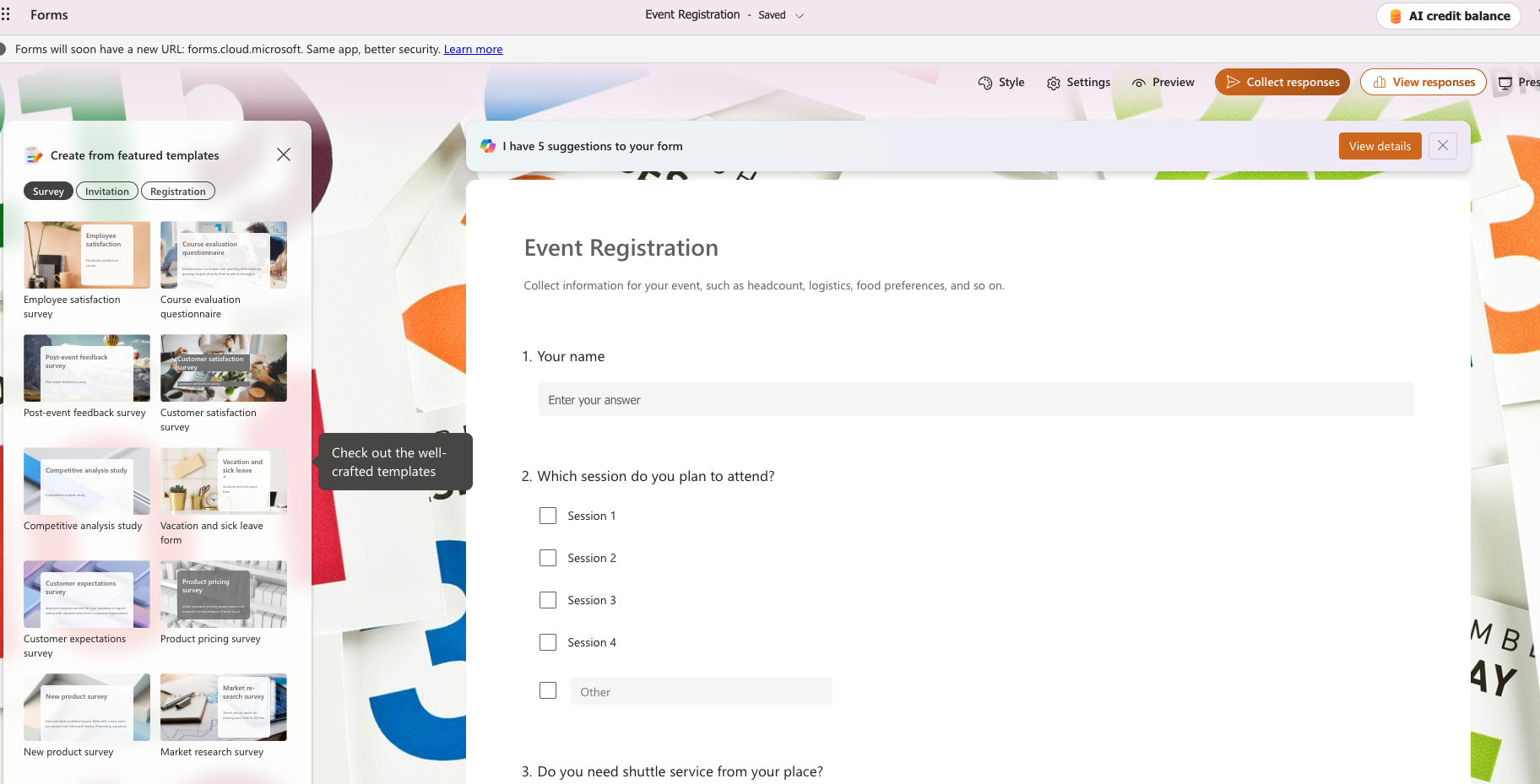
Event registration form templates help organizers collect information about attendees before conferences, training sessions, webinars, and community gatherings. You can ditch the spreadsheets and keep track of who’s attending with a user-friendly system of forms.
A typical event registration form includes fields for
- Names
- Email addresses
- Phone numbers
- Company names
- Dietary restrictions (if you’re serving food)
- Accessibility
Depending on the nature of your event, you can also add questions about parking, guests, and breakout session choices. You can customize the template by adding branding and required fields to make sure you get the essential information you need.
Need an event registration form with built-in payments, e-signatures, and automated confirmations? Explore Jotform’s event registration templates to create a smoother registration experience.
2. Customer feedback survey
Category: Customer experience
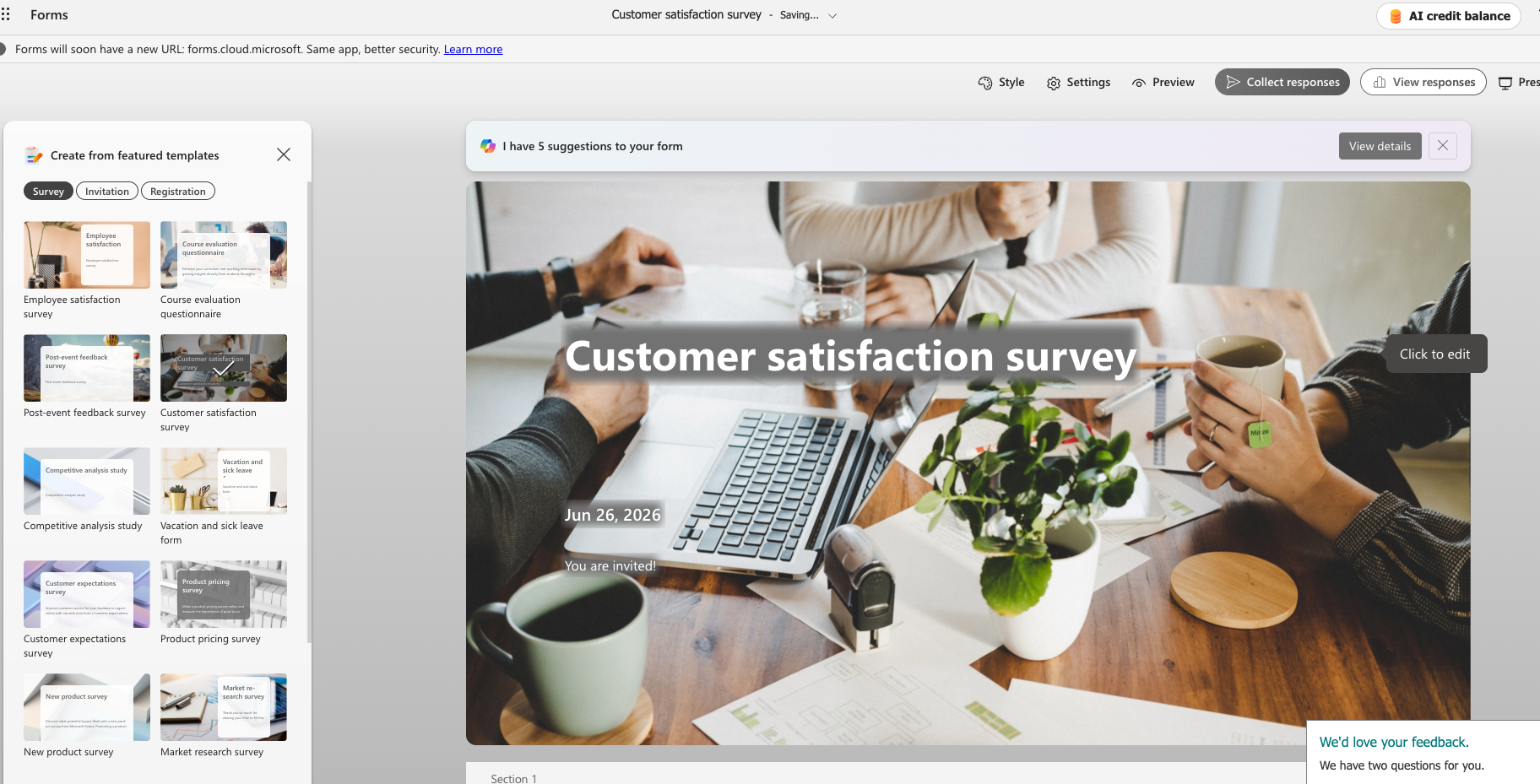
The customer feedback survey is the foundation for connecting with your audience. Use it to unlock insights into what people think about your brand and its products or services. These surveys help you identify what you’re doing well and how you can get better in the future.
A customer feedback survey template typically includes basic questions about satisfaction, product or service quality, and response times. You can shorten or lengthen the survey as needed to suit your goals. Bear in mind that longer surveys can add friction, so keep things concise to improve completion rates.
Want to collect richer customer insights? Browse Jotform’s customer feedback survey templates with advanced logic, branding, and automation options.
3. Expense reimbursement form
Category: Finance
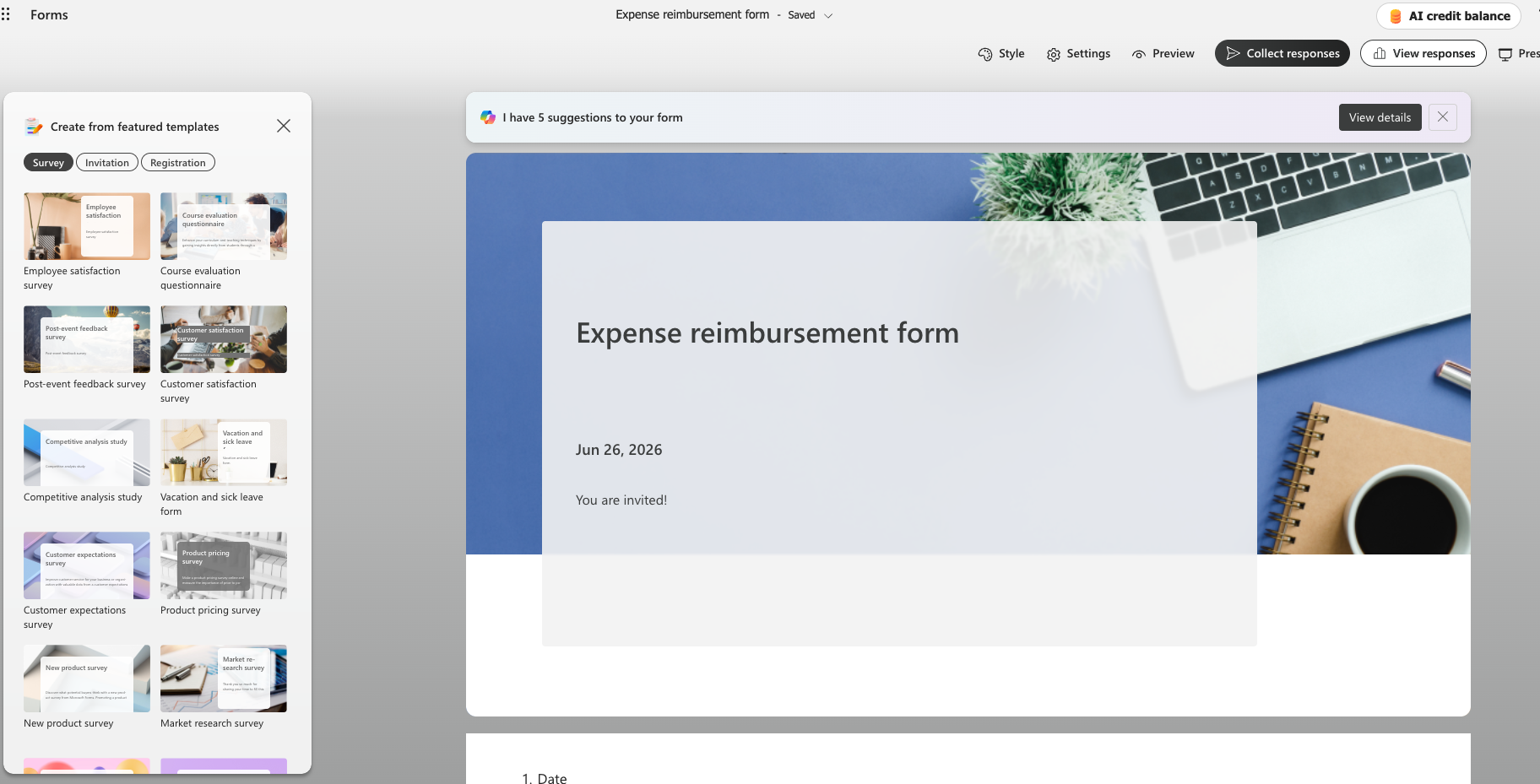
An expense reimbursement form is essential if you pay back employees for approved business expenses, such as mileage and out-of-pocket purchases. Handling this sort of thing through email is messy and time-consuming, whereas a standardized reimbursement form simplifies the process for everyone involved and makes it easy for employees to receive compensation for eligible expenses.
You can customize this template to reflect your company’s reimbursement policies by adding spending limits and required fields. Make sure you outline what documentation is required when submitting a reimbursement request to expedite the process. Forms should make processes simpler and more efficient, not add steps.
Looking for a faster way to manage employee reimbursements? Jotform’s expense reimbursement templates make it easy to collect receipts, automate approvals, and track requests.
4. Course registration form
Category: Education
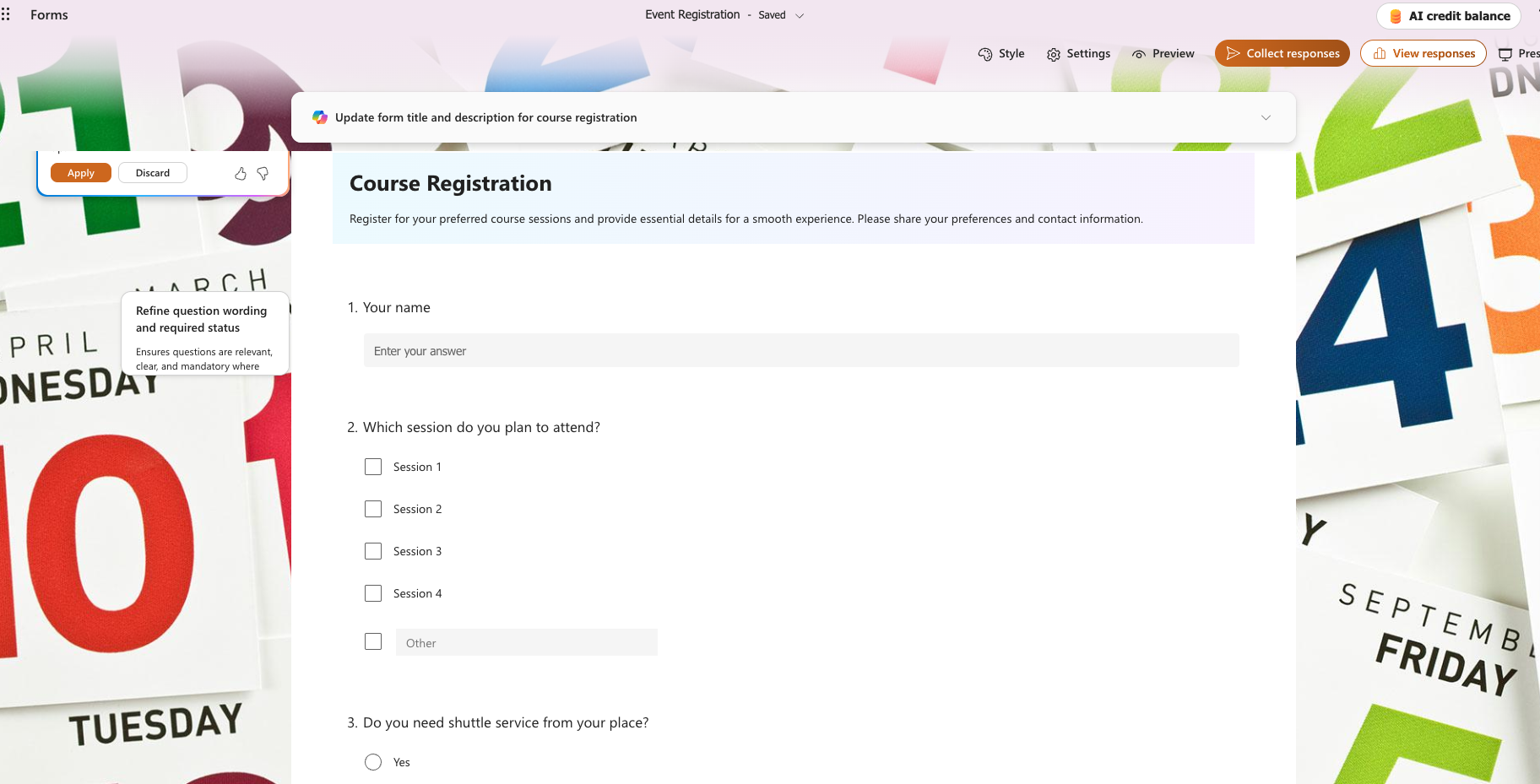
A course registration form helps schools, universities, and training providers organize enrollment for classes and educational programs. You can collect enrollment information using one centralized form, which saves time and helps you track attendance levels. A standardized registration form is especially important when dealing with a complex schedule that consists of multiple courses.
Typical course registration forms include spaces to input the names of participants, contact information, preferred class times, and accessibility accommodations. As with other templates in Microsoft Forms, this template allows you to customize the document as needed. Adding confirmation messages to your workflow is a valuable step to help participants understand what to do next.
Need a more flexible enrollment process? Jotform’s course registration templates help you manage registrations, payments, waitlists, and confirmations in one place.
5. New product survey
Category: Market research
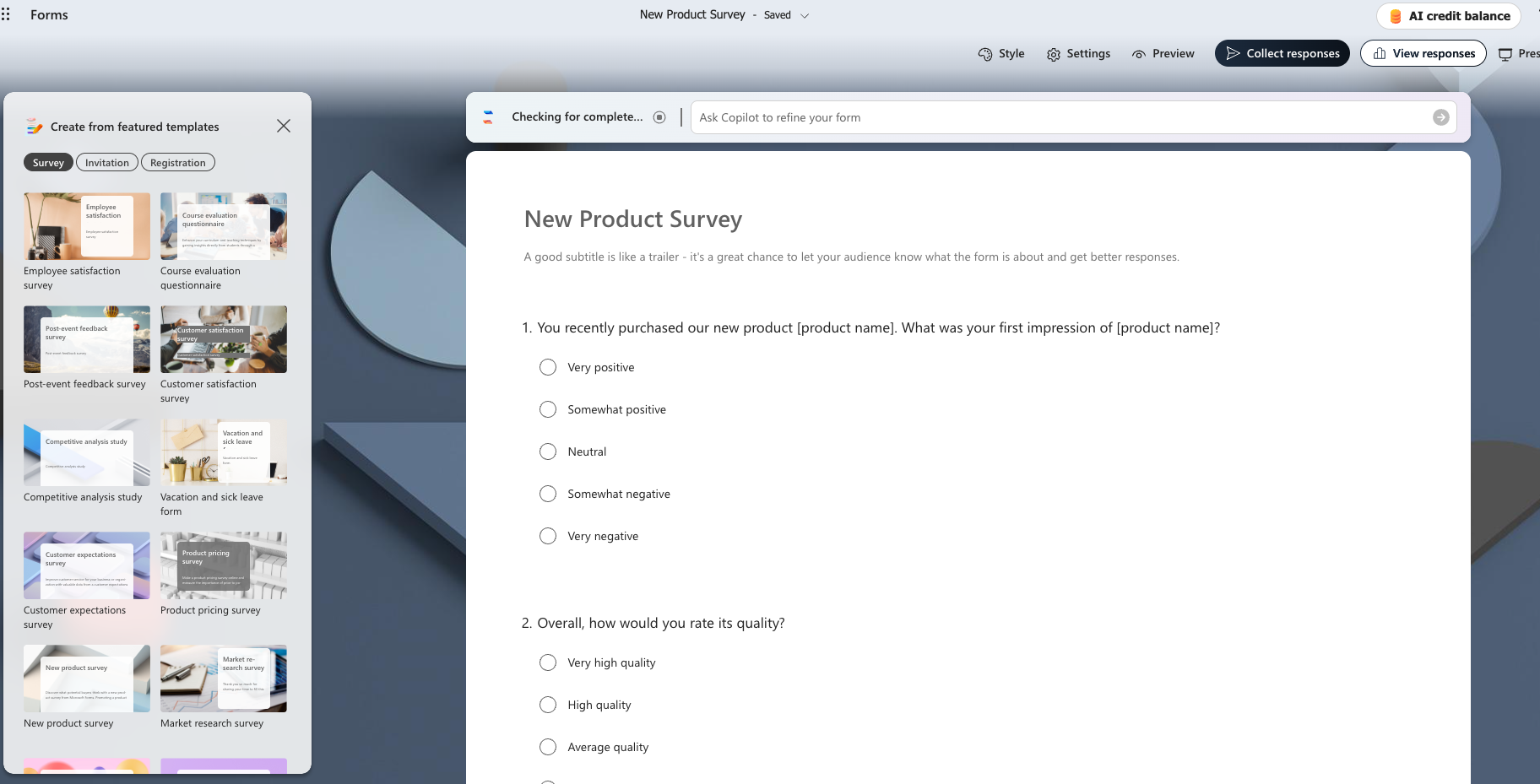
A new product survey template gives you valuable insights into your target audience, helping you evaluate customer interest, validate ideas, and gather feedback before scaling up production. Include open-ended questions so that participants can suggest improvements or flag gaps in your product — but keep these optional so that people can skip them if they prefer.
Because new product surveys tend to cover a lot more ground than other survey types, it’s worth thinking carefully about length. Use your knowledge of your audience to strike the right balance — you want to gather as much information as possible while being respectful of your audience’s time to maximize completion rates.
Want deeper insights before launching your next product? Jotform’s product survey templates help you collect detailed customer feedback with customizable questions and logic.
6. Event feedback survey
Category: Event management
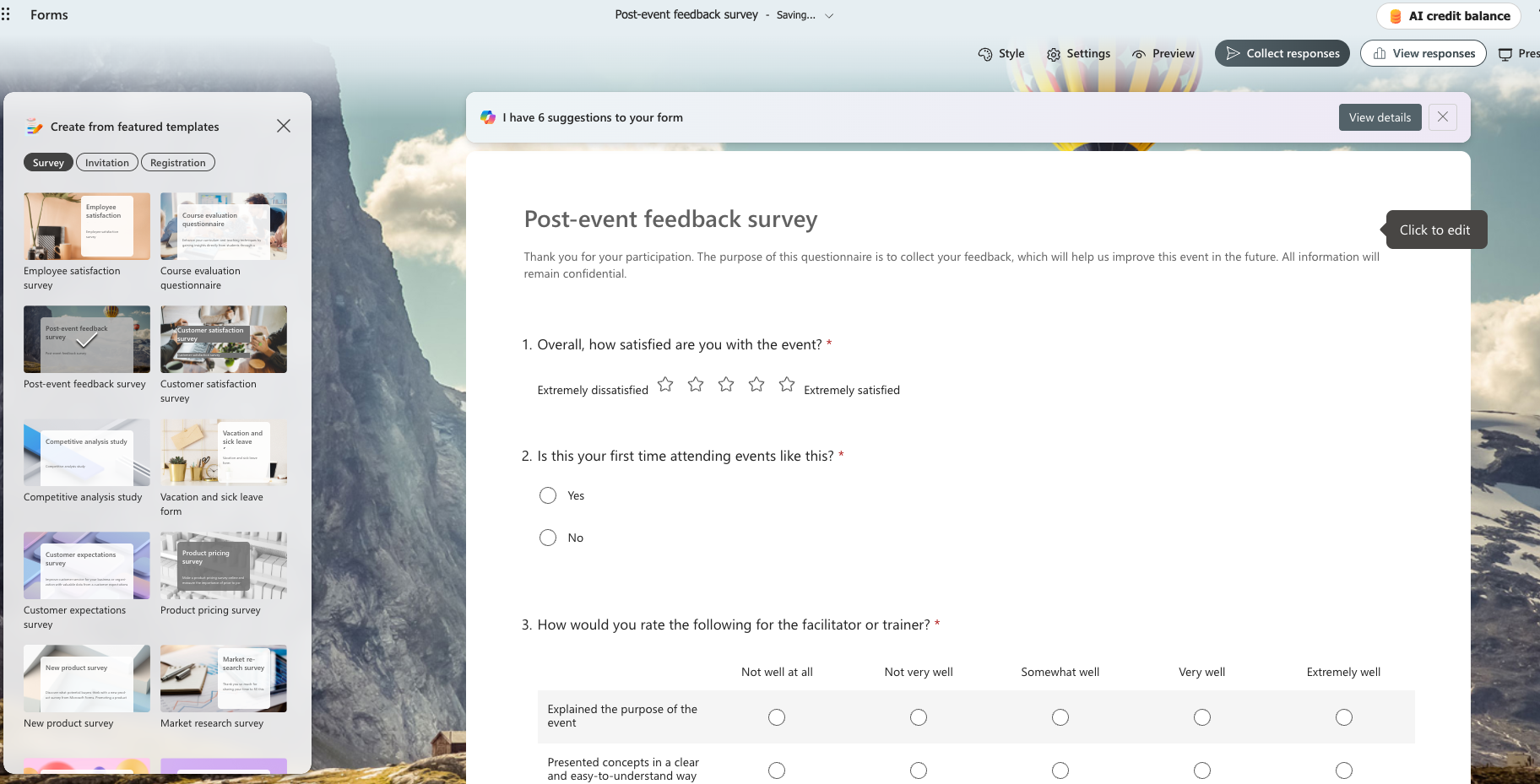
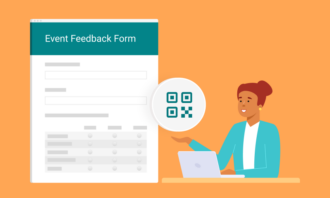
An event feedback form helps you collect comments after you’ve wrapped up an event. You can use this information to make future experiences better and allow attendees to share their honest opinions. Keep the form open enough so you can gather information about everything from registration and communication to the venue and speakers.
While an event feedback form gives you a good starting foundation, it works best when personalized to your event. Rating scales are a useful tool for gathering insight, and you can customize the survey further by adding questions specific to what happened at your event. Timing matters, too: Send the survey within a few days of the event so that attendees can respond while the good and bad aspects are still fresh in their minds.
Ready to learn what attendees really thought? Jotform’s event feedback templates make it easy to gather actionable insights and improve future events.
7. Website feedback survey
Category: Marketing
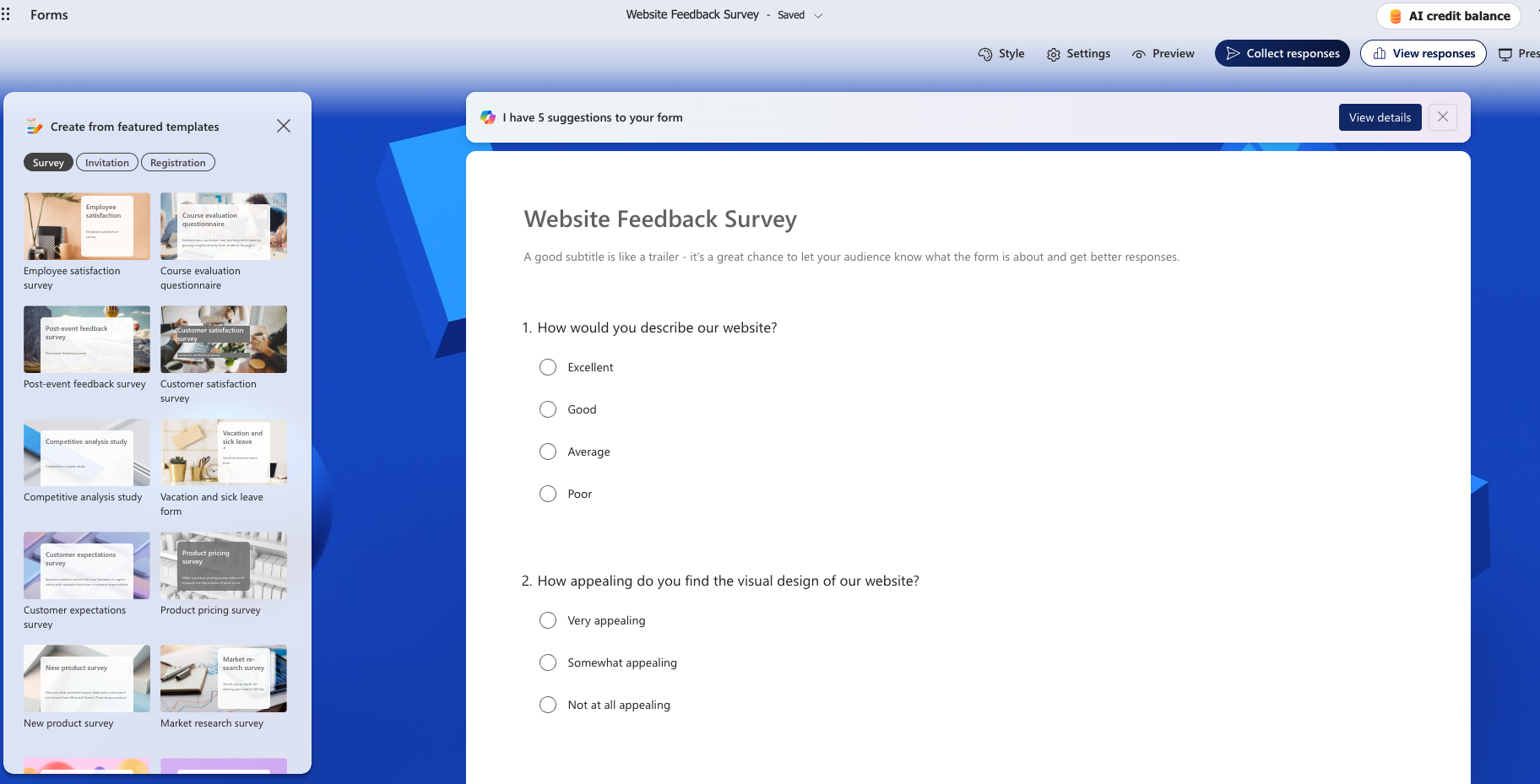
Your website is often the first impression that people get of your business. So, it’s important to get right — and that’s where a website feedback survey template can help. It gives you valuable information about how people connected with your site and what they thought about it once they arrived so that you can continue to make improvements to it.
When choosing questions for your survey, focus on topics like website navigation, page design, and load speed. You should also ask how easy it was for visitors to find the information they were looking for. Collecting website feedback like this provides insights that analytics cannot: While analytics show what visitors do, surveys explain why they behave that way.
Looking to improve your website experience? Jotform’s website feedback templates help you collect visitor opinions with customizable surveys and automated workflows.
8. Employee satisfaction survey
Category: Human resources
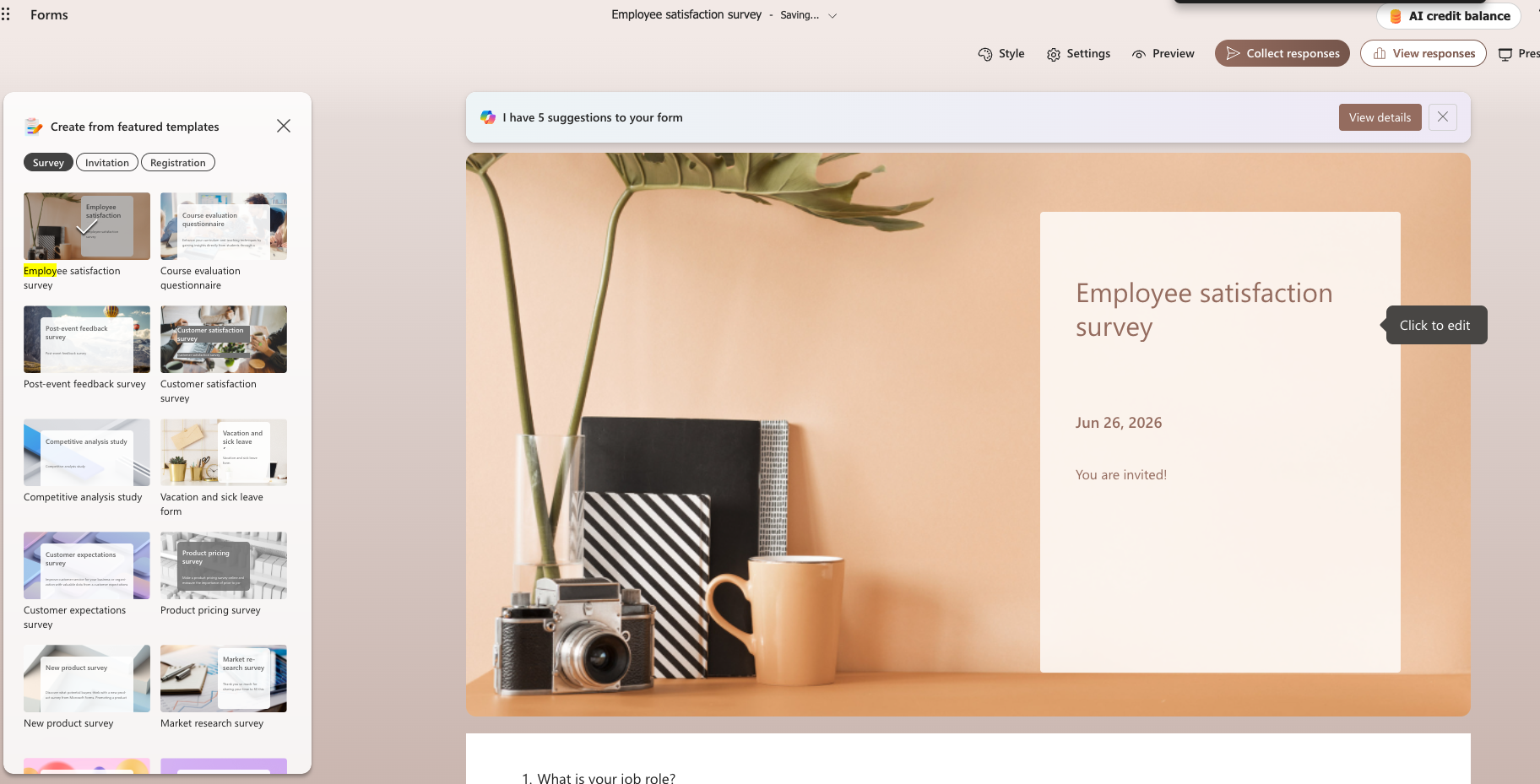
There are plenty of different subcategories of employee satisfaction surveys, such as engagement surveys, exit surveys, and motivation surveys. However, the underlying mission is typically similar across all types: You want to measure workplace morale and identify ways to make the employee experience better.
Microsoft Forms includes a few different types of employee satisfaction surveys to help you do this. Choose the one that best fits your target audience and then customize the questions accordingly. You can dig into how employees like to be recognized, what they would like to see changed within the company, and other important topics. The goal is to build a business that people want to be a part of.
Want to better understand employee engagement? Jotform’s employee satisfaction survey templates help you gather honest feedback while streamlining HR workflows.
9. Manager feedback survey
Category: Human resources
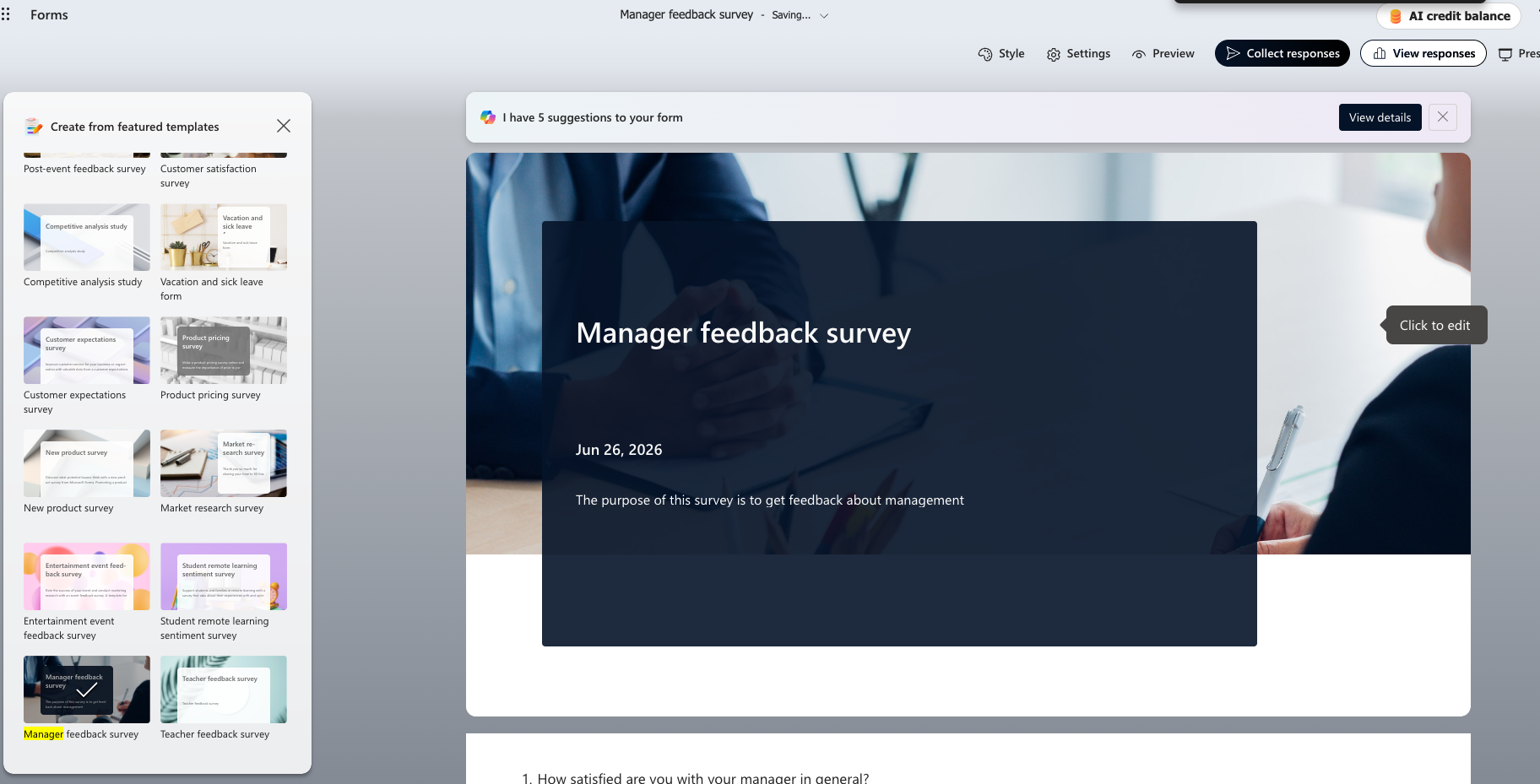
A manager feedback survey gives employees an opportunity to evaluate how effective leaders have been. You can use these insights to improve management development efforts and build a better mid-level team to bring the best out of your workforce.
Common questions focus on managers’ communication styles, decision-making, accountability, and conflict resolution skills. Ask the tough questions so you can find out how well managers relate to your rank-and-file employees. And if you’re concerned about employees being honest, make the survey results anonymous.
Need a better way to collect leadership feedback? Jotform’s manager evaluation templates support anonymous responses, customizable questions, and automated reporting.
10. Office facility request form
Category: Operations
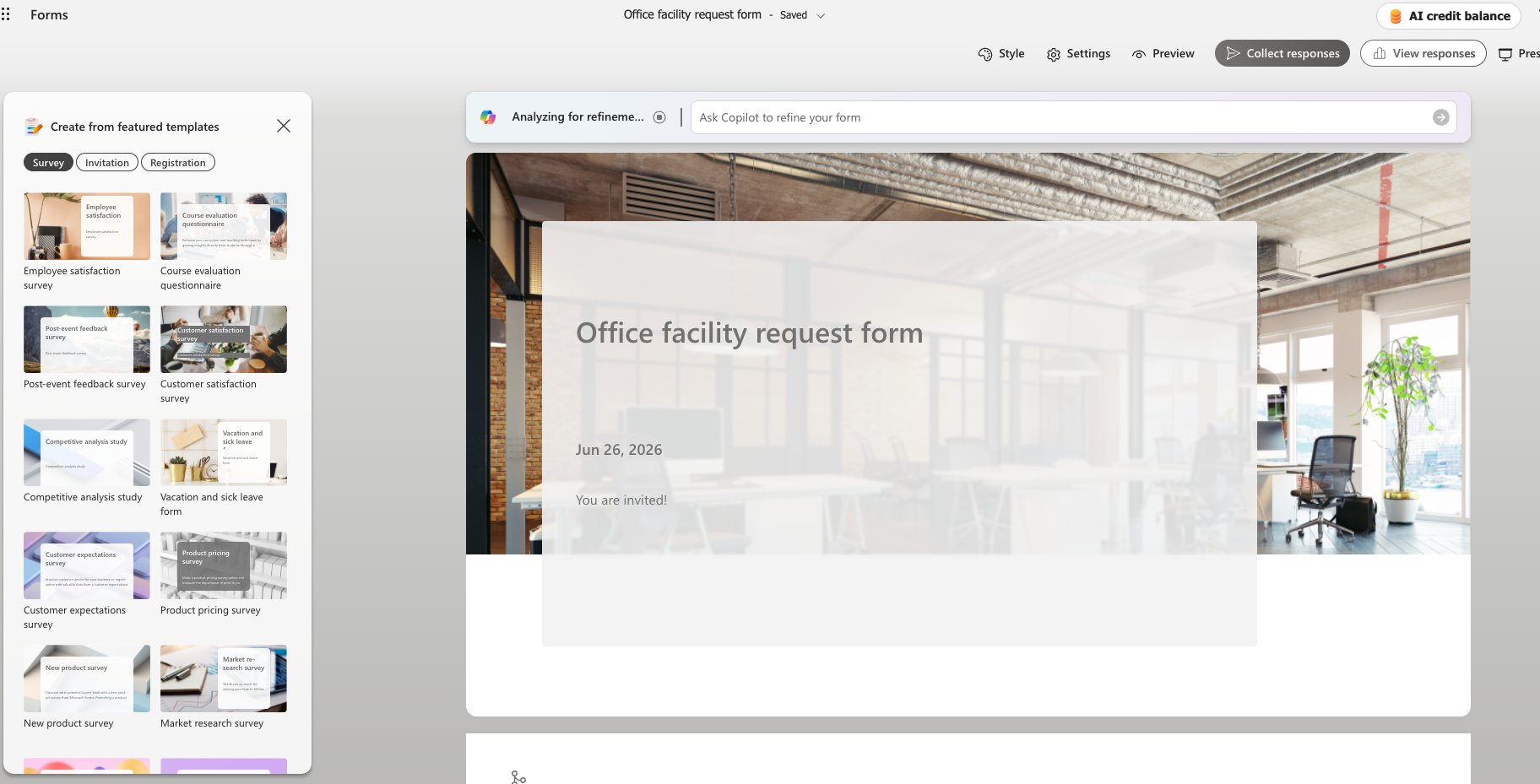
A facility request form template simplifies the process of reporting maintenance issues and requesting supplies. When done via email or over the phone, these tend to get lost in the shuffle. The result is costly delays and frustrated team members who lack what they need to be productive.
Implementing standardized report or request forms helps your facilities teams prioritize work and address pressing issues more efficiently. Your leadership team will also get a better view into recurring maintenance issues, allowing you to allocate resources more effectively to plan site improvements.
Want to simplify maintenance and facility requests? Jotform’s facility request templates help teams submit, track, and manage requests more efficiently.
Tired of limits? Unlock 20,000 pro templates on Jotform
Microsoft Forms is a great choice for businesses that need a straightforward way to collect information. The tool seamlessly integrates with Microsoft 365, which is incredibly convenient if your team is already using Word, Excel, and Outlook. However, as your data collection needs become more complex, you can outgrow its capabilities — fast.
Jotform offers more than 20,000 professionally designed templates that cover just about every industry and business process. You can collect customer feedback, manage event registrations, and process HR requests. These are just a few examples of tasks that Jotform simplifies with ready-to-go templates.
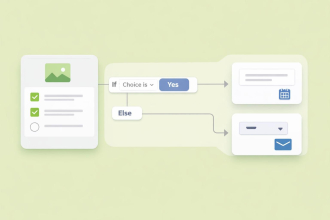
The powerful form builder also provides advanced features that help your business work more efficiently. Conditional logic allows forms to display only relevant questions based on a person’s previous answers, which creates better experiences. Built-in approval workflows route submissions to the appropriate team members. And integrations with popular software solutions cut down on manual data entry.
Creating a form using a template is simple — just follow these steps:
- Open the Business Forms page on Jotform’s website.
- Find the template you’re interested in using.
- Click the Use Template button to open the Jotform Form Builder and start using your form.
Regardless of its size or industry, Jotform gives your business the flexibility you need to build better forms and collect valuable data at scale.
Migrate your Microsoft Forms to Jotform with a single click today
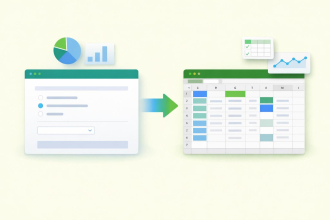
Already using Microsoft Forms? There’s no need to rebuild your forms from scratch. Jotform’s Microsoft Forms migration tool lets you import existing forms in just a few clicks, making it easy to continue collecting data while unlocking more advanced features.
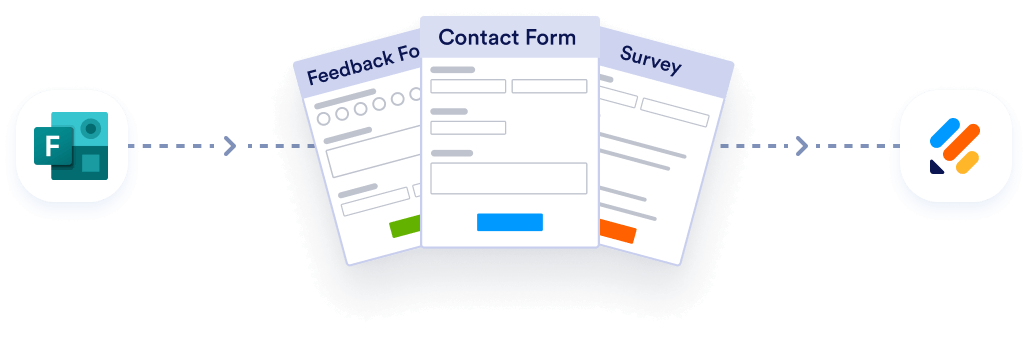
Migrate existing forms instantly
There’s no need to rebuild your online forms from scratch. Instead, migrate existing forms and submission data into your Jotform account in one click — so you can collect data without skipping a beat.
Your form can not be migrated.
Please ensure that your form URL is correct and that your form is set to “public” before attempting to migrate it again.
After migrating, you can customize your forms, automate workflows, accept payments, collect e-signatures, and access thousands of additional templates.
If you’re ready for more flexibility and scalability, make the move to Jotform and start creating smarter forms that grow your business. Migrate to Jotform and unlimit yourself.
FAQs about Microsoft Forms templates
Microsoft Forms is a good basic tool for building surveys and questionnaires, but it offers limited customization options and fewer advanced features than dedicated form builders. At times, Microsoft Forms can feel like a tool that Microsoft tacked on, rather than something built with a broader purpose in mind. As a result, you may outgrow the tool once you need conditional logic, extensive branding, and stronger integrations.
Both solutions allow you to create online forms, surveys, quizzes, and questionnaires without coding. However, Jotform offers over 20,000 templates, more customization options, and more third-party integrations. If you want access to a greater number of tools, integrations, and capabilities to make information gathering easier, Jotform is the way to go.
Microsoft’s solution is a solid choice for simple forms within the Microsoft 365 ecosystem. But Jotform is a better fit if you need advanced workflows, powerful automation, and access to more than 20,000 professionally designed templates.
This article is for business owners, operations leaders, HR and marketing teams, event organizers, educators, and anyone who wants to streamline data collection with Microsoft Forms templates or evaluate a more flexible alternative like Jotform.


































































Send Comment: