

10 of the best Qualtrics alternatives of 2026
If you’re serious about getting to know your customers and employees on a deeper level, you’ve probably heard about Qualtrics, the experience management platform that helps you capture and act on insights gleaned from these two crucial stakeholder groups. What you might not know is there are several Qualtrics alternatives that may be a better fit for your business. Keep reading to get a rundown of your top options.
Why consider a Qualtrics alternative?
Qualtrics is a powerful experience management platform, but not every team needs its full feature set, pricing, or implementation complexity. If your priority is to move fast, keep costs under control, or focus on a narrower set of use cases, a leaner Qualtrics alternative can be a better fit.
You might consider switching platforms if
- You’re paying for features you barely use and want a more budget-friendly tool.
- Your team finds Qualtrics overwhelming and prefers a simpler, more intuitive interface.
- You mainly need surveys and feedback forms rather than a full-blown experience management suite.
- You want tighter integration with your existing tools (like your customer relationship management, help desk, or marketing platforms).
- You need to launch programs quickly without a long implementation or training period.
Qualtrics alternatives at a glance
Before you dive into each platform in detail, use this quick comparison table to see how the main Qualtrics alternatives stack up side by side. You’ll find who each tool is best for, what makes it stand out, and how its pricing is structured so that you can quickly narrow down the options that fit your team’s needs and budget.
 Jotform |  ProProfs Survey Maker |  ProProfs Qualaroo |  Retently |  InMoment |  SurveyMonkey |  Typeform |  Google Forms |  Zoho Survey |  Medallia Experience Cloud | |
|---|---|---|---|---|---|---|---|---|---|---|
| Best for | Businesses that need flexible forms and surveys with strong customization | Teams that want surveys, quizzes, tests, and polls in a single solution | Product and user experience teams focused on in-product and on-site feedback | B2B companies that measure their net promoter score (NPS), customer satisfaction (CSAT) rate, and customer effort score (CES) over time | Organizations running mature customer experience and employee experience programs across multiple channels | Teams that want a mature, all-purpose survey platform | Brands that care about design and engagement in their forms | Users who need simple, no-frills forms and surveys | Zoho users who want their surveys tightly connected to existing tools | Enterprises managing complex, omnichannel experience programs |
| Key features | Large template library; powerful conditional logic, analytics, and report builder in one platform | Combines surveys with assessments and quizzes, plus a huge ready-made question library | “Nudges” that trigger contextual micro-surveys while users browse your site or app | Customer experience automation for NPS, CSAT, and CES, with segmentation and follow-up workflows | Enterprise-grade predictive analytics with case management for closing the feedback loop | Extensive template and benchmark ecosystem for fast survey creation and comparison | Conversational, one-question-at-a-time interface that feels more like a chat than a form | Native integration with Google Sheets and Google Workspace for easy data sharing | Deep integration with Zoho CRM and other Zoho apps, plus offline response collection | Artificial intelligence (AI) driven text and sentiment analytics across many feedback channels |
| Plans/pricing | Free version; paid plans range from $39 per month to $129 per month, and custom enterprise-level plans are available | Free version; paid plans range from $39.99 per month to $149.99 per month | Free version; paid plans range from $39.99 per month to $149.99 per month | B2B paid plans range from $100 per month to $299 per month; e-commerce plans range from $49 per month to $299 per month | Contact InMoment for information on plans and pricing | Paid plans range from $15.65 per user per month to $47.90 per user per month, and custom enterprise-level plans are available | Paid plans range from $29 per month to $99 per month, and custom enterprise-level plans are available | Paid plans range from $2.45 per user per month to $7.70 per user per month, and custom enterprise-level plans are available | Free version; paid plans range from $9 per month to $118 per month | Contact Medallia Experience Cloud for information on plans and pricing |
| Try It Now | Learn More | Learn More | Learn More |
2025’s top Qualtrics alternatives
1. Jotform
Jotform is a powerful form builder that enables you to create engaging surveys for a multitude of business needs. Start building surveys with one of over 20,000 free templates across multiple categories, such as product, marketing, satisfaction, and employee surveys.
- Best for: Businesses that need a versatile, no-code form and survey builder with deep customization and strong reporting
- Key features:
- Drag-and-drop user interface for easy form-building, meaning you don’t need any coding skills to launch professional surveys
- Customize everything from fonts and colors to logos, backgrounds, and layouts, so your surveys match your brand guidelines
- Configure advanced settings like field validations, thank-you pages, and autoresponders for a more polished experience
- Show or hide questions based on previous answers to keep surveys shorter and more relevant for each respondent
- Track views, submission rates, and completion trends with form analytics, and turn responses into visual reports that are easy to share with stakeholders
- Built-in charts and tables help you monitor key metrics at a glance
- Pros:
- Highly flexible drag-and-drop builder with a short learning curve for non-technical users
- Large template library for different use cases, including customer feedback, employee surveys, and event registration; extensive integrations with popular tools like customer relationship management (CRM) platforms, email marketing platforms, and cloud storage services
- Cons:
- Advanced customization may feel overwhelming at first for very small teams
- Plans/pricing:
- Starter (free)
- Bronze ($39 per month, billed monthly)
- Silver ($49 per month, billed monthly)
- Gold ($129 per month, billed monthly)
- Enterprise (custom pricing)
2. ProProfs Survey Maker
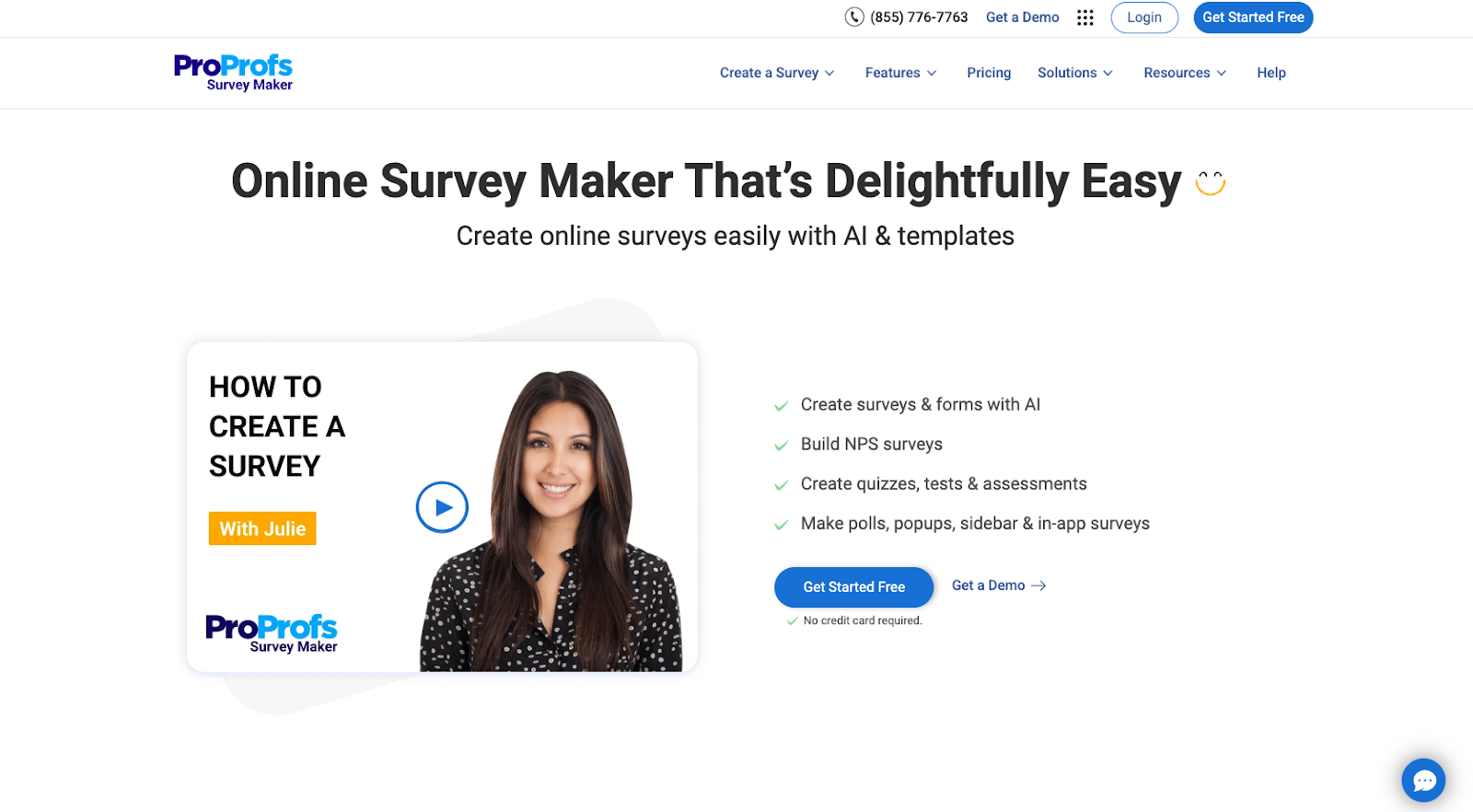
ProProfs Survey Maker is a tool that enables you to create surveys, forms, polls, tests, quizzes, and website popups. The platform offers 100-plus templates and 20-plus question types. In its top-tier plan, you can also customize branding.
- Best for: Teams that want one tool for surveys, quizzes, tests, and in-app feedback with white-label options
- Key features:
- Design surveys using an intuitive builder with multiple question types, including multiple choice, rating scales, and open-ended questions
- Quickly launch customer satisfaction, NPS, and employee engagement surveys without coding
- Create scored quizzes and assessments to measure knowledge, skills, or customer readiness
- Automated scoring and reports help you understand performance across individuals and groups
- Trigger surveys inside your product or website to capture feedback in context, right when users are engaging with specific features – helping you uncover friction points and opportunities for improvement
- Option to remove ProProfs branding and use your own logo, colors, and domain to deliver a seamless, on-brand survey experience
- Pros:
- Versatile tool that supports surveys, quizzes, tests, and polls in one platform
- Rich question library and templates that speed up survey creation
- In-app and website feedback options for capturing insights in real time
- Cons:
- Interface and design options may feel less modern compared to newer survey tools
- Advanced branding and white-label features are limited to higher-tier plans
- Not as robust for complex enterprise-level experience management as some Qualtrics competitors
- Plans/pricing:
- Free: Up to 50 responses
- Essentials ($39.99 per month)
- Business ($69.99 per month)
- Enterprise ($149.99 per month)
3. ProProfs Qualaroo
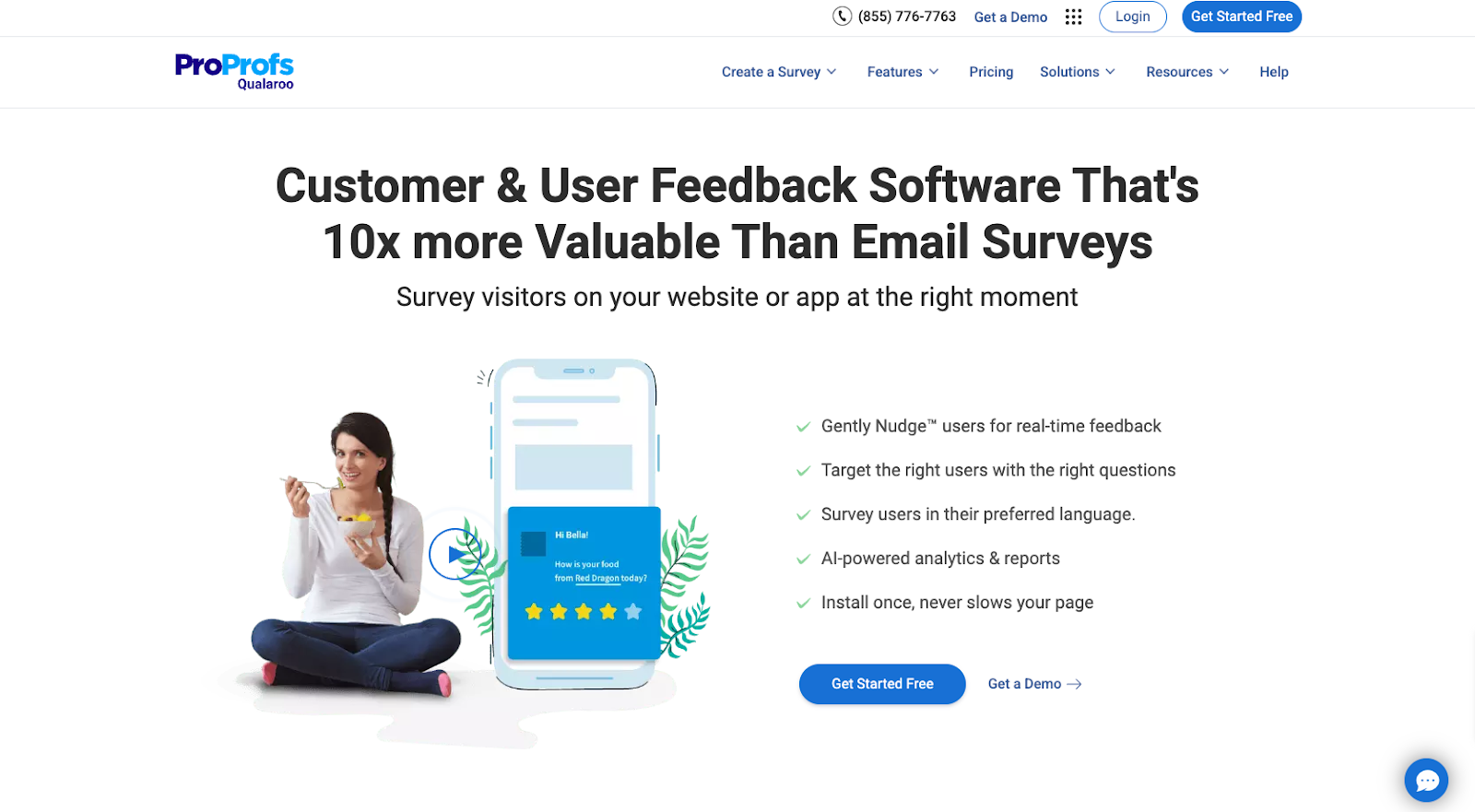
ProProfs Qualaroo is a user research and customer feedback tool that you can use to survey specific users while they’re interacting with your product, service, or brand.
- Best for: Product and UX teams that want in-context website or in-app feedback through targeted nudges
- Key features:
- Target users based on behavior, device type, visit history, or custom attributes so you can ask the right questions at the right time, leading to more relevant insights and less noise in your data
- Use small, unobtrusive popup surveys called Nudges to collect feedback without disrupting the user experience; connect feedback to key conversion events to understand how user sentiment impacts signups, purchases, or feature adoption
- Adjust colors, fonts, logos, and messaging so Nudges look and feel like a natural part of your product or site — helping to increase trust and completion rates
- Pros:
- Strong focus on in-context feedback from real users while they are active on your site or app
- Advanced targeting rules that help you reach specific segments with relevant questions
- Lightweight, unobtrusive survey design that minimizes interruption
- Cons:
- Primarily focused on in-product and website feedback, so it may not cover all survey use cases
- Steep learning curve for setting up complex targeting and workflows
- Pricing may be higher than simpler survey tools, especially for small teams
- Plans/pricing:
- Free: Up to 50 responses
- Essentials ($39.99 per month)
- Business ($69.99 per month)
- Enterprise ($149.99 per month)
4. Retently
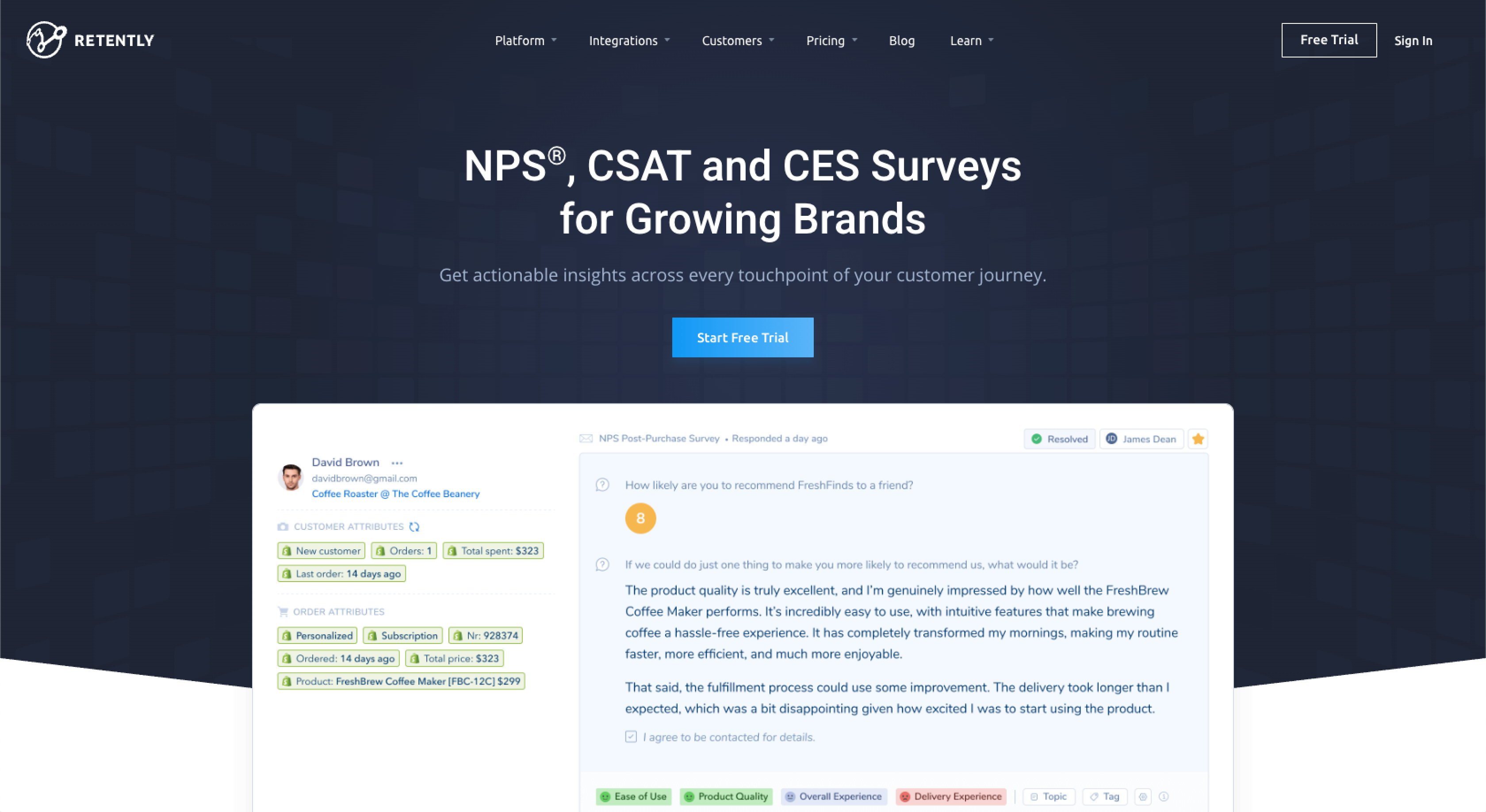
Retently is a customer experience management tool developed for B2B companies. It automates customer satisfaction scoring metrics like NPS, CSAT, and CES for customer success, product, and marketing teams.
- Best for: B2B companies focused on tracking NPS, CSAT, and CES with automated follow-ups and segmentation
- Key features:
- Send NPS, CSAT, and CES surveys via email, SMS, in-app, or chat to meet customers where they prefer to respond
- Use built-in analytics to categorize feedback by sentiment and theme, so you can quickly identify promoters, passives, and detractors
- Text analytics helps highlight recurring issues and opportunities
- Trigger automated follow-up messages or tasks based on response scores, such as reaching out to detractors or inviting promoters to leave public reviews
- Segment your audience by plan type, lifecycle stage, geography, and more to compare satisfaction across customer groups
- Pros:
- Purpose-built for tracking NPS, CSAT, and CES at scale, particularly in B2B environments
- Robust automation that helps teams close the loop with unhappy customers
- Detailed segmentation and reporting options for account-based and cohort analysis
- Cons:
- Best suited for organizations that are already committed to structured customer experience programs
- Implementation and setup can be more involved than basic survey tools
- May be more than smaller teams need if they only want occasional, lightweight surveys
- Plans/pricing:
- For B2B businesses
- Basic ($100 per month)
- Pro ($299 per month)
- For e-commerce and retail
- Ecommerce Basic ($49 per month)
- Ecommerce Pro ($299 per month)
- For B2B businesses
5. InMoment
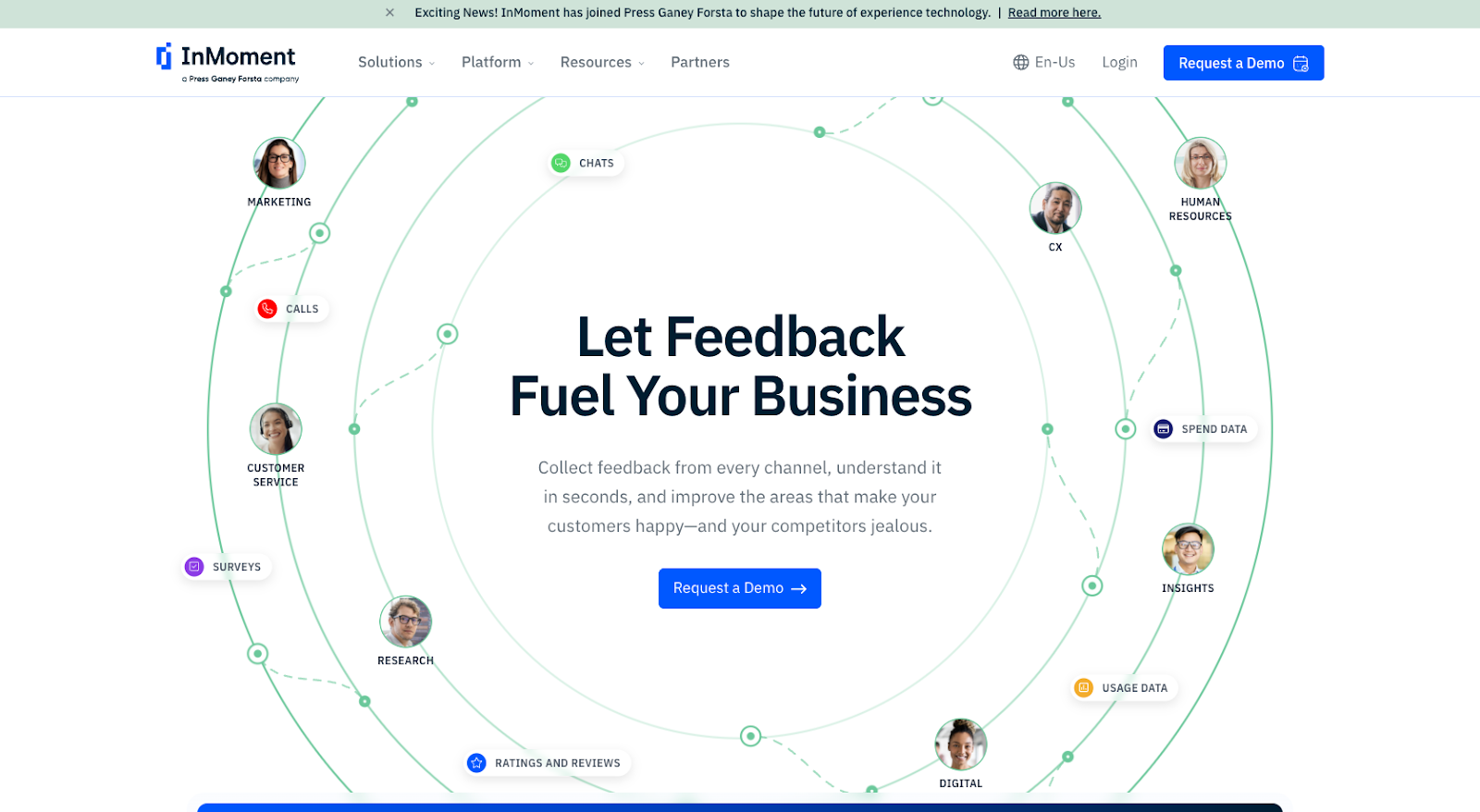
InMoment is employee and customer experience software that focuses on experience improvement.
- Best for: Mid-sized and enterprise organizations running complex customer and employee experience programs
- Key features:
- Capture feedback from multiple channels, including web, mobile, email, and contact centers, to build a holistic view of the customer and employee experience
- Flexible survey options support both simple and complex programs; route issues and negative feedback to the right teams with case management workflows, so you can act quickly on time-sensitive problems
- Automated alerts help ensure that critical cases don’t fall through the cracks
- Use AI-driven models to identify at-risk customers, forecast churn, and surface the drivers behind changes in satisfaction scores — making it easier to prioritize initiatives with the highest impact
- Share configurable dashboards and visual reports with stakeholders across the organization, role-based views help executives, managers, and frontline teams see the metrics that matter most to them
- Pros:
- Enterprise-grade platform suited for complex, multi-location, and multi-channel experience programs
- Strong analytics and predictive capabilities that go beyond basic survey reporting
- Case management tools that help teams operationalize insights and close the feedback loop
- Cons:
- Might be overkill for smaller businesses that need a simpler survey tool
- Implementation and onboarding require time, resources, and stakeholder alignment
- Pricing information isn’t transparent, which can make early comparison shopping harder
- Plans/pricing: Contact InMoment for information on plans and pricing; InMoment offers the following plans:
- CoreCX: Self-serve NPS, CSAT, and CES micro-surveys, text and sentiment analytics, and data exploration to mine unstructured feedback
- Enterprise: Industry-specific text and sentiment analytic models, location-based action planning, and case management
- Custom: Extensive reporting and other advanced analytic features tailored to your business requirements
6. SurveyMonkey
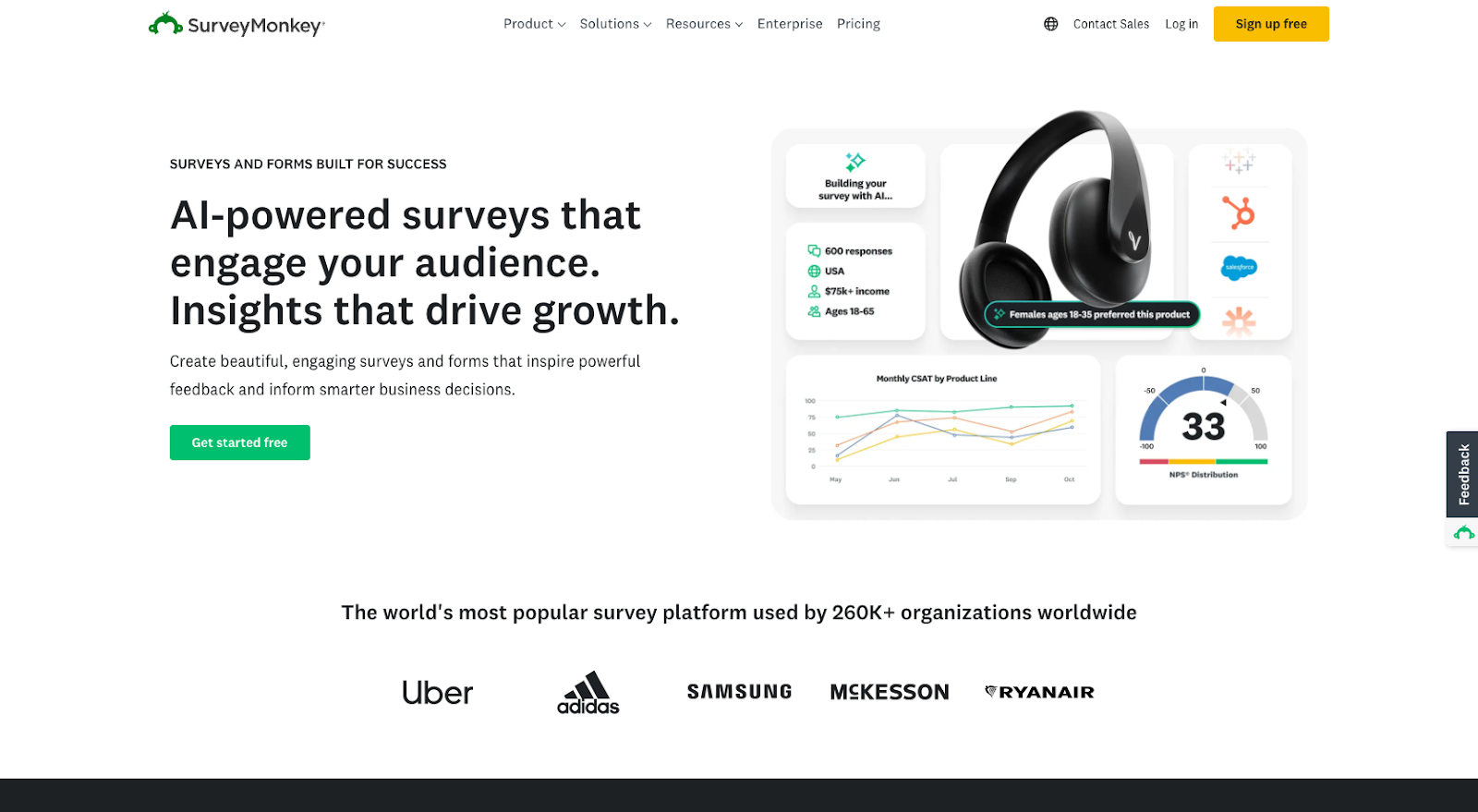
SurveyMonkey is one of the most widely used online survey tools and a direct Qualtrics alternative for teams that want a flexible, user-friendly platform without a heavy implementation process. It supports everything from simple customer feedback surveys to more advanced research projects for larger organizations.
- Best for: Teams that want a well-known, general-purpose survey platform with strong templates and analytics
- Key features:
- Create surveys quickly with a visual builder that lets you add, reorder, and customize questions without coding, so non-technical users can launch surveys in minutes
- Start from hundreds of prebuilt templates and recommended questions for customer feedback, employee engagement, and market research to shorten setup time
- Use built-in charts, filters, and export options to analyze responses and share insights with stakeholders
- Connect SurveyMonkey with tools like Salesforce and Marketo and use admin controls, single sign-on, and compliance features for larger teams
- Pros:
- Mature, stable platform with a large ecosystem and user community
- Easy-to-use interface and templates for users at all skill levels
- Robust integrations and enterprise options for growing organizations
- Cons:
- Costs can increase as you scale to higher plans and more advanced features
- Some powerful analytics and customization options are only available on premium tiers
- Interface can feel a bit crowded compared to newer, more minimalist tools
- Plans/pricing:
- Team Advantage ($15.65 per user per month)
- Team Premier ($47.90 per user per month)
- Enterprise (custom pricing)
7. Typeform
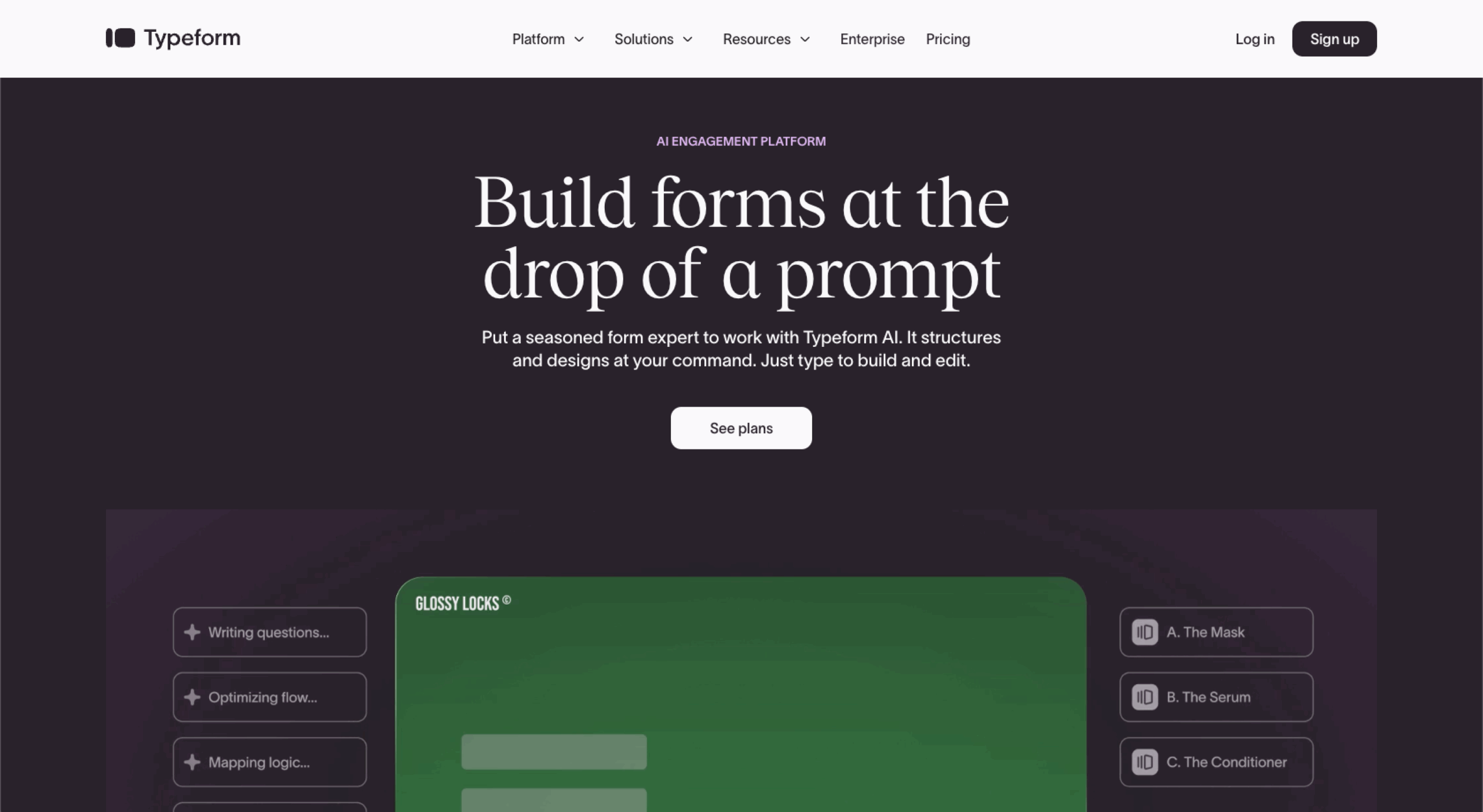
Typeform is a form and survey builder that focuses on creating conversational, visually appealing experiences. It’s a strong Qualtrics alternative for brands that care about design and engagement as much as data collection.
- Best for: Design-conscious teams that want highly engaging, conversational surveys and forms
- Key features:
- Present questions in a chat-like interface that feels more like a conversation than a traditional survey, which can improve completion rates
- Use polished templates and branding controls for fonts, colors, images, and layouts to keep forms on brand
- Add conditional logic so respondents only see relevant questions, making surveys shorter and more tailored
- Connect Typeform with tools like Slack, HubSpot, and Mailchimp so responses can trigger workflows or CRM updates automatically
- Pros: Highly engaging and modern survey experience that reflects well on your brand; strong design and customization features without needing design or coding skills; good set of integrations for marketing, sales, and operations workflows
- Cons: Response and feature limits on lower-tier plans can be restrictive for growing teams, not as focused on complex research or enterprise-level experience management as Qualtrics, pricing may feel high if you only need basic surveys and don’t fully use advanced features
- Plans/pricing:
- Basic ($29 per month)
- Plus ($59 per month)
- Business ($99 per month)
- Enterprise (custom pricing)
8. Google Forms
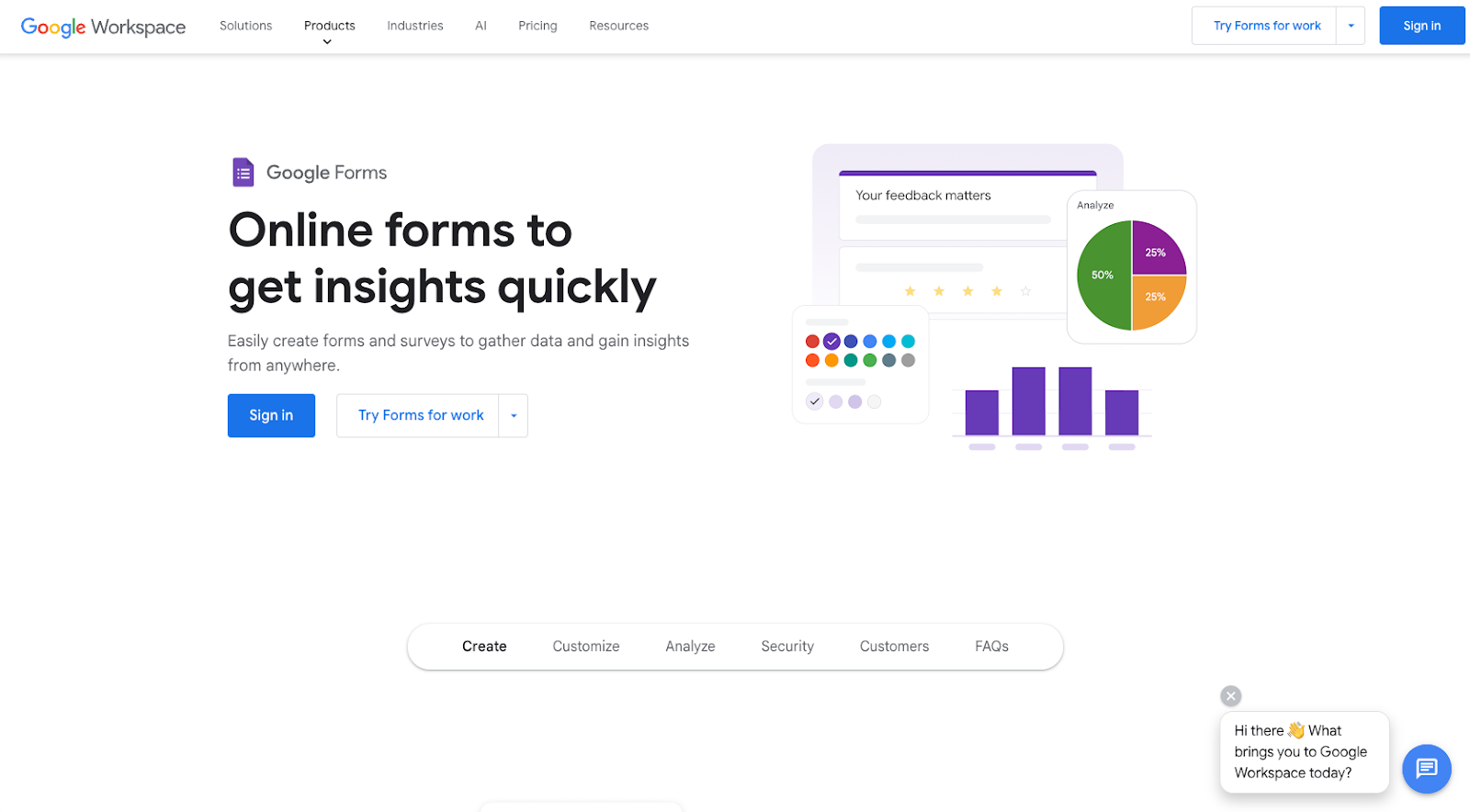
Google Forms is a simple, browser-based form and survey tool that’s part of Google Workspace. It is a strong Qualtrics alternative for teams that need a fast, no-frills way to collect feedback and organize responses in Google Sheets without a complex setup.
- Best for: Individuals, educators, and small teams that need a fast, free way to collect basic feedback
- Key features:
- Build forms with multiple question types, like short answer, multiple choice, checkboxes, dropdowns, and file uploads, using an intuitive editor that works in any browser
- Start from ready-made templates for feedback, registration, and quizzes, then enable quiz mode to automatically grade responses and provide scores
- Collaborate with teammates on the same form and send all responses directly to Google Sheets for real-time analysis and sharing
- Add simple conditional logic, customize confirmation messages, and adjust basic design elements like header image and colors
- Pros: Very easy to learn and use, especially for anyone with a Google account; seamless integration with Google Sheets and the wider Google Workspace ecosystem; generous free option for basic surveys, ideal for individuals, schools, and small teams
- Cons: Limited branding and design control compared to more advanced builders; analytics and reporting are basic, so deeper analysis typically happens in Sheets; missing the enterprise-level capabilities like advanced logic, dashboards, and extensive third-party integrations that Qualtrics offers
- Plans/pricing:
- Starter ($2.45 per user per month)
- Standard ($4.90 per user per month)
- Plus ($7.70 per user per month)
- Enterprise (custom pricing)
9. Zoho Survey
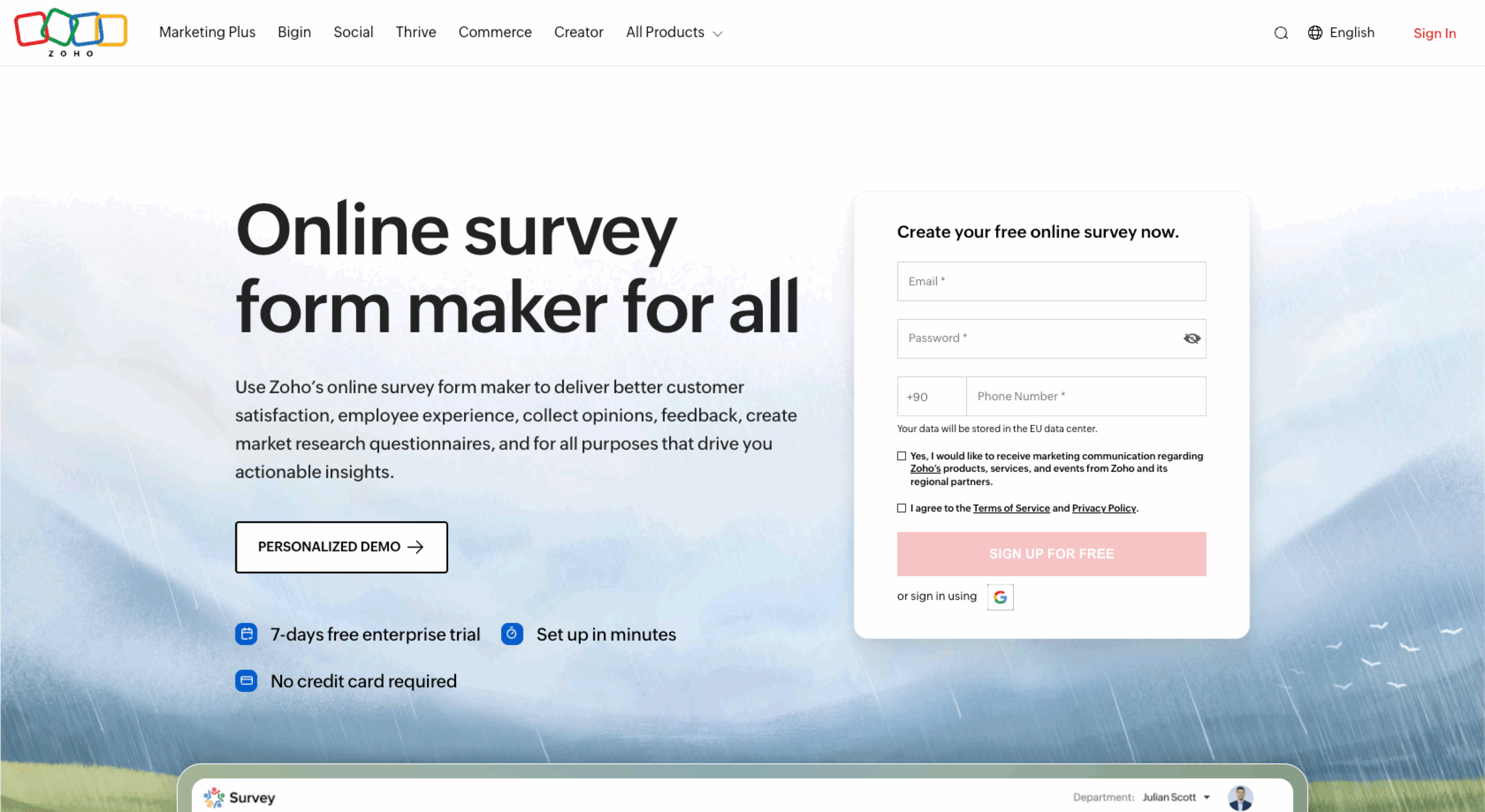
Zoho Survey is an online survey tool that fits neatly into the broader Zoho ecosystem, making it a good Qualtrics alternative for businesses already using Zoho CRM or other Zoho apps. It balances ease of use with a solid feature set for small to mid-sized organizations.
- Best for: Businesses already using Zoho apps that want tightly integrated surveys and feedback workflows
- Key features:
- Use ready-made templates and question types to quickly build surveys for customer satisfaction, market research, and employee feedback
- Set up branching rules so respondents see only relevant questions, keeping surveys shorter and more personalized
- Share surveys via email, social media, website embeds, or kiosks, and collect responses offline for later syncing
- View real-time analytics and connect Zoho Survey with Zoho CRM and other Zoho apps, plus selected third-party tools, to centralize data
- Pros:
- User-friendly interface that’s approachable for non-technical users
- Strong fit for teams already using Zoho products
- Flexible plans that can support individuals, small and medium businesses, and larger organizations
- Cons:
- Some advanced features and integrations are limited to higher-tier plans
- Not as specialized for very large, complex experience management programs as Qualtrics or Medallia
- Reporting, while solid, may feel less sophisticated than premium research platforms
- Plans/pricing:
- Free
- Basic ($9 per month)
- Plus ($38 per month)
- Pro ($53 per month)
- Enterprise ($118 per month)
10. Medallia Experience Cloud
![Medallia Experience Cloud website with the words: "a software-as-a-service platform [that] uniquely fuses human and machine learning to reveal the most relevant customer insights"](https://www.jotform.com/blog/wp-content/uploads/2022/08/image-241-scaled.png)
Medallia Experience Cloud is an enterprise-grade experience management platform that competes directly with Qualtrics. It’s built for organizations that run complex customer, employee, and citizen experience programs and need to capture and analyze feedback at scale.
- Best for: Large enterprises that need an enterprise-grade, omnichannel experience management platform
- Key features:
- Capture feedback from the web, mobile, email, contact centers, messaging apps, social channels, and more to map the entire customer or employee journey
- Use machine learning to analyze open-ended feedback, detect sentiment, and surface key themes across large volumes of data; provide tailored dashboards for executives, managers, and frontline teams, and route insights or tasks to the right people through workflows
- Benefit from enterprise-ready infrastructure with strong governance, compliance, and data protection features for sensitive customer and employee information
- Pros:
- Robust, enterprise-focused platform that matches Qualtrics in depth of features
- Powerful AI and analytics for understanding complex experience data at scale
- Supports sophisticated, multi-touchpoint programs across customer experience, employee experience, and other experience domains
- Cons: Best suited for larger organizations with the budget and resources for comprehensive experience programs; implementation and management are more complex than lightweight survey tools; pricing is typically custom, so you’ll need to speak with sales for a detailed quote
- Plans/pricing: Contact Medallia for information on plans and pricing
How to choose a Qualtrics alternative
Once you’ve shortlisted a few Qualtrics alternatives, it’s important to evaluate them against your real-world needs instead of just comparing feature lists. A structured approach will help you avoid “tool regret” later.
Here are the key steps to follow:
- Clarify your use cases: Decide whether you mainly need customer feedback, employee surveys, in-app prompts, NPS tracking, or full experience management.
- Set a realistic budget: Determine how much you can spend per month or year, and look at how pricing scales with responses, users, and features.
- Assess your team’s technical comfort: If your team is mostly non-technical, prioritize tools with intuitive builders, templates, and minimal setup.
- Check integrations and data flow: Make sure the tool connects to your CRM, help desk, analytics stack, or data warehouse so that insights don’t get siloed.
- Review security and compliance needs: For regulated industries or larger companies, confirm that the vendor meets your privacy, security, and compliance standards.
- Test with a pilot: Run a small pilot project with your top one or two tools, using real surveys and stakeholders, to see how they perform before you commit.
Finding the right Qualtrics alternative for your needs
Choosing a Qualtrics alternative is about what you’re trying to achieve. Use the guide below to match your goals and constraints with the tools that fit them best.
- You want a more budget-friendly option: Qualtrics is a premium experience management platform, and its pricing can be out of reach for startups, small businesses, and cost-conscious teams. Alternatives often provide more flexible plans or generous free tiers.
- Your team needs a simpler, more intuitive survey tool: For organizations that only need straightforward surveys and feedback forms, Qualtrics may feel complex and feature-heavy. Leaner tools can help you move faster without a steep learning curve.
- You have specific use cases that Qualtrics doesn’t prioritize: In-product nudges, quiz-style assessments, or form-heavy workflows might be better served by specialized tools like Jotform, or ProProfs’ Qualaroo or Survey Maker.
- You want tighter integration with your existing tech stack: Some Qualtrics alternatives focus on seamless connections with CRMs, help desks, marketing platforms, or e-commerce tools, which can streamline data flow and reporting.
- You’re looking for more control over branding and user experience: Many alternatives offer flexible design controls, white labeling, and embedding options so that surveys feel native to your website or app.
- You need to launch quickly without a long implementation process: Smaller or mid-market tools tend to offer faster setup, simpler onboarding, and self-serve configuration, which is ideal for teams that need to get feedback programs live fast.
Start by defining your must-have use cases, then shortlist a few Qualtrics alternatives and test them with real workflows so you can choose the platform that best supports your organization’s growth. For a powerful drag-and-drop builder with over 20,000 customizable templates, look no further than Jotform. Try it for free today.
Frequently asked questions
That depends on what you’re looking for. If you just need quick, basic surveys, Google Forms gets the job done. For more customization, Jotform’s free plan gives you access to a wide range of templates and design options. SurveyMonkey also offers a free tier, but it comes with tighter limits.
The Qualtrics platform is powerful, but that comes with trade-offs: It’s pricey, especially for small teams, and it can be tough to learn if you’re not technically inclined. Plus, if you’re not using its full feature set, you might end up overpaying for something that simpler tools could handle just as well.
This article is for customer experience and insights leads, marketing and operations managers, product and UX teams, HR and employee engagement owners, and anyone tasked with running surveys or feedback programs at startups, SMBs, and mid-market companies, as well as budget-minded enterprise teams.
Net Promoter®, NPS®, NPS Prism®, and the NPS-related emoticons are registered trademarks of Bain & Company, Inc., NICE Systems, Inc., and Fred Reichheld. Net Promoter ScoreSM and Net Promoter SystemSM are service marks of Bain & Company, Inc., NICE Systems, Inc., and Fred Reichheld.

































































































Send Comment: