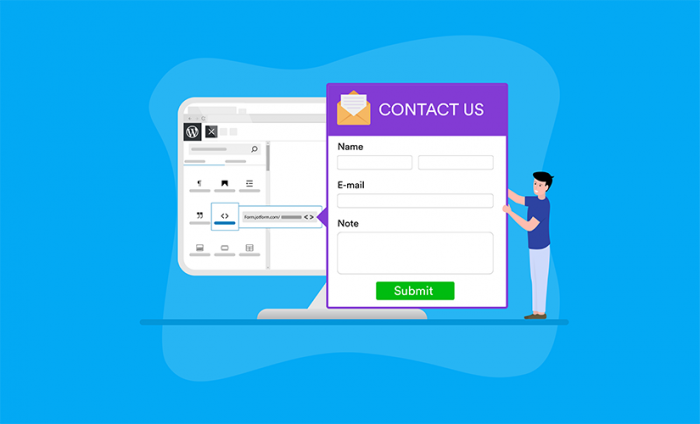

We are excited to announce that Jotform has partnered with WordPress to bring our forms to 80 million blogs on WordPress.com.
Adding a Jotform form to a blog post on WordPress.com is now as easy as copying and pasting a bit of code.
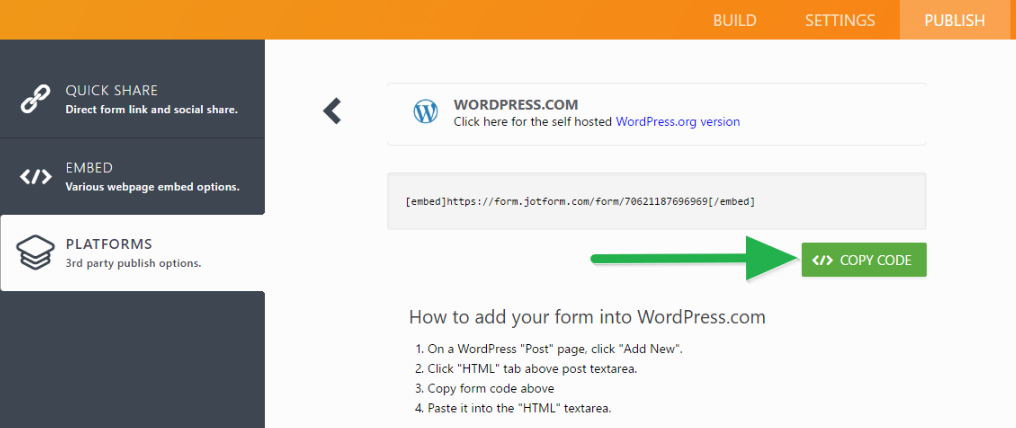
If you just want the form to appear on the page, you can simply copy and paste the URL on the post body. WordPress.com will turn it into an embedded form.
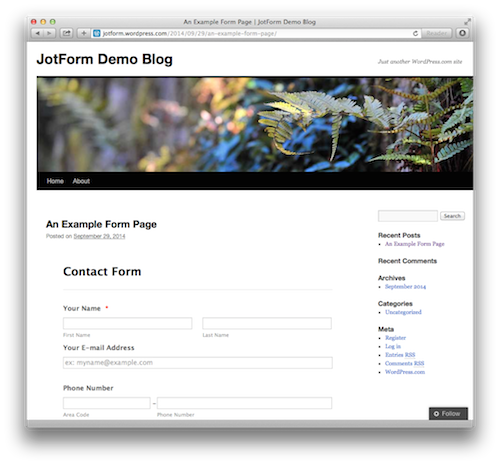
This was a feature that hundreds of Jotform users requested over the past few years.
Cheers!
Just so you know
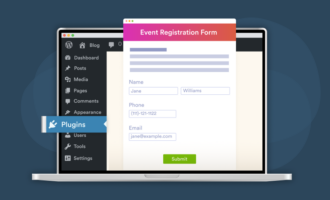
Note that you can also embed your online forms into your WordPress page with Jotform’s Embed Form plugin.
























































































Send Comment:
15 Comments:
July 13, 2015
Mi formulario no se muestra en mi sitio web ... por más que inserto el código, no sale. ¿Alguien me puede asesorar?
October 12, 2014
Doesn't seem to work...?
I just get " failed to embed" (form number blanked).
Only shows the link and I tried it even in the text mode.
October 6, 2014
Neat.
October 5, 2014
Thank you, I will use this feature quite a bit.
October 3, 2014
I really like jotform, but when I tried to embed via a plugin on a self-hosted wordpress site the form ins't responsive.
Or is that related to the template I selected?
October 3, 2014
Happy and excited! Makes life easier ;-)
October 2, 2014
THAT'S GREAT. BEEN LOOKING FOR THIS FEATURE VERY MUCH
October 2, 2014
Nope.. doesn't work. :( It just displays the URL..
October 1, 2014
really cool
October 1, 2014
Its not working for me!
October 1, 2014
On my ipad this notice page is black background with dark text.. Nearly impossible to read!
October 1, 2014
Great, i have using jotform for many years, and now it's on Wordpress, more exited.
September 30, 2014
Excellent! I've been waiting for this for a very long time. Thank you.
September 30, 2014
We need to pay for jot form yearly subscription and implement around 11 order forms and 3 contact forms and more.My designer does not have much knowledge to do this.
How about creating a website with Wordpress,any one can help us.
Thanks,
Vanessa.
September 30, 2014
Thanx a lot! will love to use it on wordpress.com for it's features with simplicity.