
Top 10 free survey sites
Free online survey tools let you build forms, collect responses, and view reports for customer feedback, event RSVPs, or employee surveys without pulling out your credit card. But many bury their limitations: Halfway through, you realize design features are locked, logic isn’t robust enough, or response caps are too low.
We curated this list so you can navigate the survey sites with the best combination of features and robust freemium plans. Each app is generous in its own way: Where one offers a broad range of question types and reports, others bring unlimited responses and form building for high-volume projects. We’ll lay out the pricing limitations clearly so you don’t run into paywall surprises.
If you’re looking for data intake first and surveys second, check out our guide on the best form builders instead.
How I tested and picked these free survey sites
I’ve been testing survey and form software for four years, having considered more than a hundred platforms in total. For this list, I narrowed it down to 24 top survey websites and evaluated each on
- Survey-first design: Built for gathering feedback, not just data collection.
- No-code editors: You won’t need technical skills to build and implement with these free survey builders (with one useful exception for product teams).
- Free plan value: What you can actually accomplish without paying. In some platforms, this means response volume; in others, it means a strong feature set for advanced projects.
- Logic and branching: Show or skip questions based on previous answers.
- Reporting and analytics: Built-in reporting, filtering, or — at minimum — clean CSV exports.
I tested each platform hands-on: signed up, built a survey from a template (when available), filled it out as a respondent, then evaluated the reporting. In the last step, I checked out reports and analytics to see if they were useful. I also cross-referenced pricing pages, docs, and third-party reviews to verify what’s actually free versus paywalled.
The best free survey sites in 2026
| Tool Name | Best For | Unique Feature |
|---|---|---|
 Jotform |
Turning responses into insights and workflows |
Workflow automation routes feedback to teams, updates CRMs, and triggers approval chains based on survey answers |
 SurveyMonkey |
Strong logic and statistical analysis |
Market research tools with 12 proven research methods, including Van Westendorp Price Optimization |
 SurveyPlanet |
Simple, unlimited surveying |
Question list view shows entire survey outline at a glance for quick completeness checks |
 Google Forms |
Google Workspace users |
Section-based routing lets you profile respondents first, then send them to audience-specific surveys |
 Microsoft Forms |
Microsoft 365 users |
Deep integration with Teams, SharePoint, Power Automate, and Power BI for internal workflows |
 Fillout |
A smooth surveying experience |
Multi-page surveys with visual logic canvas for drag-and-drop conditional routing between pages |
 Youform |
Conversational surveys |
One-question-at-a-time experience with keyboard shortcuts and drop-off analytics, unlimited free plan |
 Tally |
Fast, lightweight internal surveys |
Doc-style builder where you type questions like writing a document, similar to Notion |
 Formbricks |
Surveying in your website or app |
In-app surveys triggered by user behaviors and events, with recurring prompts until submission |
 SogoSurvey |
Advanced features on the free plan |
All enterprise features unlocked (SPSS exports, presentation-ready reports) with only scale limits |
1. Jotform
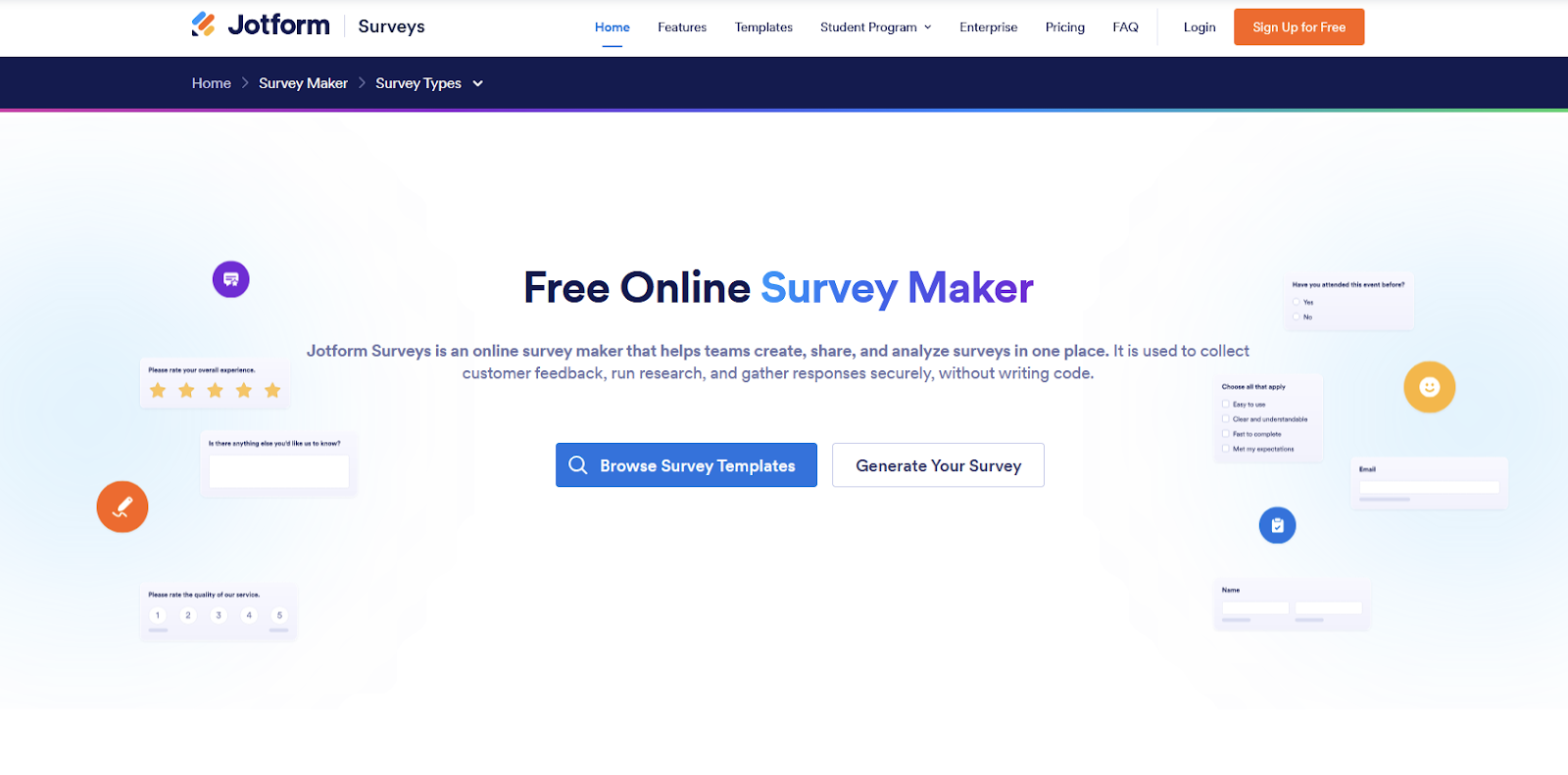
Most free survey tools stop at collecting and breaking down responses into a report. Jotform treats it as a starting point: As your survey responses trickle in, Jotform Report Builder breaks them down into insights, while workflow automation takes action. You can route feedback to the right teams, update your CRM, or trigger an approval chain based on each answer. This makes it valuable for busy teams who need to take action, not let reports collect dust.
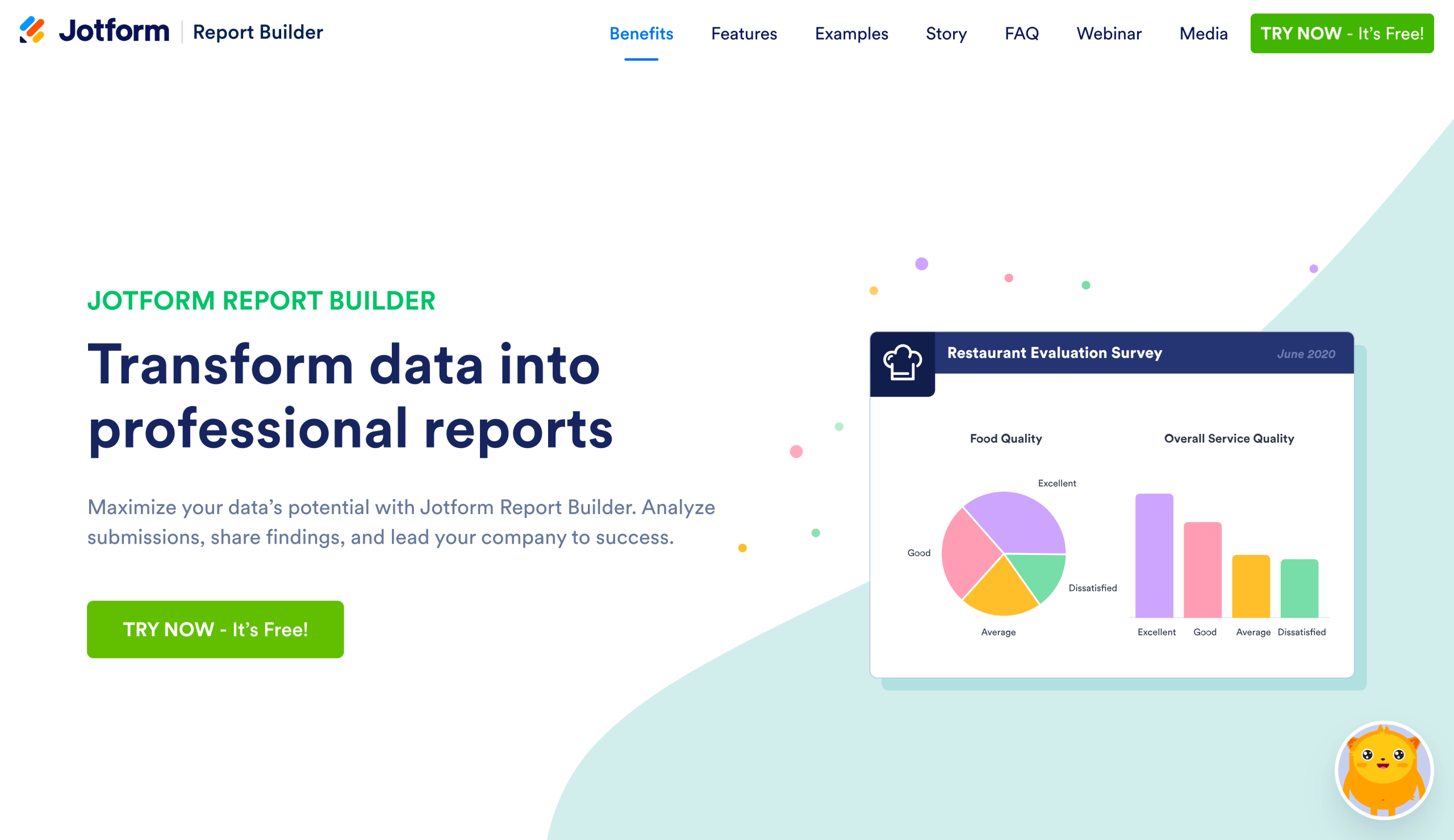
Despite being more of a software suite than a single product, you’ll notice Jotform’s interfaces are consistent across the entire ecosystem, whether you’re designing a survey or building an app. You’ll find project navigation at the top, main controls on the left, element-based settings on the right, and the visual canvas at the center. This means less hunting for features and more following through — all of which helps you push out surveys faster.
There are two smart features that stand out. First, Jotform Workflows helps you configure what happens when people complete your surveys, and it does this with conditional logic, AI-powered steps, and external integrations to push data into your other systems. Second, Jotform AI Agents delivers your surveys via a chatbot experience, a more engaging option to improve completion rates.
Other tools focus on input fields: They bunch responses together and call it a day. Want to take action or add AI? You’d be integrating external platforms and crossing your fingers for no connection quirks or pricing limitations. Jotform is unique because it’s a software suite built around forms and surveys, with seamless integration across the entire feature set.
The free plan includes full access to reporting and workflows without feature paywalls. You’re limited only by volume: five forms, 100 monthly submissions (capped at 500 total stored responses), and 1,000 monthly form views. For small teams running quarterly feedback surveys or nonprofits collecting event registrations a few times per year, this is plenty. Just download and archive older responses periodically to stay within the storage cap.
If you end up running a single high-traffic survey like ongoing customer feedback for a popular product, you’ll exceed the free plan limits quickly. Jotform’s Bronze plan at $39 per month unlocks 1,000 monthly submissions for 25 forms, covering most small business and nonprofit use cases comfortably. If you’re a registered nonprofit, you can apply for a 50% discount on any paid plan, which drops Bronze to $19.50 per month—well worth it if you’re regularly hitting volume caps. Higher tiers offer white-labeling, HIPAA compliance features, and priority support, but, for most users, it’s the volume — not the features — that drives the upgrade decision.
- Best for: SMBs, nonprofits, and teams that need to turn survey responses into automated workflows and actionable insights.
- Pros
- Over 20,000 form and survey templates
- Extend survey functionality with widgets
- Goes beyond basic surveys
- Cons
- Takes time to understand all the available features and how to find them
- Advanced brand styling may require CSS customization
2. SurveyMonkey
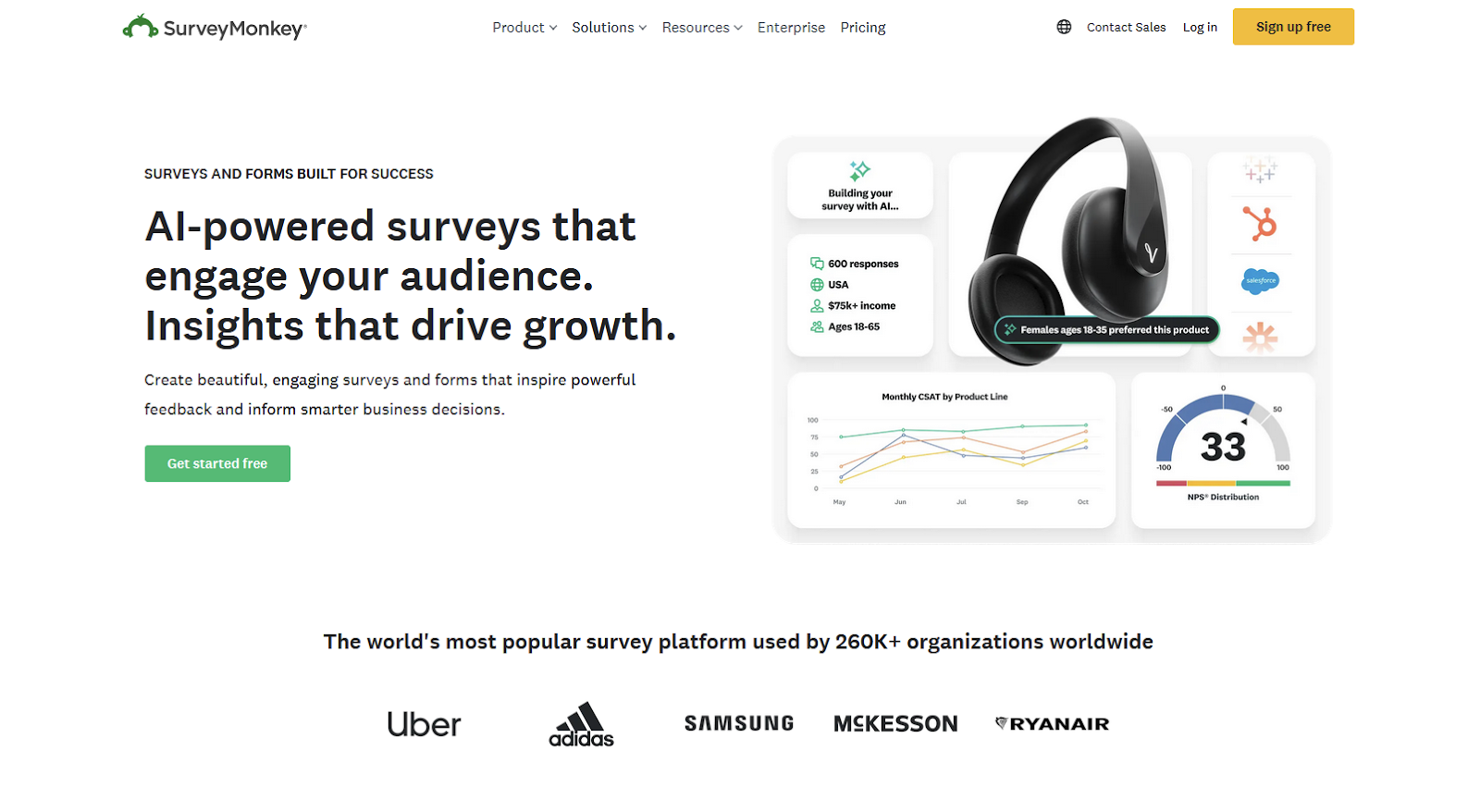
One of the biggest names in the survey space, SurveyMonkey brings depth to your data collection projects. Product teams, market researchers, and HR departments can dig deep into feedback with the strong statistical reporting capabilities that go much further than basic form builders. Because of this, they can make data-driven decisions, not intuition gambles.
Putting together a new survey is fast: Start from one of the 400 templates and enrich them with recommendations from the question bank. The interface feels powerful, especially as you explore the sub-menus for logic and survey options, offering variety without too much clutter. Most of the data analysis screens have a learning curve, a fair trade-off for the depth they offer.
Regarding what’s unique: SurveyMonkey’s raw power lies in its market research tools, letting you run complex surveying projects without hiring a team of researchers. When you select Use proven research methods as a start point, you’ll see a list of 12 research projects that let you ask strategic questions to reveal deeper insights, each with a description and visualization of what it looks like once complete.
But what do these projects look like in practice? A Van Westendorp Price Optimization solution will line up questions to help you understand the optimal price point for your product or service. You’ll also learn how much more people would be willing to pay without feeling it’d be expensive. That info is useful when tweaking profit margins without losing customers.
This and all other research projects include guided instructions for setting it up correctly. If you don’t have an audience, SurveyMonkey can share your project with your target demographic for a price. This service isn’t free, but it might be much faster and more economical than sourcing your own, depending on your circumstances.
SurveyMonkey’s free plan is one of the most limited ones on this list. You can create a survey or form with up to 10 questions using common question types. You see only up to 25 responses per survey. And you have access to limited logic features. It’s more free trial than freemium plan, so as soon as you hit the limit, you’ll be pushed to upgrade to one of the individual (feature-gated for solo users, starts at $25 per month), team (adds collaboration, starts at $30 per user per month), or enterprise plan (for serious ongoing research, pricing on quote).
For a detailed comparison, see our SurveyMonkey vs Jotform breakdown, or explore other SurveyMonkey alternatives.
- Best for: Researchers, data-driven organizations, and mid-to-large teams that need professional reporting tools and statistical analysis.
- Pros
- Helpful dashboards and reporting quick result analysis
- Varied distribution and sharing options
- Includes market research tools
- Cons
- Very limited free plan
- Slow customer support
3. SurveyPlanet

When you have to collect many responses but your budget isn’t large, SurveyPlanet combines a robust online questionnaire maker with a generous free plan. It’s a great match for anyone who needs to run a research project at a small business, as an educator, or as a solopreneur just starting a new venture.
The interface is straightforward: Where other platforms keep the preview canvas visible at all times, SurveyPlanet focuses on the question list, clearly laying out the question, question type, and quick controls in a single screen. This is useful because it lays out your outline: You can check if you’re missing anything with just a glance, pushing your surveys to be more complete without countless edits along the project.
SurveyPlanet’s value is in a collection of small details rather than a flashy feature. When lining up your questions, you can add a new one from scratch, with a dedicated screen to enter the content and settings. No inspiration? Click to add a new question from a template and browse the options. Select a category box to view all the suggestions and easily add them into your survey.
The reporting tool on the free plan lists all your questions and the responses breakdown for each. Visualization of answers to types like multiple choice include four charts you can change depending on what’s more helpful for you. It’s also possible to see the participant list, showing their relative location, OS, and browser type — this is useful for getting simple audience insights, especially for brick-and-mortar businesses.
The free plan includes unlimited surveys with unlimited questions and responses, with the biggest limitations around advanced logic, reporting, custom branding, and data exports. You’ll need to upgrade the moment you need skip logic or when your response count grows so large you’re missing out on advanced insights (both those provided natively on the platform and what you could learn in a data analysis platform externally).
The Pro plan starts at $20 per month, unlocking most of the feature set. The more expensive Enterprise plan removes the remaining limits and adds advanced analytics.
- Best for: Small teams and individuals who need unlimited surveys and responses with a question bank, reliable reports, and quick sharing.
- Pros
- Anonymous surveys available
- Reports and insights are easy to digest
- Clear question list view for easy outline checking
- Cons
- No data export on the free plan
- Advanced logic and skip logic only on the paid plan
4. Google Forms
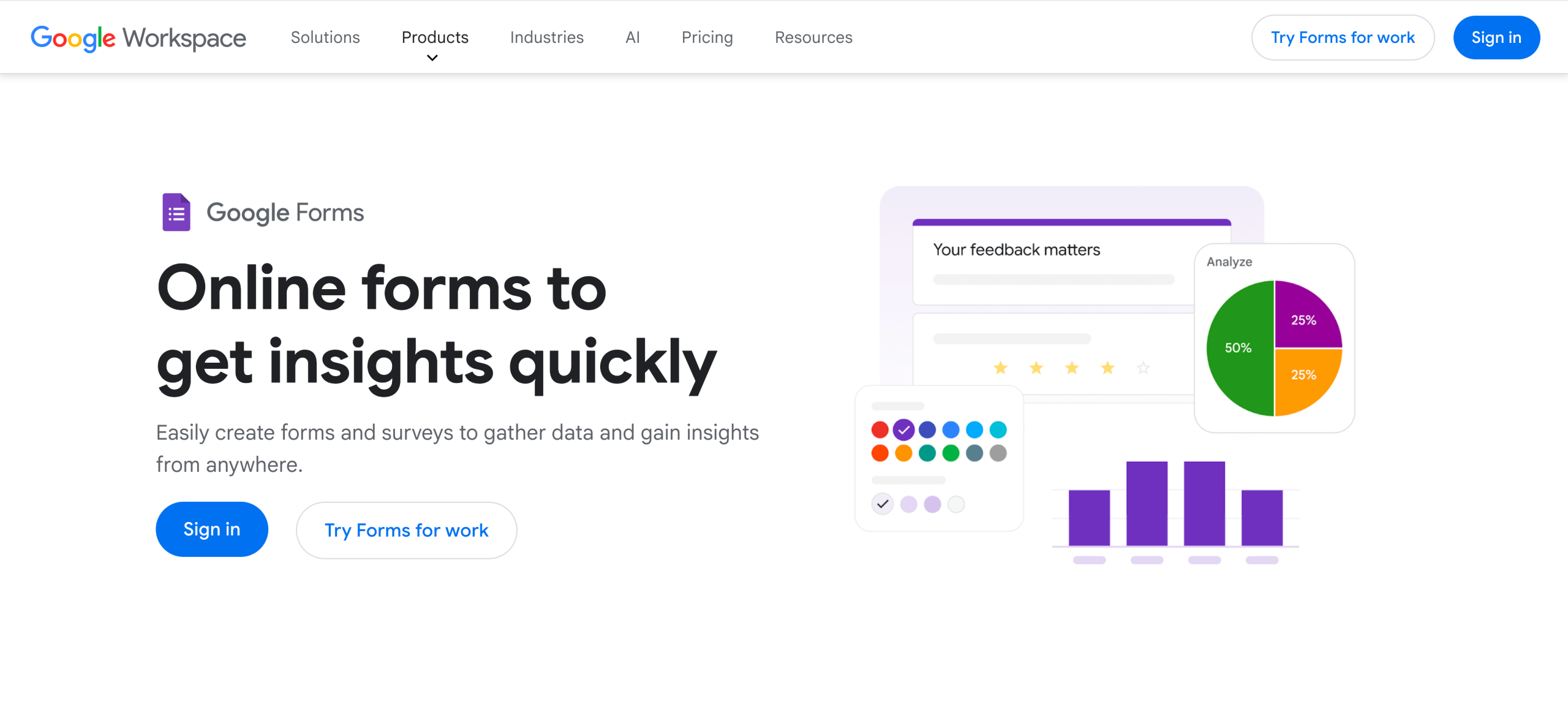
Need to get a survey or form up and running right now and not worry about hitting a paywall? Google Forms has all the core features for free, no complicated asterisks, and with full access to the rest of the Google software suite. It covers multiple form types, a great match for education teams running quizzes with auto-grading, SMBs gathering customer feedback, or HR teams checking the pulse on company employees.
The building experience is fast, smooth, and intuitive: It’s easy to find all the tools and buttons to adjust settings. You can add questions, drag to reorder, and share easily. On the respondent’s side, the survey looks and works great across devices, making Google Forms a platform you can trust. However, the Google design system that governs how the interfaces look is slowly becoming dated and doesn’t offer strong branding control. That can be an issue if you’re looking for a differentiated feel.
Logic is surprisingly robust for a free tool, with section-based routing. In a nutshell, you can divide your survey into multiple sections, then route people based on their answers. This is useful for projects where you’re profiling your respondents in the first steps and sending them to the survey that best matches the audience they belong to. There are no awkward skips, and there’s no need to add “skip this question if it doesn’t apply to you” as a caption.
Google Forms shines if you already live in Google, either its free tier account or the Workspace version. You can sync responses in real time to Google Sheets and analyze them there, invite others to collaborate on the form with you, and have everything saved and organized in Google Drive. The platform saves survey progress and accepts file uploads if your respondents are logged in with their Google account — these are two nice extras to make sure you get everything you need.
As for the free plan details, there are no hard limits on questions or responses, but you need to make sure you have enough storage available on your Google account. Google Forms last a long time: You can keep collecting hundreds to low-thousands of responses per month without anything breaking. You might never need to upgrade to the Google Workspace paid plan (starting at $7 per user per month) unless you need more storage or stronger admin controls.
Looking for more flexibility? Check out our Google Forms alternatives guide.
- Best for: Individuals and teams who already use Google’s products and need simple data intake tools that integrate deeply with this software suite.
- Pros
- Completely free
- Excellent Google Sheets integration
- Includes Gemini AI features for generating a form with AI
- Cons
- Limited branding and customization
- Lacks advanced field types
5. Microsoft Forms
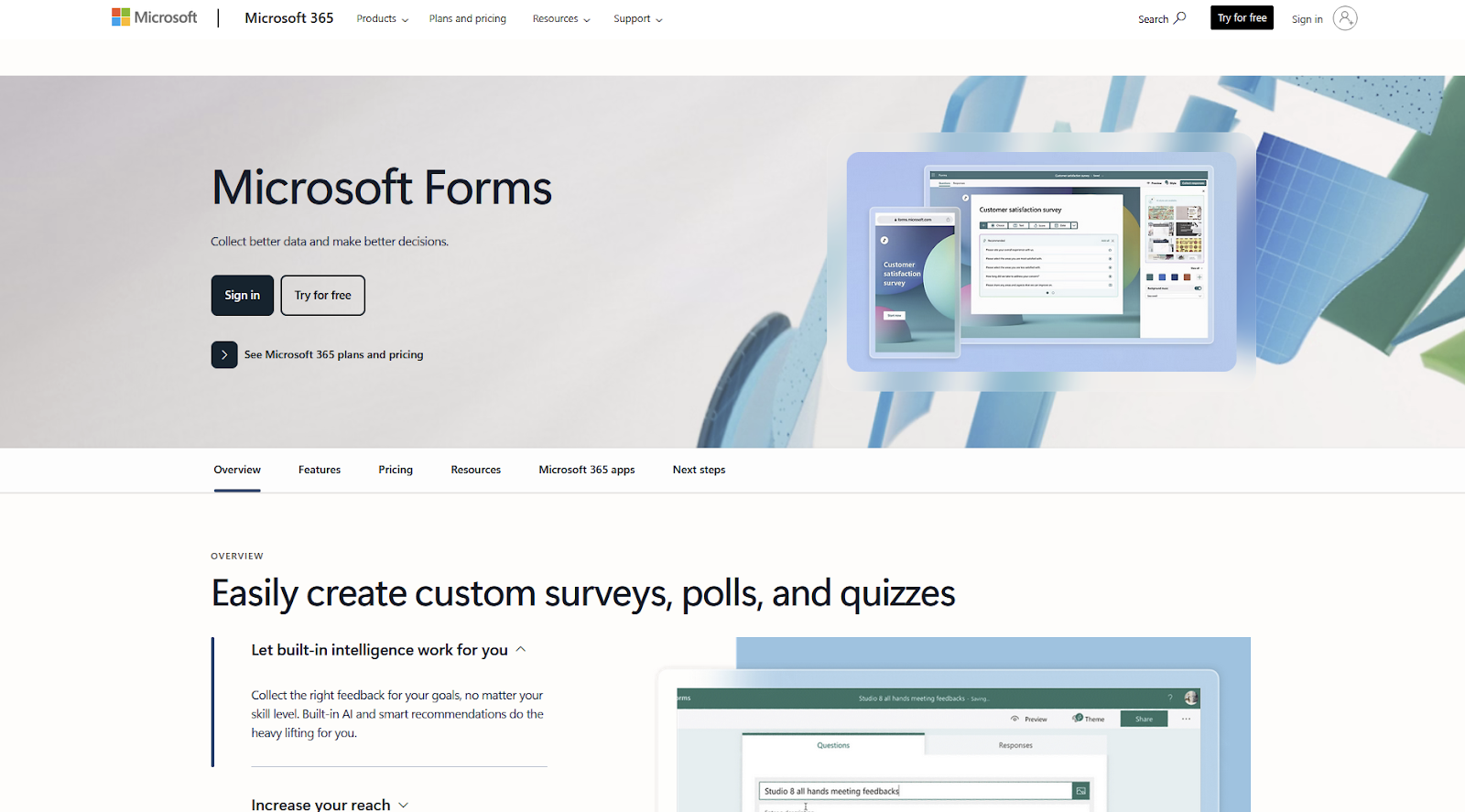
If you begin your day in Teams, look up project details on SharePoint, and Excel is second nature, Microsoft Forms is the natural next step for running surveys. It goes beyond the basics with question type variety (including Ranking, Likert, file uploads, and NPS), branching logic, and built-in charts. The software suite integration makes it strong for internal surveys, and it may fit external projects if branding is not critical for you.
The editor experience is straightforward: It’s available only via the browser, and you start by picking a template type from four categories. You’ll find employee satisfaction surveys, customer expectations, and market research, among many other options covering quizzes and data collection forms. The user interface is clean and uncluttered, so you’ll get your bearings quick and finish your first form fast. The design controls aren’t very deep, but you can still change the overall look and feel with pre-made themes.
The biggest reason to pick Microsoft Forms is for its deep integration capabilities with other 365 software. Your surveys can embed as a tab inside Teams, so your team can fill them out faster. SharePoint supports both embedding the form and the results, so you can use it for both intake and reporting. If you need to automate what happens on form submissions, you can build your logic and activate it in Power Automate. Lastly, while Forms has good native reports, you can sync results to Excel and find patterns in the data using Power BI.
In terms of free plans and pricing, there’s a big gotcha: The response limits are in total, not per month. If you use it with a personal account (Hotmail, Live, or Outlook), you get 200 responses for free with all features unlocked. With a Microsoft 365 Personal plan at $9.99 per month, you can bump up the limit to 1,000. If you hit limits, export to Excel and clear old responses to reset your quota (don’t forget to look inside your account’s recycle bin too).
To take advantage of the deep M365 integrations I’ve shared above, the Microsoft Business Basic at $7.20 per month is the stepping stone into the software suite. It’ll unlock up to 400 forms, each supporting 200 questions, and up to 5 million responses, along with all the popular Microsoft services and apps.
Need more advanced features? See our Microsoft Forms alternatives comparison.
- Best for: Teams who rely on Microsoft products and need internal surveys integrated with Teams, SharePoint, and OneDrive.
- Pros
- Covers surveys, polls, and quizzes
- Exports to Excel
- Supports presenting for live polls
- Cons
- Limited design controls
- Not as many question types as other options
6. Fillout
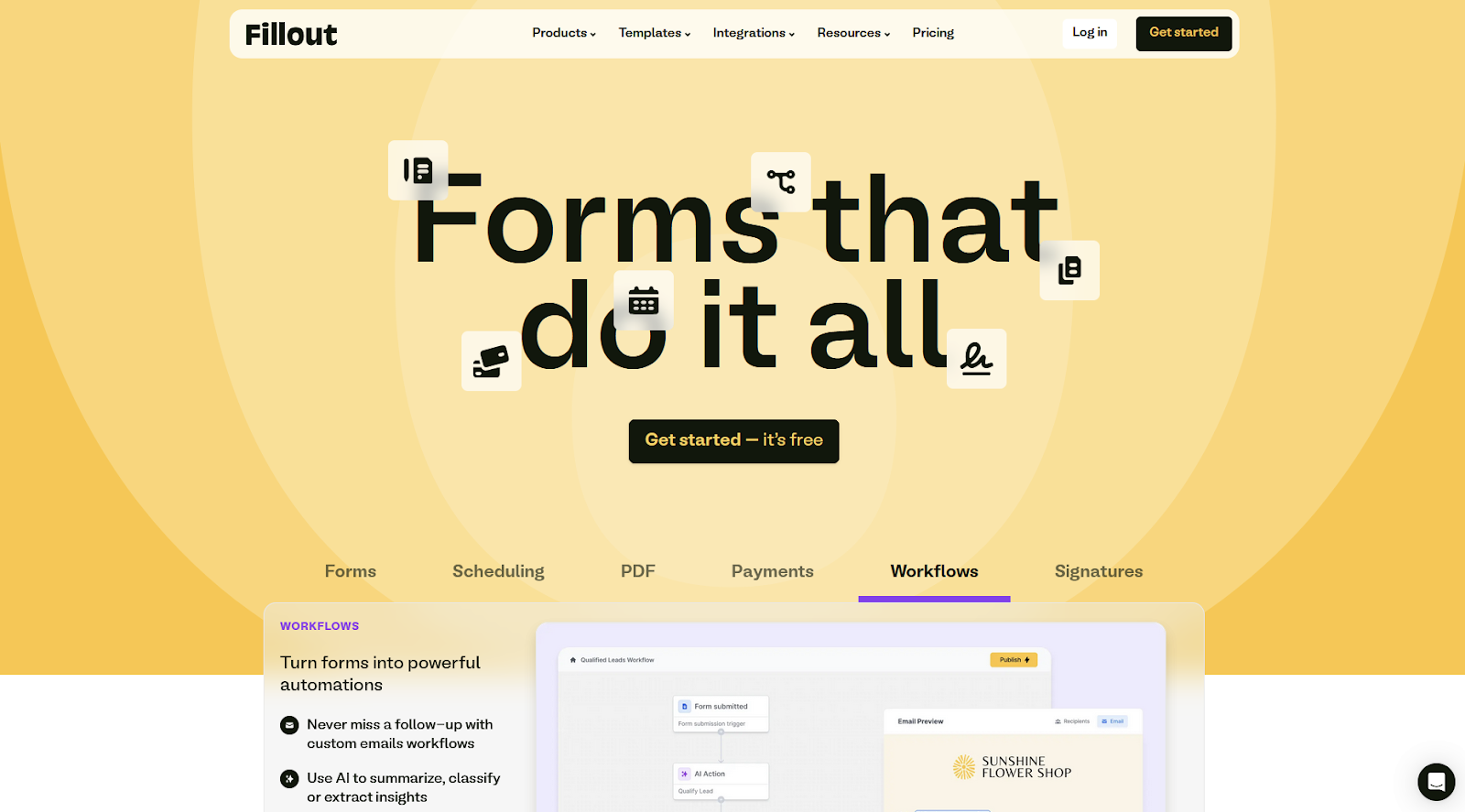
Dumping 30 questions on one screen might overwhelm respondents. In this case, building a multi-page survey is more effective, keeping the experience organized. Fillout builds on this, while bundling scheduling links, payment collection, and light workflow automation into the mix. This is useful when surveys are part of a larger strategy for building relationships or driving sales.
When you click the create button in the dashboard, you get an overview of everything the platform can offer. Forms are the main course, offering options to start from scratch or with a template. On top of this base, you can create a scheduling link, a payment form, a PDF-to-Fillout form, or a workflow automation out of the 13 available. The interfaces are friendly, organized, and feel really easy to use.
Setting up the multi-page experience is easy: On the bottom part of the screen, click to add a page. Start by adding a cover as a welcome step and an ending to close the loop. Between these two, add as many form pages as you need, splitting your survey into sections. If any of these require confirmation, the review page is a great match to verify data before sending. And, if it makes sense to book an appointment or make a sale during the process, add a payment page or scheduling page here.
These features already differentiate Fillout, but the logic tools stand out as well. Each question has its own display logic rules. You can set them on the right side menu. As to survey-wide logic, you’ll find the button on the bottom part of the screen. It opens a visual canvas with all the pages, and you can drag and drop the path, setting conditions that determine routing.
The free plan is very generous. Everything mentioned so far is included in it, with unlimited seats and 1,000 responses per month. You’ll feel the need to upgrade for adding your branding, access to analytics, and e-sign tools. When that happens, the Starter plan goes for $15 per month, doubling responses to 2,000.
One note: Fillout lacks a mid-tier plan above Starter, making a steep subscription price jump from $15 per month to $40 per month for 5,000 responses and unlocking branding features. While the feature set is valuable, it might introduce budget pressure for smaller businesses and solos. Explore Fillout alternatives if this is important for you.
- Best for: No-code builders and tech-savvy ops teams that want to design a polished survey experience with multiple screens and external integrations.
- Pros
- Strong integration ecosystem
- Good design tools
- Supports multi-page surveys
- Cons
- Limited analytics on the free plan
- Sharp pricing scaling for paid plans
7. Youform
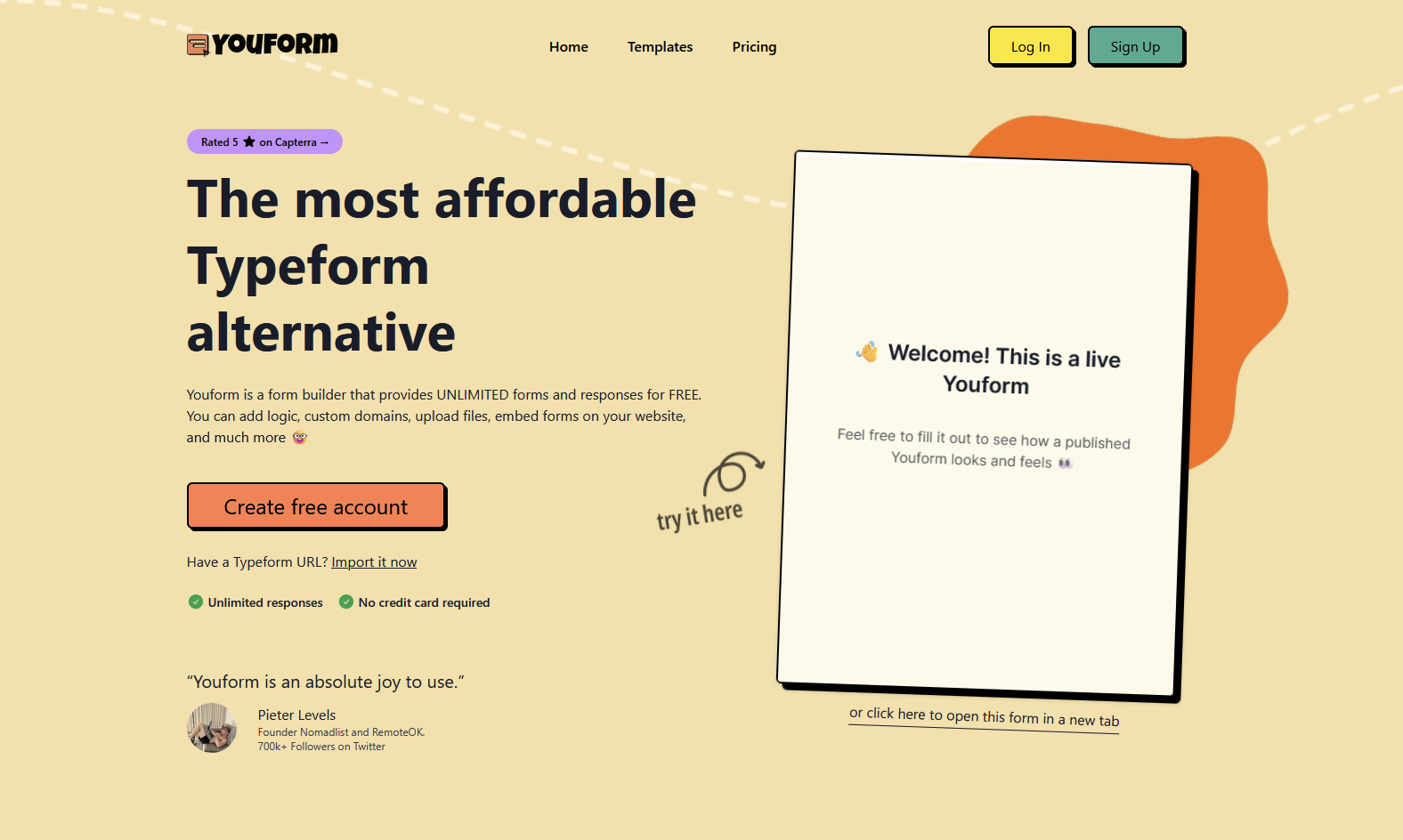
Youform is a conversational survey builder. Think of it as a budget-friendly Typeform alternative. It’s the best for creators, SMBs, and marketing teams who want to deliver a polished experience, one question at a time.
The building interface is simple and intuitive, with the colorful elements guiding your attention through all the tools you’ll use to build your form. Everything regarding your survey’s question outline is on the left side, with buttons to add blocks at the top, revealing 21 question types including matrix choice, survey rating scales, or NPS survey tools. Once you select a block, the right side shows the available controls, and you can preview everything as you build on the center canvas.
Smart functionality includes conditional logic (even supporting custom variables), hidden fields, and calculations, so you can measure signals as the respondent answers, routing them for the most appropriate questions. Integrate with Google Sheets to push out results, get notifications for new submissions in Slack, and take care of meeting scheduling with Calendly.
One-by-one conversational surveys are about keeping the experience focused, so users can stay on track all the way to the finish. Youform does this well, with each question sliding out and fading after it’s answered, and a new one appearing just as quickly. You can skip text cards by pressing the Enter key on your keyboard or use the number keys to pick a single select option. If this experience doesn’t get your respondents across the finish line, analytics keep track of drop-off, so you can study ways to help them get there.
What sets Youform apart is the premium experience wrapped in a truly unlimited free plan, especially considering that it’s an alternative to the expensive Typeform. No limits on forms, responses, or questions per form. More noticeable limitations lie in the lack of payment collection, no partial submissions, and limited design/branding.
The Pro plan pricing is fixed at $29 per month, so you don’t have to worry about tiers, higher usage, or paywalls for features. It’s a simple and reasonable price point for everything you’ll unlock. If your biggest draw to Typeform was the conversational experience but you were pushed away by the price, Youform can stand in as a strong alternative. However, if you still need Typeform’s powerful branding, wider integrations list, and smart scoring/routing, Youform doesn’t have equivalent features.
Want to explore other options? Discover our comprehensive guide to Tally alternatives.
- Best for: Design-minded teams on a budget that want a more economical alternative to the classic Typeform one-question-at-a-time experience.
- Pros
- Typeform alternative with a more generous free plan
- Good question type variety
- More than 500 templates
- Cons
- Occasional performance hiccups
- Advanced features still maturing
8. Tally
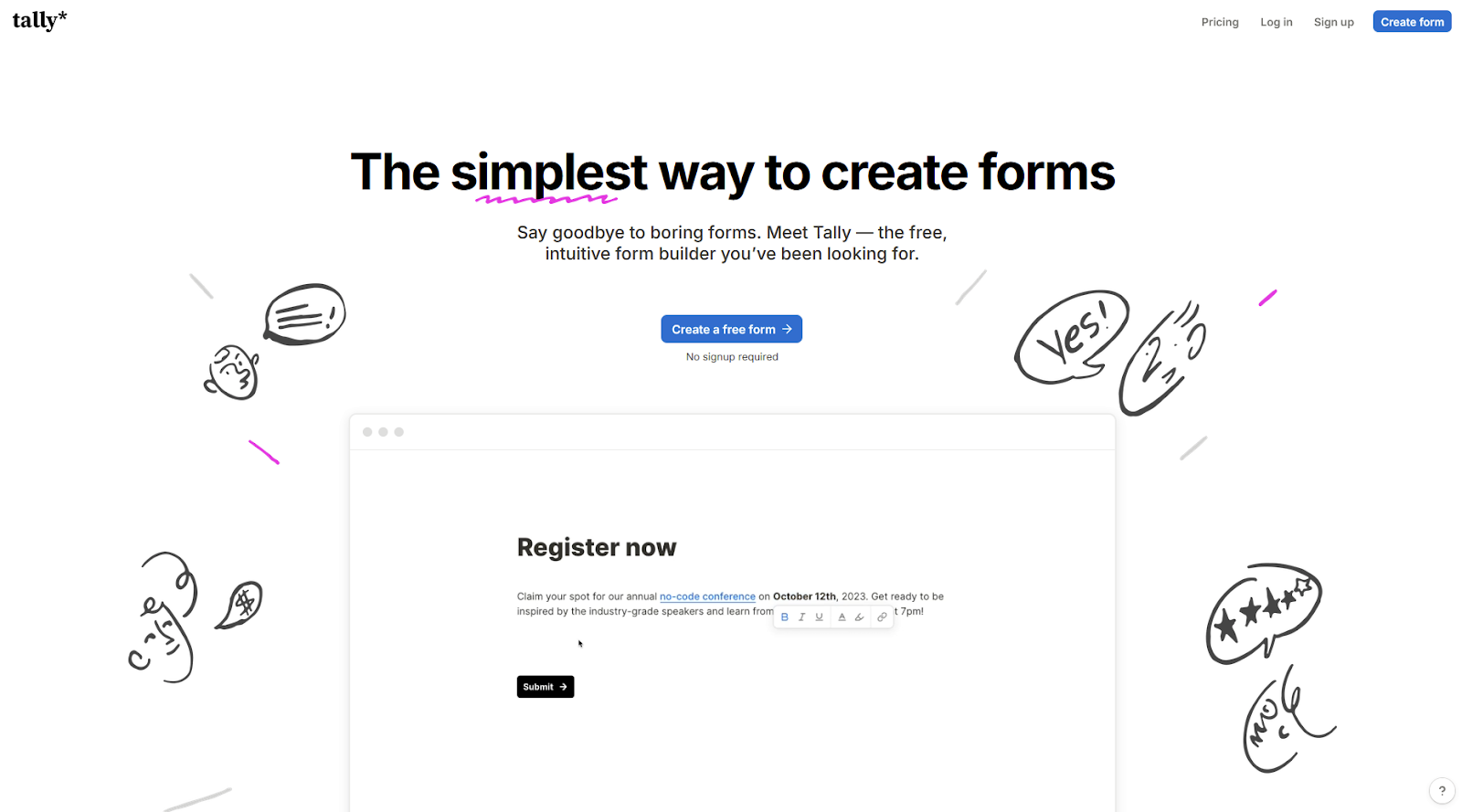
Tally is a doc-style builder where you type questions as if you’re writing a document, very similar to the Notion user experience. It’s a great match for product teams running light research on users, feature request forms, and embeddable feedback forms; HR teams can distribute their surveys and forms without worrying about hitting limits. Beyond these two groups, creators and SMBs at large can also use it to run simple surveys, capture leads, and run client intake for free.
The type-to-build experience lowers friction, especially when you get familiar with the question types and editing methods. The template gallery has 100 starting points you can extend by using your forward slash, typing to filter the question type list, and using the arrow keys and Enter to select. Expose the field settings by hovering the question and clicking the six-dot icon, which you might also recognize as the dragging handle.
Tally handles conditional logic, calculations, answer piping, and hidden fields, even on the free plan, all strong tools for survey workflows, even if the platform leans more on the form-builder side. The integrations list covers all the core needs, natively connecting your surveys to Airtable, Notion, or Slack with an easy set up process. Reporting is light, so you’ll likely use the Google Sheets integration to analyze all responses.
The fast building experience, smart logic, and easy embedding make Tally one of the fastest ways to collect responses, with a generous free plan that includes almost everything most users need. You won’t be bumping hard into any kind of paywall or limitation, so you can set and forget about the form and just look at the responses as they come in. This frees up time to act on insights instead of overthinking data collection.
The free plan includes unlimited surveys with equally unlimited responses, with everything mentioned so far plus file uploads, signatures, payments, and password protection. You won’t feel pressured to upgrade for using it internally, and it can even last for external surveys for quite some time.
The biggest case for getting a Pro plan at $29 per month is if you want to remove Tally branding and make it even more your own with advanced customization tools. It adds other useful tools like better analytics for drop-off and visits, version history for surveys that evolve quickly, and premium integrations with Google Analytics and Meta Pixel.
- Best for: Product and HR teams who want to build surveys and forms quickly and then embed them in internal tools for seamless access.
- Pros
- reCAPTCHA spam protection available for free
- Shareable surveys with easy embedding
- Interface is clean and modern
- Cons
- Matrix sometimes has display issues when used via mobile
- Slight learning curve
9. Formbricks
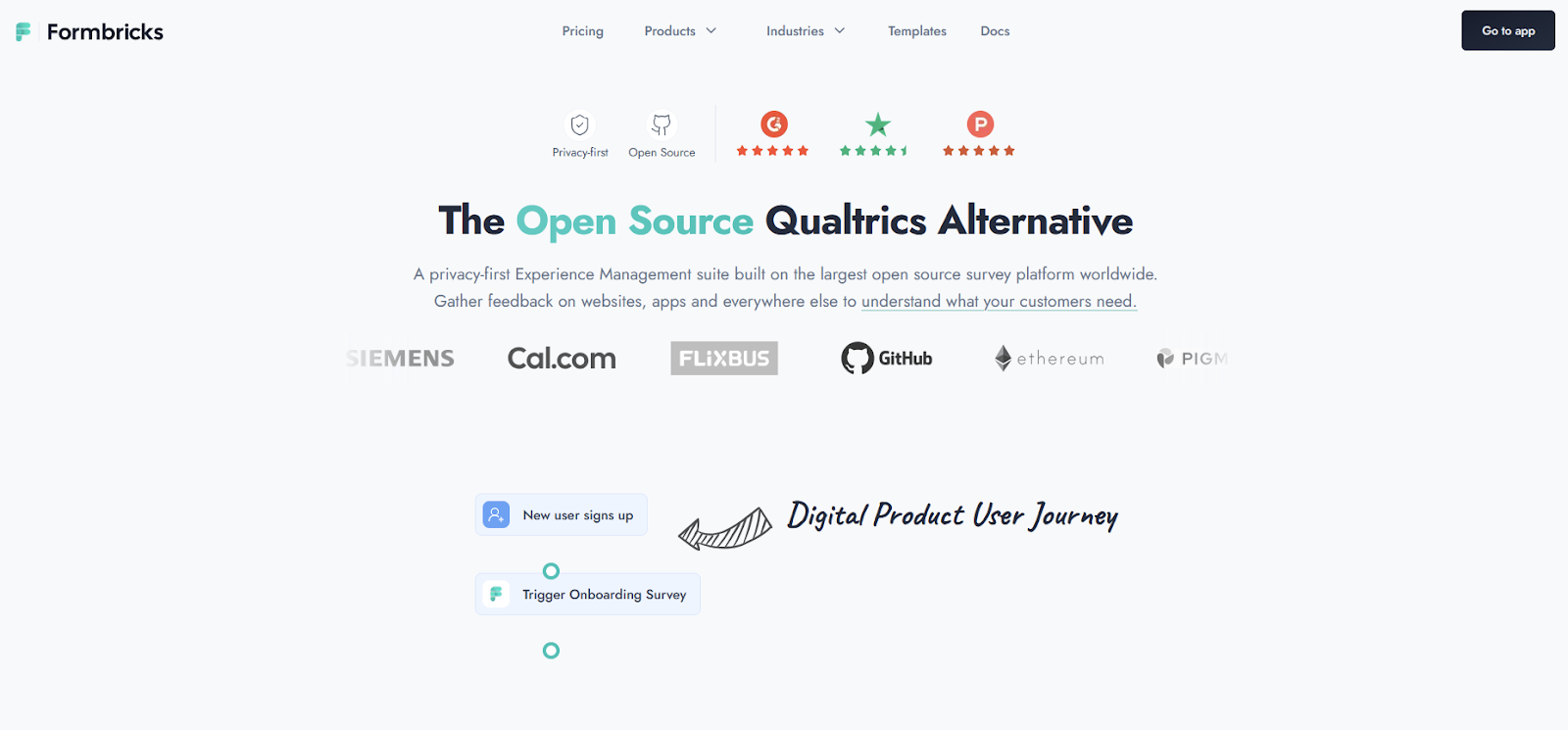
Most surveys happen away from the place where your users experience your product or service. Formbricks brings the questions into the flow: You integrate it with your website, digital product, or app, and you trigger surveys based on user behaviors, events, or attributes. Product teams who love granular control and optimizing the survey experience will find a lot of value here, as will marketers who want to understand exactly what’s working (and what’s not) at every step of the conversion funnel.
The editor is straightforward and fully no-code, with a template library filled with relevant use cases you can quickly adopt, tweak, and implement. The surveys are meant to blend into your product or website’s UI with good customization options, so they don’t feel jarring and they don’t break the flow. But there’s a catch here: If you need deep integration, you’ll need someone with technical skills to wire up the display triggers.
Formbricks shines in targeting and triggers. Beyond the core logic jumps and hidden fields, it has recurring surveys to nudge users: You can set it to keep showing until they submit a response or when a set of conditions are true. This is especially useful for users who are stuck on a feature or a conversion stage and you need extra insight on how to help them (and others like them in the future).
Keeping your surveying infrastructure under control is important, making Formbricks’ open-source DNA valuable. You can self-host the entire platform and own all your data, which is useful from a privacy perspective and saves money if you run your own cloud. Even if you decide to host your surveys with Formbricks, they’re based in the EU, where GDPR is the standard for safe data handling.
The free Cloud plan includes unlimited surveys, 1,000 responses per month, 2,000 contacts, and three projects. That comes with unlimited team members, advanced logic, and all integrations. If you’re self-hosting, there’s no limit to responses, but you’ll be trading the money for engineering time and infrastructure costs.
On the Cloud, you’ll have to upgrade when you grow past the metered limits. The Startup plan at $49 per month bumps up the limits to 5,000 responses, 7,500 contacts, removes the Formbricks branding, and unlocks attribute-based targeting.
- Best for: Product and marketing teams who need to gather feedback and signals from their platforms as users carry out actions.
- Pros
- Strong privacy (GDPR, CCPA)
- Self-hosting available
- Highly customizable
- Cons
- Steep learning curve
- Setup can be difficult, especially for in-app surveys
10. SogoSurvey
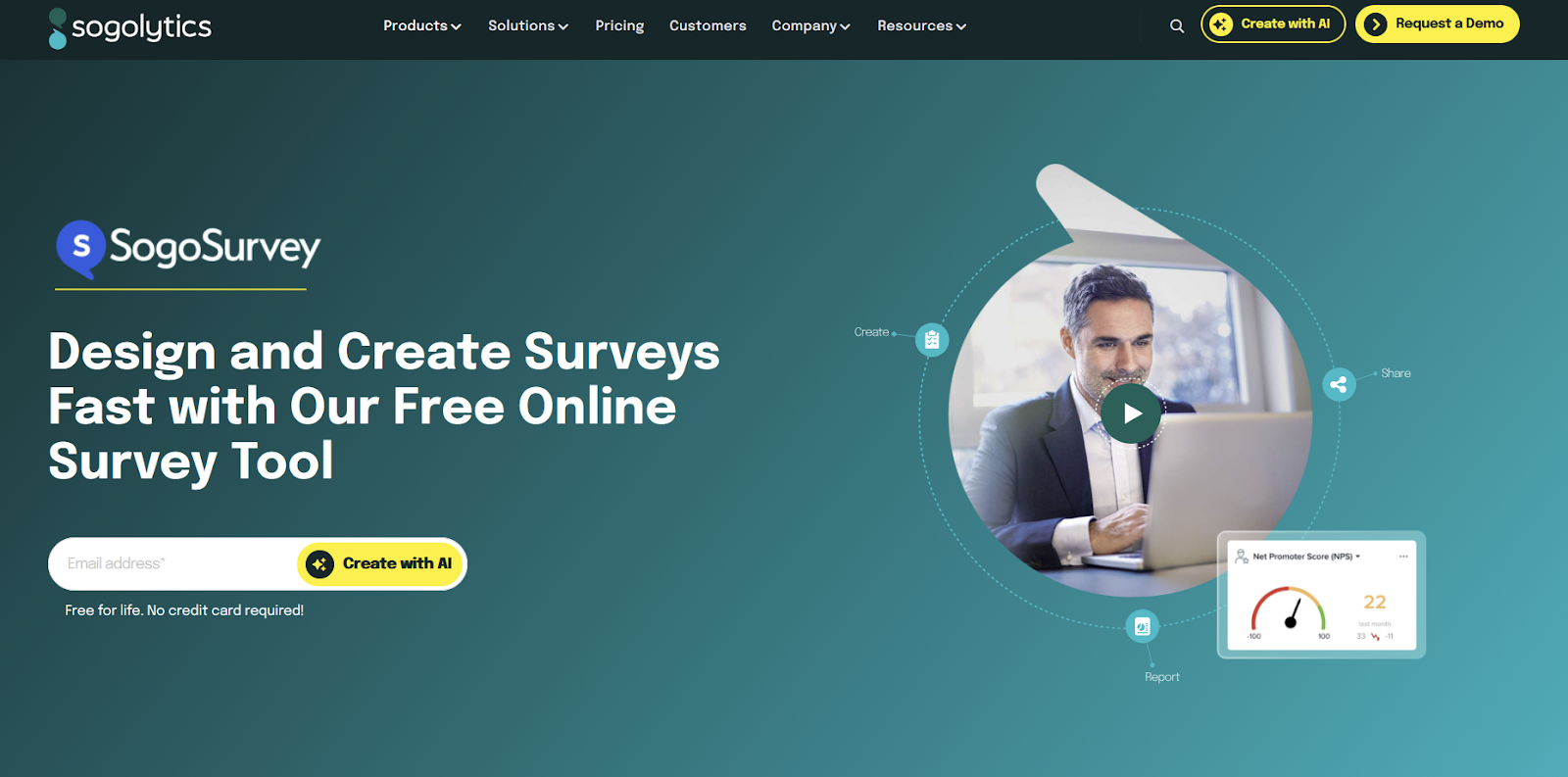
SogoSurvey, now part of the wider Sogolytics platform, works like an enterprise research tool. The advanced exporting features (including SPSS, XML, and JSON), logic depth, and reporting options, among many other capabilities, ensure you can run a professional survey with confidence. It’s a strong fit for students doing thesis research, nonprofits running a feedback survey, or HR teams doing a pulse check for a big decision.
The work starts even before you sign up. Hit the Create with AI button on the page and answer the AI agent’s questions via the chat interface. Once you state the purpose and audience, and you add your website link, the platform’s engine fetches your branding, generates the questions, and applies them to the form. After you sign up, you can edit the form in a straightforward interface with plenty of settings to explore and tutorial tracks to guide you.
The reporting and workflow features are excellent: You can generate presentation-ready reports and export them directly to PowerPoint, Excel, or PDF. This is useful to share your findings with other stakeholders, making it easier to get the buy-in for proposed changes. It also tracks response sources, so you can easily see which channels are bringing in more respondents, be that your website or social media channels.
SogoSurvey takes an unusual approach to freemium: it gives you access to nearly every advanced feature, then gates you on scale. The Free Pro, Pro, and Pro Max plans share the same feature set, and you’ll only be paying to lift limits. The free plan (Free Pro) includes 15 total surveys, 20 questions per survey, and 200 responses total (100 per survey). The catch? Advanced logic is limited to one rule per type per project. This is enough for running one or two research projects.
When you hit response caps, need larger surveys, or feel limited without advanced logic, the Pro plan at $39 per month removes limitations on projects and responses per project, bumping account totals to 15,000 responses per year, and advanced logic to five per rule type, per project. Yearly response limits are especially valuable for project sprints where you run your data collection in one or two months and go straight into analysis, another nod to SogoSurvey’s versatility.
- Best for: Users who want to run one survey project with features such as advanced data analysis, custom branding, and varied export tools.
- Pros
- All features unlocked on the free tier
- Versatile
- Good customer support
- Cons
- You can only implement one type of each advanced logic feature on the free plan
- Free plan only good for one or two surveying projects
Find your free survey maker and start collecting feedback
Leave the chaos of scattered feedback across email threads, Slack DMs, and random spreadsheets behind. Survey software streamlines the data collection experience, centralizes responses, and turns what people tell you into decisions to act on.
The tools on this list prove you can find a powerful survey builder free of charge. Pick one or two platforms that match your workflow and test them with a simple survey. Most take less than 10 minutes to set up, so you should find your winner in less than an hour and start conducting your survey as soon as possible.
Stop guessing what your audience wants. Ask, and let the data guide you.
This article is for anyone comparing free online survey tools who wants to understand what you can really do without paying, and which platforms fit common use cases like feedback, research, and internal check-ins.








































































































Send Comment: