
Conducting periodic surveys is a tactic successful businesses use to learn how to best serve their customers. Numerous tools, including Pollfish and similar platforms, have been developed to make running surveys easier.
“Pollfish is used by businesses for market research and to obtain consumer insights on many different topics via simple surveys,” says Ryan Turner, founder of Ecommerce Intelligence, a growth marketing agency for retail brands. “In our case, we use it to gain various insights around the e-commerce industry and shopper behavior.” Pollfish offers multiple types of question choices, skip logic, target audience filtering and screening, participant blocking, and more. After conducting a survey, organizations can analyze the results using Pollfish’s reporting toolkit and export them for sharing.
Pollfish has some great features, but it might not be the right survey tool for every business. Turner notes that the cost of a solution such as Pollfish can be a factor, especially if a business needs to run survey campaigns on an ongoing basis.
“It’s worth shopping around to compare the costs vs potential data quality of different providers. Also, if a brand has their own pool of potential survey participants such as a customer list, newsletter list, or social media following, they’ll be able to run their own similar campaigns using a simple survey builder, which would be cheaper or, in some cases, even free. We’ve done this with a handful of e-commerce brands and were able to run detailed surveys with thousands of responses without the need for a service such as Pollfish.”
7 popular Pollfish alternatives
What follows are some common Pollfish alternatives business owners use to conduct consumer surveys simply, efficiently, and, in some cases, at a lower cost.
1. Jotform
Best for: Building customizable surveys and questionnaires quickly
Jotform is a good Pollfish alternative because it’s easy to use. With over 800 survey templates and 300 questionnaire templates to choose from, you’ll never have to build anything from scratch. All templates are fully customizable, and you can add conditional logic to your surveys to personalize the questions based on user responses. Jotform is a mobile-friendly tool, and it comes with a survey reporting feature to help you analyze the responses.
- Key features
- Large template libraries for surveys and questionnaires to jump-start builds
- Drag-and-drop builder with conditional logic for personalized paths
- Multiple sharing options (link, embed, email, QR code), plus integrations for routing responses
- Built-in report tools for charts, tables, and shareable insights
- Pros
- Easy to launch a professional-looking survey without design work
- Flexible enough for everything from quick polls to multistep questionnaires
- Strong reporting and collaboration for teams
- Cons
- Paid plan required for advanced needs (higher limits, enterprise governance)
- Paid plan required for advanced needs (higher limits, enterprise governance)
- Pricing plan
- Starter: Free
- Bronze: $34 per month (billed annually)
- Silver: $39 per month (billed annually)
- Gold: $99 per month (billed annually)
- Enterprise: Custom
G2 rating: 4.7/5
2. SurveyMonkey
Best for: Quick, familiar survey workflows and market research-style surveys
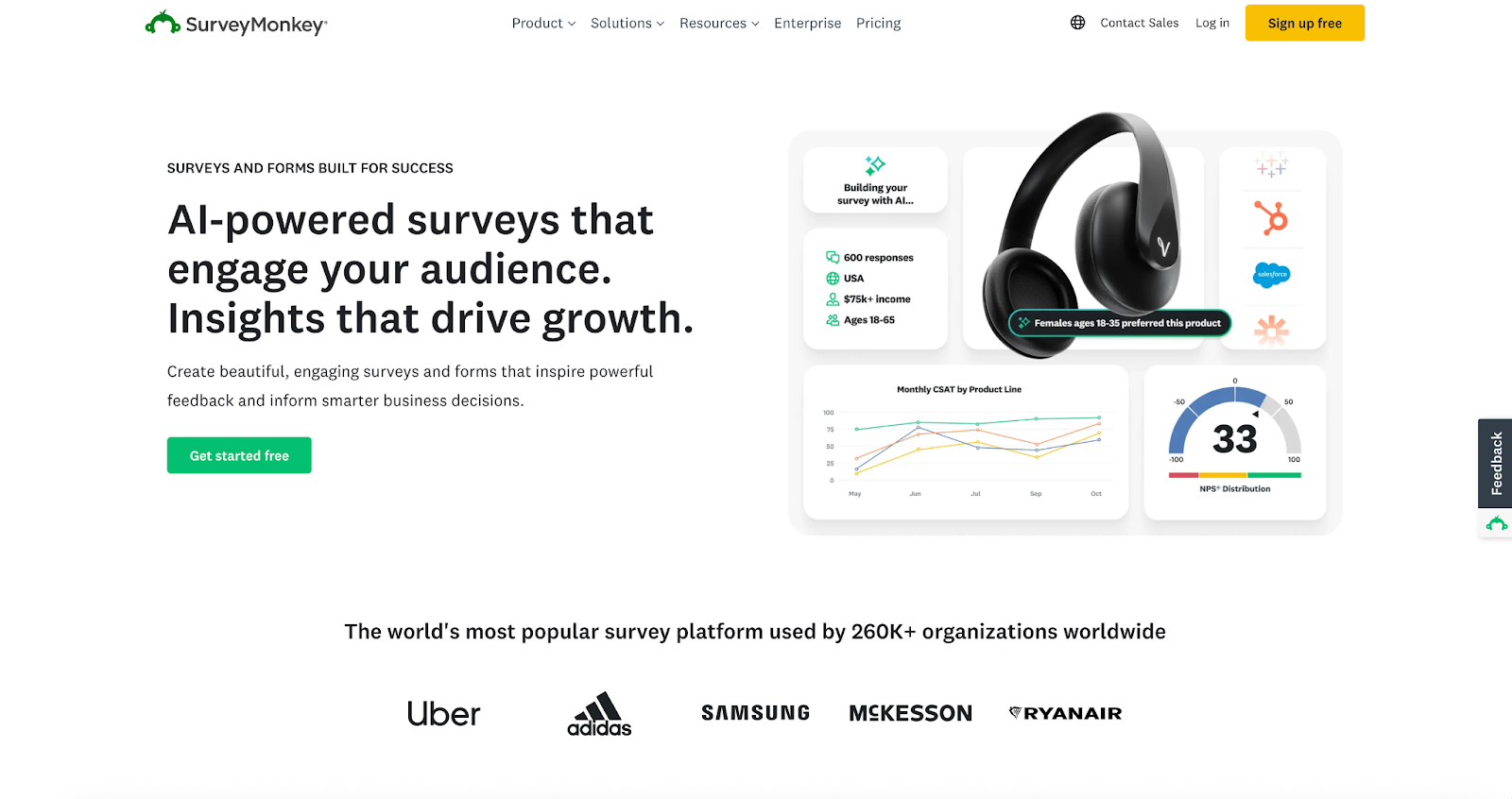
SurveyMonkey features hundreds of templates and pre-written questions, making it a leader in survey software. It’s simple to use, and it offers many survey distribution methods, such as social media and text messages, along with email and web links. You can also use the review tool to rate the effectiveness of your questions.
- Key features
- Standard survey builder with logic, templates, and common question types
- Team libraries for shared assets (themes, templates, branding)
- Reporting and exports for analysis and presentations
- Integrations for common business tools
- Pros
- Familiar product for many organizations and respondents
- Solid feature set for general survey programs
- Strong collaboration options on team plans
- Cons
- Higher costs with team plans and advanced features
- More limited design customization than builder-first tools
- Some advanced analytics and automation limited to higher tiers
- Pricing plan
- Team Advantage: $30 per user, per month (billed annually; three-user minimum)
- Team Premier: $92 per user, per month (billed annually; three-user minimum)
- Enterprise: Custom
G2 rating: 4.4/5
3. Typeform
Best for: Conversational, one-question-at-a-time surveys that look great on mobile
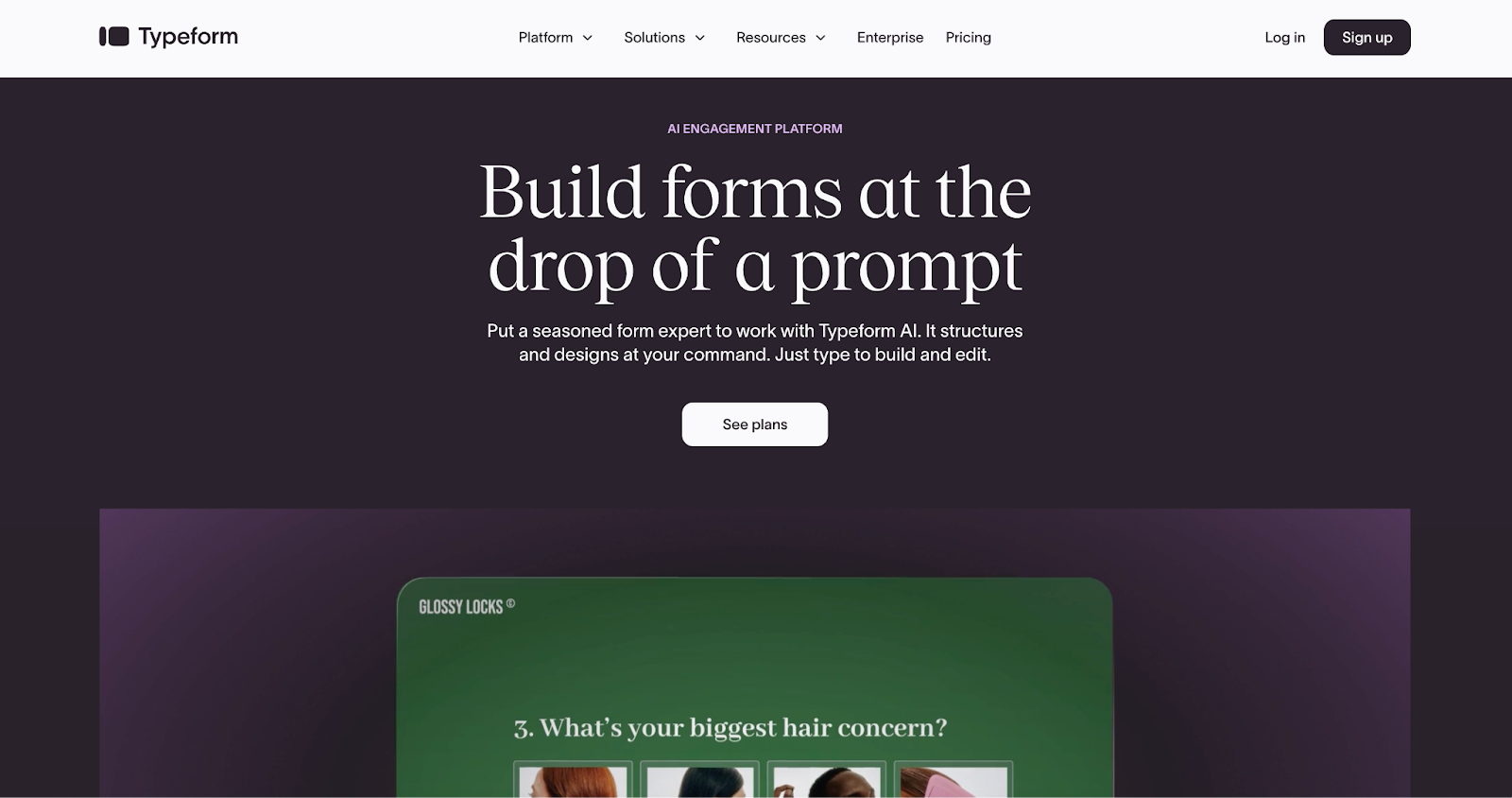
If you want to take your form design to the next level, try Typeform. It comes with over 600 templates and a video library you can use to create custom surveys. Typeform also offers easy-to-use data sharing and reporting features.
- Key features
- Conversational format designed to boost survey completion
- Branding options, templates, and customization
- Logic and follow-up paths for more personalized flows
- Analytics and performance-tracking tools
- Pros
- Excellent user experience for respondents
- Strong for lead-gen and on-brand experiences
- Good integrations ecosystem
- Cons
- Restrictive response limits on lower plans
- Higher costs for teams and higher volumes
- May require higher tiers for team permissions and collaboration features
- Pricing plan
- Basic: $29 per month (monthly)
- Plus: $59 per month (monthly)
- Business: $99 per month (monthly)
- Enterprise: Contact sales
G2 rating: 4.5/5
4. SurveySparrow
Best for: Ongoing feedback programs, such as customer experience (CX) and employee surveys, with automation
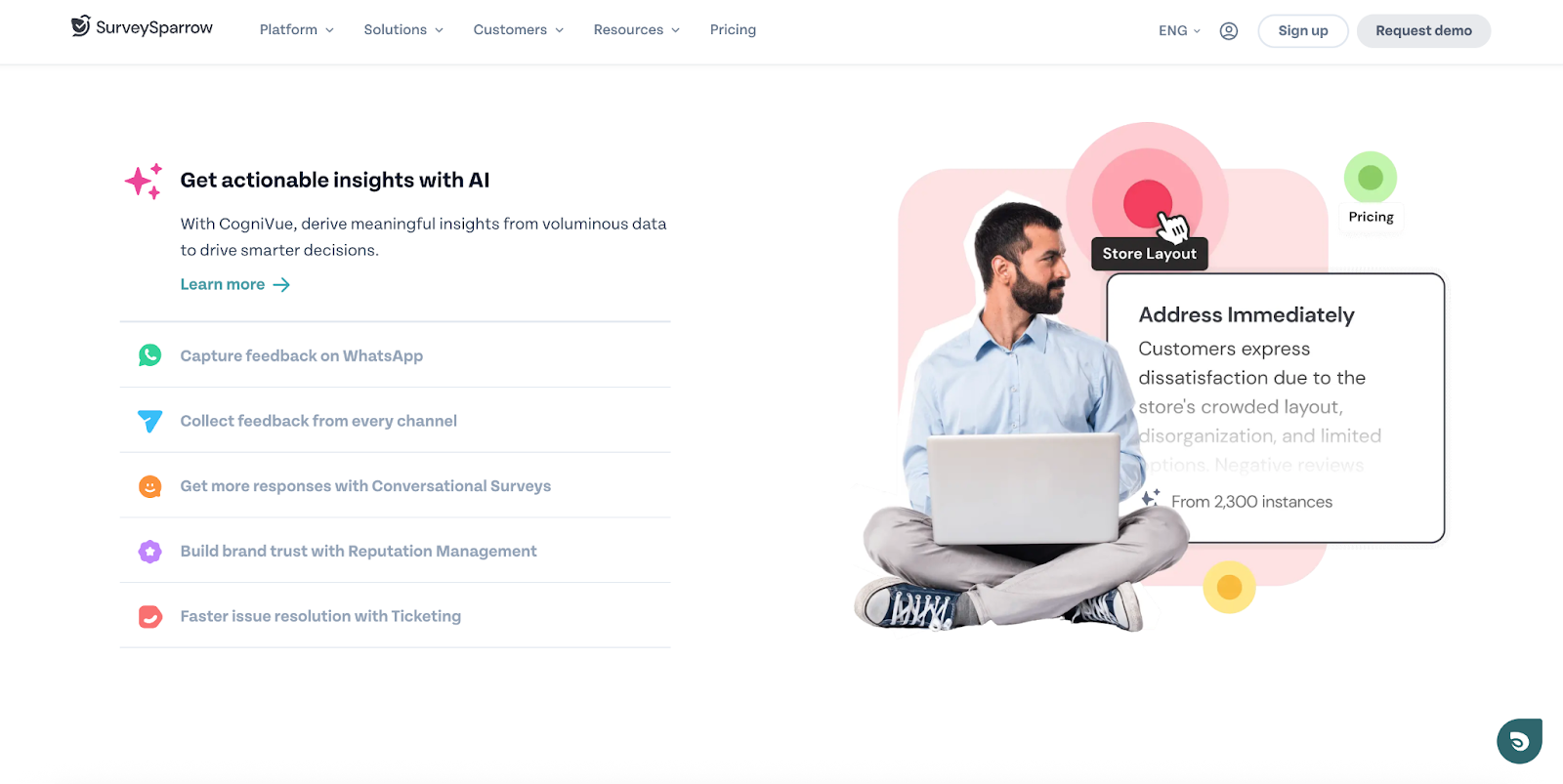
SurveySparrow goes beyond just surveys, offering products for automation, case management, business intelligence, and more. It’s ideal for large enterprises that want to measure customer, employee, and product experiences. SurveySparrow delivers mobile-friendly surveys that help create a chatlike experience.
- Key features
- Survey logic (display/skip) and partial response collection
- Integrations for notifications and workflows (including Slack)
- Options for embedded surveys and translation/multilingual distribution
- Team features and advanced capabilities on higher tiers (workflows/webhooks, branding)
- Pros
- Well-suited to recurring feedback programs
- Solid collaboration and integration options
- Strong for CX-style surveys (e.g., Net Promoter Score, Customer Satisfaction Score, Customer Effort Score)
- Cons
- Complex pricing and plans for small teams
- Higher tiers required to access some advanced capabilities
- Reporting depth that varies by plan compared with research suites
- Pricing plan
- A free plan is available.
- Paid plans include Basic, Starter, Business, Professional (billed yearly).
G2 rating: 4.4/5
5. Qualtrics (XM for Strategy & Research)
Best for: Research-heavy programs and enterprise-grade insights
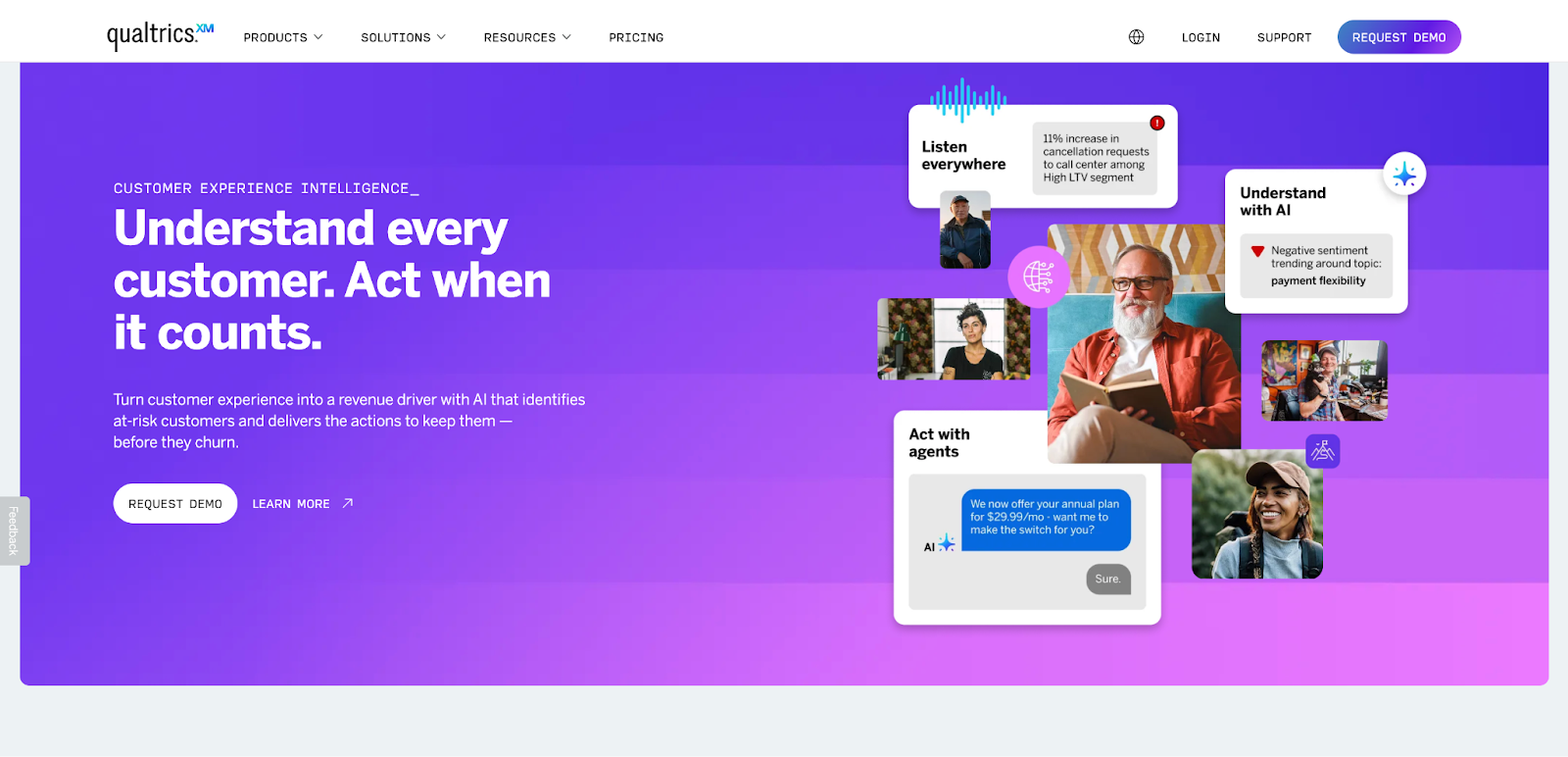
Qualtrics is a research and experience management platform built for organizations that need depth: advanced survey design, rigorous analysis, and scale. If Pollfish feels too lightweight for your needs, Qualtrics is the “graduate-level” option on this list.
- Key features
- Enterprise survey tooling designed for research and experience programs
- Advanced analytics and dashboards for decision-making
- Governance, security, and large-org admin capabilities
- Suite-based options across CX, employee experience, and strategy and research
- Pros
- Deep research capabilities and analytics
- Strong for organizations with complex programs and compliance needs
- Scales well for enterprise use
- Cons
- Higher learning curve than lightweight builders
- Pricing dependent on configuration and sales conversations
- Best value for ongoing programs, not one-off polls
- Pricing plan
- Suite pricing: Typically “request pricing”
- Some buy-online options, depending on package
G2 rating: 4.4/5
6. Alchemer
Best for: Teams that need flexible survey logic and advanced reporting without going full enterprise
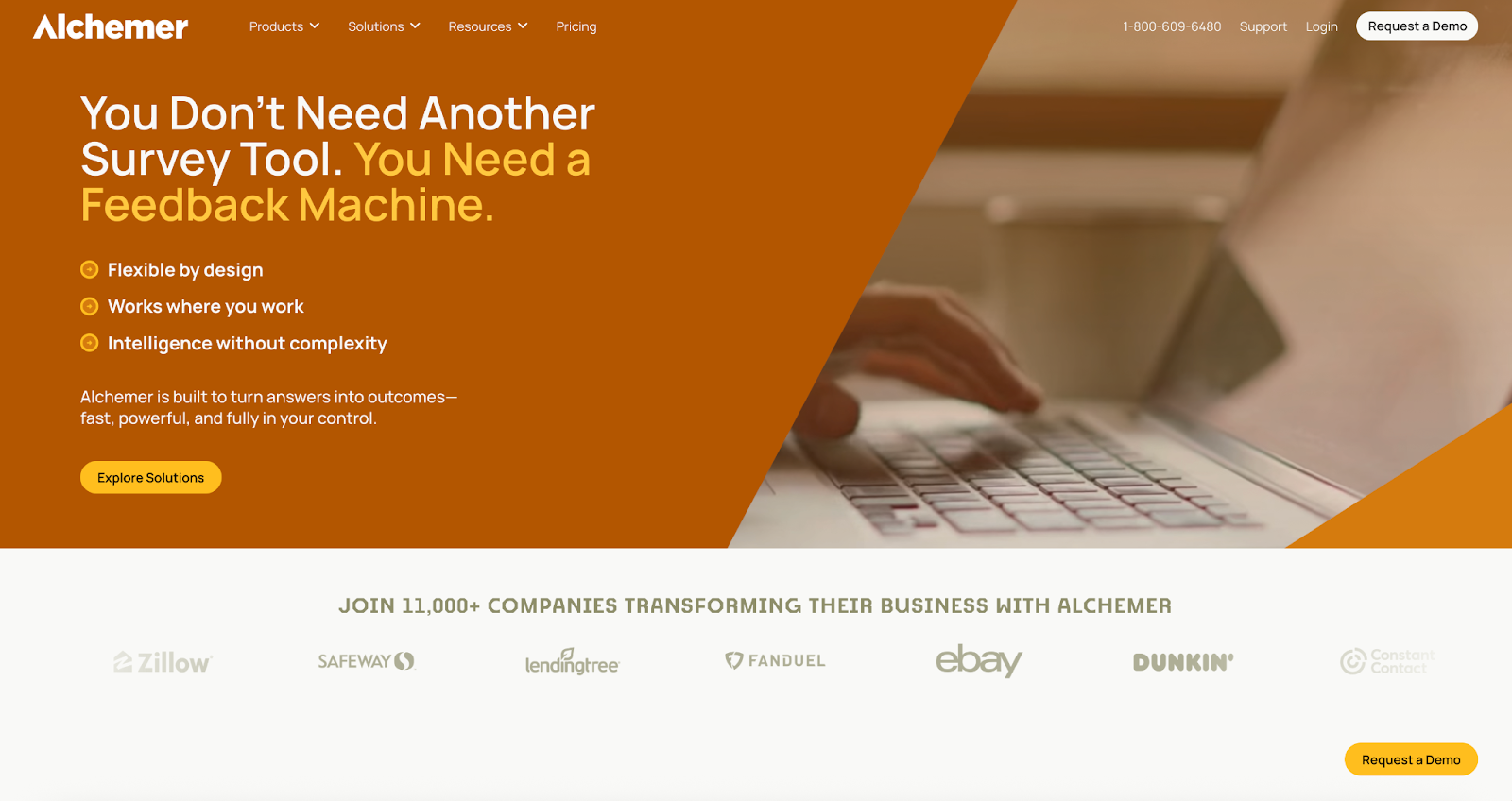
Alchemer (formerly SurveyGizmo) is popular with teams that care about flexibility, especially when surveys get complex. It’s a strong middle ground: more powerful than basic survey tools, but generally less heavyweight than enterprise research platforms.
- Key features
- Unlimited surveys on small-team plans
- Higher response allowances per tier (e.g., 75K–125K annual responses listed on plans)
- Custom branding and templates on higher plans
- Advanced logic, scripting, and analysis options
- Pros
- Strong flexibility for complex survey builds
- Good reporting and analysis options
- Clear tiers for small teams vs platform-level needs
- Cons
- Per-user pricing that adds up quickly
- Custom platform plans that slow budgeting
- Dense interface for simple polls
- Pricing plan
- Collaborator: $55 per user, per month
- Professional: $165 per user, per month (max three users)
- Full Access: $275 per user, per month (max three users)
- Platform plans: Custom
G2 rating: 4.4/5
7. Zoho Survey
Best for: Budget-friendly surveys, especially if you already use Zoho products
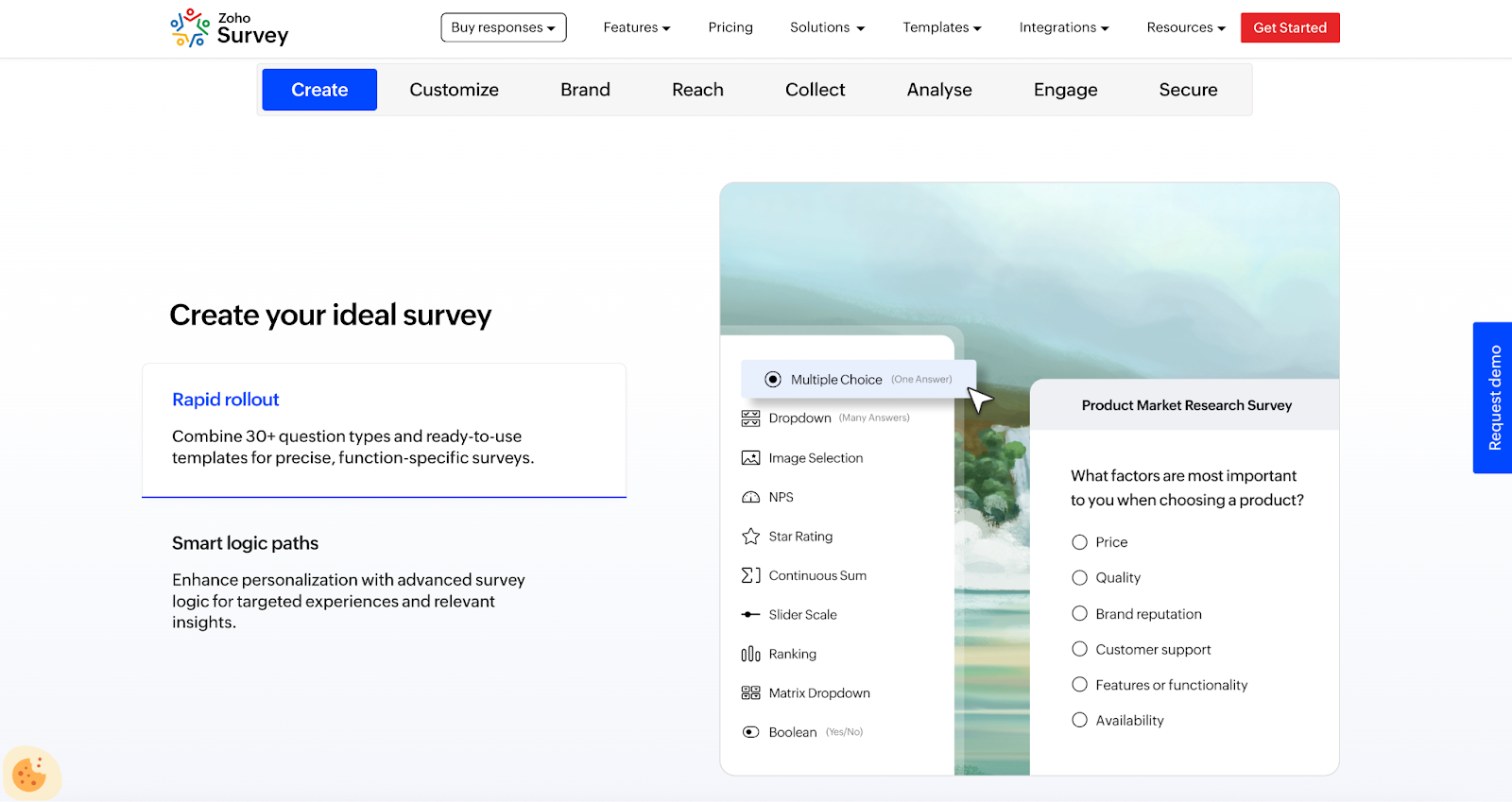
Zoho Survey is a practical option for teams that want survey essentials (templates, logic, distribution options) and prefer to keep tools inside the Zoho ecosystem. If you’re already using Zoho CRM or other Zoho tools, that ecosystem fit can simplify workflows.
- Key features
- Multiple plan tiers (Free, Basic, Plus, Pro, Enterprise)
- Skip logic and customization options (including white labeling on higher tiers)
- Distribution options including email and embeds, plus integrations listed on the pricing page
- Template library and multilingual capabilities
- Pros
- Strong value for existing Zoho customers
- Useful distribution and integration options
- Multiple tiers to match different survey volumes
- Cons
- Pricing details that vary by region and billing cycle
- A less design-first user interface and customization experience
- Features that work best only inside the Zoho ecosystem
- Pricing plan
- Plan tiers include Free, Basic, Plus, Pro, Enterprise (pricing depends on region and billing)
- Plan tiers include Free, Basic, Plus, Pro, Enterprise (pricing depends on region and billing)
G2 rating: 4.4/5
Choosing the right Pollfish alternative
Pollfish is often chosen for speed. You can launch a survey, get responses, and move on. When you’re choosing an alternative, the trick is to decide which “speed” you actually need: speed to build, speed to collect responses, or speed to turn insights into actions.
Here are a few practical questions that may make the decision easier:
- Do you need respondents, or do you already have an audience?
If you need a built-in panel, prioritize platforms and partners that specialize in sampling. If you already have a list (customers, employees, event attendees), you’ll get more value from a flexible builder and clean distribution options. - How much does branding and experience matter?
For lead-gen and external-facing surveys, the look and feel can affect completion rates. Tools such as Typeform lean into design, while others focus on operational speed and reporting. - What happens after the survey closes?
If results have to travel to other systems (CRM, ticketing, spreadsheets) or trigger actions (follow-ups, assignments, approvals), prioritize integrations and automation. That’s often where panel-first tools are less helpful.
If you’re comparing tools, list your must-haves first, then demo two finalists using the same survey.
Final thoughts: Turning feedback into action
Ultimately, the best Pollfish alternative isn’t the one with the longest feature list; it’s the one that fits how your team actually works. Some teams need speed and simplicity. Others care more about branding, logic, reporting, or what happens after responses come in. The tools on this list cover all of those needs, just in different ways.
If your priority is flexibility, such as being able to design surveys your way, share them anywhere, and turn responses into something you can actually use and share, it makes sense to start with a tool such as Jotform. If you’re running research-heavy programs, you may lean toward enterprise platforms.
The most practical advice? Don’t overthink it. Pick one tool, run a small real-world survey, and see how it feels from start to finish. How fast can you build it? How easy is it for people to respond? And how quickly can you explain the results to someone else? When those steps feel smooth instead of frustrating, you’ve found the right fit.
This guide is for growth marketers, product and CX teams, researchers, and founders who need reliable feedback loops without locking into pricey panel-first tools.



































































































Send Comment: