
Best quiz plug-ins for WordPress
Quizzes are valuable tools for teachers, marketing departments, and more. Not only can quizzes be fun, but they can also encourage social sharing, generate increased website traffic, and even help you learn more about your audience. But building a quiz on your website often requires coding knowledge. Luckily, quiz builder plug-ins offer a much easier alternative.
If you want to add a quiz to your WordPress website, using a plug-in makes the process easy and fast. A quality WordPress viral quiz plug-in can help you create professional-looking quizzes, and features like conditional logic and completion certificates can enhance those quizzes.
Create quizzes with Jotform’s AI Quiz Generator
Here’s an overview of some of the best quiz plug-ins to use with your WordPress site.
 Jotform’s Embed Form Plugin |  Quiz and Survey Master |  Quiz Maker |  Quiz Cat |  HD Quiz |  Thrive Quiz Builder |  Interact Quiz Maker |  Watu Quiz | |
|---|---|---|---|---|---|---|---|---|
| Best for | SMBs, nonprofits, or service-based sites that need compliance (e.g. HIPAA) | Teams with technical expertise who need more bells and whistles in content | SMBs and site owners who need flexibility in interactive content tools | Users who need viral/highly sharable social media-style quizzes | Users with limited budget and light needs | Larger teams and marketing departments in need of CRM and lead generation tied to quizzes | Users who want an external solution with lead capture tools | Site owners who need deeper assessment tools |
| Price | $34 – $99/month | $149 – $299/year | $47 – $284 (one-time payment) | $69-$149/year | No premium tiers; free only | $99/year for plugin alone; $299 for Thrive suite | $27 – $125/month for Interact service | $67 – $147 (one-time payment) |
| Free plan |
1. Jotform’s Embed Form plug-in
Jotform’s free online quiz maker helps you easily create interactive, multiple-choice quizzes. There’s no coding required, and your quizzes will automatically grade answers as participants complete them.
The quiz maker comes equipped with plenty of quiz templates, including options for a spelling quiz, a geography quiz, a Friends trivia game, and more. You can then customize those templates to create the exact quiz you need, saving time in the process.
You can even use conditional logic to turn the quizzes into a more interactive experience for each user. Set quizzes to show or hide fields, and send quiz results to other apps by using integrations.
With Jotform’s Embed Form plug-in, you can embed quizzes right into your WordPress site. The embed plug-in features essential WordPress security, including 256-bit SSL, encryption, password protection, and CAPTCHA options to help protect your quiz and submissions.
2. Quiz and Survey Master
With the Quiz and Survey Master plug-in, you can easily and quickly create quizzes, questionnaires, and more. Score calculation logic enhances the user experience, and you can even offer quiz completion certificates.
You can connect surveys to your email marketing platforms, including ConvertKit and Mailchimp, for a streamlined marketing tool that builds your email list. You can even offer WooCommerce coupons to participants who get a certain quiz score. With these tools, quizzes become an important part of your marketing and can contribute to your conversion rates.
3. Quiz Maker
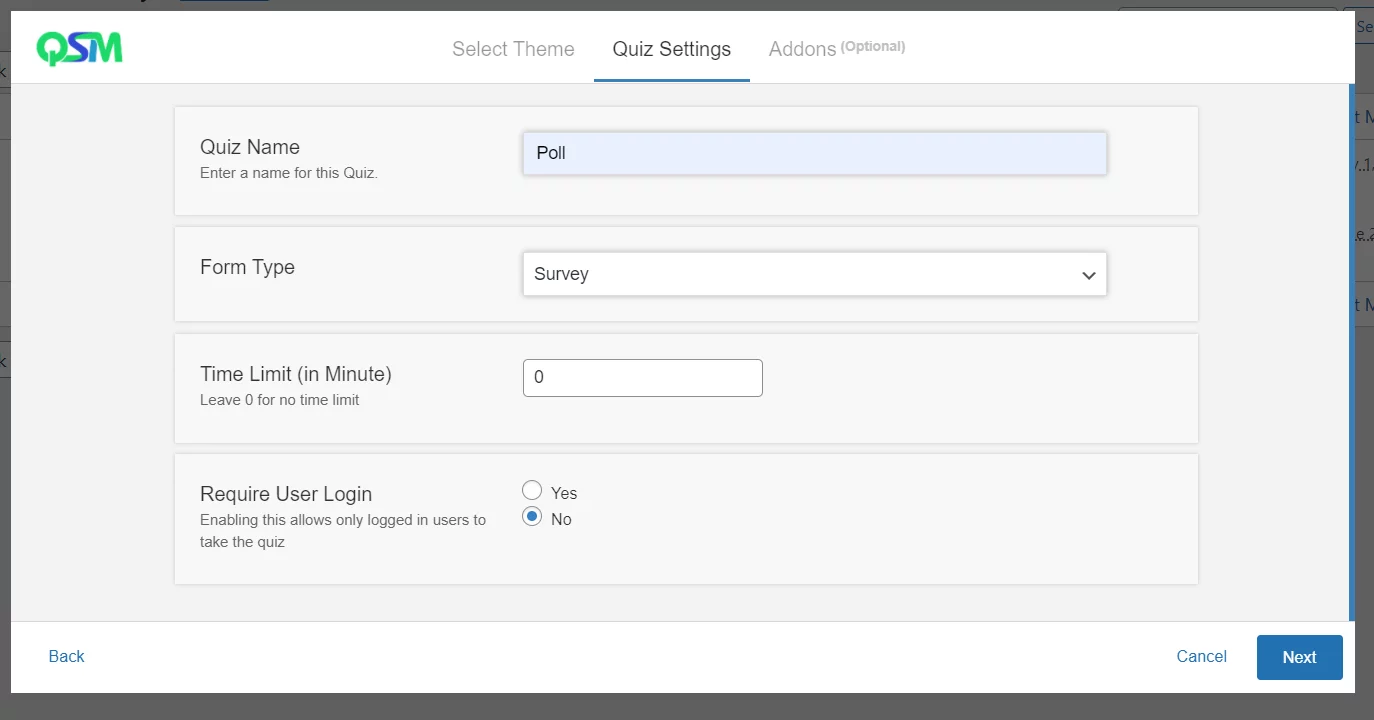
The Quiz Maker plug-in lets you choose from seven different types of questions to custom build your quiz. Question types include radio, checkbox, dropdown, text, short text, number, and date. Using these questions, you can create a trivia quiz, personality test, knowledge quiz, IQ test, multiple-choice quiz, and even Buzzfeed-style quizzes.
This is a user-friendly plug-in, and it comes with more than 100 options, like the ability to specify a passing score or randomize questions and answers.
4. Quiz Cat
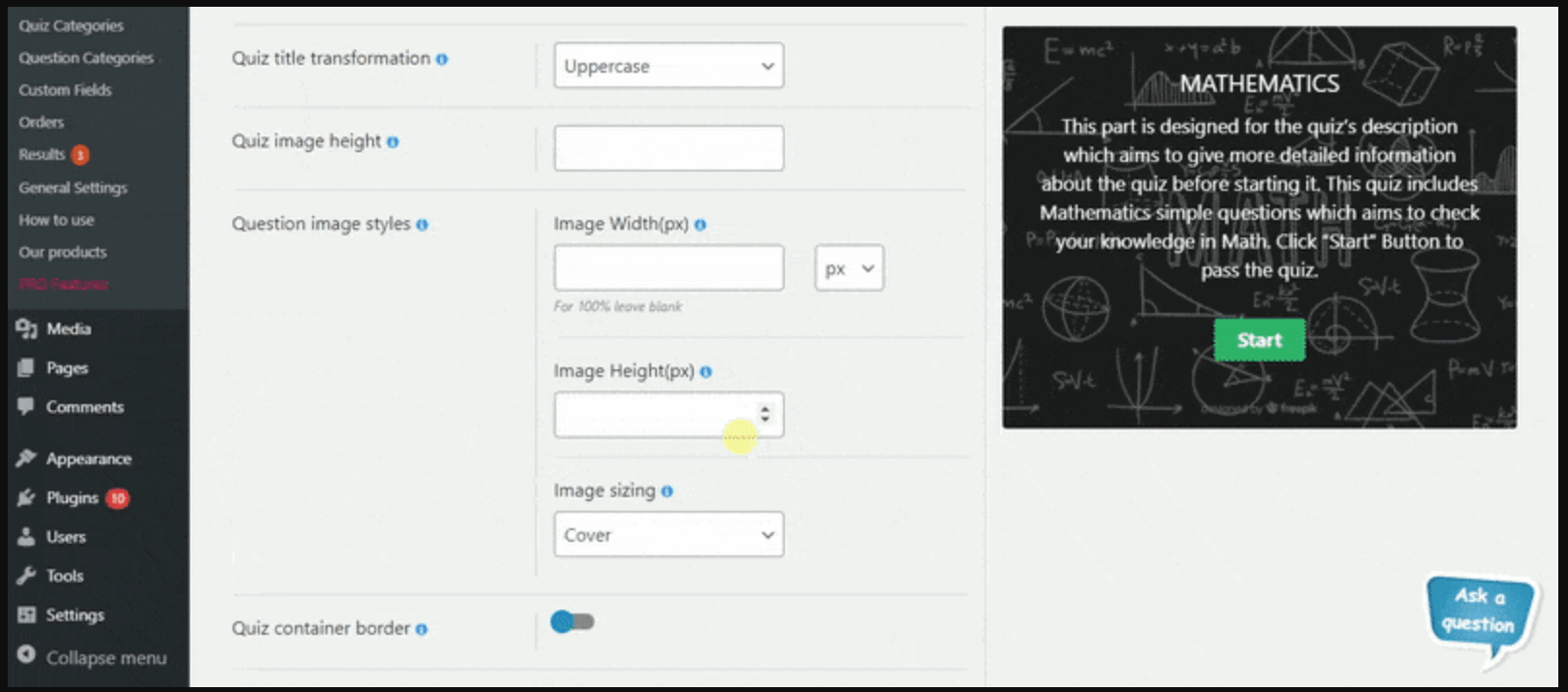
With Quiz Cat, you can create different types of quizzes, including a knowledge test, viral Buzzfeed-style personality quiz, or trivia quiz in minutes. This quiz builder features a drag-and-drop interface, making it easy to choose your quiz questions and answers.
The plug-in is fast and won’t slow down your site. Quizzes will adjust themselves to fit content areas, and you can add them to a landing page, homepage, or any other page that supports shortcodes.

5. HD Quiz
HD Quiz is a versatile plug-in that you can use to create fun quizzes or professional questionnaires. This is a mobile-friendly plug-in, and it allows you to create image-based answers and include animated GIFs for questions or answers. A quiz timer sets a time limit for quiz completion, and you can choose from different question types.
You’ll also be able to add options, like giving participants the ability to share their quiz results on social media. Other options include the ability to present questions and answers in random order, highlighting correct answers, and more.

6. Thrive Quiz Builder
With Thrive Quiz Builder, you can use captivating quizzes to help grow your business. This plug-in features a setup wizard that takes you through each step of the process as well as a troubleshooter that will help you identify anything that’s not right. You can build questions with branching logic, so that certain follow-up questions appear based on a previous answer. You can also choose from text or image questions.
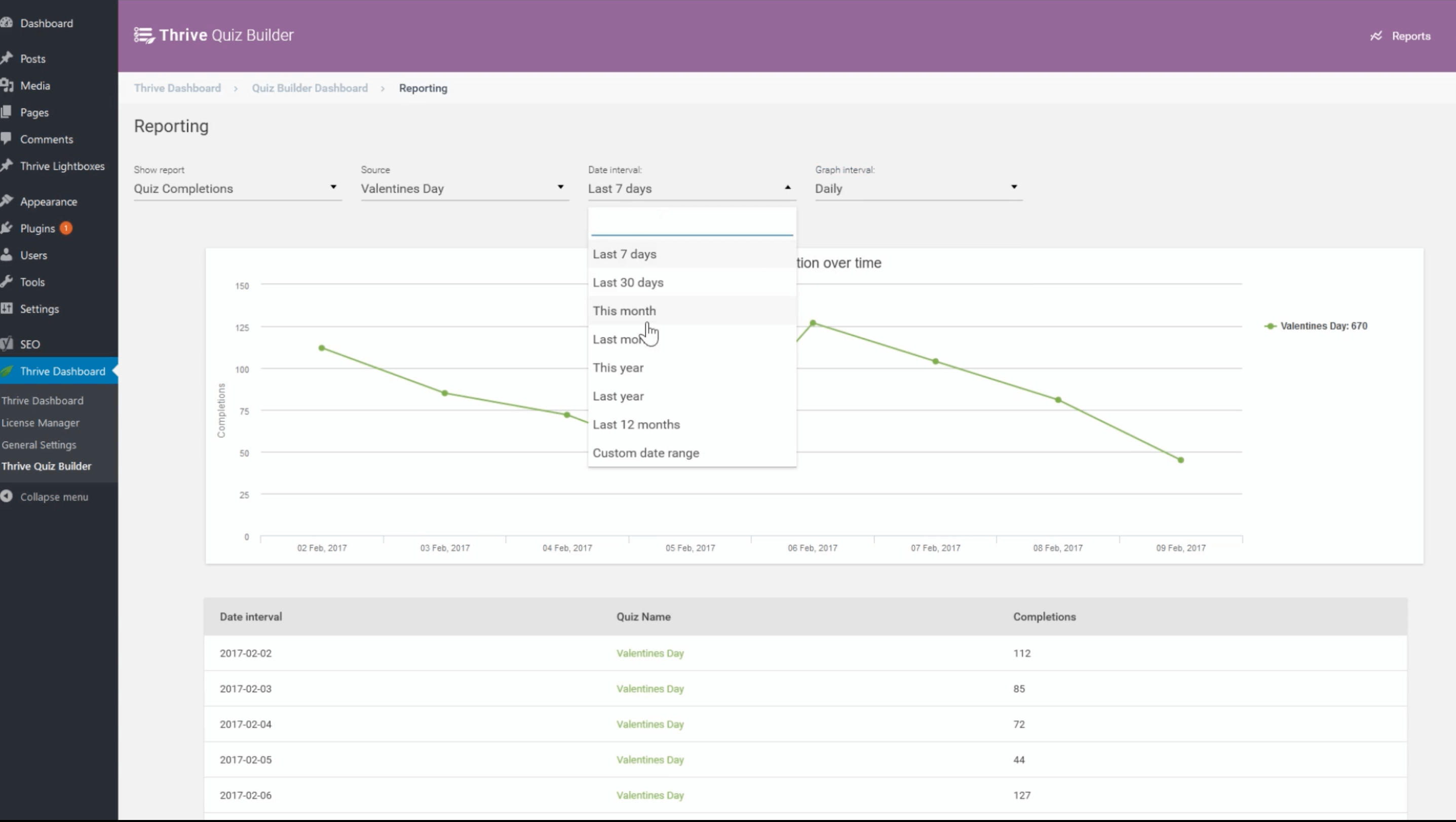
The result is complex quizzes built without any coding. Quizzes have built-in social media sizing, so there’s no need for Photoshop. With the built-in badge creator, your participants will get badges that encourage sharing on social media.
You can use these quizzes to learn more about participants’ interest in your business or product, and then you can follow up with appropriate email marketing.
7. Interact Quiz Maker
The Interact Quiz Maker is a WordPress plug-in that acts as a bridge, connecting your WordPress-powered website to the external Interact quiz platform. That platform is where you can build interactive content such as quizzes, polls, and giveaways. You can then embed your Interact quiz into your WordPress site by way of shortcode, popups, or announcement bars.
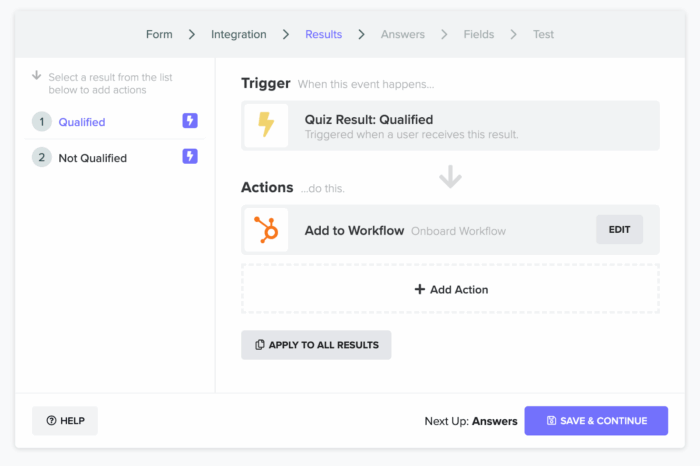
Because the quiz engine runs on Interact’s platform, performance and scaling are handled externally to your site. Rich lead-generation tools and integrations for CRM and email service (e.g., via Zapier) help site owners stay in contact with users and deliver valuable marketing content to them. With professionally designed quiz templates, A/B testing, and segmentation, you can ensure your interactive quizzes are enjoying maximum reach and targeting with your audiences.
8. Watu Quiz
Watu Quiz is a WordPress-native plug-in for creating quizzes, exams, surveys, and polls directly inside WordPress. Flexible grading lets you assign point values to each answer, define grade thresholds, or establish personality types. The plug-in supports randomization, question pools, and timed quizzes for maximum interactivity and gamification.

With CSV import and export, delivery of quiz results via email, and notifications to admin roles, Watu simplifies administration and maintenance tasks to ensure optimized data and outreach. With a relatively light resource footprint and mobile/AJAX-based UI for responsive quizzes, Watu won’t hog precious resources or cause massive site lag that can drive your quiz users off site. The free version of Watu is sufficient for basic quiz content, while WatuPRO adds advanced reporting, conditional logic, role/group access, certificates, and more.
Quizzes that work for your site
Whether you’re using quizzes for educational purposes or lead generation, these plug-ins can help. All of these quiz builders have plenty of customization options that can help you drive user engagement and social shares. With no coding required, quiz building is easier and faster, and you can create the types of quizzes that will best connect with your audience.
Photo by Justin Morgan on Unsplash



























































































Send Comment: