
Top quoting apps in 2026
If you switch from a Word document to a quoting app, let me assure you that you won’t look back.
Proposal generation software helps you create polished, professional proposals. And let’s be real: When you’re trying to persuade a prospect to spend thousands of dollars, the details matter. They can be the difference between your company missing out on a job and winning it by sending a quote with the most professional proposal before the competition. Balancing speed and quality gives you the best chance of success.
When I worked in-house at an agency, we started with Word proposal documents. Multiple team members kept adding pages to a master template until it became completely disjointed. One team member also created separate, unofficial versions with incorrect pricing and case studies that didn’t showcase the agency at its best.
Then, on top of that, we had to export each Word document as a PDF, attach it to an email, hope it wasn’t too big, and send it to the client. After that, we lost all visibility into it. Unless the recipient replied, we had no way to know whether they opened the document, which pages caught their attention, or what they skipped.
That’s where quoting apps come in.
The best quoting software tracks proposals from creation through opening and sign-off. Every proposal stays on brand, and built-in safeguards make it impossible to send one with the wrong client name.
In this article, I’ll share 10 of the best quoting apps, including who each one is best for, its core features, and pricing so you can find the right quoting software for your team.
The best quoting apps at a glance
| Tool | Best for | Core features | Price starts from |
|---|---|---|---|
 Jotform Apps |
Service businesses that need to send and receive proposals and process complex quote requests |
No-code app builder, AI App Builder, conditional logic calculators, Jotform Sign, Jotform Tables |
$34/month |
 PandaDoc |
Sales teams that need to send polished, trackable proposals and get them signed fast |
Proposal templates, interactive pricing tables, document tracking, e-signatures, CRM integrations |
$19/month |
 Jobber |
Field service businesses and contractors quoting onsite |
Mobile quoting, quote-to-job conversion, scheduling, dispatching, invoicing |
$29/month |
 Invoice2go |
Freelancers and solo operators looking for quoting and invoicing in one app |
Simple templates, quote-to-invoice conversion, mobile-first, payment tracking |
$79.99/year |
 Hubspot Sales Hub |
B2B sales teams that want quoting built into their CRM |
Native CRM quoting, e-signatures, payment collection, pipeline reporting |
$7/month |
 Proposify |
Agencies and sales teams wanting design control and approval before sending |
Drag-and-drop editor, locked brand blocks, internal approval workflows, interactive pricing, analytics |
$29/month |
 Joist |
Tradespeople estimating and invoicing on the go |
Line-item estimates, photo attachments, quote-to-invoice, basic scheduling/client management |
$10/month |
 Quotient |
Small businesses looking for a dedicated quoting tool |
Reusable templates, quote tracking, automated reminders, in-quote upselling |
$28/month |
 Qwilr |
Sales and marketing teams that want interactive, web-based proposals |
Web-page proposals, embedded video, live pricing updates, built-in e-signatures and payments |
$35/month |
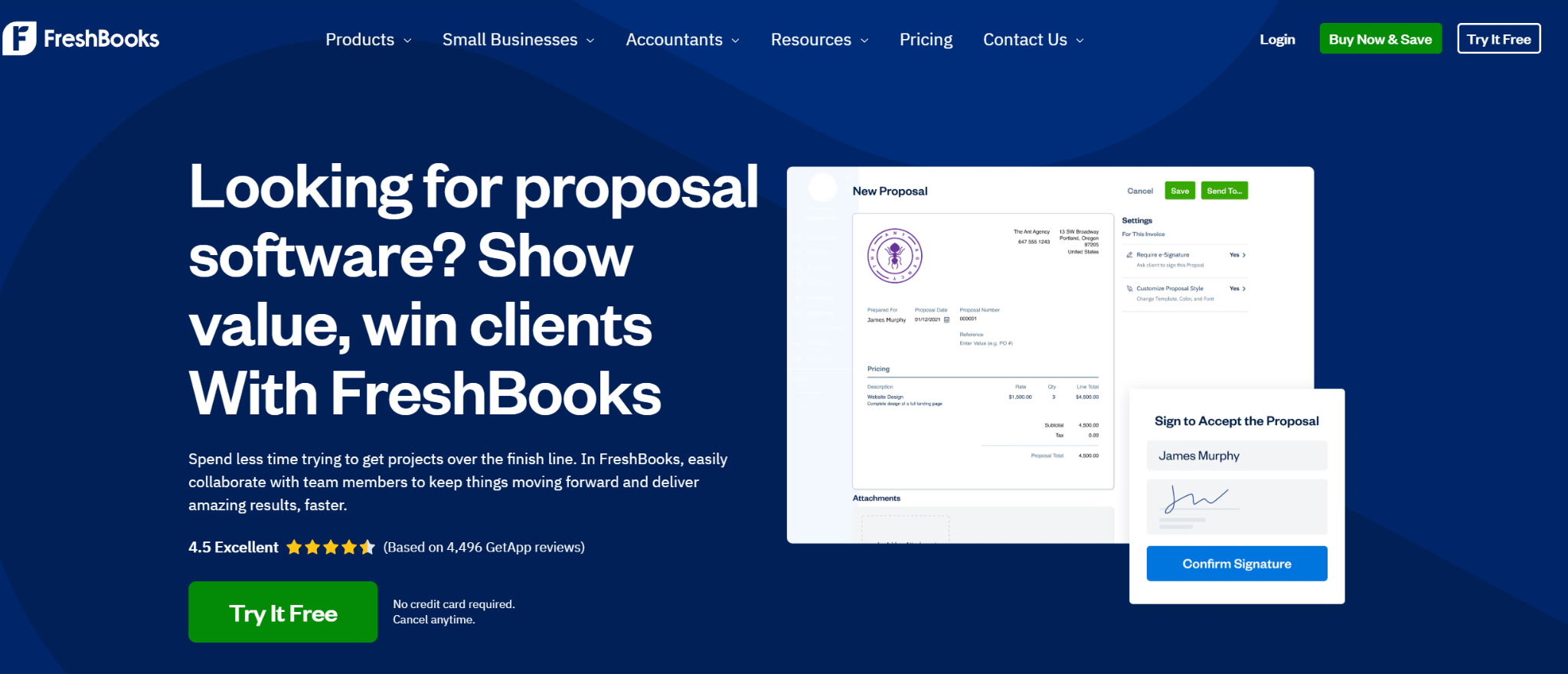
 FreshBooks |
Freelancers and small businesses looking for quoting capabilities bundled with accounting |
Estimate-to-invoice conversion, saved line items/tax settings, online approval and payment |
$136.62/year |
1. Jotform Apps
Best for: Service businesses that need to send and receive proposals and process complex quote requests
Why it made the list: Jotform is the only tool that lets you send proposals and organize the ones you receive.
Most quoting software assumes the workflow goes one way: A rep builds a quote and sends it to a prospect. But plenty of businesses have the opposite problem. They’re getting hit with quote requests from every direction, including phone calls, emails, direct messages, and website contact forms.
Jotform Apps and its 3,400-plus free app templates solve that problem.
It’s a code-free platform, and one of its strongest use cases is a bespoke intake portal where clients upload project photos, select the services they need, and get an automated baseline estimate before a team member gets involved.
Need help creating an app that works for you?
You can check our guide on How to create an app without any coding for more information.
Jotform’s AI App Builder is easy for anyone to use. You can describe the app you want in plain language and generate a working request for quote (RFQ) app from that prompt.
Pair it with conditional logic and calculation widgets to create a practical configure, price, quote tool for small businesses and large organizations. It can price variable jobs based on factors such as square footage, materials, and add-ons without a spreadsheet in sight.
Pro Tip
If an incoming request exceeds a certain dollar amount, Jotform Workflows can route it straight to a sales director for approval, so nothing expensive slips through without review.
Jotform Apps pricing:
- Start for free
- Bronze: $34 per month
- Silver: $39 per month
- Gold: $99 per month
- Enterprise: Custom pricing
2. PandaDoc
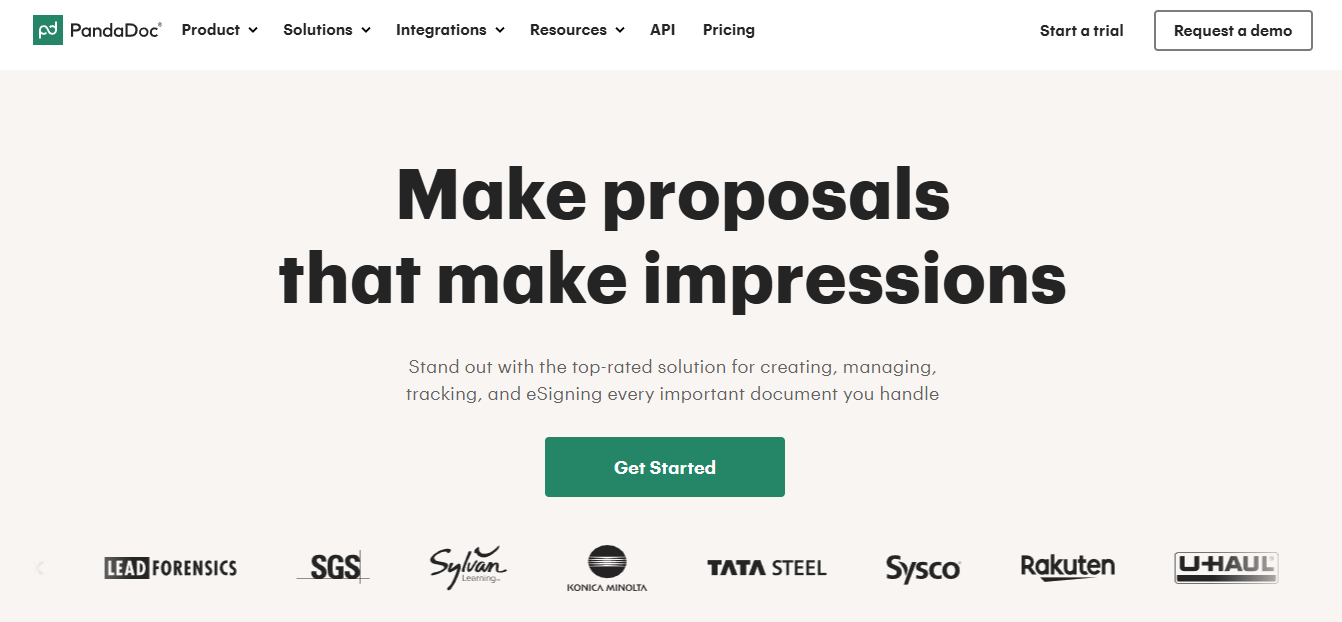
Best for: Sales teams that need to send polished, trackable proposals and get them signed quickly
Why it made the list: PandaDoc is one of the most established sales quoting tools on the market, built specifically around the proposal-to-signature workflow.
PandaDoc lets sales reps build proposals using predesigned templates, add pricing tables, and send everything as one polished, branded document instead of attaching a PDF to an email.
Its interactive pricing tables let prospects adjust quantities or select optional add-ons directly in the proposal. Totals update in real time, saving back-and-forth as prospects figure out what they want to include based on their budget.
After a rep sends a proposal, PandaDoc tracks key engagement metrics such as when the recipient opens it and how long someone spends on each page. The system also notifies the rep the moment the proposal is signed. This visibility helps sales reps identify and prioritize the most engaged prospects.
Also, PandaDoc integrates with major CRMs, so won deals sync straight into the sales pipeline without manual data entry.
PandaDoc pricing:
- Start for free
- Starter: $19 per month
- Business: $49 per month
- Enterprise: Custom pricing
For more alternatives to PandaDoc, read “10 best PandaDoc alternatives & competitors in 2026.”
3. Jobber
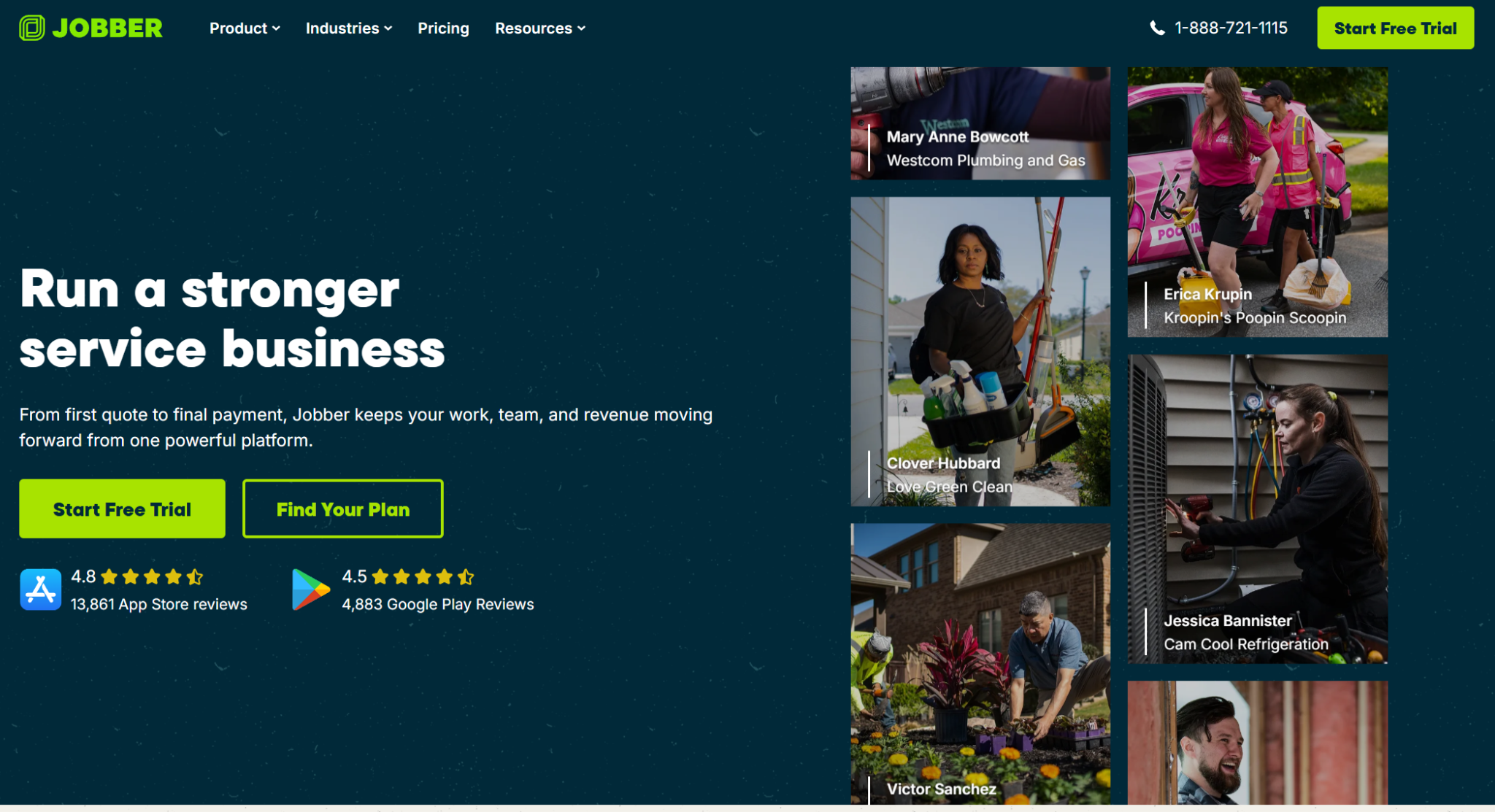
Best for: Field service businesses and contractors who need to build and send quotes onsite, not back at a desk
Why it made the list: Jobber reflects the reality that most contractors aren’t quoting from an office; they’re quoting from a driveway, a job site, or a client’s kitchen.
It’s a quoting tool built into field service software and a broader operations platform that includes quoting as a core feature.
Jobber functions as an estimate app for contractors. Reps can build a quote onsite using saved line items and pricing templates, get it approved by the client on the spot, and convert it directly into a scheduled job without reentering a single detail.
Because it’s a mobile quoting app, the entire workflow is designed for use on a phone or tablet. Technicians can attach photos, adjust pricing on the fly, and send the quote for e-signature before they leave the property. It also handles scheduling, dispatching, and invoicing, so once a quote is accepted, the rest of the job runs through the same system.
There is a trade-off: Jobber is purpose-built for home and field service trades. It doesn’t work well for B2B sales teams or businesses selling complex products rather than services, and its proposal design options are far more basic than those of dedicated document tools.
Jobber pricing*:
- Start for free
- Core: $29 per month
- Connect: $99 per month
- Grow: $149 per month
*Pricing listed here reflects individual packages for one user
4. Invoice2go
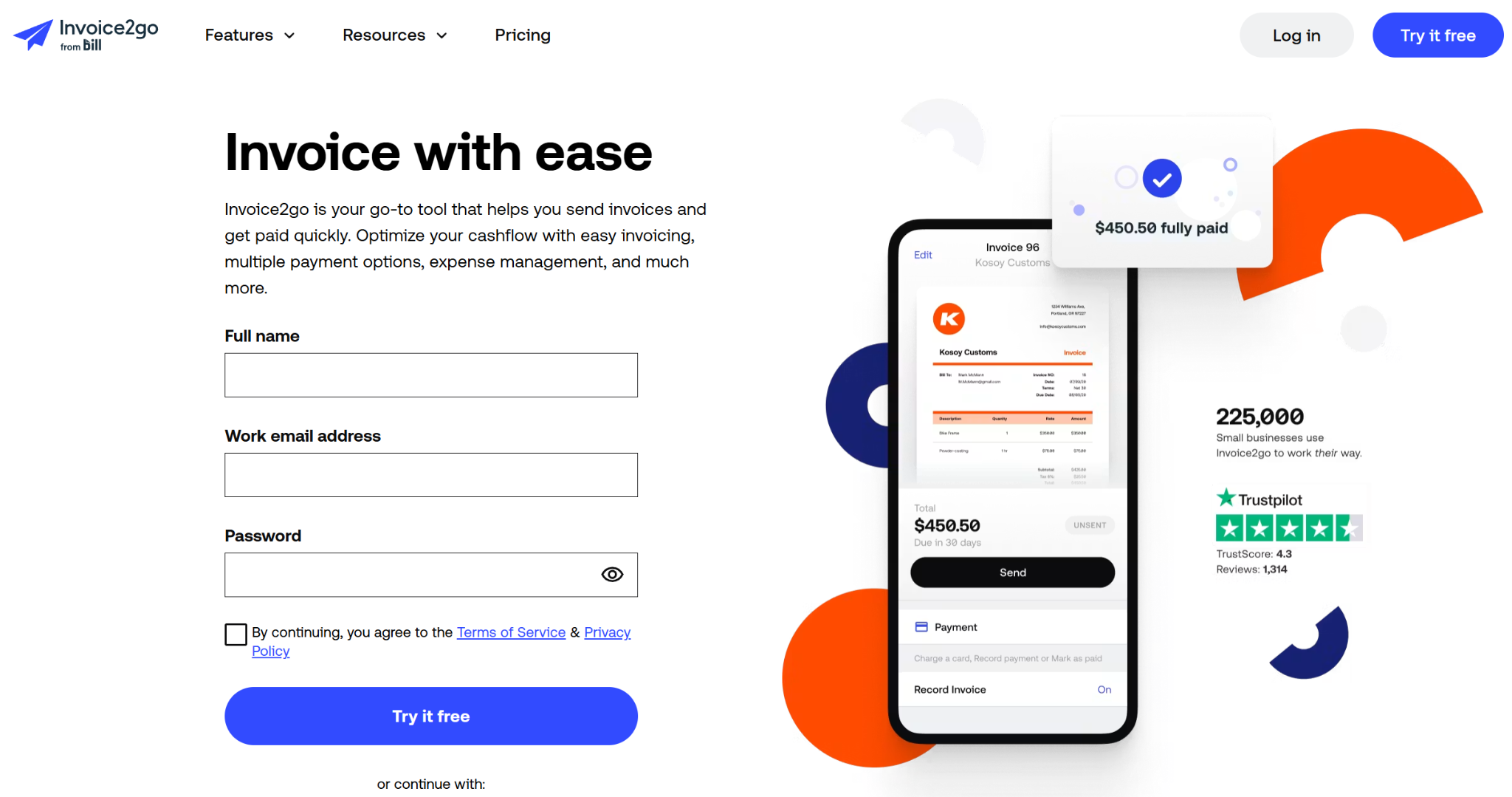
Best for: Freelancers and solo operators who want quoting and invoicing handled in one lightweight app
Why it made the list: It’s one of the simplest, most accessible options on this list, built for people who need to look professional without facing a steep learning curve.
Invoice2go strips quoting down to the essentials: Pick a template, fill in the line items, and send. There’s no complex configuration or approval chains, just a fast, mobile-friendly way to turn an estimate into a professional-looking document. Once a client approves it, that same quote converts directly into an invoice, so there’s no duplicate data entry between the two stages.
Invoice2go is a strong choice for anyone with straightforward quoting needs. For example, it works well for someone who doesn’t need CRM integrations, team permissions, or complex pricing logic.
Naturally simpler solutions can show their limitations as businesses scale. Unlike quoting software such as Jotform, Invoice2go doesn’t offer the conditional pricing logic, approval workflows, or CRM syncing that growing teams may eventually need. Its proposal designs are also fairly basic compared with those of document-focused tools.
Invoice2go pricing:
- Start for free
- Starter: $79.99 per year
- Professional: $199.99 per year
- Premium: $449.99 per year
5. HubSpot Sales Hub
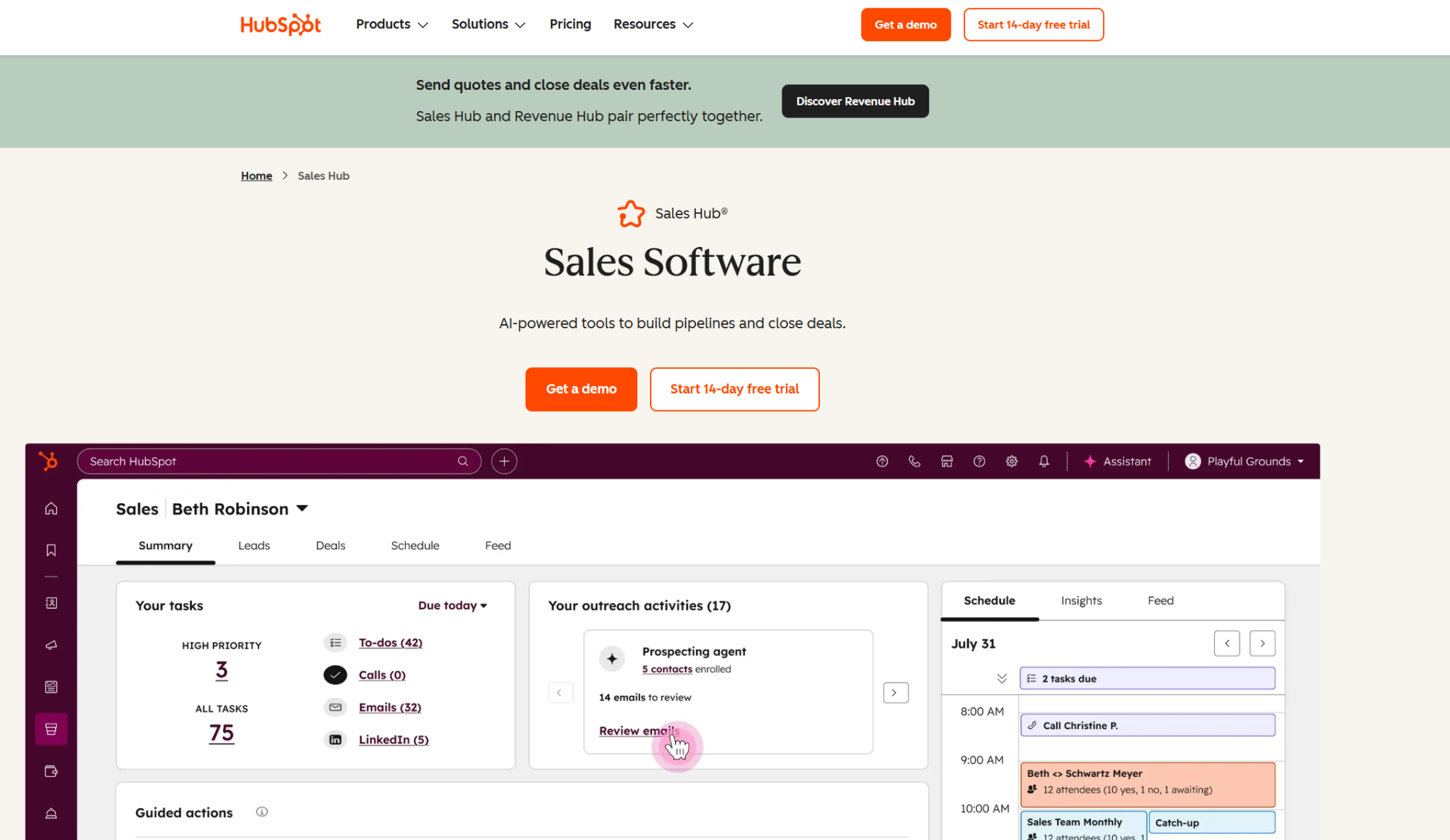
Best for: B2B sales teams that want quoting built directly into their CRM and pipeline
Why it made the list: HubSpot removes the disconnect between “where the deal lives” and “where the quote gets built,” because both happen in the same system.
HubSpot Sales Hub connects leads, proposals, sales, and the broader CRM. Reps can generate a quote from an existing deal record in just a few clicks, with pricing, product details, and client information already populated. Quotes can include e-signature fields, payment collection, and optional line items, so prospects can review and approve everything in one document rather than in a back-and-forth chain of emails.
Where it shines is in reporting and pipeline visibility. Because quoting sits inside the same platform as the CRM, marketing data, and deal stages, sales leaders can see how quotes are performing against pipeline targets, conversion rates, and rep activity without exporting anything to a separate dashboard.
One thing to note: Sales Hub delivers the most value when a business uses the broader HubSpot ecosystem. As a standalone tool, its quoting features are less flexible than those of dedicated proposal platforms, and its more advanced functionality is gated behind higher-tier Sales Hub plans.
HubSpot Sales Hub pricing:
- Start for free
- Starter: $7 per month
- Professional: $90 per month
- Enterprise: Custom pricing
6. Proposify
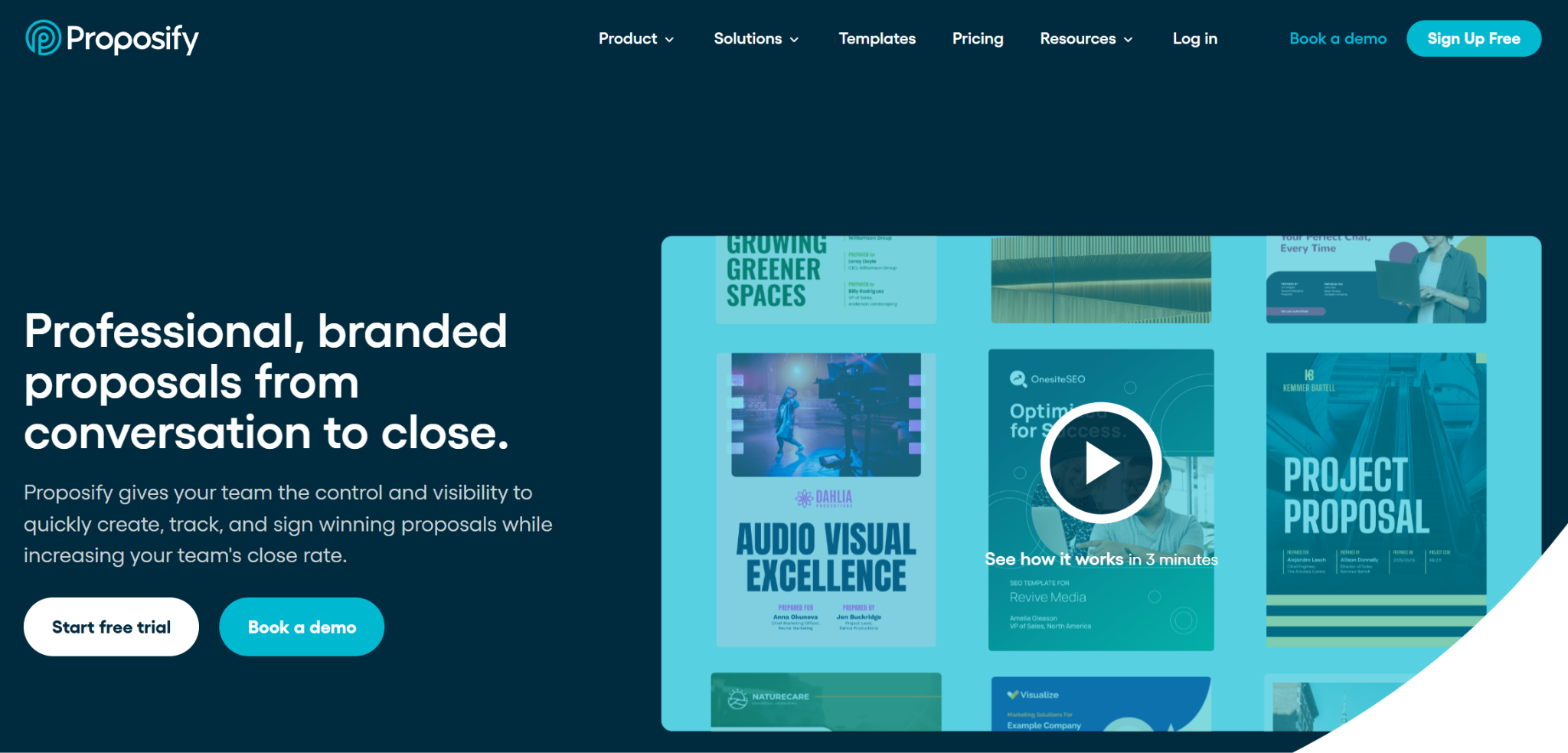
Best for: Agencies and sales teams that want design control and approval before anything is sent
Why it made the list: It treats the proposal as a brand asset, not just a pricing document, with design controls that most quoting tools don’t offer.
Proposify features a drag-and-drop editor with locked content blocks and brand controls, so reps can customize pricing and details without accidentally breaking the design or going off brand. Built-in approval workflows mean a manager can review and sign off on a proposal internally, helping ensure the pricing is correct before the prospect sees it.
Interactive pricing tables let prospects choose between packages or add optional line items directly in the document, with the total recalculating automatically. Combined with e-signatures and built-in analytics on views and time spent in each section, these features give reps a clear picture of a prospect’s engagement before following up.
One drawback is that Proposify can be glitchy, especially during the design phase. It’s also primarily a proposal design and sending tool. It doesn’t offer field-quoting features, mobile-first estimating, or intake functionality for capturing inbound requests. It assumes the business already knows what it’s quoting and simply needs to package it well.
Proposify pricing:
- Start for free
- Basic: $29 per month
- Team: $49.99 per month
- Business: Custom pricing
7. Joist
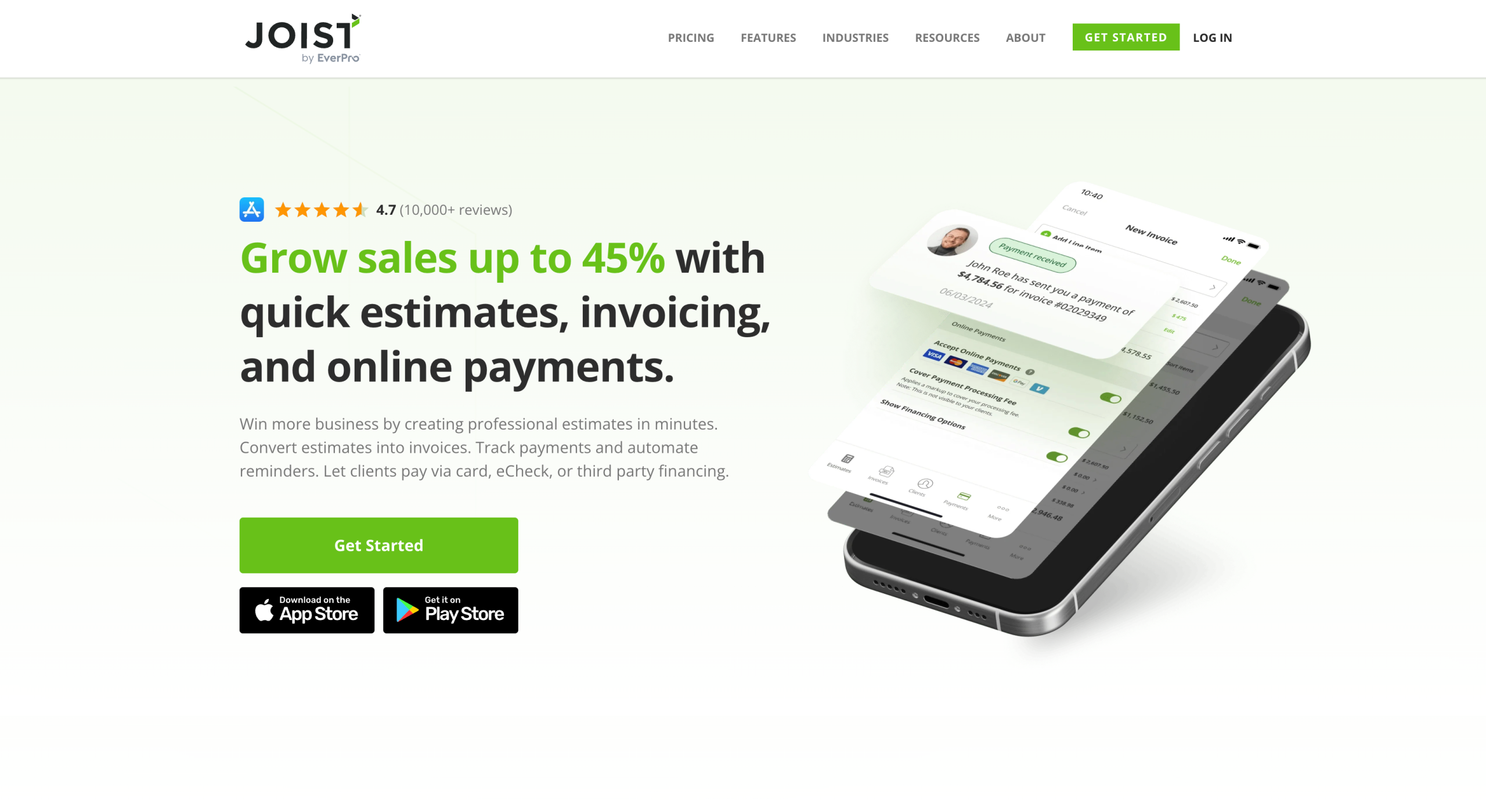
Best for: Contractors and tradespeople who want a straightforward way to estimate, invoice, and get paid from a phone
Why it made the list: It’s purpose-built for the trades, with none of the extra complexity of a full sales or CRM platform.
Joist allows contractors to quote on the fly, often between jobs or while standing in a client’s driveway. Reps can build estimates using a simple line-item builder, add project photos, and send a professional-looking quote directly from the app. Once a client approves it, that same document converts into an invoice. Joist then tracks payment status, so there’s no need for a separate billing system.
It also includes basic scheduling and client management features, letting small contracting businesses keep track of upcoming jobs and past client history without a separate CRM. For solo operators and small crews, that all-in-one simplicity is the main draw: Everything happens in one app, on one phone, without a steep learning curve.
Joist pricing:
- Start for free
- Basics: $10 per month
- Pro: $17 per month
- Elite: $32 per month
8. Quotient
Best for: Small businesses that want a dedicated, no-frills tool just for building and tracking quotes
Why it made the list: Quotient keeps the focus on quoting instead of trying to double as a CRM or sales platform.
It offers a clean way to build and send a quote, with visibility into what happens next. Reps create quotes from reusable templates and pricing libraries, so they don’t have to type recurring line items from scratch each time. Once sent, clients can review and accept the quote online.
Recipients can also leave comments or ask questions directly in the document instead of starting a separate email thread, which keeps the proposal workflow efficient.
Quotient shows when a recipient has viewed the quote and automates reminders to nudge clients who haven’t responded, taking some of the manual follow-up off a rep’s plate. It also supports upselling within the quote itself, allowing clients to add optional extras before accepting. This can increase the average deal size without creating extra work for the sales team.
Quotient pricing:
- Start for free
- Solo: $28 per month
- Team: $48 per month
- Team+: $88 per month
9. Qwilr
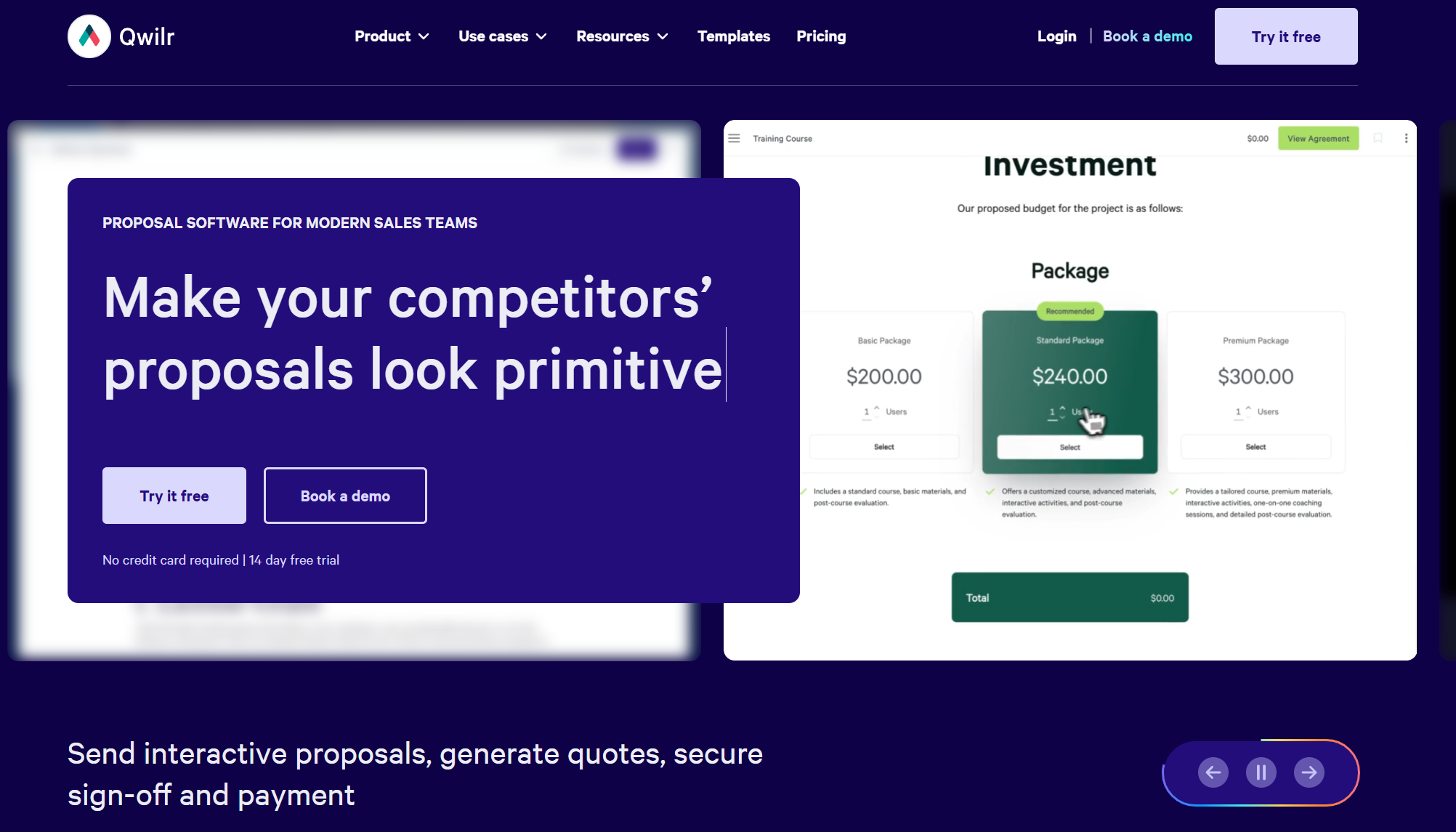
Best for: Sales and marketing teams that want proposals to feel more like a web page than a static document
Why it made the list: It replaces the traditional PDF quote with an interactive, web-based page, changing how prospects experience a proposal.
Instead of sending a static PDF, Qwilr allows reps to send a link to a branded, responsive web page that can include video, embedded pricing tables, and interactive elements. Prospects can select options or adjust quantities directly on the page, and the price updates in real time without requiring a revised version.
The web-based format also makes proposals easier to view on a phone, with no need to zoom and scroll through a document. Built-in analytics show which sections a prospect spent time on, giving reps a much clearer signal of interest than a simple “opened” notification. E-signatures and payment collection are built into the same page, so prospects can accept and pay without leaving the proposal.
Qwilr pricing:
- Start for free
- Starter: $35 per month
- Growth: $55 per month
- Scale: $75 per month
10. FreshBooks
Best for: Small businesses and freelancers who want quoting bundled with accounting and invoicing
Why it made the list: FreshBooks is primarily accounting software, but its quoting feature means a business can go from estimate to invoice to payment without switching platforms.
FreshBooks closes the loop between quoting and getting paid in a way dedicated proposal tools can’t. Reps build an estimate using saved line items and tax settings already configured in the account, send it for approval, and convert it into an invoice with a single click once it’s accepted. Because the same platform handles bookkeeping, the invoice flows directly into the business’s financial records without manual reentry.
For freelancers and small-business owners who already use FreshBooks for accounting, that continuity is the real draw. There’s no gap between what was quoted, invoiced, and paid. Users can track quote views and acceptance status, and clients can approve and pay online without unnecessary back-and-forth.
FreshBooks pricing:
- Start for free
- Lite: $136.62 per year
- Plus: $255.45 per year
- Premium: $415.80 per year
Ask these 5 questions before choosing a quoting app
There’s no single best tool on this list. Each one excels in different use cases.
The right choice depends on how a business sells, its size, and what it prioritizes. It’s not about which app has the longest feature list.
Before choosing one, it’s worth answering five practical questions about the sales environment where quotes are created.
1. Where are quotes being built?
A quote created at a desk and a quote created on a job site call for different tools.
B2B reps working from a laptop and chasing deals through a pipeline need tools such as Jotform, HubSpot, or PandaDoc, which are built for detailed, desktop-first proposal design.
Field contractors don’t have that luxury. They’re often standing in a client’s driveway with a phone in hand, so they need something fast and mobile-first, such as Jobber or Invoice2go. These apps can turn a walk-through into a sent quote before the contractor even leaves the property.
Matching the tool to where the work happens matters more than comparing feature lists. It’s also worth reading more broadly about apps for small businesses before committing to one category.
2. How complex is the pricing model?
Flat-rate billing is simple: one service, one price, and you’re done. But many businesses aren’t pricing that simply. Contractors charging by square footage, agencies with tiered service packages, or manufacturers pricing by materials and quantity all need something more flexible than a fixed line-item list.
This is where Jotform Apps stands out.
Its conditional logic and calculation widgets let a business build a custom pricing calculator that adjusts automatically based on client selections, without hiring a developer. Combine that with no-code tools, and it’s possible to build complex estimating logic just by creating an app without coding.
3. Are you sending quotes or receiving RFQs?
Most quoting software assumes a business initiates contact by building a quote and sending it to a prospect. But plenty of businesses have the opposite problem. They’re on the receiving end, fielding a steady stream of custom project requests from clients who want to request a quote before work begins.
If that’s the more common scenario, or if you need to both send and receive quotes, an outbound-focused tool won’t solve everything. This is where Jotform quoting workflows and the RFQ form templates come in. Together, they act as a custom intake portal where clients can submit their project details and receive an automatically calculated baseline estimate before anyone on the sales side has to lift a finger.
4. What’s the actual budget, now and at scale?
Price is often the deciding factor, and that’s fair. A tool with every feature imaginable isn’t worth much if it’s priced for an enterprise team when the business is three people and a truck. But it’s worth looking beyond the price in month one and considering what happens at month 12 or after the business doubles. Some tools charge per user, which gets expensive quickly as a team grows. Others set limits on submissions, quotes sent, or storage, which can force an unplanned upgrade when business picks up. A quoting app that’s inexpensive today but doesn’t scale well may cost more in the long run than one that costs slightly more up front but grows cleanly alongside the business. Before committing, map out what the tool would cost during a busier month or with a bigger team, not just what the entry-level plan costs today.
5. What happens after the “yes”?
A signed quote is only half the job. If accepting it means someone has to manually reenter the details into a CRM or accounting system, the administrative work quickly erases that convenience. The best setups carry a quote straight through to the next step, whether that’s a scheduled job, an invoice, or a CRM record, without requiring anyone to retype a single line. Knowing how to write a quote for a job properly makes this handoff smoother because a clear, well-structured quote is easier to convert automatically than a vague one.
Ultimately, speed wins when sending proposals. The first business to deliver a clear, professional, and frictionless estimate has a higher chance of winning the job, regardless of who has the better product or the lower price.
This article is for independent contractors, B2B sales teams, agencies, and freelancers who are tired of losing deals because their manual Excel or Word estimates take too long to build. They need a mobile-friendly or automated solution to send professional quotes quickly, track when clients open them, and collect digital signatures.


































































































Send Comment: