

Top Adalo alternatives
A decade ago, it would have been hard to imagine coding an app to fit your business’s specific needs. You could customize a CRM tool like Salesforce with fields to collect the data your organization requires or tweak a content management system like WordPress to more closely hew to the way your team works. Building something fully custom, though, was rarely worth the cost of coding and maintaining the tool, and it would be unimaginable if you didn’t already have coding skills or an in-house development tool.
No longer. Thanks to AI-powered app builders, you can build a customized app in minutes and continue to tweak it until it works exactly as you imagined, no coding skills required.
For years, Adalo has let users build apps with drag-and-drop components, and today it simplifies the process even further with AI-powered tools to build apps for the web or native iOS and Android apps without coding. It builds apps screen by screen so you can visualize all the components of your app, see how they connect, and customize their look and feel quickly with shared branding and AI edits.
But it’s not the only game in town. There are a wide range of Adalo alternatives that anyone can use to quickly build polished apps with pre-built components and AI-powered coding. To make the process easier, we tried a wide range of app builders and came up with seven of the best Adalo alternatives for building in-house tools for your team.
What to look for in an Adalo alternative
Drag-and-drop app builders don’t necessarily focus on solving the same issues. Adalo is built around planning out every page of a mobile-focused app, visually connecting how users and data move through your tool. It can easily take your idea from a prompt to a published app in the App Store and Google Play store.
The best Adalo alternatives are the ones that let you create an app without coding and are customized for the type of app you want to build. You’ll want to keep in mind the trade-offs in each platform and what you need to quickly transform your ideas into apps and share them with your team. These considerations include:
- Native vs web apps: Some app builders are focused on web apps, best for cross-platform tools that work anywhere. Others build native apps, either designed to work offline or as wrapped progressive web apps (PWAs) that may require an internet connection. Also check publishing options to see if you can access the underlying code or publish mobile apps on your company’s developer accounts.
- Databases and data management: Most app builders can store data internally. They also may let you import data to build apps or connect directly with third-party integrations to build apps around your team’s existing data and software.
- Automation and integration: If you want your app to plug into your existing software ecosystem and do work in the background on your behalf, look for tools that work with your existing software or connect to automation platforms like Make or Zapier.
- Forms, accounts, and components: Pre-built components make it faster to build features into your app, which is worth looking for so you don’t have to reinvent the wheel.
- Design customization: It’s easy to spend too much time tweaking colors and fonts, so it’s important to have simple theming options to make your app look and work the way you want.
- Scalability and security: Most apps will feel fast when they’re first built or when used in smaller teams and lighter workloads. Look for more advanced database options, and potentially platforms that let you choose where your app is hosted, for edge-case performance and regulated industries.
- Pricing and costs: Pay attention to what it costs to build and launch your app, as well as what ongoing maintenance it will require.
The best Adalo alternatives depend on whether you’re building an internal business app, a fast way to collect and build workflows around data, or a customer-facing mobile app. Keep your criteria in mind to find the app builder platform that makes the most sense for your needs.
The 7 best Adalo alternatives in 2026
| Tool | Key features | Platform | Why choose it | Pricing |
|---|---|---|---|---|
 Jotform Apps |
Drag-and-drop editing with pre-built form, e-commerce, and e-signature features |
Web apps |
Building data collection and business workflow apps |
Free for up to 100 form submissions/month; from $39/month |
 Glide |
An App Store of existing apps to customize with AI prompts |
Web apps |
Building apps around your existing data |
Free while building; from $25/month |
 FlutterFlow |
Coding apps with AI that you will edit and maintain on your own |
Mobile, web, and desktop apps |
Building native apps for almost every platform |
Free while building; from $19.50/month |
 Bubble |
Detailed tools to customize every element in your app without coding |
Web apps |
Customizing apps by hand or with AI |
Free while building; from $69/month |
 Softr |
Pre-built components and integrations to build apps that look and work consistently |
Web apps |
Quickly building apps from pre-built pieces |
Free for up to 10 users; from $59/month |
 Thunkable |
Native mobile app building with AI that you can preview on your device |
Mobile apps |
Creating mobile apps with code you can edit |
Free for 3 public projects; from $19/month |
 Retool |
Import existing apps and edit everything via AI with developer-focused tools |
Web apps |
Maintaining and deploying internally focused apps |
Free for up to 5 users; from $12/month |
1. Jotform Apps
Best for: Quickly building business workflow apps
Pros
- Build apps with AI prompts, then customize them with a drag-and-drop editor
- Add an AI chatbot to answer questions and provide support
- Use e-commerce tools to sell products through your app
Cons
- Lacks the ability to edit or export app code
- Relies on form-driven structures that work well for data workflows but not for more free-form apps
- Supports only PWAs, not native mobile apps
Jotform Apps is built for data-centric business apps. It’s not the app builder you’ll reach for when an idea for a new game or consumer app comes to mind. Instead, it’s the app builder to reach for when you want to streamline work processes like onboarding new clients, managing inventory, spinning up a pop-up e-commerce store with up to 40 payment integrations, or building a support portal complete with AI-powered chat to answer questions and Jotform Workflows to automate routine tasks.
Jotform Apps is built around Jotform’s robust form engine, and every app saves data to Jotform Tables. Instead of reinventing the wheel, you’re building an app from powerful pre-built components and features, from widgets to embed Instagram or PDFs, to Jotform Sign to gather e-signatures directly in your app. You can ask AI to build the first pass of your app or start with one of thousands of app templates. And while Jotform Apps doesn’t build native apps for the iOS App Store or Google Play, it does make PWAs that users can add to their home screens from a link or QR code. Push notifications are also an option.
Jotform Apps is best for building apps around business processes and operational workflows. It can quickly build an app to categorize and organize tasks, and it’s equally robust at building tools to manage any other type of data. If your app idea revolves around gathering or sorting through data, a Jotform app is one of the fastest ways to go from idea to working app without sweating the small details.
Jotform Apps also offers a conversational alternative to Adalo’s screen-by-screen building process. With Jotform App Builder for ChatGPT and Claude, you can describe the app you need and generate a ready-to-use first version directly within your AI workspace. Use it to create internal tools, customer portals, event apps, booking systems, and online stores without coding.
You can refine the app through conversation by customizing its layout, forms, widgets, and branding; managing users, permissions, and data; and configuring payments, workflows, and automation. Connect now to build, publish, and share apps with Jotform App Builder in ChatGPT and Claude.
Pricing
- Free for unlimited apps and up to five forms with 100 monthly submissions.
- From $39 per month ($34 per month paid annually) for unlimited apps, 25 forms, 1,000 monthly submissions, and fully custom branding.
2. Glide
Best for: Building modern apps with your existing data
Pros
- Build working apps directly from AI chat
- Access App Store of pre-built apps to quickly customize
- Integrate with Google Sheets, Salesforce, Xero, Zapier, and more to sync external data
Cons
- Prevents direct app code editing
- Restricts output to web and PWA formats rather than native mobile apps
- Offers no centralized branding settings
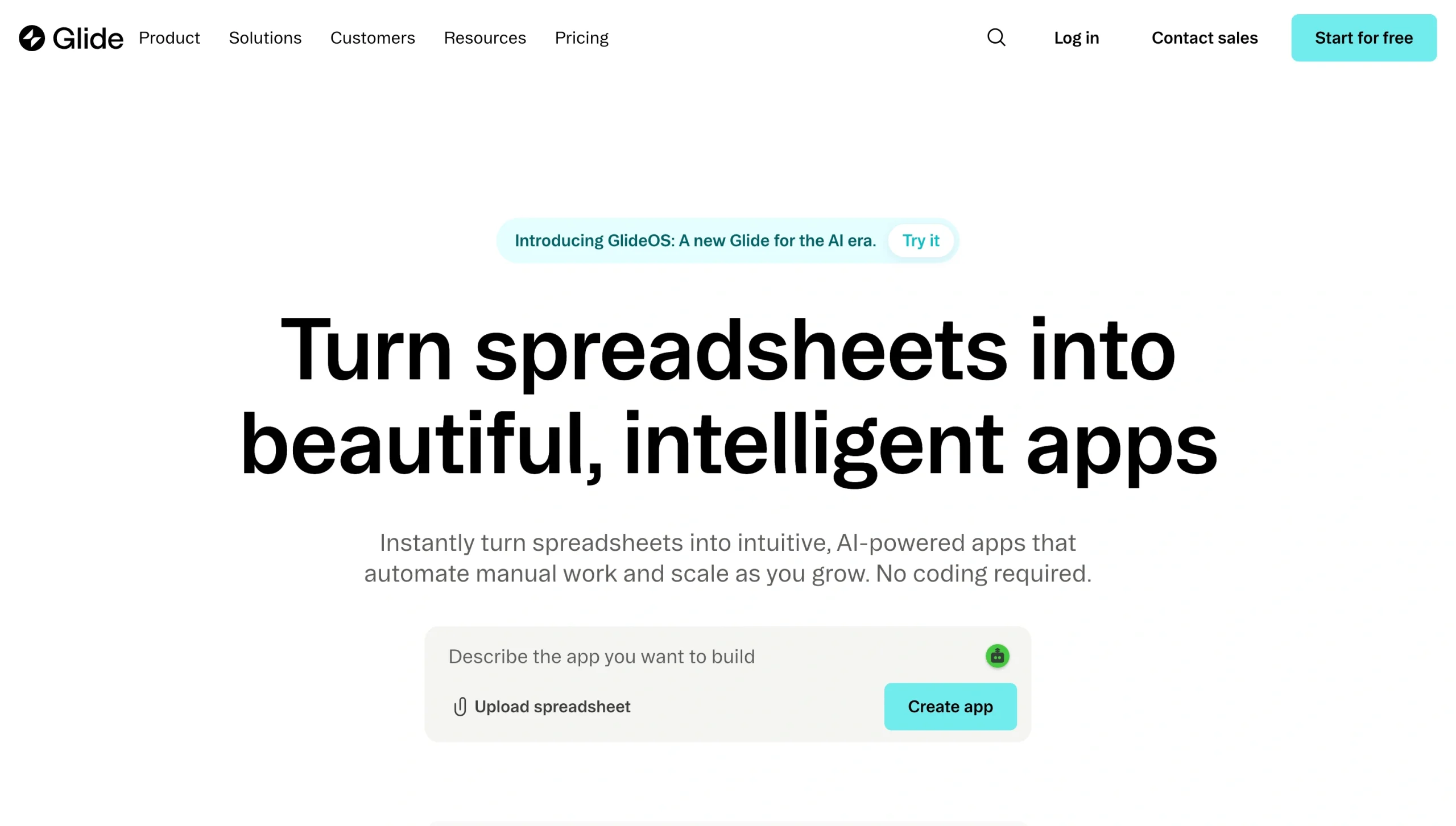
Glide builds database-powered apps either directly from your prompt or from an existing spreadsheet you’ve already been using to run your work. When I asked it to build a three-pane to-do list app, it was one of the few tools I tested that built what I had in mind, designed similar to many modern web apps, without requiring any follow-up questions. And it builds those apps around a shared Postgres database, so the apps you build can work across your company’s growing shared knowledge base.
Everything in Glide works through AI prompts. There are no theming tools to set colors, fonts, and logos together, nor are there ways to edit the underlying code or drag-and-drop elements to redesign the app. Instead, you tell the GlideOS AI chat to make the changes or click to select the exact element on the screen for more precise edits. It even has a voice mode to explain how you’d like your app to work. And for an even easier way to get started, Glide comes bundled with an App Store of dozens of apps, from CRMs to event management tools, that you can use to jump-start your work before customizing the app with Glide’s AI to work the way you want.
Pricing
- Free for building an app with one editor.
- From $25 per month ($19 per month paid annually) for one app, 100 users, and up to 25,000 database rows.
3. FlutterFlow
Best for: Coding editable, native apps
Pros
- Build full apps with AI and download editable code
- Connect to Google Firebase to build production-ready databases
- Generate App Store-ready mobile apps
Cons
- Requires developer-level knowledge due to a steep learning curve
- Provides no built-in databases
- Requires a desktop app to edit with AI
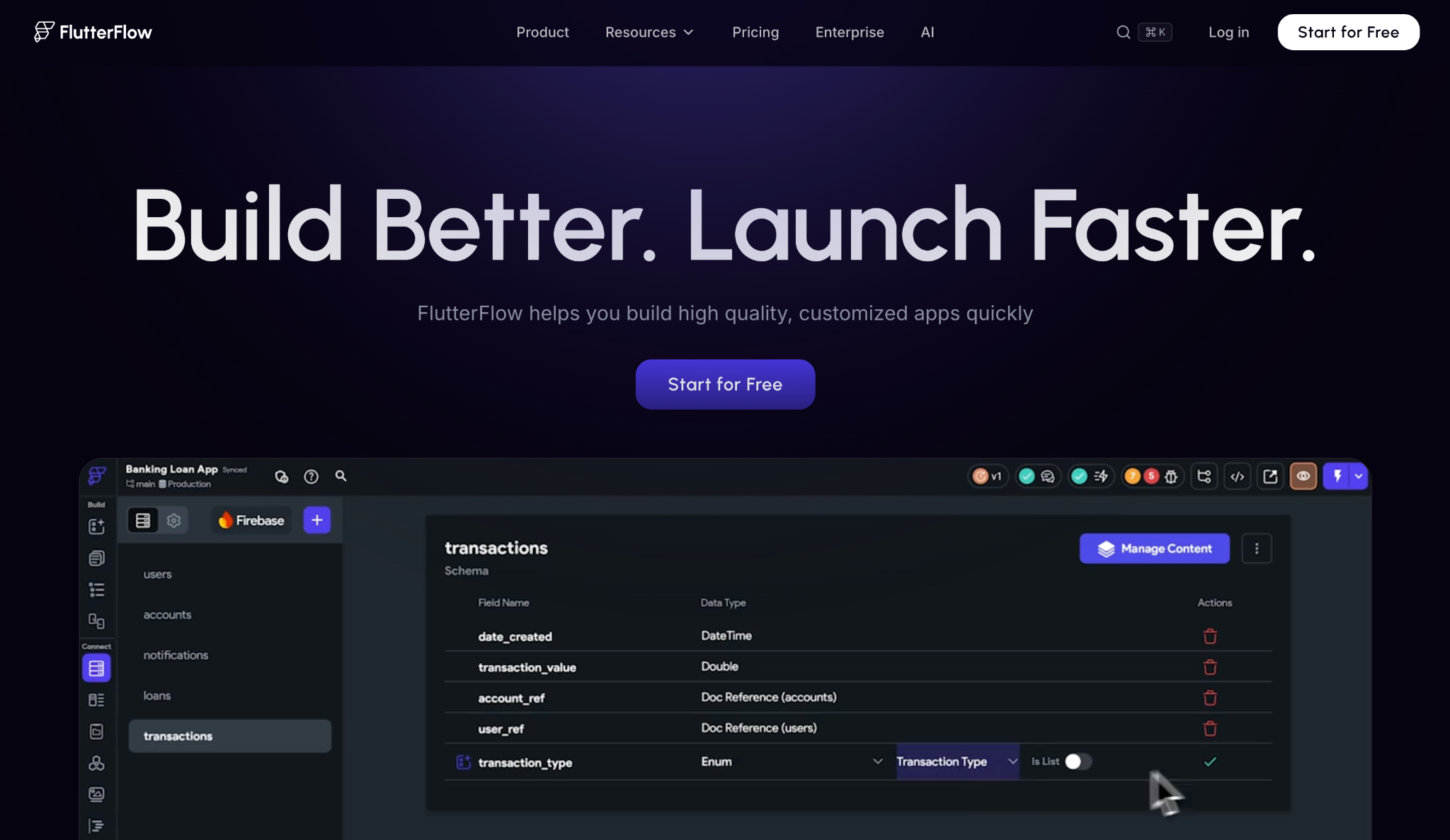
FlutterFlow uses AI to jump-start the app-building process, then lets you either drag and drop elements to tweak your app or jump into code to edit it directly. It’s built around coding apps collaboratively, too: You can invite people in, and they can add comments on your designs and code, or jump in and make changes themselves.
FlutterFlow is built around building apps that you’ll run and maintain over the long term. As such, instead of a built-in database, it’ll ask you to connect to Google Firebase to store your app’s data in Google Cloud. Similarly, it includes connections to developer tools like GitHub, Supabase, Algolia, and more to fit into existing development workflows. You can download your app’s code to your computer and build native iOS, Android, Windows, and macOS apps from your code, then deploy them to the App Store or Play Store from your company accounts. It’s far more involved than Adalo or most other AI app builders, and as such bridges the gap between quickly building apps and working alongside developers to maintain them long term.
Pricing
- Free to build and test your app with up to two projects
- From $19.50 per month ($14.63 per month paid annually) to download project code, deploy apps to the App Store, and publish on custom domains.
4. Bubble
Best for: Customizing web apps with design-focused tools
Pros
- Build web and mobile apps using AI and drag-and-drop components
- Edit individual components directly
- Create backend workflows to automate tasks in the app
Cons
- Requires a steeper learning curve to customize apps
- Lacks continuous AI chat for follow-up prompts
- Prioritizes desktop experiences over mobile web apps
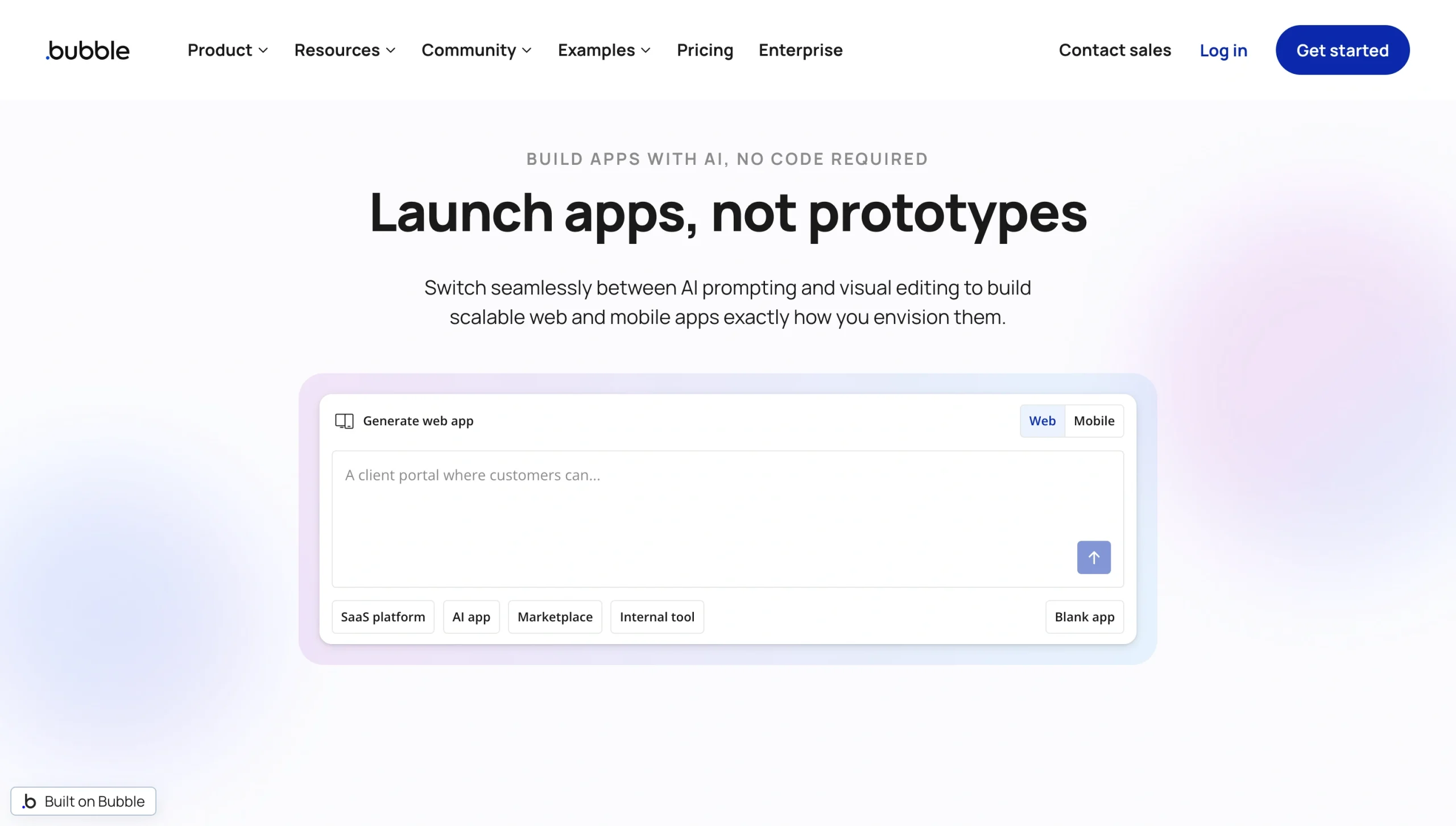
Bubble pairs a modern chat-driven AI app creation experience with a more traditional editing experience that looks more like a design tool like Figma or a website builder like Framer. It’s currently built for desktop-focused web apps like internal SaaS apps or public-facing websites, with a new mobile-focused web app builder in beta. Bubble’s AI built a desktop web app for our to-do list app prompt, reminiscent of an older version of Jira, as a base that you could then customize with its editing tools.
Building an app starts off either by giving Bubble’s AI a prompt or by choosing a template. Then you can click any element in the app to drag and reposition it. You can adjust its width, layout, spacing, and more in the settings on the right pane and decide what happens when you click the element. Or, click the AI button to chat with Bubble’s AI and tell it what changes you’d like to have it make. You can also build automated workflows to fill out your app’s internal logic with drag-and-drop workflows reminiscent of automation tools like Make or Zapier, add pre-built elements to bring additional features into your app, or add API calls to connect your Bubble app to internal tools and other software.
Pricing
- Free for under-construction, private apps.
- From $69 per month ($59 per month paid annually) for three live app versions, live website, and custom domain.
5. Softr
Best for: Building business apps around existing data
Pros
- Build apps from existing Airtable, Notion, Monday.com, and Google Sheets data
- Create automations inside your app and across third-party tools
- Reuse existing components for consistent app design
Cons
- Does not allow free-form, drag-and-drop editing
- Offers limited customization options
- Provides limited connected apps for built-in automations
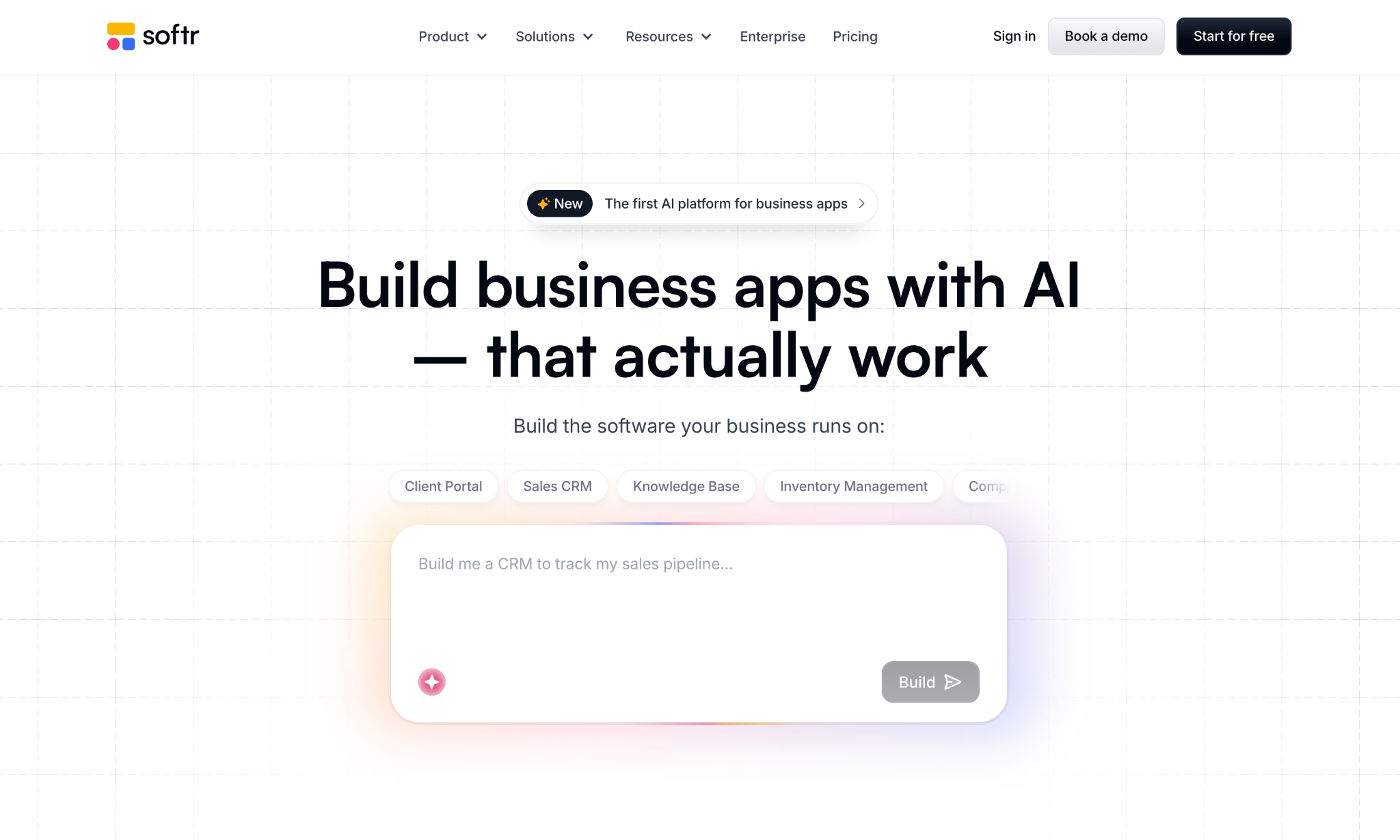
Softr builds apps out of pre-built components. I asked its AI for a three-column to-do list, and it built a familiar kanban-style task manager with an Airtable-style database of all tasks, with AI to ask questions about tasks and analytics to break down tasks by priority. And it did so while covering the bases, asking first if the app needed recurring tasks and how people should sign in, then letting me pick a theme for how the app should look. That helps users get closer to a finished app, faster.
It also locks you in a bit to Softr’s style of apps. You can add new parts to apps one after another, similar to adding questions in a form builder rather than moving components around in a free-form way. You also can only make basic edits to the design of apps. But for data-driven apps, it’s a quick way to turn your team’s existing data in spreadsheets, Airtable, Notion, and other tools into interactive apps that make it easier to visualize and filter through data.
Pricing
- Free for 10 app users and 5,000 database records
- From $59 per month ($49 per month paid annually) for 20 app users and 50,000 database records.
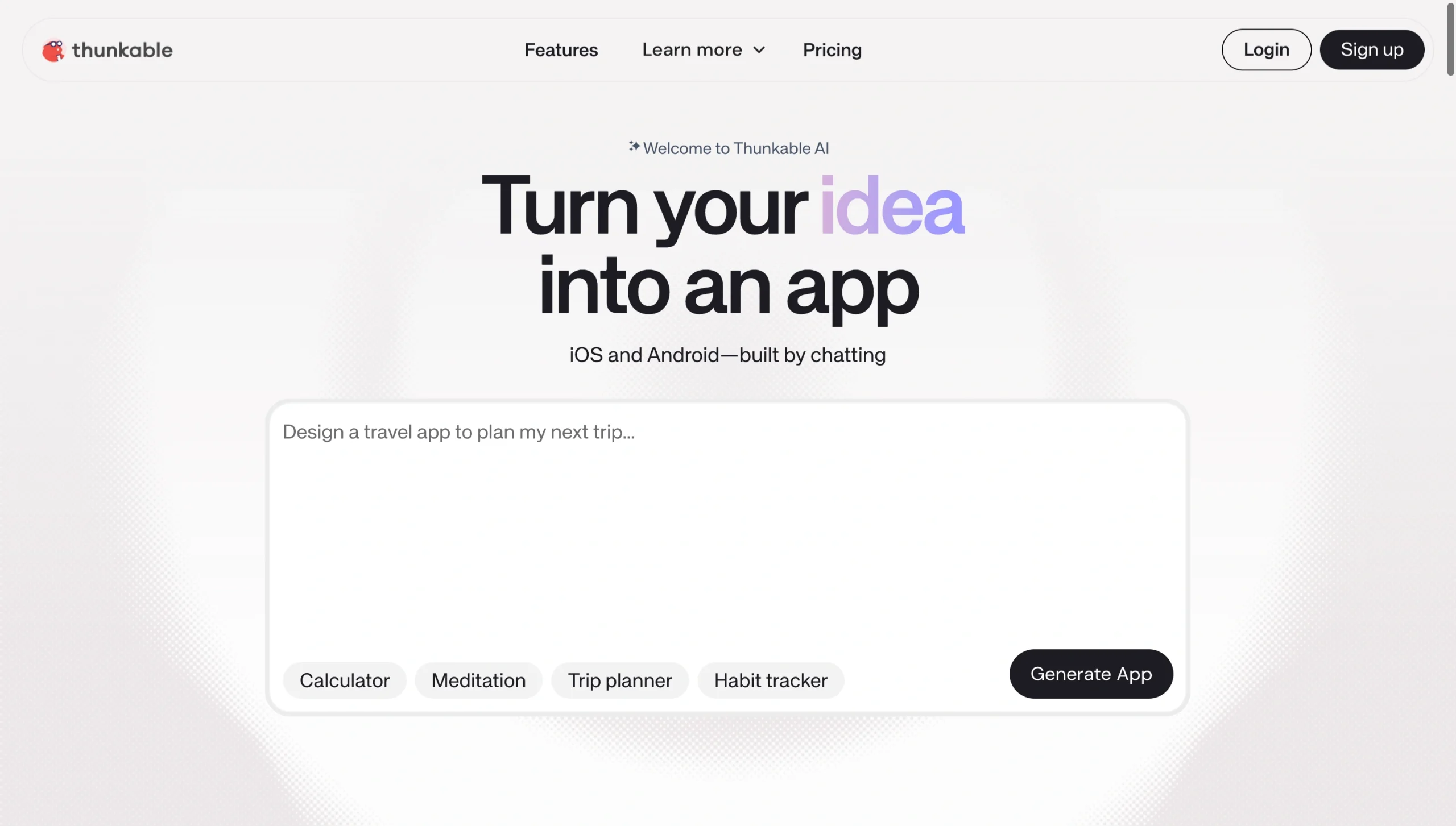
6. Thunkable
Best for: Building iOS and Android apps with AI
Pros
- Build mobile apps from an AI prompt
- Preview live, working apps on your phone
- Publish apps to your App Store and Play Store accounts
Cons
- Does not allow drag-and-drop editing
- Has no built-in database
- Offers fewer web app-focused features
Thunkable builds working mobile apps with modern designs in minutes from AI prompts. I asked it to build a three-pane to-do list, and moments later it had built the full app, ready to preview on my phone. You can run live Thunkable apps from your phone by downloading Thunkable Live and entering a code from Thunkable’s site, and seconds later the app will transform into your creation.
Once Thunkable’s AI is done building your app, it recommends additional things it could build out for you: a search bar, task priority, or notifications, say, for a to-do list app. You can also edit settings on individual elements, tweak your theme, or add new features such as camera, speech recognition, and sharing features. And developers who’d like to dig deeper into the codebase can edit the React Native code behind your app.
Pricing
- Free for three public projects with up to five screens per project.
- From $19 per month ($18 per month paid annually) for five public projects and 10 screens per project.
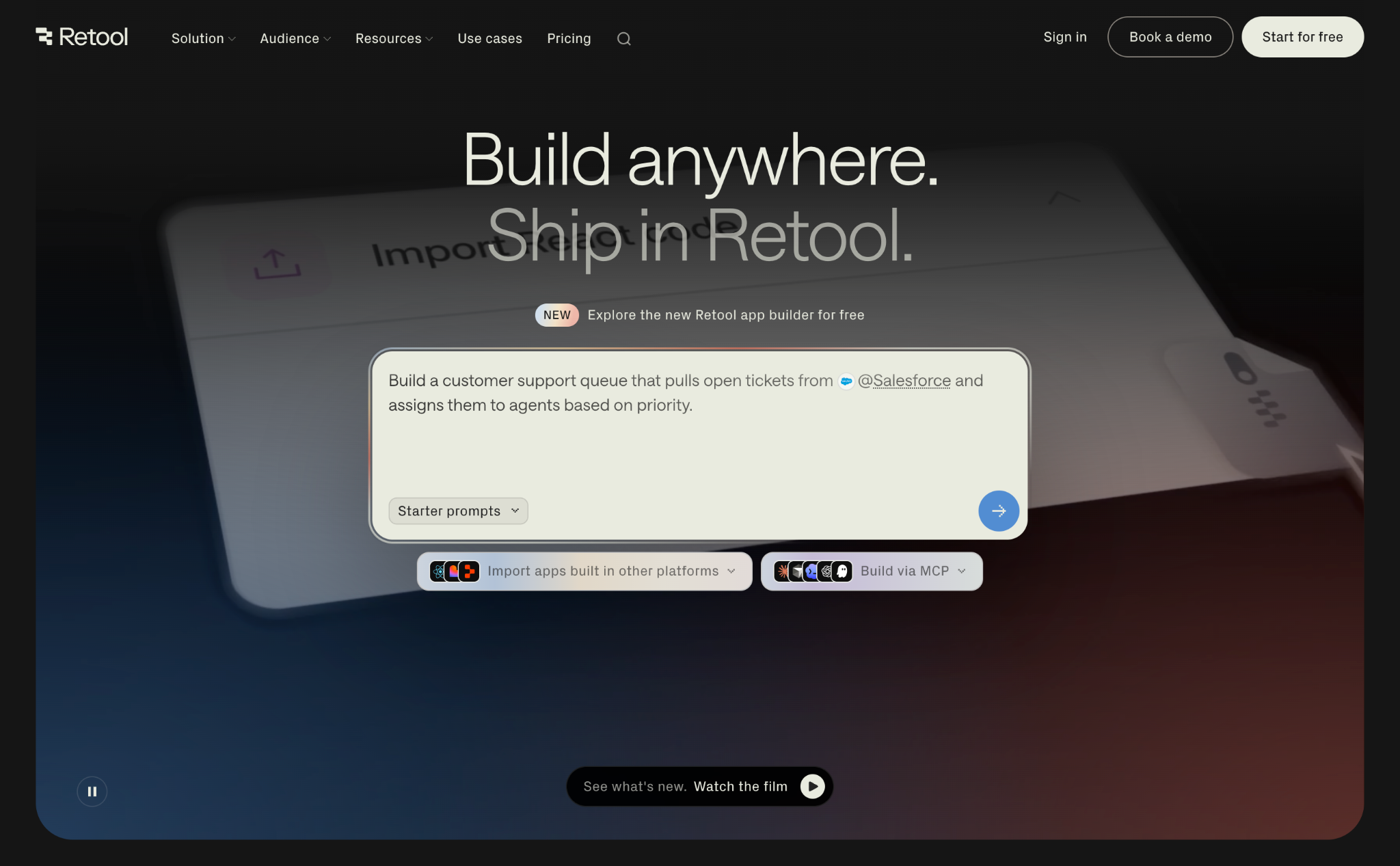
7. Retool
Best for: Code-focused AI-powered internal tool development
Pros
- Build complete React web apps from AI
- Edit the code behind your app
- Import existing React, Lovable, and Replit apps
Cons
- Does not offer drag-and-drop editing
- Requires developer knowledge for integrations and databases
- Provides no mobile tools
Retool is designed around building in-house tools for your team, with AI-first development that gives you full access to the codebase. Its AI can create a working, modern React app with a quick prompt, then you can ask it to dig in deeper and make changes. Much like developer-focused coding tools like Cursor, Retool lets you choose the AI model you’d like it to use, and you can upload files for additional detail. Or, you can import existing projects to run and maintain them with Retool’s hosting and database tools.
You can’t drag and drop to edit Retool apps, nor can you click elements to customize their settings directly. Instead, you’ll need to prompt the AI to make the changes for you or jump into the code to tweak things yourself. By default, it builds responsive web apps with both dark and light mode themes. And much like shipping apps with other developer tools, you can version your Retool apps, tag new releases as major or minor updates, and go back in time to restore older builds if something goes wrong. It has a steeper learning curve but builds software that’s closer to what you’d get by having a developer hand-code an app for your team.
Pricing
- Free for unlimited web and mobile apps, with up to five users and 500 workflow runs per month.
- From $12 per month per builder and $7 per month, per user ($10 per month, per builder and $5 per month, per user paid annually) for more than five users and 5,000 workflow runs per month.
Why Jotform Apps is the best Adalo alternative for business workflows
Many of the most impactful apps for business workflows don’t actually need to reinvent the wheel. You need a way to quickly gather data, such as contacts, inventory, orders, issues, support tickets, feature requests, and more. You need a way to view that data to prioritize which issues need to be resolved first and which leads are most in need of outreach. And you need a way to build reports to see how many urgent tasks were resolved or how much stock is left in inventory.
For those types of scenarios, Jotform Apps is one of the best ways to quickly spin up a new business workflow app. It’s built around Jotform’s robust Form Builder, so you don’t have to hope AI builds the fields and database features you need. And it’s quick to customize, with drag-and-drop elements and integrations with popular business software. You can accept payments, sign documents with e-signatures, automatically perform tasks with Jotform Workflows, and more, all using pre-built elements that you know will work.
It’s the app builder to keep in your arsenal of no-code tools when you need to gather data for work.
FAQs about Adalo alternatives
Adalo and Bubble each take slightly different approaches to building business apps. Adalo is focused on building mobile apps, showing every page of your app side by side to visualize how users and data move through your app. Bubble’s core editor is more focused on desktop web apps, where you edit each page individually on a larger canvas. Adalo is easier to get started using, while Bubble gives you more power-user features to build more advanced apps.
Yes, many app builders include a free plan, and all let you start building an app for free even if they charge to publish your app. Jotform Apps is free for unlimited apps and 100 form submissions per month; there is a charge for additional form submissions. Glide lets you build one app for free. Softr lets your app have up to 10 users for free, while Retool gives you unlimited apps with five users for free. Thunkable is free for three public apps with up to five screens.
This article is for entrepreneurs, startup founders, creators, agencies, small business owners, and operations teams that are considering Adalo for app development but want to compare alternative no-code platforms before committing.
































































































Send Comment: