
Alternatives to Appy Pie
Appy Pie, a no-code AI app builder, lets you create apps from scratch using natural language. It’s user-friendly and designed for publishing apps directly to the Android and Apple App Stores. But is it worth the cost? How well will it fit into your workflows, and are there any Appy Pie alternatives that might be a better fit?
Several app builders offer similar features to Appy Pie. This guide explores each one, so you can decide whether to go with Appy Pie or one of its competitors.
What to look for in an Appy Pie alternative
Appy Pie’s key sales pitch is its ability to create nearly any app without coding. That’s an attractive feature in both time and cost.
However, it’s smart to dive a little deeper to understand whether Appy Pie is a solid fit. Factors you might consider include
- Your budget: You’ll pay a monthly or annual fee for Appy Pie.
- Usage requirements: Appy Pie caps monthly downloads on each of its pricing tiers. Exceeding the cap results in an extra fee.
- Integrations: Appy Pie doesn’t publish a full list of integrations, so it’s hit or miss if there’s something specific you want to connect your app to, such as a customer database or marketing tool.
- Customizations: Appy Pie doesn’t give you access to your app’s codebase, so you’re reliant on the AI’s capabilities.
- Publishing: Appy Pie supports app store publishing. But you may prefer an app you can quickly share through a link or QR code.
Deciding between Appy Pie and another mobile app builder depends on all these factors, plus whether you need a native app or a fast, shareable business app that works across all devices.
The 6 best Appy Pie alternatives in 2026
Here’s a look at the top Appy Pie competitors, including their features, best use case, and pricing.
| Tool | Key features | App type | Why choose it | Pricing |
|---|---|---|---|---|
 Jotform Apps |
AI- and template-based app builder, payment integrations |
Web-based |
Is a user-friendly, no-code builder |
Free plan; paid plans start at $34/month |
 AppMySite |
AI and template app builder |
Android, Apple, web-based |
Can transform an existing website into an app |
Free plan; paid plans start at $69/month |
 Buildfire |
Native AI app builder, integration support |
Android, Apple, web-based |
Offers hands-off publishing to app stores |
Paid plans start at $209/month |
 Adalo |
AI builder with a drag-and-drop editor, Zapier integrations |
Android, Apple, web-based |
Publishes apps with simple logic |
Free plan; paid plans start at $45/month |
 Glide |
Spreadsheet data conversion into a simple app |
Web-based |
Manages business data in an app format |
Free plan; paid plans start at $25/month |
 FlutterFlow |
Codebase export to VS Code and GitHub, visual editor |
Android, Apple, web-based |
Develops complex apps with AI assistance |
Free plan; paid plans start at $39/month |
1. Jotform Apps
Best for: Creating a form-first business app or customer service hub
Pros
- Lets you build an app from scratch with a natural language prompt or premade template
- Supports in-app payments with over 40 payment processors
- Offers simple drag-and-drop functionality with no coding required
Cons
- Requires a paid plan to remove the Jotform branding
- Limits submissions and space on the free plan
Among apps similar to Appy Pie, Jotform Apps is the most similar. It lets you build an app in minutes using only an AI prompt. Type a description of the app you need, and Jotform creates exactly what you’re looking for.
Want something a bit more structured? You can use Jotform’s app templates. These premade apps are fully customizable using our drag-and-drop editor. You can switch the color scheme, add new content, integrate the app with other tools you use, and more.
Where Jotform Apps stands out is its integrations. You can connect your app with Jotform Tables to collect user input such as email addresses and phone numbers. Jotform Workflows can automatically transfer data to the right stakeholder. You can also collect in-app payments through Jotform’s payment integrations, which include Stripe, Square, and PayPal.
Apps created through Jotform Apps can’t be published to a public-facing app store. But you can share your app with anyone through a QR code, email, social media, or a link. And your app will work on any device with an internet connection, including smartphones, PCs, laptops, and tablets.
To explore what Jotform Apps offers, start building your first app for free.
Pricing
- Starter: Free; unlimited apps, 100 MB space, 10 monthly payment submissions
- Bronze: Starts at $34 per month; unlimited apps, 1 GB space, 100 monthly payment submissions
- Silver: Starts at $39 per month; unlimited apps, 10 GB space, 250 monthly payment submissions
- Gold: Starts at $99 per month; unlimited apps, 100 GB space, 1,000 monthly payment submissions
- Enterprise: Custom pricing; unlimited apps, plus extra security features
Good to know: Nonprofits and educational institutions can take advantage of a 50% discount on Bronze, Silver, and Gold plans. A 30% discount is available for Enterprise subscribers.
Build apps in ChatGPT or Claude
Turn your ideas into functional apps with Jotform App Builder for ChatGPT & Claude. Create online stores, customer portals, booking systems, and event apps without coding. Simply describe what you need and continue the conversation to customize your app’s design and features. Get started in ChatGPT or Claude.
2. AppMySite
Best for: Turning your Shopify, WooCommerce, or WordPress website into an app
Pros
- Includes an AI builder where you can vibe code an app
- Publishes apps to Android, Apple, and several other app stores
- Offers a lifetime plan for users who prefer a one-time payment
Cons
- Focuses primarily on apps for existing websites, not standalone apps
- Costs more than other solutions
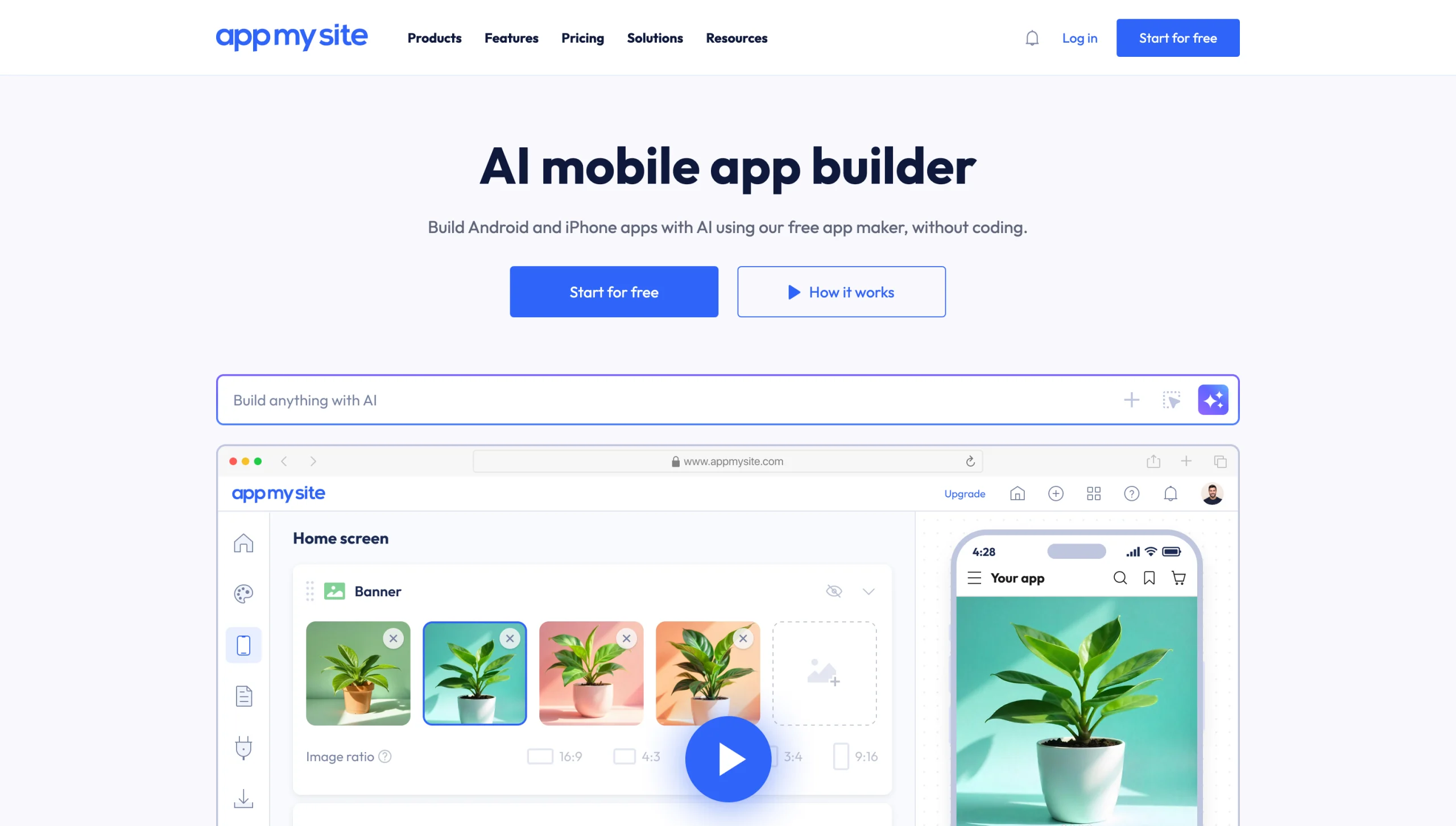
AppMySite’s business model revolves around your existing website. It turns that site into a downloadable app you can publish to popular app stores, including the Apple and Android app stores.
AppMySite also lets you build custom apps from scratch using its native AI and drag-and-drop builder. Its tools support push notifications, user account management, language translation, and advanced analytics. Features vary depending on your plan.
One benefit of AppMySite is that it offers unlimited app downloads and builds on its paid plans. The downside is that paid plans are costly.
Pricing
- Free: Includes one Android app and one Progressive Web App (PWA), max 1,000 downloads
- Starter: Starts at $69 per month; includes one Android app and one PWA app, unlimited downloads
- Pro: Starts at $129 per month; includes one Android app, one iPhone app, and one PWA with unlimited downloads
- Premium: Starts at $249 per month; adds language translation, offline mode, and analytics
Discounted pricing is available with yearly and lifetime plans.
3. Buildfire
Best for: Organizations that want full support for app publishing

Pros
- Includes a no-code app builder and emulator for easy customization
- Offers over 150 integrations, including Jotform and Stripe
- Handles all app store publishing
Cons
- Makes some integrations available only to certain plans
- Does not have a free plan
Buildfire is a fast-growing app builder that lets you create an app from the ground up using AI prompts and a user-friendly emulator. It specializes in apps for businesses and content influencers.
Buildfire handles the entire app store publishing process on your behalf. That’s a big selling point for users who are unfamiliar with Apple and Android’s publishing requirements. If your app gets rejected, Buildfire finds out why and reiterates until it’s accepted.
Buildfire offers strong integration support, but access depends on your plan. In-app purchases are available only with Growth or higher plans.
Pricing
- Standard: Starts at $209 per month; includes 5 GB of storage, Boost plug-ins, and one Accelerate plug-in
- Growth: Starts at $389 per month; includes 15 GB of storage, Accelerate plug-ins, and one Maximize plug-in
- Scale: Starts at $549 per month; includes 50 GB of storage, unlimited in-app purchases, and all plug-ins
- Professional Services: Custom pricing; Buildfire developers build your app with your guidance
Discounted pricing is available for annual plans. To explore other app builders similar to Buildfire, check out our guide to Buildfire alternatives.
4. Adalo
Best for: Creating a simple, publishable app using AI and a visual interface
Pros
- Does not charge for AI prompts based on usage
- Supports over 5,000 integrations through Zapier
- Includes a native PostgreSQL database
Cons
- Makes full access to integrations available only with Professional or Team plans
- Offers limited community support for the free plan and email-only support with paid plans
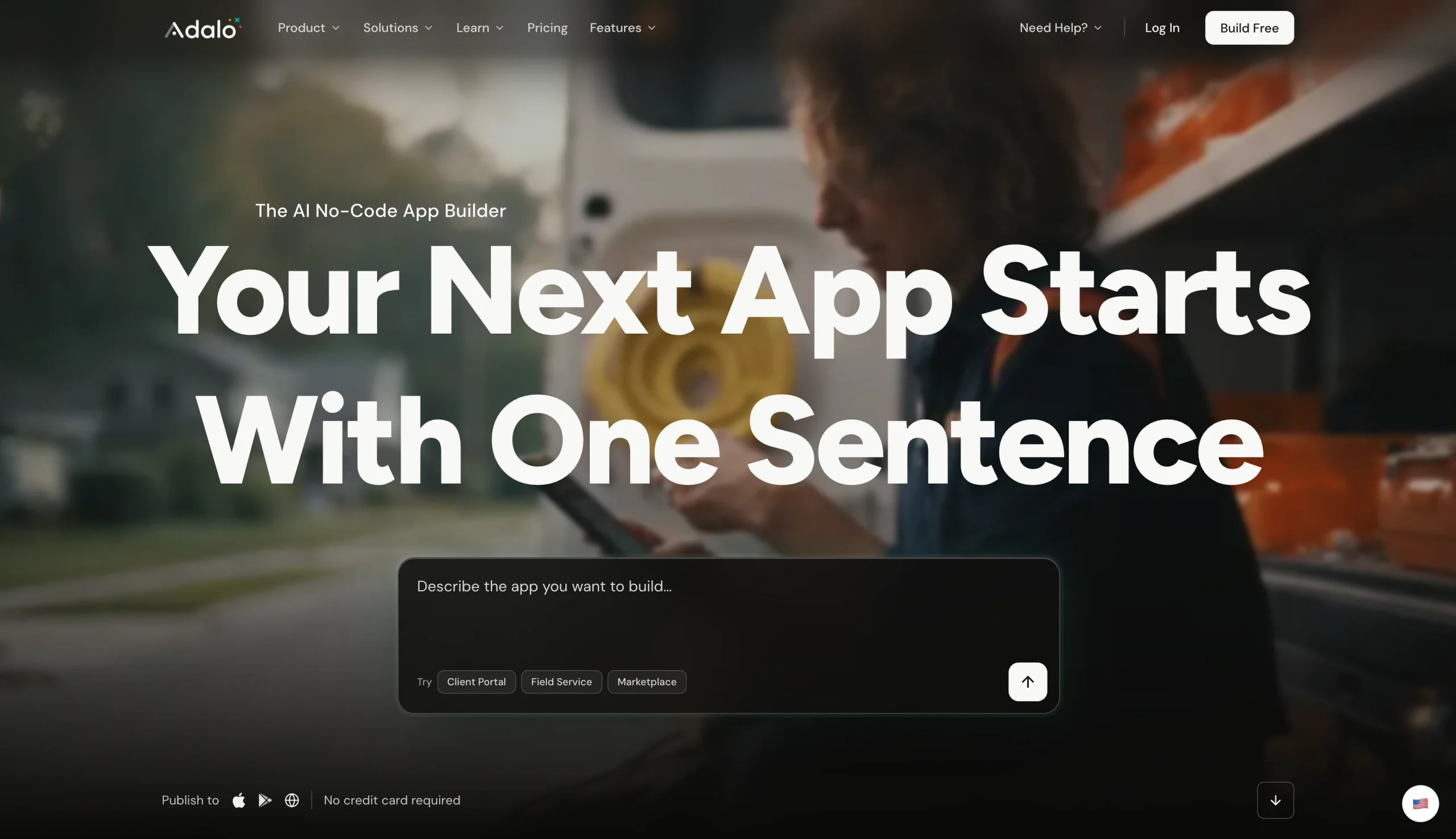
Adalo is an AI-based app builder that lets you create apps using natural language and a drag-and-drop editor. It’s ideal for startups that need a basic app to grow their customer base, manage appointments, and sell products.
Web-based apps are free. But you’ll need a paid plan to publish your app to the Apple or Android store. Publishing is your responsibility, but Adalo provides help documentation to walk you through the process.
Some Adalo alternatives give you the option to modify your app with your own code, which is attractive if you want more control over the finished project.
Pricing
- Free: Includes a web-based app and hosted database with 500 records
- Starter: Starts at $45 per month; includes publishing to the Apple App Store and Google Play Store, plus 5 GB storage space
- Professional: Starts at $65 per month; gives you full access to Zapier and Google Sheets integrations, plus 25 GB of storage space
- Team: Starts at $200 per month; includes up to five published apps and 125 GB of storage space
5. Glide
Best for: Building an app to support in-house procurement, inventory, and logistics
Pros
- Lets you create fully functional internal web apps using natural language
- Integrates with over 1,000 tools, including Excel, Google Sheets, and Notion
- Lets you share apps with your team or publicly on paid plans
Cons
- Does not offer an option to publish apps to an app store
- Offers limited customizations
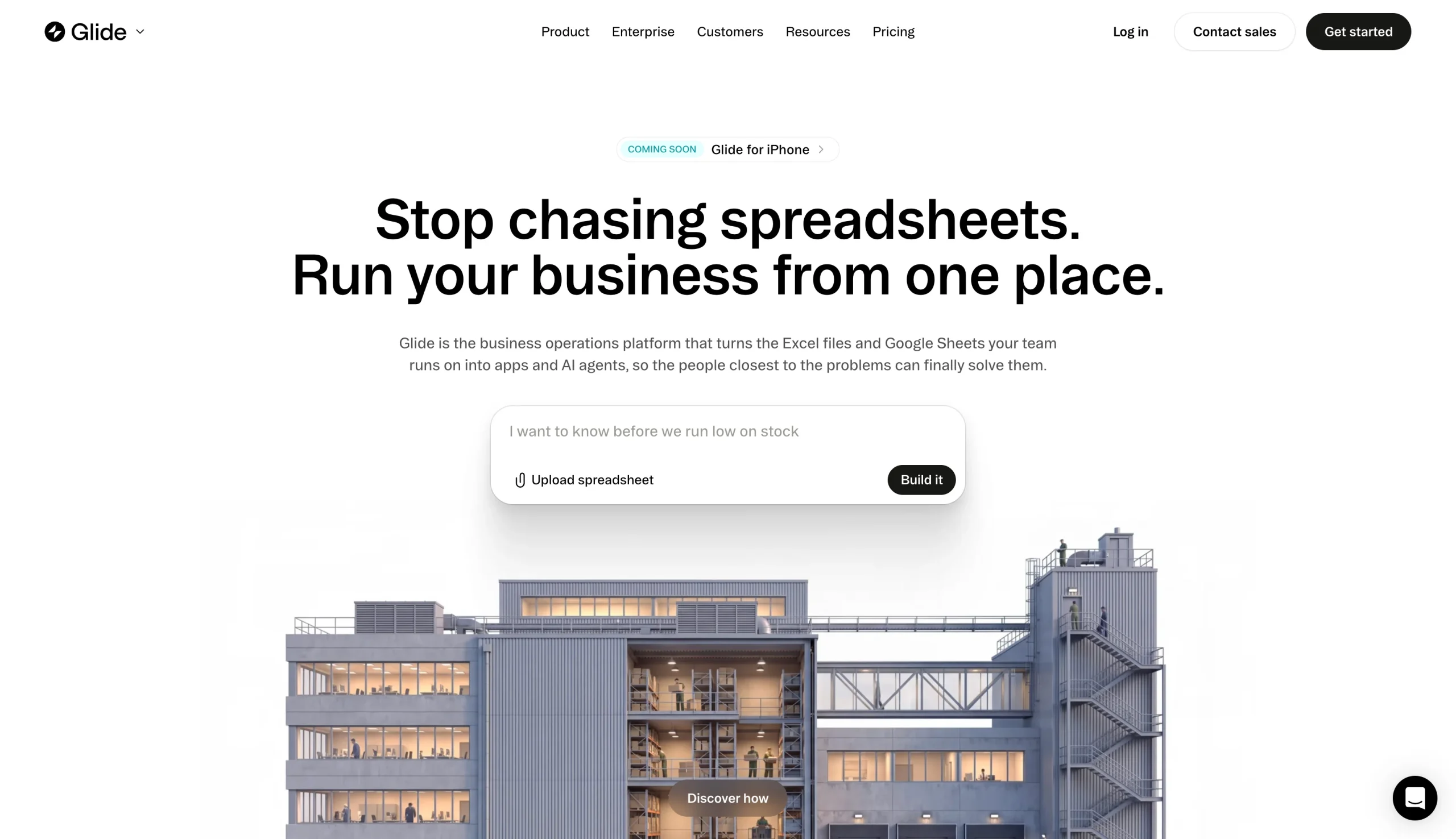
If an internal business app is what you’re looking for, Glide is worth considering. It turns any spreadsheet or natural language prompt into a simple app including a dashboard and analysis. Glide’s focus on numbers and data makes it a strong contender for managing your organization’s inventory, procurement functions, and projects.
Glide’s free plan lets you create up to 10 projects, which is helpful if you want to try before you buy. However, you’ll need to upgrade to a paid plan to publish or share your app. Each plan includes a set number of tokens, which limit how much you can use Glide’s AI features.
Pricing
- Free: Includes up to 10 projects plus integrations
- Basic: $25 per month; includes up to two published apps, one workflow, and a choice of agent mode, plus 100 AI credits
- Plus: $50 per month; includes up to five published apps, 20 projects, and five workflows, plus 250 AI credits
- Pro: $125 per month; includes unlimited published apps, premium integrations, and 500 AI credits
There are also several Glide alternatives that let you build internal apps to support your workflows.
6. FlutterFlow
Best for: Businesses that want full control over app development in a low-code environment
Pros
- Includes prebuilt sample apps and an option to design your app in the FlutterFlow visual editor
- Integrates with multiple AI platforms, including Anthropic and Gemini
- Enables you to download the app’s codebase to VS Code and Android Studio
Cons
- Requires some coding experience; not a true no-code builder
- Requires Growth or higher plan to access integration with GitHub and VS Code
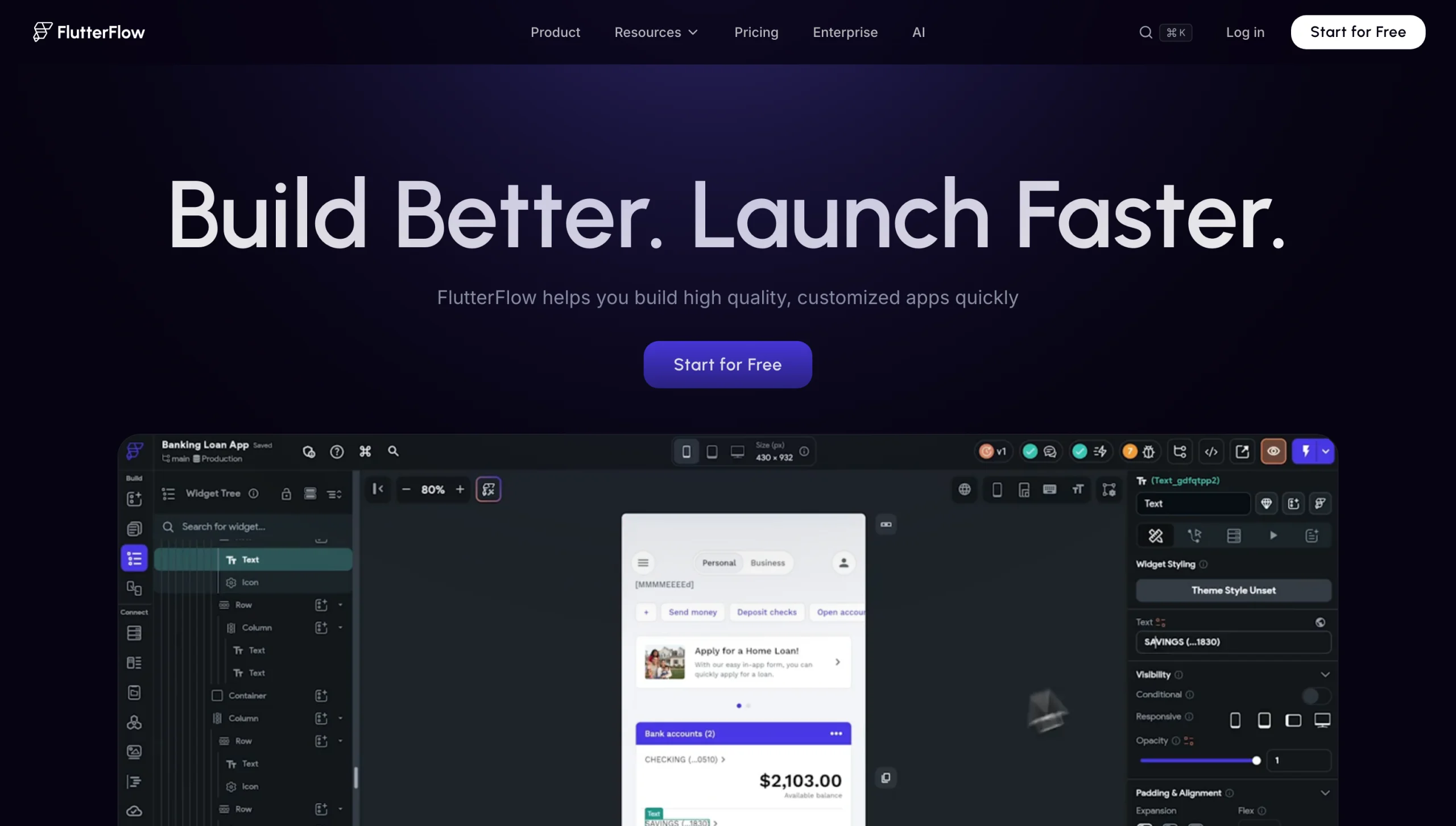
FlutterFlow is a low-code development platform for apps. But unlike other solutions on this list, it won’t build your app for you from natural language prompts. Instead, you’ll use its visual editor to add user interface elements and supplement with code when you need to.
A handy feature of FlutterFlow is its ability to export your codebase. Developers working on GitHub and VS Code can then actively review and modify anything you create.
One thing to note: There is no built-in database included with FlutterFlow. You can use the platform’s integrations to connect to an existing Firebase or Supabase database.
Pricing
- Free: Up to two projects; support for custom code, fonts, and icons
- Basic: Starts at $39 per month; includes unlimited projects and 50 AI generation requests
- Growth: Starts at $80 per month; includes unlimited AI agents, 200 AI generation requests, and GitHub/VS Code support
- Business: Starts at $150 per month; includes 500 AI generation requests, custom typography, and team support
Why Jotform Apps is the best Appy Pie alternative for form-powered apps
For many organizations, a native, published app in the marketplace isn’t a necessity. What’s needed is a functional, shareable app that reflects their brand and gives users a way to book appointments, make payments, and submit information.
Jotform Apps has all the tools you need to build an app that meets your use case. Once you’re satisfied with what you create, you can share it instantly via a link or QR code.
Jotform Apps features let you collect payments, manage data with Jotform Tables, and capture e-signatures with Jotform Sign. It supports every aspect of your workflow through its numerous integrations and automations.
Ready to explore what Jotform Apps can do for your business? Start your first app with a natural language prompt or one of our ready-made templates!
FAQs about Appy Pie alternatives
Free app builder alternatives include Jotform Apps, AppMySite, Adalo, and Glide. Features vary, but free plans usually let you create an app with limited features. If you need extra storage space, advanced integrations, or additional AI tokens, upgrading to a paid plan may be necessary.
Many app builders offer a free plan, which is a great way to try out a builder before making a financial investment. Jotform Apps is one example. It’s one of the only tools that lets you experiment with all features without committing to a paid plan. Most other platforms lock their best features behind a paywall, but give you access to basic tools you can experiment with.
This article is for small business owners, creators, agencies, event teams, nonprofits, and operations teams that are exploring Appy Pie but want to compare easier, cheaper, more flexible, or more form-friendly app builder options before committing.

































































































Send Comment: