

Short on time? Here's a quick guide to pick your ideal Appian alternative:
- Jotform is for form-driven workflows, approvals, and business process automation without enterprise complexity.
- OutSystems is for enterprise-grade low-code application development.
- Microsoft Power Apps is for organizations invested in Microsoft 365.
- Mendix is for large organizations building complex applications at scale.
- Pega Platform is for enterprise process automation and case management.
- Nintex is for workflow automation and document-centric processes.
- Kissflow is for business teams that want low-code process management without heavy IT involvement.
- Zoho Creator is for affordable low-code application development in the Zoho ecosystem.
Appian is one of the most established low-code platforms for business process management, process intelligence, and automation. If your organization sits in a regulated industry where operational visibility, compliance, and audit trails are a daily requirement, it can unify resources, enhance visibility across processes, and automate case handling.
But Appian’s depth comes with commitments that not every organization can take on. For instance, the platform carries a steep learning curve for business teams. It also prices per user, per app, per month, and no longer publishes figures. That means every quote runs through a sales conversation, which makes costs difficult to predict. Plus, building and changing applications means working in Appian’s proprietary expression language — and even with its drag-and-drop interface, customization can require additional technical effort and training.
If you’re weighing popular Appian competitors before committing budget and roadmap to a platform you’ll depend on for years, you’re on the right track. In this guide, I’ll walk you through the eight best Appian alternatives to consider for more flexible and affordable workflow automation, process management, case management, and enterprise application development.
What to look for in an Appian alternative
When evaluating business process management software like Appian, you want to focus on capabilities that align with your team and goals. The best Appian alternative covers process management, automation, and application development while fitting your budget, your stack, and the way your organization builds and operates. Here are the most important things to check for:
- Business process management (BPM): Whether the platform can model, run, and monitor multistep processes from end to end, not just fire off simple automations.
- No-code vs low-code: No-code tools let non-technical business teams build and adjust workflows themselves, while low-code development platforms hand developers more control. Consider which side your organization is on before choosing a platform — it’s perfectly possible to create an app without coding if that’s what you need.
- Workflow automation and approvals: Can the platform automate tasks, routing, approvals, and conditional logic across your processes? Consider a low-code automation platform that your team can configure and update without needing developer support for every change.
- Internal apps and case management: Beyond linear workflows, consider whether the platform lets you build internal tools for processes that your operation runs on — things like service requests, investigations, and onboarding — with records, data, and audit history tied together in one place.
- AI and automation features: Check whether the platform offers automation to coordinate work and improve efficiency — for instance, document extraction, AI-assisted building, and robotic process automation for legacy systems.
- Integrations and APIs: How well can it connect with the rest of your tech stack? Choose a platform that provides prebuilt connectors and open APIs rather than custom code for every connection.
- Governance, compliance, and security: For regulated industries, role-based access, audit logs, data residency, and compliance with SOC 2, HIPAA, or GDPR are non-negotiable.
- Scalability: Consider your organization’s size and growth plans. Choose an Appian alternative that can perform as your business, users, and data volume grow.
- Vendor ecosystem and implementation: Setup and ongoing maintenance are equally important. Choose a platform that your team can handle in-house without relying on constant outside consultations. Something you can deploy and manage on your own shortens your timeline and lowers your costs.
- Pricing and total cost of ownership: Beyond the per-user/per-app pricing, consider implementation costs, training, add-ons, and the cost of scaling later.
The right choice boils down to your exact needs. If you’re running complex, regulated operations at scale, a full enterprise automation platform is the right choice. But if you mostly need a way to digitize workflows and business processes, a lighter workflow automation platform delivers faster and at a lower cost.
With that in mind, here are the eight apps like Appian to consider.
The 8 best Appian alternatives in 2026
| Tool | Key features | Platform type | Why choose it? | Pricing |
|---|---|---|---|---|
 Jotform |
Drag-and-drop forms, Jotform Workflows (approvals, conditional logic, flow tracking), database, no-code app builder, e-signature capabilities |
No-code forms and workflow automation |
Automate approvals, forms, and operational workflows fast without enterprise complexity or IT dependency |
Free and paid |
 OutSystems |
Visual full-stack app development, open LLM ecosystem, no vendor lock-in |
Enterprise low-code/AI app development |
Build custom, mission-critical apps and AI agents at enterprise scale |
Free and paid |
 Microsoft Power Apps |
Multiple ways to build apps, Microsoft Dataverse, native integration with Power Automate, hundreds of built-in connectors |
Enterprise low-code |
Best fit if your organization already runs on Microsoft 365 |
Free and paid |
 Mendix |
Visual IDE, process orchestration, dynamic case management, flexible deployment |
Enterprise low-code |
Build and manage large portfolios of complex apps across teams |
Free and paid |
 Pega Platform |
Case management, workflow automation, RPA, real-time AI decisioning, business rules engine |
Enterprise BPM and case management |
Run high-volume case management and process automation at scale |
Paid (free trial) |
 Nintex |
No-code workflow designer, process mapping, document generation, RPA, e-signature capabilities |
Process automationplatform |
Automate document-centric, approval-heavy processes with strong process mapping |
Paid (free trial) |
 Kissflow |
Forms and workflows, case management, project tracking, governance module |
Low-code process management |
Low-code process management for business teams with light IT involvement |
Paid |
 Zoho Creator |
Drag-and-drop builder and Deluge scripting, Zia AI, process automation and blueprints, native mobile apps, BI and analytics, more than 650 integrations |
Low-code app development |
Affordable app development, especially inside the Zoho ecosystem |
Free and paid |
1. Jotform
Best for: Organizations that need approval workflows, forms, and operational processes without a complex enterprise BPM platform
- Pros
- No-code, drag-and-drop builder that business teams can run without developer or consultant support
- Combines forms, workflows, databases, portals, and e-signatures in one platform instead of separate tools
- Fast to deploy with over 10,000 templates and minimal IT involvement
- Cons
- Not built for large-scale enterprise case management, RPA, or complex digital transformation programs
- Team and multiuser access require the Enterprise plan
Jotform is the best Appian alternative for enterprise organizations that need to automate common business processes such as approvals, intake, service requests, and HR workflows without the cost, ramp-up, or implementation overhead of a complex platform.
It lets you start automating your operations with a drag-and-drop app builder that turns intake — customer requests, employee submissions, applications — into structured data without code. Jotform Workflows adds a visual, no-code automation builder for routing submissions, assigning tasks, and running approvals with conditional logic. That way, a purchase order or onboarding request moves through the right people automatically without manual effort. In one automated workflow, you can use Jotform Sign to collect e-signatures with a documented audit trail, folding contracts and sign-offs directly into the process. Then, Jotform Apps lets you build branded portals and internal business apps your teams can use to collect information and payment or store resources on any device.
On the data side, Jotform Tables stores every submission in a spreadsheet-database hybrid with table, card, calendar, and report views, giving your operation one place to manage records. Jotform also connects to more than 200 business tools, including Salesforce, HubSpot, and QuickBooks, so your data moves between the tools in your tech stack without manual effort.
The biggest advantage Jotform offers over Appian is deployment speed and low IT dependency. With Jotform, the citizen developers on your team can build no-code tools and change automated processes directly, reducing the reliance on developers that complex enterprise platforms often require. However, Jotform isn’t built for high-throughput case management and robotic process automation.
Jotform’s no-code app-building experience is also available within ChatGPT and Claude. With Jotform App Builder for ChatGPT and Claude, you can describe an approval app, employee onboarding portal, or service request hub and generate a ready-to-use first version. Continue the conversation to customize its layout, forms, widgets, branding, users, permissions, payments, and workflows.
Connect now to build, publish, and share apps with Jotform App Builder in ChatGPT and Claude.
Get started automating your business by setting up an app using the Jotform AI App Builder. From there, you can add forms and workflows to digitize your entire operation.
Jotform pricing:
- Free
- Single-user plans:
- Bronze: $39 per month, or $34 per month when billed annually
- Silver: $49 per month, or $39 per month when billed annually
- Gold: $129 per month, or $99 per month when billed annually
- Enterprise multiuser plan: Contact sales
2. OutSystems
Best for: Enterprise-grade low-code application development
- Pros
- Low-code development platform for building both applications and AI agents that developers can extend continuously as needs change
- Open ecosystem that lets you choose the AI models, tools, and deployment options for your business
- Designed for enterprise scale, security, and full-lifecycle governance
- Cons
- High total cost of ownership as the pricing is tied to application complexity and user metrics, which can be expensive for smaller organizations
- Designed for professional developers and enterprise IT, which carries a steeper learning curve
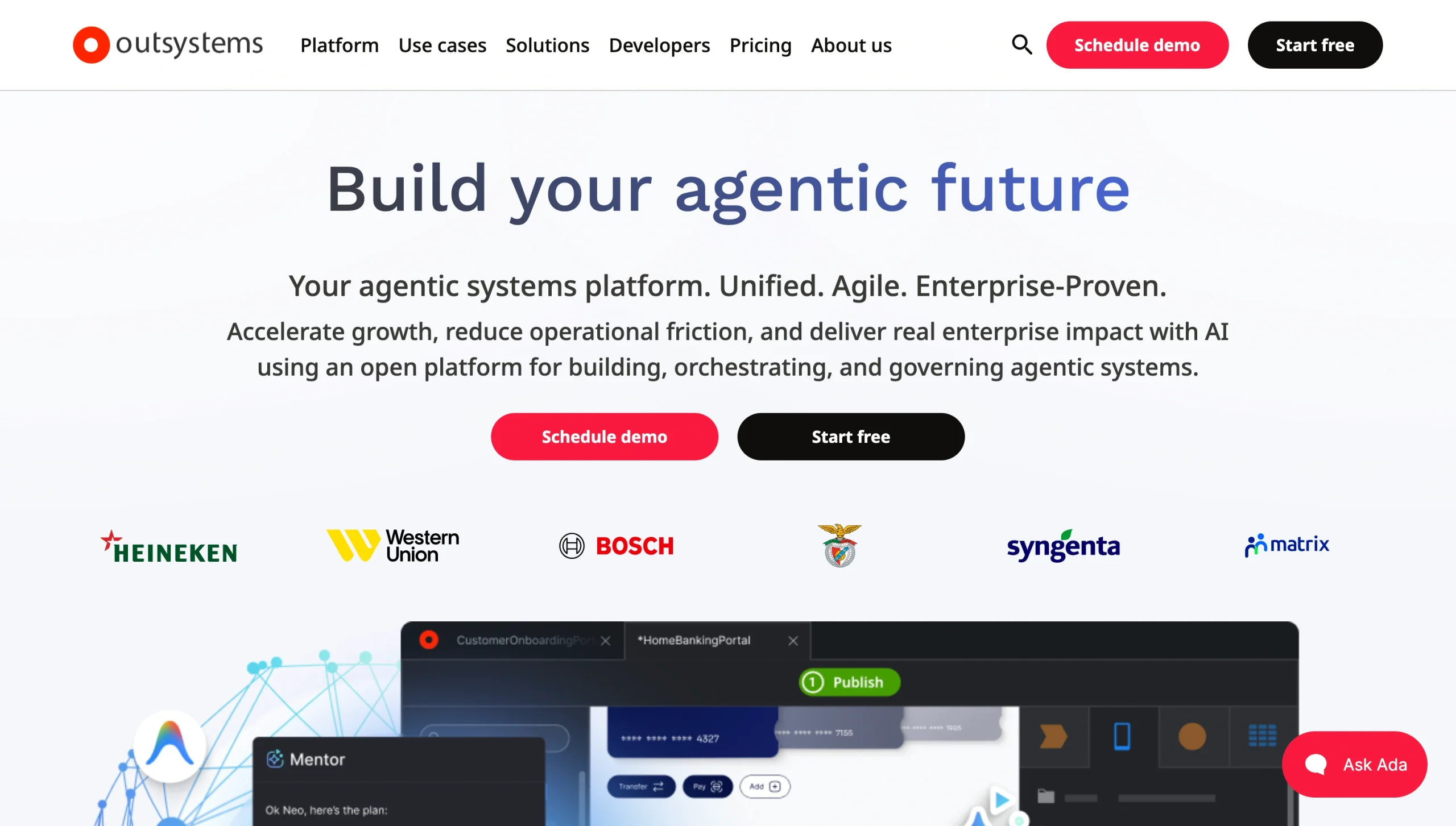
OutSystems is an established low-code platform for building applications and AI agents on a single governed foundation. For organizations moving off Appian, it’s a strong option when the goal is custom, mission-critical software at enterprise scale.
This platform lets you model full-stack custom applications visually with prebuilt reusable building blocks. Its Agent Workbench lets teams build and orchestrate AI agents across data, workflows, and systems to extend core business processes, improve operations, and grow revenue. OutSystems runs an open ecosystem, which means you can use any LLM, AI tool, or deployment option that works for your business — no vendor lock-in. It’s strongest for large organizations where scalable, secure, and well-governed applications with granular access controls and auditing requirements are a must.
The main trade-off is cost. OutSystems’ free version is only for learning, prototyping, and proof-of-concept work. The full platform comes with a premium price tag as licensing costs scale with the complexity of your apps, number of users, deployment environment, and compute resources. This complicated pricing model puts it out of range for smaller businesses or independent developers.
OutSystems pricing:
- OutSystems Personal Edition: Free
- OutSystems Developer Cloud: Custom pricing
Pro Tip
To compare OutSystems with other low-code development platforms, see our roundup of OutSystems alternatives.
3. Microsoft Power Apps
Best for: Microsoft 365 organizations that want to build business apps on their existing stack
- Pros
- Deep integration across Microsoft 365; hundreds of connectors and enterprise-grade governance and security through Dataverse and managed environments
- Multiple ways to build modern AI-first applications including Copilot, flexible canvas, and model-driven apps
- Cons
- Complicated pricing system makes cost of ownership hard to predict, model-driven approach and the Power Fx formula language carry a learning curve and often require IT support
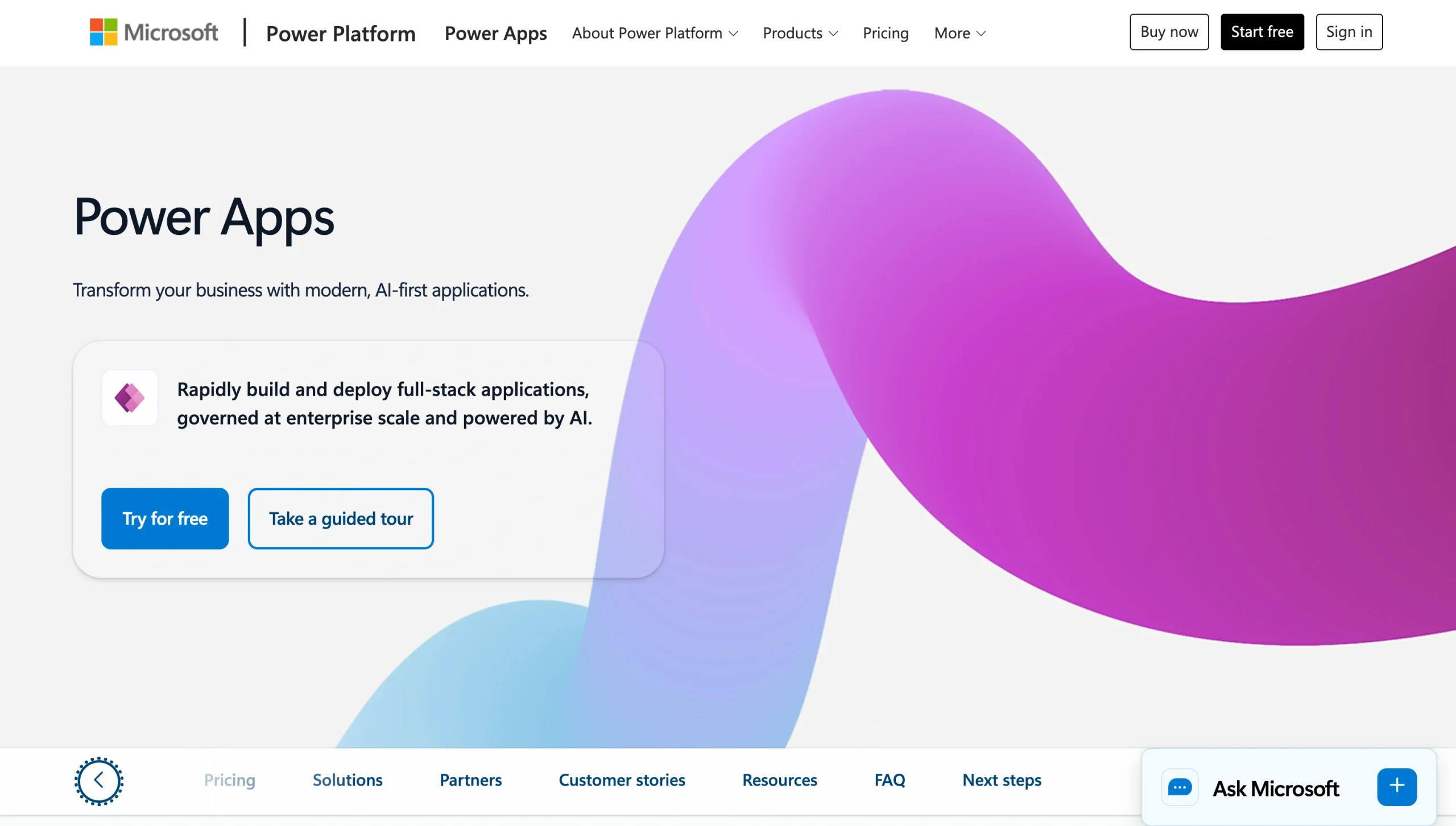
Power Apps is Microsoft’s enterprise low-code platform for building custom business apps that turn manual operations into automated processes. It’s the most natural Appian alternative if your organization already runs on Microsoft 365.
The platform lets teams build apps in multiple ways. You can describe what you need in natural language and have Copilot generate the app and its data model, you can design a tailored interface with canvas apps, or you can start from your data with model-driven apps that produce a responsive UI. Everything runs on Microsoft Dataverse — a secure, governed data platform — and Power Automate handles automation, routing approvals, and running business processes across Microsoft 365 and connected systems.
Power Apps works best inside a committed Microsoft environment where the ecosystem integration, automation, and governance compound, keeping citizen development contained. The platform’s limitations are cost and complexity, as the connectors that most real apps need sit behind the higher-tier license and add-ons like Dataverse storage and AI builder credits make total cost of ownership hard to forecast.
Microsoft Power Apps pricing:
- Developer Plan: Free
- Premium: $20 per user per month (billed annually)
- Premium (2,000-seat minimum): $12 per user per month (billed annually)
4. Mendix
Best for: Large organizations building complex applications at scale
- Pros
- Flexible deployment options plus integration with systems like SAP, AWS, and Snowflake
- Built for large portfolios of complex applications, with a visual IDE where professional developers and business users collaborate
- Strong governance, process orchestration, and dynamic case management for structured, auditable enterprise workflows
- Cons
- Steeper learning curve to use the platform’s full depth
- Paid pricing scales with apps and users; cloud resources are billed separately
- The Premium plan is quote-only, so costs get hard to predict for smaller organizations
Mendix is built for the complex end of enterprise development. It’s an Appian alternative for organizations that need to build and manage large portfolios of AI agents and business-critical applications across teams.
The platform runs on top of your existing infrastructure, connecting enterprise tools to people and AI agents. Teams get a visual IDE where professional developers and business users work together using drag-and-drop modeling, reusable components, and AI assistance to move from idea to deployment. Its process orchestration connects business events, human decisions, and AI signals across the entire enterprise in one governed process.
Mendix handles app delivery across web, mobile, and other channels. Deployment is flexible, too — using Mendix Cloud, private cloud, on-premises, or SAP BTP. The platform also integrates with a wide range of enterprise software, cloud providers, databases, and AI systems (using standard protocols like REST, OData, SOAP, and GraphQL), with centralized governance and auditability across everything you ship. That said, the platform has a real learning curve and paid plans for apps and users don’t include cloud resources.
Mendix pricing:
- Free
- Standard: From $1,090 per month for one app, or $2,725 per month for unlimited apps
- Premium: Custom pricing
5. Pega Platform
Best for: Enterprise process automation and case management at scale
- Pros
- Model-driven, low-code design that lets business and IT teams build complex, mission-critical workflows together
- Strong integration with enterprise systems like ERP, CRM, and legacy applications
- Unifies case management, workflow automation, robotic process automation, and AI-powered decisioning in one enterprise platform
- Cons
- Steep learning curve for advanced features, and users note a smaller developer community for finding answers
- Expensive, with high licensing and maintenance costs that are hard to justify for smaller organizations
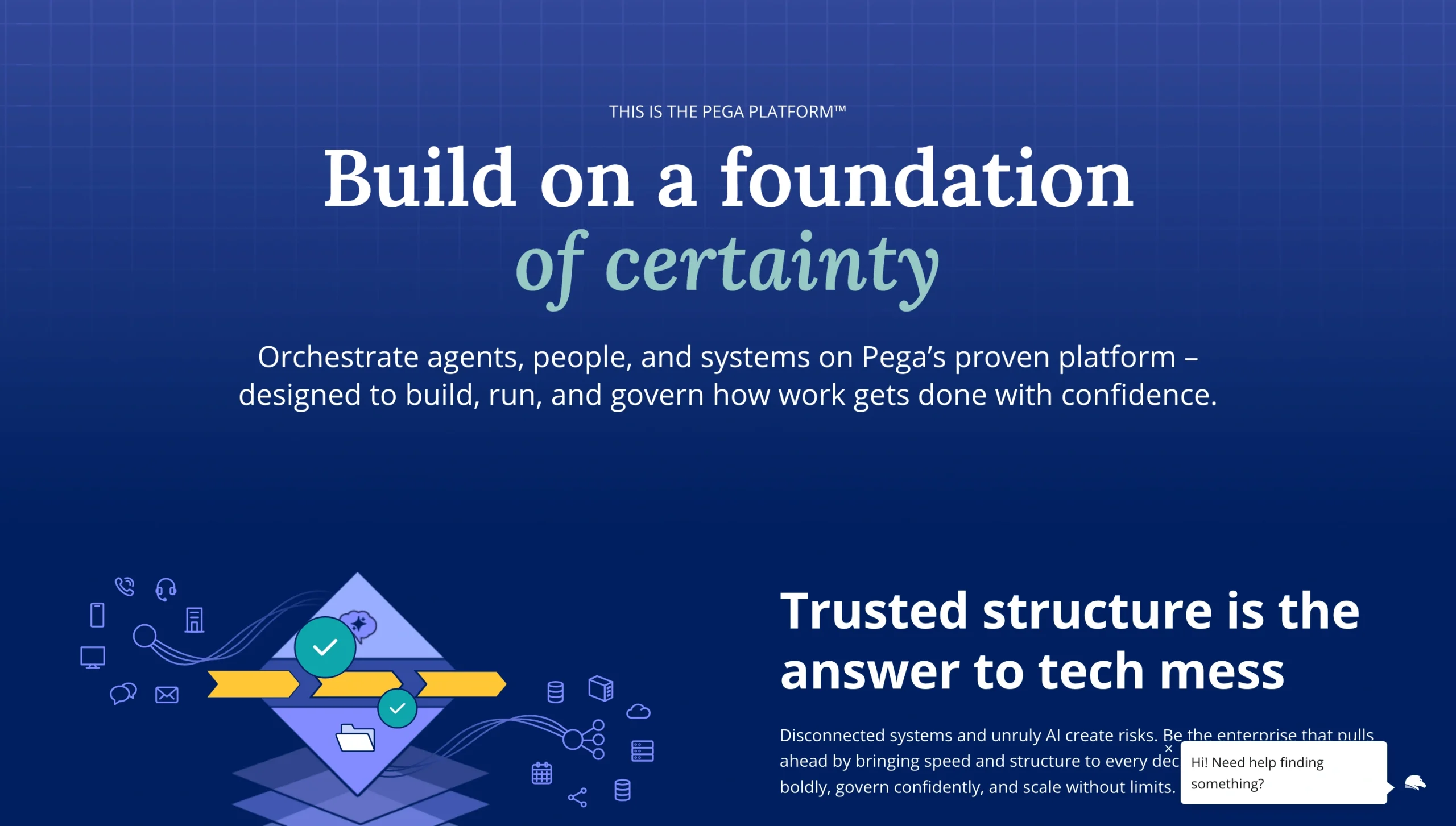
Pega Platform is a business process management software built around AI-powered decisioning and workflow automation, with case management at its core. It runs complex, high-volume, regulated processes from end to end, which is why financial services, healthcare, and government organizations rely on it.
The platform treats each unit of work as a case and orchestrates it from creation to resolution, dynamically routing tasks, sending automated notifications, and handling exceptions. Pega combines low-code development, a business rules engine, robotic process automation, and real-time AI decisioning in one architecture, so that a single application can automate both human and machine work. Its model-driven design lets business and IT collaborate on the same application, and Process AI applies real-time AI to workflows, predicting case outcomes from historical data and adjusting how work is routed.
Pega integrates with ERP, CRM, and legacy systems through APIs and deploys on Pega Cloud or your own infrastructure. The downsides are cost and complexity. Many users cite high licensing and maintenance costs, a steep learning curve for advanced features, and a smaller developer community that can slow teams looking for answers.
Pega Platform pricing: Custom, quote-based
6. Nintex
Best for: Workflow automation and document-centric processes
- Pros
- No-code, drag-and-drop workflow and form building that non-developers can pick up quickly
- Combines workflow automation, process mapping, document generation, and RPA with strong Microsoft and Salesforce integration
- Available as cloud (Nintex Automation) or on-premises (Nintex K2) for regulated or data sovereignty requirements
- Cons
- Expensive for smaller teams, advanced workflows carry a learning curve
Nintex is a process automation platform that handles document-centric, approval-heavy processes and gives non-developers a fast way to automate work. The platform offers a no-code, drag-and-drop designer for building workflows and forms, and an AI Workflow Generator that drafts and extends workflows, tasks, actions, and decision logic from simple text descriptions.
First, Nintex Process Manager maps and documents how your organization gets work done. Then it connects those maps to automated workflows while AI document generation, RPA, and e-signature handle the repetitive parts of the process. Nintex provides centralized process mapping, standardized templates, audit logs, and role-based access to ensure governance. It also connects to Salesforce, Microsoft, and other systems through prebuilt connectors.
The platform is ideal for standardizing organizational processes using AI. That said, it comes with a learning curve, and many users cite occasional performance slowdowns.
Nintex pricing: Custom, quote-based pricing; a free trial is available
Pro Tip
If you’re considering Nintex, we cover how to build a Nintex multiple approval workflow on our blog.
7. Kissflow
Best for: Business teams that want low-code process management without heavy IT involvement
- Pros
- Intuitive drag-and-drop builder for business and technology experts to collaborate on workflows and approvals
- Combines forms, workflow automation, reports, portals, AI-assisted building, and reporting on one governed platform
- Strong for structured, human-centric processes like procure-to-pay
- Cons
- Integrations with third-party systems can be inconsistent
- Limited reporting, data export, and mobile app functionality
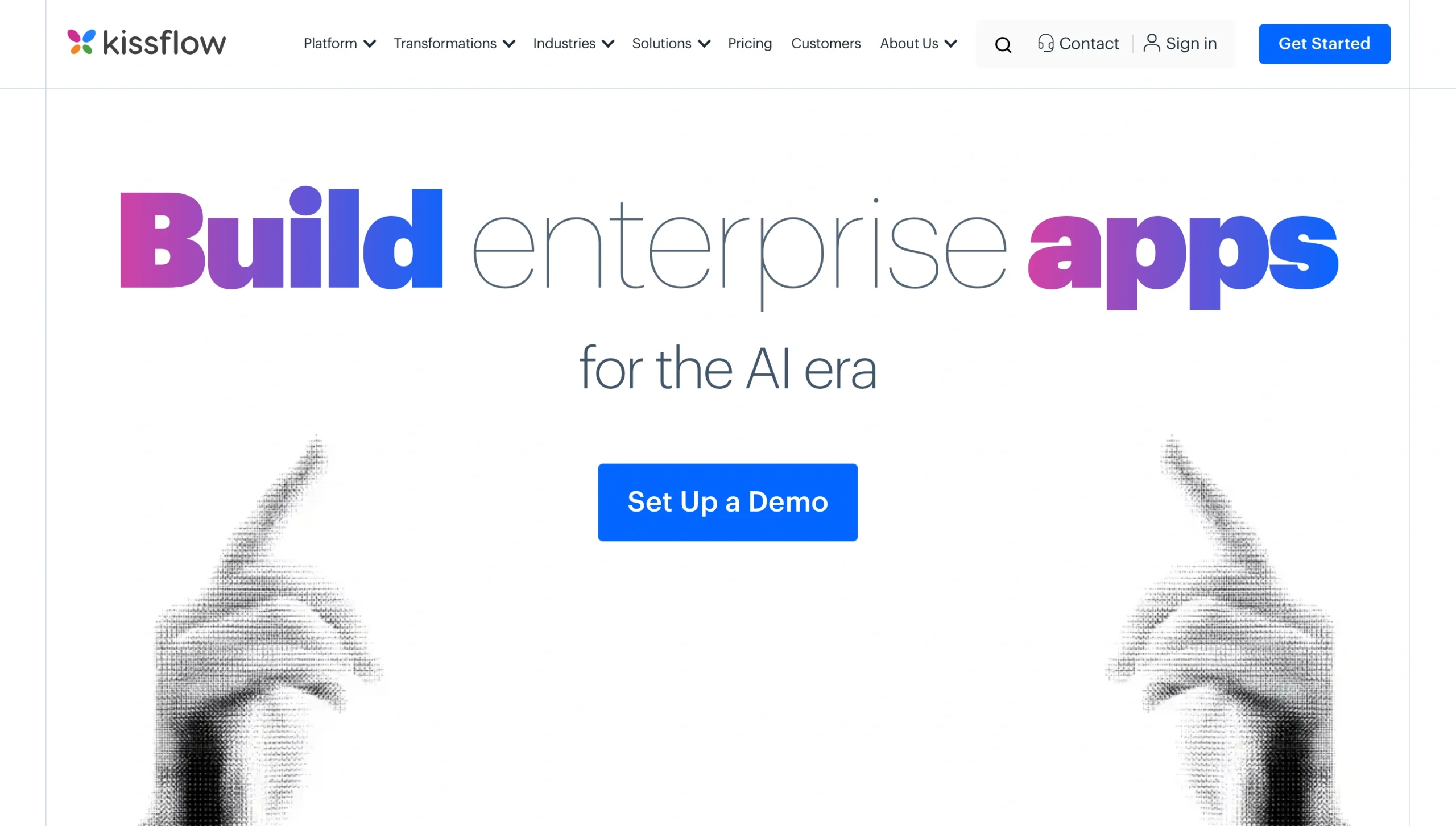
Kissflow puts process automation within reach of business teams while giving IT centralized control. The platform combines application building, workflow automation, case management, project tracking, analytics, and integrations in one place.
With its intuitive interface and rules engine, process owners can design forms, approvals, and conditional routing without code. Alternatively, they can use Kissflow AI to extract data from uploaded documents or turn prompts into formulas, workflows, and integrations. The platform includes a governance module with role-based access, audit logs, user monitoring, data policies, and API access keys that give IT oversight and keep citizen development within guardrails.
Kissflow is built for structured, human-centric processes such as procurement, approvals, onboarding, and case management where business teams need to move fast and IT needs to keep control. Many users cite constrained reporting, data export, limited customization, and inconsistent third-party integrations as the platform’s main limitations.
Kissflow pricing: Custom, quote-based
8. Zoho Creator
Best for: Affordable low-code application development in the Zoho ecosystem
- Pros
- Affordable per-user pricing
- Built-in process automation, approvals, and blueprints with AI assistance from Zia
- Deep integration across the Zoho ecosystem and 650-plus business apps
- Cons
- UI customization can feel restrictive, integrations outside Zoho can require extra effort
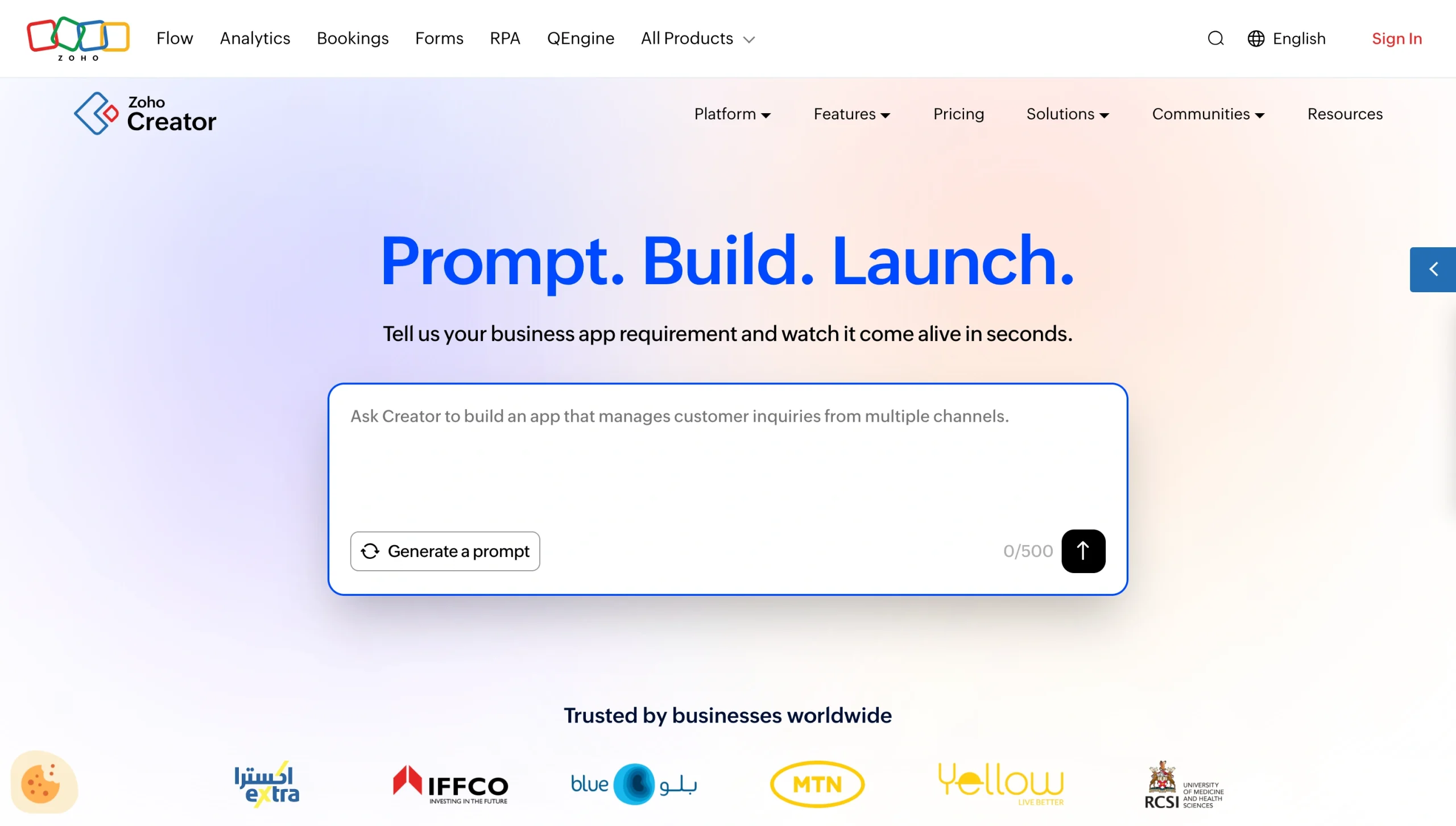
Zoho Creator suits organizations that want affordable app development and automation in one place. It’s especially good for those already using other Zoho products.
The platform pairs a drag-and-drop interface with Deluge, its scripting language, so business users and developers can each work at the level that suits their skills. Zia, Zoho’s AI assistant, generates fields and workflows from plain-language prompts, and built-in automation handles approvals, blueprints, and scheduled tasks.
Every app built with Zoho Creator runs natively on web, iOS, and Android, and an embedded BI engine turns app data into reports and dashboards. Since Creator is part of the Zoho ecosystem, apps tie into your existing workflows using prebuilt connections and role-based access, audit trails, and one-click deployment keep IT in control.
Zoho Creator is a strong fit for teams moving fast on internal tools, portals, and operational apps without heavy IT investment. For many users, the platform’s limitations show only at the edges — the UI can feel restrictive for highly tailored designs, and integrations beyond the Zoho ecosystem sometimes require extra work.
Zoho Creator pricing:
- Free
- Standard: $8 per user per month (billed annually)
- Professional: $20 per user per month (billed annually)
- Enterprise: $25 per user per month (billed annually)
- Flex: Custom pricing
Why Jotform is the best Appian alternative for workflow-driven teams
For many teams evaluating Appian, the real requirement isn’t a full enterprise BPM rollout. What you need is a faster way to automate the work that runs day to day — such as requests, approvals, onboarding, service delivery, procurement, and the operational workflows between them — without a long implementation or a constant dependency on developers. And that’s where Jotform fits in.
Jotform gives you a no-code platform to build and run those processes end to end, from the moment a request arrives to final approval, signature, and record. Your team can stand up a working process in a day and adjust it as the work changes, without routing every update through IT.
Here’s what you can do with Jotform:
- Collect information through forms: Capture requests, applications, and intakes as structured data with smart forms that your team can configure in minutes.
- Build workflows without code: Design approval and automation flows on a visual builder with conditional logic that sends each request down the right path.
- Route approvals with Jotform Workflows: Move tasks through the right people in sequence or in parallel, with automatic notifications to remind team members and clients and monitor progress from anywhere.
- Manage operational data with Jotform Tables: Keep every submission, status, and record in one connected database that you can filter, assign, and track.
- Create employee and customer portals with Jotform Apps: Bundle forms, approvals, and resources into branded apps for staff self-service or customer intake. Start from ready-made app templates and adjust them to your workflow. Apps are accessible on web and mobile as progressive web apps.
- Collect e-signatures through Jotform Sign: Add signature steps to a workflow without switching to a separate signature tool.
- Generate reports and dashboards: Turn workflow data into visual reports with Jotform Report Builder to track volume, status, and bottlenecks.
- Share workflows instantly: Publish a form, app, or workflow by link, embed, or QR code with no deployment cycle.
- Connect your stack: Integrate with CRM, databases, HRIS, project management software, and more than 40 payment systems so that data flows between your business-critical tools.
With Jotform, you don’t need complicated BPM implementation to automate the work in front of you. Start now by creating a business app or no-code workflow, or speak to one of our enterprise sales representatives if you need personalized guidance.
FAQs about Appian alternatives
Jotform and Zoho Creator are among the most affordable options, both offering transparent, per-user pricing that starts far below enterprise platforms. Jotform runs from free to $129 per month, and Zoho Creator starts at $8 per user each month, so the total stays predictable as you scale.
Appian is both. It’s a low-code platform for building applications, with business process management, case management, and process automation at its core.
For large enterprises, Pega Platform, OutSystems, and Mendix are the closest alternatives. They’re each built for complex, mission-critical applications at scale with strong governance and security. Microsoft Power Apps is a strong choice if your organization already uses Microsoft 365.
For workflow automation specifically, Jotform stands out for approval-driven and form-based processes that your team can build without code. Nintex is strong for document-centric workflows, and Kissflow suits business teams that want process management with light IT involvement. Your best choice depends on how much complexity and IT support you need.
This article is for enterprise IT leaders, operations managers, digital transformation teams, process improvement specialists, citizen developers, and business stakeholders evaluating Appian for workflow automation, business process management (BPM), case management, and low-code application development.



































































































Send Comment: