
Whether you’re a small-business owner or part of a digital team, SMS notifications from your contact forms help you stay on top of new inquiries the moment they come in. They provide instant alerts, support faster responses to leads and orders, and reduce the risk of messages being missed in busy email inboxes.
While many contact form plug-ins in WordPress include email notifications, getting SMS alerts often means adding extra extensions, paying for third-party services, or using external automation tools on top of your existing setup.
If you’re exploring how to use WordPress contact form SMS notifications, you might find that a solution such as Jotform offers a simpler way forward with built-in, mobile-ready SMS notification support.
What are common ways to get SMS notifications on WordPress forms?
As you learn how to add a contact form in WordPress, you’ll see that getting SMS notifications typically requires a form plug-in and a way to connect to an SMS gateway. Many site owners use a plug-in such as WPForms and then add a Twilio integration or automation tool to send text alerts whenever someone submits a form.
The typical flow looks like this:
- Install a contact form plug-in on WordPress.
- Install an SMS add-on or connect the form to an SMS gateway (such as Twilio) through an automation tool.
- Add a phone number field to your contact form.
- Configure the SMS notification settings for each additional form.
You may also need to generate and manage API keys for your SMS provider, confirm that the phone number you’ll use for SMS can receive texts, and manage settings across multiple sites if you maintain more than one WordPress.
Beyond the initial configuration, you’ll need to maintain your SMS provider account, pay any gateway fees, and keep plug-ins and connections updated. While this setup lets WordPress users send basic contact form text notifications, it still depends on multiple tools and configurations working together smoothly.
Why traditional WordPress SMS notifications are so complex
Using built-in WordPress tools may feel like the path of least resistance, but the platform doesn’t offer a streamlined solution for setting up SMS notifications. Here are some common challenges that can make the process feel complex and overwhelming for site owners:
- Needing multiple tools (such as a form plug-in and third-party SMS service)
- Dealing with overlapping features that cause automations to break down
- Managing extra costs from plug-in licenses and per-SMS gateway charges
- Handling technical setup tasks such as API keys and phone number verification
- Staying on top of WordPress and plug-in updates
- Troubleshooting broken integrations
- Navigating compatibility issues with WordPress updates
The simple goal of getting quick SMS alerts can turn into hours of configuring, troubleshooting, and resolving errors when a complex web of plug-ins doesn’t work as intended.
A unified and simple solution: Jotform Form Notifications
If you don’t have the time or budget to tinker with multiple tools, Jotform is a full-featured form builder and workflow tool that gives you a unified, no-code way to get WordPress contact form SMS notifications.
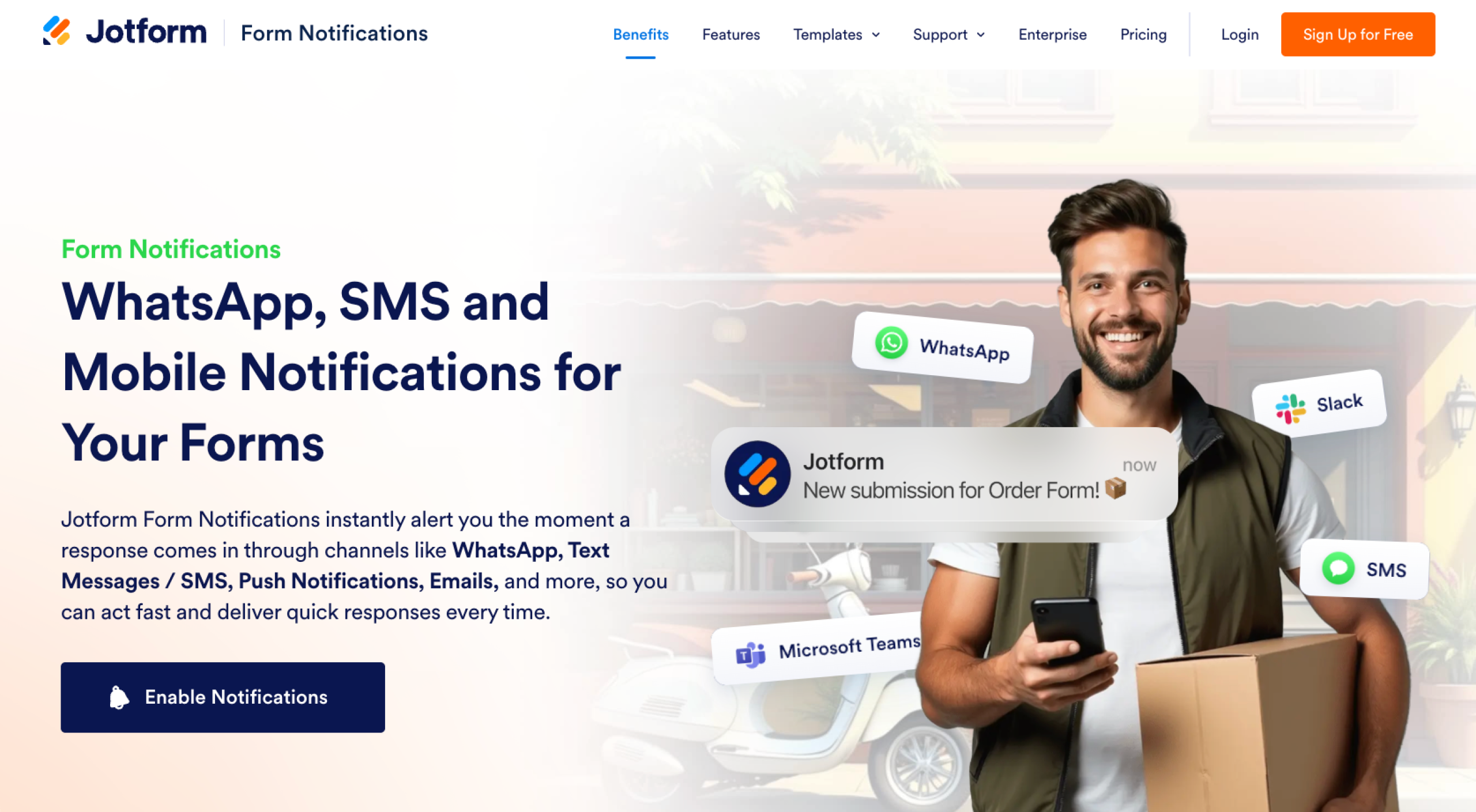
Jotform Form Notifications centralizes your form alerts in a single system, allowing you to receive submissions instantly via SMS, WhatsApp, mobile push notifications, Slack, or Microsoft Teams. Instead of relying on email or stitching together third-party automations, you can choose the notification channel you already use and get real-time alerts the moment someone submits your WordPress contact form.

Instead of managing multiple tools just to get basic WordPress form SMS alerts, you can simply use Jotform to;
- Build a contact form to embed on your WordPress website.
- Turn on SMS alerts.
- Verify your phone number.
- Start receiving alerts when someone submits a form.
Here are the Jotform features that make SMS notification simple and avoid the challenges of typical WordPress setups:
Zero dependencies
Jotform removes the need for WordPress SMS form plug-ins, gateway add-ons, and separate WordPress automation tools so you don’t need to worry about plug-in conflicts, updates, or compatibility issues. Because the notification system lives entirely in Jotform, the platform keeps forms, SMS alerts, and submission data in one place instead of spreading them across multiple services.
Cost savings
With Jotform, SMS delivery is built directly into the form’s notification settings, so you don’t need your own Twilio-style gateway, API keys, or extra integrations just to get mobile alerts. This can significantly reduce costs, compared with paying for premium plug-in licenses plus per-SMS gateway fees, especially if you manage multiple forms or sites.
Faster setup and mobile-first
Setting up Jotform Form Notifications takes minutes, rather than the hours of configuration often required in WordPress.
Jotform’s notification system is also designed for mobile-first teams, supporting channels such as SMS, WhatsApp, push notifications, Slack, and Microsoft Teams to deliver real-time alerts in the apps you already use.
Better reliability and scalability
Because notifications are sent through Jotform rather than third-party API systems, delivery is reliable and less vulnerable to a single plug-in update breaking your SMS flow.
As your forms and traffic grow, Jotform can scale with you without adding complexity. The platform handles high-volume submissions without slowing down, unlike on WordPress, where heavy plug-ins can cause performance issues.
Contact form templates
Jotform offers more than 1,000 contact form templates you can customize, rather than building each form from scratch. These premade templates make it easy to create new contact forms quickly while still getting instant SMS notifications for every submission.
Direct solution for WordPress
If you have a WordPress site and want a simple, direct way to get SMS alerts from contact forms, Jotform offers a streamlined alternative to traditional plug-in stacks. It delivers fast, reliable mobile notifications without the maintenance, manual integrations, and ongoing configuration work that usually come with WordPress-based SMS setups.
Pro Tip
Prefer a no-code setup but still want everything to live in WordPress? Use Jotform’s official WordPress plug-in to embed any Jotform contact form directly into your pages or posts without touching code or installing multiple plug-ins.
Simple SMS notifications for WordPress
Traditional WordPress SMS workflows rely on multiple tools, which can be time-consuming and expensive to manage. When you’re setting up contact form SMS notifications, you don’t have to rely on complex, multi-plug-in setups or constantly worry about updates and compatibility issues.
A unified, no-code solution can instead deliver instant SMS alerts from your contact forms without the usual technical challenges, so you can respond to high-intent leads, bookings, and orders in real time instead of troubleshooting automations. If you’re looking for an easy place to start getting reliable SMS notifications from your WordPress site, Jotform Form Notifications is a great place to start.
This article is for WordPress users, small business owners, freelancers, and digital teams who want to receive instant SMS notifications from their contact forms without the technical complexity and maintenance of traditional plugin setups.
























































































Send Comment: