
Top 10 Salesforce AI tools
Organizations that use AI within their customer relationship management (CRM) tools are 83 percent more likely to exceed their sales goals thanks to smarter lead scoring, predictive analytics, and personalized customer interactions. So it’s no surprise that leading CRM platforms like Salesforce are going all in on AI.
Salesforce’s AI journey started with automation — getting AI to do the busywork. From there, it expanded into predictive and generative AI. Today, Salesforce offers agentic AI, with intelligent assistants handling tasks end to end.
AI is now woven into every part of Salesforce’s ecosystem, with features embedded across Sales, Service, Marketing, Commerce, Slack, Tableau, and its development platform. From Einstein to Agentforce, native AI tools are transforming how teams work inside Salesforce.
But that’s not all. Beyond Salesforce’s built-in AI, there are many new third-party tools and add-ons — like Jotform Salesforce Agent, which can further enhance your use of the platform.
Sounds great, right? But with so many AI options on the table, it’s easy to feel overwhelmed. How do you know which Salesforce AI tools to focus your energy on?
To untangle the seemingly endless possibilities, I took a deep dive into the best Salesforce AI tools of 2026. Here are my picks for the top 10, with summaries of the features, benefits, limitations, and real problems that each AI tool solves. By the end, you’ll have a pretty good idea of how you’re going to transform your use of Salesforce with AI tools.
Pro Tip
Read our guide, What is Salesforce?, for more details on all the Salesforce products and its popular AppExchange marketplace. If you want details on the benefits of Salesforce or suggestions for Salesforce survey tools, we’ve got those too.
10 best Salesforce AI tools in 2026
This list includes both Salesforce native tools and external solutions. I recommend checking out the summary in the table first and then scrolling down to get an in-depth look at each tool.
| Tool | Best for | Key AI features | Plans/pricing |
|---|---|---|---|
 Jotform Salesforce Agent |
Handling everyday Salesforce tasks such as capturing leads, creating records, automating case handling, and delivering personalized support |
|
Free plan available, paid plans start at $34 per month (higher usage and advanced automation) |
 Einstein AI |
Generating sales and relationship-building content |
|
Einstein is built into the Salesforce platform, although certain Einstein AI features come as an add-on |
 Agentforce |
High-volume customer-facing support automation |
|
Pricing is based on conversations, Flex Credits, or per-user licensing |
 Slack and Slack AI |
Helping teams keep up with fast-moving customer-related conversations |
|
Paid plans start at $7.25 per user per month |
 Data 360 |
Unifying your data |
|
Pricing is based on consumption with Consumption Credits |
 Einstein for Developers |
Salesforce-native code enhancement and generation |
|
Einstein for Developers is bundled within Salesforce plans and packages |
 Tableau |
Helping you understand your data through visual reporting |
|
Free trial available, paid plans start at $75 per user per month |
 Gong |
Capturing and analyzing customer interactions |
|
Contact Gong for information on plans and pricing |
 GitHub Copilot |
General-purpose code development, automating repetitive coding tasks, and increasing coding productivity |
|
Free plan available, paid plans start at $10 per month |
 Spinify |
Automatically engaging and motivating your sales team to achieve KPIs |
|
Free trial available; paid plan is $99 per month |
1. Jotform Salesforce Agent
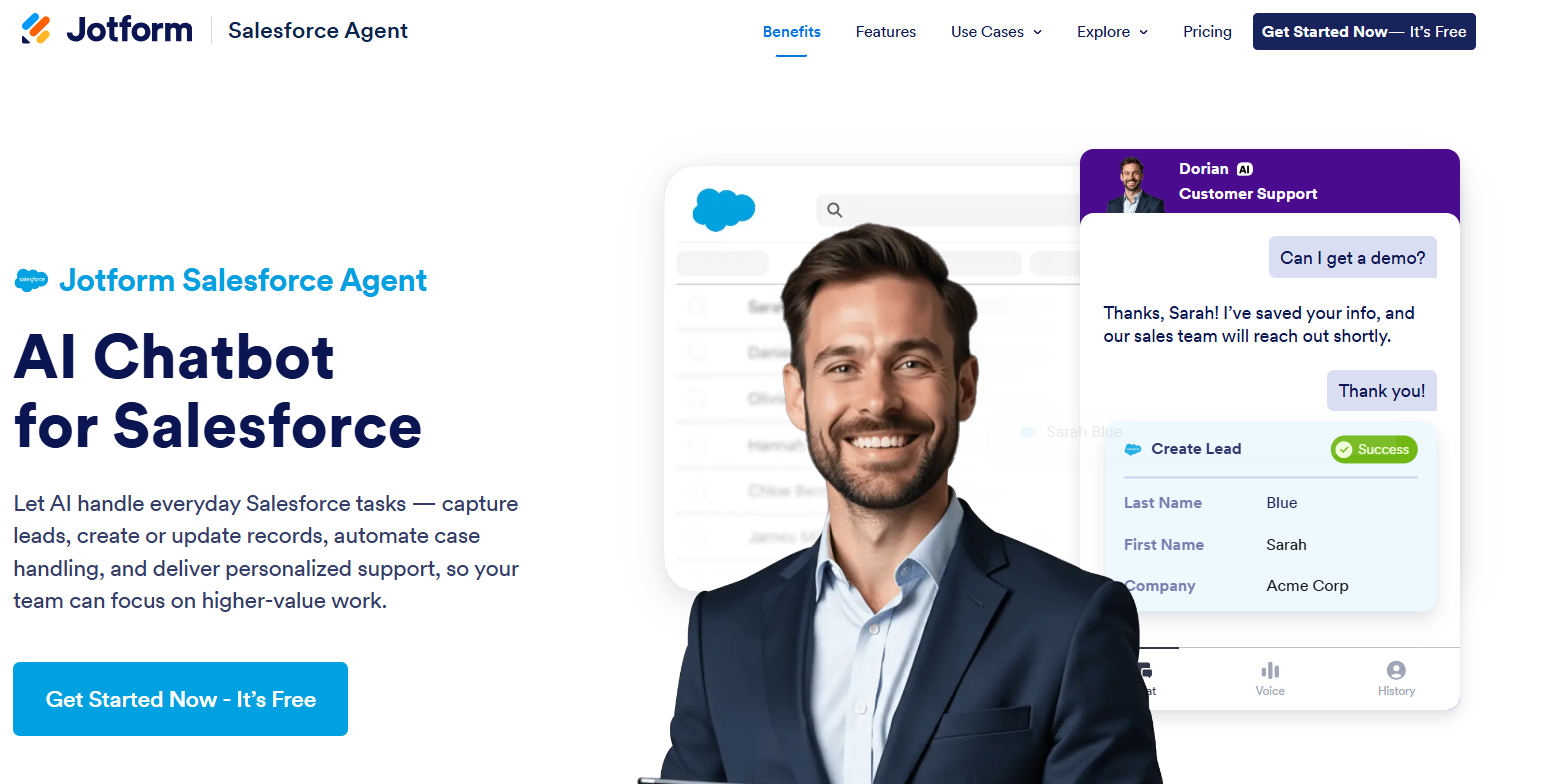
Jotform Salesforce Agent is an industry-leading no-code AI assistant from Jotform that connects directly with Salesforce to automate lead capture, customer support, and CRM data updates — all in real time.
Unlike Salesforce’s Einstein or Agentforce, which operate inside the Salesforce platform, Jotform Salesforce Agent works externally — on websites and forms — to engage users and feed clean, structured data back into Salesforce. With Jotform Salesforce Agent, you can create chat-based, conversational workflows that sync instantly with your Salesforce records, without any developer setup.
Best of all, Jotform Salesforce Agent works seamlessly with Jotform forms, Tables, Approvals, and Reports, making it the fastest and easiest way to extend Salesforce automation beyond the CRM itself. No wonder it was voted one of the best Salesforce apps.
It’s a great choice for businesses of all sizes and in all industries, and an excellent add-on for any organization that relies on online forms.
- Best for: Handling everyday Salesforce tasks — such as capturing leads, creating records, automating case handling, and delivering personalized support — outside of Salesforce, so your team can focus on higher-value work
- Key features: Real-time sync to instantly capture data like leads, cases, and responses into Salesforce; conversational workflows that use natural language to automate repetitive CRM actions; human takeover option to enable team members to jump into live chats when needed; custom branding to fit your organization’s style and tone
- Pros: No-code setup, so building and deployment are simple and intuitive
- Cons: Jotform Salesforce Agent lives outside of Salesforce and requires separate deployment (although implementation is easy and painless)
- Plans/pricing: Jotform Salesforce Agent is available on a free plan with flexible paid tiers starting at $34 per month for higher usage and advanced automation
Pro Tip
Want to automatically sync Jotform form submissions to your Salesforce account? Check out the Jotform Salesforce integration.
2. Einstein
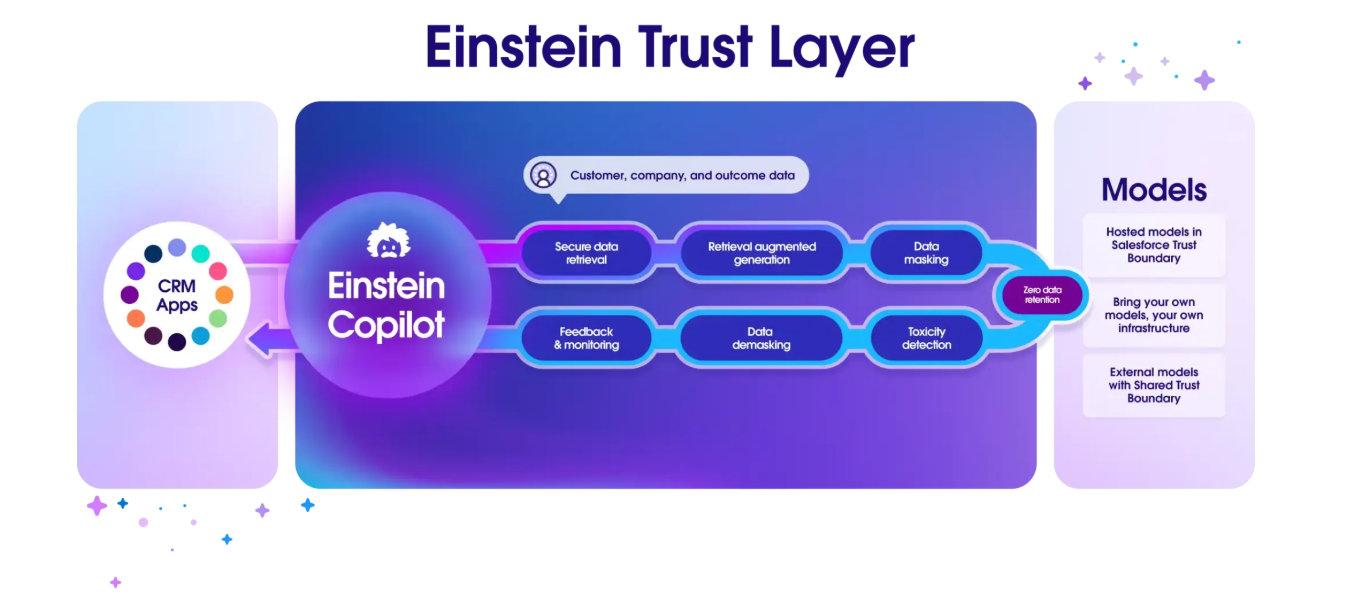
Einstein is a sophisticated artificial intelligence layer that’s built directly into the Salesforce platform. It offers generative and predictive capabilities across the CRM in Sales, Service, Marketing, and Commerce.
With Einstein’s Salesforce AI features, users can automate tasks, generate content, personalize experiences, and more without ever leaving Salesforce. It’s a great overall productivity enhancer.
- Best for: Generating sales and relationship-building content using clean CRM data from Salesforce, enabling customer-facing teams to do more in less time
- Key features: Built-in conversational AI agent; lead scoring that helps prioritize leads for conversion; AI for marketing tools like content drafting for emails, cases, responses, and summaries, so you can focus on more strategic work
- Pros: The conversational AI agent is easy to customize
- Cons: Relies on Salesforce data to generate content and predict insights (if data isn’t clean, results can be inaccurate)
- Plans/pricing: Salesforce Einstein is built into the platform, but certain AI features come as an add-on; contact Salesforce for information on plans and pricing
3. Agentforce (formerly Einstein Copilot/Einstein Copilot Assistant)
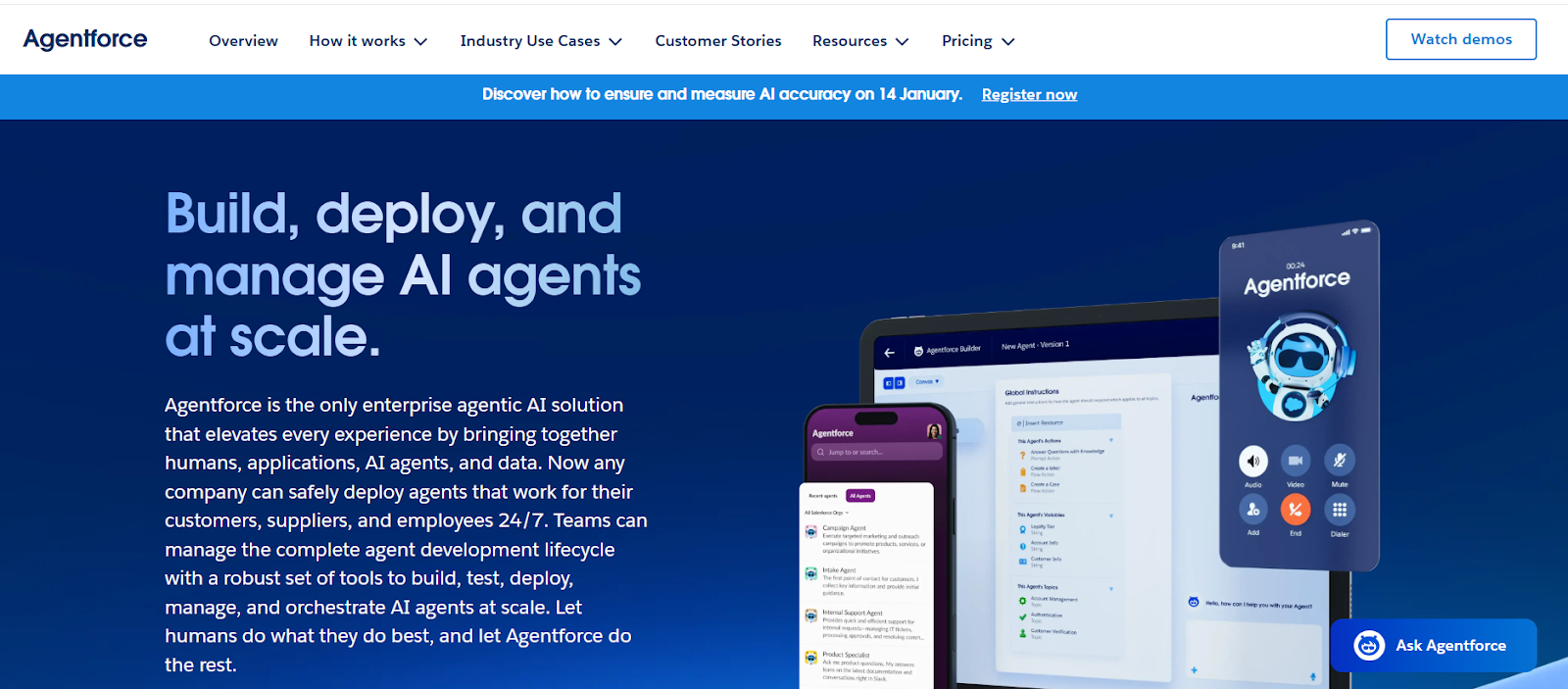
Agentforce is an agentic AI solution built into Salesforce that brings together humans, applications, AI agents, and data.
With it, you can build, test, deploy, manage, and orchestrate AI agents at scale to complete a range of tasks — such as engaging with customers and working alongside internal teams. It’s like building your own AI workforce.
- Best for: High-volume customer-facing support automation, such as answering questions and guiding troubleshooting
- Key features: Enterprise-grade reasoning to act autonomously, so there’s no need to micromanage; strong guardrails that combine user-defined safeguards and Salesforce-managed protections so that you can maintain control over agent behavior
- Pros: Wide range of use cases including customer support, sales development, employee support, deep research, and product recommendations, so you can improve productivity all around
- Cons: Requires clean data, strong governance, and consistent internal processes to run effectively, which can be difficult for some organizations
- Plans/pricing: Agentforce is available through conversation-based pricing, Flex Credits, or per-user licensing; pricing can be complex and difficult to decipher, so contact Salesforce for more information
4. Slack (and Slack AI)
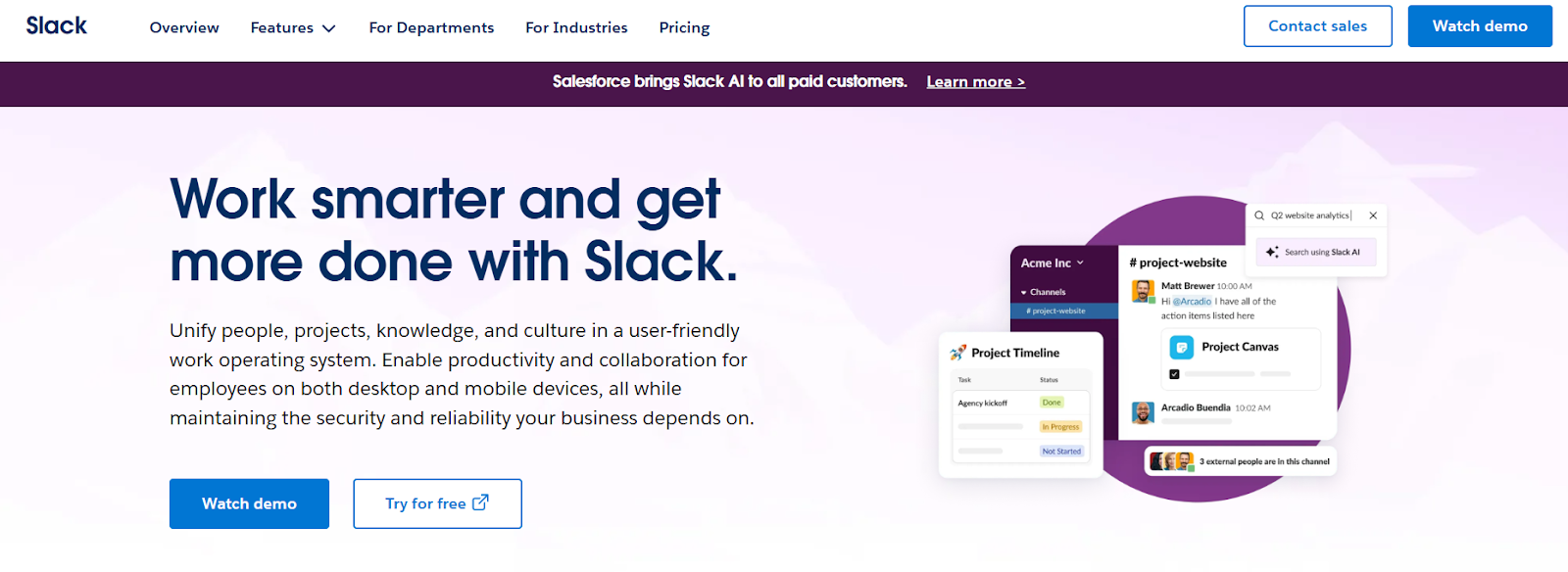
Salesforce, Slack’s parent company, announced Slack AI as a set of generative AI experiences inside Slack in 2023. That has since evolved into agent-powered productivity with artificial intelligence included in various parts of the team communication platform.
Organizations can automatically unite Salesforce data and conversations within Slack, and get AI-powered insights, summaries, and customer-related content.
- Best for: Helping teams keep up with fast-moving customer-related conversations and reducing the overwhelming number of conversations that teams have to go through
- Key features: Channel and thread summaries that highlight key points in conversations, so you don’t need to read through them when you’re in a time crunch; enterprise-level search that queries all connected systems for relevant findings
- Pros: The channel recaps at the end of the day are a massive advantage for busy teams
- Cons: Possibility of misinterpreting sarcasm or nuance, which can impact conversation summaries
- Plans/pricing: Slack is available as a standalone product as well as with Salesforce — for use with Salesforce, paid plans start at $7.25 per user per month
5. Data 360 (formerly Salesforce Data Cloud)
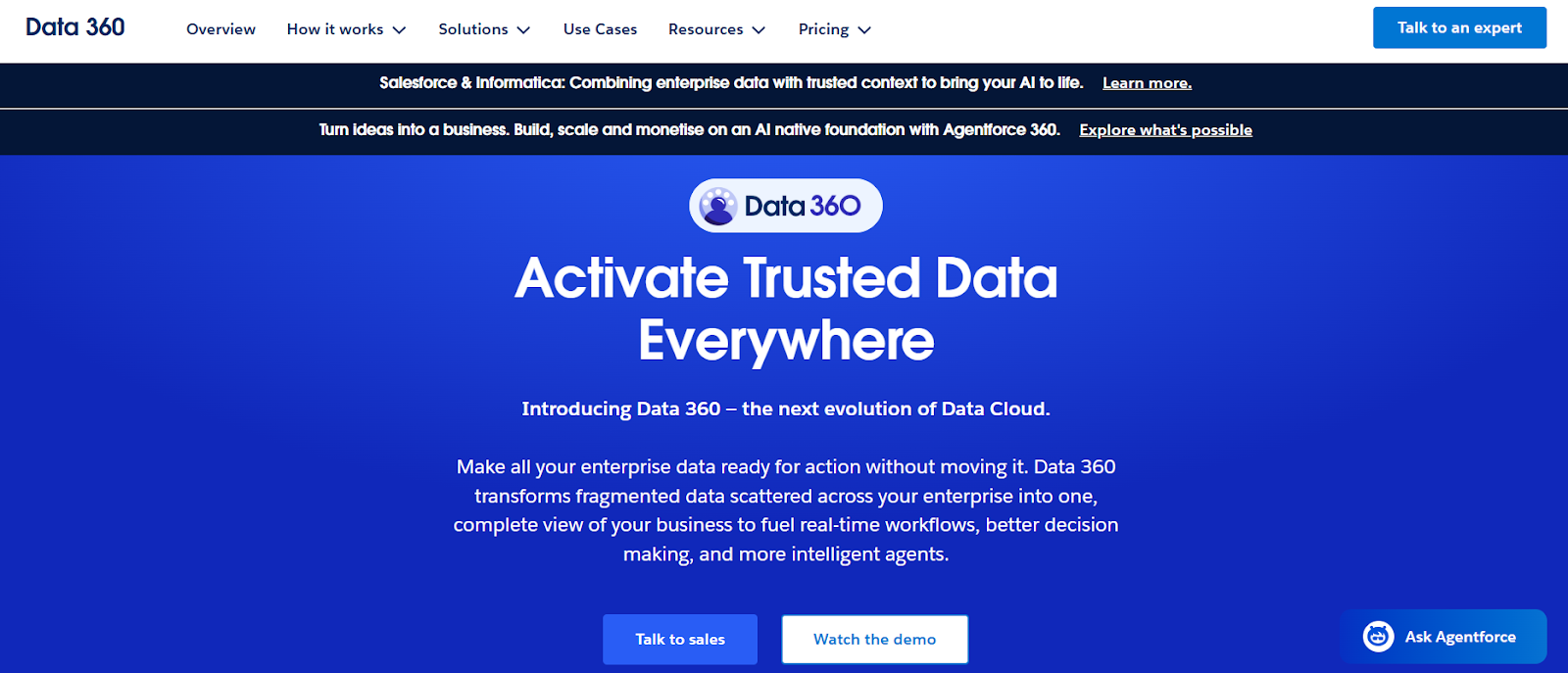
Salesforce’s Data 360 helps organizations unify their data in Salesforce without building any complex data pipelines.
With it, you can enable trusted AI solutions powered by your own data and fuel real-time, data-driven decisions. (Note that Salesforce’s Agentforce runs on the data from Data 360.)
- Best for: Unifying your data so you can enable further AI layers in Salesforce
- Key features: 360-degree view of customers based on data; calculated customer insights such as customer lifetime value, propensity to buy, engagement scores, and more; grounded AI prompts for agents, which result in more reliable, consistent, and trustworthy results
- Pros: Seamless integration of all data regardless of its source
- Cons: Consumption of Data 360 can be difficult to predict, which can make it difficult to estimate pricing; might be too advanced for smaller organizations that are at the beginning of their AI journey
- Plans/pricing: Data 360 uses a flexible, consumption-based pricing model with Consumption Credits, so you only pay for what you use — Salesforce offers a handy pricing calculator you can try
6. Einstein for Developers
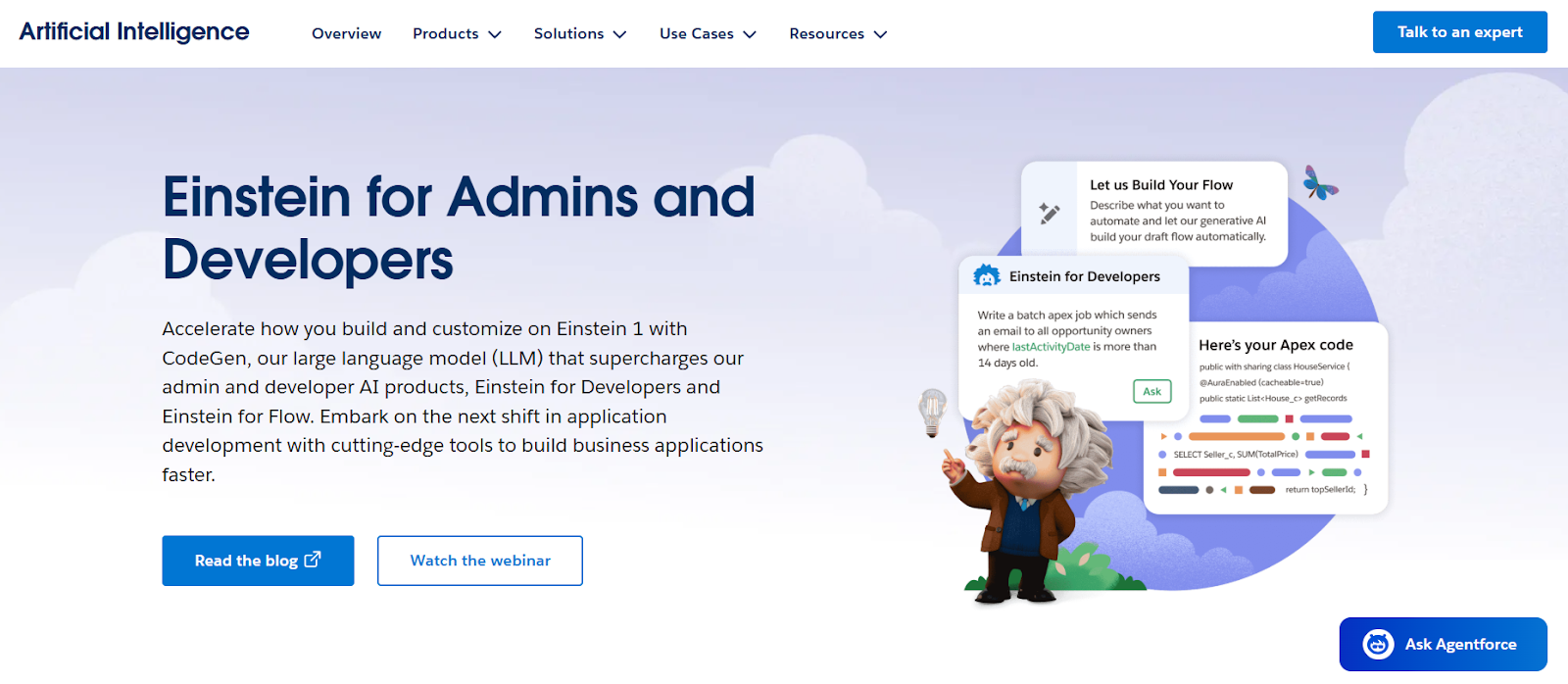
Einstein for Developers is Salesforce’s AI assistant for building on the Salesforce platform. With it, developers can use generative AI to customize Salesforce more efficiently within their coding environment.
The assistant makes suggestions, provides guidance on industry best practices, and more. It’s like having your very own productivity-enhancing developer by your side.
- Best for: Salesforce-native code enhancement and generation directly within the platform
- Key features: Code autocomplete suggestions, which save a lot of time; code analyzer for large amounts of code to ensure your work is on the right track
- Pros: Natural language-to-code processes empower all levels of developers
- Cons: Works as a pair programmer in tandem with human developers, not as a developer AI agent; can’t support code development outside of Salesforce
- Plans/pricing: Einstein for Developers is bundled within Salesforce plans and packages
7. Tableau
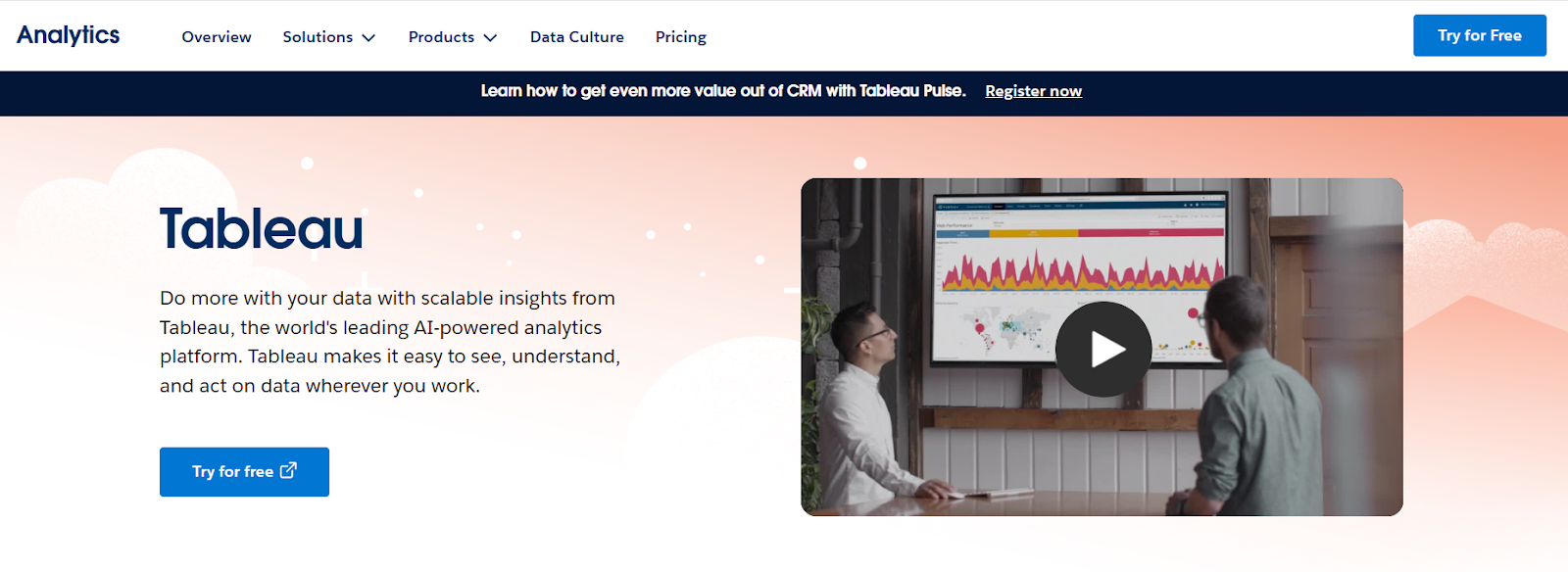
Tableau is Salesforce’s AI-powered analytics platform that helps you see, understand, and act on your CRM data.
It empowers users to drive better business outcomes through data management, data governance, data visualization, and more. If data is important to your business, you’re going to want to learn more about this tool.
- Best for: Helping you understand your data through visual reporting
- Key features: Multi-dimensional and easy-to-understand data visualizations, data prep with easy drag-and-drop transformations, more than 100 pre-built business dashboards tailored to unique use cases
- Pros: Flexible deployment in cloud, on-premises, or within your CRM
- Cons: Steep learning curve — you need to have strong data literacy to use it effectively; might be too advanced for organizations that don’t have a lot of data
- Plans/pricing: Tableau offers a free trial, with paid plans starting at $75 per user per month; a Tableau+ bundle is also available
8. Gong
Gong is an AI operating system for revenue teams, helping organizations grow with confidence.
It integrates seamlessly with Salesforce to capture customer interactions across phone, web conferencing, and email. Gong can understand what was said within these interactions to deliver more insights to your team. It’s a great way to turn conversations into dollars.
- Best for: Capturing and analyzing customer interactions to determine the next steps that lead to revenue
- Key features: Interaction analysis to determine what lead sales reps are doing, call sharing internally and externally for enhanced collaboration
- Pros: Acts as a single source of truth for sales interactions with detailed transcriptions and indexes — no more guesswork
- Cons: Transcriptions not always accurate or able to capture relevant organizational and customer terminology; if most of your customer interactions are in person, this tool likely isn’t right for your needs
- Plans/pricing: Contact Gong for information on plans and pricing
9. GitHub Copilot
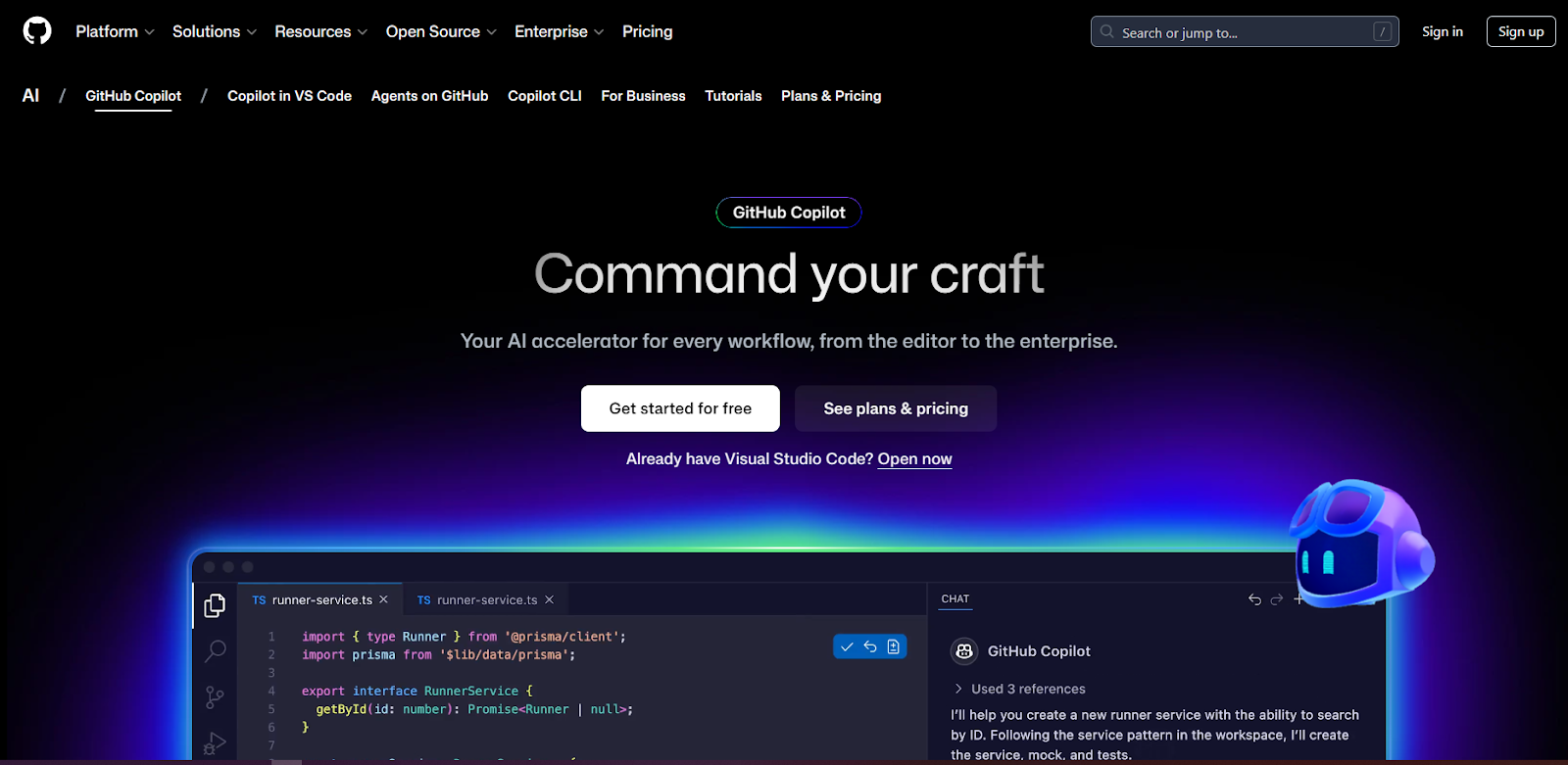
GitHub Copilot is an AI pair programmer that works alongside developers directly in their editor, providing suggestions to improve code.
It can significantly reduce manual typing and context switching, helping developers increase productivity. However, it’s worth keeping in mind that, unlike Einstein for Developers, GitHub Copilot isn’t Salesforce-specific.
- Best for: General code development, automating repetitive coding tasks, and increasing coding productivity
- Key features: Autonomous functionality to write code when assigned, natural language understanding and response so you can have helpful conversations
- Pros: The ability to explain concepts, complete code, propose edits, and more enhances your efficiency; you can use it with Salesforce and with many other applications
- Cons: Not specifically for Salesforce development, so there may be misalignment in the code at times; if you use Einstein for Developers, you may not need this tool for use with Salesforce
- Plans/pricing: GitHub Copilot has a free plan as well as paid plans starting at $10 per month
10. Spinify
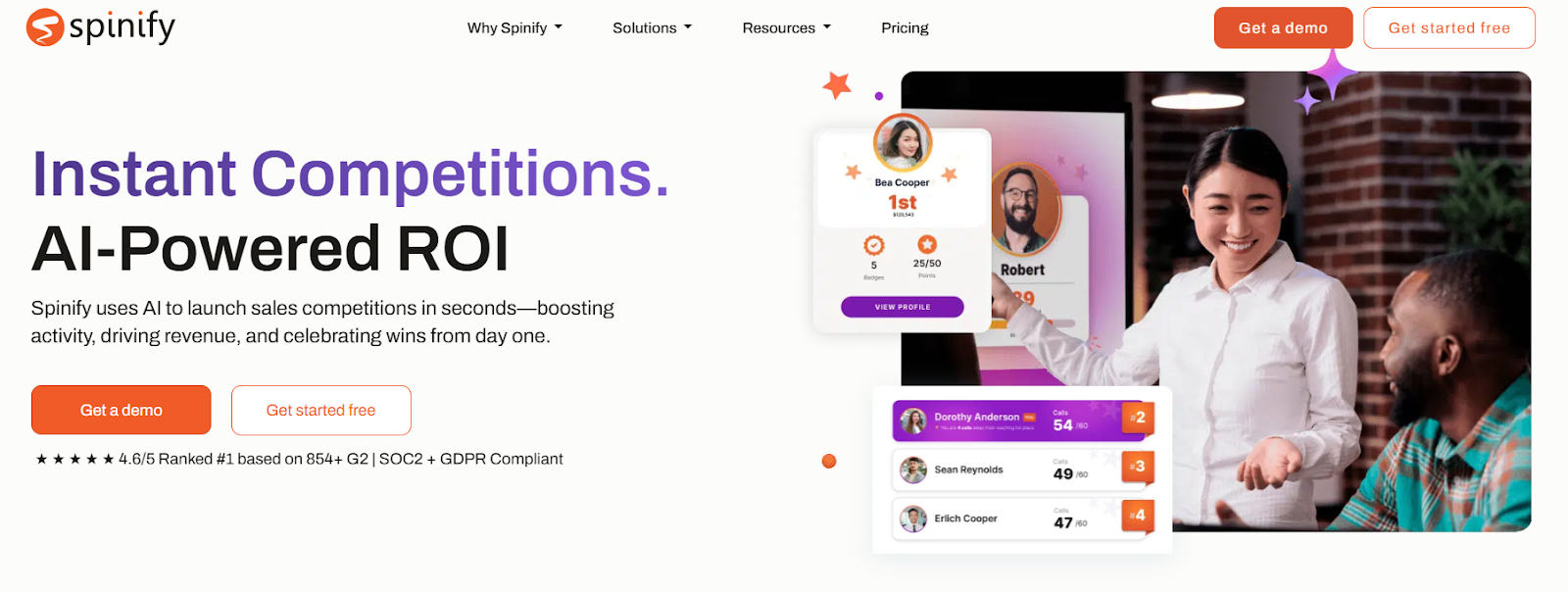
Spinify is an AI-powered sales gamification app that integrates with Salesforce, helping keep teams engaged and motivated.
Use it to drive competition in real time and track progress through leaderboards, scorecards, and other powerful features. If your teams are uninspired by daily sales reports, this tool can make things livelier and more fun.
- Best for: Automatically engaging and motivating your sales team to achieve KPIs
- Key features: Automated achievement celebrations for important milestones; comprehensive coaching tools that identify opportunities for improvement; interactive collaboration tools to help teams work better together
- Pros: Performance tracking is thorough, enabling you to spot trends and uncover insights; ideal if you’re a high-volume sales organization
- Cons: Not a deep sales analytics tool as it’s focused on sales engagement
- Plans/pricing: Spinify has flat pricing of $99 per month for Salesforce users, with a free trial
How to select the best Salesforce AI tool for your business
There’s no shortage of Salesforce AI tools on the market, so how do you find the right ones to reach your business goals? Here are a few things to keep in mind as you carry out your research:
- Align the Salesforce AI tools with your business objectives: Want to generate more leads? Consider AI marketing tools. Looking to increase productivity? Check out generative AI solutions that work at lightning speed. Ensure whatever tool you choose is focused on the specific goals you’re trying to achieve.
- Consider overall costs: Some internal Salesforce AI tools come as part of your Salesforce plan, while other internal tools are available with additional licensing costs. External tools like Jotform Salesforce Agent are available with monthly plans, including a free plan.
- Determine user readiness for AI adoption: For some users, AI can seem scary or overwhelming — which means they may be hesitant to incorporate it into their workflows. Evaluate how ready your team is to adopt a Salesforce AI tool, and what you can do to ensure a high adoption rate.
- Evaluate the ease of integration: Internal Salesforce AI tools work seamlessly with Salesforce, while external solutions require integration. Some tools like Jotform Salesforce Agent use a no-code integration process, so developer experience isn’t required.
Pro Tip
Keep in mind that you’re not limited to one Salesforce AI tool. For the best results, use complementary tools together to further enhance your capabilities. For example, I recommend combining Salesforce’s Einstein and Tableau with Jotform Salesforce Agent to connect in-platform insights with real-time customer conversations and automation.
What’s the right Salesforce AI tool for your organization?
Salesforce offers a full suite of AI tools for sales, service, analytics, and beyond — from marketing cloud software to developer tools to generative chat. And in addition to Salesforce’s native tools, there are plenty of leading third-party options, like Jotform’s Salesforce Agent.
Jotform Salesforce Agent is a leading AI assistant for Salesforce, combining user-friendly automation with powerful CRM integration for superior results. When you bring together internal AI productivity through tools like Einstein and Agentforce with external automation solutions like Jotform Salesforce Agent, you create a complete CRM ecosystem that enables you to reach your business goals more effectively.
I sifted through tons of Salesforce AI tools to find the top 10, but it’s important to do your own research, too. Explore Salesforce’s AI tools today, and build a smarter, end-to-end CRM strategy that works for you.
FAQs
Salesforce is constantly evolving its AI solutions as part of its CRM strategy. One of its latest AI platforms is called Agentforce, which enables users to create autonomous AI agents for a range of use cases, including customer support, sales development, and employee support.
The best AI for Salesforce depends on your business goals. You can choose from a range of native Salesforce AI tools like Einstein and Agentforce as well as external solutions like Jotform Salesforce Agent.
Salesforce partners could take the AI Specialist and the AI Associate certification exams for free until the end of 2025. There may be a cost associated with the certifications after that point. Contact Salesforce for more information.
This article is for CRM managers, marketing technologists, Salesforce users, and anyone who wants to explore the best Salesforce AI tools to enhance automation, analytics, and customer engagement in 2026.
















































































Send Comment: