
The best Mendix alternatives
If you’ve ever looked into building internal tools, customer-facing apps, or workflow automations, chances are Mendix has come up in your search. It’s one of many low-code development platforms that help teams build applications fast without relying as heavily on traditional development resources. With visual modeling tools, drag-and-drop interfaces, and built-in collaboration features, it allows both technical and non-technical users to contribute to app development.
That said, what works for one team won’t always work for another. You might be running into limitations with Mendix’s pricing structure, finding its learning curve is steeper than expected, or needing more flexibility in how you customize and deploy apps. Whatever the reason, exploring alternatives is a practical step toward finding a solution that better matches your workflow, budget, and technical requirements.
To help you evaluate your options, we’ve rounded up 10 Mendix alternatives worth considering.
Why look for an alternative?
Mendix is a capable platform, but certain factors may lead you to explore other options. Its pricing can be a barrier, for one — particularly for smaller teams or startups working within tight budgets. Some users report a steeper learning curve than with other low-code tools, too, which can slow down onboarding.
There are also extensive customization options within Mendix, so it may require more technical knowledge than you’d expect. That can make it harder for non-technical team members to contribute.
And on top of all this, depending on what you’re building, you might find that other platforms give you more flexible deployment options, stronger native integrations, or more streamlined interfaces that are a better match for your team’s skill set and goals. So let’s take a look at some of those other platforms, shall we?
Top 10 Mendix alternatives in 2026
Not every team needs an enterprise-grade low-code platform to get an app up and running. Whether you’re looking for something more affordable, easier for non-technical team members to use, or better suited to a specific workflow, the right Mendix alternative depends on what you’re actually trying to build and who’s building it.
Here’s a look at 10 Mendix alternatives that offer a different approach.
| Tool | Unique feature | Best for | Customization options | Free plan/trial |
|---|---|---|---|---|
 Jotform Apps |
AI App Generator for instant app creation |
No-code app building |
Splash screen, app icon, drag-and-drop elements |
Free plan available |
 OutSystems |
AI-powered full-stack development |
Enterprise-grade applications |
Full-stack visual integrated development environment (IDE) with custom code support |
Free trial available |
 Zoho Creator |
Native integration with 45-plus Zoho apps |
Budget-friendly low-code development |
Drag-and-drop builder with workflow automation |
Free plan available |
 Quickbase |
AI-powered app builder from descriptions |
Data-driven business operations |
Visual pipeline builder with 50-plus integrations |
30-day free trial |
 Kissflow |
Process-first app design approach |
Workflow automation |
Pre-built templates for HR, finance, and procurement |
Free trial available |
 Glide |
Turns spreadsheets into working apps |
Spreadsheet-based app building |
40-plus pre-built components, custom branding |
Free plan available |
 Microsoft Power Apps |
Deep Microsoft 365 and Azure integration |
Microsoft ecosystem users |
Canvas and model-driven app design |
Free plan available |
 Appian |
Process mining with robotic process automation (RPA) and AI |
Regulated industries and business process management (BPM) |
Visual process modeler with case management |
Free trial available |
 Retool |
100-plus pre-built user interface (UI) components |
Internal tools and admin panels |
Drag-and-drop with custom JavaScript |
Free plan for up to five users |
 Appsmith |
Open source with full self-hosting |
Developer teams on a budget |
JavaScript customization with Git integration |
Free plan for up to five users |
1. Jotform Apps
If you need a working app but don’t have weeks (or the development team) to build one, Jotform Apps is worth a look. This no-code platform lets you create, customize, and share mobile and web apps without writing any code, making it one of the best no-code app builders. You can go from idea to functional app in minutes. And with more than 900 app templates covering industries from healthcare to retail, you don’t have to start from zero.
What makes Jotform Apps particularly valuable as one of the Mendix alternatives on this list is its accessibility. While Mendix is for cross-functional teams where business users and professional developers collaborate (or, as Mendix likes to call it, “fusion teams” with technical expertise), Jotform Apps allows anyone on your team, regardless of technical background, to build and manage apps. You can drag and drop elements such as text fields, documents, images, buttons, and links. You can even customize the look with your own unique splash screen and app icon to keep everything on-brand.
Jotform Apps also natively connects with the full Jotform product suite, so you can layer in automated workflows, e-signature capabilities, digital forms, and data storage. With more than 40 payment gateways, you can seamlessly manage transactions directly within your app for a smooth experience — whether you’re processing orders, collecting donations, or handling service fees. Advanced sharing is flexible, too, with options such as social media, QR codes, and custom URLs, as well as granular access settings to control who sees what.
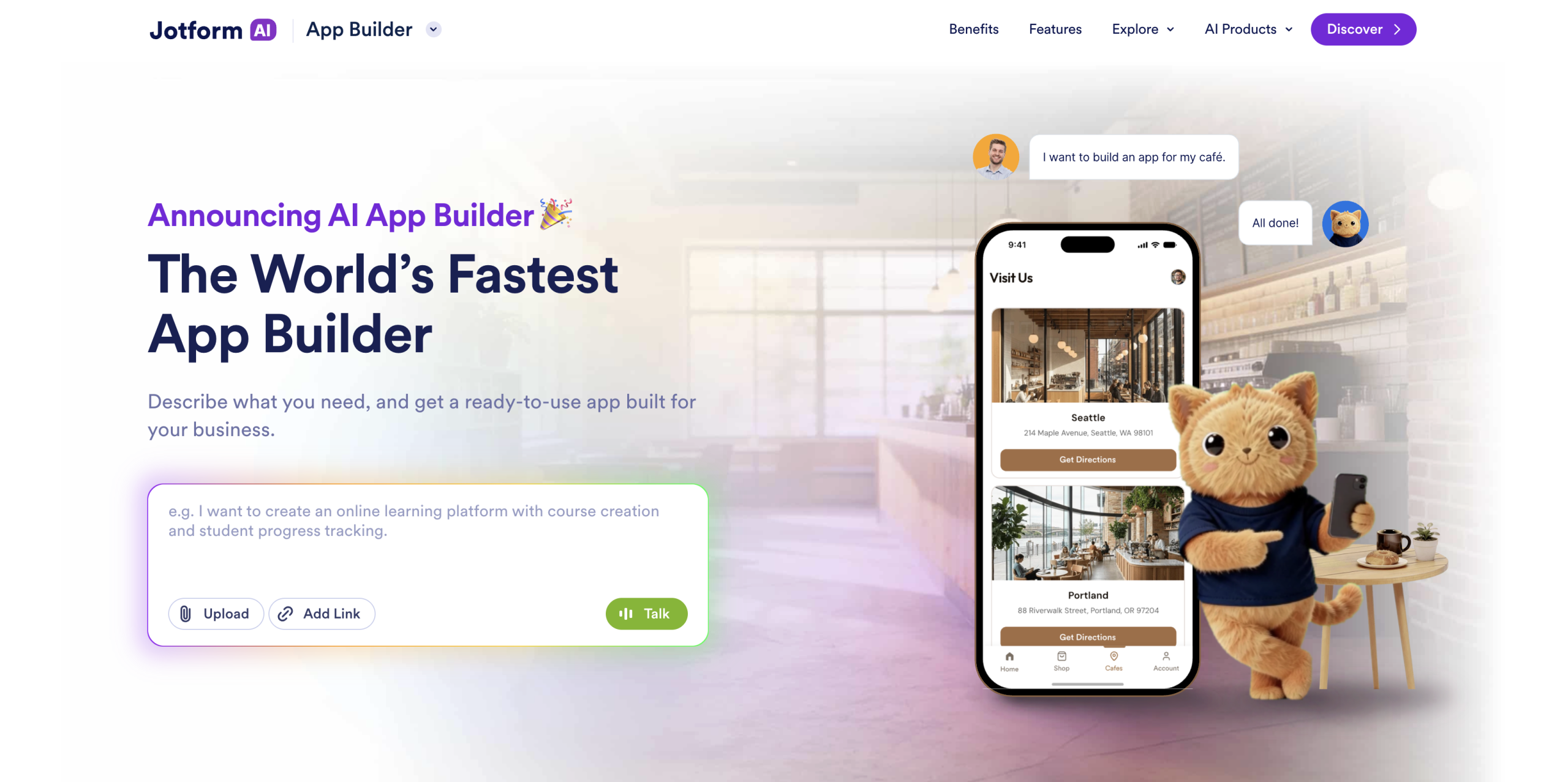
And if you want to move even faster, try the Jotform AI App Builder. Instead of building screen by screen, you simply describe what you need in plain language, and the AI generates a complete, professional app in minutes, with the pages, navigation, forms, and workflows already structured for you. From there, you can refine everything with simple prompts or manual edits, swap in your branding, and connect your data, so you get a polished starting point without doing the heavy lifting yourself.
- Best for: No-code app building
- Key features
- AI App Generator
- 900-plus app templates
- Drag-and-drop builder
- 40-plus payment gateways
- Native Jotform suite integration
- Pros
- Extremely easy to use
- Generous free plan
- Flexible sharing and access controls
- Built-in payment processing
- Cons
- Fewer advanced development features compared to enterprise-grade platforms
- Newer to the low-code space
- Plans/pricing
- Free plan available
- Paid plans range from $19.50 to $129 per month
- Custom enterprise pricing is available
2. OutSystems
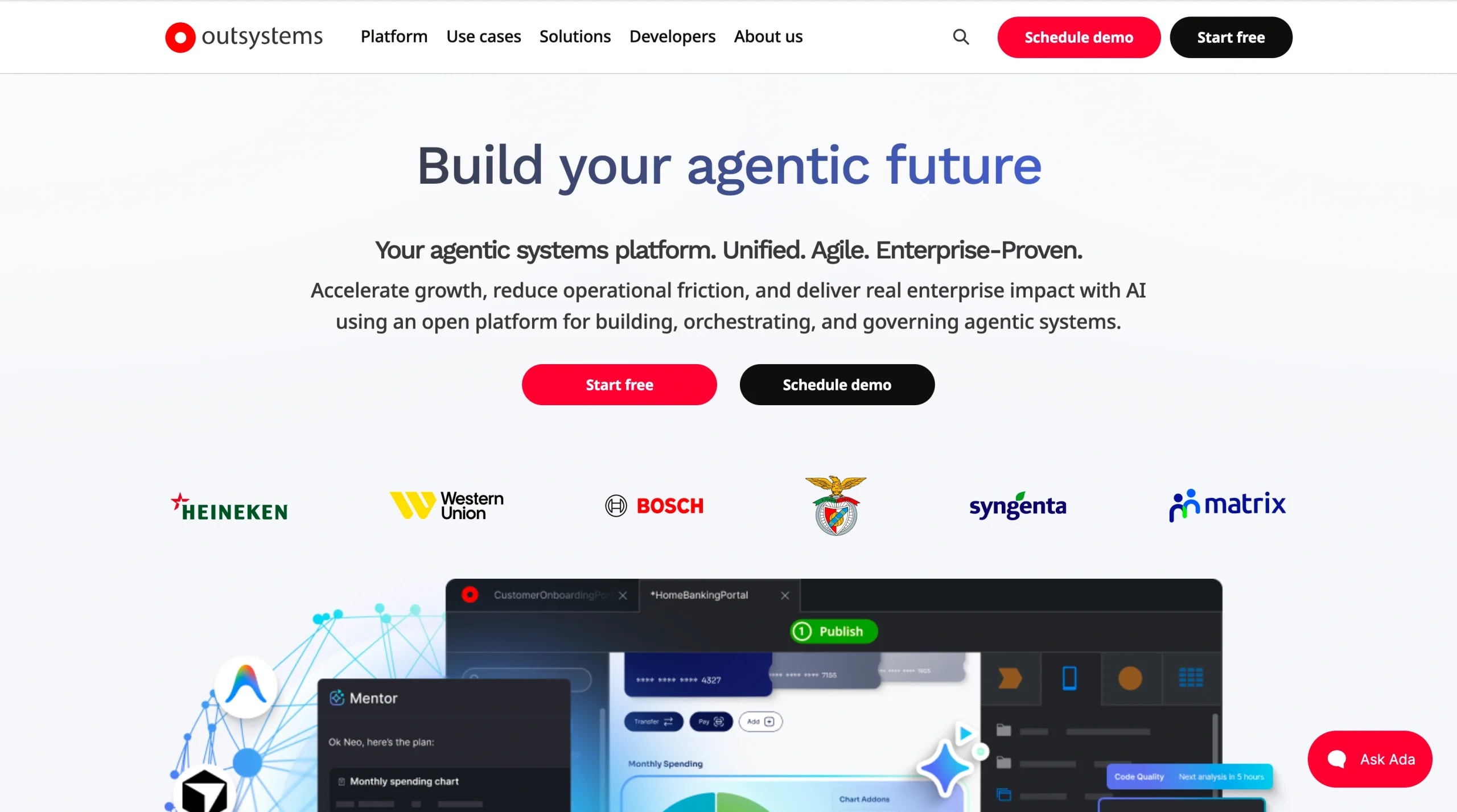
If what you’re building is complex (think multi-department workflows, legacy system integrations, or customer-facing portals that need to handle thousands of users), OutSystems provides that kind of heavy lifting. It’s a full-stack, AI-powered low-code platform, and its main selling point is speed. Development teams can get enterprise-grade web and mobile apps out the door much faster than they would with traditional coding.
OutSystems provides a visual development environment where developers can design data models, UIs, and business logic, while still dropping into custom code when they need more control. Built-in DevOps automation, testing tools, and one-click deployment across environments mean your team saves time to focus on building.
That said, OutSystems comes with an enterprise price tag. Pricing starts at around $36,300 per year, which makes it impractical for smaller teams or simpler use cases.
- Best for: Enterprise-grade application development
- Key features
- AI-powered development
- Full-stack visual IDE
- One-click deployment
- Pre-built integrations
- Custom code extensibility
- Pros
- Powerful for complex applications
- Strong continuous integration (CI) and continuous delivery (CD) pipeline
- Large reusable component library
- Cons
- High cost
- Not suited for small teams or simple apps
- Requires technical expertise
- Plans/pricing
- Free trial available
- Paid plans start at approximately $36,300 per year
- Custom enterprise pricing is available
3. Zoho Creator
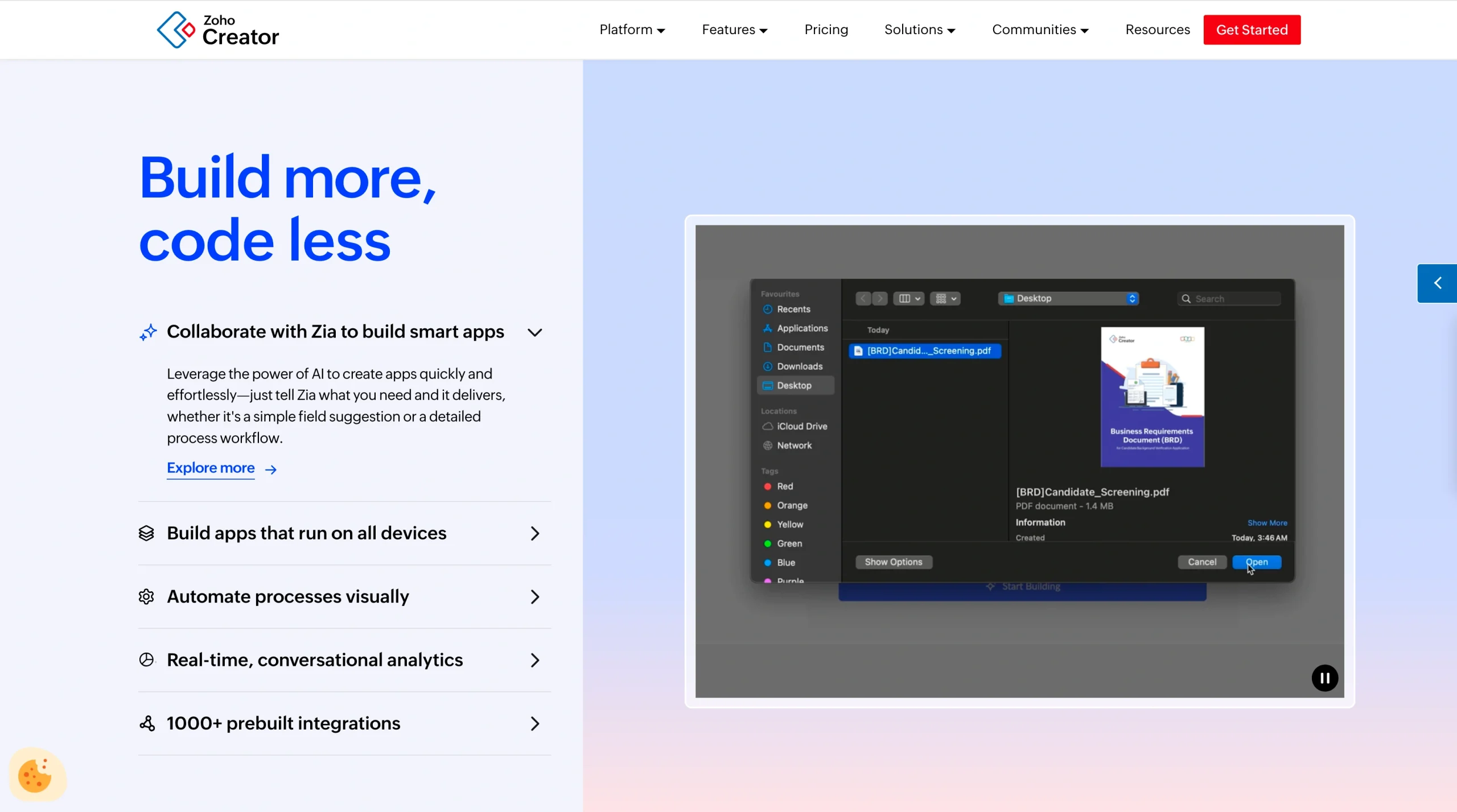
If you’re already using Zoho products, or you’re looking for a low-code platform that won’t break your budget, Zoho Creator is a practical middle ground. It lets you build custom business applications with a drag-and-drop interface, workflow automation, and native integration with more than 45 Zoho apps and over 500 third-party platforms.
For teams that want to digitize processes such as inventory tracking, project management, or customer onboarding, Zoho Creator offers enough flexibility to build tailored solutions without the enterprise-level complexity. It also supports native mobile apps for iOS and Android, so your team can access them on their phones without additional development.
- Best for: Budget-friendly low-code development
- Key features
- Drag-and-drop app builder
- Workflow automation
- Native Zoho ecosystem integration
- 500-plus third-party integrations
- Pros
- Affordable pricing
- Strong ecosystem if you’re a Zoho user
- Supports mobile apps natively
- Cons
- Learning curve for advanced features
- Limited customization compared to enterprise platforms
- Plans/pricing
- Free plan available
- Paid plans start at $8 per user per month
4. Quickbase
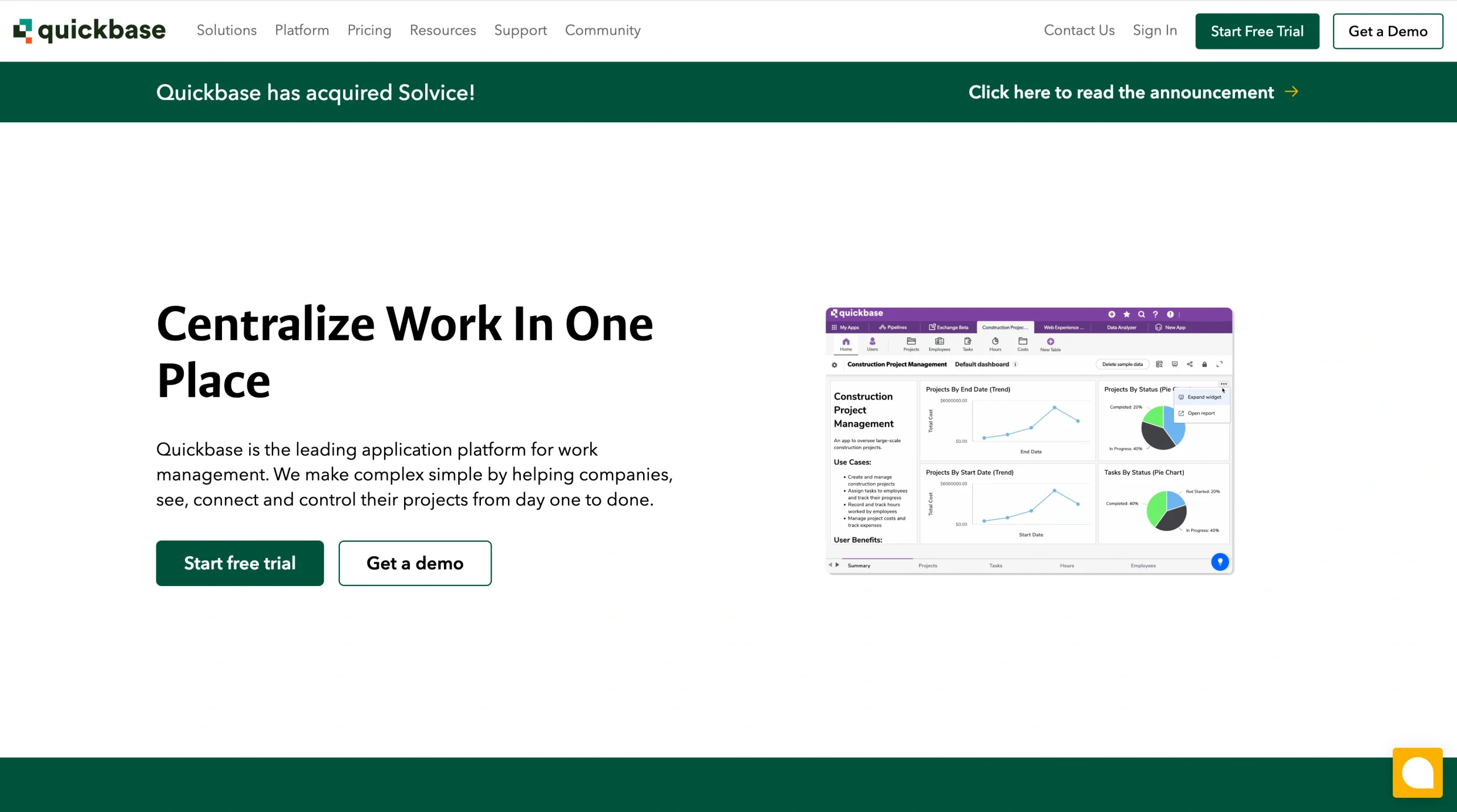
When your biggest challenge isn’t building an app from scratch but connecting scattered data across teams, Quickbase provides a solution. It’s a no-code platform that helps operations, project management, and field service teams centralize data and automate workflows without relying on IT.
Quickbase’s visual app builder lets you create dashboards, reports, and workflow apps using a drag-and-drop interface. Its Pipelines feature connects Quickbase to external tools such as Salesforce, SAP, and Jira, enabling you to automate cross-system workflows. There’s also an AI-powered assistant that can generate apps from plain-language descriptions.
However, Quickbase is optimized for a specific set of use cases (data management, reporting, workflow automation, etc.). If you need highly customized customer-facing apps, it probably isn’t for you.
- Best for: Data-driven business operations
- Key features
- Visual app builder
- Pipelines for cross-system automation
- AI app generation
- 50-plus pre-built integrations
- Pros
- Strong for connecting and centralizing data
- Good for non-technical users
- Solid automation
- Cons
- No free tier
- Per-user pricing adds up
- Limited for complex UI design
- Plans/pricing
- 30-day free trial
- Paid plans start at $35 per user per month
- Custom enterprise pricing is available
5. Kissflow
If your team is stuck dealing with manual approvals, repetitive handoffs, and messy processes, Kissflow might be the fix. It takes a process-first approach to low-code, meaning instead of starting with a database or a blank canvas, you map out your workflow step by step, and Kissflow turns it into a working app.
That approach makes it especially useful for HR, finance, and operations teams looking to digitize processes such as purchase approvals, employee onboarding, and procurement requests. The platform is also designed so that business users, not just developers, can build and maintain their own workflow apps without heavy IT involvement.
The main drawback is the starting price. Kissflow’s Basic plan comes in at $2,500 per month, which can put it out of reach for smaller teams.
- Best for: Workflow and process automation
- Key features
- Process-first app design
- Visual workflow builder
- Pre-built templates for HR, finance, and procurement
- Citizen development support
- Pros
- Intuitive for non-technical users
- Strong workflow automation
- Responsive customer support
- Cons
- Expensive entry point
- Limited customization for complex workflows
- Plans/pricing
- Free trial available
- Basic plan starts at $2,500 per month
- Custom enterprise pricing is available
6. Glide
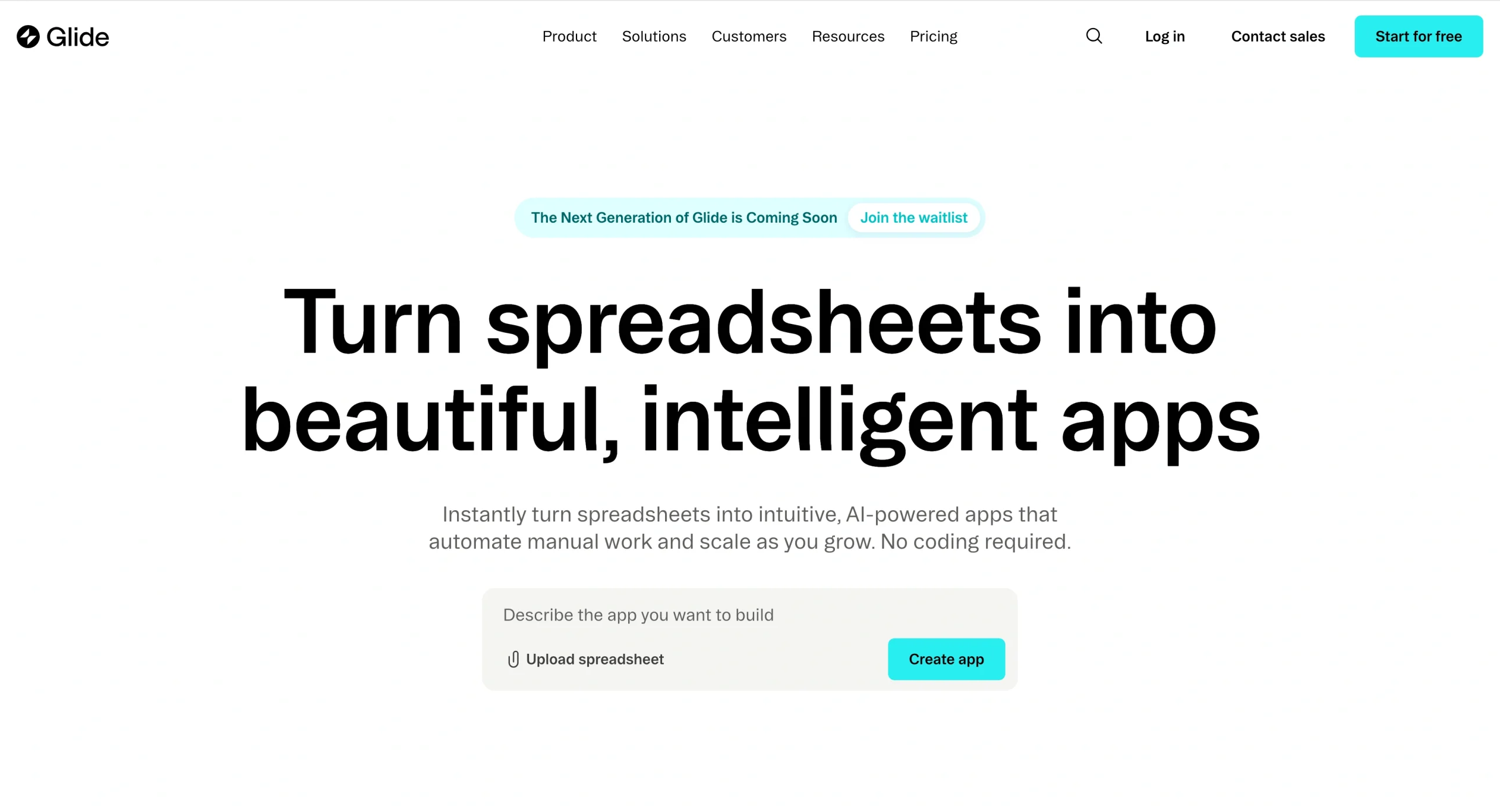
If your team wants to turn spreadsheet data into something more functional, Glide makes the transition nearly effortless. Connect a Google Sheet, Airtable base, or Excel file, and Glide automatically generates a working app with lists, detailed views, and forms.
Glide is ideal for building internal business tools — such as inventory trackers, field sales apps, and customer portals — without any coding. For teams that need to validate an idea quickly, you can go from spreadsheet to working app in under an hour.
The trade-off is that Glide builds progressive web apps (PWAs), not native mobile apps, so you can’t publish directly to app stores. The per-user pricing on the Business plan can also get expensive with a large user base.
- Best for: Turning spreadsheets into apps
- Key features
- Spreadsheet-to-app conversion
- 40-plus pre-built components
- Custom branding
- Workflow automations
- Pros
- Extremely fast prototyping
- Easy for non-technical users
- Solid for internal tools
- Cons
- No native mobile apps
- Per-user pricing at scale
- Limited for complex logic
- Plans/pricing
- Free plan available
- Paid plans for individuals start at $19 per month and for businesses at $199 per month
- Custom enterprise pricing is available
7. Microsoft Power Apps
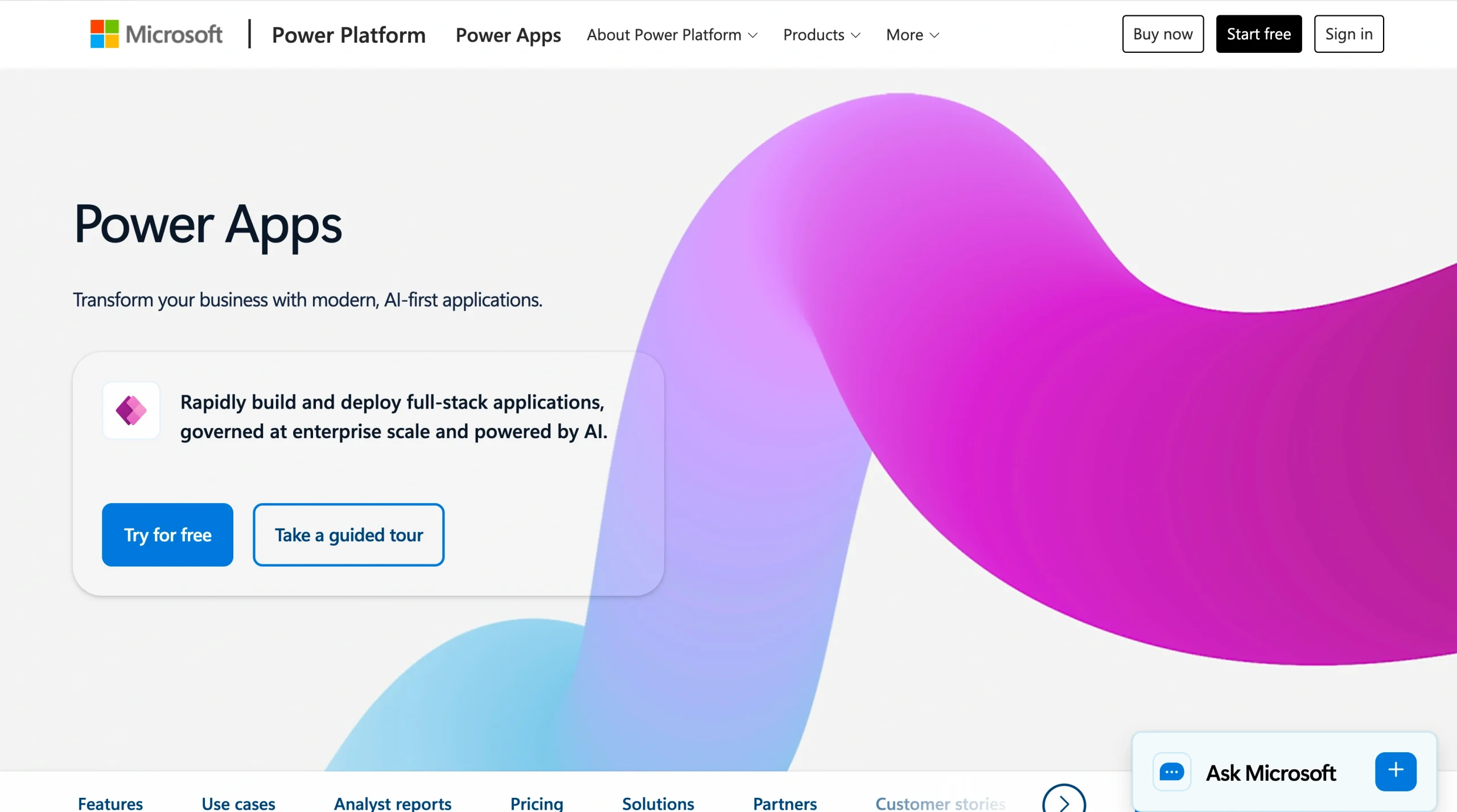
Power Apps is a strong choice if your organization already uses Microsoft 365 and Azure because it lets you extend that investment into custom application development. It integrates deeply with Teams, SharePoint, Excel, and Dataverse, which means less time connecting systems and more time building.
Power Apps offers two development modes:
- Canvas apps (full design control)
- Model-driven apps (UIs generated automatically from your data model)
For teams in government or regulated industries, Power Apps also supports compliance with GCC High and U.S. Department of Defense standards. So, you can save yourself the headache of vetting a separate platform for security requirements.
On the flip side, it can feel limiting once you step outside the Microsoft ecosystem, and figuring out the licensing structure is a common frustration.
- Best for: Microsoft ecosystem users
- Key features
- Canvas and model-driven app design
- Deep Microsoft 365 and Dataverse integration
- Government compliance
- Pros
- Seamless for Microsoft-heavy organizations
- Strong compliance options
- Enables citizen development
- Cons
- Vendor lock-in
- Complex licensing
- Limited for non-Microsoft integrations
- Plans/pricing
- Free plan available
- Paid plans start at $20 per user per month
8. Appian
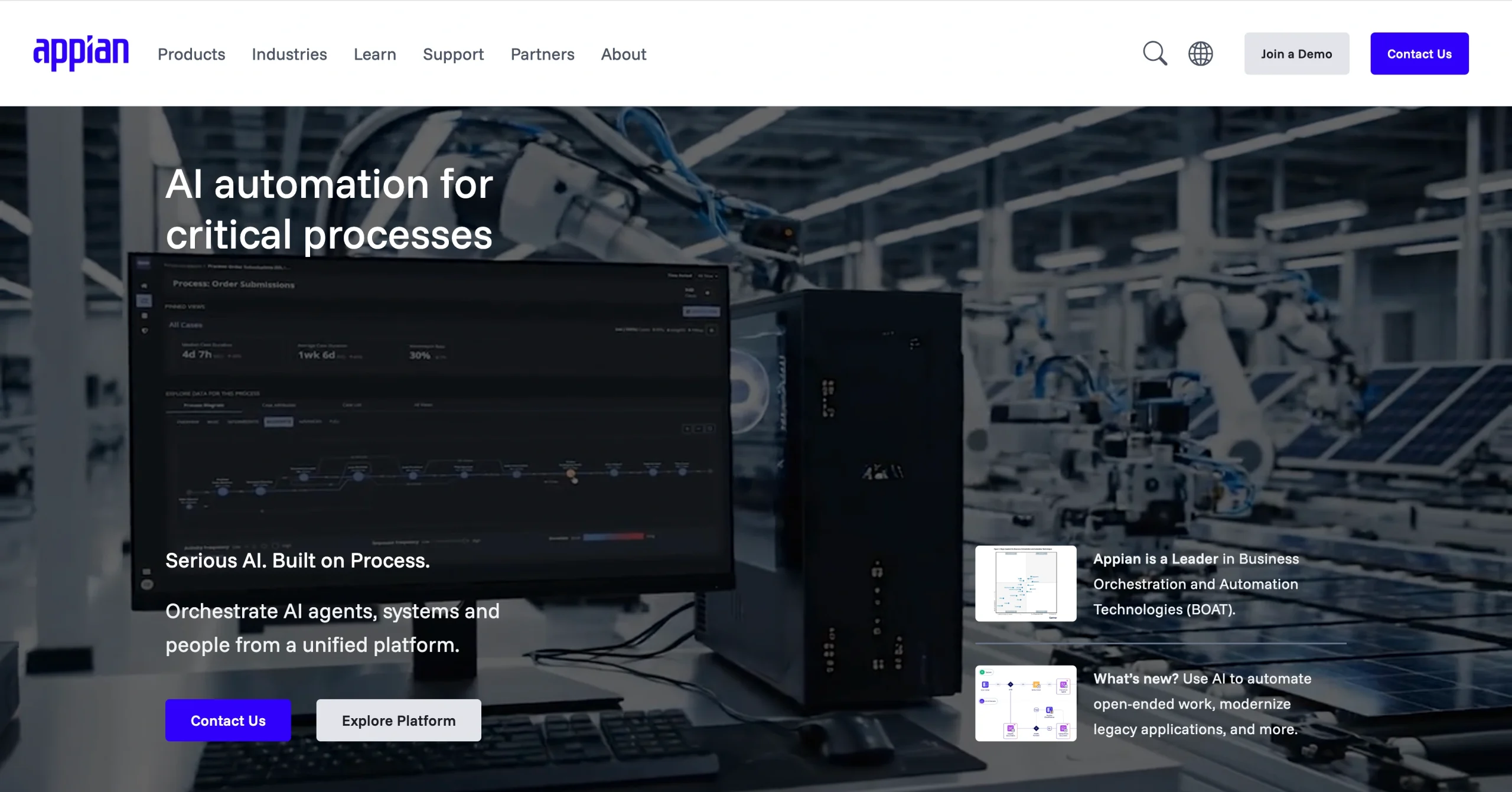
For organizations in regulated industries where compliance and process management are non-negotiable, Appian brings low-code development together with enterprise-grade BPM, RPA, and AI-powered decision management.
What sets Appian apart is its process mining and orchestration capabilities. You can model, automate, and monitor complex business processes from a single platform, which is valuable when you need to meet strict regulatory requirements.
But what you gain in capabilities, you give up in cost and complexity. Appian is priced for enterprise budgets, and complex UI customization can be challenging.
- Best for: Regulated industries and business process management
- Key features
- Process mining
- RPA
- AI-powered decisions
- Visual process modeler
- Case management
- FedRAMP compliance
- Pros
- Industry-leading BPM
- Strong government compliance
- Robust automation
- Cons
- High cost
- Steep learning curve for advanced features
- Overkill for simpler use cases
- Plans/pricing
- Free trial available
- Plans are priced per user, per month, and per app but pricing isn’t listed publicly — contact Appian for an estimate
9. Retool
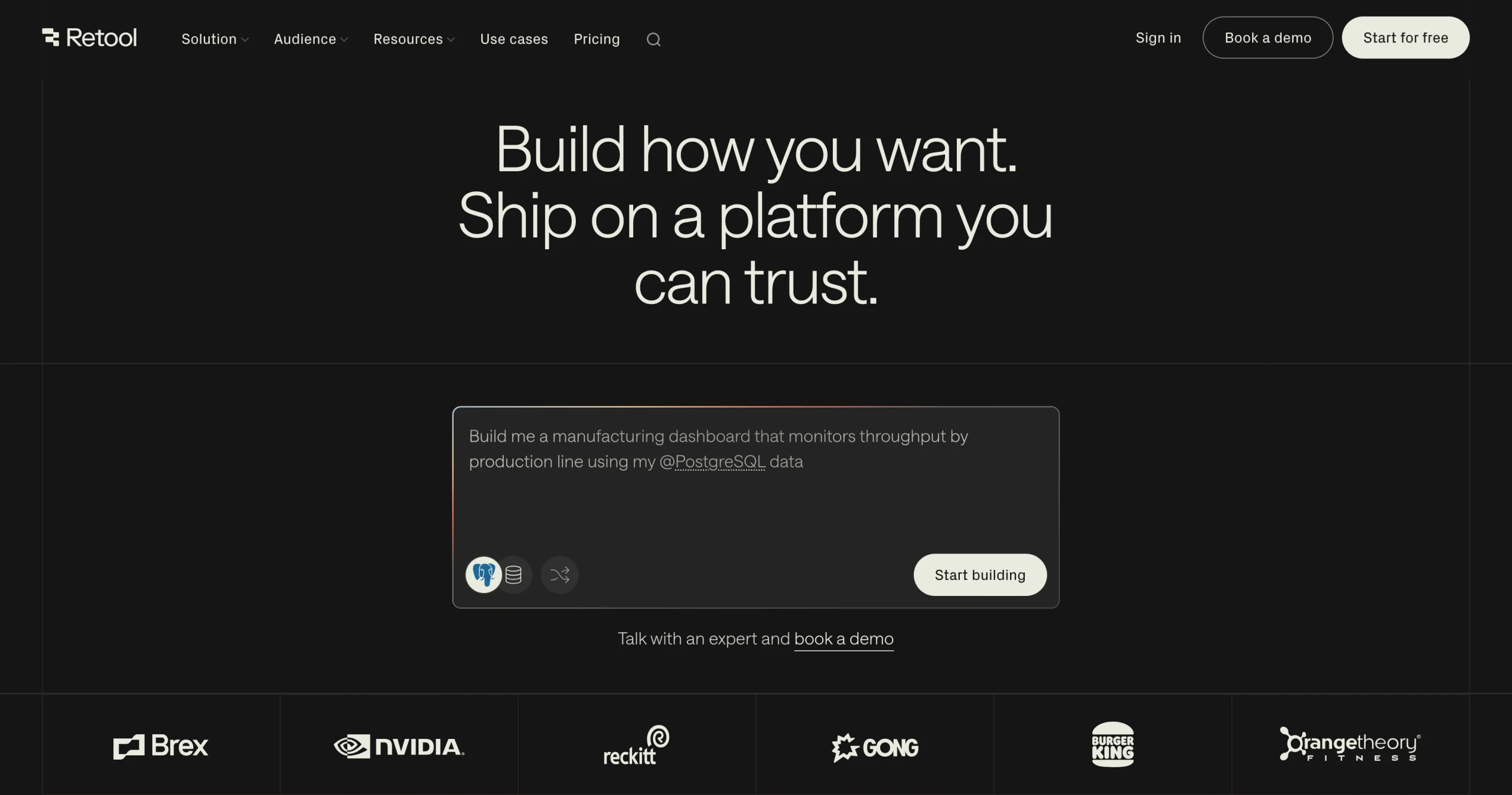
If your development team is tired of rebuilding the same internal admin panels, dashboards, and data management tools from scratch, Retool can significantly reduce that work. It’s a low-code platform specifically designed for internal tools, with more than 100 prebuilt UI components and native integrations with nearly any database or API.
Retool’s strength is speed — it helps developers build faster. You can drag and drop tables, forms, charts, and buttons, then connect them to your data sources using SQL or JavaScript. Retool also supports self-hosting, which gives you full control over data residency and security.
That said, it’s purpose-built for internal tools rather than customer-facing applications, and non-technical team members may find it inaccessible.
- Best for: Internal tools and admin panels
- Key features
- 100-plus pre-built UI components
- Native database and API connections
- JavaScript and SQL support
- Self-hosting option
- Pros
- Fast for developers
- Flexible data connectivity
- Supports self-hosting
- Cons
- Not suited for external-facing apps
- Non-technical users are likely to struggle
- Per-user pricing on paid plans
- Plans/pricing
- Free plan for up to five users
- Paid plans start at $10 per builder and $5 per internal user per month, and custom enterprise pricing is available
10. Appsmith
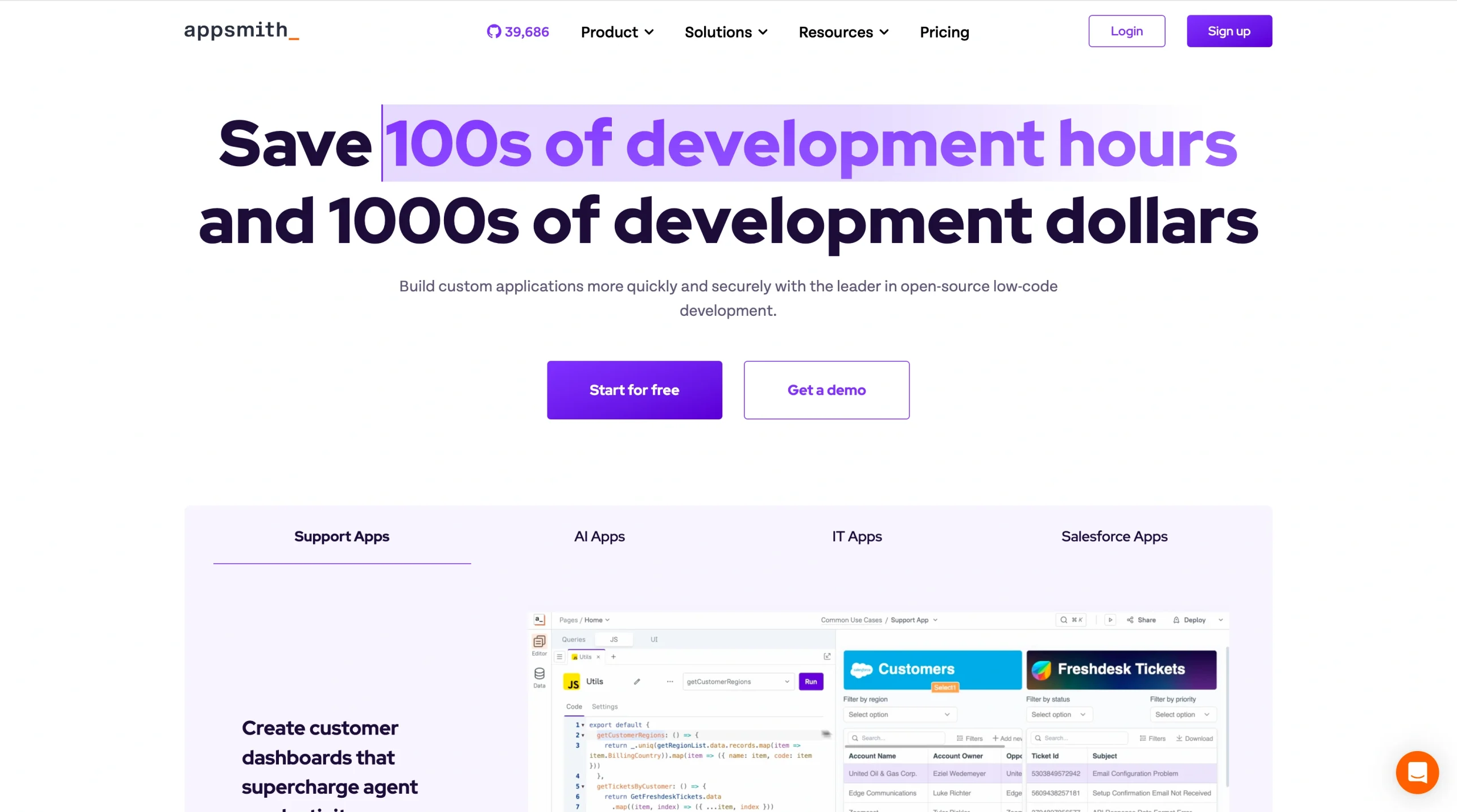
If budget is your primary constraint and your team is comfortable with code, Appsmith offers one of the most cost-effective paths to building internal tools. It’s open source, free to self-host, and gives developers a drag-and-drop editor with full JavaScript customization. You get the speed of low-code with the flexibility of writing your own logic.
Appsmith connects to more than 25 data sources, supports Git-based version control for team collaboration, and lets you build custom React components when the built-in widget library doesn’t cover your use case.
It’s worth noting that Appsmith is built for developers, so non-technical users will find it challenging. Features such as granular role-based access controls and audit logs are also only available with the paid Business tier.
- Best for: Developer teams on a budget
- Key features
- Open-source
- Drag-and-drop with JavaScript customization
- Git version control
- 25-plus data source integrations
- Self-hosting
- Pros
- Free and open source
- No vendor lock-in
- Full self-hosting support
- Strong developer experience
- Cons
- Not accessible for non-technical users
- Role-based access control and audit logs require a paid plan
- Smaller community than some competitors
- Plans/pricing
- Free plan (unlimited apps, five users)
- Business plan starts at $15 per user per month
- Enterprise plan starts at $2,500 per month
How we chose the best Mendix alternatives
To build this list of Mendix alternatives, we evaluated low-code and no-code platforms based on criteria that matter most when you’re choosing a tool for your team.
We looked at
- Ease of use: How quickly someone can go from signing up to building a working app
- Pricing transparency: Whether platforms offer clear pricing, free plans, or trials so that you can test before committing
- Core features: Integrations, automation capabilities, and customization options
- Use case fit: How well each tool serves different needs, from simple workflow apps to complex enterprise systems
We also reviewed user ratings and feedback on platforms like G2 and Gartner Peer Insights to understand how each tool performs in practice. The goal wasn’t to find one platform that beats the rest across the board, but to present a range of options that fit different teams, budgets, and technical skill levels.
Finding the right platform for your team
Picking the right Mendix alternative really comes down to three things: what you’re trying to build, who on your team will build it, and how much you’re ready to invest.
If you need enterprise-grade power for complex, mission-critical applications, OutSystems and Appian are strong contenders. If your team already relies on Microsoft 365, Power Apps is a natural extension. For workflow-heavy teams in HR, finance, or operations, Kissflow and Quickbase can streamline processes without heavy development resources. And if budget and simplicity are top priorities, Zoho Creator, Appsmith, and Glide offer affordable options.
For teams that want to create an app without coding experience, Jotform Apps makes it easy to get started with a free plan, 900-plus templates, and an AI App Generator that does the heavy lifting for you. You can create a fully functional app in minutes, customize it to match your brand, and share it with your audience right away.
Whatever your situation, take advantage of free plans and trials before committing. The best platform is the one that fits how your team actually works.
FAQs on Mendix alternatives
Deciding between Mendix and OutSystems depends on what matters most to your team. Both are enterprise-grade, low-code platforms with visual development tools, but they pull ahead in different areas. OutSystems tends to be more predictable in pricing (it’s structured as an annual subscription) and has stronger CI/CD capabilities, so deployments are faster and more automated. Mendix, on the other hand, offers greater flexibility in cloud deployment. It supports AWS, Azure, and GCP and excels at building web, mobile, and conversational interfaces all from a single project.
If cost predictability and deployment speed matter most to you, OutSystems may be the better fit. If you need deployment flexibility and multi-platform support, Mendix has the edge.
Common drawbacks of Mendix include its complex pricing model, which may involve additional costs for add-ons, storage, and extra environments. The platform also has a steeper learning curve than many alternatives, particularly since it retired its citizen developer IDE in 2023. Some users also find that Mendix’s customization options require more technical knowledge than expected, which can limit contributions from non-technical team members.
This article is for product managers, developers, operations teams, and business leaders exploring low-code or no-code platforms, and anyone who wants to find a Mendix alternative that better fits their budget, technical skills, and application development needs.


































































































Send Comment: