
Top manufacturing apps
Traditional manufacturing is rife with bottlenecks, especially if you’re reliant on paper and clipboards to monitor your operations. Overlooked equipment maintenance, lost safety audit sheets, and production line hiccups are all common in a manual setup, and they can have a negative impact on your productivity and costs.
Luckily, there are several manufacturing apps and platforms out there that are designed to transform your pen-and-paper processes into digital ones. These services store data and standard operating procedures (SOPs) electronically, giving you the ability to track tasks, monitor asset maintenance, and get the analytics you need for a smooth frontline. Some even integrate AI into their manufacturing features, which is ideal for automating workflows and summarizing insights. Best of all, they’re available in app format, so your staff can access them on smartphones and tablets while on the job.
Read on for a look at the best manufacturing apps, including their features, core focus, and pricing, so you can decide which one best aligns with your organization’s needs.
| App | Best for | Core focus | Mobile/offline capable | Free option |
|---|---|---|---|---|
 Katana |
Managing inventory and manufacturing costs |
Inventory management |
Mobile |
Free plan |
 MaintainX |
Tracking equipment health and maintenance |
Equipment asset management |
Mobile and offline |
Free plan |
 Jotform Apps |
Building a custom manufacturing app |
Tracking tasks and collecting digital signatures |
Mobile and offline |
Free plan |
 Odoo |
Setting up an inexpensive manufacturing enterprise resource planning (ERP) system |
General business operations, including supply chain management |
Mobile |
Free plan |
 MRPeasy |
Small manufacturers that need comprehensive support |
Production planning, inventory management |
Mobile |
Free trial |
 Parsable |
Enterprise manufacturers that want to optimize operations |
Establishing SOPs for quality control, maintenance, and production |
Mobile and offline |
Free demo |
 Dozuki |
Streamlining frontline activities for heavy industrial manufacturers |
Documenting SOPs for training, maintenance, and everyday tasks |
Mobile and offline |
On-request demo |
 Fusion Operations (formerly Prodsmart) |
Small and mid-size manufacturers that want a Katana alternative |
Production and inventory management |
Mobile and offline |
Free trial |
 UpKeep |
Monitoring assets using edge sensors and analytics |
Equipment and asset management |
Mobile and offline |
Free demo |
 Mitti by SafetyCulture |
Managing lone workers and contractors |
Asset and people management |
Mobile and offline |
Free plan |
1. Katana
- Best for: Managing customer orders, manufacturing, and inventory in a single platform
- Why it made the list: It’s a full-scale manufacturing, inventory, and sales ERP designed for mid-sized and large organizations
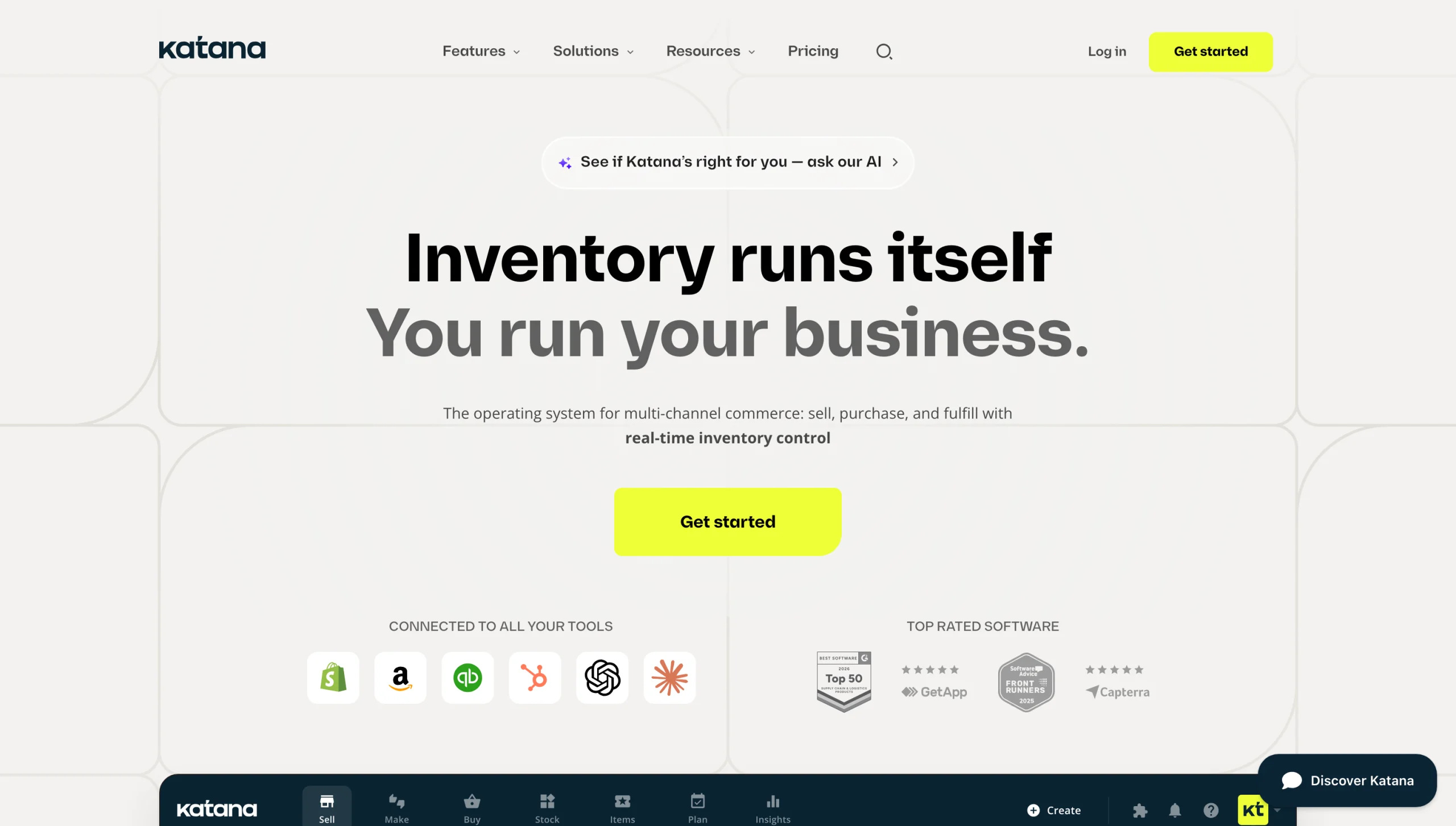
When it comes to manufacturing apps, few tools offer a fully complete solution. This one does. It tracks every aspect of the manufacturing and order process, including inventory levels, shop task completion, manufacturing costs, and sales. And it does it in real time, so you and your team have up-to-date data whenever you check the status.
Katana‘s core product is its sales and inventory tools. They pull in orders from every sales channel and transmit them to your warehouse team. Data flows to the Katana Warehouse app, where it’s sent to team members to pick and pack. As orders go out, your inventory is updated, and you get notifications when stock gets low.
The manufacturing tools are an add-on, but well worth it. They monitor current tasks, share a bill of materials (BOM) for incoming orders, and separate the make-to-stock and make-to-order workflows. Also included are planning and forecasting tools, which help you plan your material needs.
Katana offers multiple native integrations, including Shopify, Amazon, HubSpot, and QuickBooks. A model context protocol (MCP) connector is additionally available for AI tools such as Claude and ChatGPT.
Katana’s main drawback is its cost. Small organizations may have difficulty justifying the price, especially if you manufacture a handful of products. Accessing all features — including manufacturing management, traceability, and warehouse management — requires purchasing monthly add-ons.
Katana pricing
- Free: Designed for trying out the software; includes up to 30 SKUs, all integrations, and access to manufacturing and warehouse management modules
- Core (starts at $299 per month): Includes unlimited SKUs and one inventory location; the manufacturing management add-on is $199 per month
- Advantage (custom pricing): Includes custom integrations, dashboards, reporting, onboarding support, and the Katana API; the manufacturing management add-on is $199 per month
2. MaintainX
- Best for: Managing manufacturing assets and equipment
- Why it made the list: The platform delivers comprehensive tools to track equipment health and maintenance work orders
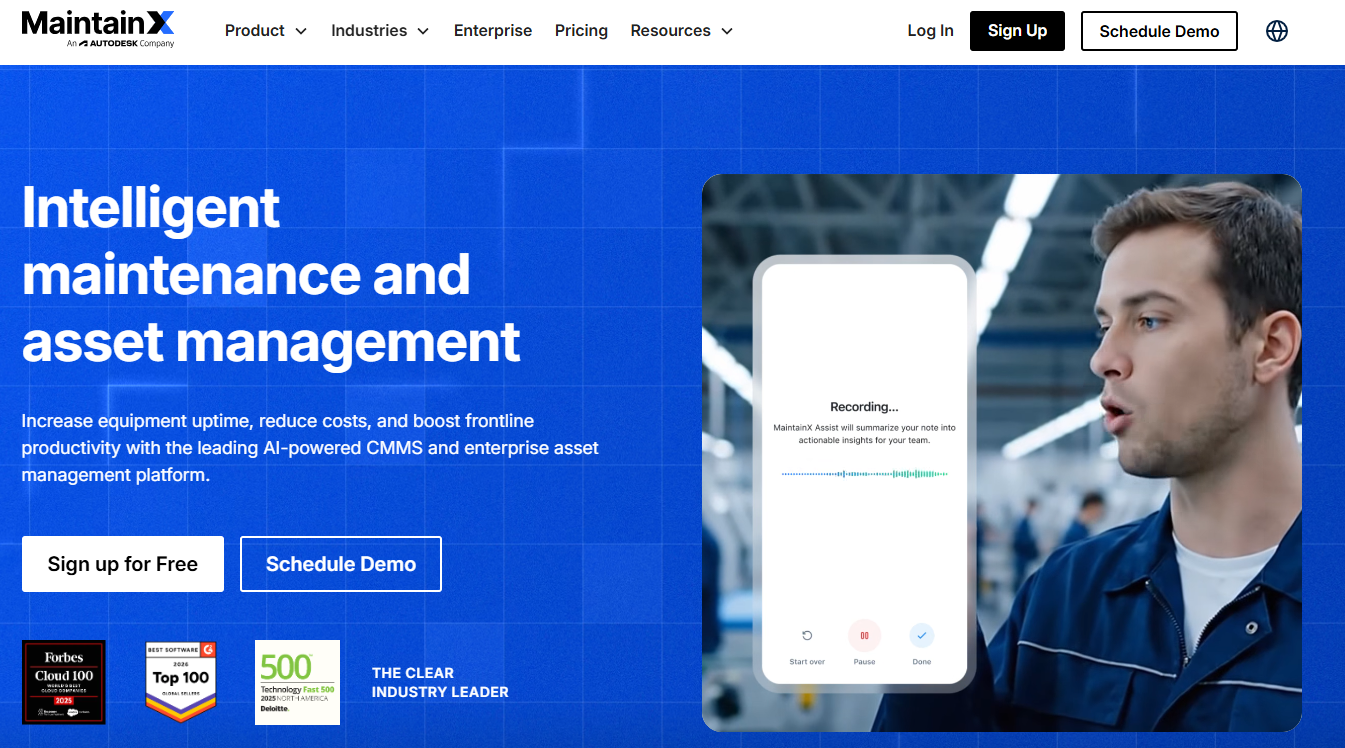
Manufacturing equipment has a way of breaking down when you least expect it to. When that happens, production drops and your team is left waiting for repairs. MaintainX helps organizations stay on top of equipment health through preventative maintenance scheduling and monitoring. With it, your team can assign maintenance work orders based on a recurring schedule and actual equipment condition.
Every work order is routed to the individuals in charge of the asset’s maintenance. Teams can access open and resolved tickets through the MaintainX platform or app. After a task is completed, they can mark it as done, so everyone stays in the loop.
MaintainX also includes a parts inventory tracking module. It notifies you when repair part stock levels run low and generates automatic purchase orders for replenishment. Other features include time and cost tracking, IoT sensor integrations, and advanced analytics.
If you want to connect MaintainX with other systems you use, there are a few ways to do so. The easiest is a Zapier connection, which supports over 7,000 integrations through its low-code platform. You can also work directly with MaintainX or a professional systems integrator to set up a configuration that meets your business needs.
Pricing and feature availability are MaintainX’s biggest flaws. The free plan puts a limit on work order procedures and scheduling. Parts and purchase order management are only available with the Premium plan, too.
MaintainX pricing
- Basic (free): Limits repeating work orders to two and includes one month of advanced analytics
- Essential ($20 per user per month, billed annually): Includes unlimited repeating work orders and three-month access to advanced analytics
- Premium ($65 per user per month, billed annually): Includes unlimited work orders with attached procedures, parts, and purchase order management, as well as REST API access
- Enterprise (custom pricing): Includes IoT sensor integrations, multisite management, and asset health insights
3. Jotform Apps
- Best for: Building a custom manufacturing, inventory, and supply chain tracking app
- Why it made the list: It’s a no-code app builder that you can tailor to your organization’s workflows
Jotform Apps is perfect for small and mid-sized manufacturing companies that need a way to manage manufacturing processes without breaking the bank. Instead of relying on packaged software that includes modules you don’t need, you can create your own tools — no coding required.
Building an app starts with the Jotform AI App Builder or our free app templates. We offer multiple templates designed for different use cases, including
- Manufacturing Equipment Maintenance Software: This app is designed for plant managers and maintenance teams. It lets you schedule preventative maintenance tasks and monitor equipment performance.
- Parts Inventory App: Have a lot of equipment inventory on hand? Track each item in this app, including its stock level, location, supplier, and order history.
- Supply Chain Management App: Let customers place orders for the products they need through this app. It tracks open orders that you can update once shipped and received.
Tools like Katana show you the math behind maintenance and equipment performance, but Jotform manufacturing workflows give your team tools they can use on the go, when they’re walking through the warehouse. It replaces messy clipboards with digital tools, making it ideal for forklift inspection logs, ISO 9001 QA checklists, and incident reporting forms.
For tasks that require sign-off, such as compliance forms, safety training, and vendor receipts, you can collect digital signatures with Jotform Sign. Data is captured seamlessly with Jotform Mobile Forms‘ offline capabilities and Kiosk Mode, which works even in places where Wi-Fi is spotty. Plus, Jotform Apps integrates with over 40 payment gateways, making customer payments a breeze.
Jotform’s main drawback is its limited storage on the free plan. But paid plans give you plenty of space to work with, and there are no app sharing limits to worry about.
Jotform Apps pricing
- Starter (free): Includes unlimited apps, 100 MB of space, 10 monthly payment submissions, and 10 monthly signed documents
- Bronze ($34 per month, billed annually): Includes 1 GB of space, 100 monthly payment submissions, and 100 monthly signed documents
- Silver ($39 per month, billed annually): Includes 10 GB of space, 250 monthly payment submissions, and 250 monthly signed documents
- Gold ($99 per month, billed annually): Includes 100 GB of space, 1,000 monthly payment submissions, and 1,000 monthly signed documents
- Enterprise (custom pricing): Includes dedicated support, single sign-on (SSO), a multiuser platform, and unlimited submissions
4. Odoo
- Best for: Small and mid-sized manufacturers who need an inexpensive ERP
- Why it made the list: It offers a variety of premade apps to suit various manufacturing use cases
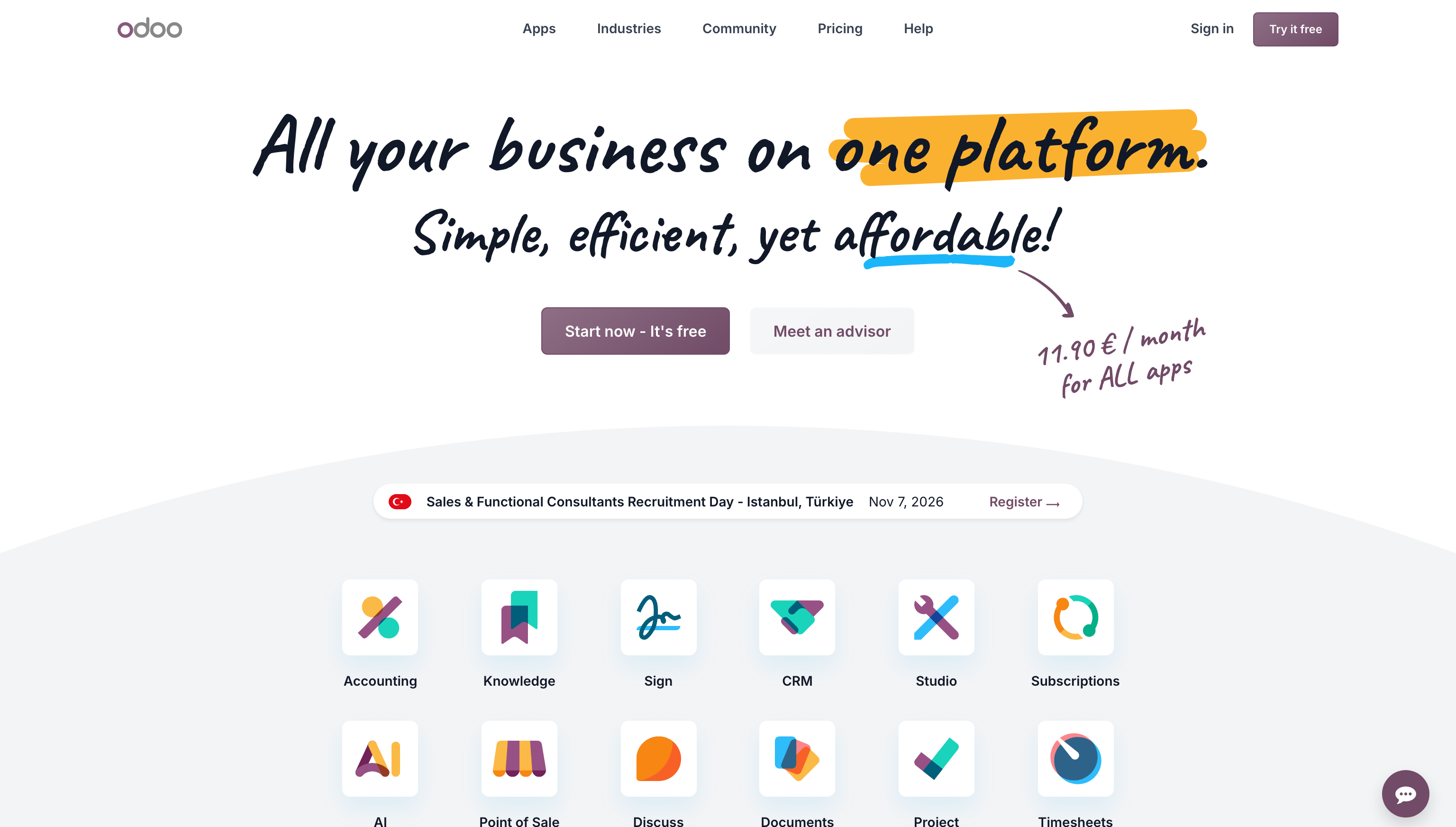
Odoo is an open-source platform that offers apps for nearly every operational area, including manufacturing. Its developers create apps that integrate with one another, enabling you to design a custom ERP that matches your needs.
You’ll find apps of all different categories with Odoo, including inventory management, maintenance, and manufacturing. Each one is available for a flat one-time fee, or you can purchase a paid subscription to access all Odoo apps. Currently, the platform offers around 100,000 apps to pick and choose from.
Some of Odoo’s most relevant manufacturing apps include ISO Compliance, which helps teams manage their quality management life cycle. Another is the Inventory Reports Analytics app. It provides forecasting, planning, and tracking tools. You can also search the marketplace by industry to find a bundled package of apps tailored to specific businesses and use cases.
There are a few limitations to Odoo. One is a lack of customization: Each app serves a specific use case, which may or may not fit your needs. Another is its sheer number of apps, which can be confusing to sort through. Odoo does offer implementation support for an extra fee, which may be worth the investment if you plan to use it extensively to manage manufacturing operations.
Odoo pricing
- One App Free (free): Includes a single app with unlimited users
- Standard ($31.10 per user per month): Includes access to all Odoo online apps
- Custom ($61.10 per user per month): Includes Odoo Online and Agentic AI, plus access to an external API
5. MRPeasy
- Best for: Small and mid-sized manufacturers that need production planning and inventory management
- Why it made the list: It’s a straightforward solution that gives small businesses the essentials they need to manage production
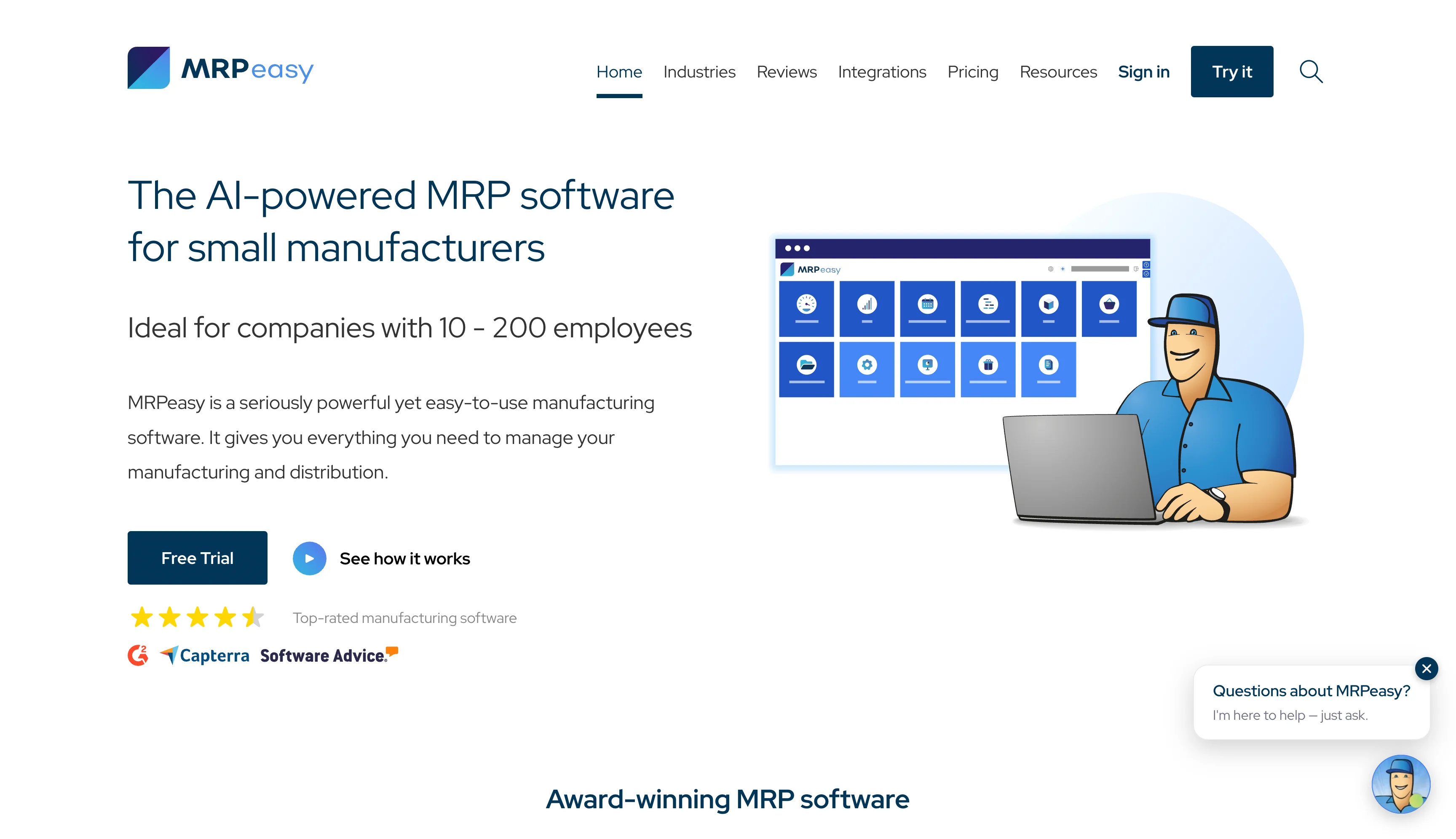
Among apps for small businesses, MRPeasy offers a solid solution for production planning, inventory, procurement, sales, finances, and workforce management. Its platform bundles all modules in a single software program, eliminating the need for costly add-ons.
MRPeasy’s production-planning tools create a reliable production plan based on actual demand and materials availability. They help eliminate the under- or overproduction that can lead to stockouts and overstock.
Inventory features track materials and products by lot, batch, serial numbers, or barcodes. Data is updated in real time, so you know exactly when you reach a reorder point.
With the sales management tools, your team can determine order costs and production times instantaneously. All orders are transferred directly to your manufacturing team, and the platform manages invoices, shipping, and returns in one place.
MRPeasy includes native integrations for Shopify, Amazon, Power BI, Salesforce, and more. Additional support is available through its Zapier connector.
Where MRPeasy falls short is its customization options. Reporting is standard, with limited advanced analytics. And while it includes an accounting module, the features are fairly basic. For robust accounting tools, you’ll want to integrate the system with a dedicated platform like Xero or QuickBooks.
MRPeasy pricing
- Starter ($49 per user per month, billed monthly): Includes production planning, BOM management, supply management, and CRM tools
- Professional ($69 per user per month, billed monthly): Includes custom fields, quality control, and a B2B customer portal
- Enterprise ($99 per user per month, billed monthly): Includes sales forecasting, barcode system, and maintenance management
- Unlimited ($149 per user per month, billed monthly; two-user minimum): Includes API access and an unlimited database
6. Parsable
- Best for: Establishing a monitored, step-by-step process for production and maintenance teams
- Why it made the list: It helps standardize work across different functions, effectively protecting product quality and equipment assets
Managing equipment, production, and quality control gets exponentially harder with business size. Teams get siloed, maintenance overlooked, and simple production steps forgotten. The result is uneven frontline operations, with some teams performing better than others. This can have negative consequences for production levels, quality control, and equipment maintenance.
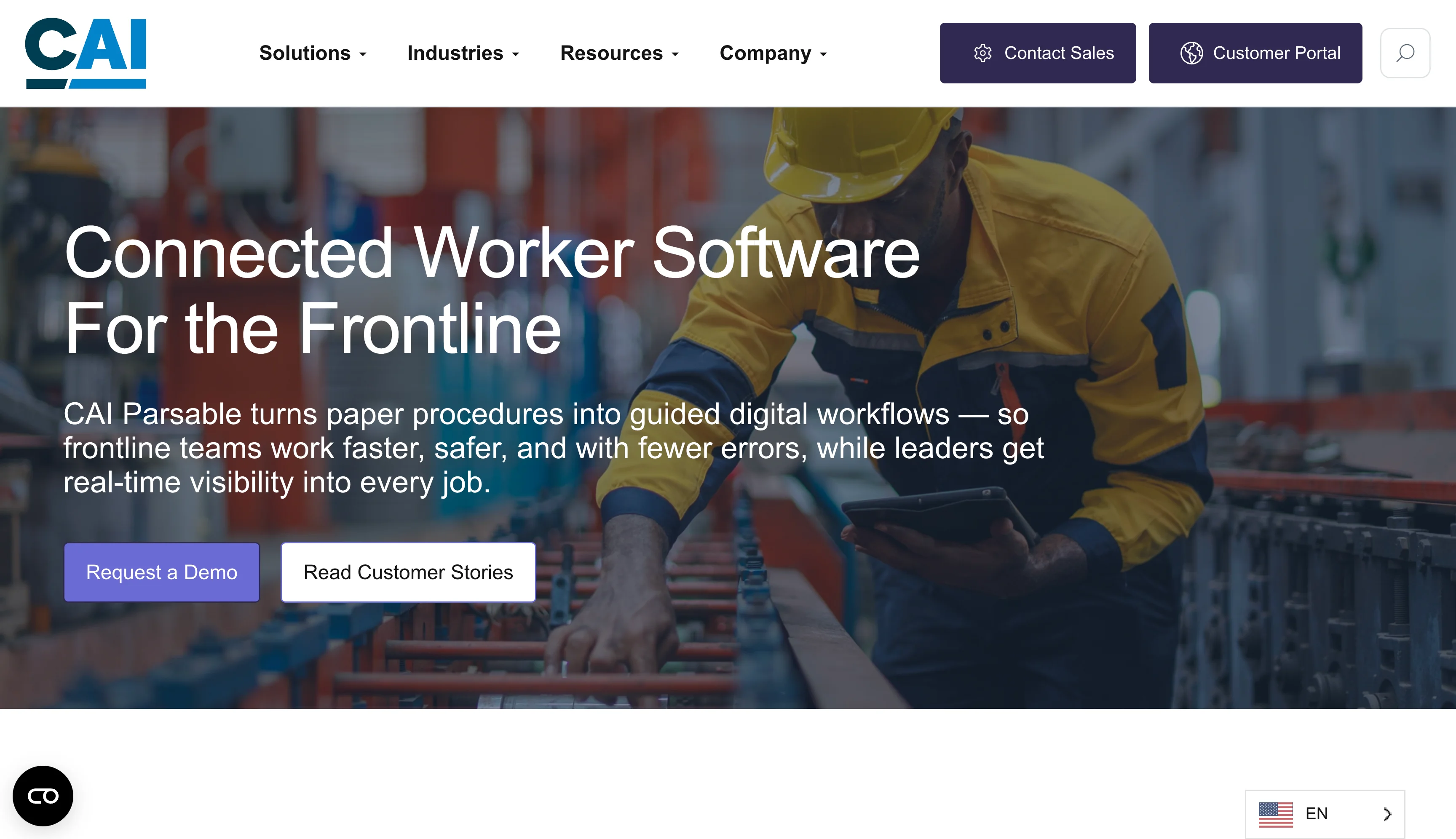
Parsable aims to solve these issues with its digital work instructions software. Every task, from product assembly to machinery repair, is turned into a step-by-step job that captures data at every point in time. Teams log their actions and record results, giving plant managers clear insights into problem areas such as production bottlenecks and equipment failures.
Another function of Parsable is its safety tools. Teams can record incidents and note what happened, giving you a log of activity useful for compliance. These details can also show whether updates are needed to prevent future incidents.
Recently, Parsable debuted new AI features. They deliver summarized productivity insights and reporting in a customizable dashboard and summary format. Data deviations and anomalies are highlighted, so your team can take action if needed.
One drawback: Parsable is designed for larger enterprises, not small manufacturers. It’s not a manufacturing resource planner, so teams wanting a system for supply chain management will have to look elsewhere. And while Parsable offers integrations with ERP, MES, and CMMS systems, it doesn’t specify which ones. Teams considering the platform will want to clarify integration support if that’s a concern.
Parsable pricing
Parsable doesn’t publish its pricing. You’ll need to contact the sales team for a quote and product demo.
7. Dozuki
- Best for: Large manufacturing businesses that want to optimize frontline performance and take a proactive approach to compliance
- Why it made the list: It minimizes knowledge loss during turnover with clear training guides supported by video and images
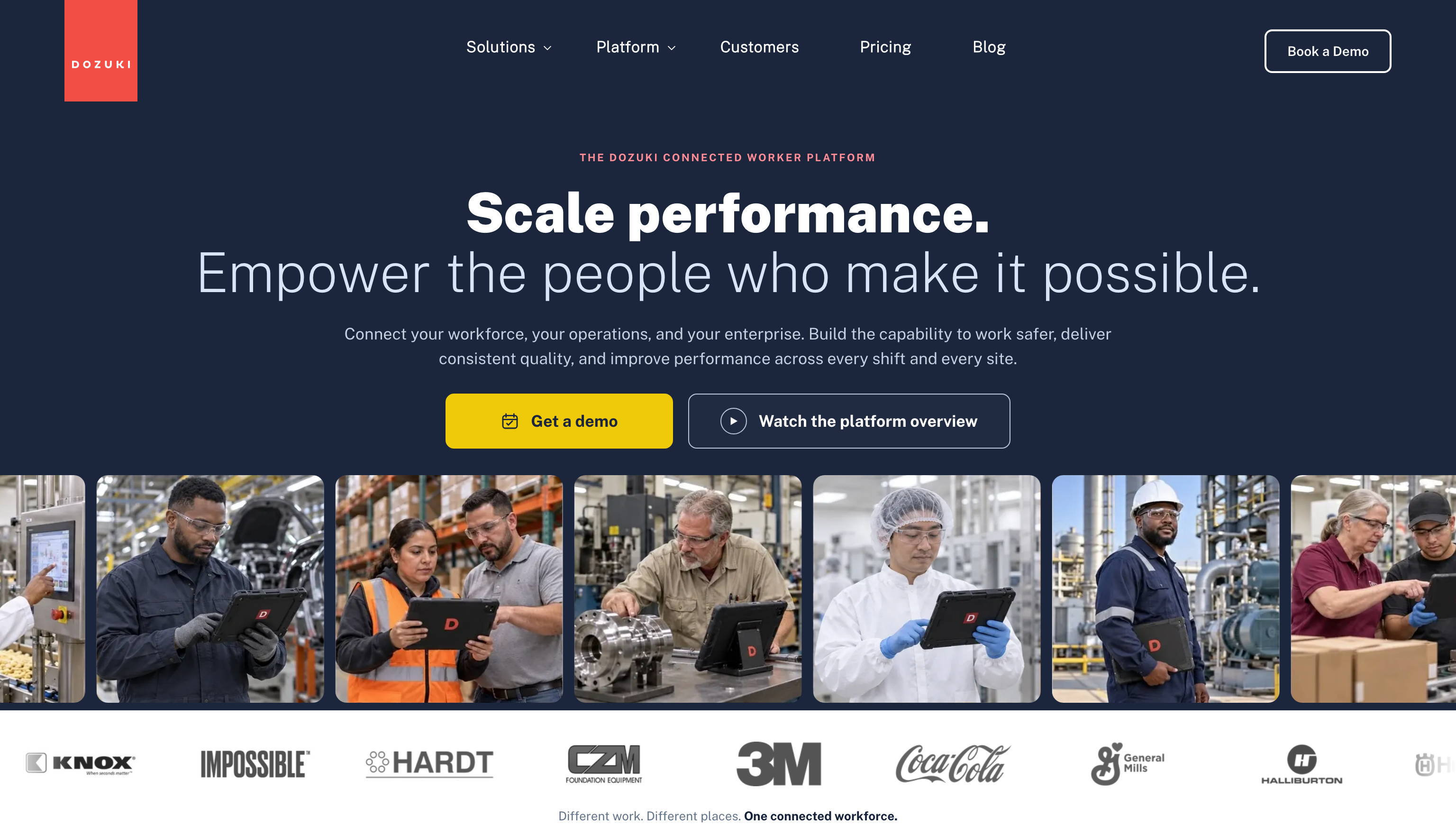
Dozuki is an enterprise-level platform designed for major manufacturers. Its main focus is frontline optimization, with modules that support everyday workflows, equipment reliability, training, safety, and quality control. Ultimately, it’s a lot like Parsable — so if that’s an app you’re considering, Dozuki also warrants a look.
The tool aims to streamline the processes that tend to break down in industrial manufacturing. Take turnover. When an employee leaves, their knowledge goes with them. Dozuki captures the activities they perform and turns them into a clear, step-by-step SOP. Teams can attach videos and images to each SOP, which helps new employees shorten their training period.
Another area where Dozuki provides support is equipment maintenance. If an asset breaks down, technicians can scan its QR code to access diagnostic workflows and repair documentation. This helps minimize downtime and keep production lines humming.
Dozuki has strong offline capabilities. Employees can access SOPs and capture data anywhere, even without a stable Wi-Fi or cellular connection. Once network access is available, records are automatically synced to the platform. For businesses with field locations, the offline feature is a handy selling point. The software also integrates with multiple ERP systems, including SAP, Oracle, and NetSuite.
Heavy manufacturing industries, such as automotive, chemicals, materials, and aerospace, will benefit the most from Dozuki. That’s what the platform is designed for. However, small and mid-sized manufacturers may want to look at other solutions that are easier to set up and maintain.
Dozuki pricing
Dozuki doesn’t publish its pricing. You’ll need to contact the sales team for a quote and product demo.
8. Fusion Operations (formerly Prodsmart)
- Best for: Small and mid-sized manufacturers who need an all-in-one tool for tracking production, inventory, and maintenance activities
- Why it made the list: It offers similar features to Katana at a cheaper price point
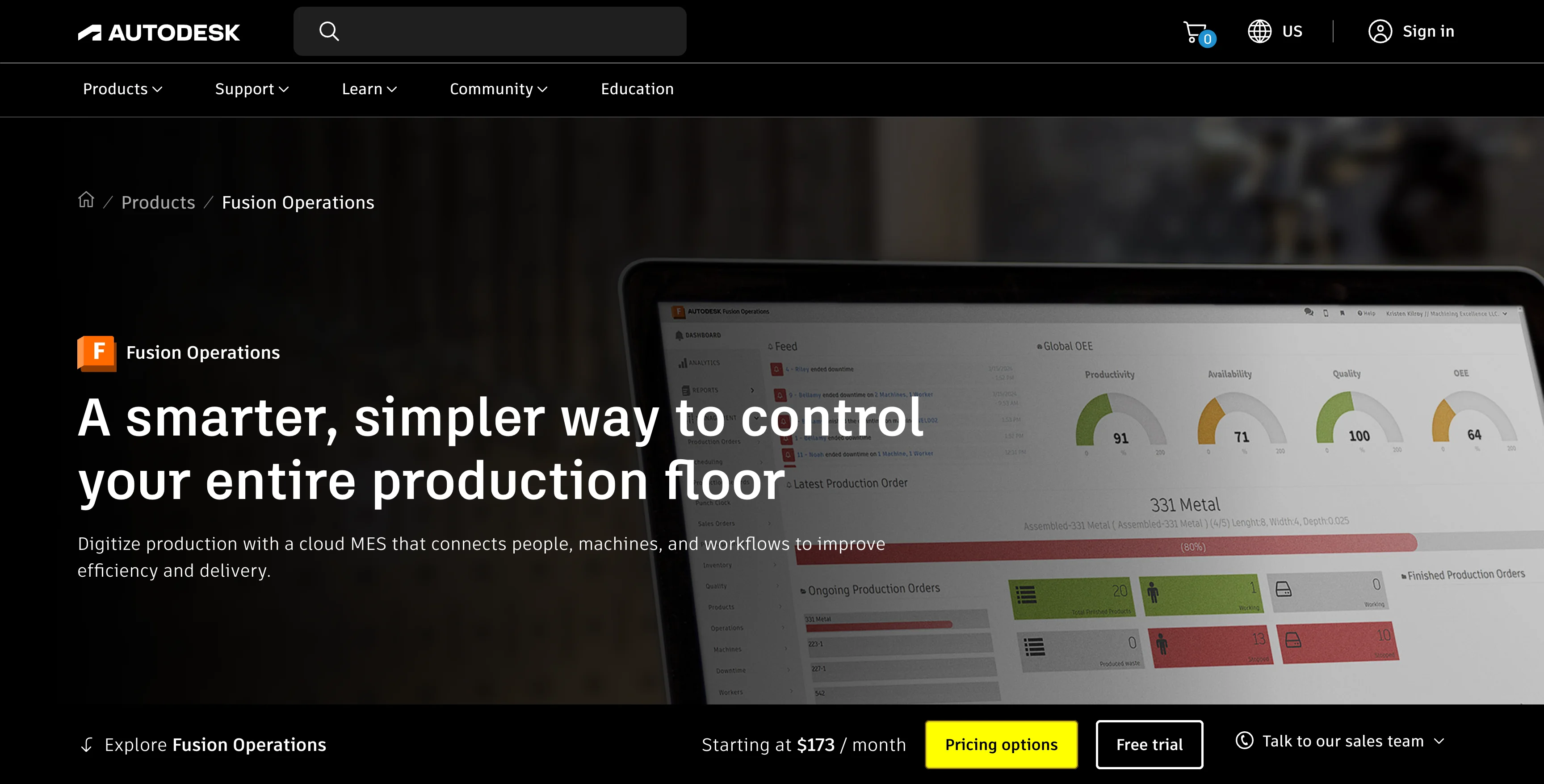
Fusion Operations promises to digitize and automate your manufacturing processes. And it has all the tools to support that claim, including solutions for production, scheduling, quality control, inventory management, and maintenance.
The production tracking app module includes all the basics you’d expect from a manufacturing platform. Step-by-step SOPs are accessible to employees, ensuring everyone knows what’s needed for their job. Dashboards track productivity, and alerts show you each machine’s live status. Also useful is its 3D modeling feature, which demonstrates what a product should look like in its various assembly stages.
Fusion Operations includes support for material requirements planning. It tracks total demand, sales, and inventory, so you’ll know when you’re short on materials and need to reorder.
Teams can also use the Fusion Operations mobile app to log quality inspections and tasks. Results are turned into analytics that track your top waste codes and problem areas. These insights can help you identify improvement opportunities and reduce loss.
Fusion Operations offers native integrations for Fusion, Vault, QuickBooks, and Shopify. Its Zapier connector lets you integrate other external apps critical to your manufacturing operations.
While Fusion Operations offers many baked-in features, don’t expect much opportunity for customization. Reports and analytics are fairly basic, and the platform’s interface feels a bit spare.
Fusion Operations pricing
- Fusion Operations ($173 per user per month, billed annually): Includes all core manufacturing platform tools
- Fusion Operations Shop Floor Software ($35 per user per month, billed annually): Digitizes your manufacturing site for workflow optimization
9. UpKeep
- Best for: Manufacturers that want a dedicated maintenance management system with customization options
- Why it made the list: It combines premade software with options to build your own tools
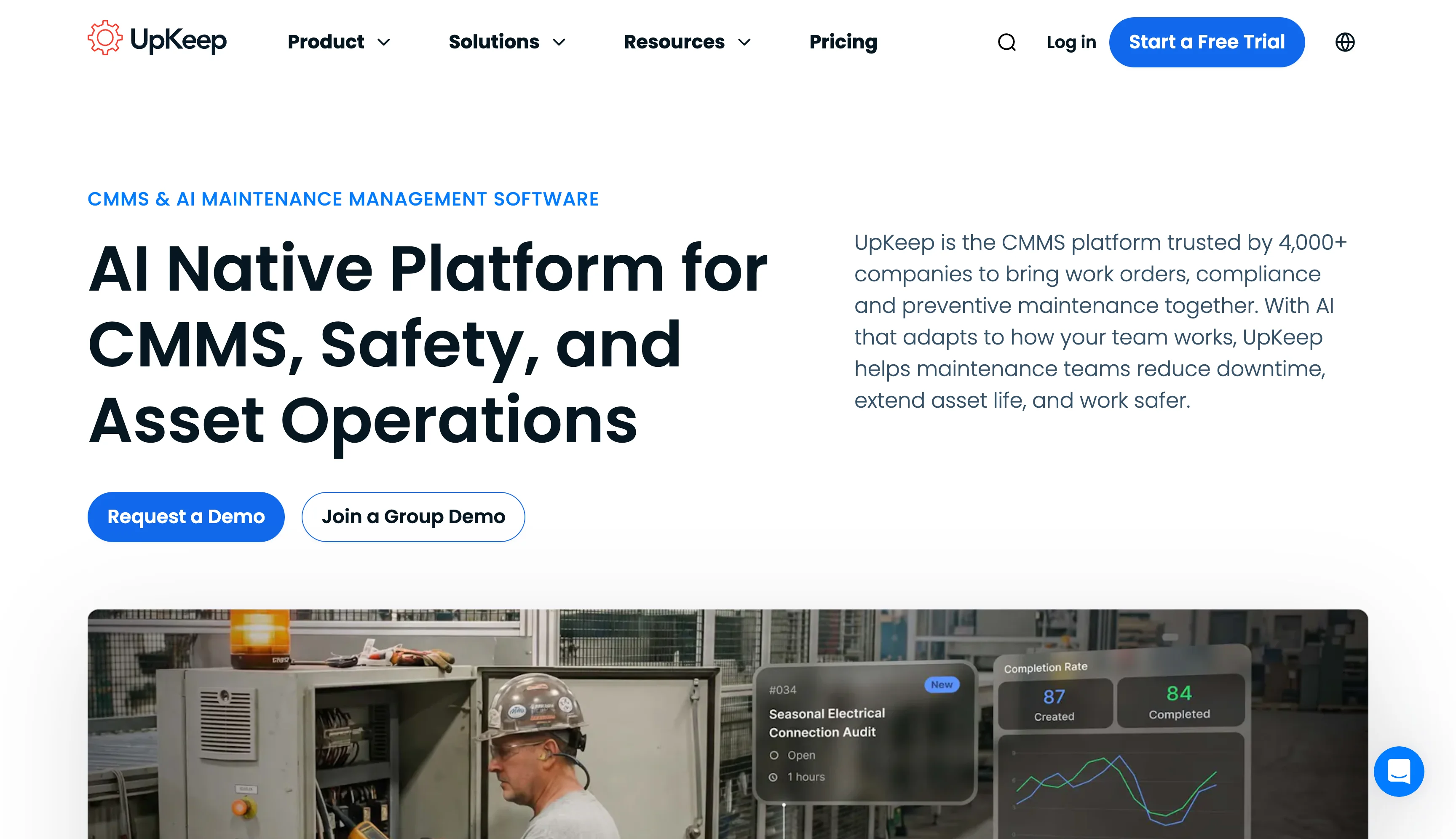
Preventative maintenance is what many manufacturers rely on to keep their equipment in good shape. But even the most well-maintained assets can fail, and sometimes the signs that a breakdown is coming aren’t apparent. That’s where the UpKeep mobile CMMS app comes in. This platform combines IoT sensors, digital maintenance checklists, training, and safety in a single place, helping teams reduce downtime and repair costs.
Here’s how it works. You attach an edge sensor to an asset, and it analyzes the machine’s performance. When it detects an anomaly, the details are sent directly to the platform. A work order is generated and transferred to the maintenance team, so they can inspect it for issues. And if an equipment failure results in a safety incident, it’s logged directly to the system, assisting with your compliance requirements.
A feature that’s unique to UpKeep is its Nova Apps marketplace. Here, you can find prebuilt apps designed to work with the system and support your manufacturing operations. Nova also offers an AI assistant that lets you create an app without coding using natural language prompts and data.
With UpKeep, your organization also benefits from a learning management system (LMS) that you can leverage for training and safety. It tracks your team’s certifications and notifies you when they’re nearing expiration, and can build training materials and coursework based on your documentation.
UpKeep provides a solid mix of native integrations, including SAP, Oracle, NetSuite, and Microsoft Dynamics. A Zapier automation connector and REST API are additionally available for further third-party connections.
With all that being said, UpKeep doesn’t offer much support for production planning or general inventory management. If that’s something you need, consider other options. Organizations that want to track asset health with edge sensors will need to purchase them from UpKeep’s marketplace, which is an extra cost.
UpKeep pricing
- Essential ($24 per user per month): Includes unlimited work orders and 250 Nova AI credits
- Premium ($55 per user per month): Includes UpKeep Studio, custom checklists, and parts inventory management
- Professional (custom pricing): Includes offline mode, analytics history, and asset lifecycle tracking
- Enterprise (custom pricing): Includes workflow automations, PO management, and custom dashboards
10. Mitti by SafetyCulture
- Best for: Monitoring worker safety and assets across locations
- Why it made the list: It emphasizes safety across multiple worksites and includes a unique “lone worker” feature
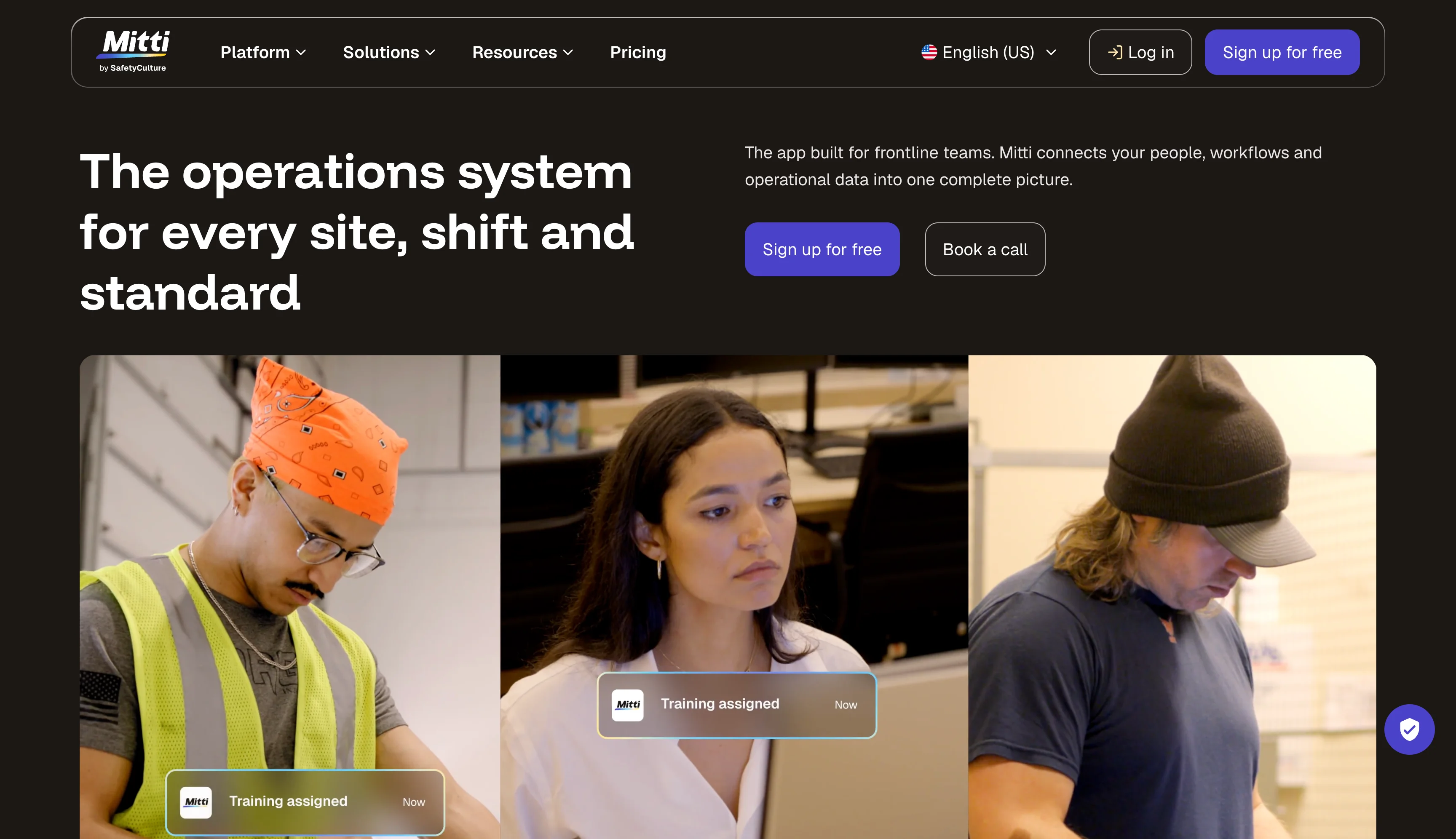
Most manufacturing apps for small businesses assume all work occurs in a single warehouse. But this one doesn’t. Mitti is designed for manufacturing organizations with multiple sites and workers who aren’t always on the shop floor.
No matter where your team is, they can access Mitti’s tools. Data is transmitted to the platform and available to those with access. The software’s core features include automated task lists and reports, preventative maintenance scheduling, offline and online document storage, and asset tracking through IoT monitoring devices.
Two tools that Mitti offers (and other platforms don’t) are lone worker and contractor management. The lone worker tool tracks an employee when they’re in the field. You can set mandatory check-ins and track their location, and they can notify you if an accident occurs. The contractor management feature helps you onboard and verify new contractors. It’s your one-stop portal to check certifications, store agreements, and approve work.
Integration support is strong, with built-in connections for Workday, Databricks, Power BI, OneDrive, SAP S/4HANA, Microsoft Excel, Claude, and many more. The platform also includes a Zapier connector.
Mitti’s combined approach to equipment monitoring, maintenance, and safety makes it a good fit for general manufacturing organizations. Businesses that employ lots of contractors or field workers will also find it a solid option. The downside is that Mitti doesn’t offer inventory management support. If you need a platform that tracks open orders, available parts, and general inventory, consider other alternatives.
Mitti by SafetyCulture pricing
- Free: Includes five inspection templates, basic analytics, issue reporting, and up to 300 AI credits
- Premium ($24 per user per month, billed annually): Includes unlimited inspection templates, advanced analytics, integrations, and 500 AI credits
- Enterprise (custom pricing): Includes priority support and enhanced system security features
How to choose the best manufacturing app for your shop floor
Since manufacturing apps vary a lot in what they offer, you’ll want to consider your biggest pain points, budget, and offline requirements when looking for the right solution. These questions can help you decide which one’s the best fit:
- Are you tracking physical goods or tracking processes? If you need inventory management, consider Katana, MRPeasy, or Fusion Operations. If you need to track tasks, consider Jotform Apps, Parsable, or Dozuki.
- What is your biggest daily bottleneck? If you need help scheduling equipment maintenance, consider Jotform Apps, UpKeep, or MaintainX. If you need to minimize equipment downtime, consider MaintainX, Mitti, or Dozuki.
- Do you have Wi-Fi across your entire facility? If the network is stable, consider Katana, Odoo, or MRPeasy. If you need offline support, consider Jotform Apps, Parsable, or Mitti.
With so many manufacturing apps to choose from, it’s smart to take advantage of free trials and plans before making a final decision. Jotform Apps offers a completely free plan that includes all features, so you can experiment with every tool we have. To start building your first app, create a Jotform account today.
This article is for manufacturing managers, production supervisors, and shop floor teams looking for digital tools to streamline operations, track equipment maintenance, improve productivity, and replace manual processes with mobile solutions.

























































































Send Comment: