

Salesforce and SAP are two market leaders in CRM solutions that stand out in many industries. Both offer a large suite of products and solutions so businesses can manage their customer-related data and streamline business processes to reach their goals.
Which one should you go with? It’s a tough choice, but we hope to make it a little easier with this article.
Pro Tip
Automate CRM workflows with Jotform Salesforce Agent, an AI chatbot that connects to Sales and Service Clouds to update, track, and sync data in real time.
Salesforce vs SAP: Key differences at a glance
 Salesforce |  SAP | |
|---|---|---|
| Best for | Companies prioritizing CRM-first growth, sales, and service at scale | Enterprises needing tightly integrated ERP, finance, and CRM in one ecosystem |
| User experience | Modern, cloud-first UI with extensive customization and app ecosystem | Powerful but more complex UI, optimized for deep process and ERP-centric workflows |
| Messaging style | Sales- and customer-success–oriented, focused on revenue and growth | Operations-, process-, and enterprise-efficiency–oriented messaging |
| Automation tools | Robust workflow, sales, and service automation across Customer 360 | Strong process automation embedded in ERP and sales workflows |
| AI Features | Einstein AI for predictions, scoring, insights, and next-best actions | AI embedded in analytics and guided selling within its CX and ERP stack |
| Platform support | Cloud-native platform with broad integration marketplace (AppExchange) | Hybrid deployments with deep integration into SAP ERP, finance, and supply chain |
| Pricing | Tiered, per-product cloud pricing based on seats and feature bundles | Modular, quote-based pricing aligned with broader SAP landscape and add-ons |
Who should use Salesforce?
Salesforce is generally a better fit if;
- You are a growing small or midsize business that needs a CRM-first platform to manage leads, opportunities, and customer support in one place.
- You want a cloud-native solution with fast deployment, frequent updates, and a large integration ecosystem for tools like marketing automation, e-commerce, and productivity apps.
- Your sales and support teams rely heavily on pipeline visibility, collaboration, and AI insights to prioritize deals and improve customer interactions.
- You prefer modular products, such as Sales Cloud or Service Cloud, so you can start small and add more capabilities as you scale.
Who should use SAP?
SAP is usually a better fit if;
- You are a large or enterprise-level organization with complex operations that already uses, or plans to use, SAP for ERP, finance, supply chain, or human capital management.
- You need a tightly integrated environment where CRM, operations, and financial data live in a single ecosystem to support company-wide reporting and governance.
- Your sales processes are closely tied to back-office functions like inventory, logistics, or production planning, and you want CRM tools that sit on top of that existing SAP landscape.
- You have the internal resources and IT support to manage a more complex implementation aligning CRM with broader digital transformation and enterprise goals.
What is Salesforce?
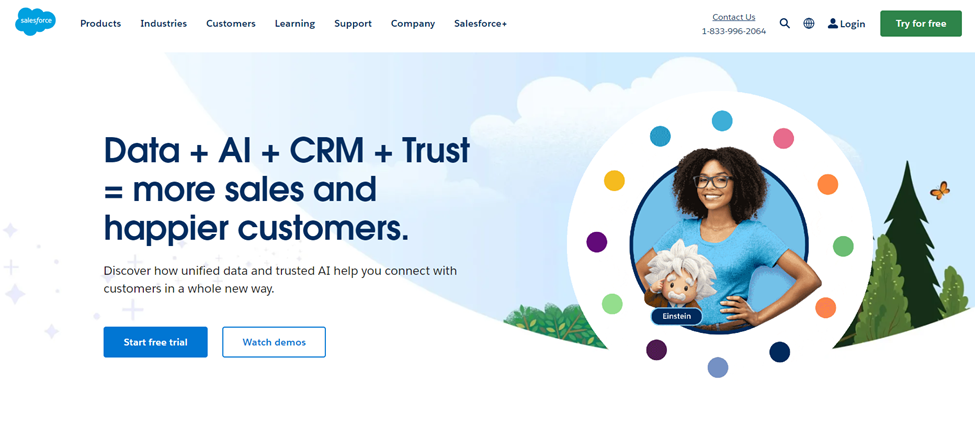
Salesforce is a cloud-based customer relationship management (CRM) platform that helps businesses manage their sales, marketing, customer support, and overall operations in one place.
Salesforce is designed for use in a range of industries, from automotive to retail to financial services, and it works well for medium to large organizations. (It also has a separate suite of products for the small-business market.) Salesforce offers versatility that’s hard to find in other CRM solutions and provides a comprehensive overview of an organization’s customer-focused data.
Products and services
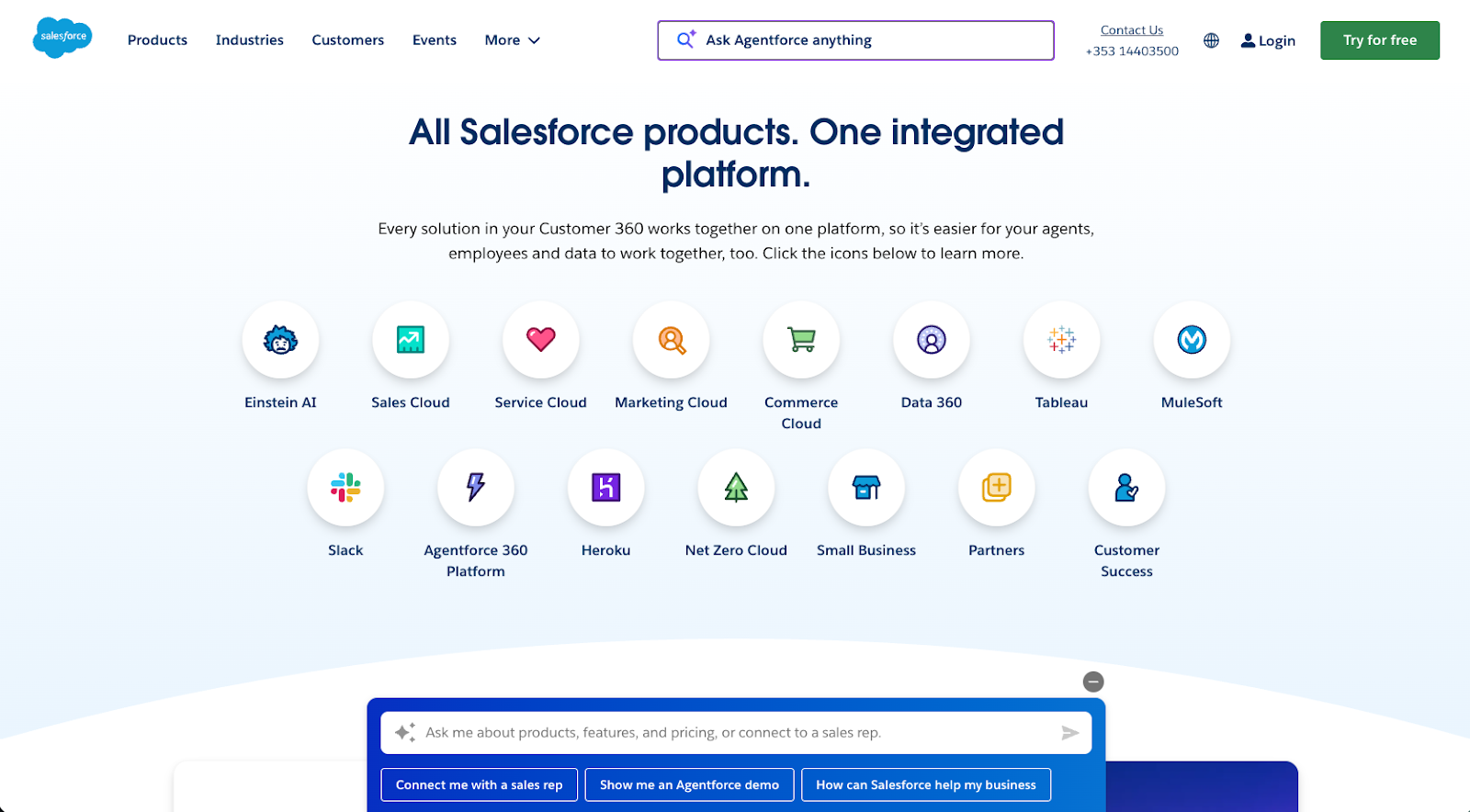
Salesforce can help you improve your customer experience and better manage your customer relationships. But it goes beyond CRM capability with its flagship platform, Customer 360, bringing together sales, marketing, customer service, IT, and commerce in one unified system.
It also offers many other solutions, such as
- AI-powered insights
- Real-time customer intelligence
- Automation and workflow tools
- Data management and integration
- Personalization and engagement tools
As part of the customer experience and customer relationship management category, Salesforce offers products within the Customer 360 ecosystem, such as Sales Cloud, Service Cloud, and Marketing Cloud, which provide function-specific CRM support and productivity enhancements. Businesses can select the tools they need and customize their CRM with the products they choose.
Standout features
What makes Salesforce the leader in CRM software? It has many useful features that organizations look for in a CRM: lead management, accounts management, dashboards and reporting, document management, and more. But these four aspects set it apart from other solutions:
Artificial intelligence
Salesforce’s AI solutions, Einstein and Agentforce, are built specifically for its Customer 360 platform, and they’re designed to increase efficiency across your organization by learning and adapting to your needs. They understand your customer data to help you reach your sales goals.
Integration
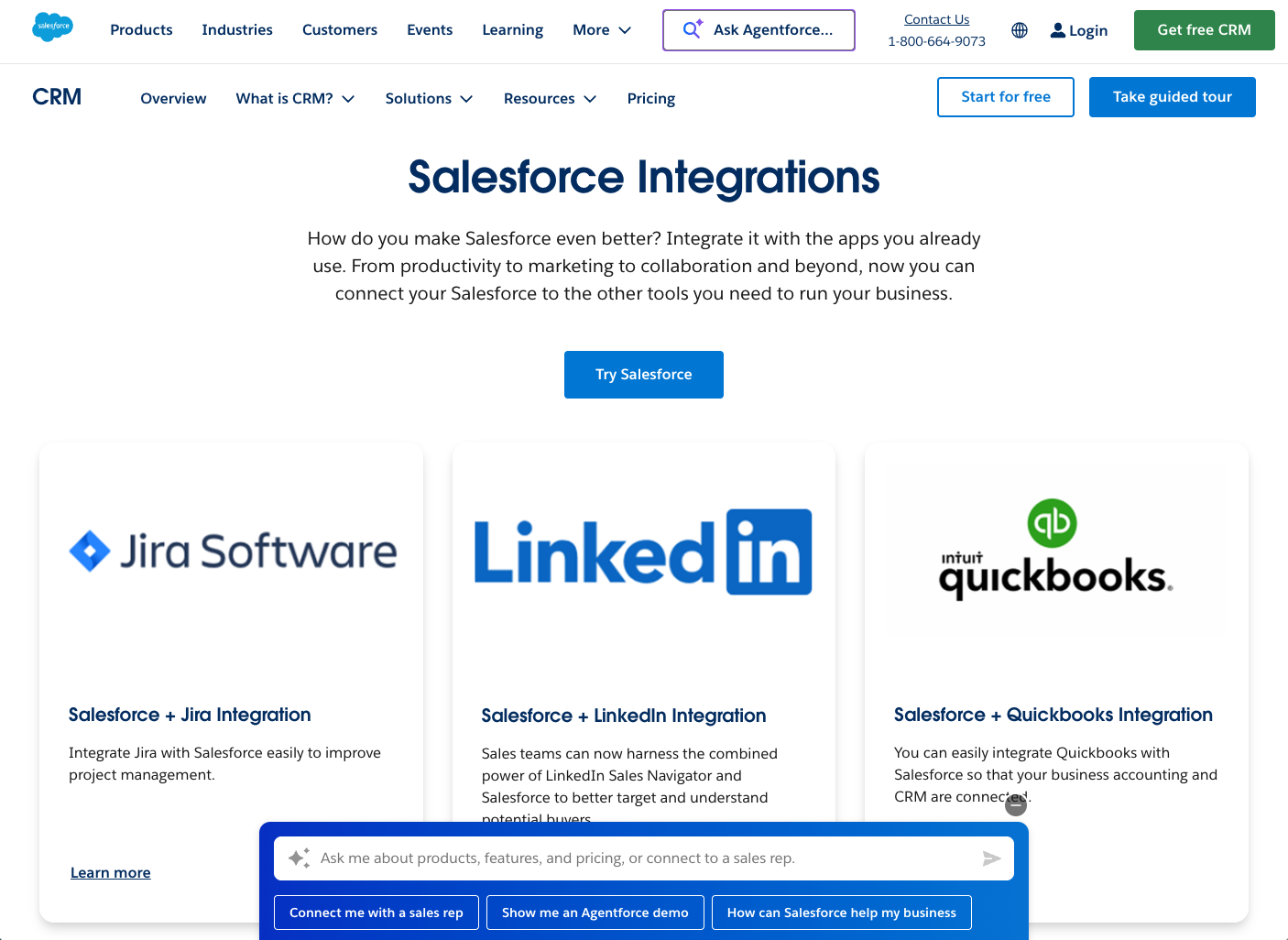
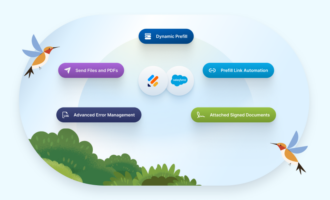
Salesforce integrates seamlessly with Slack, MuleSoft, and Tableau to further increase internal productivity and collaboration between the sales and marketing teams. It also integrates with other commonly used business tools, such as Google Cloud, QuickBooks, LinkedIn, and Docusign. Salesforce also has an integration with Jotform, enabling you to automatically integrate your form data into Salesforce.
Revenue optimization
Salesforce lets you drive profitable growth with revenue cycle management features that help you close deals faster. This tool has automation features to move processes along without any roadblocks.
Social media monitoring
Another valuable feature is Social Studio, which enables organizations to monitor their brand’s social media presence. It helps teams manage, schedule, and create social posts, as well as track engagement and monitor conversations to support effective online reputation management.
Customer service
Salesforce is committed to ensuring its customers have the support they need to make full use of its products and solutions, which is why it provides
- Help and documentation: It offers a detailed online help center with hundreds of FAQs organized by product and solution, as well as extensive developer notes for resolving issues.
- Communities: Salesforce supports the creation of different peer and partner communities so people can ask questions, learn together, and help Salesforce build an even better solution.
- Customer success: Salesforce offers multiple professional services and success plans that organizations can use to get the level of support they need at launch and beyond.
Use cases
Salesforce is used across many industries because it adapts easily to different workflows, team structures, and growth stages. Its flexible platform allows organizations to build scalable processes while keeping all customer data connected in one place.
Sales-led organizations that need scalable CRM
Salesforce is ideal for companies that want to professionalize and scale their sales processes quickly. Teams can track leads, opportunities, forecasts, and activities in one place, with customizable pipelines for different products or regions. As the organization grows, admins can add new workflows, fields, and apps without rebuilding the core system.
Customer support and service-focused teams
Service Cloud is widely used by organizations wanting to centralize customer cases, support channels, and SLAs. Support agents can see a complete history of interactions — from emails and chats to form submissions — for efficient resolution. Features like knowledge bases, queues, and automation rules help teams handle more cases with less manual work. Omnichannel routing also ensures inquiries get to the right agent or team quickly.
Subscription-based and SaaS businesses
Many SaaS and subscription businesses use Salesforce to align marketing, sales, and customer success around the customer lifecycle. They rely on Salesforce to manage trials, subscriptions, renewals, and expansion opportunities in a single CRM view. Teams can use AI-powered scoring and analytics to identify accounts at risk of churn or ready for upsell. Integrations with billing, product analytics, and support tools further enrich that customer picture.
Organizations building an extensible app ecosystem
Salesforce is a strong option for businesses that want a flexible platform they can extend with custom apps and integrations. The Salesforce AppExchange offers thousands of prebuilt solutions for industries, workflows, and integrations, reducing the need for custom development. Internal teams and partners can also build bespoke apps on the Salesforce platform to fit niche requirements.
Pricing
Salesforce offers separate pricing and plans for each of its many products and solutions. For example, for the Sales Cloud, there are four tiers that start at $25 per user per month. Want to know more about Salesforce pricing? Read our guide.
Pro Tip
Learn more about Salesforce alternatives in our guide — you can get more done and achieve lasting growth with the power of the right CRM for your business.
What is SAP?
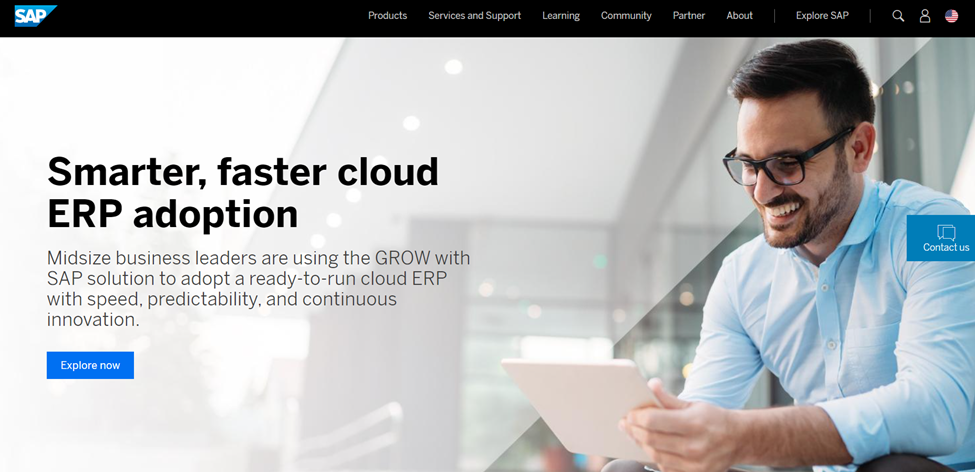
SAP is an enterprise business application software suite that owns just over 10 percent of the enterprise resource planning (ERP) market share. It enjoys wide use in industries such as oil and gas, healthcare, sports, and telecommunications. Large organizations are the most frequent SAP users, though the software does have some modular solutions appropriate for small and midsize businesses. SAP, unlike Salesforce, is more than a CRM platform and offers other types of solutions.
Products and solutions
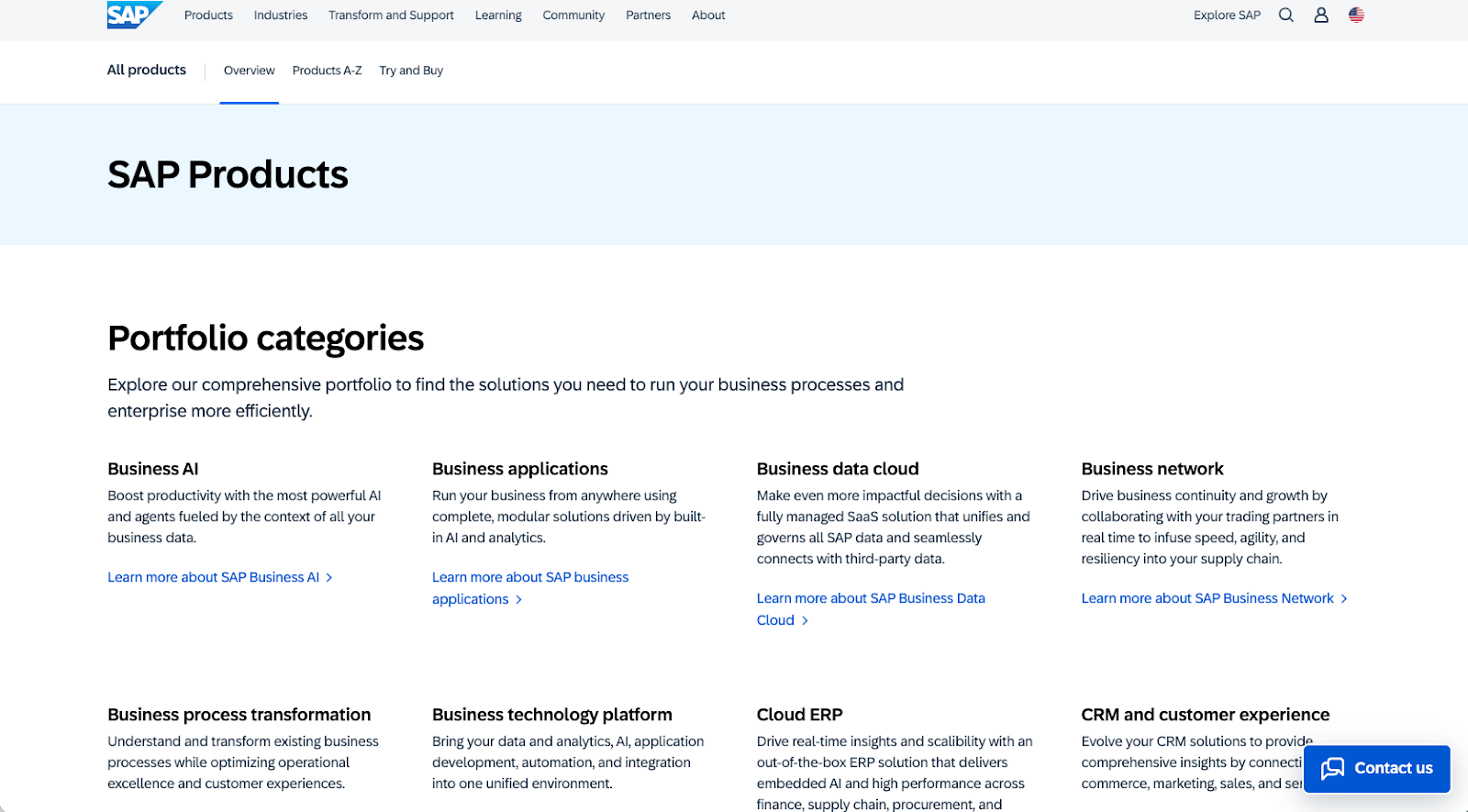
Like Salesforce, SAP improves your customer experience and better manages your customer relationships. But it goes beyond CRM capability, offering other solutions, such as
- Enterprise resource planning
- Supply chain management
- Financial management
- Spend management
- Human capital management
Within the customer experience and customer relationship management category, SAP offers products such as e-commerce, customer data, sales automation, and customer service solutions.
Standout features
With a product and solution suite as broad as SAP’s, it’s difficult to narrow down a handful of top features. For this article, we’ll stick with important features from the customer experience and CRM category of SAP’s solution so we can make a direct comparison to Salesforce.
Here are five key features that give SAP an advantage:
Business automation
SAP lets businesses automate and streamline critical selling processes so they can close deals faster and minimize the time spent on tedious workflows. SAP Sales Cloud helps organizations scale their sales quickly and efficiently.
Integration
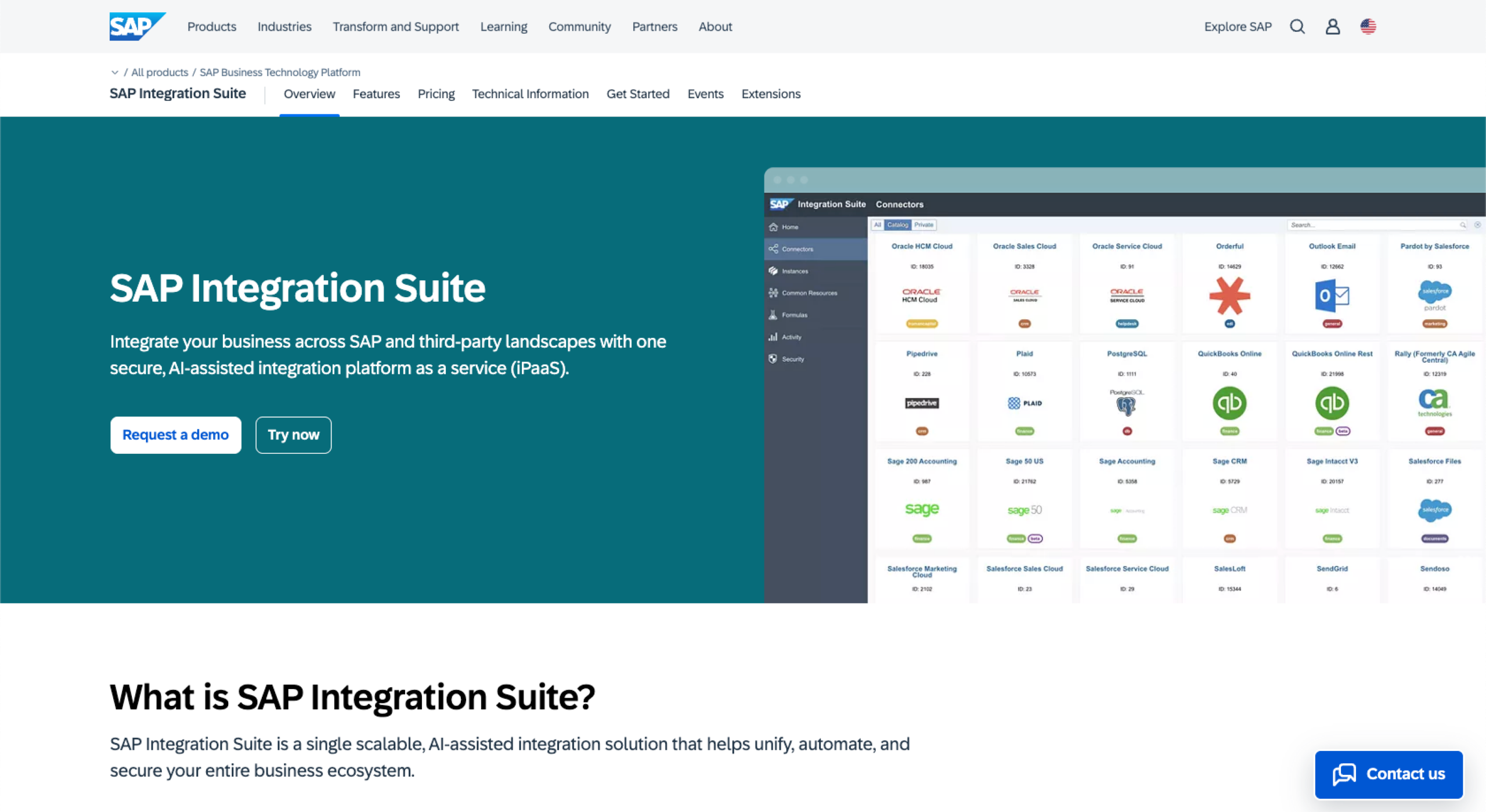
SAP integrates seamlessly with SAP S/4HANA, SAP Business Technology Platform, and SAP Ariba to strengthen processes across finance, procurement, and operations. It also connects with a wide range of commonly used business applications, such as Microsoft Office 365, Google Workspace, AWS, and Azure.
SAP additionally supports integrations with platforms like Jira, ServiceNow, and Docusign, enabling businesses to streamline workflows, improve data accuracy, and enhance cross-department collaboration.
Guided selling
SAP Sales Cloud Guided Selling feature provides sales reps with step-by-step details on what they should do next to move the customer through the sales funnel. This way, businesses can ensure they’re making the right moves based on customer needs and analytics.
Intelligent prioritization
SAP makes it easy for organizations to determine which leads and opportunities to focus on to close deals fast. Using intelligent scoring, SAP figures out the probability of success so your sales team knows how and when to act.
Intuitive user interface
SAP’s Fiori user interface is designed to be user-friendly, making navigation simple and intuitive for sales teams. Its clean layout and easy access to customer information help sales reps work more efficiently and respond quickly during the sales process.
Customer service
To make sure you’re using its products and solutions to their full potential, SAP offers customer support and service features:
- Support and success: SAP offers “success plans,” with different levels of support available to organizations according to the tools they’re using and the type of tech and customer support they need.
- Online help: SAP has a detailed documentation center, as well as a knowledge base, help portal, and customer portal, so you can access support on your own time when you need it.
- Learning and community: SAP provides ways for people to connect to learn more about how to use the platform and expand their skills, such as certifications, forums, classes, and more.
Use cases
SAP is built for organizations that need deep operational control, robust ERP capabilities, and end-to-end visibility across complex environments. It is particularly well-suited to global enterprises, regulated industries, and asset-heavy businesses.
Complex global operations and supply chains
SAP is a strong fit for enterprises that operate across multiple regions, business units, and supply chains. Its ERP and CRM tools centralize data from logistics, production, and sales, so leaders can monitor performance in real time. Organizations use SAP to standardize processes, reduce duplication, and maintain consistent controls across global operations.
Highly regulated and compliance-driven industries
Industries such as pharmaceuticals, utilities, and financial services rely on SAP to enforce strict compliance, audit trails, and reporting standards. SAP’s integrated finance, governance, risk, and compliance capabilities make it easier to meet local and international regulations. Businesses can configure workflows to ensure approvals, documentation, and reporting happen consistently.
Project and asset-intensive businesses
Organizations that manage large capital projects or critical physical assets often use SAP to connect project planning, maintenance, and financial tracking. SAP’s modules help map the full lifecycle of assets, from procurement to retirement, alongside related service and sales data. Teams also use it to coordinate field service, parts inventory, and customer commitments.
Enterprises standardizing on a single platform
Many large organizations choose SAP when they want CRM to sit within the same platform as finance, HR, procurement, and supply chain. This makes it easier to build cross-functional dashboards and reports that reflect true end-to-end performance. IT teams can also consolidate integrations and security policies around one core stack. Over time, this can simplify governance and lower the complexity of managing many disconnected systems.
Pricing
Because SAP has so many different products, it has unique pricing for each one with varying levels of plans. For example, the Sales Cloud has three tiers of plans and available add-ons, and it requires you to request a custom quote tailored to your needs.
Salesforce vs SAP: Which one should you choose?
Salesforce is a CRM leader in the marketplace and surpasses all other competitors in terms of market share. It’s a flexible option that’s easy to customize for your industry and business size. However, SAP has its own merits as an enterprise business solution with a CRM and many other products, from enterprise resource planning to human capital management.
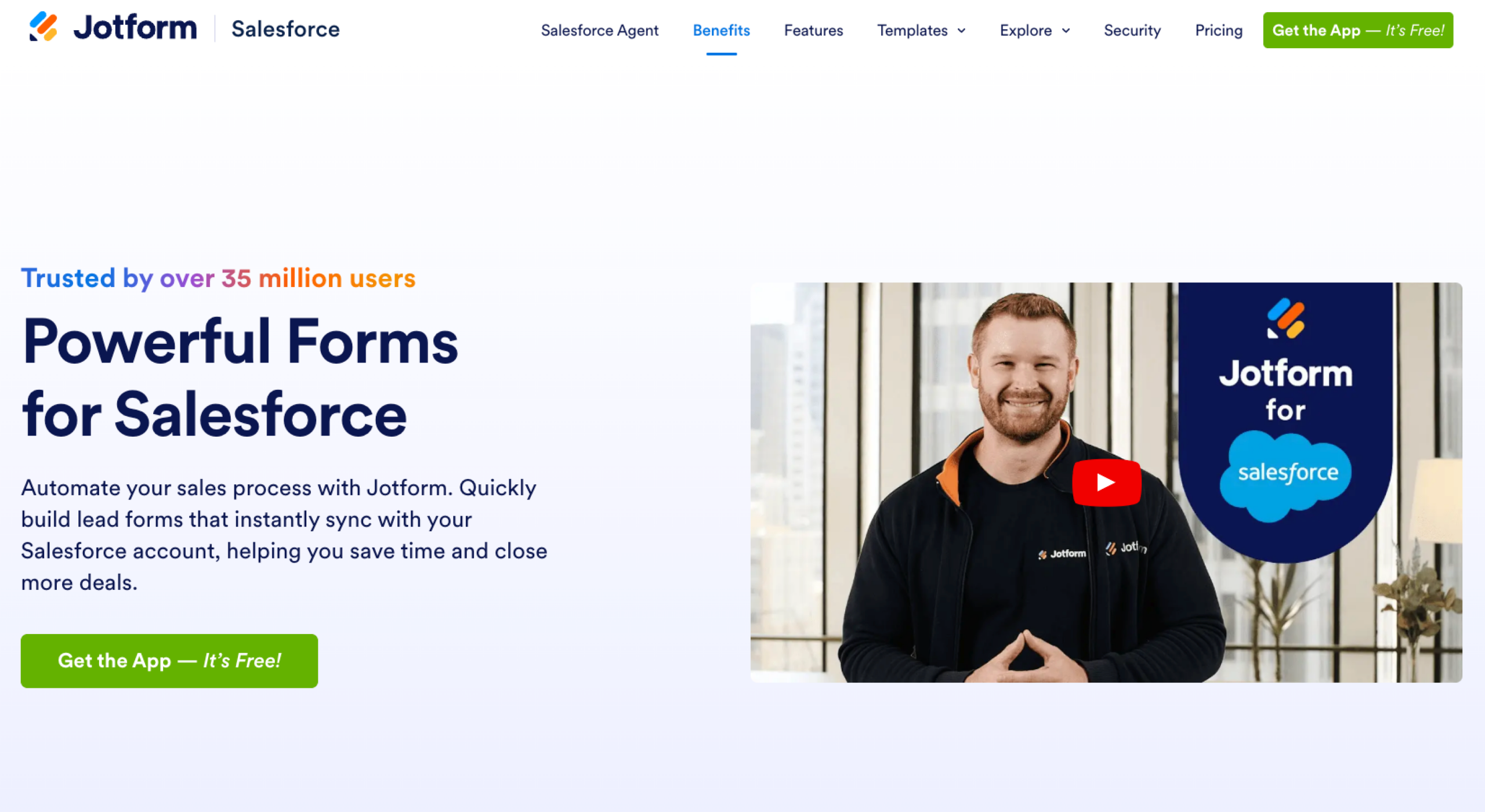
Another key differentiator is Jotform’s integration with Salesforce. If you need to collect customer data through forms — such as contact forms, satisfaction surveys, contracts, and more — this integration lets you automatically send that information to your Salesforce CRM. As a result, your customer data remains accurate, centralized, and always up to date, while eliminating the manual, repetitive tasks associated with data collection.
Whichever platform you choose, ensure your sales and marketing teams are equipped with the best tools to deliver a seamless experience from start to finish.
This guide is for IT leaders, CRM admins, RevOps managers, and enterprise architects comparing Salesforce and SAP in 2026.
Frequently asked questions
Salesforce is typically better for CRM, sales automation, and customer experience, while SAP is stronger for ERP, supply chain, and large-scale operational processes. The “better” choice depends on a company’s needs.
On average, Salesforce roles tend to offer slightly higher salaries, especially in sales and technical specialist positions. However, SAP consultants in niche modules can earn more depending on expertise and region.
Salesforce’s biggest competitor is Microsoft Dynamics 365, which offers strong CRM and business applications tightly integrated with Microsoft’s ecosystem. Other major competitors include Oracle and SAP in the CRM space.
















































































Send Comment: