An unfired pressure vessel inspection app allows engineers and boiler technicians to conduct inspections from any device. Make sure unfired pressure vessels and boilers are safe enough to hold liquids and gases with Jotform’s Unfired Pressure Vessel Inspection App. This free and customizable mobile app includes an inspection form, task log form, and emergency contact button that can be accessed from any smartphone, tablet, or computer.
Make this Unfired Pressure Vessel Inspection App meet your requirements by customizing it with our intuitive app builder. No coding necessary — just drag and drop to add forms, tables, documents, links, and any other elements your app might need. When you’re satisfied with how the app looks, download it onto your preferred device or share it with other engineers in just one click. Make future inspections a breeze with an Unfired Pressure Vessel Inspection App that works seamlessly from any device, no matter where you are.
Related templates
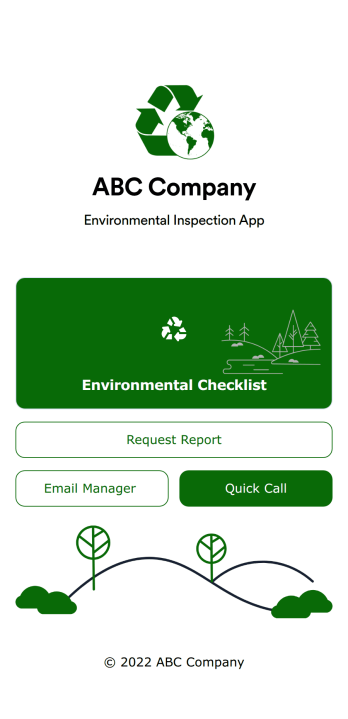
Environmental Inspection App
An environmental inspection app is used by government agencies and other environmental organizations to conduct inspections from their mobile devices. With Jotform’s free Environmental Inspection App, your agency can switch from paper forms to online forms to reduce messy paperwork and create a secure database of all your inspection information. Just customize and share the app to download it onto any device — no coding required!Customize the app design with our drag-and-drop no-code builder. Choose a new app icon and splash screen, add or remove forms, include your unique logo, and make other changes in seconds. You can then send your personalized Environmental Inspection App to your teammates with a copy-paste link that they can use to download the app onto their iOS or Android device.
Go to Category:Checklist Apps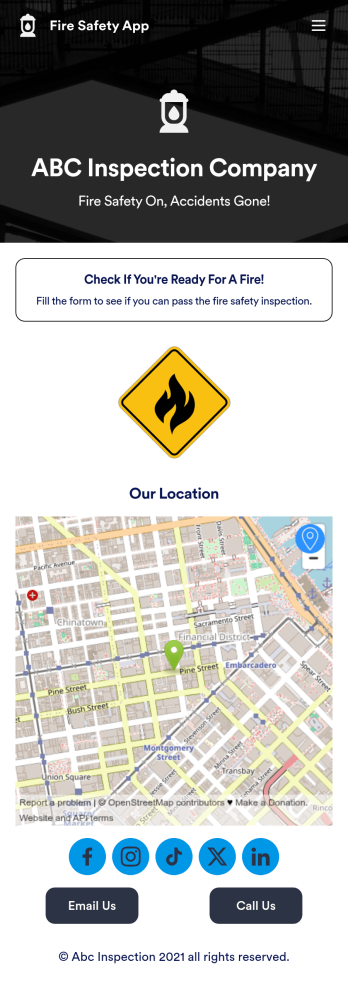
Fire Risk Assessment App
A Fire Risk Assessment App is used by fire safety inspection companies to perform inspections for homes, buildings, or businesses. With Jotform’s free Fire Risk Assessment App, members of your team can download the app onto their smartphone, tablet, or computer to submit safety inspection reports electronically. All information is stored securely and protected with Jotform’s advanced security protocols.Customizing this app is simple. Without coding, you can drag-and-drop fields to add your logo, update the splash screen, include more forms, or change fonts and colors. To get your app in front of team members, share it in seconds by copying and pasting the auto-generated app link. Make paper inspection forms a thing of the past and gets organized with a free Fire Risk Assessment App.
Go to Category:Inspection Apps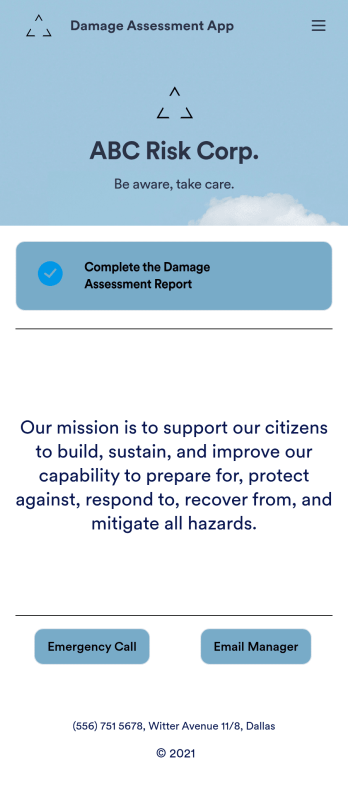
Damage Assessment App
A damage assessment app allows emergency management agencies to create and submit reports from any device. Use our free Damage Assessment App Template to create an app for your own emergency management program in just a few clicks. This fully-customizable template includes an online damage assessment report form where inspectors can describe the damage, take photos, and provide their e-signature from any smartphone or tablet.Need to modify this Damage Assessment app? Customize the template to better suit your needs with our drag-and-drop builder. It’s easy to add more forms, include links to other resources, change text and images, and update app settings such as name, icon, and splash screen. When it’s ready to use, download the app onto your preferred device or share it with others in your organization via app link. Streamline the inspection process for your emergency management agency with an efficient online Damage Assessment App that works anywhere.
Go to Category:Inspection Apps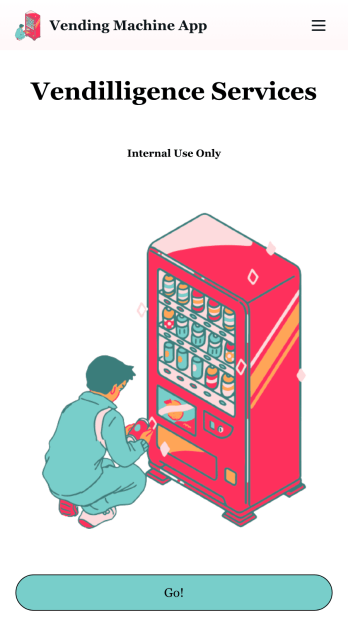
Vending Machine App
Do you have a vending machine business? Equip your employees with the tools they need to take on any request by using the free Vending Machine App from Jotform. In your custom app your employees will be able to request services and inspections, log inventory, and report any issues to the company. All employee data will be stored on your Jotform account in one easy to manage place – making work as seamless as possible for both you and your employees. Need to switch up the look and feel of your Vending Machine App? With Jotform’s no-code drag-and-drop app builder you’ll never have to worry about a tedious brand refresh. Upload your own logo or pick an app icon and background image that works for you. Send your app out to your employees via direct message, email, or even through a scannable QR code. Try Jotform’s free Vending Machine App and revolutionize your business’s workflow.
Go to Category:Inspection Apps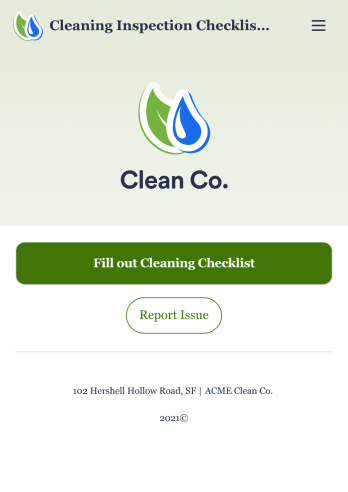
Cleaning Inspection Checklist App
A cleaning inspection checklist app is used by cleaning companies to keep track of what has and hasn’t been cleaned in a home or building. If you own or manage a cleaning company, employees can fill out a Cleaning Inspection Checklist form straight from their smartphone on Jotform’s free Cleaning Inspection Checklist App. All responses are stored in your Jotform account, ready to view on any device.Need to make changes to this app template? Add your logo, update the checklist form, and customize other design elements in seconds with our drag-and-drop builder — no coding necessary. You can then share the app by copying and pasting the app link, so members of your team can save it onto their devices instantly. Ditch paper checklists and manage your cleaning process more efficiently with a free Cleaning Inspection Checklist App.
Go to Category:Checklist Apps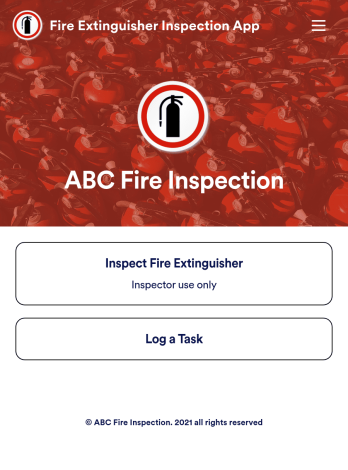
Fire Extinguisher Inspection App
A fire extinguisher inspection app is used by safety inspectors to record the working condition of fire extinguishers within a building. Jotform’s free Fire Extinguisher Inspection App allows inspectors to fill out a form with their name and company, inspection date, and report number. Inspectors can then provide a detailed assessment of a fire extinguisher’s condition by noting the general quality of the tubes, hoses, brackets, and seals — as well as provide any additional comments. There is a digital signature form at the bottom where inspectors can sign off on individual reports.This app template is ready-made and requires no coding, but you can fully customize it with just a few clicks. Our drag-and-drop interface allows you to add or change forms and text, choose fonts and colors, upload your logo, and more. After you’re done customizing, your app can be embedded on your website or shared with a link and then opened on any device. Make sure your fire extinguishers are in good working order with this customizable Fire Extinguisher Inspection App.
Go to Category:Inspection Apps