
As anyone who’s ever run a survey can tell you, collecting responses has never been the hard part. The real work begins after submission, when you have to sort through hundreds or thousands of answers and figure out what they mean. That’s where survey analysis software comes into play.
The following tools handle the layer that comes after collection: turning ratings, NPS® and CSAT scores, free-text comments, and response trends into something you can use, without requiring you to spend the whole afternoon in a spreadsheet.
| Tool | Best for | Standout feature | Pricing |
|---|---|---|---|
 Jotform |
Teams that want to create, collect, analyze, and share surveys in one no-code workspace |
Jotform AI Data Assistant for natural-language querying of response data |
Free plan available; paid plans start at $34/month |
 SurveyMonkey |
General-purpose survey analysis with a familiar interface |
Demographic and custom-variable filtering built into the standard dashboard |
Free plan available; paid plans start at $39/month |
 Qualtrics |
Enterprise research teams needing rigorous statistical analysis |
Stats iQ auto-selects the right statistical test for your data |
Custom pricing |
 Sogolytics |
Teams that want survey design and project management handled by experts, not just software |
Built-in 360 feedback and employee pulse tracking tools |
Free plan available; paid plans start at $99/month |
 SurveySparrow |
Teams that want conversational surveys with built-in text analytics |
AI-powered follow-up questions |
Free plan available; paid plans start at $39/month |
 Survicate |
Product and CX teams running in-app and website surveys |
Tracks NPS, CSAT, and CES trends across every channel in one dashboard |
Free plan available; paid plans start at $49/month |
 Chattermill |
CX teams unifying feedback across support, reviews, and surveys |
Connects feedback trends to business metrics |
Custom pricing |
 Thematic |
Teams needing rigorous theme detection on a single high-volume feedback stream |
Automated theme and category generation with no manual coding |
Custom pricing |
1. Jotform
Why it made the list: The most complete no-code workspace for creating, analyzing, and sharing survey results.
Key strengths
- Jotform AI Data Assistant answers plain-language questions about response data.
- Jotform Tables organizes submissions automatically into a sortable, filterable table with no manual export step.
- Report Builder quickly turns form data into shareable visual reports without building charts from scratch.
Key drawback
- It is not designed for advanced statistical methods like conjoint analysis.
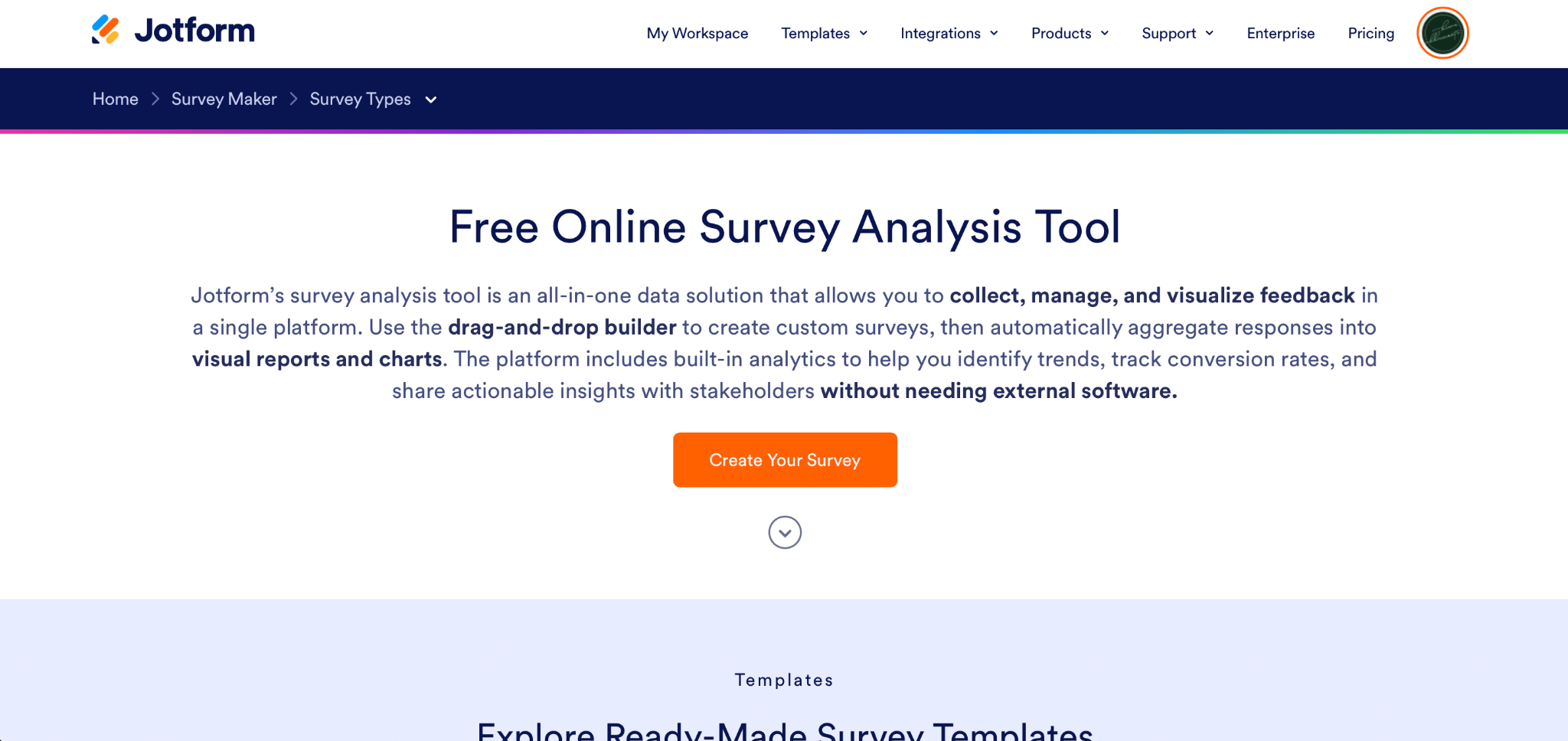
Using one of the ready-made Jotform survey templates, you can create a survey and start collecting responses in just a few minutes. Surveys can include advanced and varied fields like rating scales, NPS, and open-ended comments. With Jotform Surveys, you can run employee surveys, event feedback, registration follow-ups, and internal pulse checks all in one central workspace. And with Jotform Form Analytics, you get a clear picture of survey traffic, response rates, and completions.
Since everything lives in one account, all responses automatically land in Jotform Tables, which is built specifically for form data. Responses are sorted and filterable by question, with no extra export step.
From there, you can use the Jotform Survey Analysis Tool and Report Builder to turn responses into a shareable visual report, complete with charts, without building anything from scratch.
The Jotform AI Data Assistant enables you to ask plain-language questions about your dataset instead of building a filter manually. That is helpful for teams without a dedicated analyst. Jotform Workflows adds the last piece, enabling you to turn survey responses into action. You can automatically route a low NPS score or flagged comment, for example, ensuring it gets to the right person.
Jotform isn’t built for advanced statistical modeling. But for creating, collecting, analyzing, and sharing survey data across marketing, HR, product, education, and operations teams, it covers a lot of ground in one workspace.
Pricing
- Jotform offers a free Starter plan for basic survey creation and analysis.
- Paid plans start at $34 per month (billed annually) for the Bronze plan.
- Plans scale based on the number of forms, submissions, and users.
2. SurveyMonkey
Why it made the list: A familiar interface paired with useful, approachable analysis tools.
Key strengths
- AI Analysis Suite summarizes open-ended comments and surfaces themes without manual review.
- Filtering and cross-tabulation by demographic or custom field are built into the standard reporting view.
- The interface is familiar; most teams have encountered it before, which shortens onboarding.
Key drawback
- Response overage fees and tier-gated features mean the real cost of serious survey analysis often runs well past the starting price.
SurveyMonkey is one of the most recognizable names in survey software, and its analysis tools are approachable but robust. If your team has used the tool before, the analysis side won’t require any relearning.
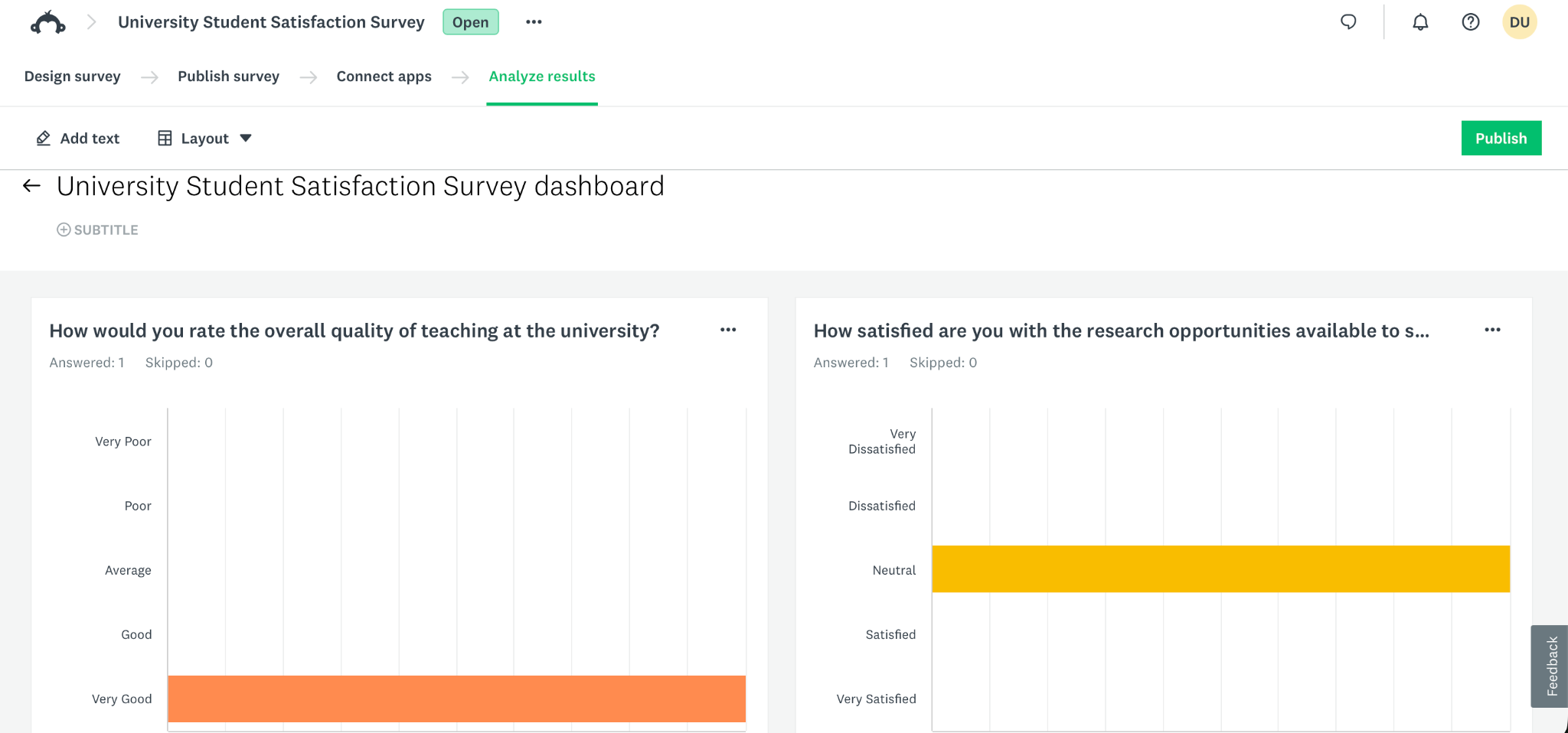
I ran a short customer satisfaction survey through SurveyMonkey and found the built-in reporting dashboard useful for a first pass. The survey results analysis software automatically breaks results down by question and lets you filter responses by demographic (or any custom variable) without extra configuration.
The AI Analysis Suite can summarize open-ended comments into a few sentences. These summaries slot into the same dashboard you’re already using for the rating and NPS breakdowns.
Where SurveyMonkey gets tricky is the pricing structure. The free plan caps out fast, and once you’re past occasional use, the per-response overage charges on paid plans can sneak up on a growing survey program. Advanced logic, A/B testing, and deeper analysis tools are also gated behind higher tiers, so teams doing serious data analysis work will likely need a mid-tier or team plan.
Pricing
- A free plan is available for unlimited surveys, with up to 10 questions and 25 responses per survey.
- Paid individual plans start at $39 per month (billed annually).
- Team plans start around $30 per user per month (billed annually) with a minimum of three users.
3. Qualtrics
Why it made the list: Built for researchers who need real statistical rigor, not just charts.
Key strengths
- Stats iQ automates statistical test selection and interpretation.
- Text iQ delivers deep sentiment and theme analysis for large volumes of open-ended feedback.
- Industry benchmarking data adds context that most competitors can’t offer.
Key drawback
- Quote-based pricing with common add-on costs for Text iQ and Stats iQ makes budgeting difficult, and the platform is overbuilt for teams that just need straightforward survey reporting software.
Qualtrics’s tools, Stats iQ and Text iQ, go further than most survey platforms even attempt. Stats iQ is unique in that it looks at your data, automatically selects an appropriate statistical test, then explains the result in plain language. Text iQ handles the qualitative side, running sentiment scoring and trend detection across open-ended responses. For calculating NPS specifically, Qualtrics also benchmarks your score against other Qualtrics customers in your industry.
The catch is cost and complexity. Qualtrics doesn’t publish pricing, and quotes for a small research team can start in the low thousands per year, while a full enterprise rollout with Text iQ and Stats iQ as add-ons can run well into six figures. The learning curve is a factor, too. Expect an extended onboarding period.
Pricing
- Qualtrics offers custom pricing.
4. Sogolytics
Why it made the list: Full-service survey design and project management.
Key strengths
- Managed Research lets Sogolytics’s team design or run your survey project end to end, an option none of the self-serve tools on this list offer.
- AI-assisted survey creation and real-time reporting dashboards speed up the DIY side.
- SogoEX bundles employee pulse, 360 feedback, and journey mapping alongside standard surveys.
Key drawback
- Its built-in analysis tools are lighter on qualitative and open-ended work than platforms built specifically around text and sentiment analysis.
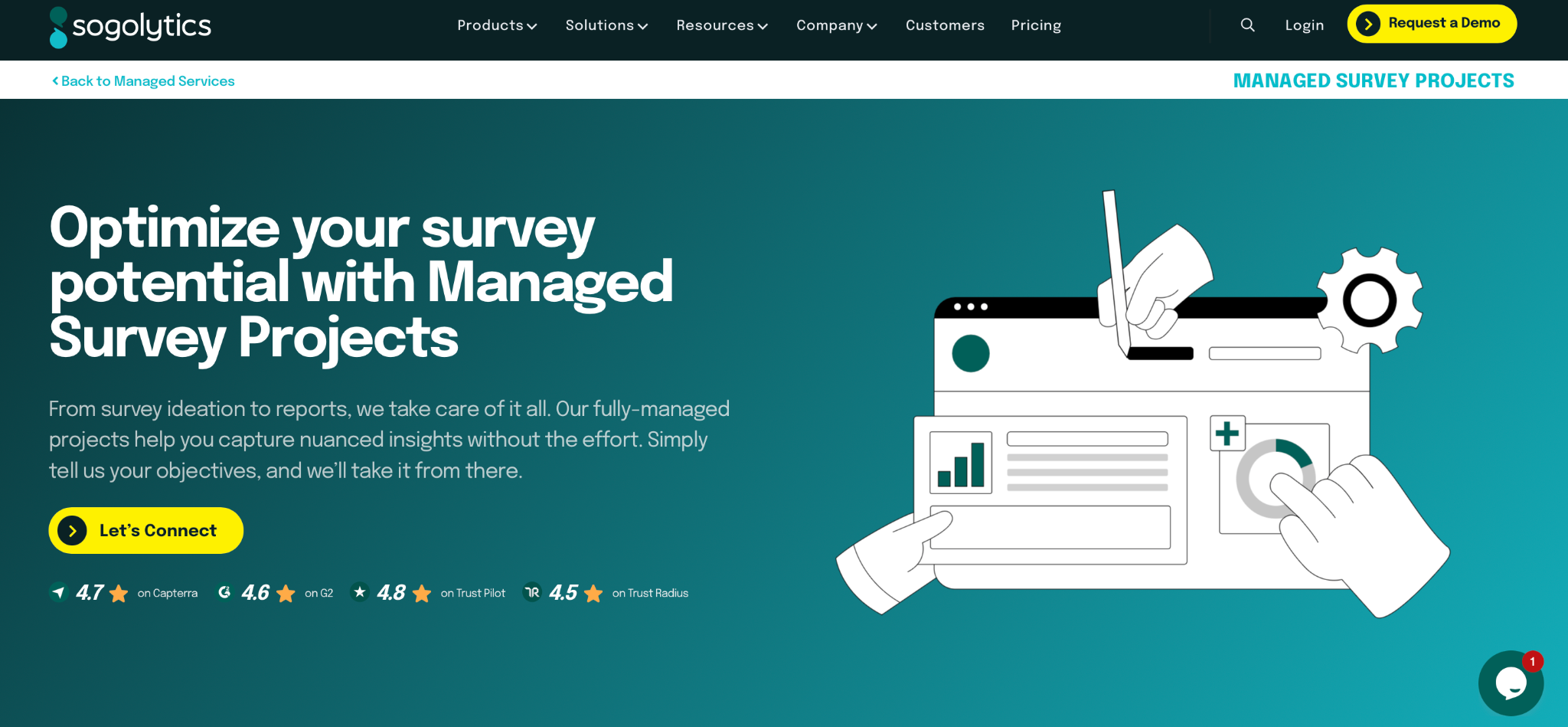
Every other tool on this list is a DIY platform: You build the survey, distribute it, and read the results yourself. Sogolytics can help you do that, but the company also offers Managed Research. Its team can design surveys for you, manage projects end-to-end, or review a survey you’ve already built before you send it out. That’s a genuinely different option from anything else here.
If you’d prefer to build it yourself, setup is still quick. The AI-based creation tool can generate a workable draft from a short prompt, and you can pull from the question bank full of survey question examples across a number of categories. Sogolytics also includes SogoEX, its employee-experience suite, which offers pulse checks, 360 feedback, and journey mapping, so HR programs can live in the same workspace as customer surveys.
The built-in analysis tools still skew toward dashboards and summary statistics rather than deep qualitative work. There’s no equivalent to Qualtrics’s Text iQ or Jotform’s AI Data Assistant, for example, for digging into open-ended comments conversationally.
Pricing
- SogoSurvey (DIY) pricing includes a free plan for up to 15 projects per year and 100 responses per project.
- Paid plans start at $99 per month and scale based on responses, emails, and other usage limits.
- Managed Research is an add-on with custom pricing.
5. SurveySparrow
Why it made the list: Conversational, chat-style surveys paired with built-in AI follow-up and analysis.
Key strengths
- CogniVue AI handles sentiment analysis and cross-tabulation directly in the platform.
- The conversational, chat-style survey format tends to boost completion rates on longer surveys.
- AI-powered follow-up questions elicit richer, more detailed responses.
Key drawback
- Matrix questions, where respondents rate several items on the same scale, don’t translate well to the conversational, one-question-at-a-time format.
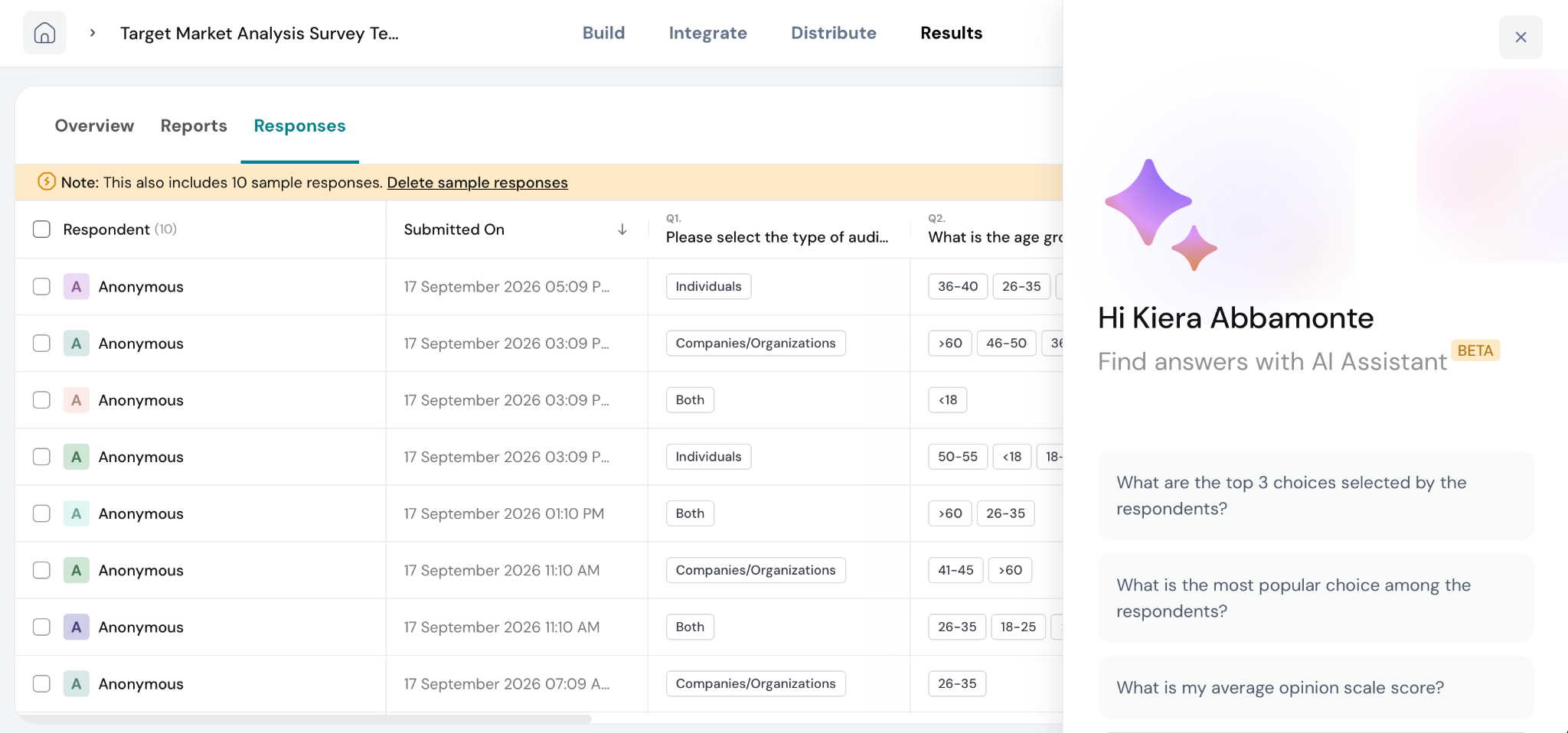
SurveySparrow’s conversational format feels noticeably different from a traditional form. Respondents move through it like a text exchange, which tends to improve completion rates for longer surveys: The survey asks one question at a time, instead of requiring the user to scroll through a list questions, so it feels more like a conversation than a form. That shift also holds up better on mobile.
SurveySparrow also offers Klarify AI. This feature asks relevant follow-up questions based on respondent input to help to elicit more detailed qualitative responses, as a live interviewer or focus group facilitator might do. On the analysis side, CogniVue handles sentiment analysis and cross-tabulation on open-ended responses.
The biggest trade-off is a limitation of the format itself. Matrix questions, where respondents rate several items against the same scale in one grid, don’t work in a conversational, one-question-at-a-time flow. If your surveys lean on that kind of side-by-side comparison (rating five product features on the same satisfaction scale, for example), you’ll need to either break each one into its own question or choose a more traditional, grid-based survey tool.
Pricing
- A free plan is available for up to three active surveys, 10 questions per survey, and 75 responses per quarter.
- Paid plans start at $39 per month (billed quarterly) and scale based on features, active surveys, and quarterly response allowances.
6. Survicate
Why it made the list: Built for capturing and analyzing in-context feedback for product, CX, and marketing teams.
Key strengths
- Website and in-app survey targeting lets you collect feedback in the moment.
- AI-powered Research Hub automatically categorizes feedback and surfaces sentiment trends.
- Over 40 native integrations make it easy to route survey response analysis into existing CRM and marketing tools.
Key drawback
- If you plan to run in-app surveys on iOS or Android, you’ll need engineering resources to deploy Survicate’s mobile SDK.
Survicate is built for product, CX, and marketing teams. You can trigger a short survey based on a specific user action or page visit, timed to the moment someone’s interacting with the experience. This makes it easy to check in right after onboarding, a feature release, or a support ticket closing, rather than batching feedback into a quarterly survey.
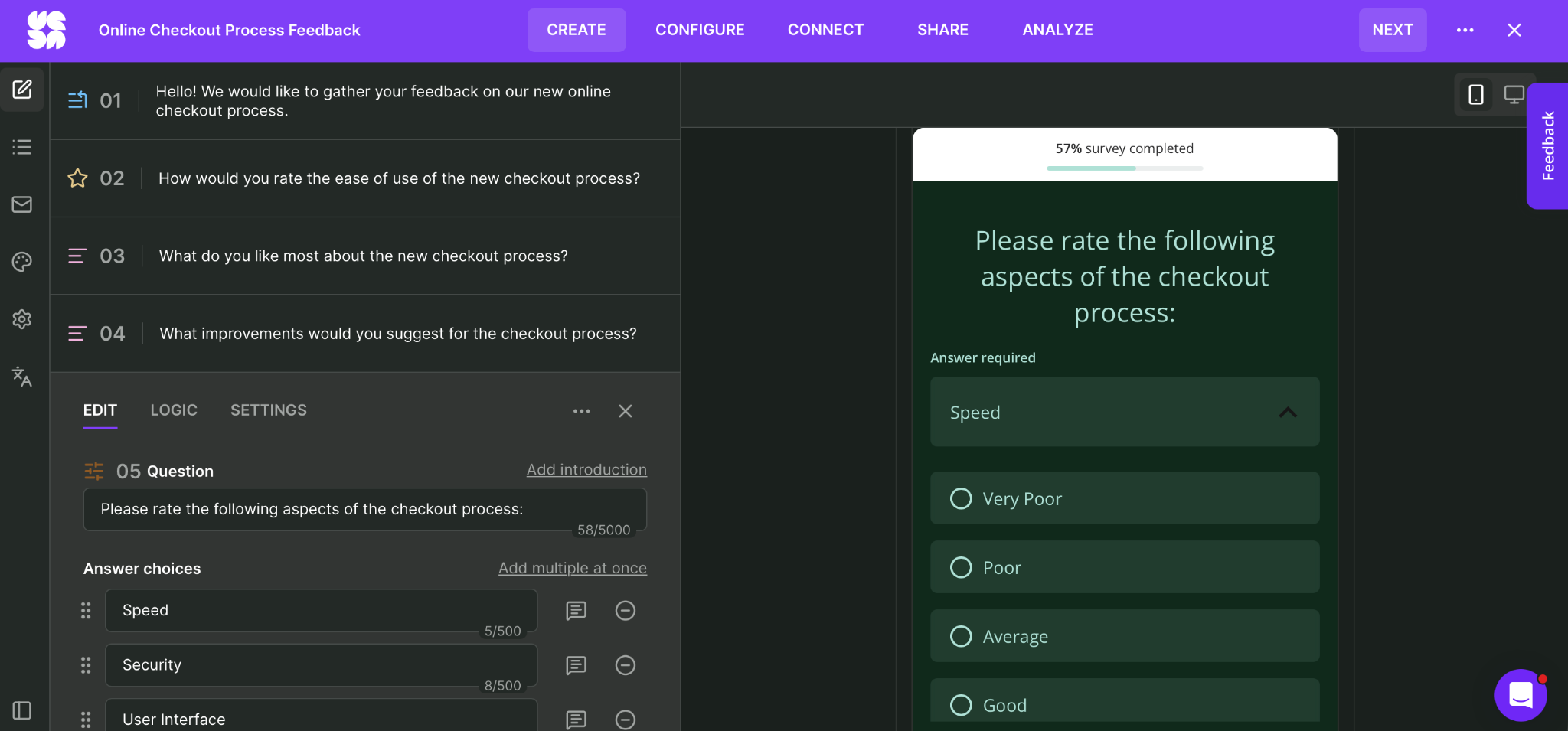
Once responses come in, the AI-powered Research Hub categorizes feedback by sentiment and identifies recurring themes. A Research Assistant AI chat feature lets you ask questions about your collected data in plain language, including across multiple surveys.
Survicate’s 40-plus native integrations with CRM and marketing tools make it a strong fit for a team that wants survey data flowing into a broader customer data stack and feeding product, CX, and marketing decisions.
Getting a survey to trigger inside your product requires more than a settings toggle. In-app surveys on iOS or Android need Survicate’s mobile SDK installed in your codebase, usually meaning an engineer needs to be looped in. For a team with dev resources on tap, that’s a minor lift, but for a smaller team without engineering, a quick survey can turn into a backlog item.
Pricing
- Free plan for 1 active survey, 25 responses per month, and up to 3 team members.
- Paid plans start at $89 per month for up to 100 survey responses per month.
- Plans scale based on features and usage, with higher-tier plans requiring annual billing.
7. Chattermill
Why it made the list: A feedback analytics platform that unifies survey data with support and reviews.
Key strengths
- You can analyze survey data along with support tickets, reviews, and other feedback channels in a single view.
- Lyra AI connects feedback trends to business metrics.
- Chattermill tracks how themes and sentiment shift over time across every connected channel, making it easier to catch potential problems.
Key drawback
- It’s not a survey creation tool, and the setup and integration work required makes it a poor fit for teams that just need simple survey analysis.
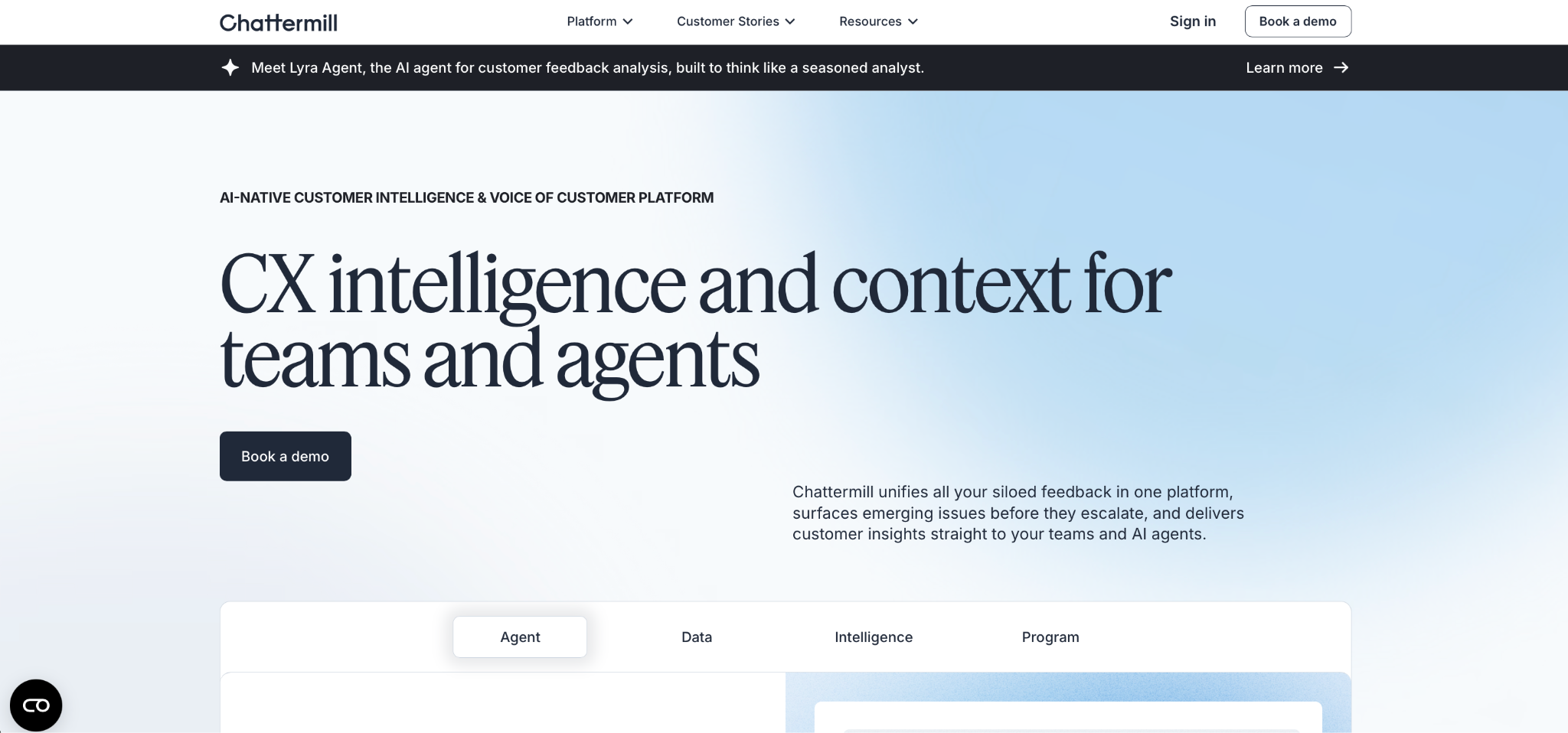
Chattermill isn’t a survey builder in the same way the previous tools are. Instead, it’s focused on feedback analytics that unify survey responses with support tickets, reviews, and other customer feedback channels. That unified view is hard to replicate with a standalone survey tool.
Chattermill’s deep learning approach to analyzing feedback groups comments into themes automatically and tracks how those themes shift over time across every channel you feed into it, not just survey responses.
Lyra, Chattermill’s AI agent, is built to tie customer feedback with business metrics. For a CX team trying to prove that a spike in negative survey comments is connected to what’s costing the business money, that connective layer is a huge differentiator. Large brands use Chattermill for this kind of enterprise-scale customer survey analysis work, where breadth across support, reviews, and surveys are important.
Chattermill isn’t built for a team that just wants to launch a quick NPS survey analysis tool and see results. You need to already have feedback data flowing in from multiple sources; for that feedback, Chattermill can serve as both a unification layer and a way to connect that feedback to business outcomes. Onboarding also involves significant setup time to connect data sources and train the platform on your feedback categories.
Pricing
- Chattermill offers custom pricing.
8. Thematic
Why it made the list: Automated theme detection that builds its own taxonomy from raw text.
Key strengths
- Automated theme generation removes the need to manually define categories before analysis.
- Theme detection across surveys, reviews, and support channels is consistent and accurate.
- Research and product teams that need rigorous theme analysis on a single large feedback stream or a unified multichannel view will find Thematic a strong fit.
Key drawback
- The AI-generated categorization of themes is a black box by design. You can view and rename the themes it surfaces, but you can’t build categories from scratch or dictate the logic behind how responses get grouped.
Thematic is another analytics-first platform, but where Chattermill’s edge is breadth — unifying channels and tying results to business metrics — Thematic’s edge is the theme detection engine itself. It’s a stronger pick for a team that needs rigorous, automated theme analysis on one or more high-volume feedback streams.
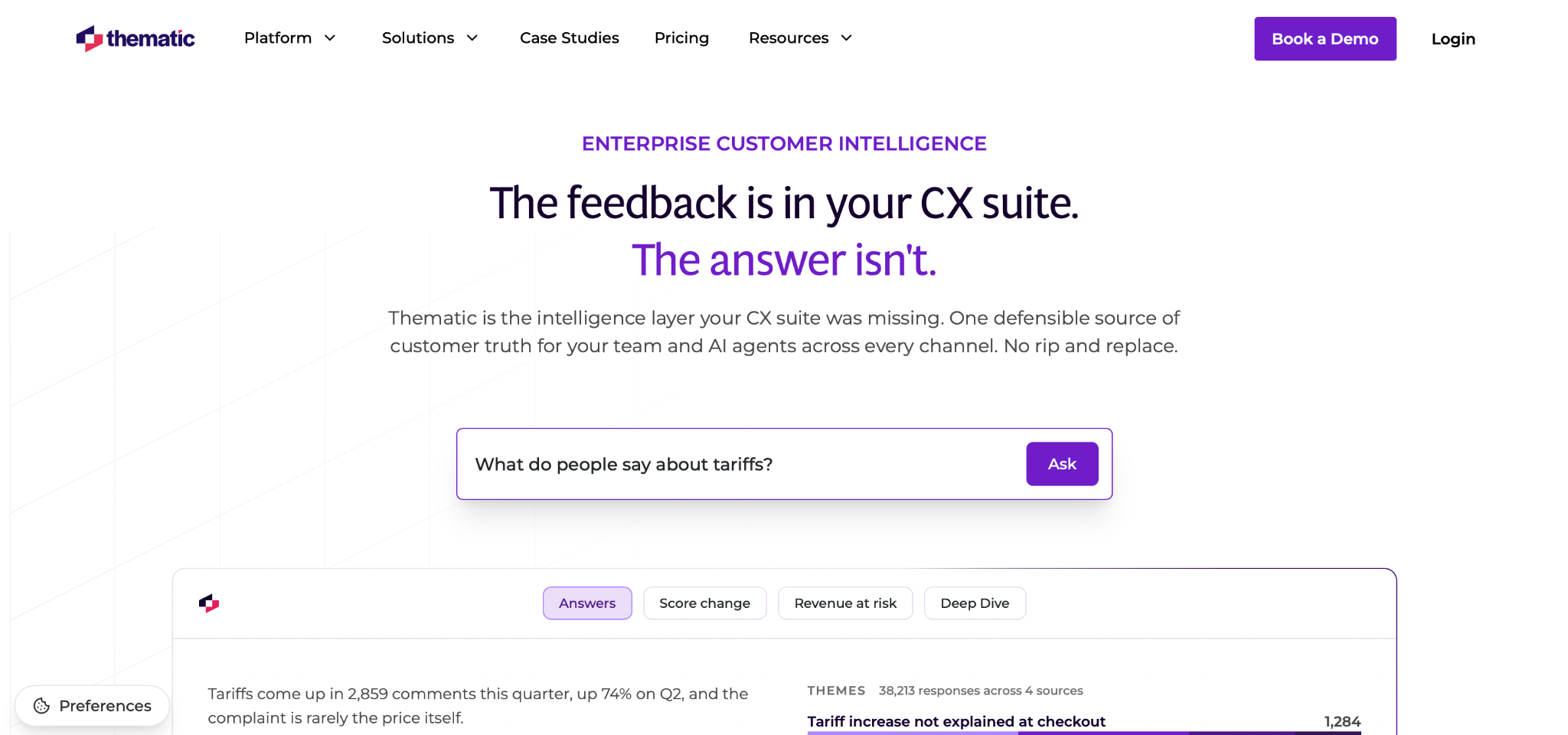
When you feed open-ended survey responses into Thematic, the platform builds a set of themes directly from the text. That enables open-ended survey analysis at scale when predefining every possible theme ahead of time is unrealistic. Thematic also supports feedback from channels beyond surveys: reviews, support tickets, and social comments. So the theme detection stays consistent across a team’s full feedback picture.
Thematic doesn’t function as a survey builder itself, so it’s best paired with a separate tool for the survey design and distribution. Most pricing is enterprise-focused and quote-based, and it takes longer to get value out of the system, since it needs a meaningful volume of feedback data before theme detection becomes useful.
Pricing
- Foundation plans start at $25,000 per year for up to 25,000 comments and three datasets.
- Enterprise plans are custom quoted.
Make survey analysis part of your feedback workflow
Picking the right tool from this list comes down to matching it to how your team collects and uses feedback. If your surveys already live in a form-based workflow, look for a tool that keeps analysis in the same place. If open-ended comments are your biggest bottleneck, prioritize robust qualitative survey analysis software. When third parties need to see results on a recurring basis, dashboards and scheduled reports are more helpful than a one-time analysis. When a low score or a specific complaint needs to trigger a next step, look for automation rather than a manual export and follow-up process.
Jotform is worth consideration if your team wants survey creation, response management, AI-assisted analysis, and follow-up workflows in one tool. Between the Jotform Survey Analysis Tool, Jotform Tables, Jotform Report Builder, and the Jotform AI Data Assistant, most of the workflow described here happens in one unified customer survey analysis software.
Create your survey to try Jotform’s survey analysis workflow today.
FAQs about survey analysis software
The best survey data analysis software depends on your team’s needs. Jotform is a strong all-around choice for teams that want survey creation and analysis in one platform, Qualtrics suits enterprise research needs, and Chattermill and Thematic fit teams unifying feedback across multiple channels.
Yes. Most modern survey analysis tools use AI to summarize open-ended comments, detect sentiment, cluster responses into themes, and answer plain-language questions about a dataset. AI survey analysis tools such as Jotform’s AI Data Assistant, Qualtrics’s Text iQ, and SurveySparrow’s CogniVue all apply AI to different parts of the analysis process.
Look for automated reporting and visualization, sentiment or theme detection for open-ended responses, segmentation by audience or demographic, NPS and CSAT tracking, and integrations that connect survey data to the rest of your tool stack. AI-assisted summarization is increasingly standard.
Survey software focuses on building and distributing surveys, while survey analytics software (or survey reporting software) focuses on interpreting the responses collected. Many platforms, including Jotform and SurveyMonkey, combine both, while others like Chattermill and Thematic specialize in analysis and are meant to work with feedback collected elsewhere.
Open-ended survey analysis typically involves grouping similar comments into themes, scoring each response’s sentiment, and tracking how frequently certain topics come up. Doing this manually is slow at scale, which is why many teams use AI-assisted tools.
Yes. Jotform organizes survey responses in Jotform Tables, turns them into visual reports through Jotform Report Builder, and lets users query response data conversationally through the Jotform AI Data Assistant. Jotform can both build surveys and analyze survey rating scales, CSAT vs. NPS scores, and open-ended comments.
Net Promoter®, NPS®, NPS Prism®, and the NPS-related emoticons are registered trademarks of Bain & Company, Inc., NICE Systems, Inc., and Fred Reichheld. Net Promoter ScoreSM and Net Promoter SystemSM are service marks of Bain & Company, Inc., NICE Systems, Inc., and Fred Reichheld.
This article is for marketers, CX teams, product managers, HR teams, researchers, educators, and operations teams that already collect survey responses but need a faster way to analyze ratings, NPS/CSAT scores, open-ended comments, response trends, and audience segments without spending hours in spreadsheets.

































































































Send Comment: