

10 best recruiting apps
Recruiting apps are mobile-friendly software you use to find, evaluate, and hire candidates from anywhere. With today’s top talents expecting fast, seamless interactions throughout the hiring process, these hiring apps for employers let you post jobs, review applications, respond to candidates quickly, and deliver a modern hiring experience that reflects well on your company.
The best recruitment apps also let you coordinate with your team in real time and execute your recruitment strategies even when you’re away from your desk. We’ve rounded up the top recruitment apps for hiring and broken them down by category — from candidate sourcing and applicant tracking to screening and workflow management. Whether you’re an in-house recruiter or an agency, this guide shows you the best hiring apps for your recruitment needs.
Top 10 recruiting apps by category
Before diving into individual review, here are the top recruiting apps broken down by category and primary use case:
- Best recruiter apps for candidate intake and hiring workflows: These tools help you collect applications, customize intake steps, and manage hiring workflows that connect to HR onboarding:
- Jotform Apps
- BambooHR
- Best candidate sourcing apps: These apps help you find candidates, conduct outreach, and expand your reach across multiple job boards:
- LinkedIn Recruiter
- Indeed Recruiter
- ZipRecruiter
- Best applicant tracking system (ATS) apps: These are the best applicant tracking software that provide structured hiring pipelines, collaboration features, and decision-making workflows for teams:
- Workable
- Greenhouse
- BreezyHR
- Best recruiting apps for screening and scheduling: These are the best apps for recruiters to evaluate candidates efficiently and eliminate friction in interview scheduling:
- TestGorilla
- Calendly
10 best recruiting apps for 2026
Now let’s take a closer look at each of these tools, what makes them stand out, and how they fit into your recruiting workflow.
1. Jotform Apps
If your hiring process doesn’t fit neatly into a standard ATS template, Jotform Apps gives you the flexibility to design exactly what you need. Jotform Apps include over 800 pre-built templates you can customize for your use case and brand. For recruitment, you’ll find templates for posting open positions, tracking the recruitment process, onboarding employees, managing HR processes, and much more. You can create custom job application portals to store submitted applications, schedule interviews, and trigger automated email sequences based on the application stage from your custom mobile app
Jotform Apps features an intuitive no-code interface. Just by using the drag-and-drop editor, you can launch a complete app for recruitment in hours rather than weeks, then refine it based on what works for your team.
- Best for: Creating custom recruitment workflows without coding experience
- What it does: Jotform Apps lets you build fully branded recruiting applications to collect candidate information, organize submissions, and automate follow-up communications, all from a single platform.
- Why recruiters choose it
- Complete customization without technical expertise. You can design your entire hiring workflow using drag-and-drop tools.
- Mobile-first candidate experience allows applicants to submit materials, upload documents, and complete assessments from any device.
- Direct integration with your existing tools, such as Google Workspace, Slack, Airtable, and 100-plus other platforms to keep hiring data flowing.
- Cons
- It requires initial setup to build your custom recruiting app.
- Apps are web-based and cannot be published to the Apple App Store or Google Play Store.
- Plans/Pricing
- Jotform Apps is included in your monthly Jotform plan, and you can build unlimited apps on all plans:
- Free
- Bronze: $34 per month (billed annually)
- Silver: $39 per month
- Gold: $99 per month
- Enterprise: Custom-based on your needs
- Jotform Apps is included in your monthly Jotform plan, and you can build unlimited apps on all plans:
2. LinkedIn Recruiter
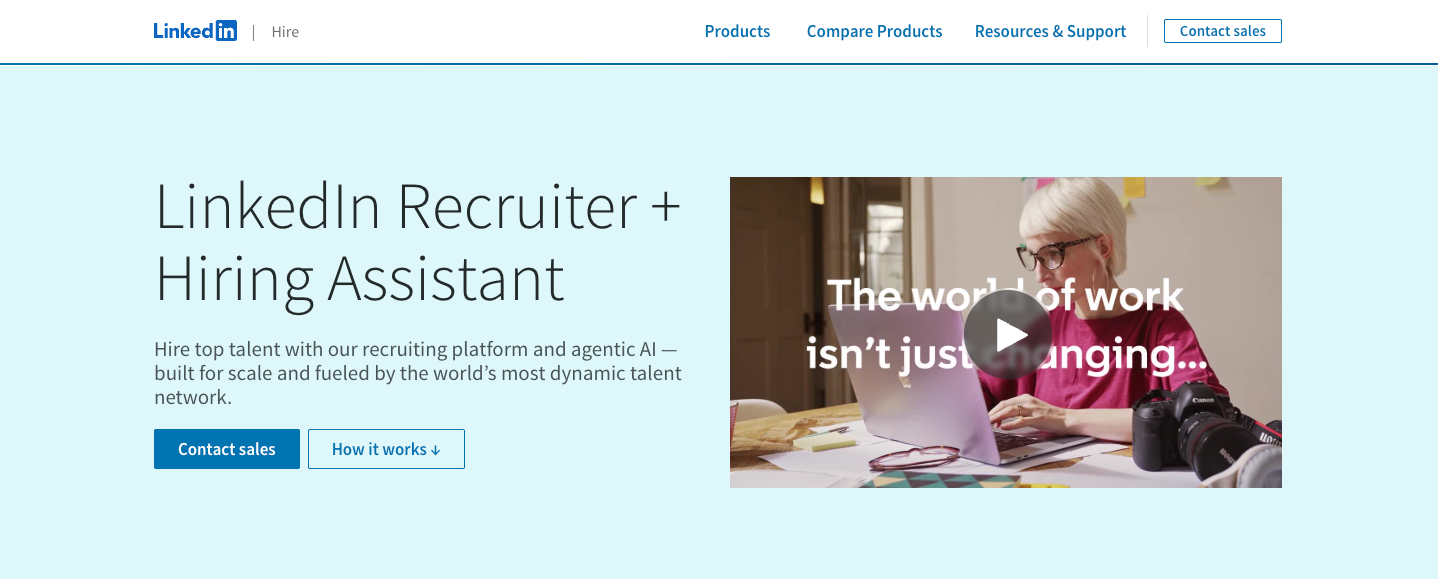
LinkedIn Recruiter is designed for talent acquisition teams looking to poach talent from competitors or hire for specialized roles requiring specific expertise. The platform offers access to 1 billion-plus global talents and provides advanced Boolean search capabilities to pinpoint candidates easily.
It also includes features such as talent pipeline management, team collaboration tools, and real-time analytics on candidate engagement, comparisons with others in similar roles, and your hiring funnel.
- Best for: Sourcing passive candidates
- What it does: LinkedIn is one of the best apps for connecting with recruiters and candidates who aren’t actively job hunting but match your ideal profile.
- Why recruiters choose it
- Access to over a billion professionals with detailed work histories and skill endorsements.
- Advanced filters plus AI agents to help you find better-fit candidates easily.
- InMail messaging to reach candidates directly, even if you’re not connected.
- Cons
- Premium pricing makes it costly for smaller hiring volume.
- Talent profile is limited to the network.
- Plans/Pricing
- Custom based on organization size, required seats, and features. Contact sales for a quote.
3. Workable
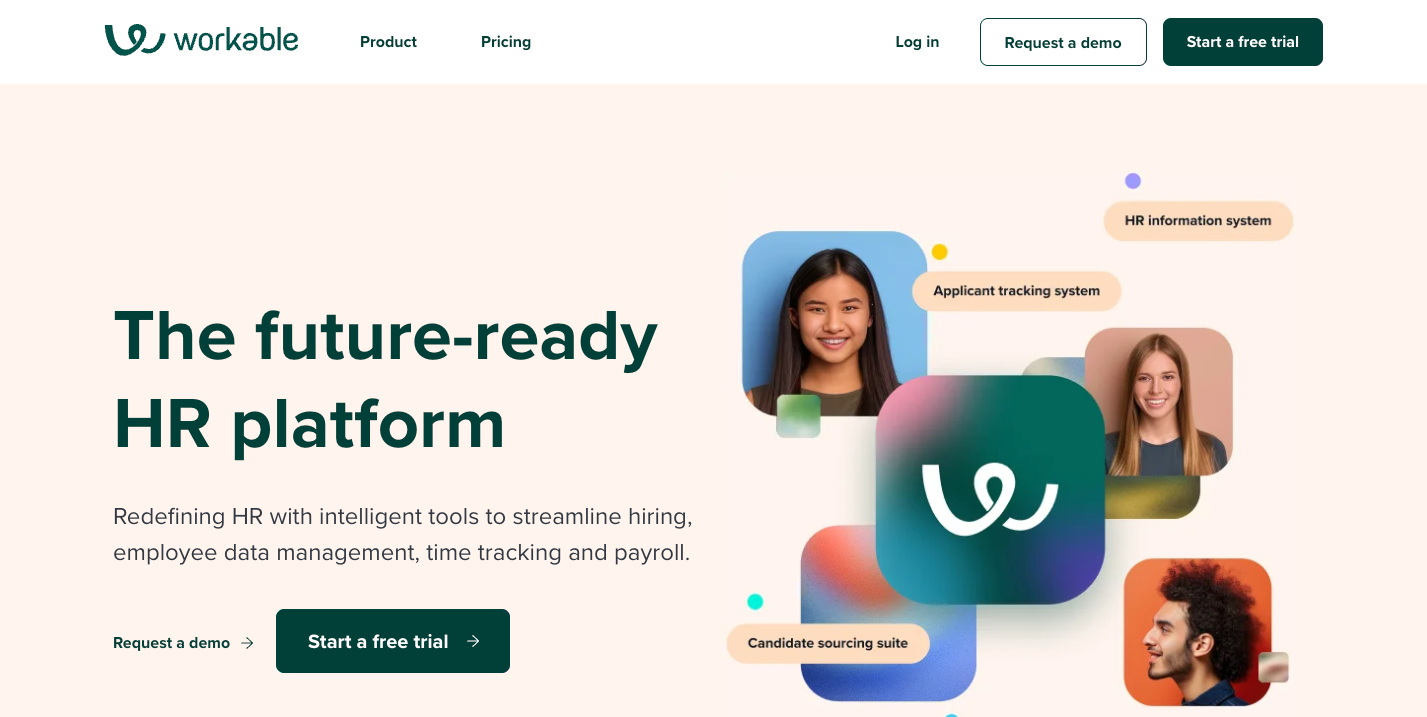
Workable is an all-in-one recruitment management system for finding talent, managing the hiring process, and other HR related activities. When sourcing candidates for multiple positions, you can customize pipeline stages for the different job types. The platform includes email templates, interview kits, suggested questions, and scorecards for efficient, consistent candidate evaluation.
Beyond recruiting, Workable offers features for employee management. You can use it to onboard new hires, store HR data, conduct performance reviews, and keep updated HR records.
- Best for: Managing hiring pipelines and human resource workflows
- What it does: Workable combines an applicant tracking system (ATS) and a human resource information system (HRIS) into one platform.
- Why recruiters choose it
- Automated posting to 200-plus job boards from one interface.
- Massive talent database of 400 million profiles plus AI-powered recommendations for roles.
- AI-powered screening tools, automated offer management, and self-scheduling interviews to save recruiters time and effort.
- Cons
- Users report limited reporting and analytics features.
- There’s a learning curve for teams managing multiple roles or integrating with other HR tools.
- Plans/Pricing
- Standard: $299 per month (billed annually) for the baseline package. To access the full platform, you’ll need to purchase add-ons at separate prices
- Premier: $599 per month. Other add-ons available
4. Greenhouse
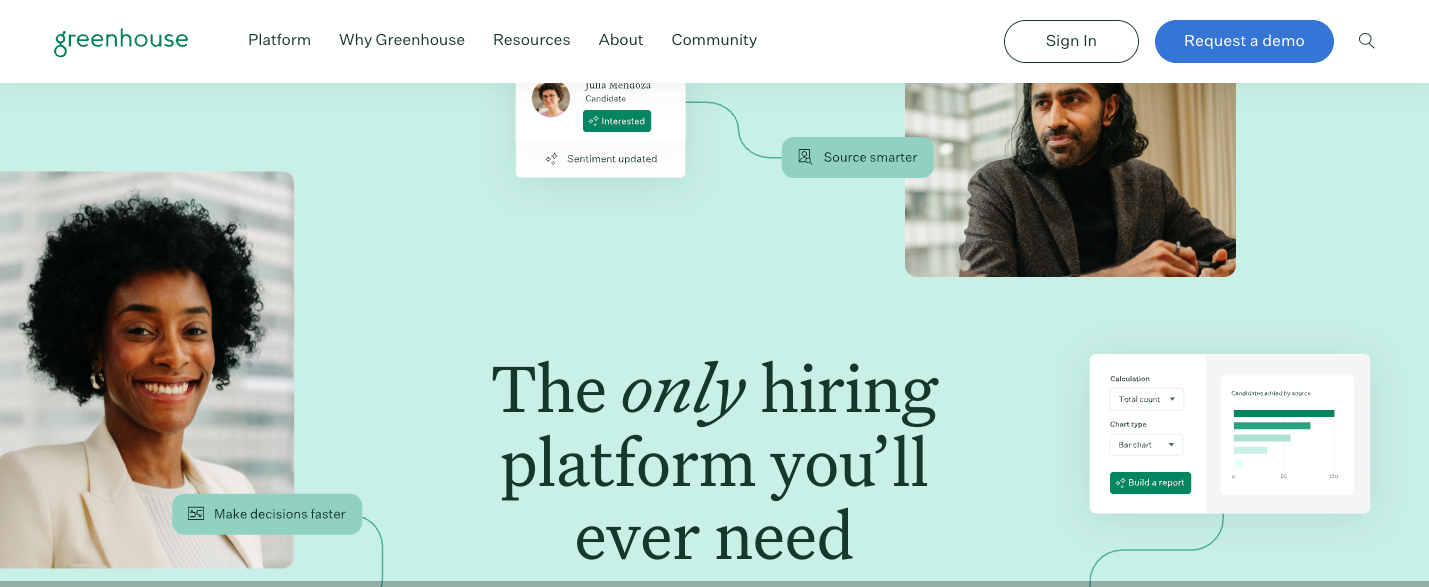
Greenhouse is an enterprise-grade ATS known for its structured, data-driven approach to recruitment. It is designed for teams managing high candidate volume that want to maintain fairness and clarity throughout the process. For each job opening, you can define the specific attributes and skills you are looking for, then design interview stages that test for those exact qualities. Each interviewer receives a guide with suggested questions and knows which competencies to evaluate. This structured process helps with recruitment optimization by reducing unconscious bias and ensuring you compare candidates with the same criteria.
- Best for: Structured, data-driven hiring processes
- What it does: Greenhouse focuses on structured interviews and hiring analytics, helping you make consistent decisions based on objective criteria rather than gut feelings.
- Why recruiters choose it
- Interview guides ensure recruiters ask relevant, legally compliant questions.
- Scorecard system standardizes candidate evaluation across all interviewers.
- Detailed reports and analytics for pinpointing bottlenecks in your hiring process.
- Cons
- It has a higher price point compared to similar ATS.
- It requires heavy admin time to configure properly due to its robust feature set.
- Plans/Pricing
- Custom pricing based on company size and hiring volume.
5. BambooHR
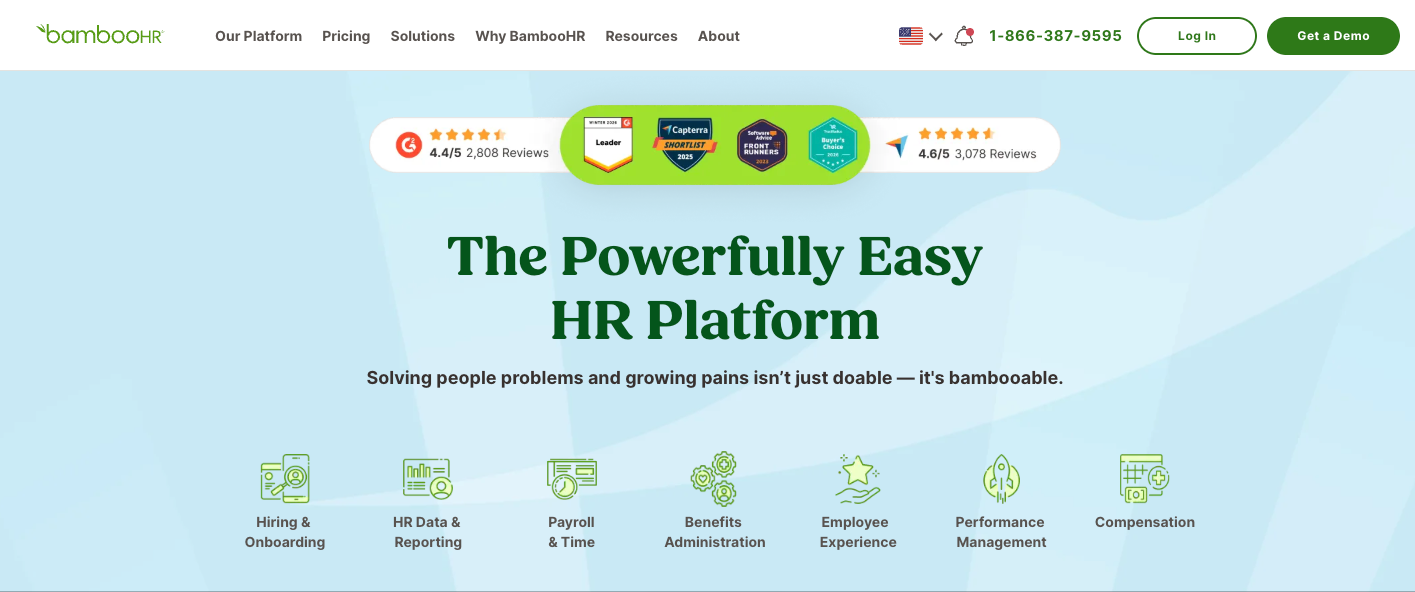
If you’re tired of manually recreating candidate information in your HRIS after they accept an offer, BambooHR solves that problem by housing both an ATS and HRIS in one place. Once a candidate becomes an employee, their application data automatically populates their employee record. From there, you can immediately trigger onboarding workflows like document signing, equipment requests, and first-day schedules.
Its recruiting module lets you post jobs, manage candidate pipelines, and schedule interviews. But where it stands out is in reducing data entry and ensuring nothing falls through the cracks during the candidate-to-employee transition.
- Best for: Connecting recruiting to HR onboarding and employee management
- What it does: BambooHR provides candidate intake and applicant tracking as part of a broader HR platform, creating a seamless transition from candidate to smooth hire.
- Why recruiters choose it
- Single platform to manage the entire employee lifecycle from application to offboarding.
- Well-designed mobile app for everyday tasks like approving requests.
- Easy to use for both HR teams and employees.
- Cons
- Some integrations require additional setup or add-ons.
- It lacks advanced features for larger organizations.
- Plans/Pricing
- Quote-based pricing based on the features you need.
6. Indeed Recruiter
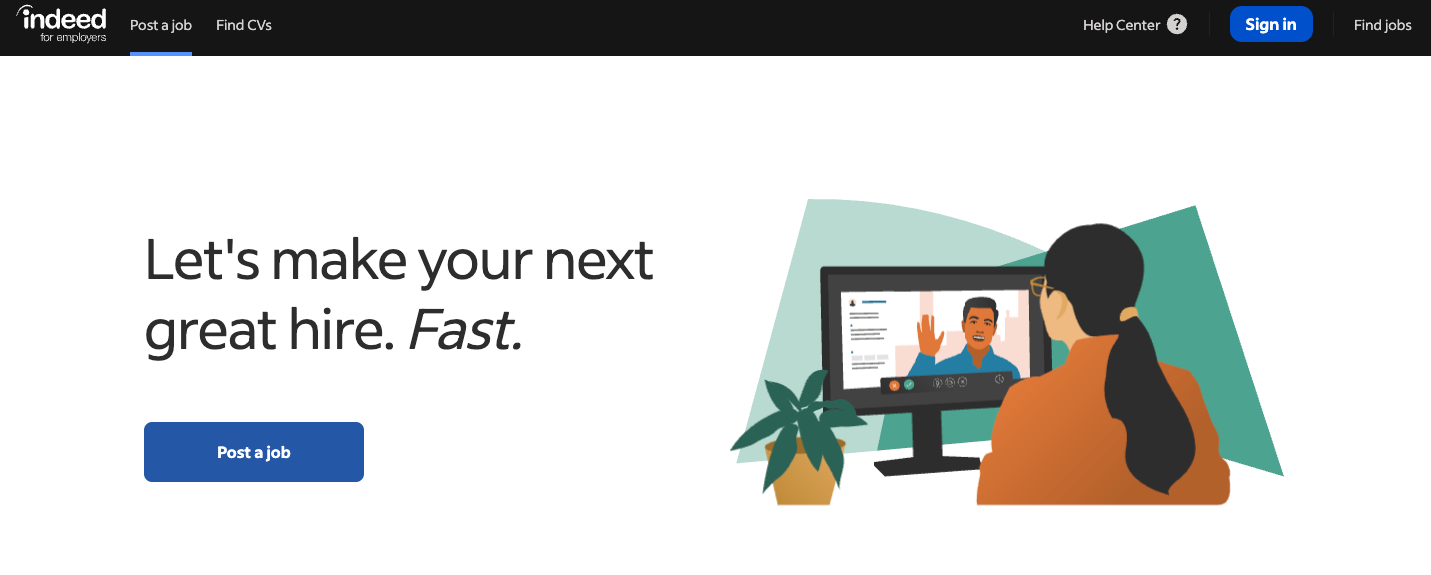
Indeed Recruiter, built on the most popular recruitment app and job site globally, is the applicant sourcing app to use if you need a large pool of active candidates quickly. The platform attracts job seekers at all experience levels, so it’s ideal for everything from entry-level retail positions to experienced professional roles. You can filter resumes by education, experience, skills, and location, then reach out directly through Indeed’s messaging system.
Indeed has a sponsored job feature using pay-per-click pricing — you pay only when candidates click on your posting. You set a daily budget, and Indeed adjusts your ad spend based on how much you’re willing to spend relative to similar jobs.
- Best for: High volume hiring and board candidate reach
- What it does: It gives you tools to post jobs, search its massive database, and contact candidates directly on the world’s most visited job site.
- Why recruiters choose it
- Access to millions of active job seekers who are specifically looking for new opportunities.
- Sponsored job posts boost visibility in search results for competitive positions.
- Simple setup requires minimal training compared to complex ATS platforms.
- Cons
- It has limited applicant tracking features, so it’s best used alongside a separate ATS.
- Resume search credits add up quickly for active sourcing.
- Plans/Pricing
- Free job posting is available with basic features. Sponsored jobs depend on the criteria you provide while setting up your listing.
7. BreezyHR
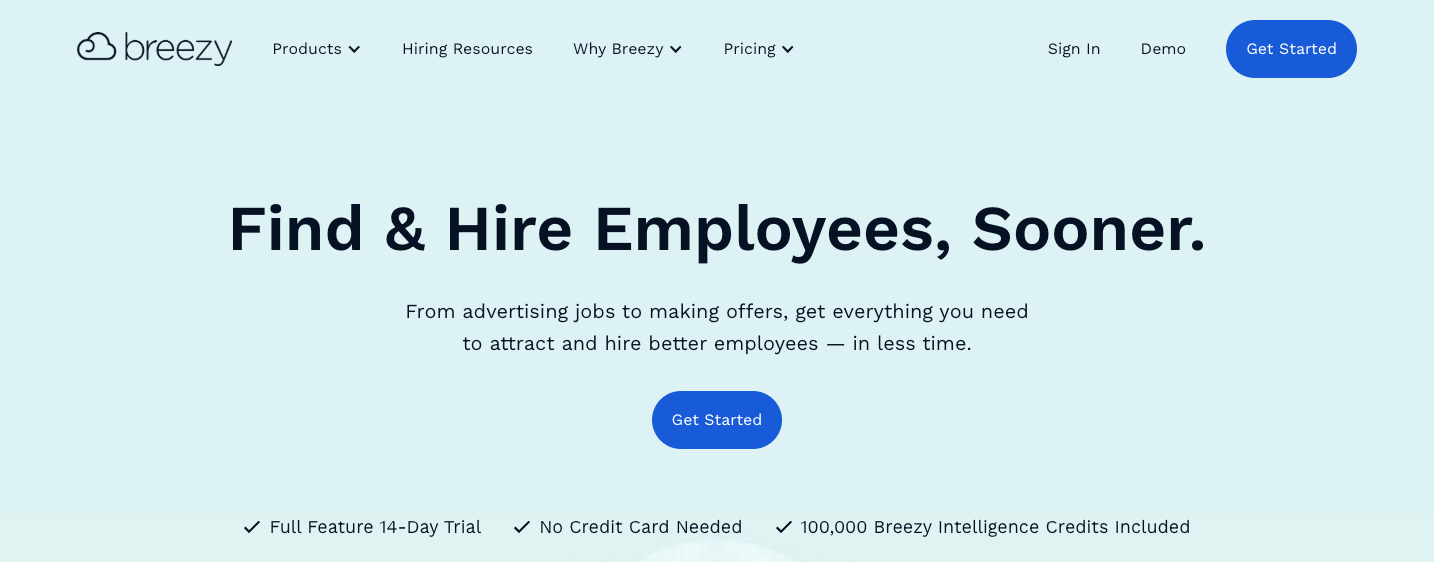
BreezyHR simplifies applicant tracking by presenting your candidate pipeline in a visual interface. From your dashboard, you can see candidate cards in columns representing different pipeline stages, and moving someone from one stage to the next is as simple as dragging their card. This visual approach makes it easy to spot bottlenecks in your pipeline and know where to focus your attention.
Breezy automates repetitive tasks in the hiring process, like prescreening candidates, scheduling interviews, sending emails, and collecting feedback. And when you finally make the hire, it turns your applicants into employees with its integrated HRIS.
- Best for: Visualizing your hiring pipeline
- What it does: BreezyHR simplifies applicant tracking with a drag-and-drop interface showing your entire hiring pipeline at a glance.
- Why recruiters choose it
- Intuitive visual pipeline requires minimal training for new users.
- Automated candidate communications keep applicants engaged throughout the process.
- One-click job posting to over 50 job boards and social platforms, including LinkedIn.
- Cons
- It has limited customization in reporting and analytics.
- There are occasional lags between the mobile and desktop versions.
- Plans/Pricing
- Free
- Startup: $157 per month (billed annually), add-ons available
- Growth: $273 per month
- Business: $439 per month
8. TestGorilla
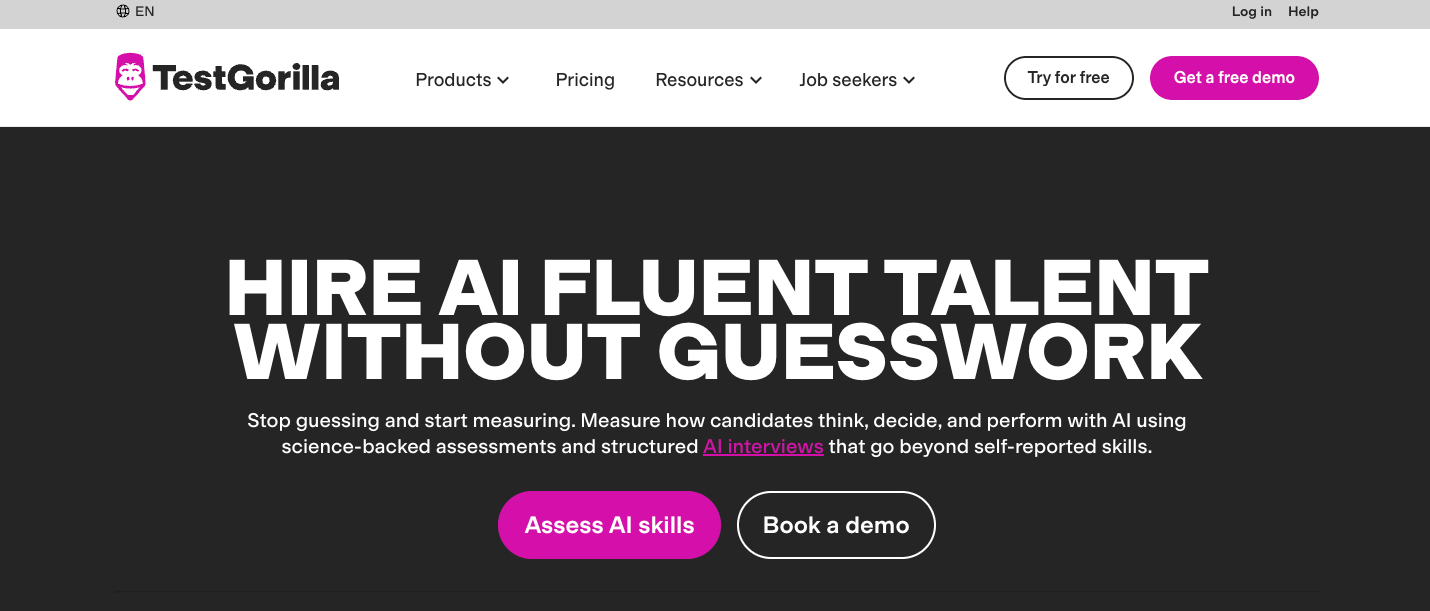
TestGorilla works best early in your hiring funnel to filter out unqualified candidates before you spend time on screening. With it, you can test for skills specific to the role you’re hiring for. For instance, for a content marketing role, you might assign tests on SEO knowledge, English proficiency, and attention to detail. For a sales position, you could test for communication skills, personality traits that predict sales success, and situational judgment.
TestGorilla lets you combine up to five tests into a single assessment. It also provides benchmark data showing how each candidate compares to others who have taken the same tests.
- Best for: Pre-employment skills assessment and candidate screening
- What it does: TestGorilla provides a library of validated skills tests so you can evaluate candidates objectively before investing time in interviews.
- Why recruiters choose it
- 300-plus pre-built tests covering technical skills, cognitive ability, language, and personality traits.
- Custom test creation lets you access company-specific knowledge or workflows.
- Anti-cheating features like webcam monitoring and question randomization to ensure test validity.
- Cons
- It requires candidates to complete an assessment before moving forward, which may deter some applicants.
- Pricing can be steep for smaller companies.
- Plans/Pricing
- Free
- Core: $142 per month (billed annually)
- Plus: Custom
9. Calendly
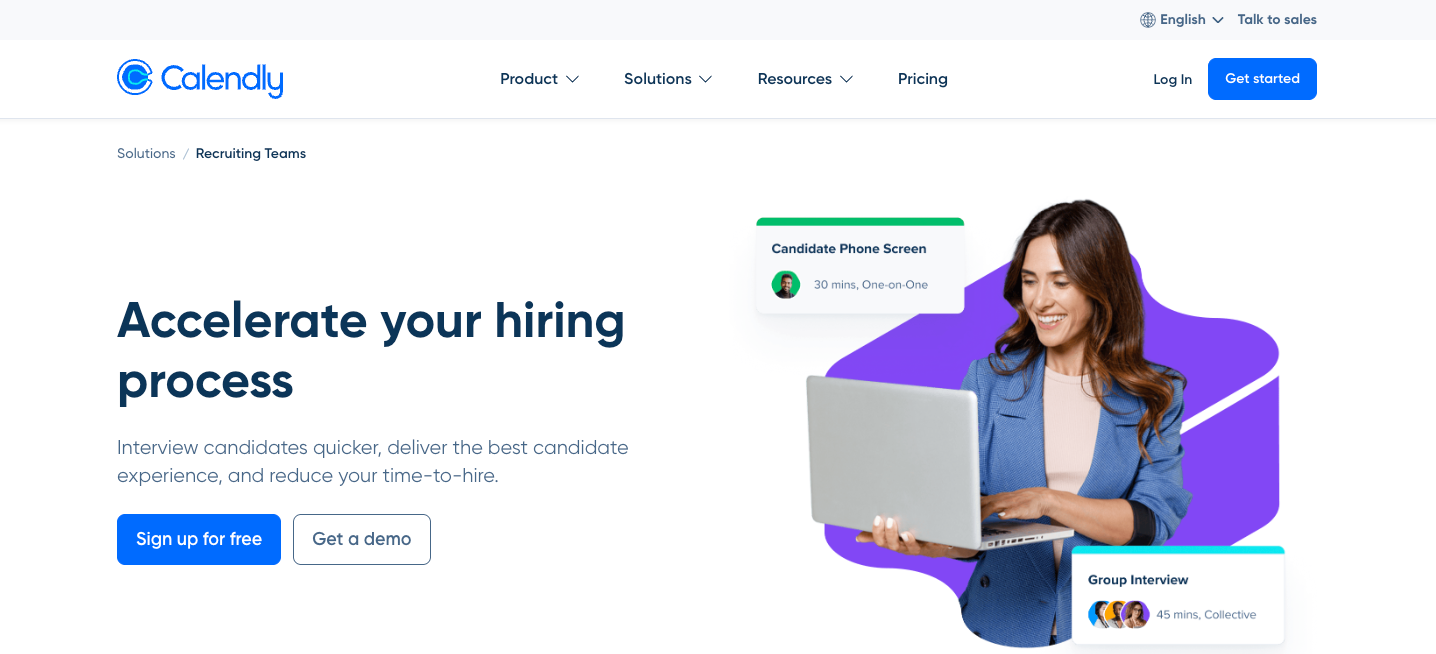
Calendly isn’t a full recruiting platform, but it solves one of the most time-consuming aspects of hiring: coordinating schedules. Instead of sending multiple emails to find a time that works, you send candidates a Calendly link showing your available slots. They pick a time that works for them, and the meeting is added to both calendars with automated reminders.
For recruiting teams, the Teams plan lets you create round-robin scheduling and collective scheduling. You can also set buffer times between interviews and create different event types for phone screens, technical interviews, and final rounds.
- Best for: Interview scheduling
- What it does: Calendly automates interview scheduling by letting candidates book time slots directly from your calendar availability, eliminating the back-and-forth of finding mutually convenient times.
- Why recruiters choose it
- Candidates self-schedule based on your real-time availability, dramatically reducing coordination time.
- Automatic time zone detection prevents scheduling mistakes with remote candidates.
- Integration with popular recruiting tools and video conferencing tools like Zoom.
- Cons
- It’s purely focused on scheduling and doesn’t include any other recruiting features.
- Group scheduling for panel interviews requires higher-tier plans.
- Plans/Pricing
- Free
- Standard: $10 per seat per month (billed annually)
- Teams: $16 per seat per month
- Enterprise: $15k per year
10. ZipRecruiter:
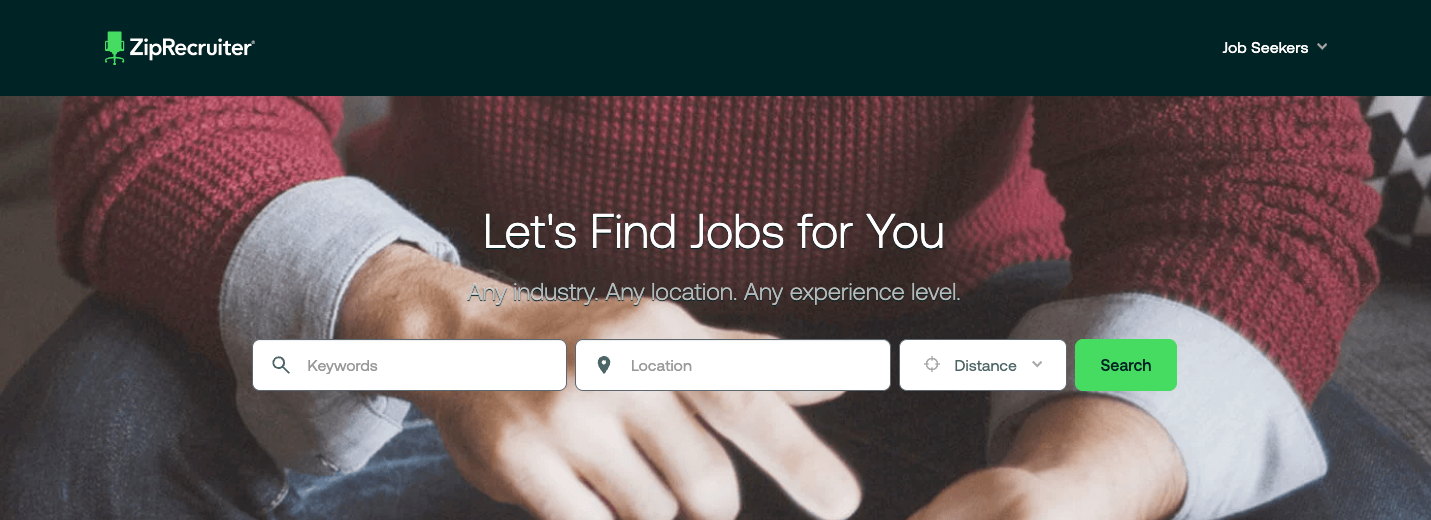
ZipRecruiter made this list because of its reach and speed. The platform distributes your job across 100-plus websites, including CareerBuilder, Monster, and dozens of niche industry sites, giving you exposure to candidates who might not visit your company’s career page. Then its AI scans its database to find talent profiles matching your job requirements and sends them email invitations to apply. This proactive matching significantly increases application volume, which is helpful for hard-to-fill positions or when you need to hire quickly.
- Best for: Distributing job posts across multiple platforms simultaneously
- What it does: ZipRecruiter posts your jobs to 100-plus job boards with a single submission and uses AI to identify and invite candidates who match your requirements.
- Why recruiters choose it
- One-click distribution saves hours of manual posting.
- AI-powered candidate matching proactively invites qualified candidates to apply.
- Mobile app lets recruiters review applications and communicate with candidates on the go.
- Cons
- AI matching quality varies significantly by job type and location.
- Fewer customization options for application forms than with dedicated ATS platforms.
- Plans/Pricing
- ZipRecruiter doesn’t publish pricing, but it offers a variety of plans depending on your hiring needs.
Which app is best for recruiting new talent?
The answer depends on factors beyond just features and pricing. But keep these points in mind as you evaluate the options we’ve covered:
- Consider your hiring volume and role complexity. Are you hiring five to 10 people per year or filling 100-plus positions across multiple departments? You’ll need different infrastructure for both situations.
- Do you need structure or flexibility? Consider whether you’re trying to standardize an inconsistent process or need a tool that adapts to your unique workflow.
- Prioritize apps with strong mobile experiences. Some platforms look great on desktop but offer limited functionality on mobile devices.
- Choose a platform that integrates with your existing tools, such as your HRIS, payroll system, and communication app.
- Choose a platform that’s easy to implement.
Ultimately, the best apps for recruitment help you hire better candidates faster while reducing manual work. If you need complete control over your hiring workflow and want to build something tailored to your unique process, start with the Jotform recruitment app template. It’s completely no-code: All you need to do is drag and drop elements, then add your branding to create a functional recruitment app.
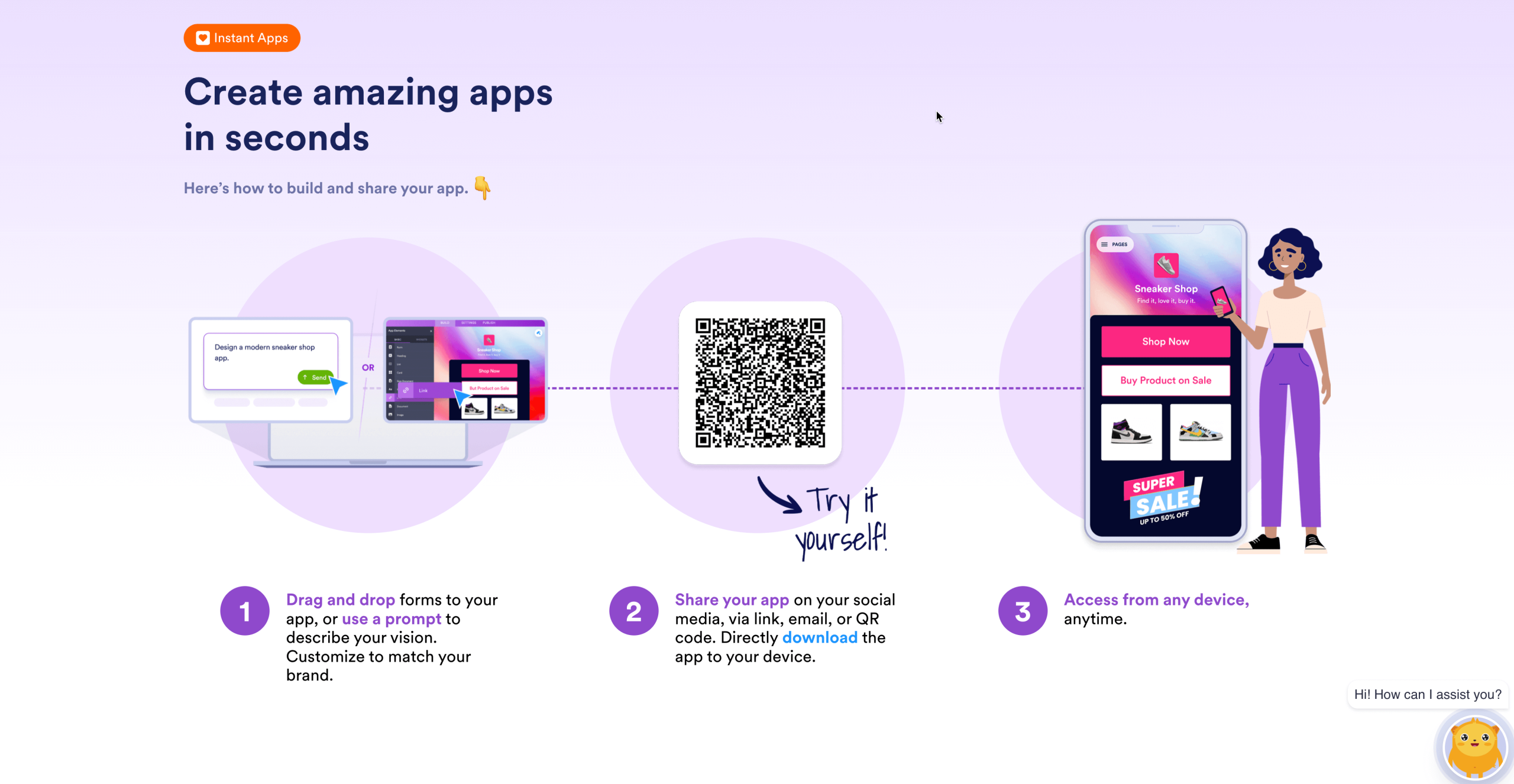
Launch your custom recruiting workflow with Jotform Apps today or contact sales for enterprise needs.
This article is for recruiters, hiring managers, and HR teams who want mobile-friendly recruiting tools to source candidates, manage pipelines, screen applicants, and schedule interviews while keeping collaboration and workflow management simple across devices.































































































Send Comment: