
Top mileage tracker apps
It’s the end of the month, and uh-oh, you just realized that you haven’t been recording your miles traveled for work. If this sounds familiar, you’re not alone. But don’t worry; a good mileage tracker app can help you avoid this recurring headache.
Mileage tracker apps automatically record the distance you travel for work. These apps work in the background on your smartphone using GPS, providing accurate, real-time data and streamlining the mileage recording process. If you’re exploring ways to customize tracking for your business, you might even consider how to create an app without coding to build a solution tailored to your workflow.


Benefits of using mileage tracker apps
The primary advantage of mileage tracker apps is their ability to automate the recording of business-related vehicle expenses. This automation not only saves time but also enhances accuracy, reducing the number of errors associated with manual logging.
With precise tracking, you can easily report your vehicle expenses on tax returns and calculate accurate mileage reimbursement, ensuring you claim all applicable deductions. Additionally, having a detailed digital record of all trips can help you monitor your spending and manage expenses more effectively. Many businesses also pair mileage tracking with tools like vehicle inspection forms and a vehicle handover check form to maintain clear documentation of vehicle condition, usage, and compliance.
Selecting the right mileage tracker app
Consider the following factors when choosing the best mileage tracker app for you:
- Ease of use: The app should have an intuitive interface.
- Accuracy: It should provide precise and reliable tracking.
- Features: Consider whether you need additional functions, such as expense reporting and integration with other software.
- Cost: Look at the free and paid options, and keep your budget requirements in mind.
- Platform compatibility: Ensure the app is available on your preferred devices.
Top 10 mileage tracker apps
Here’s a roundup of the top mileage tracker apps, including a review of their features, pros and cons, and pricing:
1. Jotform Apps
Jotform Apps is a no-code, drag-and-drop app builder. You can start with templates (for example, the Vehicle Mileage Tracker App) and then tailor the fields, workflows, and views to align with how your team logs trips.
- Best for: This app turns forms and data into apps.
- Key features
- More than 800 app templates, enabling a quick launch
- Push notifications (great for reminders and approvals)
- Offline capabilities for data collection via Jotform Mobile Forms (syncs when you’re back online)
- Pros
- Fields, branding, and workflows are highly customizable.
- Teams that need approvals and audit-ready records will benefit.
- Templates enable a fast setup.
- Cons
- Not a “pure” GPS auto-tracker by default (you build your workflow)
- Best experience often requires some initial setup and design time
- Pricing
- Jotform’s free Starter plan lets you create five forms and accept 100 monthly submissions.
- The Bronze plan ($34 per month, billed annually) offers up to 25 forms and 1,000 monthly submissions.
- The Silver plan ($39 per month) offers up to 50 forms and 2,500 monthly submissions.
- The Gold plan ($99 per month) offers up to 100 forms and 10,000 monthly submissions.
- Custom enterprise options are also available.
- Storage space, total submission storage, and the number of monthly payments you can collect all increase with each plan.
- G2 rating: 4.7/5
2. Everlance
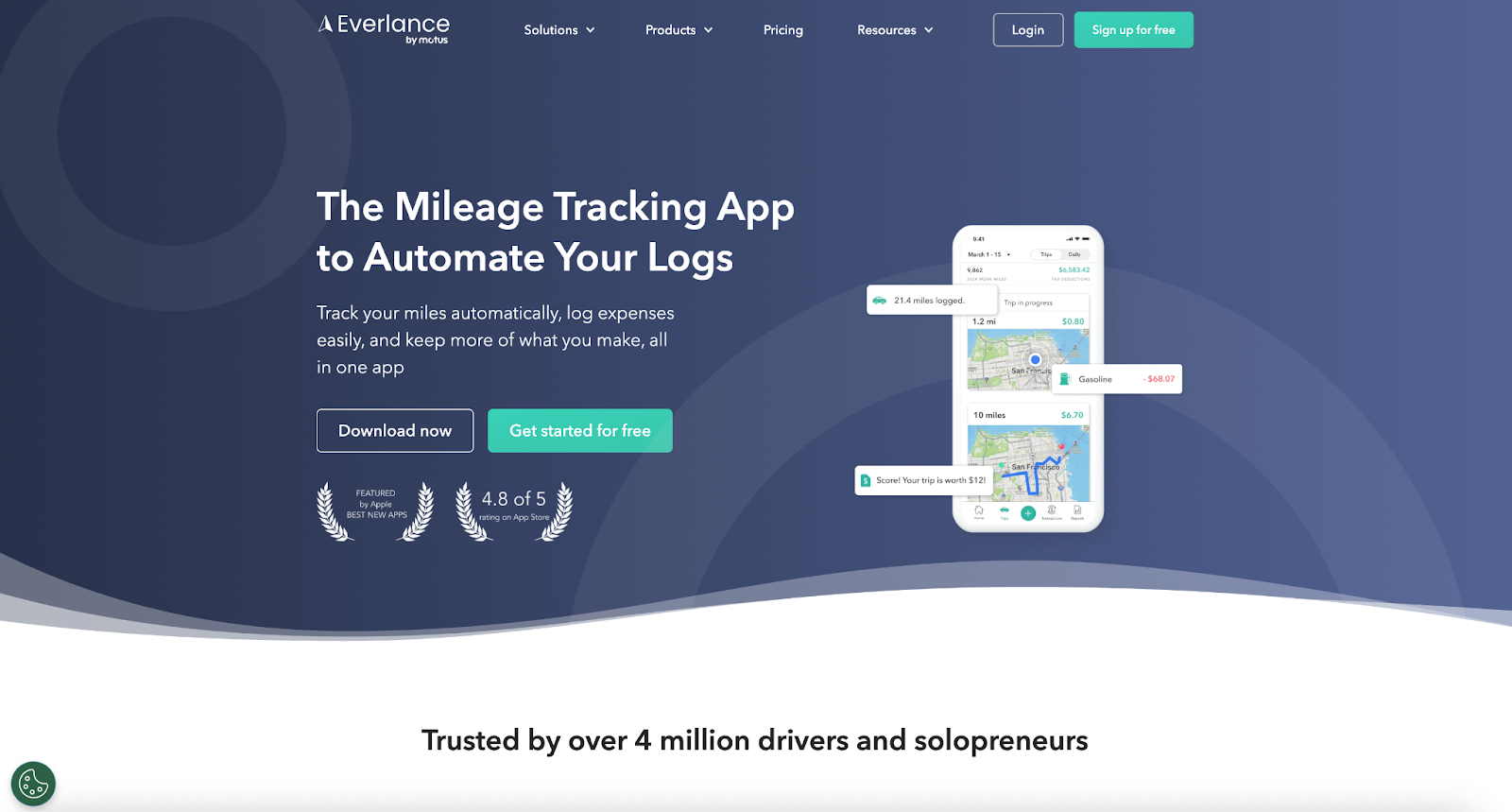
Everlance focuses on GPS-based automation and offers expense tracking. It features mileage logs, and IRS-ready reporting, in addition to processes for reimbursements and tax deductions. The app works well for freelancers, contractors, and small businesses.
- Best for: Everlance offers affordable automatic mileage and expense tracking.
- Key features
- Automatic trip detection and classification
- Expense tracking (in addition to mileage tracking)
- Helpful reports for reimbursement and tax workflows
- Pros
- Strong user satisfaction
- Good fit for solo users who want “set it and forget it” mileage tracking
- Cons
- Teams and admin controls can be limited, compared to fleet-focused tools.
- Pricing may add up if you’re rolling it out to many users.
- Pricing
- Basic, free: Manual and limited automatic trips (up to 30 trips per month)
- Starter, $8.99 per month or $69.99 per year: Unlimited automatic mileage tracking, expense tracking, and report exports
- Professional, $99.99 per year: Includes AI tax deduction finder, tax filing assistance, and audit protection
- Trials: Seven-day free trial on paid plans
- G2 rating: 4.4/5
3. MileIQ
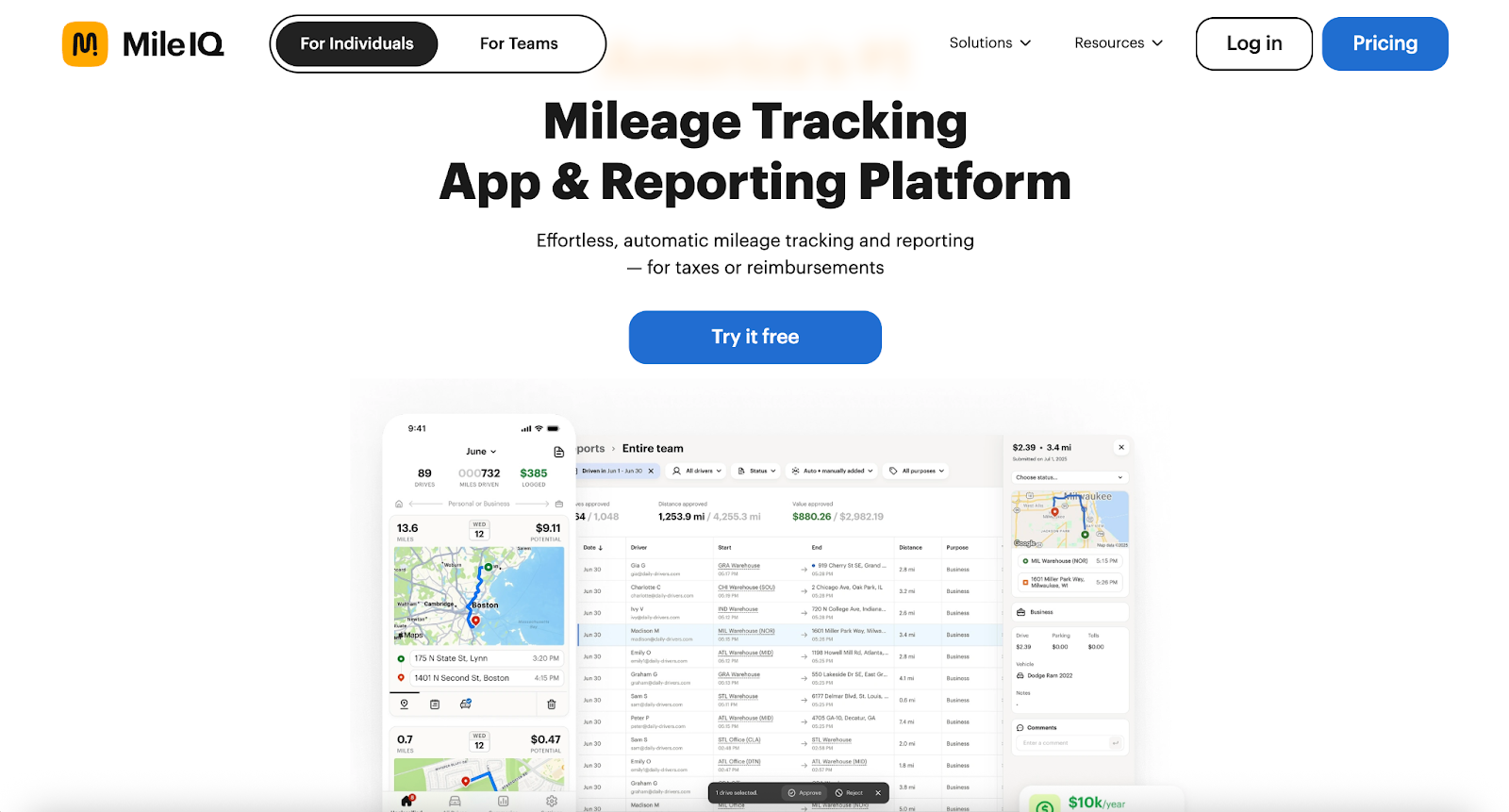
MileIQ lets you swipe to classify trips as business or personal. Exports are easy and IRS compatible. It’s great for individuals and small teams without complex expense needs.
- Best for: This app provides effortless automatic tracking and has simple, tiered pricing.
- Key features
- Automatic mileage tracking
- Autogenerated reports
- Unlimited drives on paid tier
- Team plans
- Pros
- Free plan option
- Best for individuals and small businesses
- Cons
- Some users report that they have to take extra time to review inaccurately tracked trips (e.g., inaccurately tracked starts and stops).
- The advanced admin features typically require paying for the Business tier.
- Pricing
- Free: Up to almost 40 trips per month
- Premium: Around $7.50 per month (annual billing) for unlimited trips
- Business: Around $8 per user, per month, with extra team and admin tools
- Variation: Varied pricing by region and because of periodic promotions
- G2 rating: 4.2/5
4. TripLog
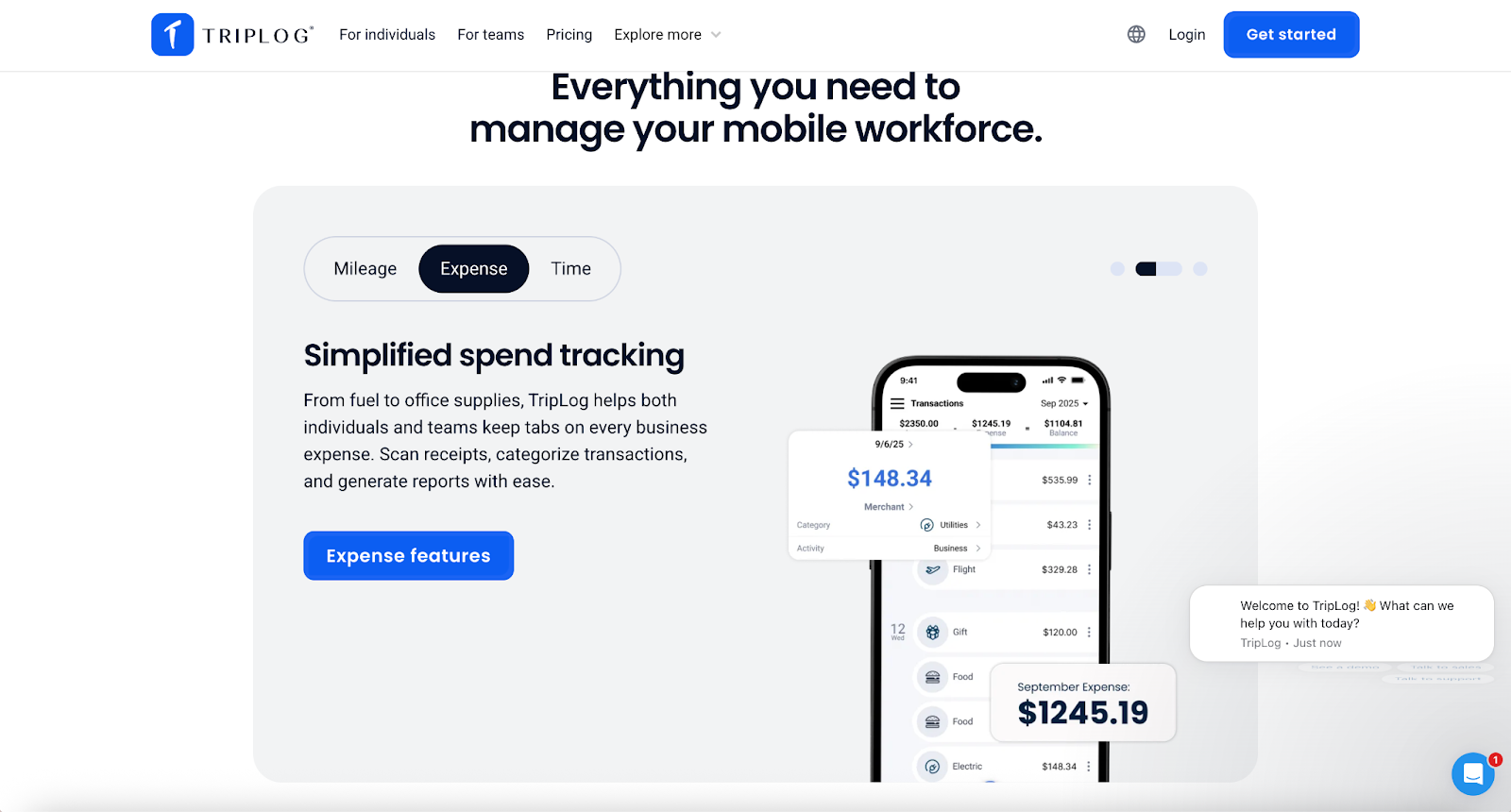
TripLog is robust for both solo drivers and fleets, with automatic trip detection, multiple tracking modes (GPS alone or with Bluetooth or hardware), full expense entries, receipt capture, and integration with payroll and accounting tools.
- Best for: This app works well for teams that need to track mileage and expenses and have admin controls.
- Key features
- Unlimited automatic mileage tracking and reporting
- Approval management
- Start- and end-street address capture
- Custom reporting
- Pros
- Built-in approvals to reduce back-and-forth
- Cons
- Team features can be overkill for solo users.
- Price varies by module (mileage versus expense versus time).
- Pricing
- Individual premium: Around $4.99 per month (annual billing)
- Team (mileage): Around $8 per user, per month
- Enterprise: Around $12 per user, per month, with advanced policies and integrations
- Trials: Free trial typically available
- G2 rating: 4.6/5
5. Driversnote
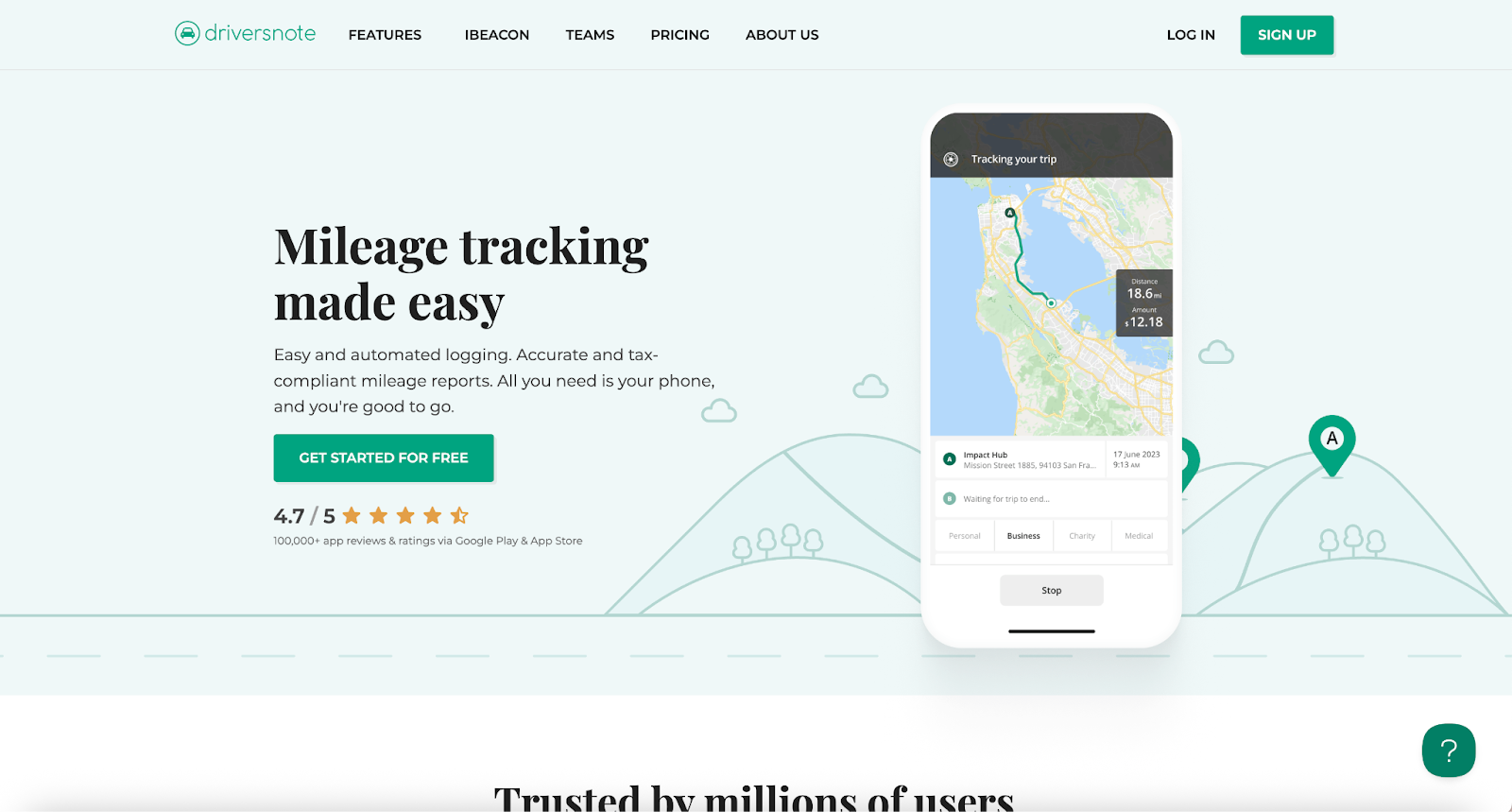
Driversnote logs trips, categorizes them, and generates tax-compliant reports (in a PDF or in Excel). The app supports multiple vehicles and workplaces and reminds users to keep logs up-to-date.
- Best for: Driversnote features simple auto-logging and strong reports.
- Key features
- Automatic trip tracking and report generation
- Improved precision and reduced battery and trip noise with iBeacon support
- Multiple vehicles and workplace logging (in separate logs)
- “Create locations” function to accelerate categorization
- Pros
- You can use iBeacon to reduce false positives and battery use.
- Cons
- You may need to get a paid plan (or other hardware) to use some of the best features.
- This app might be more than you need if you log miles only occasionally.
- Pricing
- Free trial/basic plan: Generally enables auto-tracking and basic logs
- Premium: Basic functions and custom mileage rates, advanced reports, and team management
- Variation: Typical industry pricing; exact tiers vary by region (Check Driversnote’s app-store listing or website for current USD and EUR rates.)
- G2 rating: 4.5/5
6. Hurdlr
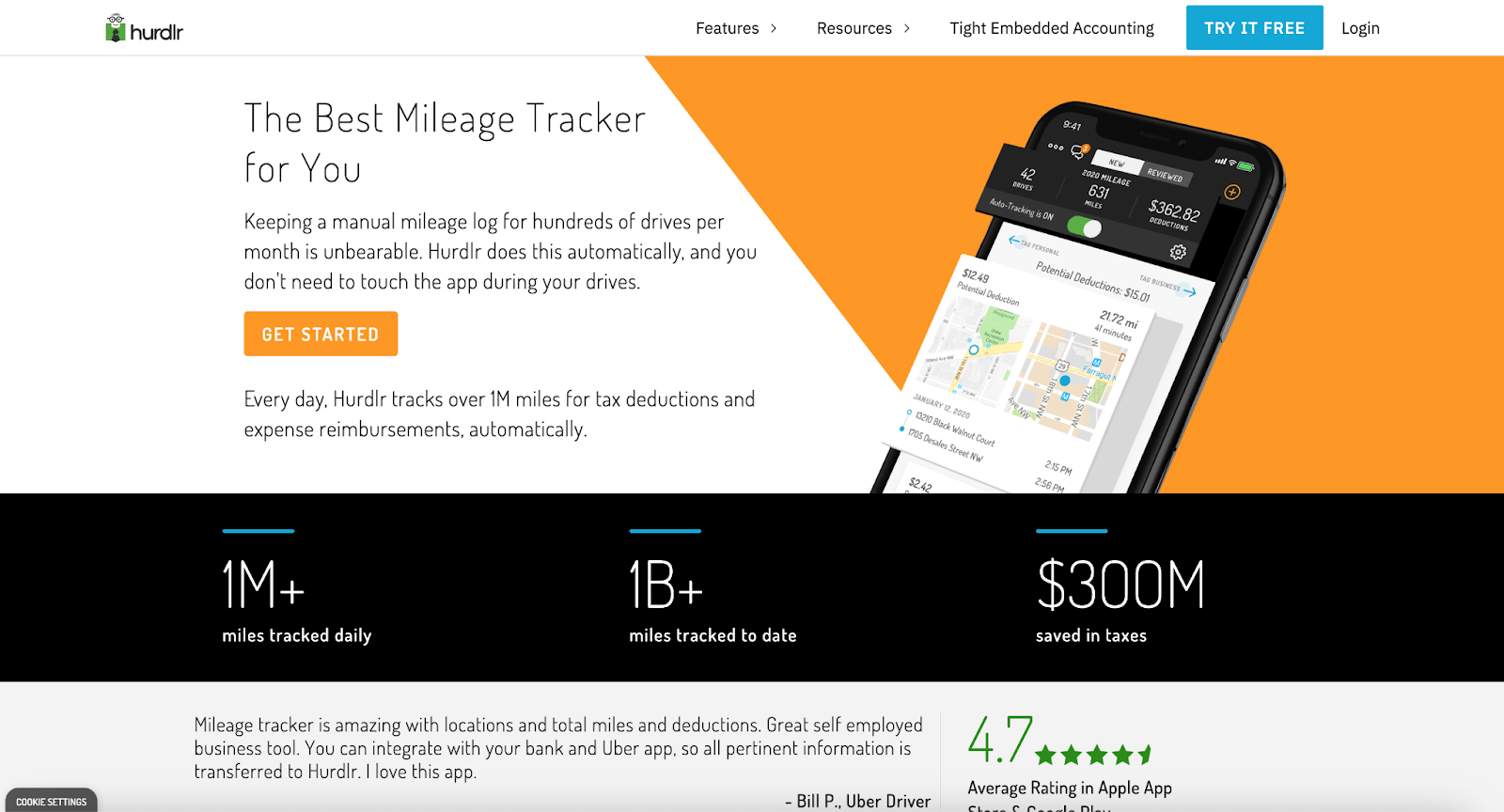
Hurdlr combines automatic mileage tracking with receipt capture, bank syncing, tax estimation, and income tracking. It’s also useful for tracking pay from multiple income streams, such as freelancing and gig work.
- Best for: Hurdlr works best for drivers who want to track their mileage and get broad insights on their income, expenses, and taxes.
- Key features
- Mileage tracking and reimbursement-ready logs
- Business finance tracking alongside mileage (positioning)
- Exportable records for taxes
- Pros
- Records are all in one place for freelancers.
- Pricing options are simple: monthly or annual.
- Cons
- If you want only mileage, it may be more than you need.
- Pricing
- Free tier: Basic mileage and expense tracking
- Premium: Around $10 per month and comes with tax estimates, unlimited logs, and bank and credit card linking
- Variation: Pricing shown in US dollars and may vary by region.
- G2 rating: 4.3/5
7. Zoho Expense
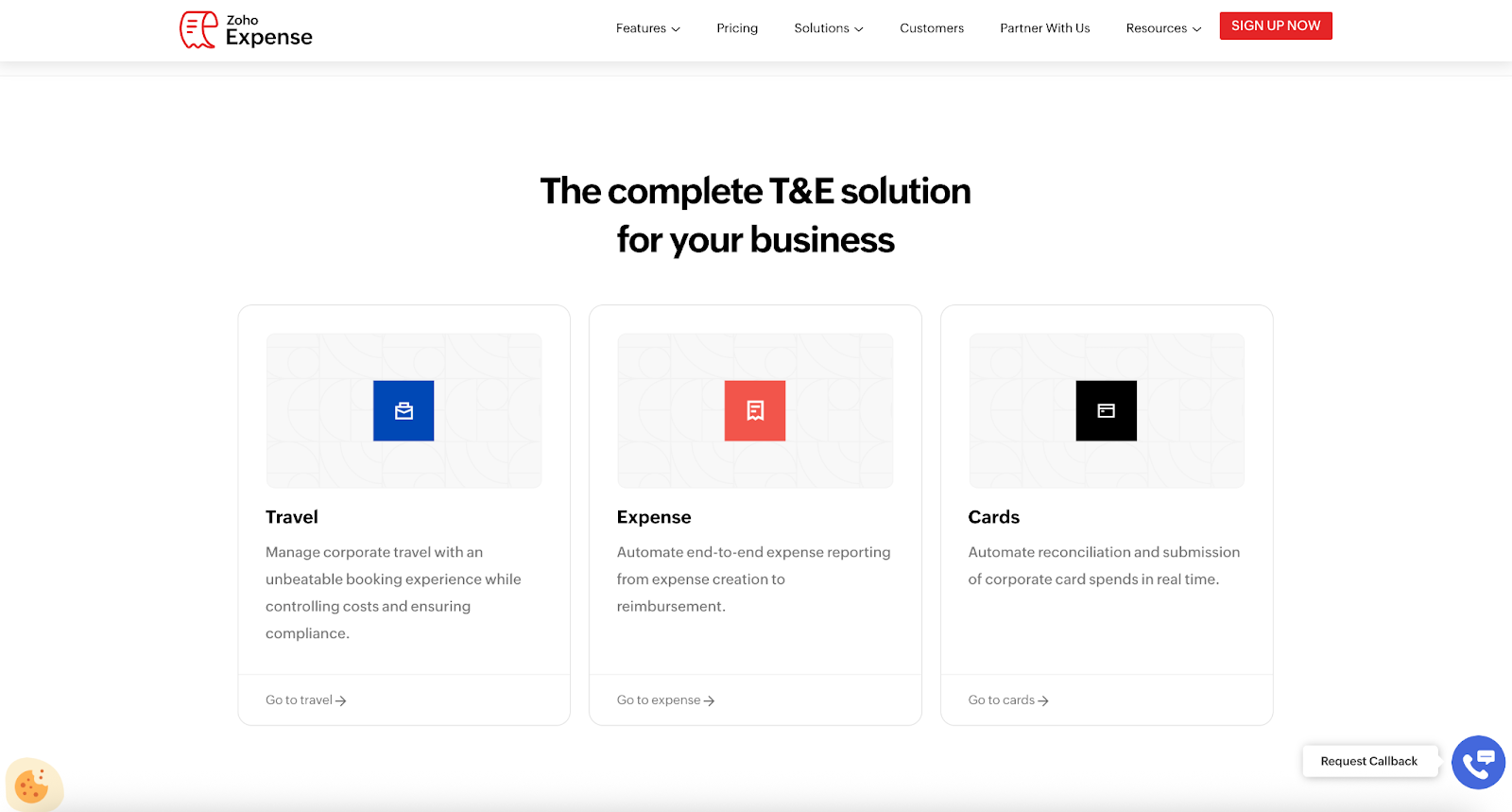
Zoho Expense isn’t just a mileage tracker; it’s also a full expense management platform with GPS mileage logs, multicurrency support, policies, approvals, and accounting integrations (including QuickBooks and Xero).
- Best for: This app benefits companies that want to track mileage inside a full expense workflow.
- Key features
- GPS-based mileage expenses
- Expense reports and receipt handling
- Accounting integrations
- Audit trail and compliance-focused options
- Pros
- End-to-end expense workflows
- Cons
- Could be overwhelming for those who want a mileage-only app
- Might involve setup and admin overhead (depending on your organization’s needs)
- Pricing
- Free: Up to three users with basic features
- Standard: Around $4 per user, per month
- Premium/enterprise: Higher tiers with audit trails and advanced controls (a great choice if you need mileage logging as part of broader company expense tracking)
- G2 rating: 4.5/5
8. Timeero
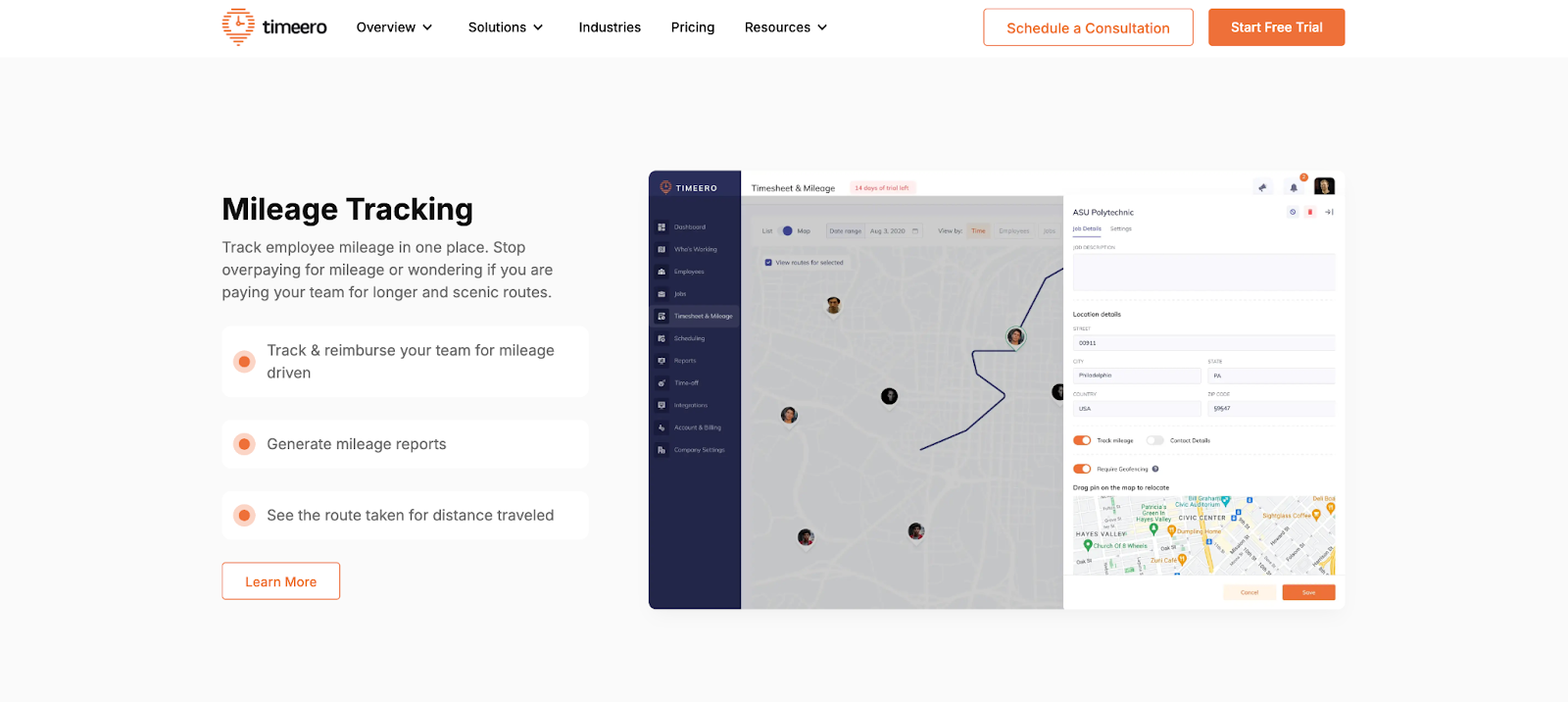
Timeero blends time tracking and GPS tracking with mileage logging. It’s ideal for field service or mobile workforces for whom “where + when + how far” matters.
- Best for: Field teams that need GPS, time, and mileage tracking will make great use of this app.
- Key features
- Time and attendance tracking and GPS tracking
- Mileage tracking
- Team visibility for field operations
- Pros
- Clear plan tiers for teams
- Cons
- If you need only mileage, the app’s time-tracking features may be unnecessary.
- Larger teams may need time for admin configuration.
- Pricing
- Base plans: Start around $4 per user, per month
- Higher tiers: Add job scheduling, geofencing, and advanced tracking (Exact pricing may vary with annual billing and promotions.)
- G2 rating: 4.8/5
9. Motus
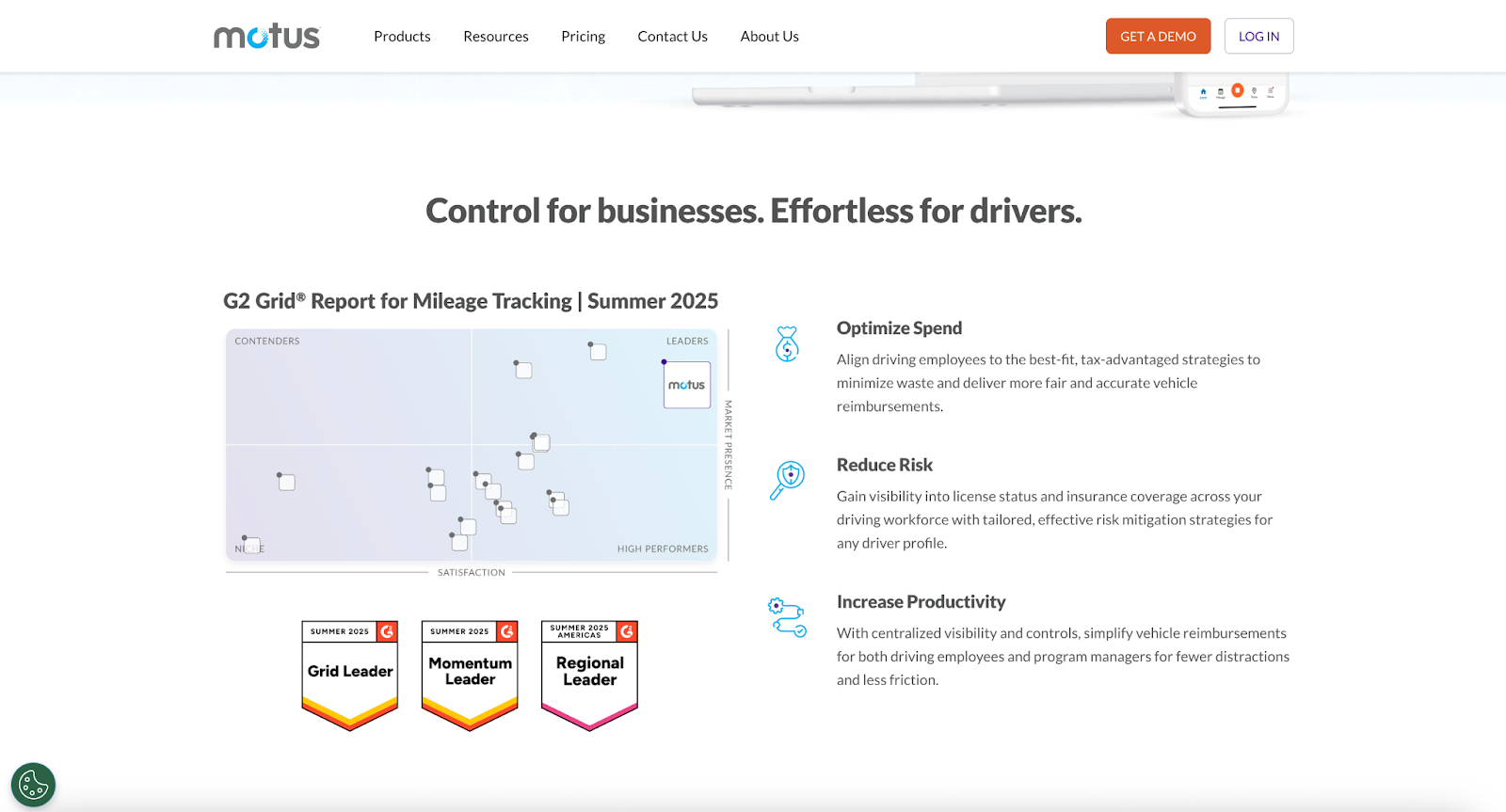
Motus focuses on vehicle reimbursement programs (e.g., fixed and variable rate allowance or cost per mile) and centralized admin reporting. Often tailored to enterprise needs, it’s less a simple phone app and more a fleet reimbursement solution.
- Best for: This app enables reimbursement for companies that have large fleets and structured programs.
- Key features
- Program-level reimbursement management (business focus)
- Ability to scale well for organizations with many drivers
- Reporting and policy oversight
- Pros
- If your organization needs program controls, Motus is a better fit than consumer apps.
- Cons
- Motus is not a lightweight platform, compared with solo mileage apps.
- Pricing is typically quote based.
- Pricing
- Quote-based pricing: Typically requires contacting sales (used by larger organizations, rather than individuals)
- G2 rating: 4.4/5
10. Rydoo
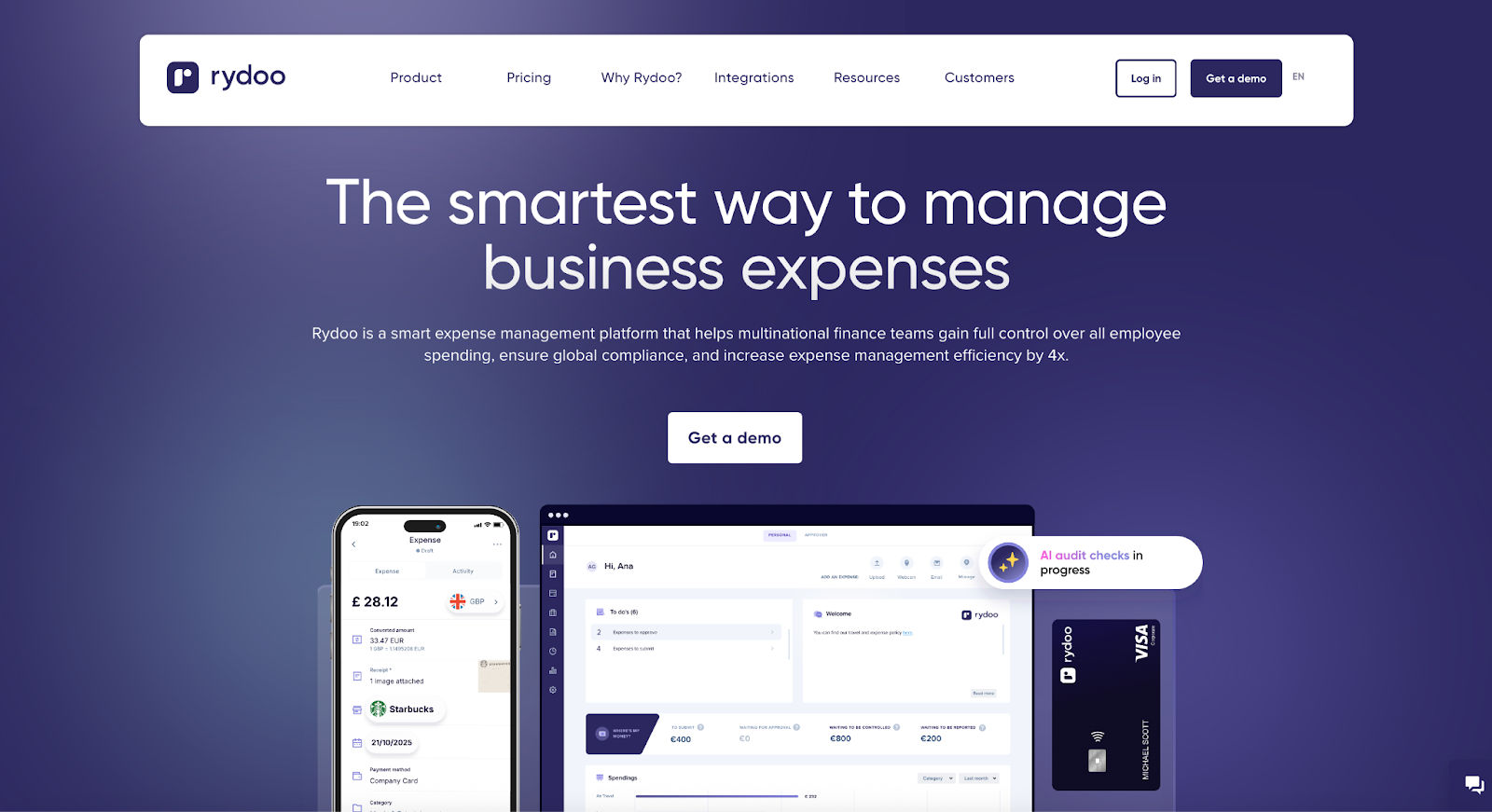
Rydoo includes mileage tracking, receipt storage, travel itineraries, and policy enforcement. It’s suited for midsize or global teams.
- Best for: International teams that need to track expenses and mileage will find Rydoo useful.
- Key features
- Expense management workflows (approvals, policies, reimbursement)
- Mileage support alongside broader expense reporting
- Multicountry and finance team focus
- Pros
- If your finance team needs to deliver standardized reporting, Rydoo is a good choice.
- Cons
- This app is more than a simple mileage-only tracker.
- Your organization may have to sign up a minimum number of users or opt for team-oriented pricing.
- Pricing
- Essentials: Around €8 per user, per month, billed annually
- Professional: Higher tiers with more compliance and team tools (Subscription pricing may vary by region and exchange rate.)
- G2 rating: 4.4/5
Customizing your mileage tracker with Jotform Apps
If your business is looking for more flexibility, Jotform Apps offers a simple, customizable tracker app. It allows users to build an application that fits their requirements without needing extensive coding knowledge. The best part? With the platform’s many templates, you don’t have to start from scratch. Consider these customizations:
- Jotform offers a Mileage Tracker Form Template that can be easily added to your custom app. This form captures all the necessary details, such as date, mileage, and purpose of the trip.
- Another valuable template is the Employee Mileage Record Request Form. Employees can log their trips on this straightforward template and submit mileage records directly from their smartphones. The records are then stored centrally for easy access and management.
- Comprehensive expense tracking often requires keeping receipts that corroborate mileage claims. Jotform Apps allows you to enhance your custom mileage tracker app with a File Upload field, enabling employees to upload photos of their receipts to the app.
Jotform Apps not only simplifies the creation of a personalized mileage tracker but also integrates it into a broader system of workflow enhancements, making expense management more straightforward and efficient.
Try Jotform for free and experience how managing mileage and expenses can be hassle free.
This article is for anyone who needs an easier way to log work travel, track reimbursable trips, and keep clean records for reporting or taxes, whether you drive occasionally or manage mileage as part of everyday operations.








































































































Send Comment: