
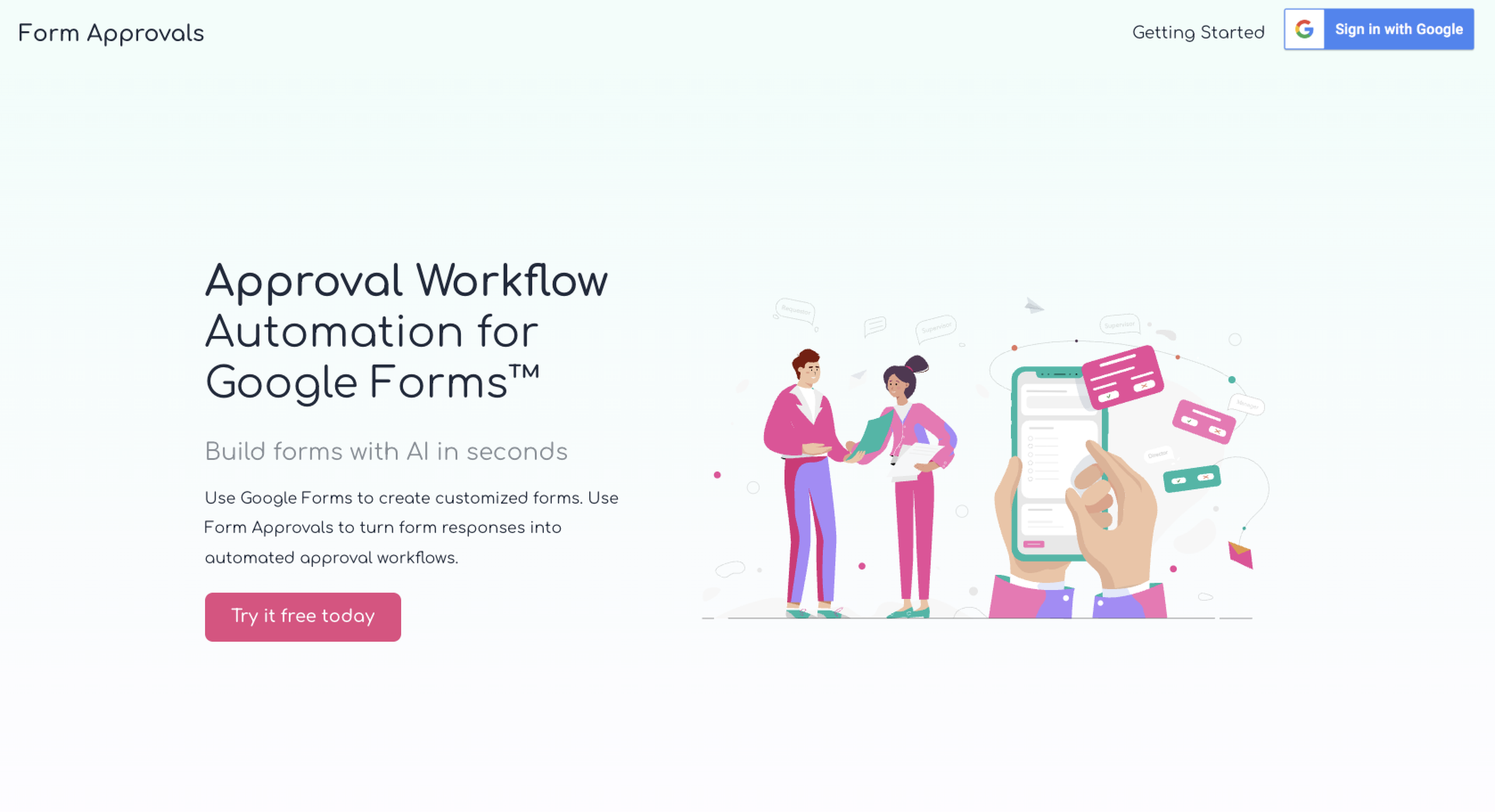
Form Approvals transforms your Google Forms into a simple and efficient workflow. It takes your form, lets you assign roles to it, and directs it to those individuals. Recipients can approve, take action, or simply get a copy of the results.
This is great for everyday workplace situations, such as requesting IT support or a travel reimbursement. For example, say you need access to your organization’s new accounting platform. You could complete the appropriate Google Form and hit the submit button. Form Approvals would share the form with the IT department, where they would review it, approve your access, and mark it as complete. You’ll get a notification that everything’s set, so you can start using the platform.
Think of Form Approvals as the automated middleman. It helps you create a Google Forms approval workflow by eliminating a few manual tasks. But is Form Approvals worth it?
That’s a question only you (or your organization) can answer. While the tool does offer a free plan, you’ll need to upgrade to a paid tier to access its best features. Here’s a quick overview of Form Approvals pricing before we dive into what the Form Approvals plans offer.
| Free | Individual | Team | |
|---|---|---|---|
|
Best for |
Casual users with fewer than 20 Google Form responses per month |
Organizations with several Google Forms and regular use |
Businesses that heavily rely on Google Forms for everyday workflows |
|
Annual pricing |
Free forever |
$96 |
$600 |
|
Billing options |
No payment required |
Quarterly, annually, or biannually |
Quarterly, annually, or biannually |
|
Form responses per month |
20 |
100 |
1,000, with the option to purchase higher limits |
|
Admin users |
1 |
1 |
Unlimited on the same domain |
|
Requesters and approvers |
Unlimited |
Unlimited |
Unlimited |
|
Key workflow features |
Role-based and multilevel workflows, Google Sheets integration |
Calendar, role-based and multilevel workflows; Google Sheets integration |
Calendar, role-based and multilevel workflows; Google Sheets integration |
|
Team-only features |
None |
None |
Recipient tracking and authentication, automatic reminders, access to Fast forms |
|
Support |
Basic maintenance |
Enhanced support with a 12–24 hour turnaround |
Enhanced support with a 12–24 hour turnaround, premium support available for an extra fee |
Pro Tip
If those prices are looking a little steep compared to what you get, we have an alternative for you to consider: Jotform’s AI Form Builder in Google Workspace. It’s one of the best Google Forms add-ons for businesses. You can use it to create Google Forms with AI, import questions from Google Workspace tools, and export a Google Form directly to the Jotform platform.
Below is an in-depth Form Approvals review of available plans, so you can decide which one is right for you (or whether it’s time to consider a completely different solution, like Jotform).
1. Free plan
Key features included:
- Support for one administrator and unlimited requesters and approvers
- Role-based workflows that route forms to the appropriate approver and other recipients
- Up to 20 form responses per month
Key features missing:
- Lacks access to the Calendar Add-On
- No support other than basic maintenance
The Form Approvals free plan is meant for casual users who don’t regularly use a Google Forms approval workflow. Small startups, mom-and-pop shops, and businesses that usually rely on sources besides Google Forms will do well on this plan.
An obvious benefit is that it’s, well, free. And that’s not for a trial period — it’s forever. You can stay on this plan as long as you like, so long as you’re a single administrator who receives fewer than 20 form responses each month.
With the free plan, you get access to the complete Form Approvals dashboard. You can set role-based workflows, collect signatures, and integrate form data into Google Sheets. There are no limits to the number of requesters or approvers, so you can share forms with whomever you want.
2. Individual plan
Key features included:
- Support for one administrator and unlimited requesters and approvers
- Up to 100 form responses per month
- Provides enhanced email support for technical issues
Key features missing:
- Automatic reminders that alert approvers and others to an outstanding form or action
- Authentication tools that verify who a recipient is when they submit a form
The Form Approvals Individual plan steps up the number of form responses you get each month. Instead of 20, you’ll have 100. That’s ideal if you use Google Forms fairly often in your business, or if you have a variety of different forms that employees or others complete.
Similar to the Free plan, you can set role-based and multilevel workflows. This lets you control where the form goes and who can take action. The administrator gets access to the full-featured dashboard, where they can track open and closed forms to verify they’re getting the right attention. Also included is the ability to collect signatures and integrate form data into Google Sheets.
Besides the additional number of form responses, you also benefit from enhanced support. If you have an issue with a workflow, simply reach out to Form Approvals, and they’ll get back to you within 12–24 hours. You also get the Calendar Add-On, which lets you set an event tied to a specific Google Form.
Other optional add-ons include email from the Form Approvals domain. This is helpful if you don’t have a supported Gmail account. Form Approvals will send notifications through its domain, so anyone who needs to be looped in on the form will get an alert. You can also add premium support for an extra fee.
3. Team plan
Key features included:
- Support for unlimited administrators, requesters, and approvers
- Up to 1,000 form responses per month, higher caps are available for an additional fee
- Offers enhanced tracking for recipients, plus automatic reminders
Key features missing:
- Lacks integrations with other supportive tools, such as databases or customer relationship management platforms
- No ability to name a backup approver, which is important if someone is out of office or leaves the company
If Google Forms is ingrained in your business workflows, then you might want to consider the Form Approvals Team plan. It’s the powerhouse that supports up to 1,000 form responses, with unlimited admin users, requesters, and approvers.
As with the other plans, you get access to all the basic tools. That includes a dashboard as well as the ability to create role-based and multilevel workflows and set routing conditions. Wherever you think a submitted form should go, you can define who gets it, approves it, or takes some other action.
Additional features include a recipient tracking page and recipient authentication. With tracking, recipients can view their open forms that are waiting for action. This reduces the need for follow-ups from administrators and submitters, since recipients can simply open their tracker to see what’s outstanding. The authentication tool is important for sensitive forms, where only the recipient should have access to the content or action items.
Also helpful are the automatic reminders. Administrators can define when an approver or other recipient is alerted to an outstanding form, which helps prevent forms from getting lost in the shuffle.
Optionally, you can add premium support (an extra $10 per month) and email from the Form Approvals domain. And if you need a higher cap for submissions, that’s available for an extra fee. Form Approvals add-on pricing depends on the number of administrators in your plan.
Is paying for Form Approvals worth it?
It depends. Form Approvals costs make sense if you already have the product set up and only need it for approvals. It’s a bare-bones tool that probably won’t break your budget, especially if you’re on the Free or Individual plan. But Google Forms approval workflow pricing gets much steeper when you graduate to the Team plan.
If you want to do more with your forms, it’s time to upgrade to Jotform. Jotform’s capabilities are extensive, and all plans include access to Jotform Tables and Jotform Inbox. These products store form data and alert you to submissions. Plus, you can extend your forms with automated workflows, payment support, and e-signature collection — all without the need for a Google Forms approval add-on cost.
Don’t bolt approval workflows onto Google Forms. Use Jotform instead.


Leaning on third-party tools to do a simple job that a primary product can’t is a very 2010s-era approach. Today, there is a single product that can handle your entire form creation and approval pipeline: Jotform.
With Jotform, you don’t have to worry about managing a Google Form, Form Approvals subscription, linked Google Sheet, Gmail account, and workflow administrator dashboard. Everything you need is included within the Jotform platform.
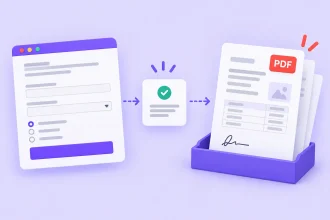
Here’s how it works. You start by building your first data collection form in Jotform. Then, you visually map the process. You decide who can access the form and submit it, and who the recipients and approvers are. Jotform lets you assign tasks, request a signature or payment, generate PDFs, send automated alerts, and track each form’s progress — all without adding a pricey approval product on top of your form.
With Jotform, you get
- Jotform Workflows: This is your visual, no-code drag-and-drop workflow builder that lets you map out your entire approval process in minutes.
- Immediate access to approval workflow templates: Set up sequential, parallel, individual, and group approvals.
- Forms that support conditional logic: Here, you can design a form that decides what to display based on the submitter’s inputs.
- Jotform Sign: With this tool, you can turn PDFs into e-sign documents and collect signatures without the need for paperwork.
- Jotform PDF Editor: For on-demand PDF generation and editing.
- Over 200 workflow templates: Turn convoluted processes, such as expense reimbursements and ticket escalations, into a streamlined workflow.
Jotform includes all the native features of Form Approvals, but it offers much more. Besides automating the approval cycle, you can use Jotform to support payment collections, follow-ups, task assignments, e-signatures, and full-cycle workflows. You can even extend its functionality with Jotform integrations, which include Google Sheets, Salesforce, and Asana.
When comparing Form Approvals vs Jotform, keep this in mind: Form Approvals is the right pick when you already use Google Forms and want to add a basic approval layer, but any Form Approvals workflow is highly dependent on Google Workspace components, accurate role-based workflows, and a third-party add-on. With Jotform, you eliminate all the extras in favor of a single platform that handles them for you.
How much does Jotform cost?
Jotform offers five affordable plans to choose from. Here’s a look at the annual pricing:
- Starter (free): One user, five forms, and 100 submissions
- Bronze ($34 per month): One user, 25 forms, and 1,000 submissions
- Silver ($39 per month): One user, 50 forms, and 2,500 submissions
- Gold ($99 per month): One user, 100 forms, and 10,000 submissions
- Enterprise (custom pricing): Multiple users, unlimited forms, and unlimited submissions
Best of all, if your organization is a school, you can take advantage of our education discount. It drops the price of the Bronze, Silver, and Gold plans by 50 percent. So, if you enroll in the Bronze plan, you’ll pay $17 per month instead of $34.
Nonprofit organizations may also qualify for the nonprofit discount. It grants the same 50 percent discount and additionally offers a 30 percent reduction on the Enterprise plan.
If you’re already using Google Forms, you can migrate your existing forms to Jotform in seconds. We have a migration tool that facilitates the move, and you can select the forms and fields you want to transfer. You won’t need to worry about recreating a form from scratch — just connect the form to a visual workflow, add approval conditions, assign tasks, and track every step from your Jotform account.
Ready to get started? Sign up for Jotform today and take advantage of forms and workflows that don’t require a third-party add-on.
This article is for school administrators, HR teams, finance departments, operations managers, nonprofit staff, IT administrators, and small business owners who are using or considering Form Approvals to add approval workflows to Google Forms and want to understand what each plan includes before committing.


























































































Send Comment: