


SurveyMonkey is a well-known SaaS survey platform that was founded back in 1999. The software allows users to learn how to create a survey, quizzes, and polls for their audience. Surveys are easy to share, and results are gathered automatically. SurveyMonkey allows you to sign up for free or for paid team plans that start at $30 per month, with a minimum of three users.
However, SurveyMonkey isn’t your only option for creating online surveys, quizzes, and polls.
Skip the intro, show me the top 13 SurveyMonkey alternatives.


Why look for a SurveyMonkey alternative?
While SurveyMonkey is understandably popular, there are a few reasons why you might want to use another platform instead:
- Limited free plan: SurveyMonkey offers a basic plan for free, but you’re limited to asking 10 questions and viewing 25 responses for each survey. Several features are also locked behind a paywall. If these aren’t enough for you, upgrading to a paid plan is always an option.
- Pricing: You might not find SurveyMonkey’s paid plans for individuals affordable. A Team Advantage plan is $30 per user per month.
- Design: SurveyMonkey doesn’t provide much in terms of design customization options. This means that if you’d like your surveys to match your company’s branding, SurveyMonkey might be too limited for you.
- Limited conditional routing: Some users note that SurveyMonkey is generally best for simple surveys since the only logic offered is skip logic.
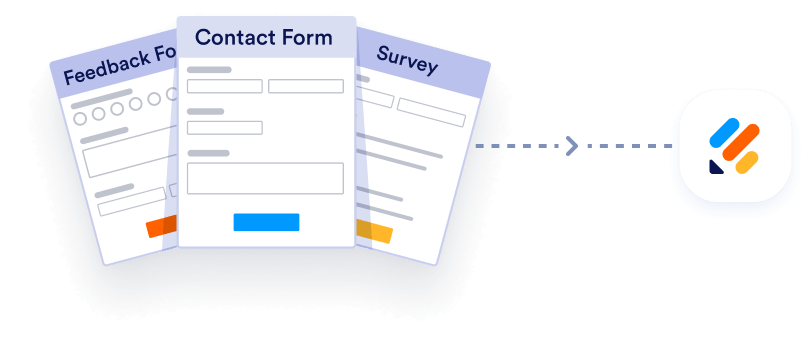
Import from Surveymonkey instantly
There’s no need to rebuild your online forms from scratch when switching to a new platform. Instead, migrate existing forms and submission data into your Jotform account in one click — so you can collect data without skipping a beat.
Your form can not be migrated.
Please ensure that your form URL is correct and that your form is set to “public” before attempting to migrate it again.
Top 13 SurveyMonkey alternatives for surveys, quizzes, and polls
| Tool | Best for | Key features | Pricing |
|---|---|---|---|
 Jotform |
Custom surveys with templates, widgets, and advanced logic |
20,000+ templates, widgets, conditional logic, Tables, offline mobile forms |
Free, paid plans from $34/month |
 Typeform |
Conversational surveys that boost completion |
One-question flow, logic, 3,000+ templates, Slack and Mailchimp integrations |
Free, paid plans from $25/month |
 Google Forms |
Free, simple surveys with easy sharing |
Workspace integration, collaboration, sharing links, basic templates |
Free |
 Microsoft Forms |
Quick polls/quizzes for teams and internal feedback |
Templates, branching, built-in charts, Power Automate connector |
Free, paid plans from $99.99/year (Microsoft 365) |
 Zonka Feedback |
AI-powered, omnichannel customer feedback surveys |
Omnichannel survey distribution, AI text analysis, advanced logic + CX metrics |
Not publicly available |
 QuestionPro |
Advanced surveys with multilingual support |
100+ languages, many question types, logic, real-time dashboards |
Free, paid plans from $83/user/month |
 Alchemer |
Employee/CX and research surveys with support options |
Advanced builder, complex logic, enterprise security, training/support |
Paid plans from $55/user/month |
 Zoho Survey |
Branded surveys with flexible distribution |
Drag-and-drop, skip logic, 250+ templates, QR sharing, integrations |
Free, paid plans from $7.42/month |
 Survicate |
Ongoing customer feedback across channels |
CSAT/NPS® surveys, targeting/segmentation, AI survey builder, integrations |
Free, paid plans from $49/month |
 Qualaroo |
In-context website feedback |
Website nudges, branching/skip logic, question library, integrations |
Free, paid plans from $19.99/month |
 Sogolytics |
Surveys needing strong reporting and exports |
Multichannel distribution, analytics dashboards, export formats |
Free, paid plans from $39/month |
 Qualtrics XM |
Enterprise experience management |
Advanced analytics, text analysis, templates, multi-use platform |
Pricing not listed (contact sales) |
 LimeSurvey |
Open-source surveys with deep customization |
Open source, advanced logic, 80+ languages, extensive exports |
Paid plans from $39/month |
1. Jotform
Best for building customizable online surveys with templates, widgets, and advanced form logic
With over 20,000 templates and hundreds of customizable widgets to choose from, Jotform makes it easy to build and design intuitive, user-friendly online surveys.
Plus, Jotform Mobile Forms allows you to collect responses no matter where you are — online or off.
Advanced functionality like a built-in spreadsheet-database hybrid tool to manage and store data, conditional logic — which displays different questions based on a respondent’s answers — and HIPAA-friendly forms make Jotform a no-brainer.
Key features:
- 100-plus third-party integrations
- Extensive customization options
- The ability to create amazing apps in seconds with Jotform Apps
Pros:
- Easy to embed forms into a website
- A variety of products for other uses, like collecting electronic signatures and building an online store
- Automations for plenty of tasks
Cons:
- Lower-tier plans can feel restrictive once you need more submissions or higher usage
- The platform’s depth can be a lot to navigate if you only need a simple survey
- Scaling up can mean moving to higher tiers as volume and needs increase
Pricing:
- Free: $0 for 5 forms with 100 monthly submissions
- Bronze: $35 per month (billed annually) for 25 forms with 1,000 monthly submissions
- Silver: $39 per month (billed annually) for 50 forms with 2,500 monthly submissions
- Gold: $99 per month (billed annually) for 100 forms with 10,000 monthly submissions
- Enterprise: Custom pricing with unlimited usage
Jotform |  SurveyMonkey | |
|---|---|---|
| Pricing | FREE | FREE (very limited) |
| Sharing capability | Paid plan only | |
| Templates | 20,000+ | 200+ |
| Integrations | 201 | 100+ |
| Payment integrations | 35+ | Stripe only |
| Form views | 1,000 monthly (free plan) | 10 views per survey (free plan) |
| Spreadsheet-database submission management | Jotform Tables | |
| Export results to CSV, Excel & PDF | Paid plans only | |
| Multilingual surveys | Paid plans only | |
| Conditional logic | Limited | |
| Embed into website | Paid plans only | |
| Answer piping | Paid plans only | |
| Mobile app | ||
| Mobile responsive | ||
| SOC 2 Type II compliance | Jotform Enterprise | |
| Question/form importer | Various FREE options | Limited FREE and PAID options |
| Online data collection | ||
| Save and continue | ||
| Email notifications | ||
| Offline surveys | ||
| One question at a time | ||
| Anonymous feedback | ||
| Data visualization | Jotform Report Builder | |
| Features that help with HIPAA compliance | Gold plan | Enterprise plan |
| PCI certification | ||
| GDPR compliance | ||
| Spam protection (CAPTCHA) | ||
| Try It Now | Learn More |
2. Typeform
Best for conversational surveys that boost engagement and completion rates
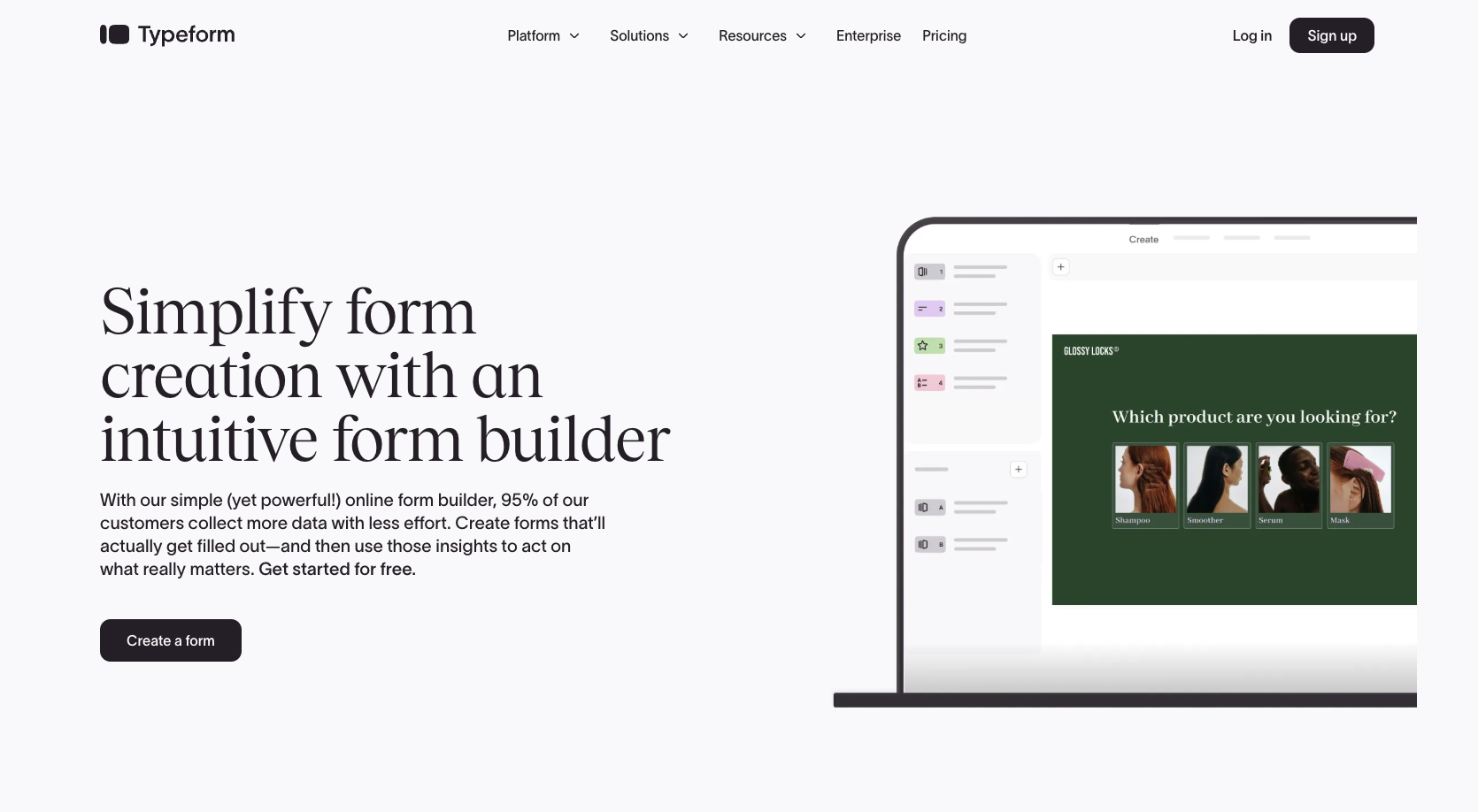
Typeform is a conversational survey maker that focuses on keeping people engaged throughout the survey process. It does this by asking one question at a time and using conditional logic to ask the right follow-up questions.
Typeform has a minimalist and aesthetically pleasing design that makes it easy to use. What’s more, Typeform offers over 3,000 templates ready for you to customize and use.
Key features:
- A conversational approach to survey questions
- Minimalist and aesthetically pleasing design
- Integrations with many popular applications like Slack and Mailchimp
Pros:
- Additional products including interactive video implementation and AI-generated forms
- User-friendly
- Community forum that allows you to connect with other users and ask questions
Cons:
- Limited design customization, making it difficult to match your form to your company branding
- The one-question-at-a-time style doesn’t work well for every survey format
- Key features and branding options may depend on higher plans as you grow
Pricing:
Typeform offers a free plan with limited features. Here are the paid plans:
- Basic: $25 per month (billed annually)
- Plus: $50 per month (billed annually)
- Business: $83 per month (billed annually)
- Enterprise: Contact sales
These are the standard pricing plans. Typeform also offers special plans for marketers and HR teams.
3. Google Forms
Best for creating free, simple surveys quickly with easy sharing and collaboration
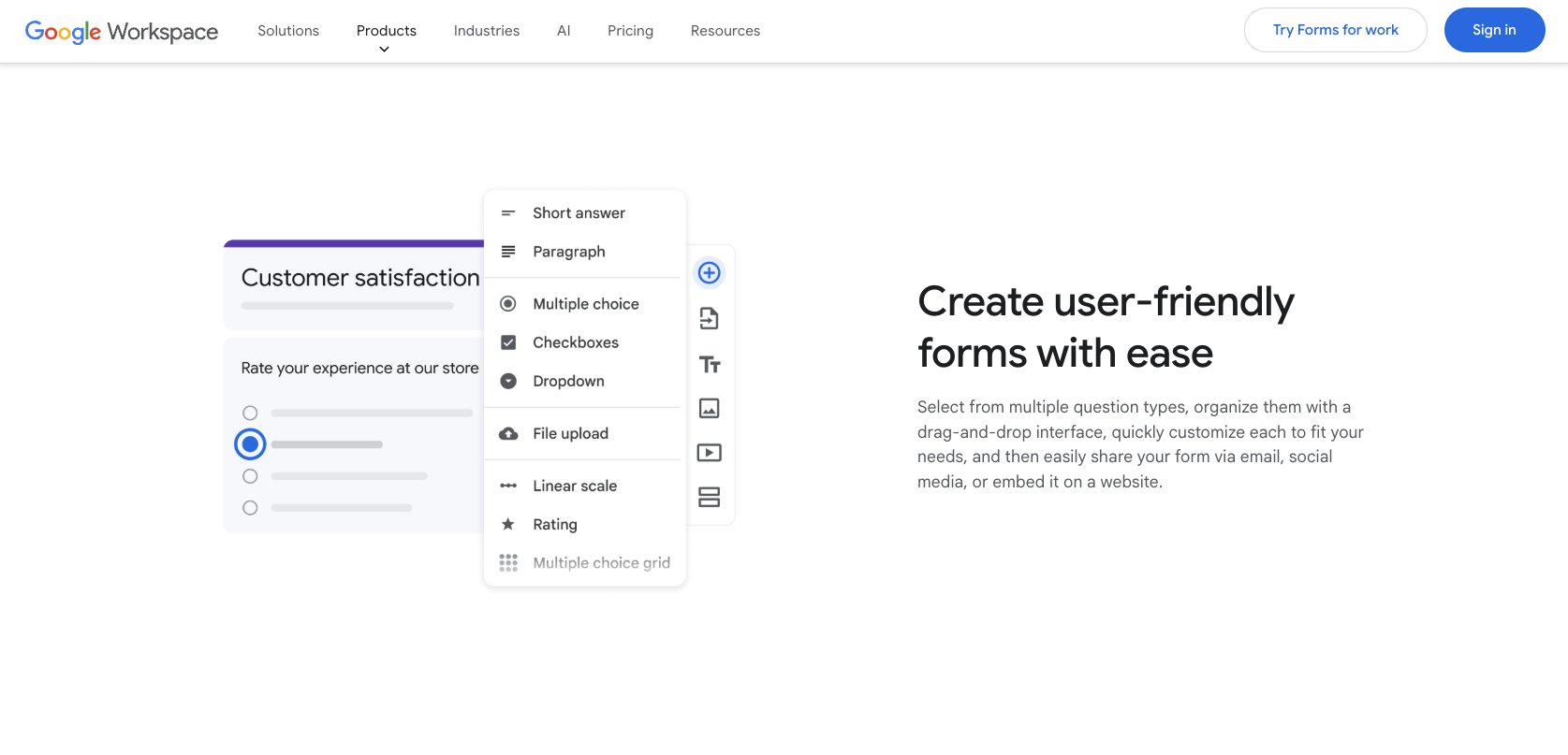
If you already use Gmail, Google Apps, or Google Drive, you can’t beat the convenience of Google Forms. Google Forms works great for simple surveys and questionnaires. You can spin up a survey in a couple of minutes, collaborate with coworkers, and start collecting and reviewing responses.
However, if you need conditional logic or lots of design customizations, you may find Google Forms limiting. If that’s the case, you may want to take a look at Google Forms alternatives.
For a more in-depth rundown comparing these two solutions, be sure to check out our article: Surveymonkey vs Google Forms.
Key features:
- Seamless integration with Google Workspace apps
- Emphasis on security
- The ability to share forms via email, link, or on your website
Pros:
- Completely free to use
- Very user-friendly
- Easy to collaborate on forms with multiple editors and track changes in real time
Cons:
- Branding and design flexibility are limited compared to dedicated survey tools
- Advanced workflows often require extra tools or workarounds (like add-ons/scripts)
- Extensions don’t solve every limitation, especially in the live respondent experience
Pricing:
- Google Forms is free to use, and if you’re on a free Google Workspace account, you get up to 15 GB of storage per user through Google Drive. You’ll also have access to 17 different templates.
Pro Tip
Explore how Jotform compares to Google Forms, so you can pick the platform that matches your workflow.
4. Microsoft Forms
Best for quick surveys, polls, and quizzes for internal feedback and team check-ins
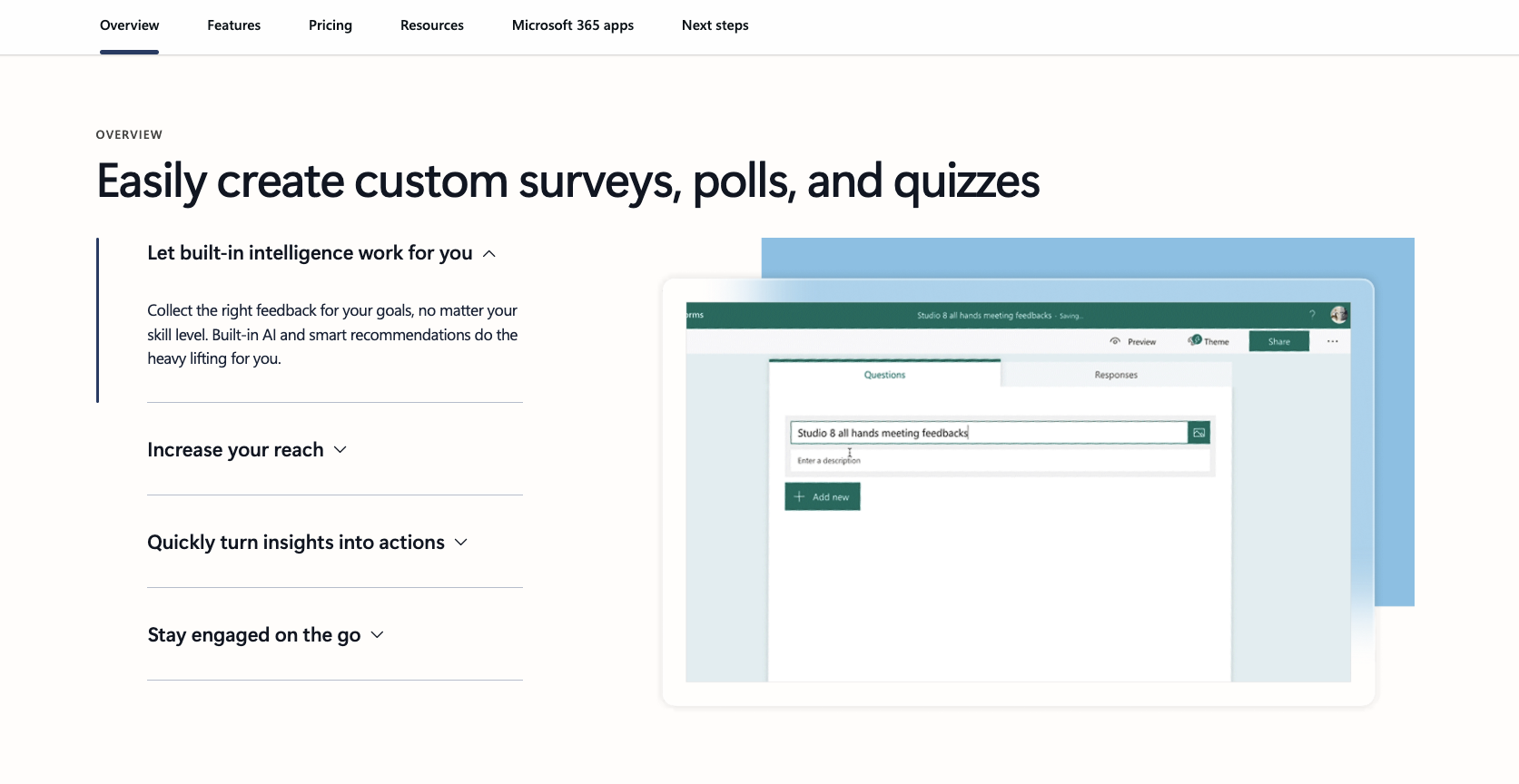
Microsoft Forms is an easy-to-use online survey tool for creating surveys, polls, and quizzes fast, without a steep learning curve. It’s especially useful when you need to share a form quickly, collaborate on questions, and review responses as they come in with built-in charts and real-time results.
For slightly more advanced workflows, Microsoft Forms also supports branching (conditional logic), so you can send respondents down different paths based on how they answer, which helps keep forms shorter and more relevant.
Key features:
- Surveys, polls, and quizzes with templates and simple form-building tools
- Branching (conditional logic) to route respondents based on answers
- Power Automate connectivity via the Microsoft Forms connector (for workflows and notifications)
Pros:
- Fast to build and easy for respondents to complete
- Clear, built-in response visuals and real-time reporting
- Supports branching for more dynamic surveys and quizzes
Cons:
- Limited design and branding customization compared to more advanced survey platforms
- Fewer advanced question/reporting options than research-focused tools
- Automation and broader workflow features typically require using Power Platform tools
Pricing:
- Microsoft Forms is free to use, but for more advanced features, paid plans for Microsoft 365 start at $99.99 per year.
Pro Tip
Check out our blog on Jotform vs Microsoft Forms to see how they stack up on features, customization, and ease of use.
5. Zonka Feedback
Best for AI-powered surveys and feedback intelligence
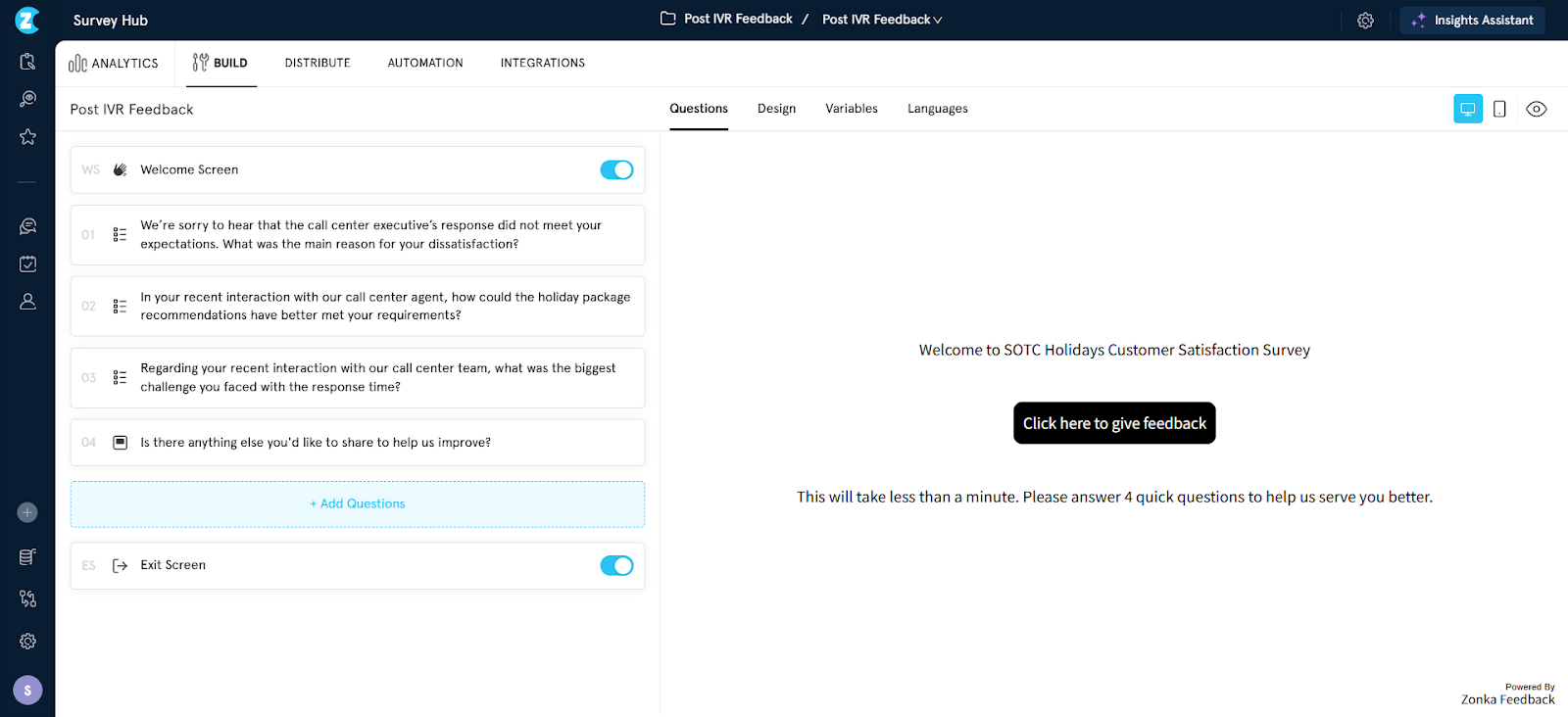
Zonka Feedback is an AI-powered Customer Feedback & Intelligence Platform designed for teams looking for more flexibility and faster insights than SurveyMonkey. It allows businesses to create and distribute surveys across multiple channels including email, SMS, WhatsApp, web, in-app, and offline kiosks, while unifying all feedback in a single platform. With built-in AI capabilities, Zonka Feedback helps analyze open-text responses using sentiment analysis, themes, impact scoring, and Ask AI, making it easier to turn feedback into actionable insights.
In addition to survey creation, Zonka Feedback focuses heavily on closing the feedback loop. Teams can manage responses through a centralized inbox, trigger automated workflows, assign tasks, and integrate feedback with tools like Salesforce, HubSpot, Zendesk, Slack, and Jira. Pricing is available on request, making it suitable for growing teams and enterprises that need scalable feedback programs.
Key features:
- Omnichannel surveys across email, SMS, WhatsApp, web, in-app, and offline kiosks
- AI-powered feedback analysis with themes, sentiment, and Ask AI insights
- Advanced survey logic, CX metrics (NPS, CSAT, CES), and real-time dashboards
Pros:
- Strong AI analytics for open-ended feedback
- Flexible survey distribution and automation workflows
- Easy-to-use interface with powerful reporting
Cons:
- Some advanced features may require onboarding support
Pricing:
- Pricing is not publicly listed
6. QuestionPro
Best for multilingual surveys with advanced question types, logic, and custom branding
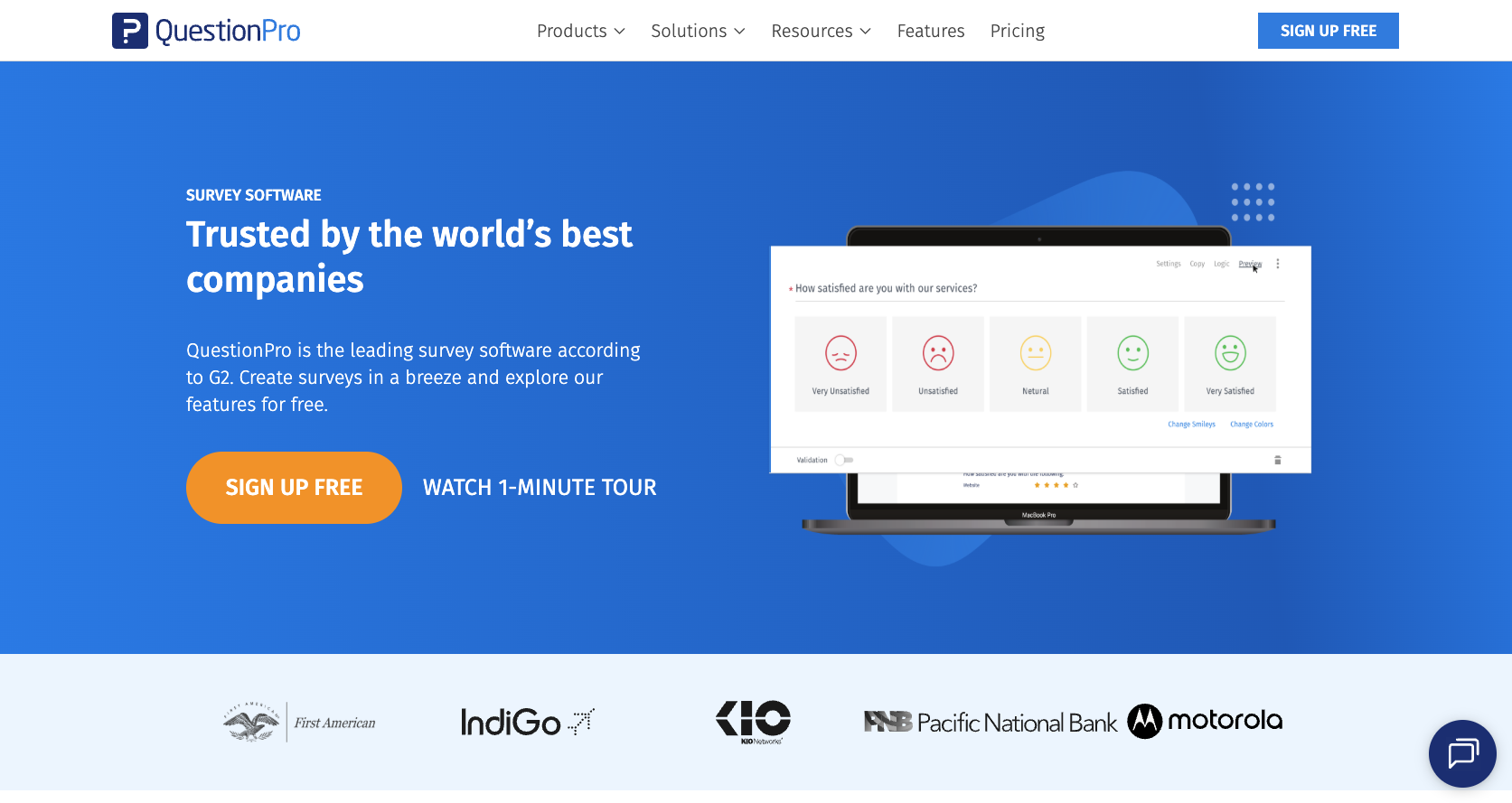
QuestionPro helps users build all types of surveys with its intuitive and easy-to-use software. Users can leverage multiple question types, conditional logic, and custom branding when creating their surveys. Additionally, the software has multilingual capabilities, supporting over 100 languages, and over 350 available templates.
Key features:
- Full-featured free version with plenty of responses per survey
- Shareable dashboard reports that are updated in real time
- Customizable thank you page
Pros:
- Includes conditional logic for more complex surveys
- Supports over 100 languages
- Customer experience features to ensure customer satisfaction
Cons:
- Advanced features can come with a steeper learning curve
- Subscription requirements may not be ideal for teams wanting short-term flexibility
- Data access/retention expectations can be a consideration if you stop using the tool
Pricing:
The Surveys & Research option on QuestionPro has four pricing plans:
- Essentials: Free
- Advanced: $99 per user, per month when billed annually
- Team Edition: $83 per user, per month when billed annually
- Research Suite: Custom pricing
7. Alchemer (formerly SurveyGizmo)
Best for running employee, customer, and research surveys with training and premium support options
Alchemer Survey’s UI is both robust and easy to use. The software specializes in employee assessments, customer experience, product feedback, and market research style surveys. The company also offers many premium support features, including one-on-one consultations, seven different templates, private training, and panel services that are primarily used for focus groups.
If you’d like to gain a deeper insight into the comparison of the two solutions, make sure to explore our article SurveyMonkey vs Alchemer.
Key features:
- Unlimited surveys and questions per survey
- Advanced survey builder with twice as many questions as SurveyMonkey
- Enterprise-grade security protocols
Pros:
- Extensive customization options
- Suitable for market research and user experience research due to conditional logic
- Hosts courses that provide guided instructions for the platform
Cons:
- Building complex logic and reporting can take time to learn
- Per-user pricing can get expensive for teams
- More advanced setups can require extra admin work compared to simpler tools
Pricing:
There are four plans available for individual and small teams:
- Collaborator: $55 per user, per month when billed monthly
- Professional: $165 per user, per month when billed monthly (for max 3 users)
- Full Access: $275 per user, per month when billed monthly (for max 3 users)
- Platform Plans: Custom pricing
8. Zoho Survey
Best for creating branded surveys fast with flexible sharing and strong reporting options
Zoho Survey makes it easy to create surveys in a matter of minutes. Notable features include a drag-and-drop interface, question scoring, conditional skip logic, multilingual support, hundreds of integrations with popular SaaS apps, and more than 250 custom templates. The survey software is part of Zoho’s broader suite of products, so if you’re already using its CRM, help desk, or accounting software, adoption should be easy.
Key features:
- The ability to personalize your surveys to fit your brand
- Survey sharing through QR codes, private groups, and more
- Multiple reporting types for smarter analysis
Pros:
- Surveys available offline, enabling you to get responses any time
- Numerous integrations with popular platforms like Facebook, Salesforce, and PayPal
- Can pay to have Zoho find survey respondents for you
Cons:
- The free tier can be limiting for ongoing or higher-volume use
- You may get less value if you’re not using other Zoho products
- Some capabilities scale by plan, so you might need upgrades as needs expand
Pricing:
Zoho Survey has four paid plans in addition to its Free plan.
- Basic: $7.42 a month when billed annually
- Plus: $25 a month when billed annually
- Pro: $35 a month when billed annually
- Enterprise: $75 a month when billed annually
9. Survicate
Best for collecting ongoing customer feedback with targeting, segmentation, and multi-channel surveys
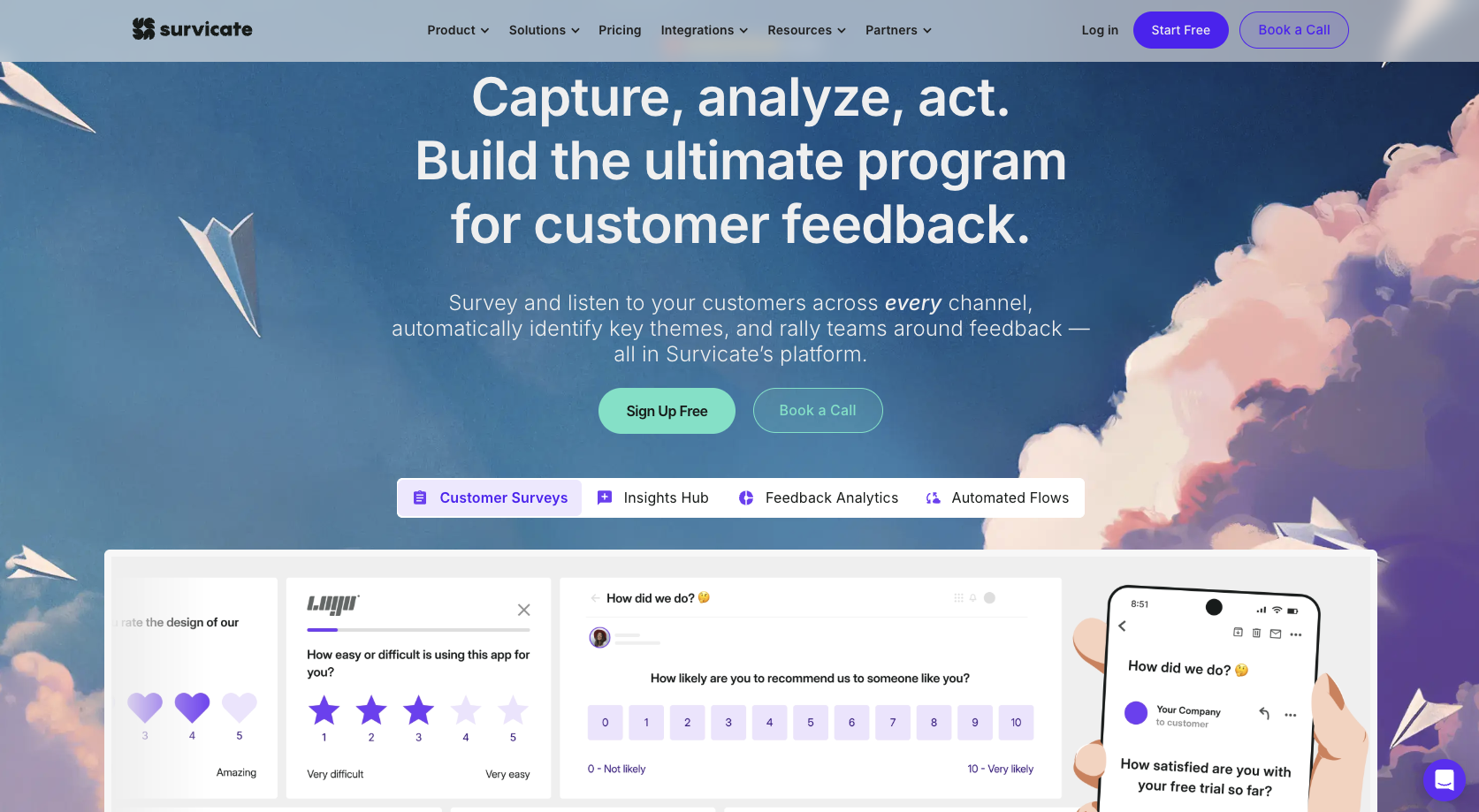
Survicate stands out as an intuitive yet powerful survey software, perfect for collecting continuous customer insights at scale and across multiple channels. It supports various use cases, from measuring customer satisfaction (CSAT) and Net Promoter Score (NPS®) to collecting website, product, and mobile app feedback.
With an AI-assisted survey creator, advanced targeting, and a wide range of customization options, Survicate makes creating and running on-brand surveys quick and effortless.
Key features:
- Advanced survey targeting for precise and effective audience segmentation
- Many third-party integrations, including Hubspot, Salesforce, Optimizely, and FullStory
- AI-powered survey creator generating full surveys in under a minute with a single prompt
Pros:
- An intuitive and simple-to-use tool that makes collecting and analyzing customer feedback quick and easy
- Advanced logic and targeting options ensure you get the most relevant feedback
- Easy customization options for fully branded surveys
Cons:
- Free usage limits can be restrictive for continuous feedback programs
- Exporting and integrations may be locked behind paid tiers
- Costs can rise as you scale responses, targeting, and multi-channel collection
Pricing:
Survicate has a Free plan that lets users collect 25 responses. For more advanced functionality, here are the main paid plans:
- Starter: $79 per month (billed monthly) for 100 responses per month
- Growth: $49 per month (billed annually) for 100 responses per month
For more advanced plans, visit Survicate’s pricing page.
10. Qualaroo (by ProProfs)
Best for collecting in-context website feedback with popups, exit surveys, and question branching
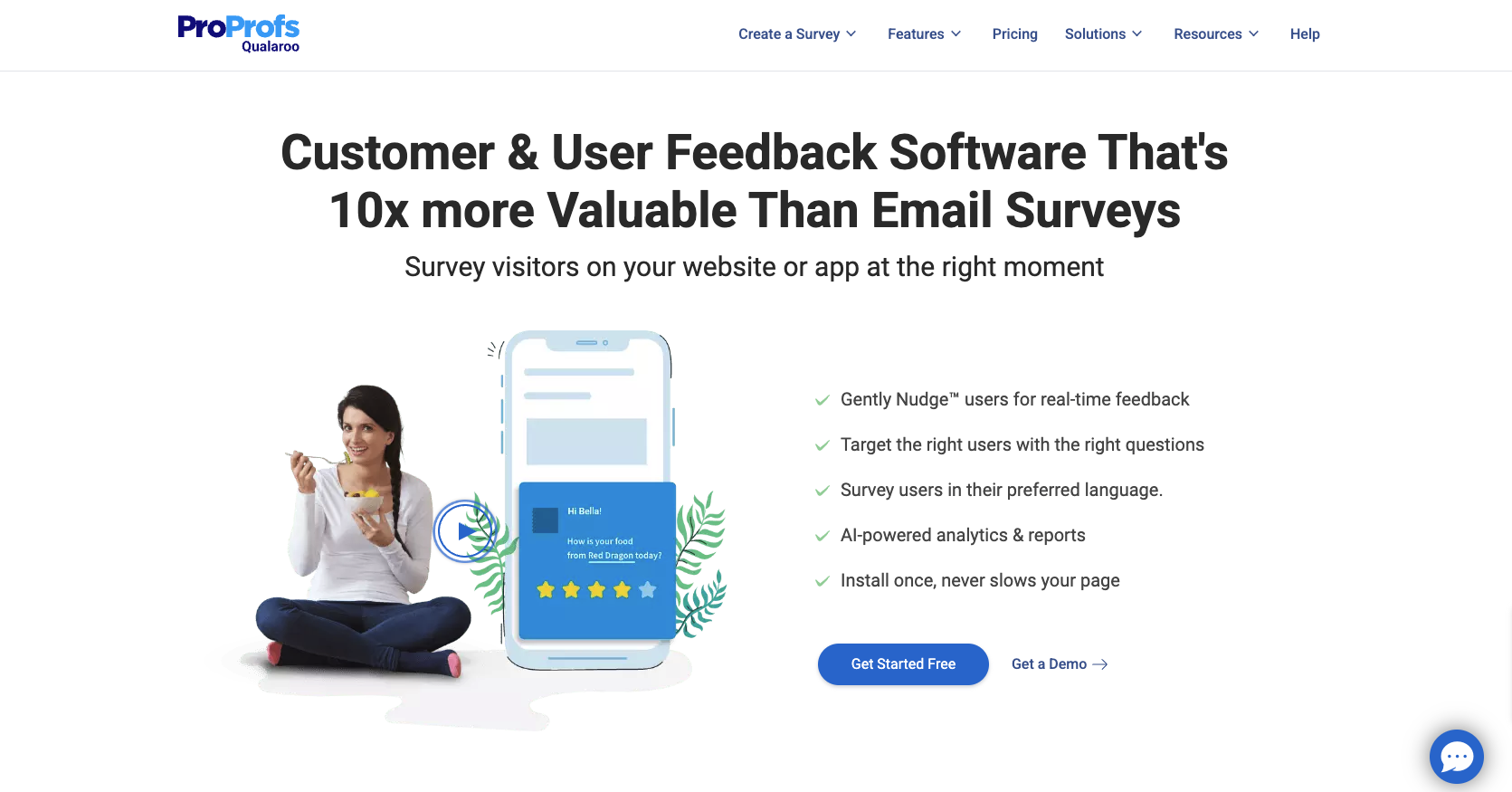
Qualaroo is an advanced tool for user research and customer feedback. When you install the code on websites, mobile apps, and other digital products, you can survey your users in context without sending them anywhere else.
Qualaroo includes features like skip logic, question branching, a question library, and offline response collection. Integrations with popular tools like HubSpot, Mailchimp, Zapier, and Google Analytics work seamlessly to streamline your research process.
Key features:
- Custom branding
- The ability to capture insights quickly with popup requests for feedback
- Exit surveys to help understand why customers abandon pages
Pros:
- Free plan that includes all features
- Advanced features like skip logic and question branching to help make surveys more complex and more convenient for respondents
- Survey Nudges you can embed on your website to increase engagement
Cons:
- Pricing can be a hurdle for smaller teams, especially at scale
- Implementation may require adding code to your site or product
- It’s strongest for in-context feedback, but may feel limited for full survey programs
Pricing:
Qualaroo offers a Free plan that includes all available features, as well as unlimited surveys and administrators. This plan does, however, have a limit of 50 responses and 10,000 page views per month. For more advanced functionality, here are the paid plans:
- Essentials: $19.99 per month (billed annually)
- Business: $49.99 per month (billed annually)
- Enterprise: Starting at $149.99 per month (annual plans only)
11. Sogolytics (Formerly SoGoSurvey)
Best for academic and nonprofit surveys that need strong reporting and data exports
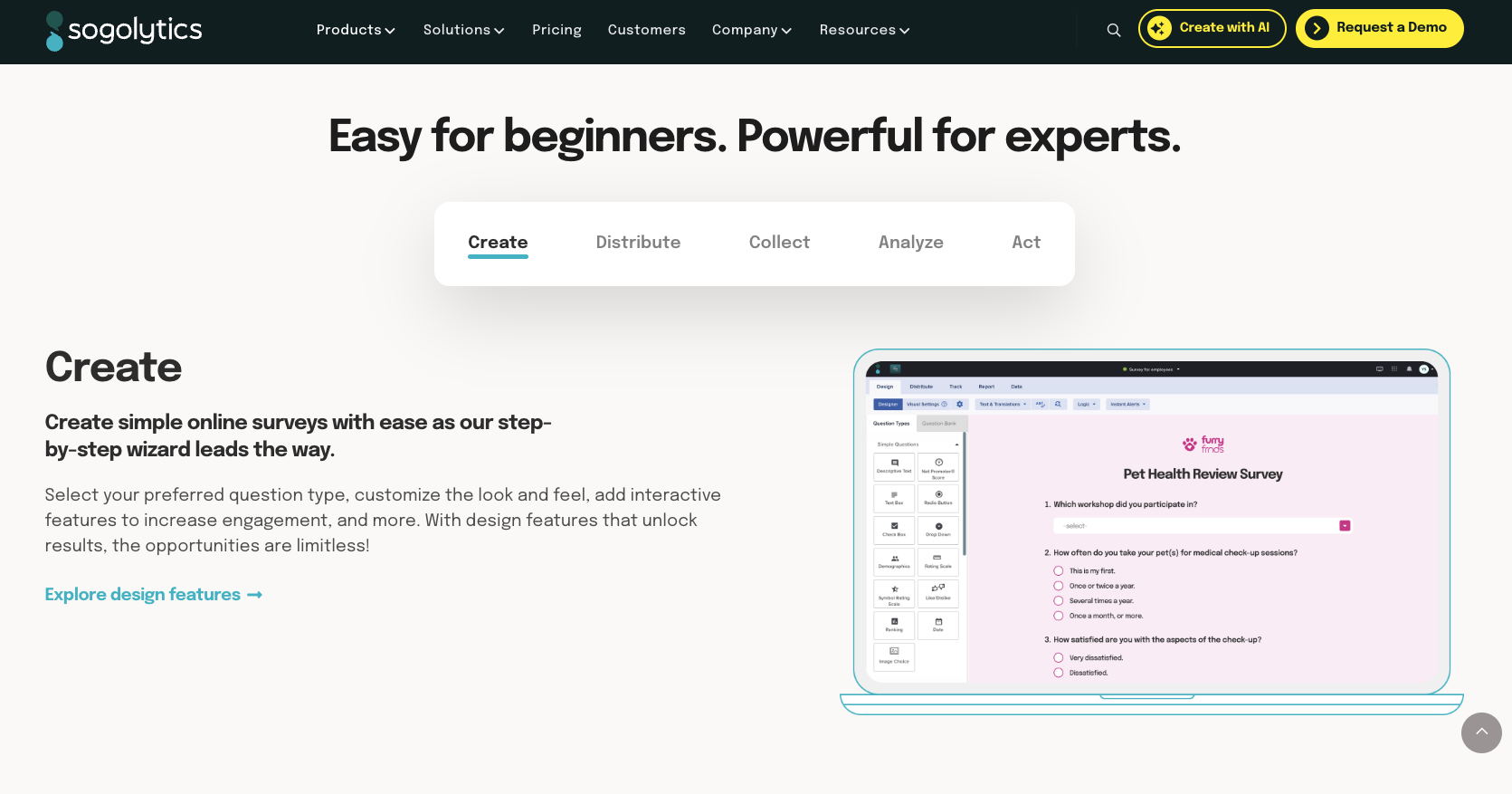
Sogolytics enables you to conduct various surveys, polls, and quizzes. It also offers two platforms, one focusing on customer feedback and the other on employee feedback. You can export customer data collected through surveys in multiple formats.
Key features:
- Easy-to-use survey builder
- Multichannel survey distribution tools
- Powerful reporting tools to extract actionable insights
Pros:
- In-depth customer experience analysis to help segment customers, visualize data, and predict customer churn
- Offers free licenses to students, academics, and nonprofit organizations
- AI feature in paid plans to generate and edit questions
Cons:
- Free plan limitations can be a blocker for branded, customer-facing surveys
- Advanced features (including AI) typically require paid plans
- Scaling to deeper analytics or larger programs may require higher tiers
Pricing:
Sogolytics offers a free plan with basic functionality. Here are the paid plans:
- Pro: $39 per month (billed monthly)
- Pro Max: $49 per month (billed monthly)
- Enterprise: Custom pricing
Students, academics, and nonprofits may also be eligible for discounted licenses.
12. Qualtrics XM
Best for enterprise experience management surveys across customer, employee, and market research
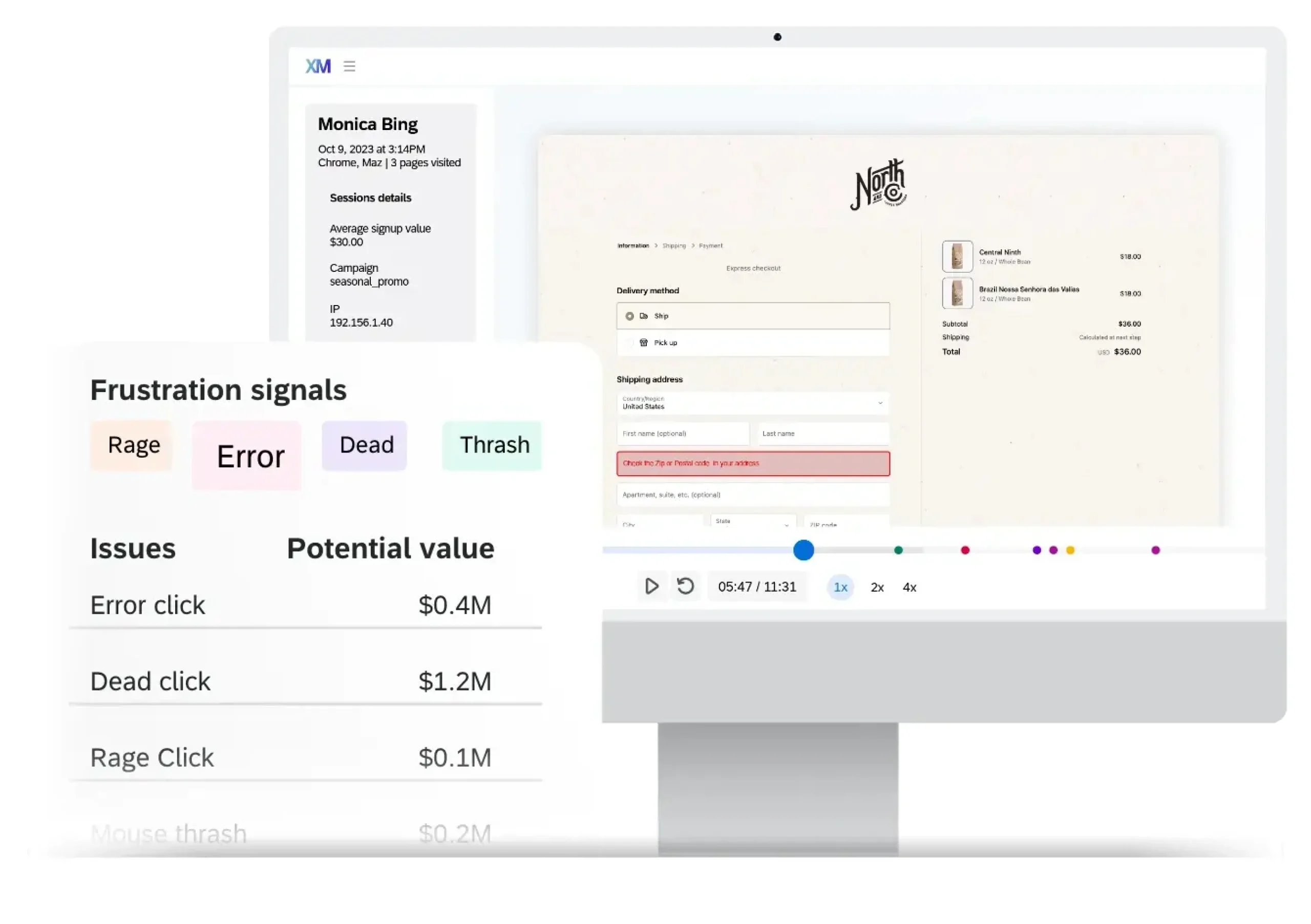
Owned by SAP, Qualtrics XM specializes in all things surveys — customer experience, 360-degree employee feedback, market research, ad testing, brand tracking, and reputation management. It works across various industries from retail, healthcare, financial services, and travel to government, media, airline, and auto. The company also provides over 30 templates for custom use.
You can also get a more thorough analysis of the two solutions compared by reading our Qualtrics vs SurveyMonkey article.
Key features:
- Solutions based on industry and intent
- The ability to gather customer data across platforms
- Natural language processing to understand what customers are saying
Pros:
- Innovative research features such as predictive analytics and concept testing
- In-depth reports to track your brand’s public image and help you understand your audience
- Built-in text analysis for open-ended responses
Cons:
- No pricing information available on the website
- Better suited for larger enterprise brands, so it can feel too complex for small teams
- Broader platform focus can make setup more involved than simpler survey tools
Pricing:
- Unlike many of the other options on this list, Qualtrics XM doesn’t list pricing on its website. Based on its featured customer list and non-transparent pricing, this solution may be a better fit for larger enterprise brands.
13. LimeSurvey
Best for open-source surveys with deep customization, advanced logic, and broad language support
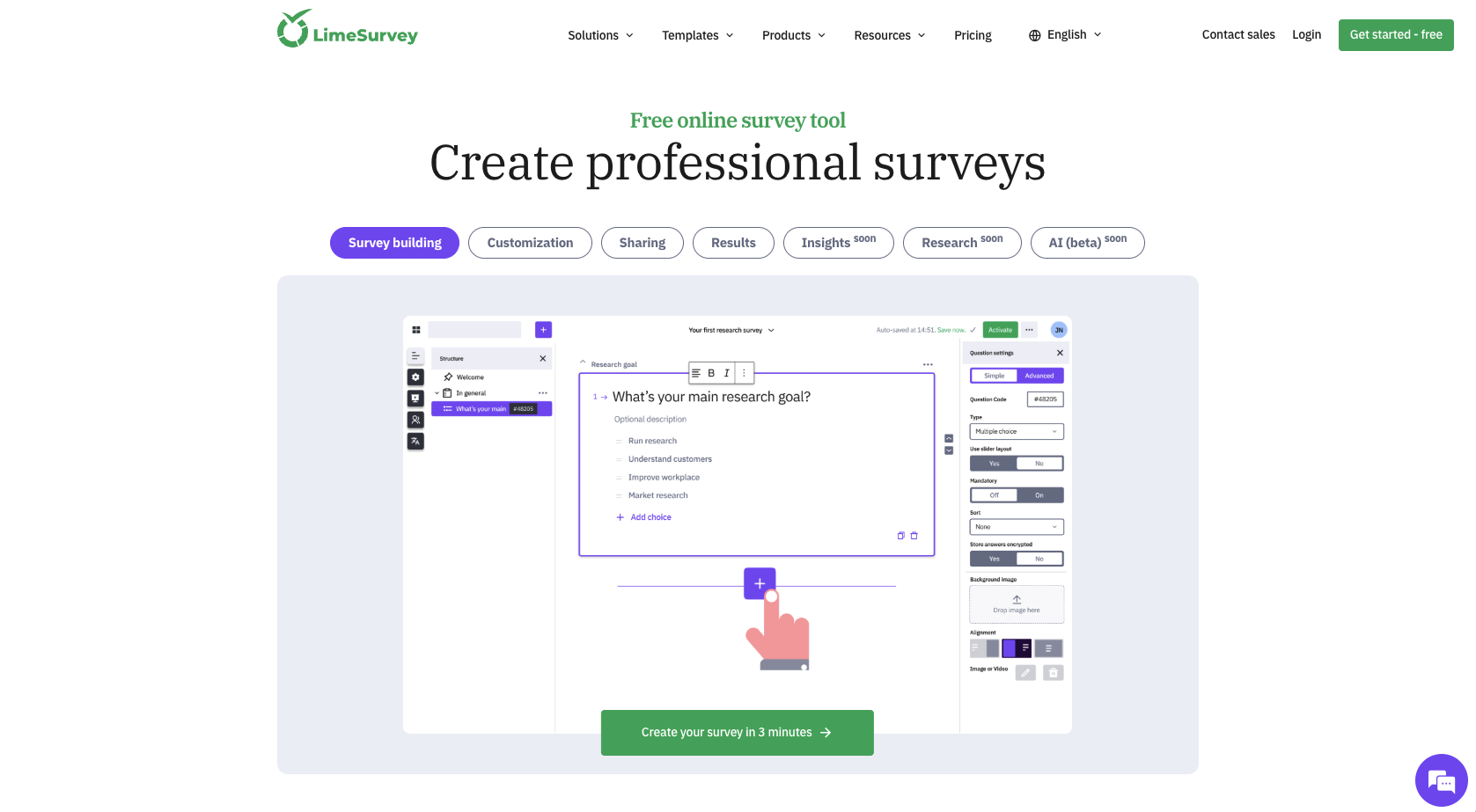
LimeSurvey is the only tool on this list that’s fully open source. It offers many different question types, an easy-to-use WYSIWYG editor for creating your surveys, skip logic, anonymized responses, custom reporting features, support for over 80 languages, over 130 templates, and robust community support (through forums and IRC).
Key features:
- 100-percent open source
- Support for 80-plus languages
- Data export capabilities to Excel, CSV, R, Strata, SPSS, Word, and PDF
Pros:
- Extensive customization options, like skip logic
- User community support via forums and internet relay chat (IRC)
- Exports survey data to multiple formats (CSV, Excel, SPSS, PDF, and more)
Cons:
- Access to surveys locked if you’re on the free plan and reach your monthly response limit
- Deeper customization may require more technical effort
- Potential usage issues due to open-source nature of the app
Pricing:
- Basic: $39 per month (billed monthly)
- Expert: $36 per month (billed annually)
- Business: $70 per month (billed annually)
- Corporate: Contact sales for pricing
Which SurveyMonkey alternative is right for you?
Businesses and nonprofits benefit from surveys that help identify areas of improvement. While SurveyMonkey is one of the most popular choices, there are plenty of other options.
If you’re looking for a SurveyMonkey alternative, whether it’s because of pricing, customization and design features, or other issues, these 13 options are solid alternatives for quickly building surveys and collecting responses. Here’s a summary of what each platform is best at.
FAQs about best SurveyMonkey alternatives
Yes. SurveyMonkey offers a Basic (free) plan for creating and sharing simple surveys. It’s useful for quick feedback and small projects, but key features like advanced question types, deeper analytics, and more robust exports typically require a paid plan
SurveyMonkey’s free plan is designed for basic surveys, so it limits survey complexity and reporting. Common restrictions include a cap on questions per survey, fewer customization and question-type options, and reduced analysis/export capabilities, which can affect teams that need scalable insights.
On SurveyMonkey’s Basic (free) plan, you can include up to 10 questions per survey or form. If you need longer surveys, advanced logic, or more robust reporting, you’ll typically need to upgrade to a paid plan or consider SurveyMonkey alternatives.
SurveyMonkey can be limiting if you need advanced customization, collaboration, or cost-effective scaling. Users often point to feature restrictions on lower tiers, paid upgrades for more powerful analytics and flexibility, and constraints on branding and workflows, which is why many teams explore SurveyMonkey alternatives.
Net Promoter®, NPS®, NPS Prism®, and the NPS-related emoticons are registered trademarks of Bain & Company, Inc., NICE Systems, Inc., and Fred Reichheld. Net Promoter ScoreSM and Net Promoter SystemSM are service marks of Bain & Company, Inc., NICE Systems, Inc., and Fred Reichheld.




































































































Send Comment:
4 Comments:
March 3, 2022
This article is good but searching "best survey software" was easier and had better results
October 18, 2021
Alguien me pude contactar en español ? hace 2 semanas que trato que alguien me mande un mail para poder tomar el servicio . Gracias
October 15, 2021
Necesito que me contacte alguien en ESPAÑOL para poder hablar sobre el servicio
October 19, 2019
Capterra's reviews are a lifesaver. I used a survey tool and switched to SoGoSurvey after reading their reviews on capterra and wordstream.