


Salon Sign Templates

Eyelash Extension Consent
Create professional consent forms for your eyelash extension business needs. Download responses as PDFs. Works on Android and iOS devices. Easy to customize.
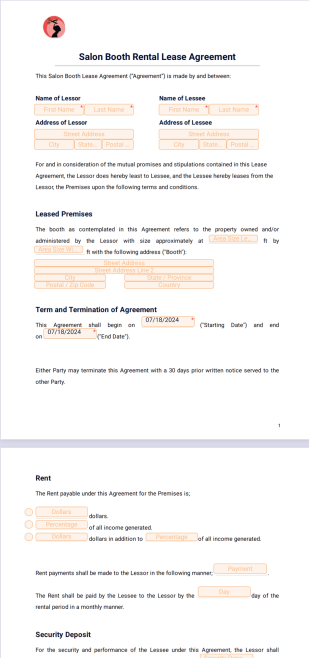
Salon Booth Rental Lease Agreement
A salon booth rental lease agreement is an agreement between a salon owner and a hairstylist or beauty technician.
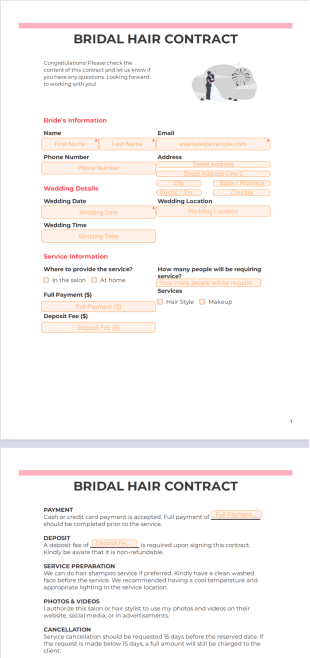
Bridal Hair Contract
Create a bridal hair contract for your next wedding. Works on all smartphone, tablet, and desktop devices. No coding required. Easily customized.
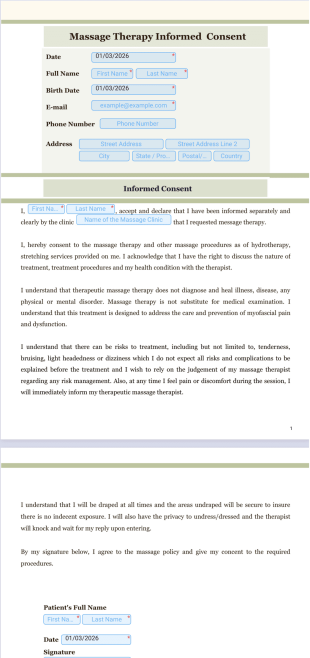
Massage Therapy Consent
Create consent forms for your massage therapy practice. Easy to embed and share. Drag and drop to customize. Works great on all smartphones, tablets, and desktops.
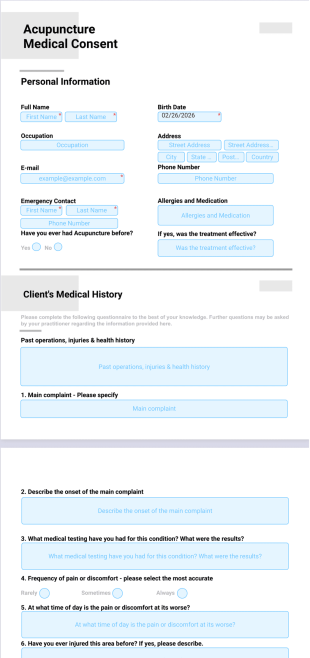
Acupuncture Medical Consent Template
Create a medical consent form for your acupuncture practice. Drag and drop to customize. Works on all mobile, tablet, and desktop devices. Share and embed.
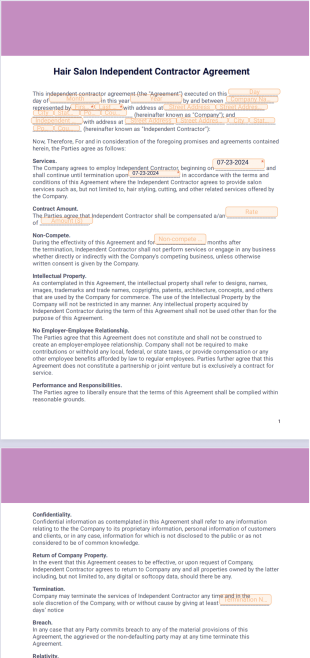
Hair Salon Independent Contractor Agreement
Create a contract agreement for your independent hair stylists. Works on mobile, tablet, and desktop devices. E-sign seamlessly. Drag and drop to design your form.
About Salon Sign Templates
Salon Sign Templates are pre-designed documents used by salon owners, stylists, and beauty professionals to manage appointments, client records, consents, and service receipts in a consistent, fillable, and printable format. Whether you specialize in hair, nails, massages, or tattoos, manage your salon’s paperwork online with Jotform! To get started, select one of the free Salon Sign Templates below and customize it using our PDF Editor. Whenever a client fills out the corresponding form on your website or via form link, their submission will automatically generate a polished, professional PDF! You can even set up an autoresponder to instantly send these PDFs back to users as confirmation emails.
You already know how important looks are for making a good first impression — so why not do the same with our Salon Sign Templates? With our drag-and-drop PDF Editor, it’s easy to change the PDF layout and design, add new fields or widgets, and upload your logo for a more professional look. You can also integrate with 100+ apps to instantly sync submissions to other accounts like Google Drive, Dropbox, or Box.
When you’re done customizing both your salon document, you’re ready to start accepting submissions and generating PDFs! Clients can provide their contact information, schedule appointments, select salon services, submit payments, and so much more. You’ll receive submissions instantly in your secure Jotform account, easy to share with other staff members and access on any device — even offline with Jotform Mobile Forms. Take your salon services to the next level and stay organized with our free Salon Sign Templates!
Use Cases of Salon Sign Templates
Salon Sign Templates offer versatile solutions for a range of salon operations. Here’s how they can be used, who benefits from them, and how their creation may differ based on specific needs:
1. Possible Use Cases:
- Appointment Confirmations: Send clients a professional PDF summary of their scheduled services.
- Service Records: Maintain detailed logs of treatments, products used, and stylist notes.
- Aftercare Instructions: Provide clients with customized post-service care guidelines.
- Consent and Waivers: Secure client signatures for chemical treatments, micro-blading, or other specialized services.
2. Problem Solving Points:
- Reduces paperwork and manual data entry errors.
- Ensures compliance with industry regulations and privacy standards.
- Enhances client experience with professional, branded documentation.
- Facilitates easy record-keeping and retrieval for repeat visits or audits.
3. Possible Owners and Users:
- Salon owners and managers
- Receptionists and front desk staff
- Stylists, estheticians, and therapists
- Independent beauty professionals and freelancers
In summary, Salon Sign Templates can be tailored to fit any salon’s workflow, ensuring that every client interaction is documented, professional, and efficient.
Frequently Asked Questions
1. What are salon Sign Templates?
Salon Sign Templates are ready-made documents designed for salons and beauty professionals to manage daily operations such as client intake, appointment tracking, service records, and payment documentation in a clear, professional format.
2. What types of salon documents are included in these templates?
Salon Sign Templates commonly include appointment confirmations, client consultations, service menus, consents, invoices, receipts, and staff-related documents tailored to beauty and personal care businesses.
3. Who can use salon Sign Templates?
These templates are ideal for hair salons, barbershops, nail salons, beauty studios, spas, and freelance beauty professionals who want organized and consistent documentation.
4. How can salon Sign Templates be customized?
Using the Jotform PDF Editor, you can edit text, adjust layouts, add branding elements like logos and colors, and tailor fields to match your salon’s services and workflow.
5. How does Jotform Sign support salon documentation?
Jotform Sign allows salons to collect secure online signatures for documents such as client consents, service confirmations, and policy acknowledgments, streamlining in-salon and remote processes.
6. Can salon Sign Templates be used for digital and in-person clients?
Yes. Salon Sign Templates can be shared digitally for online bookings or consultations and printed for in-person use, offering flexibility for different customer experiences.
7. How do salon Sign Templates improve daily operations?
Standardized templates reduce paperwork errors, save time, and help salons keep accurate records of client services, preferences, and transactions.
8. Are salon Sign Templates suitable for small and growing salons?
Absolutely. These templates scale easily, making them useful for solo stylists, small teams, and growing salon businesses.
9. Can salon Sign Templates help with organization and record keeping?
Yes. Consistent salon documentation makes it easier to store, retrieve, and manage client and service records, especially when combined with Jotform PDF Editor and Jotform Sign workflows.