

Vendor Contract Templates

Vendor Contract Template
A vendor contract is a contract between two parties concerning the exchange of goods and services for compensation, monetary or otherwise.
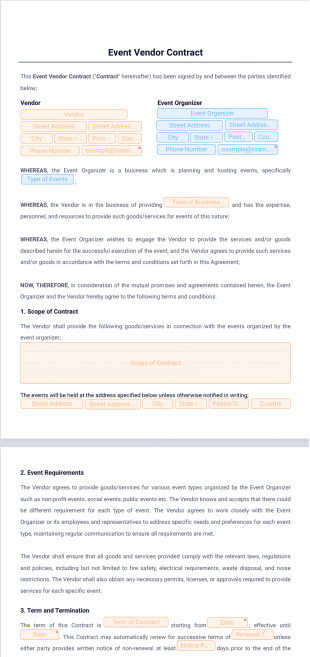
Event Vendor Contract Template
Streamline your vendor agreements with our customizable Event Vendor Contract Template. Simplify event planning by setting clear terms, deadlines, and payment details. Try it with Jotform Sign today!
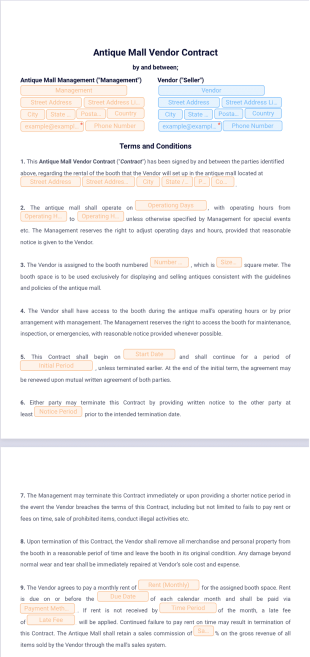
Antique Mall Vendor Contract Template
An Antique Mall Vendor Contract is an agreement between antique mall owners and vendors renting booth space to sell their merchandise.
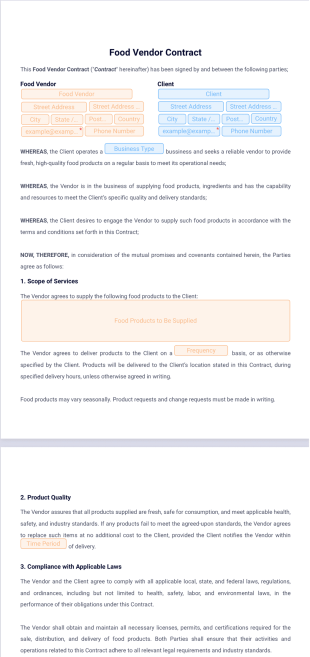
Food Vendor Contract Template
Create and customize food vendor contracts with Jotform Sign. Collect signatures quickly and securely online.
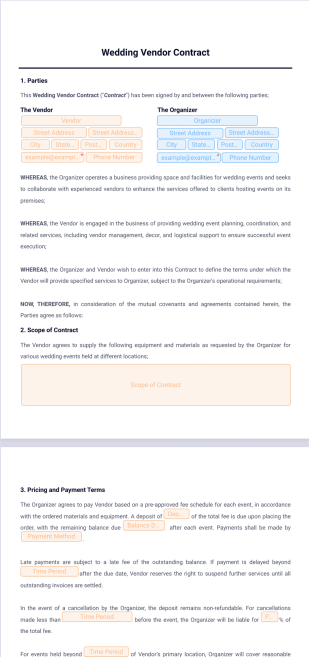
Wedding Vendor Contract Template
Secure your wedding plans with our customizable Wedding Vendor Contract Template. Try Jotform Sign today!
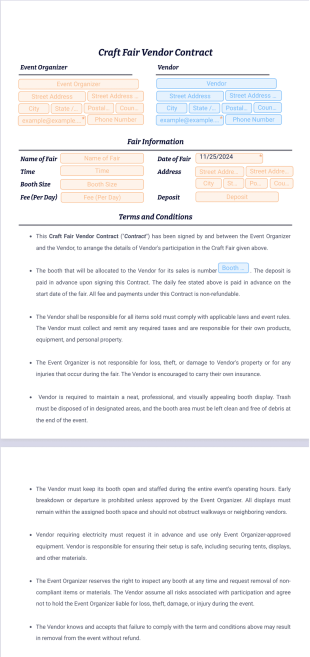
Craft Fair Vendor Contract Template
A craft fair vendor contract is a formal agreement between an event organizer and a vendor, establishing the terms of participation in a craft fair or similar event.
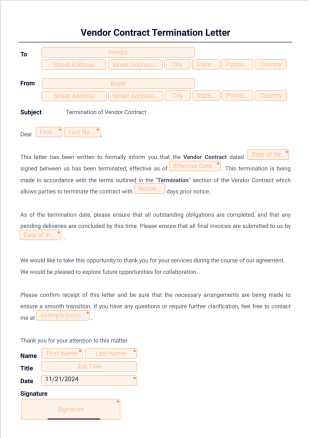
Vendor Contract Termination Letter
End vendor agreements professionally with Jotform Sign. Customize, e-sign, and track termination letters easily.
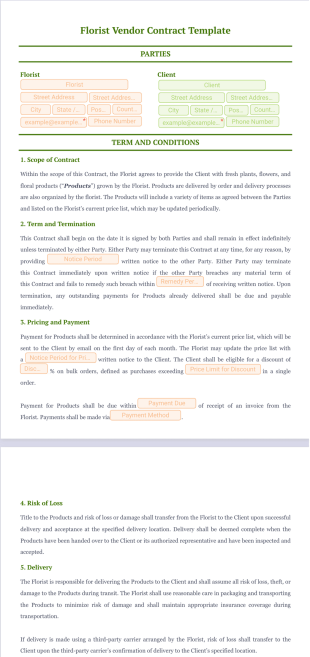
Florist Vendor Contract Template
Create and manage florist vendor contracts with ease using Jotform Sign. Fast, customizable, and secure.
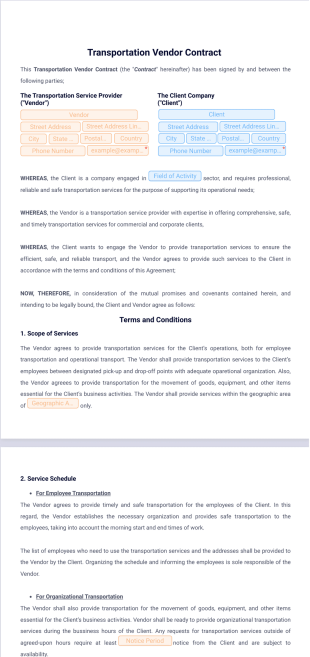
Transportation Vendor Contract Template
Create and manage transportation vendor contracts with ease using Jotform Sign. Fast, secure, and customizable.


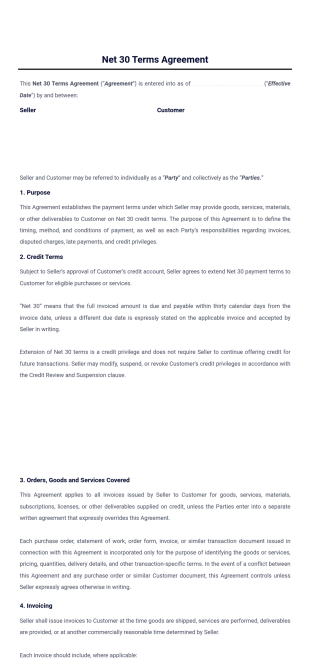
Net 30 Terms Agreement Template
Ensure clear terms and quick processing with Jotform's Net 30 Terms agreement e-sign template. Ideal for businesses with a quick drag-and-drop builder and electronic signature solution.
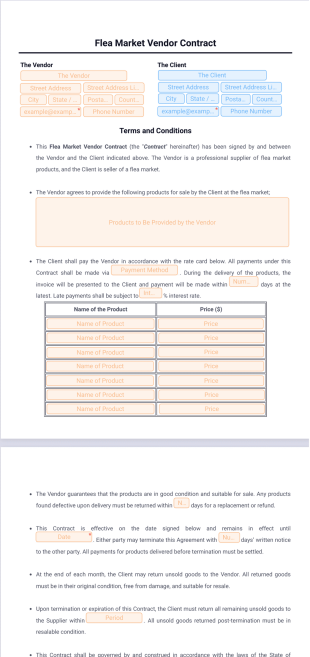
Flea Market Vendor Contract Template
Easily create and manage transportation vendor contracts with Jotform Sign. Secure, efficient, and customizable.
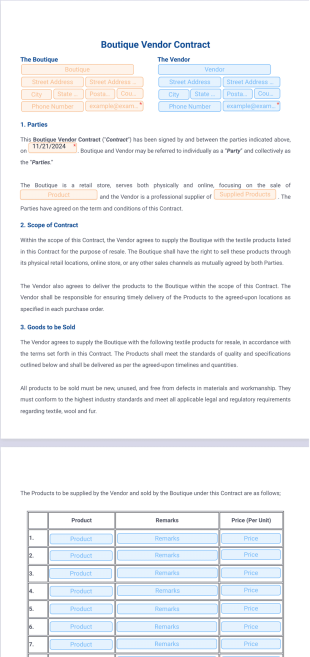
Boutique Vendor Contract Template
A boutique vendor contract is an agreement between a boutique owner and a vendor, defining the terms under which products will be sold in the boutique.
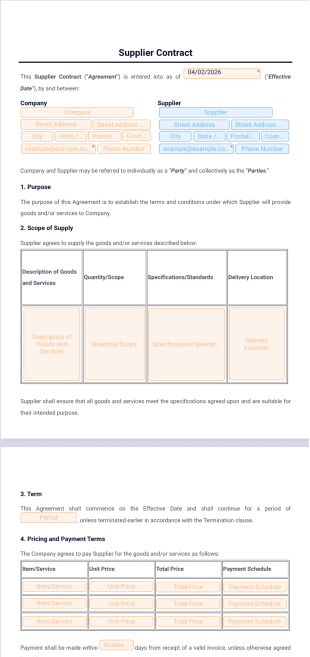
Supplier Contract Template
Support a smooth supply chain process with Jotform's Supplier Contract Template. Adapt it to your business needs using our drag-and-drop builder, then get it signed quickly with Jotform E-sign, an efficient electronic signature solution.
About Vendor Contract Templates
Vendor Contract PDF Templates are specialized digital templates designed to streamline the creation and management of vendor contracts. These templates serve crucial roles in various operational workflows, including supplier agreements, procurement processes, and vendor onboarding. In real-world scenarios, businesses utilize these templates to ensure that all necessary legal and operational terms are consistently included, thus minimizing the risk of errors or omissions. By employing these templates, organizations can facilitate smoother transactions, maintain compliance with internal policies, and enhance collaboration between departments and vendors. The standardized format of Vendor Contract PDF Templates not only saves time but also ensures uniformity across all documentation, which is essential for maintaining professional relationships and operational efficiency.
Jotform stands out as the premier online form builder for Vendor Contract Templates, offering users a robust platform to customize templates with unparalleled ease. The drag-and-drop interface simplifies the process of designing and automating data collection, enabling users to create sophisticated contracts without requiring specialized technical skills. Moreover, Jotform's capability to manage data centrally through Jotform Tables allows for seamless tracking and storage of all contract-related information, ensuring that data is always accessible and organized. This centralized management system is crucial for businesses that need to handle large volumes of contracts efficiently, ensuring that all pertinent data is available when needed, thereby supporting informed decision-making and strategic planning.
Why Use Vendor Contract Templates?
- Vendor Contract Templates ensure accuracy and consistency in contract creation, minimizing errors that can arise from manual data entry. By using pre-designed templates, businesses can maintain a high standard of quality across all documents, ensuring that all necessary clauses and details are included without oversight.
- Speed is a significant advantage of using Vendor Contract Templates. These templates allow for quick generation of contracts by automatically populating dynamic elements with relevant data, thus reducing the time required to draft new documents from scratch. This efficiency is especially beneficial in high-volume environments where time is of the essence.
- Professionalism is greatly enhanced with the use of these templates. They provide a standardized format that projects an image of reliability and competence, which is crucial in maintaining strong business relationships. The inclusion of company logos and branding elements further reinforces a professional appearance.
- Data handling is made more efficient and secure through the use of Vendor Contract Templates. These templates integrate seamlessly with Jotform's secure data management systems, ensuring that all contract data is stored safely and can be easily retrieved when needed. This centralized storage reduces the risk of data loss and improves overall operational efficiency.
- Vendor Contract Templates also facilitate better collaboration between departments by providing a uniform framework that all parties can use and understand. This uniformity helps in aligning various stakeholders on the contract terms, reducing misunderstandings and fostering a more cohesive working environment.
Common Problems Solved by Vendor Contract Templates
- The cumbersome nature of paperwork is a common issue in contract management, often leading to delays and inefficiencies. Vendor Contract Templates address this by digitizing the process, allowing for quicker and more efficient document handling through automated PDF generation.
- Manual data entry is prone to errors, which can have costly implications in contract management. By using templates that automatically populate fields with submission data, businesses can significantly reduce the potential for errors and ensure that all contracts are accurate and complete.
- Lost data is a critical concern in any organization, especially when it involves sensitive contract information. With Vendor Contract Templates, all data is securely stored and can be easily accessed via Jotform Tables, minimizing the risk of data loss and ensuring that information is always available when needed.
- The lack of standardization in contract formats can lead to inconsistencies and misunderstandings. Vendor Contract Templates provide a consistent framework that ensures all contracts adhere to the same format and include all necessary information, thus reducing the potential for discrepancies and enhancing clarity.
Matching Use Cases to Features
- Vendor Contract management requires precision and efficiency, both of which are facilitated by Jotform's Drag-and-Drop Form Builder. This feature allows users to effortlessly customize contract templates to meet specific business needs, ensuring that all necessary fields and elements are included.
- Conditional Logic is a powerful feature that can be used to dynamically adjust contract content based on specific criteria, such as client type or contract value. This ensures that each contract is tailored to the unique requirements of each transaction, enhancing its relevance and effectiveness.
- Electronic Signatures, facilitated by Jotform Sign, streamline the approval process by enabling secure digital signing of contracts. This feature not only accelerates the finalization of agreements but also enhances the convenience of remote contract management, a critical benefit in today's increasingly digital business environment.
- The PDF Editor offers Automated PDF Generation, which automatically creates a finalized document upon form submission. This feature saves time and ensures consistency, as each submitted contract is instantly transformed into a professional PDF document, ready for distribution and archiving.
- Secure Data Management through Jotform Tables ensures that all contract information is stored in a centralized and secure environment. This capability is essential for organizations that need to maintain detailed records of all contractual agreements, facilitating easy access and retrieval of data for audits and reviews.
How to Create a Vendor Contract Template
- Browse the Template List for a Vendor Contract template or start from a blank Template. This initial step allows you to select a starting point that best fits your specific needs, whether you're looking for a pre-existing design or wish to create a custom layout.
- Customize the design and fields using the Drag-and-Drop Form Builder. This step enables you to personalize the template by adding or adjusting fields, incorporating branding elements, and ensuring that all necessary contract details are included.
- Publish and share via Direct Link, Email, or Website Embed. Once your Vendor Contract Template is complete, you can easily distribute it to relevant stakeholders, ensuring that the contract process is both efficient and accessible.
Top Use Cases for Vendor Contract Templates
- For Managers: Vendor Contract Templates are invaluable for managers who oversee procurement and vendor relationships. These templates provide an efficient way to manage multiple contracts simultaneously, ensuring that all agreements adhere to company standards and include all necessary terms. By streamlining the contract creation process, managers can focus on strategic aspects of vendor relationships, such as negotiation and performance evaluation, rather than being bogged down by administrative tasks.
- For Teams: Teams benefit from Vendor Contract Templates by having a standardized approach to contract management that enhances collaboration and reduces misunderstandings. These templates ensure that all team members are on the same page regarding contract terms and conditions, which is critical for maintaining consistency and alignment in team objectives. Furthermore, the ability to quickly generate and share contracts allows teams to be more agile and responsive to business needs.
- For Customers: Vendor Contract Templates provide customers with a clear and professional presentation of terms and conditions, which is essential for building trust and confidence in business dealings. By using these templates, companies can ensure that all customer-facing contracts are comprehensive and easy to understand, thereby enhancing customer satisfaction and fostering long-term relationships.
Summarizing Vendor Contract Templates
Vendor Contract Templates offer a strategic advantage for businesses looking to enhance their contract management processes. By providing a standardized yet customizable framework, these templates enable organizations to create accurate, professional contracts with minimal effort. The integration with Jotform's powerful features, such as the Drag-and-Drop Form Builder and secure data management, further enhances the efficiency and effectiveness of contract workflows. Whether used for vendor agreements, procurement processes, or customer engagements, Vendor Contract Templates ensure that all documentation is consistent, reliable, and aligned with business goals, ultimately supporting operational excellence and strategic success.
These templates are suggested forms only. If you're using a form as a contract, or to gather personal (or personal health) info, or for some other purpose with legal implications, we recommend that you do your homework to ensure you are complying with applicable laws and that you consult an attorney before relying on any particular form.
Frequently Asked Questions
1) Is it free to create Vendor Contract Templates on Jotform?
Yes, Jotform offers a range of free templates and tools that allow users to create Vendor Contract Templates without incurring additional costs. Users can access these templates, customize them to their needs, and manage them efficiently without requiring a paid subscription.
2) Are the templates and submitted data secure?
Absolutely, Jotform implements robust security measures to protect both templates and data. This includes encryption and secure storage options, ensuring that all information remains confidential and protected from unauthorized access.
3) Do I need coding knowledge to build a Vendor Contract template?
No, you do not need any coding knowledge to create a Vendor Contract template on Jotform. The platform's intuitive drag-and-drop interface allows users to design and customize templates easily, making it accessible for users with varying levels of technical expertise.
4) What is Field Mapping and how is it used in Vendor Contracts?
Field Mapping involves connecting web form inputs to specific positions on a PDF Document layout. In the context of Vendor Contracts, this ensures that data collected through online forms is accurately reflected in the generated PDF contracts, maintaining consistency and accuracy.
5) Can these Templates be used on mobile devices?
Yes, Vendor Contract Templates created on Jotform are fully compatible with mobile devices. This mobile-friendly functionality ensures that users can access, fill out, and submit contracts on the go, providing flexibility and convenience in contract management.
6) How does Autoresponder PDF Attachment work with Vendor Contracts?
The Autoresponder PDF Attachment feature automatically sends a copy of the completed Vendor Contract as a PDF attachment via email to the submitter. This ensures that all parties have immediate access to the finalized document, streamlining communication and record-keeping.
7) What is the benefit of using the Submission Table Widget in Vendor Contracts?
The Submission Table Widget organizes complex form data into a neat tabular layout on the PDF. For Vendor Contracts, this is particularly beneficial for presenting detailed information, such as itemized lists or terms, in a clear and organized manner.
8) How does Password Protection enhance the security of Vendor Contracts?
Password Protection adds an extra layer of security by requiring users to enter a password before accessing the PDF document. This feature is crucial for safeguarding sensitive contract information and ensuring that only authorized individuals can view the contents.