
Top Bubble alternatives
Bubble is a major name in no-code web app builders, with 6 million builders and 8 million apps created on the platform. But it’s far from the only option, and depending on what you’re trying to do, it might not be the best one for you. Bubble is great for customizing apps’ front ends and back ends, but like most jacks-of-all-trades, it can lose out to more specialized Bubble alternatives.
If you’re looking for a shorter time to a minimum viable product (MVP), simpler publishing and maintenance, a different approach to data, or an easier team handoff, there are plenty of Bubble alternatives to consider. Some specialize in internal tools, some prioritize mobile-first development, and others offer more predictable pricing as your usage grows.
The right choice depends largely on whether you’re building a workflow and intake app, a portal, an internal tool, or a more custom web application. To help you choose the right no-code web app builder alternative, we compared and ranked the top Bubble competitors. Here’s what we found.
| Tool | Best for | Pricing model | Why it’s a Bubble alternative |
|---|---|---|---|
 Jotform Apps |
Building workflow and intake-driven apps without a learning curve |
Free plan; paid plan from $34/month |
No-code builder and a built-in database |
 WeWeb |
Front-end flexibility with external back ends |
Free plan; paid plan from $20/month; agency plans from $79/seat |
AI-assisted visual builder with clean code export and backend flexibility |
 FlutterFlow |
Native mobile-first apps for iOS and Android |
Free plan; paid plan from $39/month; custom Enterprise and Education plan |
Low-code app builder like Bubble for true native Apple App Store and Google Play deployment |
 Retool |
Building internal dashboards and admin tools |
Free plan; paid plan from $10/month/builder + $5/month/internal user |
AI-native builder for connecting existing databases |
 Glide |
Turning spreadsheets into structured data apps |
Free plan; Individual plan from $19/month; Business plan from $199/month |
One of the fastest paths from Google Sheets and Airtable to a usable app |
Why teams are looking for Bubble alternatives
Before switching to a Bubble alternative, it helps to identify what isn’t working for your team. Most people look for a Bubble alternative because they want to launch a reliable, easy-to-maintain app that doesn’t require a specialist to keep improving it.
Although Bubble offers extensive functionality, it comes with a learning curve, and its development process isn’t always the fastest way to turn an idea into a working product. When the original builder moves on, whoever inherits the app often has to learn Bubble’s unique approach before they can confidently make changes.
Other reasons teams often consider Bubble competitors include the need for
- A faster build path for a simple workflow app or portal instead of a custom build from scratch
- Fewer moving parts for everyday tasks such as data collection, approvals, and onboarding
- Mobile-first development capabilities
- Improved team collaboration, governance, and handoff, especially when more than one person needs to build and maintain the app
- A clearer separation between front-end design and backend logic, depending on the project
The 5 best Bubble alternatives in 2026
Finding the best Bubble alternative starts with understanding exactly what you’re trying to achieve. To help you narrow your options, we evaluated top no-code app development platforms against the most common reasons teams move away from Bubble. We then ranked each tool according to how well it supports
- Fast workflow apps and portal development
- Custom web app front-end creation
- Native mobile builds
- Internal tool creation
- Simple data-first app builds
- Highly customizable app development
The best no-code web app builder alternative depends on what you’re building and how much custom logic it requires.
1. Jotform Apps
Best for: Building workflow apps, portals, and intake-driven experiences that need to launch fast and stay easy to maintain
Jotform Apps stands out for its workflow-first approach to app building. This no-code, drag-and-drop app maker is built on Jotform’s form and data tools. Instead of wiring up screens and logic from a blank canvas, you can combine forms, widgets, and prebuilt app templates to create a fully functional custom app.
People looking for Bubble alternatives usually want to build request intake systems, approval workflows, and lightweight portals, making Jotform Apps well suited to such use cases. However, Jotform plans limit the number of forms and monthly submissions, so a public-facing app with a high submission volume may require a higher-tier plan.
Jotform Apps also offers a conversational alternative to Bubble’s visual development process. With Jotform App Builder for ChatGPT and Claude, you can describe the app you need and generate a ready-to-use first version directly within your AI workspace. Use it to create internal tools, customer portals, event apps, booking systems, and online stores without coding.
You can refine the app through conversation by customizing its layout, forms, widgets, and branding; managing users, permissions, and data; and configuring payments, workflows, and automation. Connect now to build, publish, and share apps with Jotform App Builder in ChatGPT and Claude.
Key features
- Speed to launch: Build apps with a drag-and-drop tool or a written prompt, then share them by link, QR code, or email without writing a single line of code.
- Several app creation options: Choose from more than 3,200 app templates to get your app up and running quickly. For more flexibility, start from scratch to take complete control of your app’s design and functionality.
- Jotform AI App Builder: Generate apps from prompts and make edits conversationally to speed up development. The app generator features let you add app actions, manage app data, and edit app settings through natural language prompts.
- Workflow fit: Create Jotform apps that integrate seamlessly with common Bubble use cases, such as intake forms, approvals, checklists, and portals. You can pair your app with Jotform Workflows to automatically route or hand off submissions to the right person.
- Data layer for workflow apps: If your app needs structured records, such as lists, dashboards, or simple views, Jotform Tables can serve as its database. The same data powering your forms can also power your app.
| Pros | Cons |
|---|---|
| Free tier lets you publish your app | Jotform branding in the free tier |
| Offers flat, predictable pricing based on usage limits | Need for Enterprise plan for high-volume apps |
| Doesn’t need a separate mobile plan to share an app |
Pricing
- Starter plan ($0): Five forms, one user, 100 fields per form, 10 monthly payment submissions, and Jotform branding
- Bronze plan ($34 per month): 25 forms, 250 fields per form, 100 monthly payment submissions, no Jotform branding
- Silver plan ($39 per month): 50 forms, 500 fields per form, and 250 monthly payment submissions
- Gold plan ($99 per month): 100 forms, 1,000 fields per form, and 1,000 monthly payment submissions
- Custom Enterprise plan: Unlimited usage, multiuser access, dedicated support, and user access control
Jotform Apps G2 rating: 4.7/5*
2. WeWeb
Best for: Creating app front ends that are separate from back ends
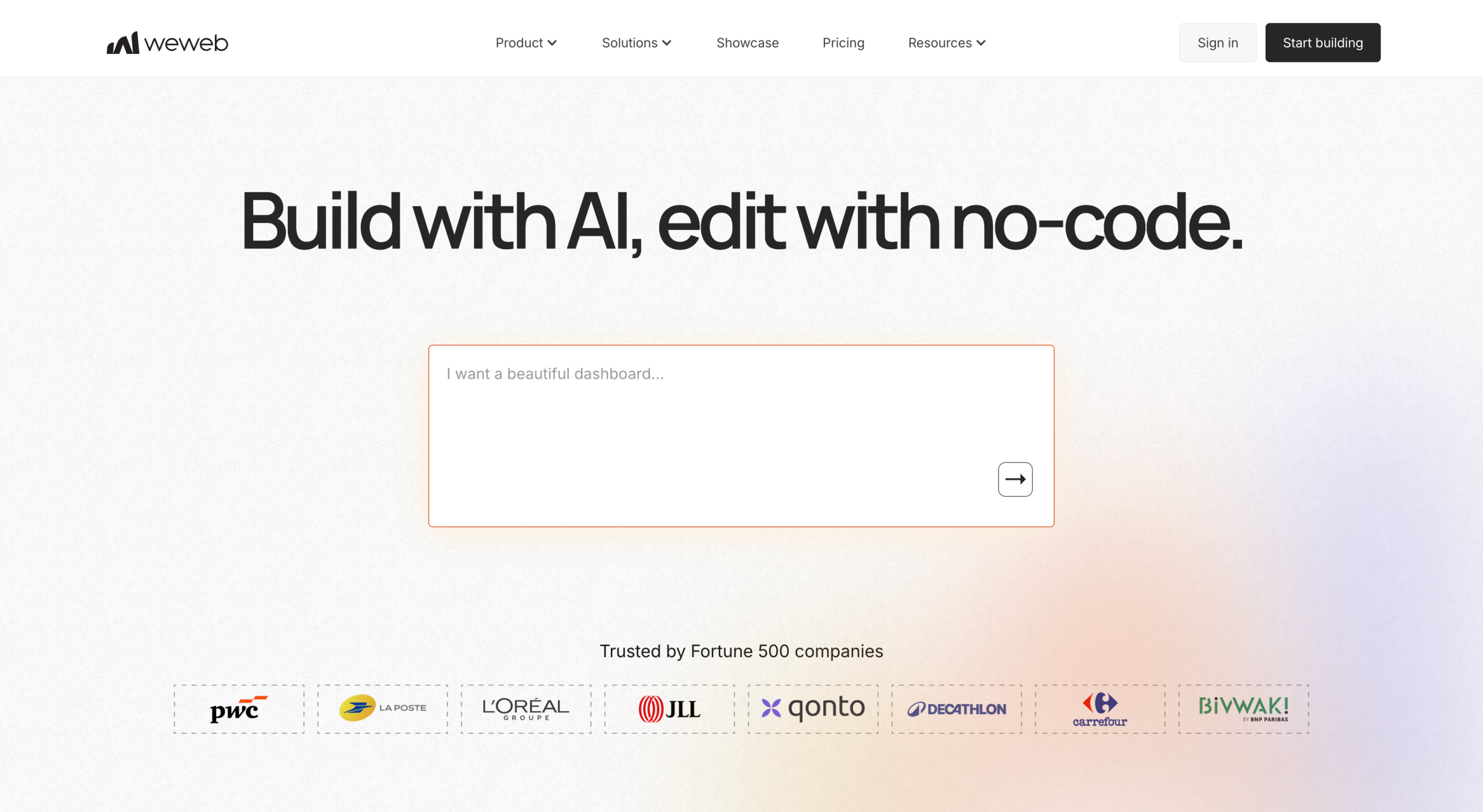
WeWeb is a no-code web app builder that separates front-end development from the back end. That separation is a major differentiator. According to a 2023 KPMG report, businesses say security and data privacy are the primary barriers to enterprise no-code adoption. By separating visual development from the data layer, WeWeb lets you keep your data in an environment you trust while still benefiting from the speed of visual development.
External database support gives WeWeb an edge in a WeWeb vs Bubble comparison, but you’ll need a separate backend service. The trade-off is an extra layer of setup and ongoing maintenance. WeWeb apps are also client-side-rendered single-page applications, which can make public-facing pages less SEO-friendly.
Key features
- Design control: Style your front end with pixel-level precision in an AI visual editor to create fully customized app interfaces without writing code.
- AI-assisted user interface (UI) generation: Use AI to speed up the first draft of a screen or flow and move from concept to working prototype faster.
- Code export: Export a standard Vue.js single-page app that you can self-host to reduce vendor lock-in.
- Backend integrations: Connect natively to popular back ends such as Xano, Supabase, and Airtable, with support for custom REST and GraphQL APIs.
- Native backend options: Use WeWeb Tables to keep your front end and back end on one platform.
| Pros | Cons |
|---|---|
| Enterprise-grade security keeps data separate from design | Pixel-level design has a steeper learning curve than Jotform Apps |
| Works with powerful dedicated backend tools | Free tier publishes only to a WeWeb subdomain |
| Provides full code export so you can host your app elsewhere |
Pricing
- Free plan ($0): 1 million AI tokens, visual drag-and-drop editor, API and data integrations, a WeWeb subdomain only, and no-code export
- Essential plan ($20 per month): Everything in the Free plan, 10 million AI tokens, code export, self-hosting, GitHub sync, and custom domain
- Pro plan ($50 per month, per developer): Everything in the Essential plan, 25 million AI tokens, hourly auto-backups, and unlimited manual backup
- Partner plan ($79 per month, per developer): Everything in the Pro plan, staging on a WeWeb subdomain, client workspace access, project transfers, and referral commissions
- Custom Enterprise plan: Everything in the Partner plan, a guaranteed service reliability agreement, priority support and training, and help developing custom apps
WeWeb G2 rating: 4.9/5
3. FlutterFlow
Best for: Native mobile app building for the App Store and Google Play
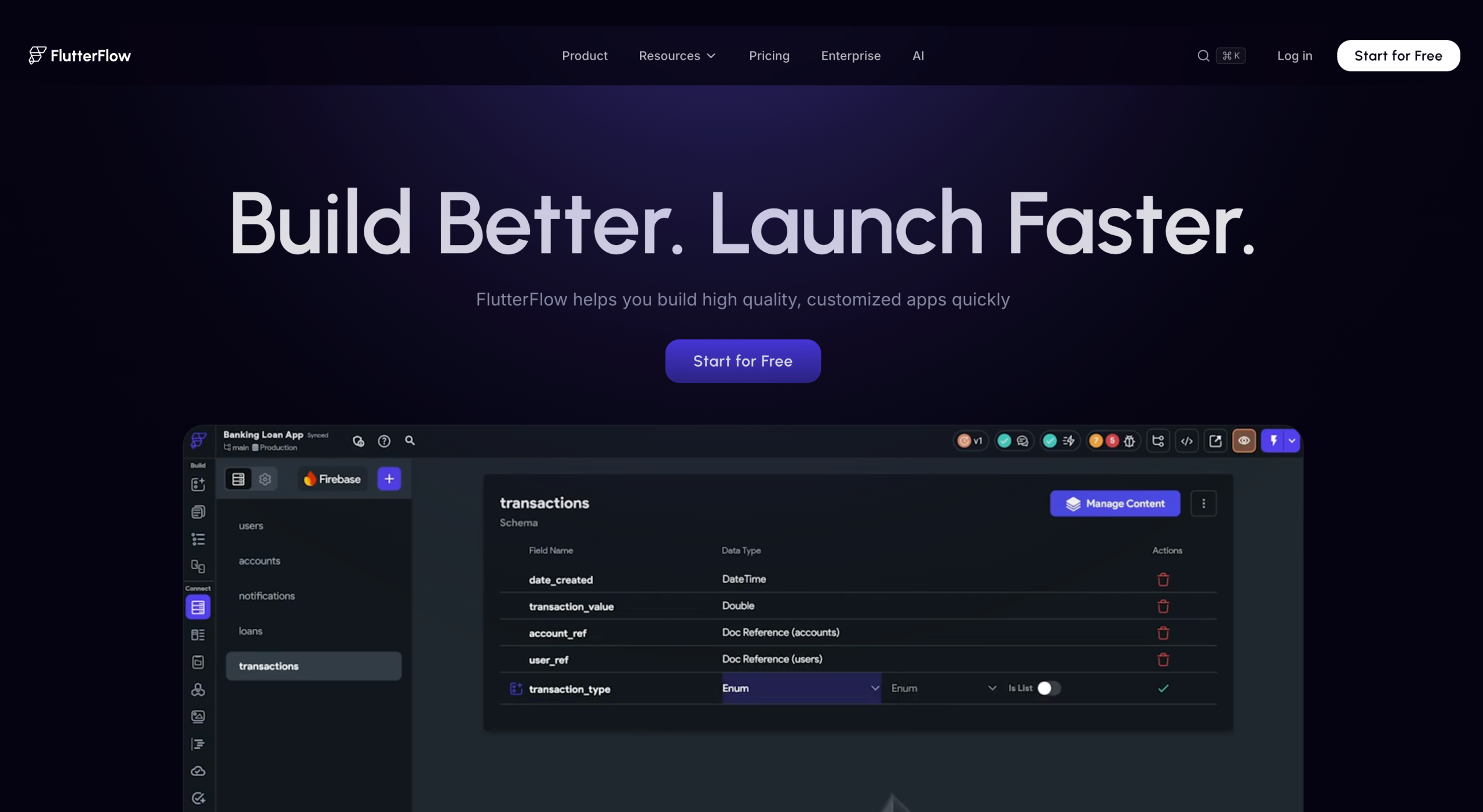
If you want a simple, stress-free way to create a mobile app without coding, especially compared with Bubble, FlutterFlow is a low-code builder that lets you create an app with drag-and-drop components. The platform then turns your design into a working app you can publish for iOS, Android, web, and desktop from a single project.
Because FlutterFlow is a low-code tool rather than a true no-code tool, you’ll need some familiarity with programming logic to get the most from the platform. FlutterFlow also doesn’t include a back end, so you’ll need Firebase or another database service at a separate cost.
Key features
- One-click mobile app store packaging: Package your app for iOS and Android in one click, cutting the manual setup required for native builds.
- Code export for advanced users: Export or download the underlying Flutter source code on paid plans for full control over your app’s codebase.
- Team collaboration: Use GitHub integration and real-time collaboration on higher-tier plans so multiple team members can work on the same project more efficiently.
- Firebase Native: Connect directly to Firebase for your back end or use your own back end and REST APIs instead.
- Custom functions: Write custom Dart code to meet specific logic requirements and implement functionality beyond what the visual builder offers.
| Pros | Cons |
|---|---|
| Code export | App store publishing not allowed on Free plan |
| No separate rebuild for mobile devices | Has no built-in approval or routing workflow |
| Designs compiled into native Flutter code for iOS, Android, web, and desktop from a single project |
Pricing
- Free plan ($0): Visual development environment, 1,000-plus prebuilt templates, mobile/web/desktop app building, API & data integration, web publishing, and up to two projects
- Basic plan ($29.25 per month): Everything in the Free plan, unlimited projects, code download, Android Package Kit download, custom-domain web publishing, local-device testing, and one-click app store deployment
- Growth plan (first seat at $60 per month; $55 per month, per additional seat): Everything in the Basic plan, GitHub integration, real-time collaboration for two users, two open branches per project, and one-click localization
- Business plan (first seat at $112.50 per month; $55 per month for seats 2–5): Everything in the Growth plan, collaboration with up to five users, five open branches per project, up to three automated tests, custom typography, and Figma frame import
- Custom Enterprise plan: Custom pricing and features for large-scale needs
- Free Education plan (application required): A free one-year trial of FlutterFlow Premium for current college students and educators
FlutterFlow G2 rating: 4.5/5
4. Retool
Best for: Creating internal tools such as dashboards, admin panels, and CRM systems
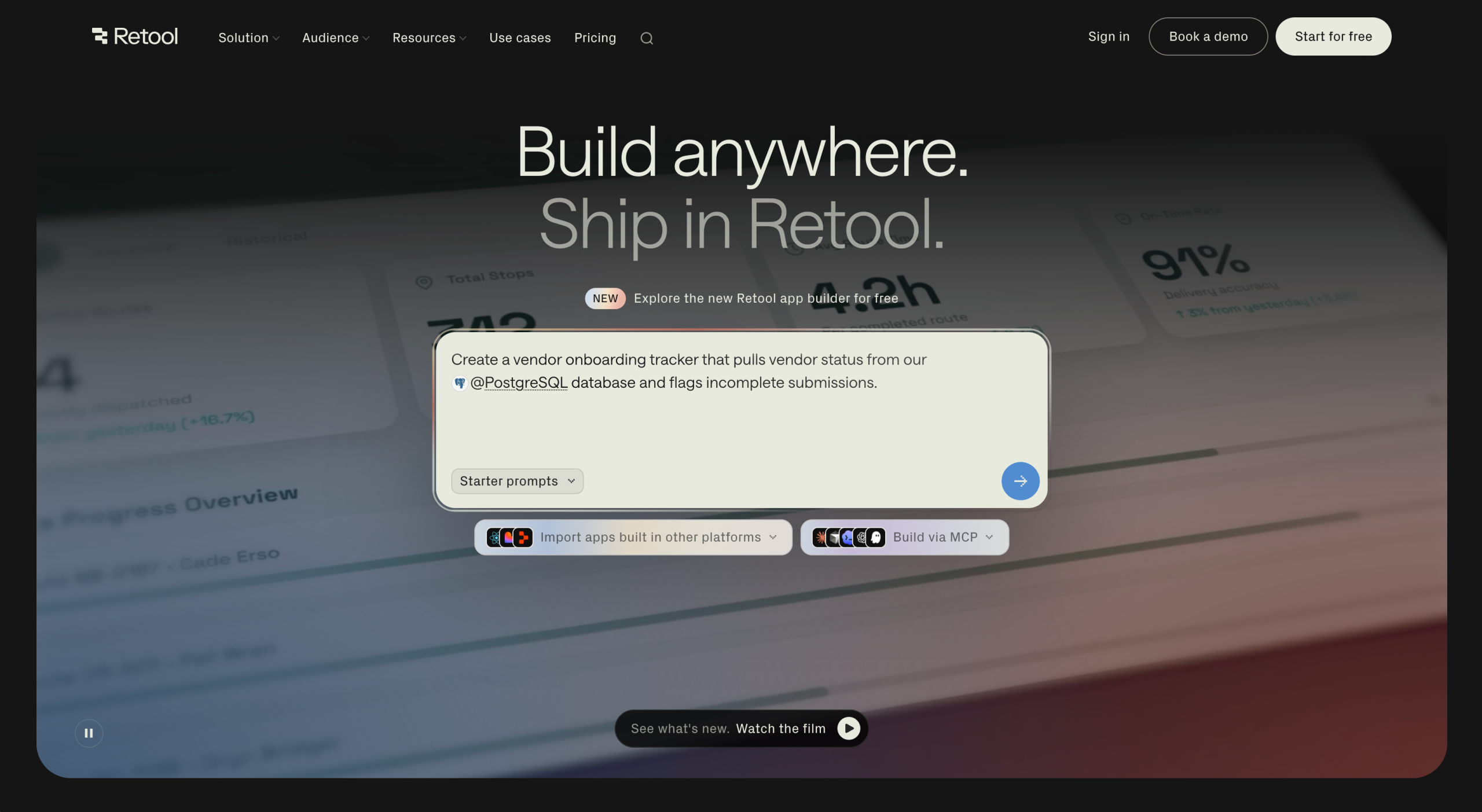
Bubble is versatile and supports the development of all kinds of apps, but that flexibility adds complexity, especially when you need to build only an internal app. Retool, on the other hand, simplifies internal tool development. If your goal is to create an admin panel, an operations dashboard, or an app that lets nontechnical team members safely edit records in a production database, Retool can help you build it faster.
It offers a drag-and-drop UI builder and more than 100 prebuilt components to help you assemble production-ready internal tools with minimal setup. You also get a direct database connection, allowing your app to work with existing business data without requiring a custom back end. However, the biggest trade-off in the Retool vs Bubble comparison is that Retool is a low-code platform designed for users with some JavaScript and Structured Query Language (SQL) knowledge. As a result, it’s less approachable for fully nontechnical teams than no-code builders such as Bubble and Jotform Apps.
Key features
- AI-native app builder: Use the AppGen tool to scaffold a working app using a connected database and a conversational prompt.
- Prebuilt UI components: Use tables, forms, and charts designed specifically for internal, data-heavy interfaces.
- Deep database connections: Connect directly to databases and APIs, with the option to use JavaScript or SQL when the visual builder isn’t enough.
- Built-in workflow engine: Automate scheduled tasks, retries, and conditional logic without leaving the platform.
- Builder vs internal user pricing: Pay different rates for people who create and edit apps and those who just use the finished tool, making team-wide distribution more manageable.
| Pros | Cons |
|---|---|
| Connects directly to company’s existing production databases | Might not suit public-facing app development |
| Includes prebuilt admin dashboard components | Has no native mobile output |
| Bundles front-end design, backend logic, and a workflow engine in one platform |
Pricing
- Free plan ($0): Unlimited web and mobile apps, 500 workflow runs per month, 5 GB of database capacity, 5 GB of file storage, up to five users, up to 20 hours per month of Agents, and 250 AI credits per month
- Team plan ($10 per month, per builder, with an additional $5 per month, per internal user): Everything in the Free plan, 5,000 workflow runs per month, a staging environment, app release versions, support for more than five users, and 1,000 AI credits per month
- Business plan ($50 per month, per builder, with an additional $15 per month, per internal user): Everything in the Team plan, audit logging, rich permission controls, portals and embedded apps, unlimited resource environments, unlimited modules, custom branding, and 3,000 AI credits per month
- Custom Enterprise plan: Everything in the Business plan, source control, error monitoring, full white labeling, independent workspaces, platform APIs, volume-based discounts, and dedicated support
Retool G2 rating: 4.6/5
5. Glide
Best for: Building usable apps from spreadsheets
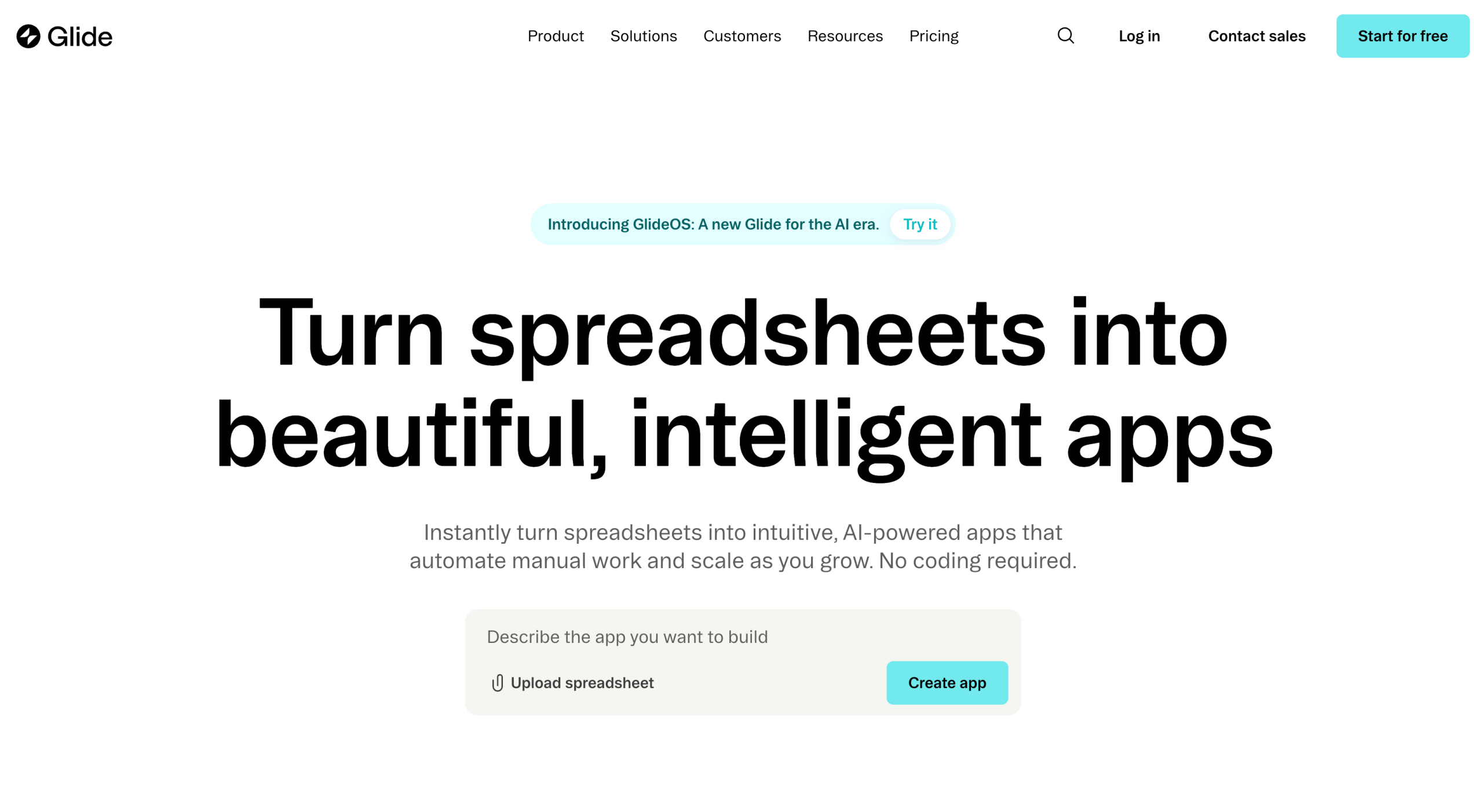
If you want a true no-code alternative to Bubble and already have your data in a spreadsheet, Glide is one of the easiest ways to create a usable app quickly. Unlike Bubble’s blank-canvas flexibility, Glide connects to a Google Sheet, Airtable base, Excel file, or Glide’s built-in Tables and turns that structure into an app with lists and detailed views. Your data stays where it is, so you can focus on building the app instead of importing and restructuring data.
Although Glide excels at basic data actions, it can fall short when an app requires complex workflows or advanced business logic. If you need workflows and intake-to-approval routing, Jotform is a suitable Glide alternative.
Key features
- Live spreadsheet sync: Connect to Google Sheets, Airtable, and Excel so updates in your spreadsheet appear automatically in the app.
- Built-in Tables: Use Glide’s own Tables for apps that outgrow a spreadsheet but don’t need a full external database.
- User roles and permissions: Specify which records each user can view or edit with built-in access controls.
- Glide AI: Generate app screens or automate simple data tasks from a prompt.
- Visual workflow builder: Automate simple business steps and routing based on your business rules.
| Pros | Cons |
|---|---|
| Fast spreadsheet-based app creation | Limited customization |
| Gentle learning curve | No native App Store or Google Play publishing |
| Built-in AI tool for data processing and image recognition |
Pricing
- Free plan ($0): Unlimited drafts, one editor, up to 25,000 rows, more than 40 components, and community support
- Explorer plan (starts at $19 per month): One published app, 100 personal users, 250 updates, two editors, workflows, and AI support
- Maker plan (starts at $49 per month): Three published apps, unlimited personal users, 500 updates, up to 50,000 rows, custom branding, a custom domain, and Glide support
- Business plan ($199 per month): Unlimited apps, 30 users, 5,000 updates, up to 100,000 rows, workflows, the Glide API, Glide Express support, and Call API
- Custom Enterprise plan: Unlimited apps, custom users, custom updates, custom rows, single sign-on, data backup, enterprise integrations, account manager, priority support
Glide G2 rating: 4.7/5
How to choose the right Bubble alternative (based on what you are building)
No Bubble alternative will be the best at everything. The most practical approach is to evaluate each option against the specific development task you’re trying to complete.
Pro Tip
When looking for the best no code app builder, start with your use case. A platform that excels at workflow apps may not be the best choice for native mobile apps, internal tools, or highly customized web apps.
Best Bubble alternative for workflow app or portal development
If you want to build a workflow app or portal quickly, start with Jotform Apps. Its prebuilt templates and App Builder make intake forms, approval workflows, onboarding, and payment collection easier to set up without any code. It also supports mobile-friendly sharing, so your finished app can go live in minutes.
Best Bubble alternative for a web app front end to connect to external back ends
Go with WeWeb if you want design control and the flexibility to select your own back end. It’s a good fit if you already have a back end you like and want a more flexible front end you can export.
Best alternative for mobile-first builders
Consider FlutterFlow if you’re primarily building a mobile app that users will download from the App Store or Google Play. FlutterFlow compiles your design into native iOS and Android apps.
Best Bubble alternative for internal dashboard and admin tools
Retool is a great choice if you want to build internal tools on top of existing databases and deploy them across your team quickly. Its separate builder and internal-user pricing make it more cost-effective when you need to roll out a tool to a larger team.
Best Bubble competitor for simple data-first app
If your data already lives in a spreadsheet, Glide offers a fast way to turn it into a working app. However, its free tier is limited to building and testing, so you’ll need an upgrade before publishing your app for real users.
Pick the fastest path to a real, maintainable MVP
The best Bubble alternative matches what you’re building, provides the level of customization you need, and supports the way you want to manage data and workflows. For example, if you want to develop workflows or a portal, Jotform Apps lets you turn forms and business processes into working apps with minimal setup. If you need to create an internal dashboard only, Retool lets you connect to existing data sources and assemble production-ready apps fast.
Because all five tools on our list have free tiers, pick two options and replicate one core workflow to compare how long it takes to create the first working version of the app before committing to a platform. If your app is primarily a workflow, portal, or intake-driven experience, start with Jotform Apps and see how quickly you can build a working MVP. Use its App Builder to turn a written description into a working first draft in minutes, then refine the app manually to fit your specific needs.
*Ratings and number of reviewers reflect statistics at time of writing.
FAQs about Bubble alternatives
Yes, Bubble remains a capable no-code app builder for teams that need a highly customized web app and are willing to invest time in learning the platform. However, faster and simpler options built for specific use cases may outperform Bubble, depending on the project.
Retool is more suitable for building internal tools and admin panels because it’s purpose-built to connect directly to existing databases and APIs rather than functioning as a general-purpose app builder.
FlutterFlow is well suited to building native apps for the Apple App Store and Google Play because it compiles to native Flutter code instead of just producing mobile-responsive web apps.
No-code founders and solo builders, small business ops teams, product managers, agencies, and internal tool builders who want a faster or simpler way to launch a web app, portal, or workflow app without custom development.


































































































Send Comment: