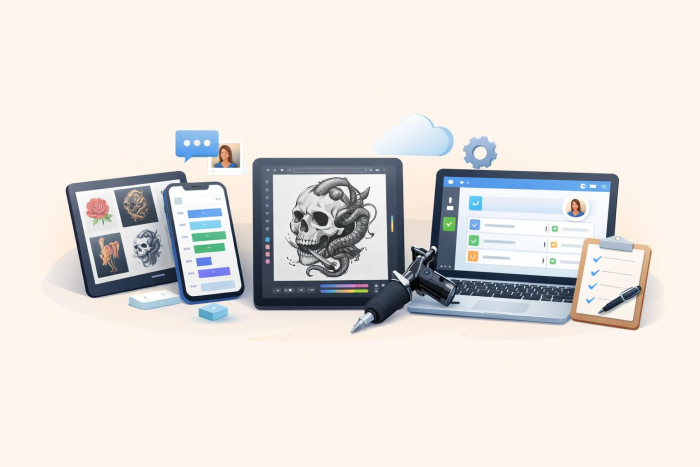
Top 7 apps for tattoo artists
As a tattoo artist who spends hours or even days on custom pieces and back-to-back sessions, time is one of your most valuable assets. But issues such as double bookings, last-minute cancellations, chasing deposits, and no-shows can quickly eat into that time. The best apps for tattoo artists help you manage admin tasks and keep your workflow organized, so you can focus on your craft and grow your business.
Even small improvements to the way you schedule can impact how much money you make. For example, a 2025 Frontiers in Digital Health study found that online booking reduced no-show rates from 5.9 percent to 1.8 percent and cut unused appointment slots from 22.7 percent to 10.3 percent.
To simplify your workflow and reduce lost revenue, we’ve rounded up the top seven apps for tattoo artists. You’re sure to find something in this list that helps keep your business running smoothly.


7 best apps for tattoo artists in 2026
Every tattoo artist is unique, but all have one thing in common: Running a tattoo business means keeping a dozen plates spinning while managing all admin and creative work at once. You need to coordinate bookings, manage client communication, handle deposits, process cancellations, and still carve out enough time for focused creative work. You also have to manage finances and market your services.
These seven best apps for tattoo artists cover everything you need to run a modern studio.
| App | Best for | Supported devices | Free plan/trial |
|---|---|---|---|
 Jotform Apps |
Ready-to-use booking form templates, scheduling and reminder automation, website-embeddable forms, and client management |
Android, iOS, iPad, desktop |
Free plan available |
 Bookedin |
Simple appointment scheduling for tattoo studios |
Mobile, desktop |
Free plan available |
 Tattoodo |
Portfolio display and connecting artists with clients |
Mobile, desktop |
Free to join |
 Procreate |
Digital tattoo design and illustration on iPad |
iPad only |
One-time purchase, no free trial |
 Tattoo Studio Pro |
All-in-one studio management and client records |
Mobile, iPad, desktop |
30-day free trial available |
 Adobe Illustrator |
Professional vector tattoo design |
iOS, iPad, desktop |
Seven-day free trial, no free plan |
 Booksy |
Client discovery, reviews, and appointment booking |
Mobile, desktop |
Free trial, no free plan |
1. Jotform
Any successful tattoo business needs a seamless booking process as well as good client management to keep appointments organized and protect the working day from gaps, overlaps, and last-minute disruptions. Jotform is the best booking app builder for tattoo artists because it gives you full control over your client intake processes without requiring a separate platform.
Best of all, Jotform offers a tattoo booking app template that you can customize, so you can create an app without coding in a matter of minutes. Customers can use this to
- Schedule tattoo appointments.
- Fill out their basic contact information.
- Add medical details.
- Fill in a pre-procedure questionnaire.
- Sign the terms and conditions consent waiver.
Once you’re satisfied with your app’s features, users can download your app directly to their mobile phone, iPad, or desktop using a link or a QR code. You can control who has access to your apps with public, private, or company-only permissions.
Fully branded tattoo artist app
Unlike most app-building platforms, Jotform allows you to customize your app to match your branding and business needs. For example, you can add widgets that display image galleries and videos, so your clients can experience your work in detail and build confidence in your style before booking.
The social follow integration in your app lets potential customers connect with you on the platforms where they spend the most time. You can also add maps to help clients easily find your studio and improve attendance.
Or why not add a few testimonials from real clients? These help you build trust and credibility that directly influences whether or not someone decides to make an appointment. You can create a custom splash screen and app icon, too — making your booking experience unique to your tattoo studio.
Free appointment scheduling feature
Using forms within your app, you can schedule appointments with the Appointment Slot feature. That way, clients can book you directly and avoid appointment scheduling mistakes.
When you pair this scheduling capability with the Google Calendar integration, new bookings will automatically be added to your calendar without you having to lift a finger.
Secure payments
Jotform integrates with more than 40 trusted payment gateways so you can securely collect deposits or full payments through your booking forms. Given that 71 percent of no-shows happen when artists don’t collect a deposit, this is one of the simplest ways to protect your time and income.
With Jotform, you can start collecting deposits at the booking stage to reduce no-shows and recover an average of approximately $22,500.
- Best for: Managing bookings, workflow automation, and client management
- Key features
- Tattoo booking app template
- Booking workflow automation
- 40-plus payment integrations
- Deep customization
- All-in-one appointment management features
- Pros
- More than 3500 templates to get started fast
- Over 40 payment integrations for collecting deposits securely
- Automated reminders and Google Calendar sync to reduce admin workload
- Cons
- Free tier has Jotform branding
- Booking limits for free users
- Plans/pricing
- Starter (free): Five forms, one user, 100 fields per form, 10 monthly payment submissions, Jotform branding
- Bronze ($34 per month, billed annually): 25 forms, 250 fields per form, 100 monthly payment submissions, no Jotform branding
- Silver ($39 per month, billed annually): 50 forms, 500 fields per form, 250 monthly payment submissions
- Gold ($99 per month, billed annually): 100 forms, 1,000 fields per form, 1,000 monthly payment submissions
- Enterprise (custom pricing): Unlimited usage, multi-user access, dedicated support, and user access control
- Supported devices: Mobile (iOS and Android), iPad, desktop (Mac and Windows)
- G2 rating: 4.7/5
Jotform in action for a real tattoo studio
Jotform is much more than an app and form builder. Tattoo artist Ashley Roller brought her dream to life with Jotform Workflows. She used Jotform to automate the booking and deposit process, and reported cutting 50 percent of her appointment processing time, which she channeled back into her creativity. Read the full story to learn how Jotform can help you simplify daily operations and free more time to focus on your work.
2. Bookedin
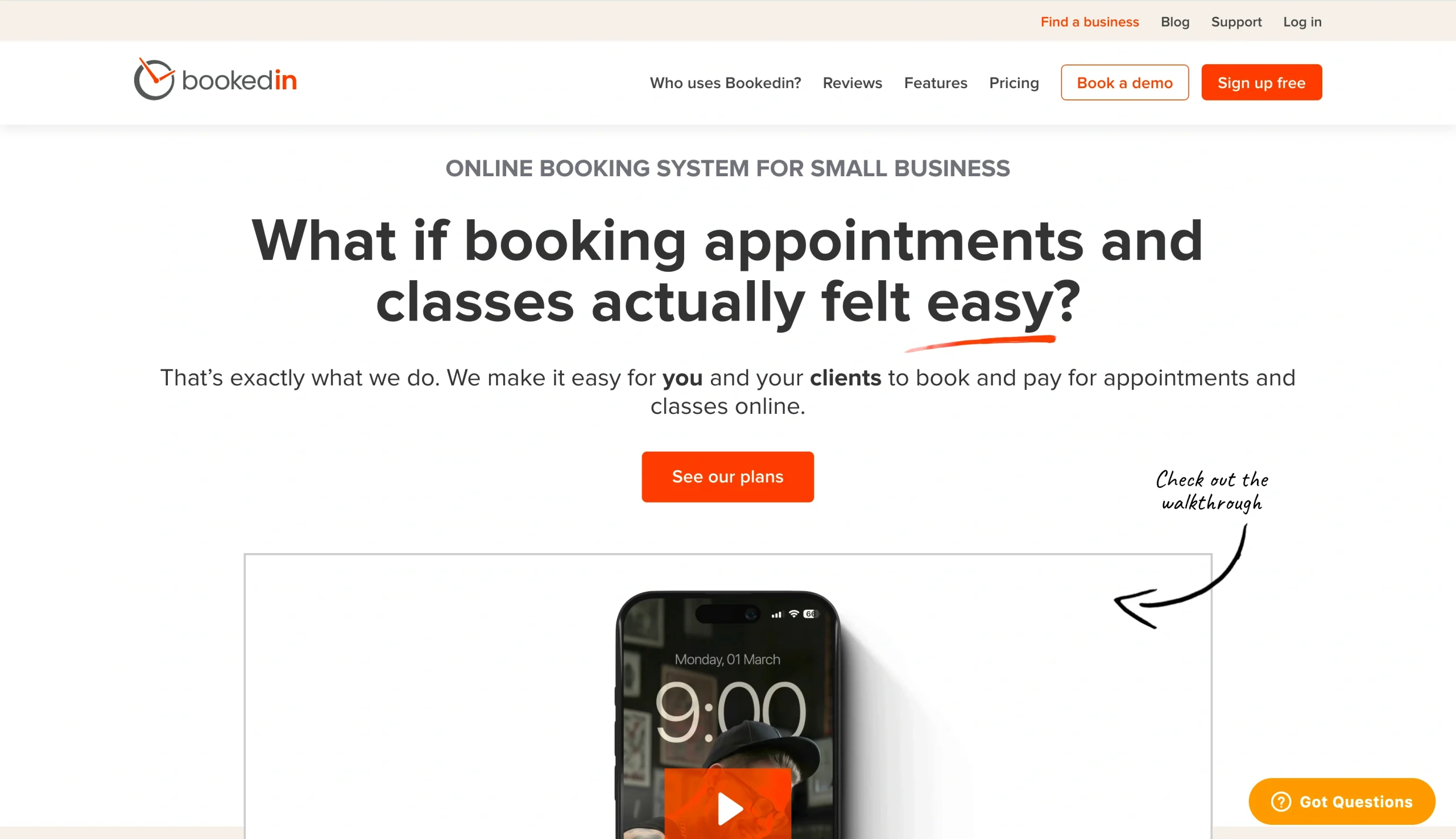
If all you’re looking for is a simple booking solution for your tattoo business, Bookedin can get the job done without a steep learning curve. It completely does away with the complex setup, providing a personal booking page for your clients to make appointments around the clock.
Like Jotform, you can automate appointment confirmation and reminders without any manual input to reduce no-shows. Your customers receive a text message and email confirmation of their booking, a reminder a few days before the appointment, and a final nudge on the day of the appointment. These reminders can help solve most of your scheduling issues.
Bookedin also integrates with Instagram and Facebook, so if you run most of your discovery through social platforms, your client can book you directly from your profile without leaving the social media app.
However, Bookedin’s simplicity is also its ceiling. Unlike Jotform, which lets you build a fully customized booking experience, Bookedin keeps things straightforward and largely template-driven. You can’t add workflows such as medical intake questionnaires, consent waivers, pre-procedure forms, or deposit collection on the platform. Customization is also pretty basic, making Bookedin unsuitable if you need more than just a scheduling page.
- Best for: Hassle-free online booking with automated reminders
- Key features
- Personalized online booking page
- Follow-up appointments and reminders scheduling via email and SMS
- Automatic deposit collections
- Google Calendar and Outlook sync
- Client history notes
- Direct social media booking
- Pros
- Clean, easy-to-use interface with minimal setup requirements
- Social media booking links available
- Automated appointment confirmation reduces no-shows
- Cons
- Limited customization
- No built-in payment processing on the free plan
- Plans/pricing:
- Free: Unlimited calendars, 50 bookings per month, one-click booking for clients, personalized logo and branding, automatic time zone conversion, email booking confirmation
- Plus ($19 per month, billed annually): One calendar (price scales with the number of calendars you need), unlimited bookings, email reminders, online payments, calendar sync, priority support, text booking confirmation, online search marketing
- Pro ($39 per month, billed annually): Everything in Plus, plus automated appointment confirmation, add-on services, option to block unwanted clients, full staff security, file attachment on appointments for easy future reference
- Supported devices: iOS, Android, desktop (web-based)
- G2 rating: 4.8/5
3. Tattoodo
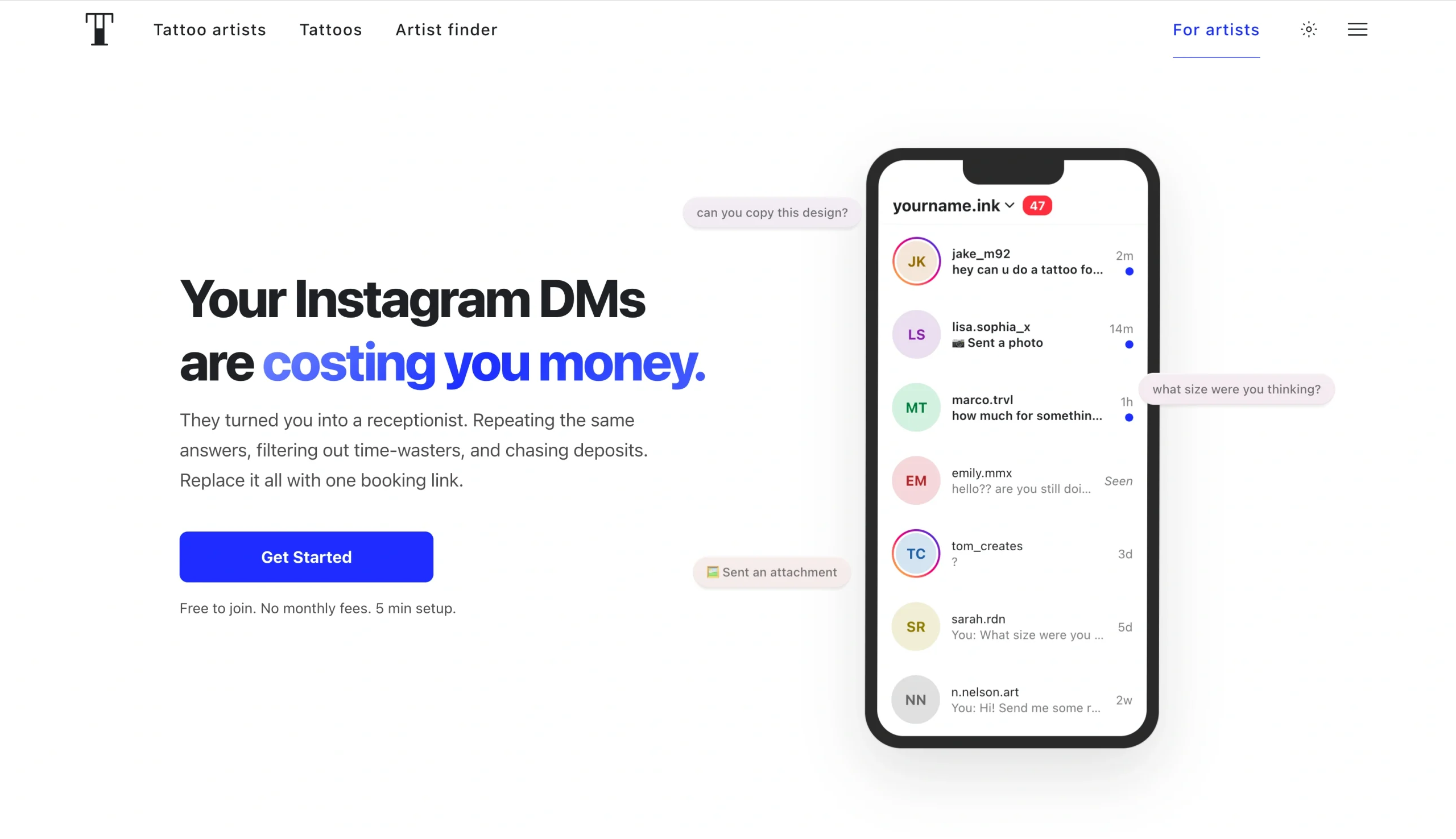
You won’t have many clients to manage if you can’t showcase your work to prospects. But you don’t necessarily need billboards or pay-per-click marketing to get in front of the right people — Tattoodo will connect you with clients who are already looking for artists like you.
It’s free to join and create an artist profile on Tattoodo, where you can display your style and work using portfolio galleries. With over 20 million monthly users actively browsing the platform to find artists in their area, it’s easier to convert visibility into bookings than on general social platforms. You also have access to unique client discovery tools, such as tattoo style tagging, which let you categorize your work by genre to help you get found by clients who are searching for what you do.
Tattoodo offers a basic booking system, too. Instead of asking users to message you on a social platform, it provides a booking link that works on Instagram, TikTok, X, and your site, allowing you to collect all the important information upfront.
Clients pay a $10 deposit per booking to help reduce no-shows and filter out time-wasters. The platform will then send automatic confirmations and reminders 24 hours before tattoo sessions.
- Best for: Building a portfolio presence and attracting new clients
- Key features
- Artist portfolio
- Client discovery tools
- Booking request system
- Flash and design inspiration feeds
- Tattoo style tagging
- Studio and artist directory for apprentices
- Pros
- High visibility and exposure
- Portfolio-building features
- Strong tools for networking with other artists
- Cons
- App-dependent booking
- Maximizing reach may require paid features
- Plans/pricing
- Free to join and create a profile
- Your client will pay $10 to book you, or you can cover the cost for them
- If a client finds you through the Tattoodo internal search, you’ll pay a 20 percent commission on that specific booking
- Supported devices: Mobile (iOS and Android), desktop (web-based)
- G2 rating: N/A
4. Procreate
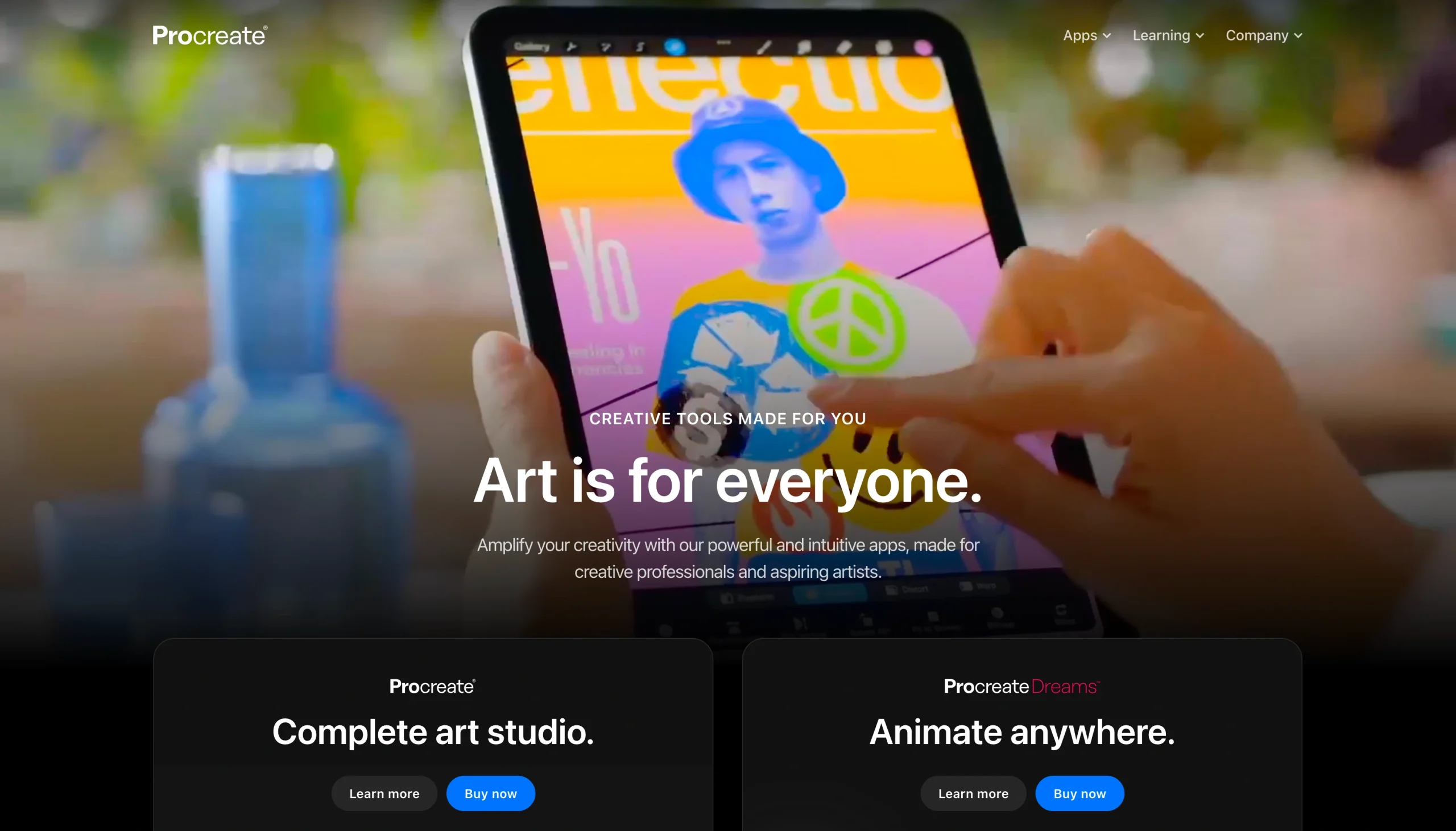
Procreate is an industry standard for design work, which explains why it has earned a reputation as one of the best iPad apps for tattoo artists. You won’t get the booking or studio management capabilities that Jotform or Tattoodo offer, but few apps come close when it comes to bringing a custom tattoo concept to life before your needle ever touches skin.
What makes Procreate one of the best drawing apps for iPad for tattoo artists is how natural it feels to use. You get a pressure-sensitive brush engine that mimics working on paper — perfect if you’ve spent years sketching tattoos by hand. It also offers hundreds of customizable brushes and a layered canvas system, so revisions on your sketches are reversible. You can experiment freely without losing the earlier version of your designs.
For client-facing work, Procreate changes the dynamic of tattoo consultations. Instead of presenting handwritten tattoo sketches that are hard to adjust on the spot, you can:
- Showcase polished digital mockups.
- Make real-time tweaks to sizing, placement, or details during a meeting.
- Send finalized reference files before the tattoo session.
This level of professionalism will help you build client confidence and reduce the back-and-forth that eats into prep time.
What’s more, you’ll get a time-lapse recording to help you track time for each session and an AI tattoo generator to help you spark initial concepts.
The only problem is that Procreate is only available on iPad. If you’re looking for the best drawing apps for tattoo artists on Android, you’ll need to look elsewhere.
- Best for: Sketching and refining custom tattoo designs on iPad
- Key features
- Pressure-sensitive brush engine
- Layered canvas system
- Time-lapse recording for the drawing process
- Reference image tools
- Symmetry guide
- Color harmony tool and palette optimized for skin tone awareness
- Pros
- Impressive illustration experience on iPad
- A one-time purchase makes it affordable over the long run
- Abundant tutorials and brush packs
- Cons
- iPad-only
- No free plan or trial
- No booking or client management features
- Plans/pricing
- Procreate for iPad is available for a one-time purchase of $12.99
- Once you buy it, you own it, with all future updates included at no extra cost
- Supported devices: iPad
- G2 rating: 4.9/5
5. Tattoo Studio Pro
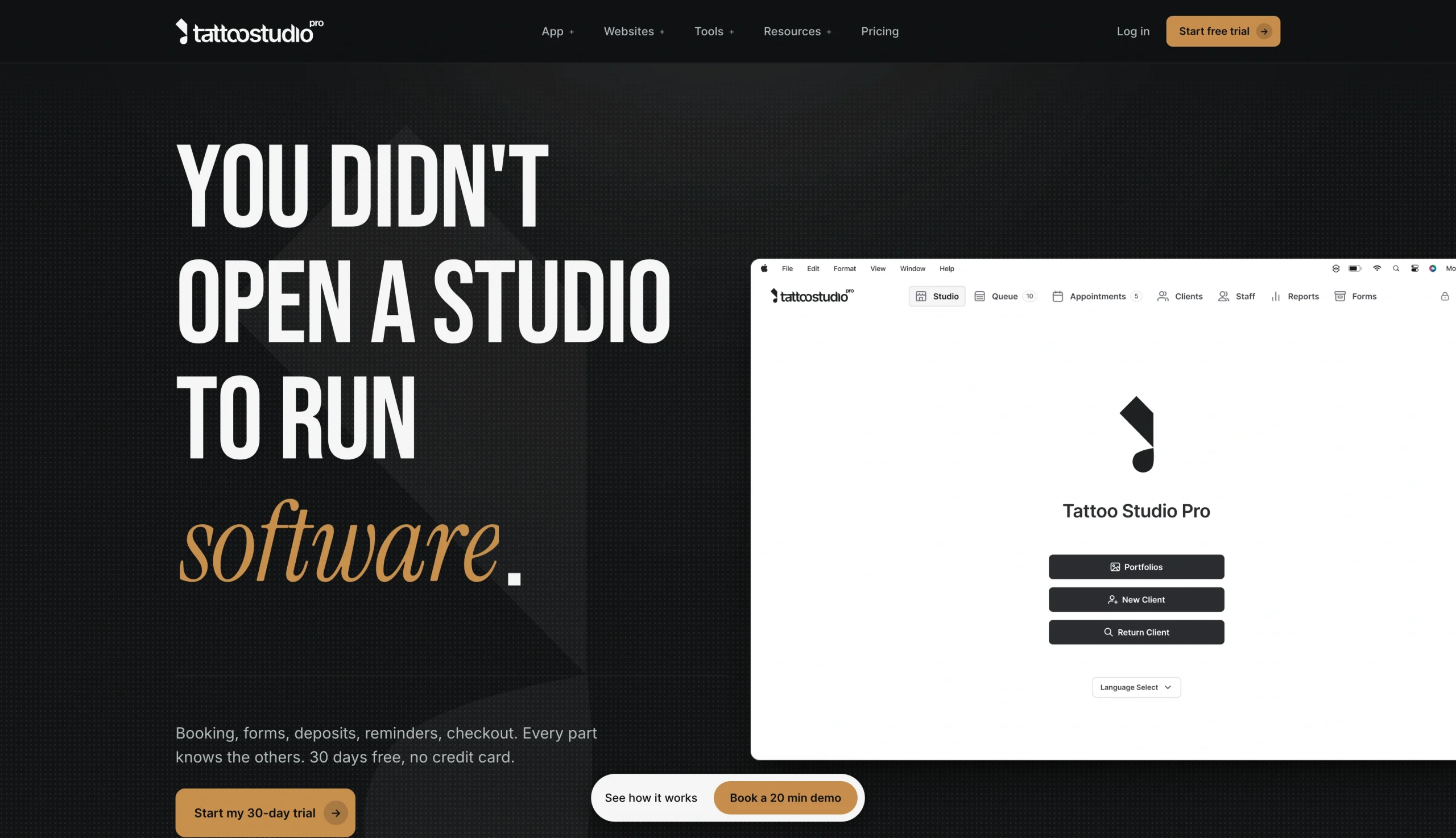
Tattoo Studio Pro is a reliable day-to-day tool for managing your tattoo studio operations. Unlike general solutions like Bookedin, which serve a broad range of service businesses, every feature in Tattoo Studio Pro is designed specifically for tattoo shops.
If you’re juggling multiple artists and walk-ins, Tattoo Studio Pro is hard to beat. Not only do you get built-in customer appointment and booking workflows mapped to tattoo-specific needs, but digital consent forms are pre-structured for your industry and include e-signature capabilities — so your client can complete them before they arrive. The system also automatically stores all forms in client profiles with timestamps and legal signatures, which comes in particularly handy when you’re working on large-scale projects.
Client profiles go deeper than standard contracts and also store
- Full session histories
- Uploaded reference photos
- Health notes
- Aftercare instructions
You also get a queue management feature that lets your clients check in digitally and receive SMS wait-time updates to keep the flow of walk-ins and scheduled sessions running without interruptions. Importantly, you can track revenue by artist, automate commission split calculations, log tips, manage deposits, and simplify end-of-day reconciliation as well.
The biggest limitation is that all payment processing runs only on Stripe.
- Best for: Running day-to-day tattoo studio operations
- Key features
- Client records with full tattoo history
- Appointment scheduling
- Aftercare instruction delivery
- Financial tracking
- Consent form templates
- Flash gallery management for walk-ins
- Pros
- Tailored for the tattoo industry
- Automated appointment and deposit reminders reduce no-shows
- Commission and financial tracking help multi-artist studios stay organized
- Cons
- All payments and deposits are processed exclusively through Stripe
- Limited multi-location support
- Plans/pricing: All plans provide access to the full suite of features (digital waivers, financial reporting dashboard, client management, payment tracking, online booking)
- Solo ($20 per month): One user
- Crew ($48 per month): Up to five users
- Tribe ($83 per month): Up to 10 users
- Clan ($125 per month): Up to 15 users
- Guild ($167 per month): Up to 20 users
- Legion ($208 per month): Up to 25 users
- Empire (custom pricing): 26-plus users, dedicated support, priority onboarding, multiple locations, team training
- Supported devices: iOS, Android, iPad, desktop (web access)
- G2 rating: N/A
6. Adobe Illustrator
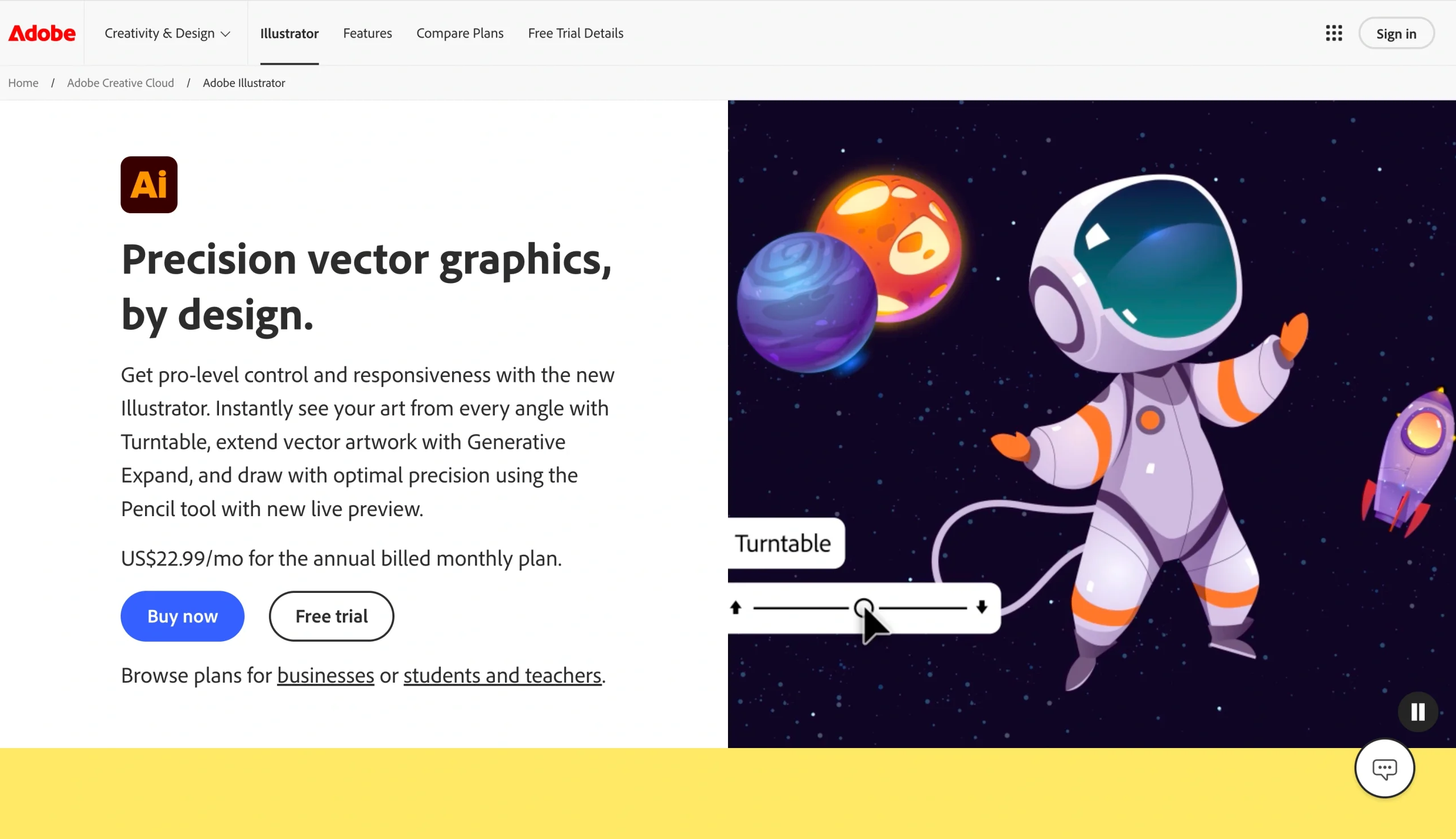
Procreate may dominate freehand illustration on iPad, but if you’re looking to scale tattoos across sizes or translate them into print-ready flash sheets and studio materials, Adobe Illustrator is the tool to reach for. Like Procreate, you won’t get booking or client management capabilities. But Illustrator is a design powerhouse if your tattoo work leans toward geometric patterns or anything where precision matters more than a painterly feel.
Adobe Illustrator works with vectors, so it mathematically defines every line and curve in your drawings, making them infinitely scalable without any loss of quality. As a tattoo artist, that matters because a design that looks perfect on a wrist needs to hold up as cleanly as one on a full back.
Besides, if your tattoo work heavily involves lettering and scripting, Illustrator offers you custom letterforms, precise kerning, path-based text manipulation, and access to over 20,000 fonts. You can bring handwritten lettering into Illustrator using Image Trace, then convert and refine it to meet your creative needs.
- Best for: Scalable vector artwork and precise linework designs
- Key features
- Vector-based illustration for scalable tattoo designs
- Advanced pen tool and pathfinder functions
- Typography tools for custom lettering and script tattoos
- Cloud sync across devices
- Pros
- Industry standard for vector designs
- Ideal for geometric, mandala, lettering, and illustrative tattoo styles
- Mockup capabilities for accurate tattoo placement
- Cons
- Steep learning curve
- Overkill for artists focused purely on freehand or painterly styles
- Plans/pricing:
- Individuals Illustrator ($22.99 per month): Full Illustrator app, 100 GB cloud storage, 25 monthly generative credits, over 20,000 fonts, Adobe Express Premium
- Individuals Creative Cloud Pro ($34.99 per month): Full Illustrator app, 100 GB cloud storage, 4,000 monthly generative credits, over 20,000 fonts, more than 20 desktop and mobile apps (including Photoshop, Lightroom, InDesign, and more)
- Students and teachers Creative Cloud Pro ($19.99 per month): All Individual Creative Cloud Pro features
- Business Illustrator for teams ($37.99 per license per month): Desktop, iPad, and web app; Adobe Express Premium; admin console, 1 TB storage, 25 monthly generative credits
- Business Creative Cloud Pro for teams ($99.99 per license per month): All Illustrator for teams features, plus 1:1 sessions with Adobe product experts, 4,000 monthly generative credits
- Supported devices: iPad, Mac, Windows
- G2 rating: 4.6/5
7. Booksy
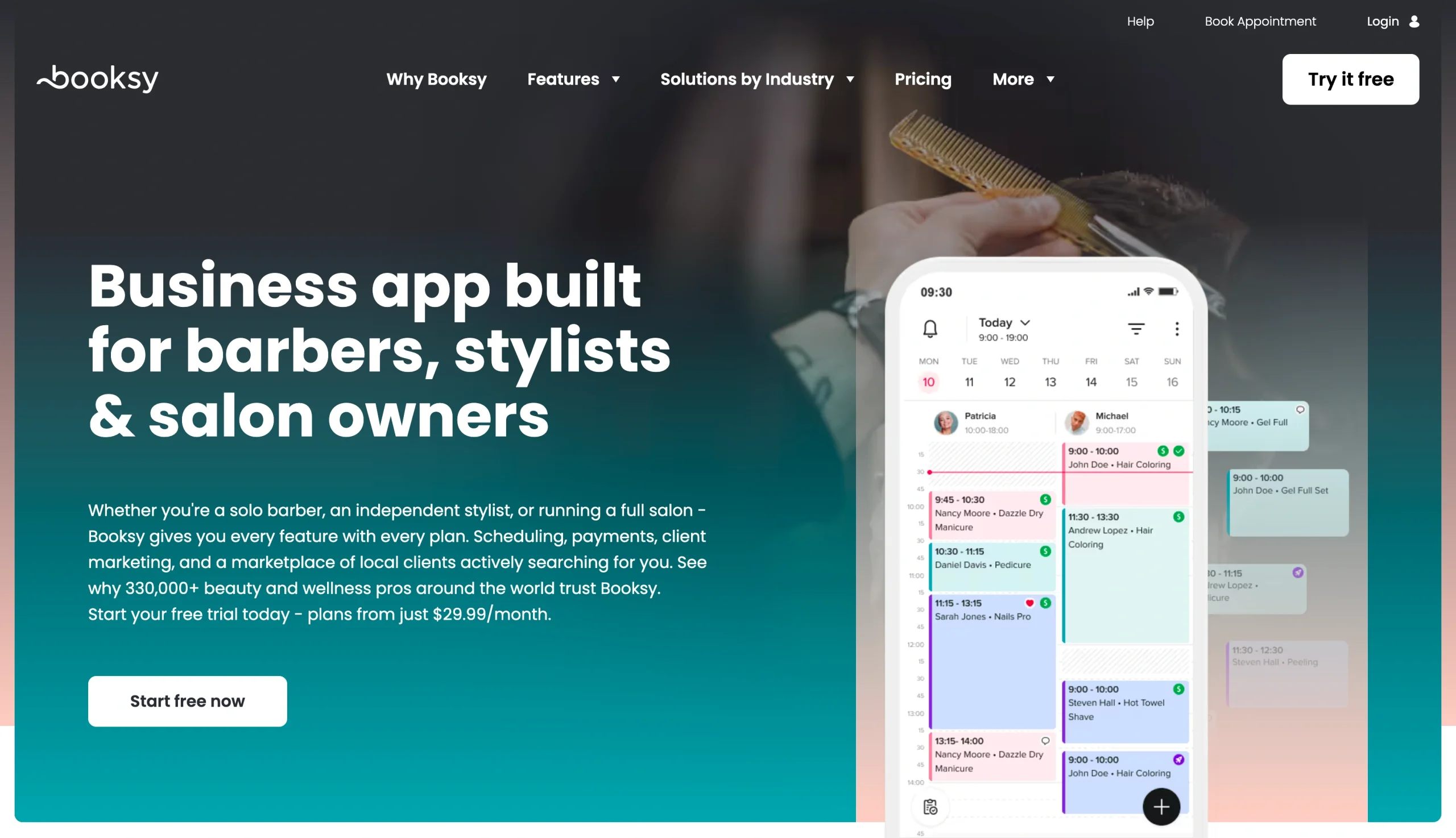
Unlike Bookedin, which gives you a booking system but leaves discovery to you, Booksy operates as both a management platform and a live marketplace where clients are already searching for artists. If you’re looking to grow your client base without pouring money into paid advertising, you’ll love that Booksy’s built-in audience gives you a meaningful head start.
Your Booksy profile serves as a public-facing portfolio and a booking page. Clients can browse your work, read reviews from past clients, check your availability, and book you without any back-and-forth. The app also has a search and discovery feature that surfaces your profile to clients based on what they’re looking for.
Booksy can also help you handle basic appointment processes. It includes automated reminders and confirmations to reduce no-shows and keep your schedule more predictable. You can deploy a deposit collection that’s built directly into the booking flow, too, so you secure client commitment upfront and avoid losing revenue to last-minute cancellations.
- Best for: Getting discovered by new clients and managing appointments
- Key features
- Client-facing booking page
- Marketplace visibility
- Automated appointment reminders and confirmations
- Review and rating system
- Payment processing and deposit collections
- Staff scheduling
- Pros
- Marketplace exposure makes it easier to get new clients
- Review system builds credibility
- Social media appointment booking
- Cons
- Less customizable
- No tools to handle the consultation and booking pipeline
- Plans/pricing
- Booksy offers a flat $29.99 per month plan that includes all features, with no tiered levels or feature add-ons locked behind higher prices
- If you want to add a team member, you’ll incur $20 per month per additional person
- A payment processing fee of 2.49–2.69 percent (plus $0.10–$0.30) applies if you accept payment through Booksy
- Supported devices: iOS, Android, Mac, Windows
- G2 rating: 4.8/5
The right tools let you focus on what you do best
Running a tattoo business means wearing a lot of hats — you’re an artist, scheduler, client manager, and bookkeeper all at once. The good news is you don’t have to juggle all of that manually. Whether you need a smarter way to handle bookings, a better tool for bringing custom designs to life, or a platform to grow your client base, there’s an app built for exactly that.
The key is choosing tools that match where your business is right now and where you want it to go. Our tip is to start with the biggest pain point — whether that’s no-shows, admin overload, or client discovery — and build from there.
If booking and client management are your priority, Jotform Apps gives you a fully customizable, no-code solution to manage appointments, collect deposits, send reminders, and handle client intake all from one place. Build your free tattoo booking app with Jotform Apps today and start saving hours every week so you can spend more time doing what you love.
FAQs about apps for tattoo artists
Jotform is among the most comprehensive options for booking tattoo appointments. It combines fully customizable booking forms with client intake, medical questionnaires, consent waivers, deposit collection, and automatic reminders — all without requiring any coding. Jotform also works across devices and syncs with Google Calendar to keep your schedule up to date automatically.
To get more bookings, maintain an active portfolio on platforms such as Tattoodo and Booksy so that you can put your work in front of clients who are already looking. Then use tools like Jotform to create an online booking system. Since 48 percent of appointments are booked outside business hours, being available around the clock lets you capture clients who would otherwise move on.
This article is for tattoo artists, tattoo studio owners, apprentices managing client bookings, and small tattoo businesses looking to streamline scheduling, communication, payments, and design workflows.































































































Send Comment:
1 Comment:
June 17, 2026
Excellent overview of the challenges tattoo artists face when managing appointments and daily operations. Having the right tools in place can save a lot of time, reduce scheduling conflicts, and help artists focus more on creating great work for their clients. For anyone interested in creative text customization, an aesthetic font generator can also be a useful tool for designing unique text styles.